Ever get that perfect shot, only to be betrayed by a messy background? A cluttered room, a photobombing stranger, or just a color that clashes with your brand- it happens to the best of us. Fortunately, you don't need a design degree or expensive software to fix it. A high-quality free background removal tool can instantly isolate your subject, giving you a clean, professional cutout for product listings, social media posts, or complex development projects.
But with dozens of options all promising one-click magic, how do you know which ones actually deliver crisp edges and which leave you with a pixelated, blurry mess? It's a classic case of too many choices, not enough time. Which tool handles tricky details like hair and fur with finesse? Which offers a developer-friendly API for automating image processing in your app? And which is best for a quick, no-fuss edit when you're on a deadline?
We’ve waded through the hype, tested the AI, and pushed these tools to their limits to find out. This isn't just another generic list. We're diving deep into the 12 best free background removal tools available today.
In this guide, you’ll find:
- Honest pros and cons for each platform.
- Direct side-by-side comparisons with screenshots.
- Specific use-case recommendations, whether you're a developer, a marketer, or an e-commerce seller.
- Hidden strengths and frustrating limitations we uncovered during testing.
We’ll help you find the perfect free background removal tool for your specific needs, saving you hours of trial-and-error. Let’s get to it.
1. PixelPanda
PixelPanda isn't just another free background removal tool; it's a comprehensive AI-powered visual production studio designed for serious scale. While its core background removal is impeccably precise, especially with tricky subjects like hair and fur, the platform’s true power lies in its end-to-end workflow automation. This makes it an exceptional choice for developers, e-commerce brands, and marketing teams who need more than just a simple cutout.
The platform distinguishes itself by combining production-grade editing tools with a developer-first approach. Its REST API and SDKs allow for seamless integration, letting you automate background removal, 4x upscaling, and smart inpainting across thousands of images without manual intervention. For product-focused businesses, this is a game-changer. Imagine automatically processing user-generated content or updating an entire product catalog with consistent, professional-looking images in minutes.
Why It’s Our Top Pick
PixelPanda excels because it anticipates the next step in your workflow. After removing a background, you can instantly enhance the image, transfer it to a new AI-generated scene, or even use it in its groundbreaking video studio. You can train a custom avatar, generate realistic product-holding photos, and produce lip-synced videos in over 35 languages. This suite of tools moves far beyond basic editing into full-scale content creation.
For those curious about optimizing their product shots, PixelPanda offers a detailed guide on how to remove the background from a product photo, providing practical tips to achieve professional results.
Key Features and Use Cases
- Studio-Quality AI Editing: The tool delivers clean, edge-preserved cutouts and includes powerful enhancements like 4x upscaling, face and hair detail restoration, and smart inpainting for removing unwanted objects.
- Developer-First Integration: A robust REST API, SDKs, and clear documentation make it simple to embed into any web, mobile, or backend system for batch processing.
- AI UGC & Video Studio: A standout feature allowing you to create product-holding avatars and generate talking-head videos, perfect for scalable ad campaigns and social media content without hiring models.
- Generous Free Trial: You can fully evaluate its capabilities with 100 free credits without providing a credit card, making it a risk-free choice for testing.
The Bottom Line
PixelPanda is the ideal solution for teams that need a reliable, scalable, and versatile free background removal tool that also serves as a powerful content generation engine. Its combination of high-quality outputs, developer-friendly automation, and innovative video features provides a level of value that is unmatched in the market.
Website: PixelPanda
2. remove.bg
Ah, remove.bg. The OG, the one many of us first turned to when we realized manual masking in Photoshop was a one-way ticket to carpal tunnel. It's a household name in the background removal world for a reason: it's incredibly fast, reliable, and has built a massive ecosystem around its core AI. If you need a free background removal tool for quick, low-resolution previews, its web interface is a dream. Just drag, drop, and boom, your subject is liberated from its background prison.
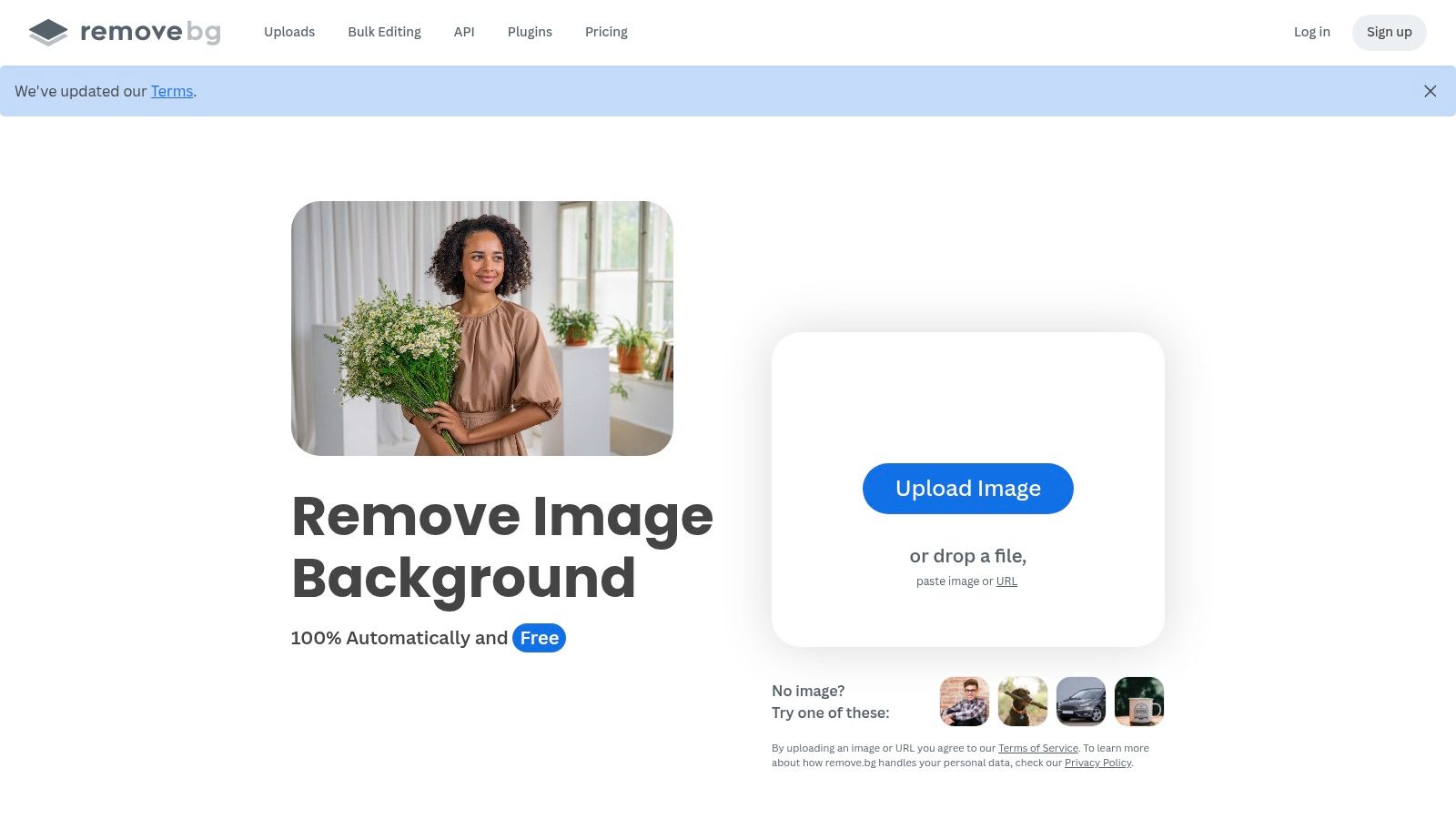
The real magic, however, is under the hood. remove.bg shines brightest for developers and e-commerce teams needing to automate this process at a massive scale. Its robust API, extensive documentation, and plugins for tools like Photoshop and Figma make it an integration powerhouse. It’s less a simple tool and more a production-ready utility.
Key Features & Use Cases
- Developer-First API: The API is the star, with SDKs in popular languages like Python, PHP, and Ruby. It's built for automating workflows, like processing thousands of e-commerce product photos daily.
- Plugin Ecosystem: Integrations with Photoshop, Figma, and even e-commerce platforms like Shopify streamline creative and commercial workflows.
- Consistency is King: The AI delivers consistently clean cutouts, which is crucial for maintaining a uniform look across a large product catalog.
The primary limitation is its paywall for quality. The free web version and API test calls provide only preview-sized images (around 0.25 megapixels). For high-resolution results, you'll need to subscribe or buy credits. This makes it a fantastic "try-before-you-buy" service, but a paid tool for any serious professional or commercial use. To see a direct comparison of its features and pricing against other leading platforms, you can check out this in-depth remove.bg analysis.
Website: Remove.bg
3. Adobe Express Background Remover
Leave it to the creative software giant to build a background remover that isn’t just a one-trick pony. Adobe’s free tool is less of a standalone utility and more of a gateway into its broader Express creative suite. If your goal is to remove a background and immediately start designing with the result, this is your jam. It’s a fantastic free background removal tool for social media managers, content creators, and anyone who needs to quickly turn a photo into a polished graphic.
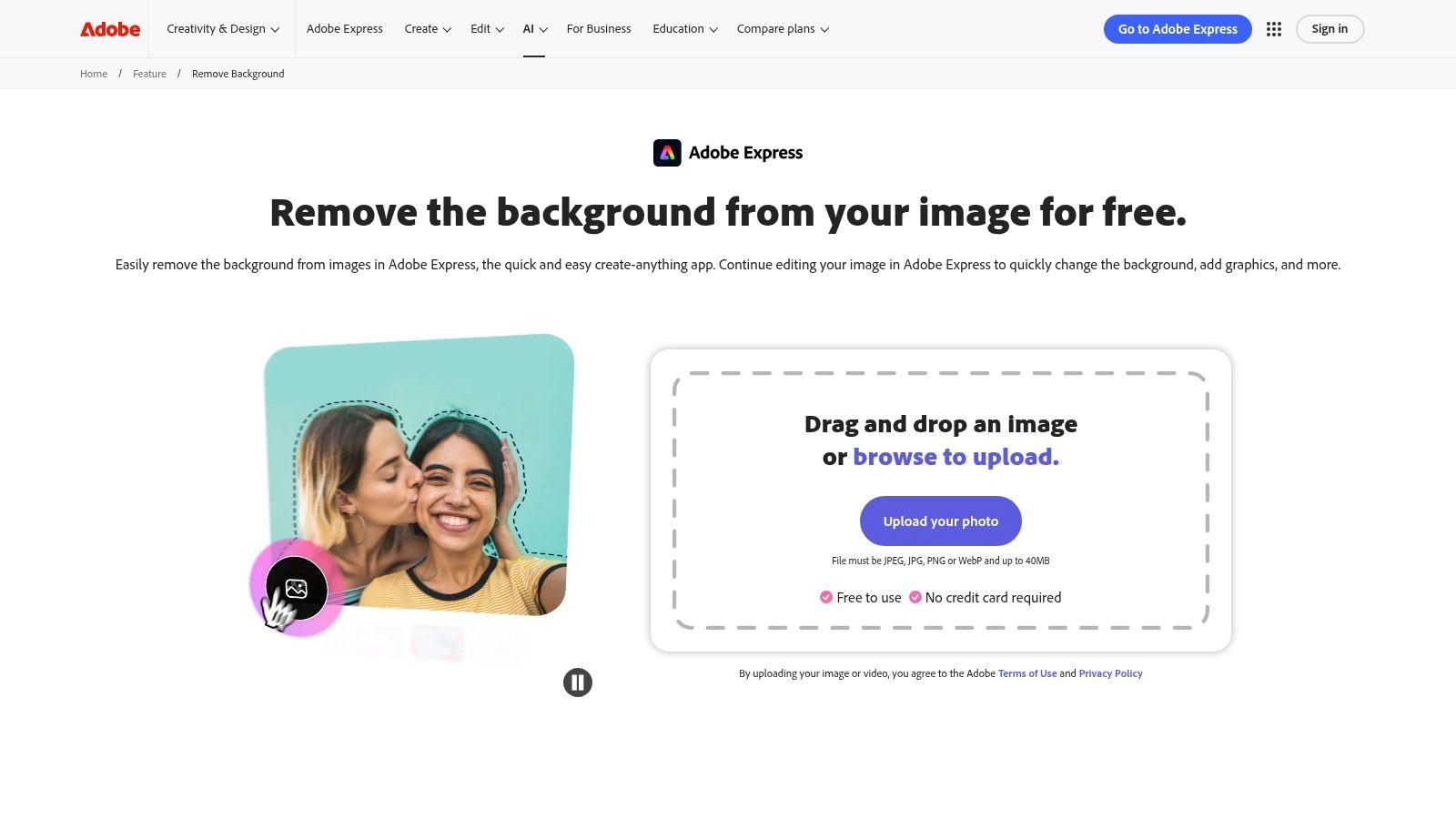
The real advantage here is the seamless workflow. After the AI does its thing, you're not just left with a PNG file. Instead, you are instantly ushered into the Adobe Express editor, where a universe of templates, fonts, stock photos, and design elements awaits. This integration makes it incredibly efficient for creating marketing assets, Instagram stories, or YouTube thumbnails without ever leaving your browser. It’s the context that makes Adobe’s tool a powerhouse.
Key Features & Use Cases
- Integrated Design Workflow: The magic isn't just the removal, it's the immediate access to the Express editor for adding text, graphics, and animations.
- Template Heaven: Perfect for users who need inspiration or a quick starting point. Turn your cutout into a professional-looking social post in minutes.
- Reliable Adobe AI: Leverages Adobe's extensive experience in image processing, delivering consistently clean and reliable results for common subjects.
The free plan is surprisingly generous, giving you access to the core removal tool and a decent selection of design assets without needing a credit card. However, to unlock the full potential of Adobe Express, including premium templates, the complete Adobe Stock photo collection, and advanced features, you'll need to upgrade to a premium subscription. This makes it a great choice for casual users and a powerful, integrated solution for those already within or considering the Adobe ecosystem.
Website: Adobe Express Background Remover
4. Clipdrop (Remove Background)
Clipdrop has entered the chat, not just as a one-trick pony but as a full-blown AI image editing suite. Acquired by Stability AI, it brings some serious machine-learning muscle to the table. Its background remover is clean, sharp, and ridiculously fast, positioning it as a top contender for anyone who needs more than just a cutout. If you’re looking for a free background removal tool that lives within a broader ecosystem of powerful image utilities, Clipdrop is your creative playground.
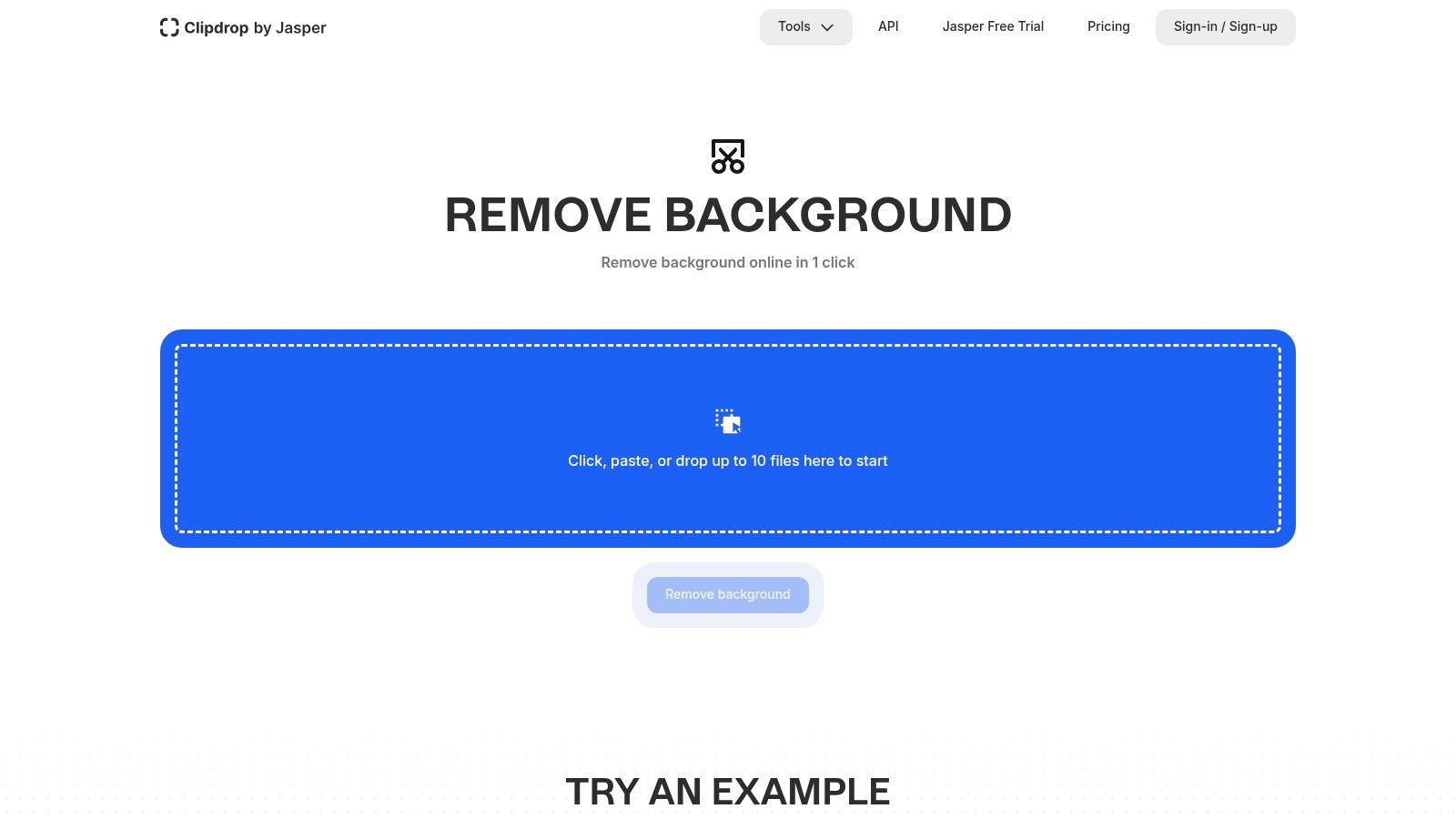
What makes Clipdrop truly compelling is that removing a background is just the first step. You can immediately jump to its other tools like Relight to add studio-quality lighting to your subject, Cleanup to erase unwanted objects, or Image Upscaler to enhance resolution. This integrated workflow is a massive time-saver for content creators and marketers who need to produce polished assets without hopping between five different apps.
Key Features & Use Cases
- All-in-One AI Toolkit: Seamlessly move from removing a background to relighting, upscaling, or uncropping your image, all within the same interface. It’s ideal for social media managers and marketers.
- Developer-Friendly API: Like the heavyweights, Clipdrop offers a robust API for automating image processing, making it a viable option for e-commerce platforms and apps needing programmatic edits.
- High-Quality Results: The AI consistently delivers precise cutouts, handling tricky details like hair and fine edges with impressive accuracy, even in the free version.
The main limitation is that while the core background removal is free for standard resolution, many of the advanced features and high-resolution downloads are gated behind its Pro subscription. The free service is a fantastic showcase of its capabilities, but for professional-grade output or API access at scale, you’ll need to open your wallet. It’s an excellent, modern tool that bundles a suite of next-gen AI magic into one cohesive package.
Website: Clipdrop Background Remover
5. PhotoRoom Background Remover
If your phone is your primary business tool, PhotoRoom likely already lives on your home screen. It's a mobile-first powerhouse that has expanded into a robust platform, making it a go-to for e-commerce sellers, marketplace vendors, and anyone needing a polished product shot in seconds. While it offers a simple web interface, its true strength lies in its ecosystem of templates and mobile-centric workflows. It’s built for the "snap, edit, post" economy.
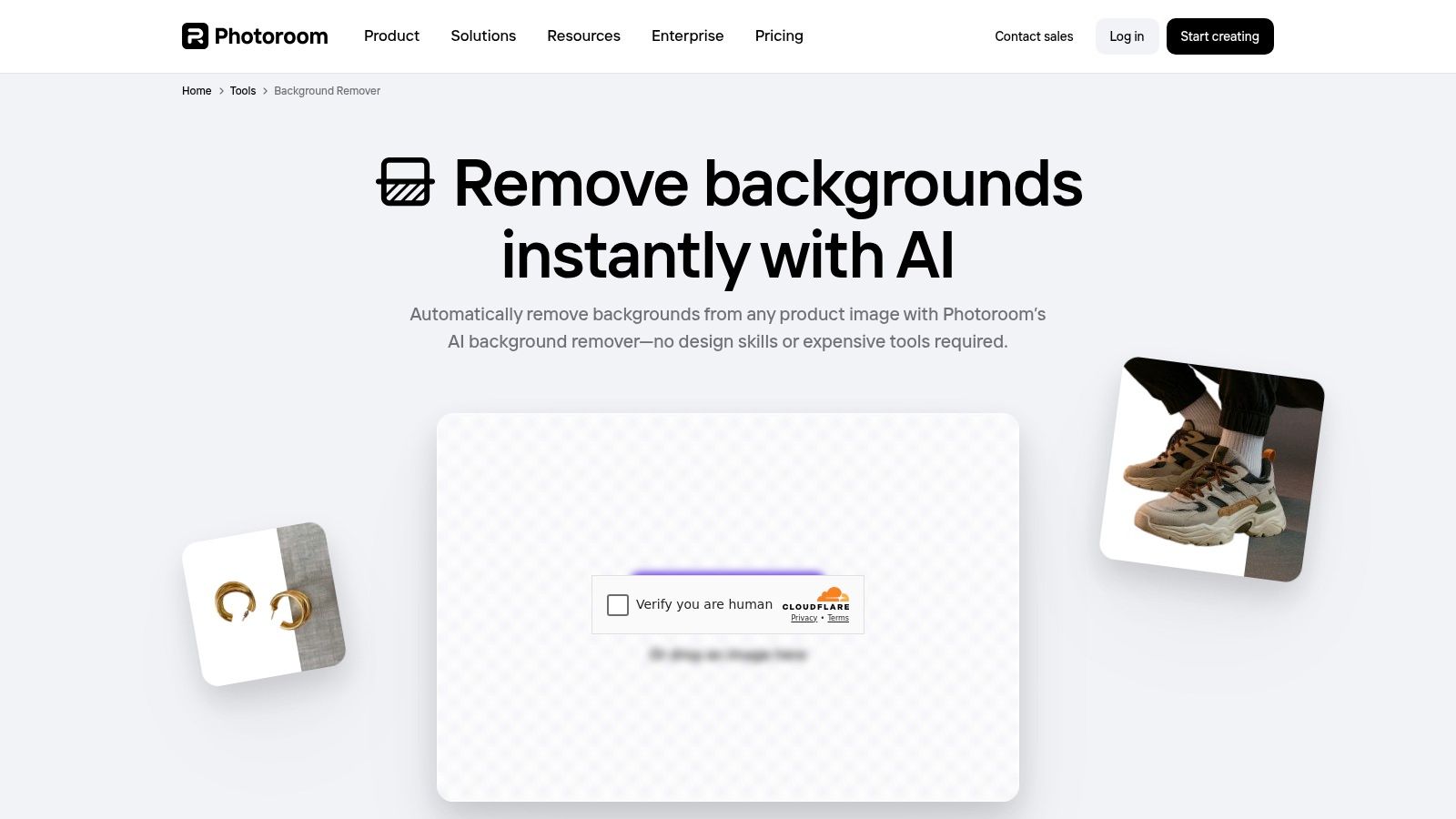
What makes PhotoRoom stand out is its laser focus on commercial use cases. It's not just a free background removal tool; it’s a content creation studio. The platform guides you from removing the background to placing your product on a pre-designed, professional-looking template for social media or an online store. For developers, its API is particularly inviting, offering a generous sandbox to test the waters before committing.
Key Features & Use Cases
- E-commerce and Marketplace Templates: Beyond simple removal, you can instantly apply backgrounds, shadows, and layouts designed for platforms like Poshmark, eBay, and Shopify.
- Mobile-First Workflow: The iOS and Android apps are incredibly intuitive, allowing for on-the-go editing that rivals desktop tools.
- Generous API Sandbox: Developers can process up to 1,000 images for free via the API, making it perfect for prototyping and testing automation pipelines.
- Batch Processing: For users with large product catalogs, the batch processing feature (on paid tiers) is a massive time-saver for creating uniform imagery.
The free version is great for getting started, but serious sellers will quickly encounter the paywall. High-resolution exports, batch processing, and removing the PhotoRoom watermark require a subscription. This makes it an excellent entry point that scales with your business needs. You can explore a detailed breakdown of its capabilities in this PhotoRoom vs. alternatives comparison.
Website: PhotoRoom Background Remover
6. Canva Background Remover
Canva isn't just a background remover; it’s an entire design ecosystem where background removal is a key feature, not the main event. For millions of non-designers, Canva is the go-to for creating social media posts, presentations, and flyers. Its one-click remover is built directly into this workflow, making it the perfect tool if you immediately plan to use your cutout in a new design. It’s less about surgical precision and more about speed and integration.
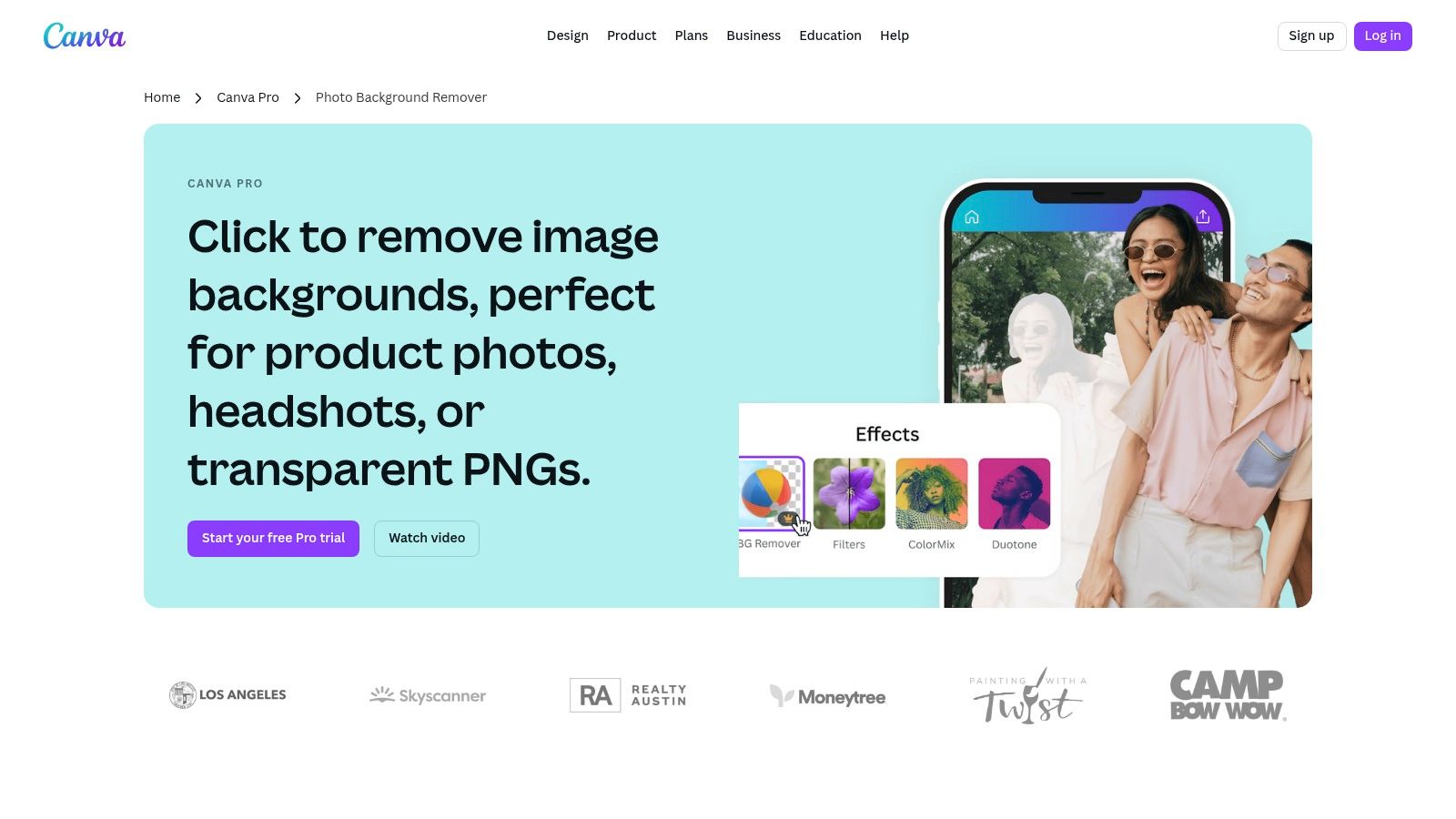
The primary appeal is context. You aren't just getting a transparent PNG; you're getting a transparent PNG placed perfectly on a canvas, ready for text, templates, and branding. This makes it a powerhouse for marketing teams and solopreneurs who need to churn out branded content without ever leaving their design environment. The process is seamless: upload, click, and start designing.
Key Features & Use Cases
- Integrated Design Workflow: The remover is a single click within the editor, allowing for instant use in templates, social media posts, and brand kits.
- Team Collaboration: As part of Canva Pro, the tool scales effortlessly. Teams can share designs, apply brand colors, and maintain consistency across all creative assets.
- High-Volume Social Content: Ideal for creating a month's worth of Instagram posts or YouTube thumbnails where the subject needs to be placed on various backgrounds.
The catch is that this fantastic tool is locked behind the Canva Pro subscription. While Canva itself has a robust free tier, its free background removal tool capabilities are typically limited to a trial period or special promotions. So, it's a "free-to-try" feature within a paid suite rather than a permanently free utility. However, for those already invested in the Canva ecosystem, the value is undeniable.
Website: Canva Background Remover
7. Pixlr Remove Background
Pixlr is a familiar name for anyone who’s ever needed a quick, browser-based Photoshop alternative without the Adobe subscription fee. It’s no surprise, then, that their free background removal tool is a solid entry, designed for creators who want more than just a one-click-and-done solution. This tool feels less like a standalone utility and more like the first step in a larger creative process, seamlessly integrated into its powerful suite of online editors.
What makes Pixlr stand out is its emphasis on manual control. After the AI does its initial pass, you are immediately presented with a simple but effective set of fine-tuning tools. This allows you to quickly clean up any stray edges or restore parts of the image the AI might have been a bit too aggressive with. It's the perfect middle ground for users who find fully automated tools imprecise but don't want to open a full-blown photo editor for a minor touch-up.
Key Features & Use Cases
- Manual Refinement: Its biggest strength is the built-in "Fine Tune" tool, letting you manually erase or restore parts of the image with an adjustable brush, perfect for tricky edges like hair or fur.
- Editor Integration: The cutout can be opened directly in Pixlr X (for quick edits) or Pixlr E (for advanced editing), making it ideal for creating social media graphics or collages in one go.
- Simple Batch Processing: The tool allows you to upload multiple images at once and download them as a ZIP file, a handy feature for processing a small batch of photos without any fuss.
While the core tool is free and requires no sign-in for quick edits, more advanced features within the main Pixlr editors are part of their premium subscription. The tool's API availability isn't clearly advertised, suggesting it's geared more toward individual creators and casual users than developers needing large-scale automation.
Website: Pixlr Background Remover
8. Icons8 Background Remover
Icons8 is a well-known name in the design asset world, offering everything from icons to stock photos. It’s no surprise they’ve thrown their hat into the AI ring with a background remover that’s as straightforward as their other tools. If you're already in their ecosystem, it’s a convenient addition. What makes it stand out is its no-nonsense approach to batch processing, targeting users who need to handle a mountain of images without a complicated setup. This is a solid free background removal tool for a quick trial run before committing.
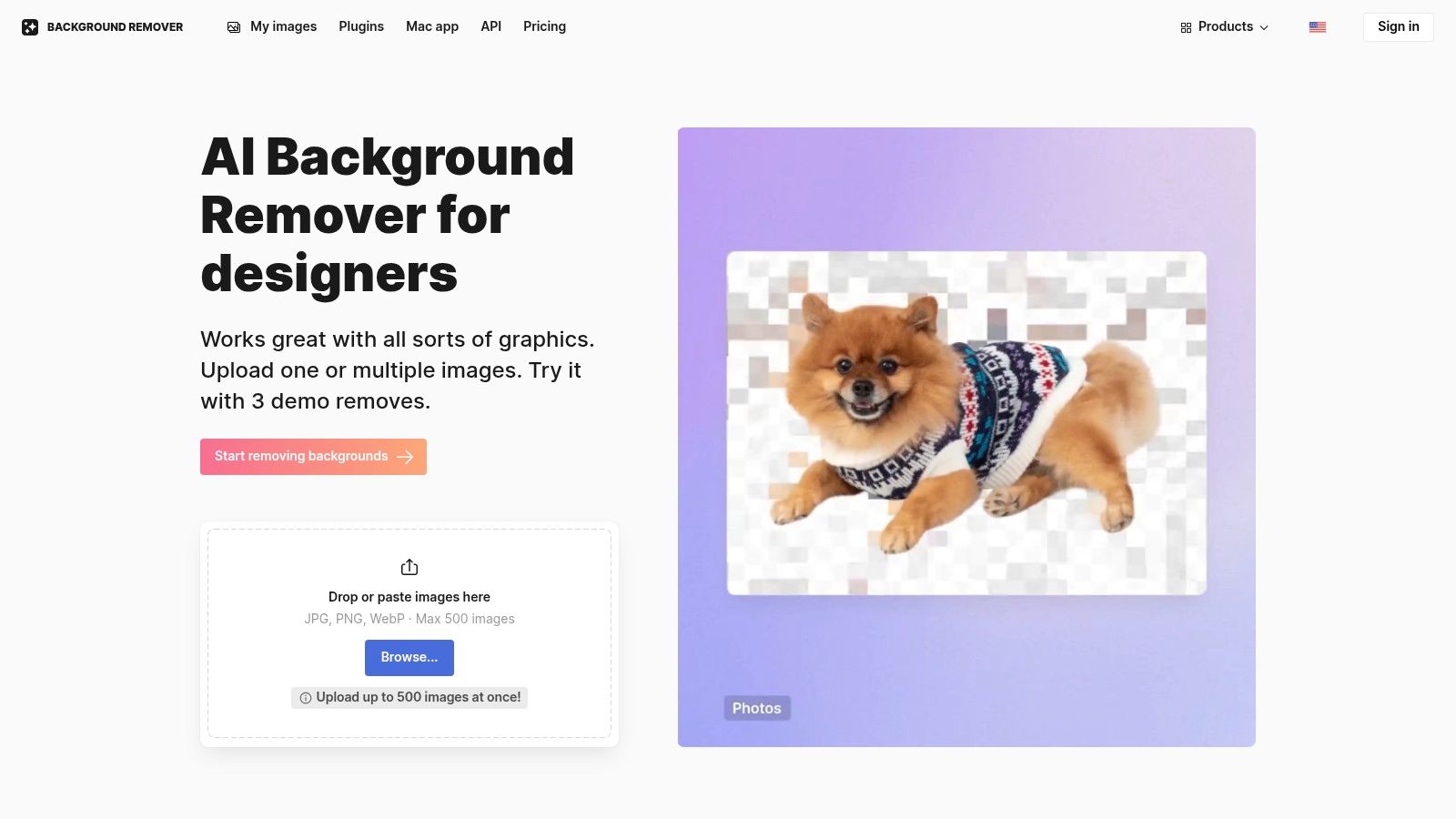
The platform’s strength lies in its simplicity and predictable pricing model, which appeals to users who need to process large, but finite, batches of images. You can drag and drop up to 500 images at once, making it a workhorse for tasks like updating a product catalog or prepping social media assets for the month. It’s less of a Swiss Army knife and more of a reliable hammer: it does one job, does it efficiently, and you know exactly what you’re getting.
Key Features & Use Cases
- Massive Batch Uploads: The ability to upload up to 500 images at once is a significant time-saver for e-commerce sellers or marketing teams with large asset libraries.
- API Access: For developers, Icons8 provides API access to integrate the removal service directly into their applications or automated workflows.
- Transparent Pricing: The pay-per-image and subscription options are clear, allowing for predictable budgeting without hidden fees.
The main limitation is the free access quota. You can test the tool on a few images for free to gauge the quality, but any significant volume will require a paid plan or purchasing credits. This makes it ideal for users who need a simple, powerful tool for occasional large batches and prefer a clear, per-image cost structure over complex subscription tiers with features they might not need.
Website: Icons8 Background Remover
9. Kapwing – Image Background Remover
Kapwing isn't just a background remover; it’s a full-blown, browser-based content creation suite where background removal is one of many tricks up its sleeve. Think of it as the Swiss Army knife for social media managers and content creators. If your goal isn't just to snip out a background but to immediately drop that new asset into a video, meme, or graphic, Kapwing is your playground. It combines a free background removal tool with a powerful timeline editor, letting you go from cutout to finished content in one tab.
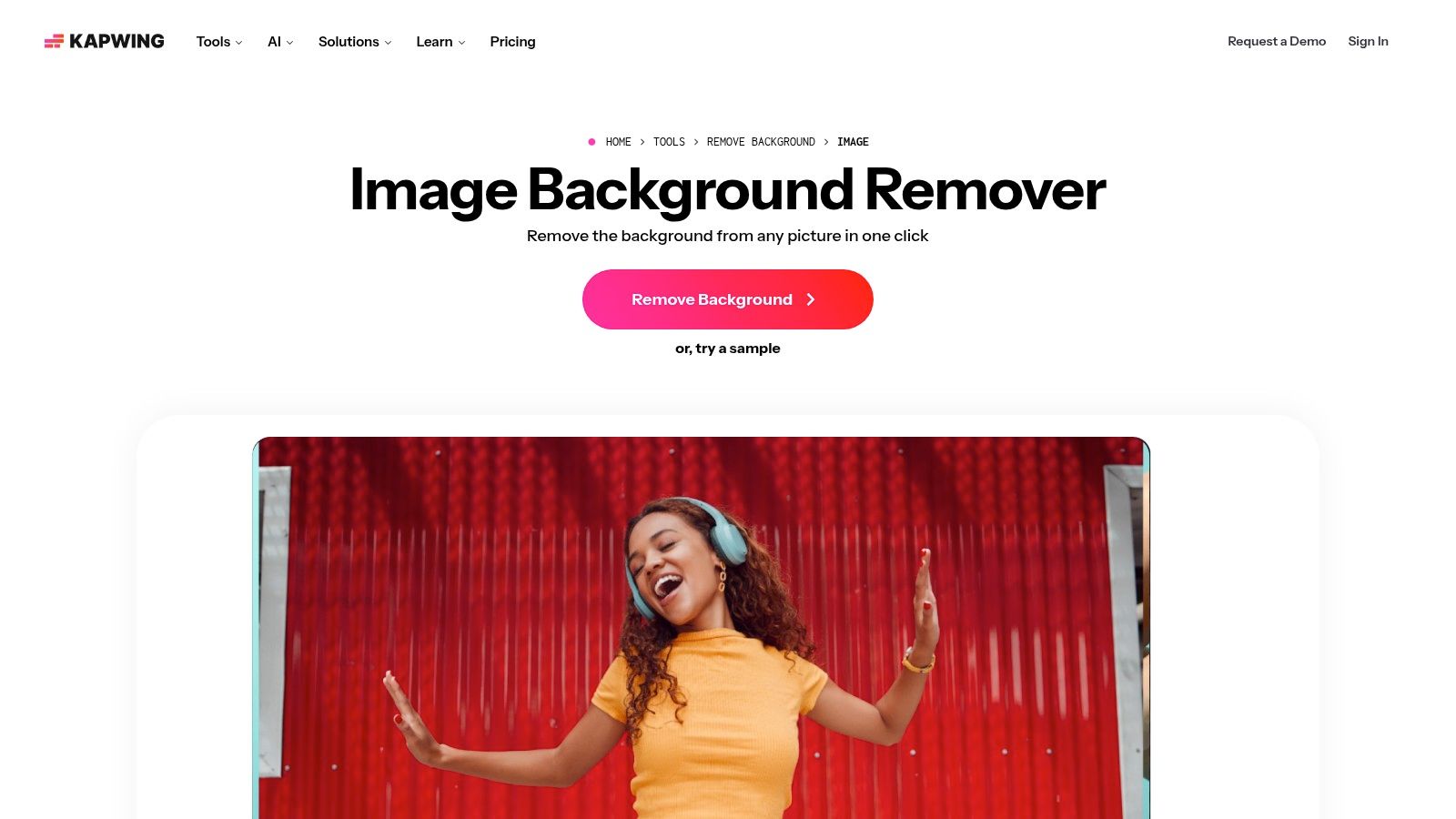
What makes it unique is this all-in-one approach. You’re not just isolating a subject; you're actively working on a project. This workflow is ideal for creators who need to produce content quickly without juggling multiple applications. The platform is designed for speed and convenience, making it a go-to for quick edits and immediate publishing.
Key Features & Use Cases
- Integrated Content Studio: The main draw is its seamless integration with a video and image editor. Remove a background and instantly add text, filters, animations, or place it in a video scene.
- Manual and AI Tools: The free version includes manual tools like a Magic Wand and an eraser for precise edits, while the one-click AI remover is a premium feature.
- Collaborative Workflow: Kapwing is built for teams, allowing multiple users to work on the same project in the cloud, perfect for marketing agencies and creative groups.
The most significant limitation is that the best features, including the automatic AI background remover and watermark-free exports, are locked behind a Pro subscription. The free plan is fantastic for trying things out or for projects where a small watermark is acceptable, but for professional output, you’ll need to upgrade.
Website: Kapwing Background Remover
10. Erase.bg (by Pixelbin)
If you're looking for a straightforward, no-nonsense tool that leans heavily into a pay-as-you-go model, Erase.bg is your candidate. Powered by Pixelbin, it's designed with a clear focus on product and portrait photography, aiming for precision where it counts most for commercial use. The platform ditches the complexity of subscription tiers for a simple credit-based system, making it an attractive free background removal tool for initial tests before scaling up.
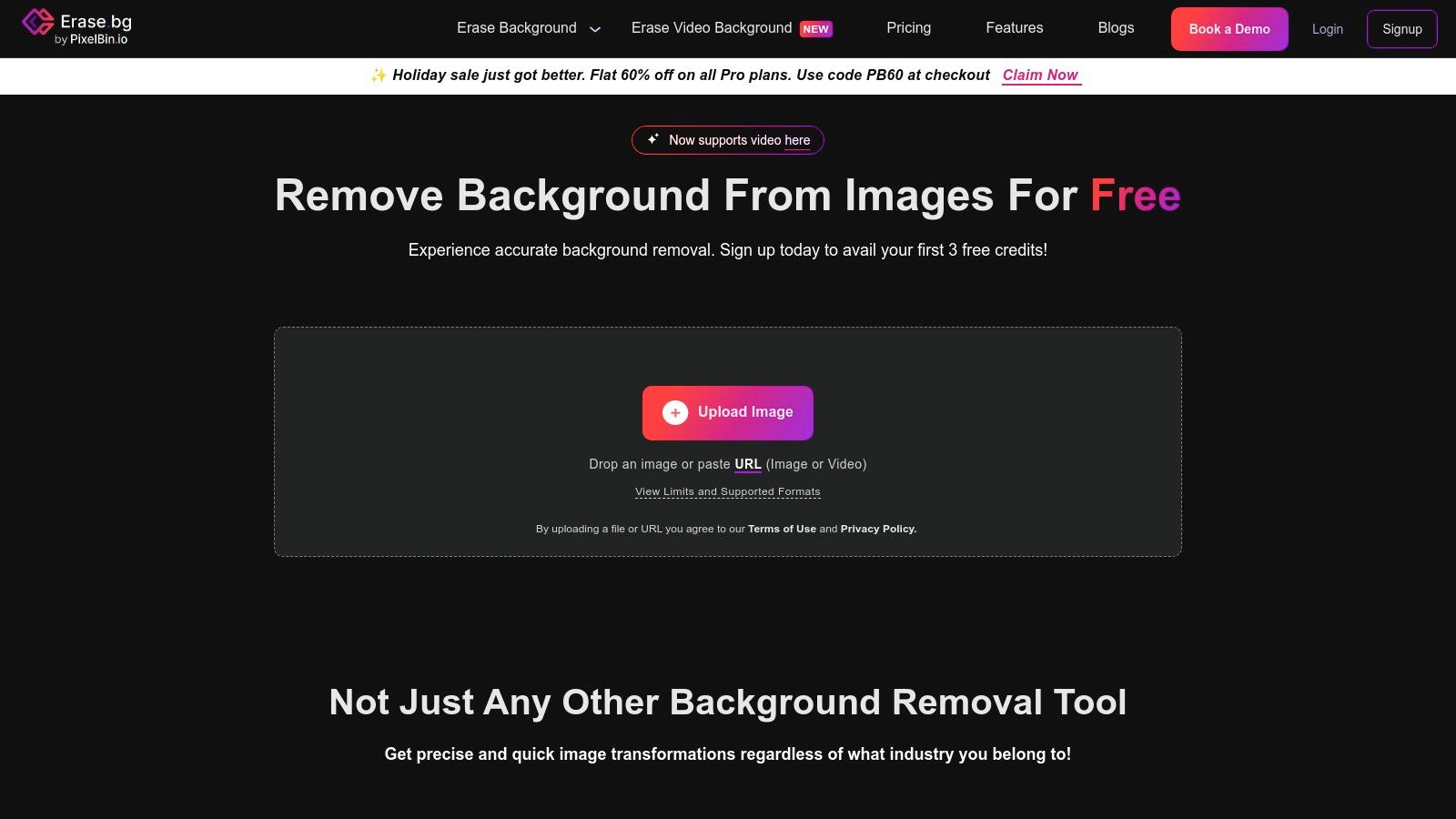
While the initial free offering is quite limited, requiring a sign-up to even get started, its true strength lies in its scalability for businesses. It's not trying to be the ultimate free-for-all tool; it's a gateway to Pixelbin's broader suite of image processing APIs. This makes it a practical choice for developers and e-commerce teams who anticipate needing more advanced image transformations down the line and appreciate a transparent, usage-based cost structure.
Key Features & Use Cases
- Credit-Based System: Signing up grants a small number of free credits for HD downloads. After that, you can buy credit packs, which is ideal for sporadic or project-based needs without committing to a monthly plan.
- API & Enterprise Ready: As part of the Pixelbin ecosystem, it offers robust API access and enterprise solutions for high-volume, automated workflows, making it suitable for larger e-commerce platforms.
- Focus on Precision: The AI is tuned for common commercial subjects like people, products, and even cars, delivering clean cutouts for professional-looking catalogs and marketing assets.
The biggest hurdle is the mandatory sign-up to do anything, which adds a bit of friction. The free allowance is more of a quick demo than a sustainable free plan. However, for teams that know they will eventually need to pay for a scalable solution, Erase.bg provides a clear and direct path from a simple web tool to a fully integrated API.
Website: Erase.bg
11. Fotor Background Remover
Fotor enters the arena not just as a standalone tool, but as the background removal feature of a much larger creative suite. This is the Swiss Army knife approach: you come for the free background removal, but you might stay for the photo editing, collage making, and design templates. Its biggest draw is the promise of a high-definition download with no watermark or sign-up required, making it a fantastic option for quick, one-off tasks where quality can’t be compromised. It’s built for the casual user who needs a clean cutout without jumping through hoops.
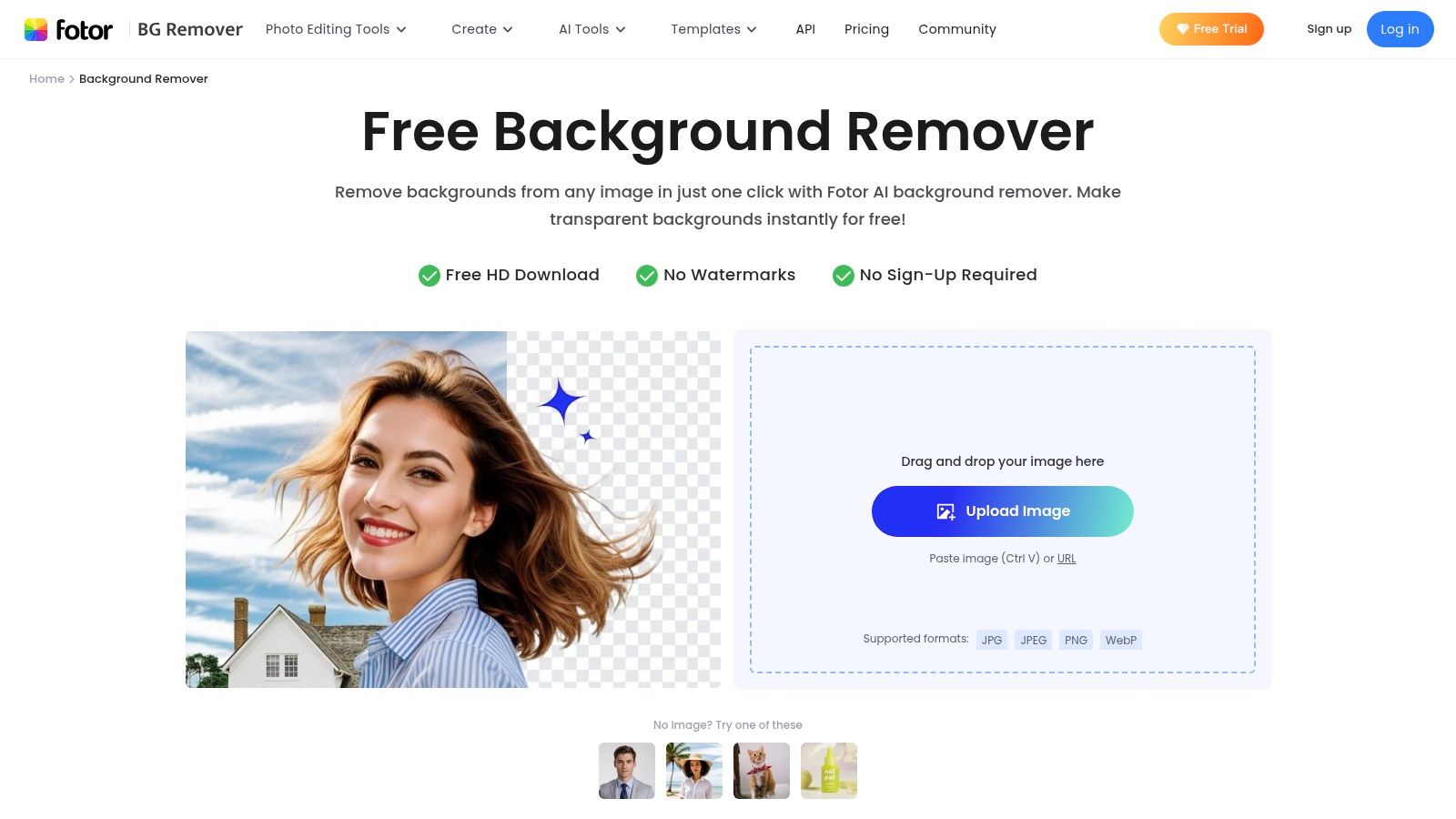
Unlike hyper-specialized API-first services, Fotor is all about the user-facing experience. After the AI does its magic, you're immediately dropped into a full-featured editor. This integration is its core strength, allowing you to instantly use your new transparent PNG in a social media graphic, a YouTube thumbnail, or a product promo without ever leaving the platform. This makes it an incredibly efficient free background removal tool for content creators.
Key Features & Use Cases
- Seamless Editor Integration: The tool is a gateway to Fotor's broader design ecosystem. Remove a background and immediately add new ones, apply text, or drop it into a pre-made template.
- No-Strings-Attached HD Downloads: Its promise of free, high-resolution downloads without registration is a major differentiator for users needing a quick, high-quality result.
- Multi-Format Support: It handles the most common web formats (JPG, PNG, WebP), ensuring compatibility for most standard images.
The main caveat is that while the core removal is free, many of the more advanced editing features, premium assets, and templates within the editor are locked behind a Pro subscription. It’s an effective freemium model that gives you the essential cutout for free and tempts you with a full creative suite. For a deeper look at its capabilities, it's worth exploring comparisons of Fotor with other AI-powered platforms.
Website: Fotor Background Remover
12. Trace by Sticker Mule
From the folks who mastered the art of making things sticky, Sticker Mule brings us Trace. It’s the background removal equivalent of a free sample that’s actually the whole product. While many tools tease you with low-res previews, Trace goes all in, offering a completely free background removal tool that delivers full-resolution, print-ready PNGs with zero watermarks and no hidden fees. It’s the ultimate no-strings-attached option for creators who need a high-quality cutout without the commitment.
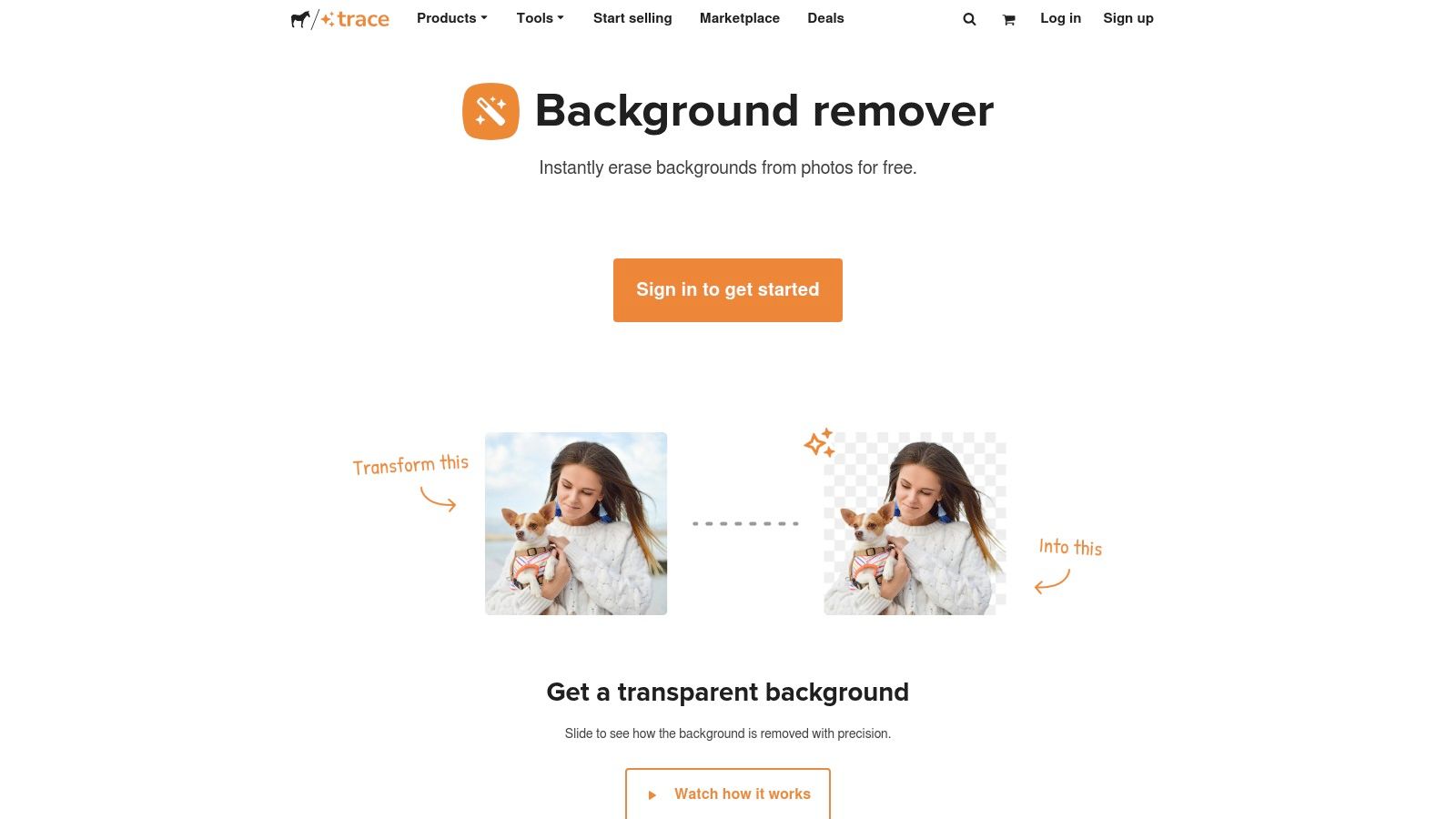
This tool is a dream for one-off projects where quality is non-negotiable but your budget is zero. It’s part of Sticker Mule’s larger ecosystem, designed to smoothly transition you into their Studio editor or get your new sticker-ready design straight to print. It’s a genius piece of marketing that also happens to be an incredibly useful utility for everyone else.
Key Features & Use Cases
- Truly Free High-Resolution: This is its main selling point. Download your final image at its original resolution, perfect for printing custom stickers, t-shirts, or using in high-quality digital designs.
- Simple & Fast Interface: The user experience is dead simple. Upload, wait a few seconds for the AI to work its magic, and download. There are no complex settings or menus to navigate.
- Print-Ready Output: Since it's from Sticker Mule, the tool is optimized for creating assets for physical products. The cutouts are generally clean enough to go directly to print without much fuss.
The catch? It’s built for simplicity, not scale. Trace lacks advanced editing controls, a dedicated API for developers, or any kind of batch processing. It’s a sprinter, not a marathon runner. If you need to process hundreds of images or integrate removal into an automated workflow, you'll hit a wall. But for that one perfect cutout, it's hard to beat free.
Website: Sticker Mule Trace
Free Background Removal: 12-Tool Comparison
| Solution | Core features ✨ | Quality & Speed ★ | Pricing & Value 💰 | Target audience 👥 | Why choose / USP |
|---|---|---|---|---|---|
| PixelPanda 🏆 | ✨ Background removal, smart inpainting, 4x upscaling, face/hair enhancement, style-transfer, text‑to‑image, avatar & video studio, REST API | ★★★★★ — studio‑quality; images ~15–20s, videos ~1–2m | 💰 Tiered + credits; 100 free credits trial, rollover, commercial rights included | 👥 E‑commerce teams, marketers, developers, creative studios | 🏆 Developer‑first API + avatar/video generation; best for scale, hair/fur accuracy |
| remove.bg | ✨ One‑click bg removal, desktop plugins, developer API | ★★★★☆ — consistent, fast cutouts | 💰 Credit/subscription; free previews only | 👥 E‑commerce teams, designers, developers | Mature ecosystem, strong SDKs and integrations |
| Adobe Express Background Remover | ✨ Browser remover integrated with Adobe Express editor & templates | ★★★★☆ — reliable, instant PNGs | 💰 Free basic; paid Express features for advanced workflows | 👥 Creators, non‑designers, social teams | Integrated editing & templates within Adobe ecosystem |
| Clipdrop (Remove Background) | ✨ Fast remover + cleanup, relight, upscaler, API | ★★★★☆ — high quality, modern tools | 💰 Freemium; Pro for hi‑res & API usage plans | 👥 Creators, developers, power users | Broad AI toolset (relight/upscale) + developer APIs |
| PhotoRoom | ✨ Mobile apps, templates, batch processing, API sandbox (1,000 free) | ★★★★☆ — optimized for product images | 💰 Freemium → paid tiers for batch/HD; enterprise available | 👥 Marketplaces, sellers, mobile-first teams | Product templates, mobile workflows & generous sandbox |
| Canva Background Remover | ✨ One‑click in Canva editor; part of Pro bundle | ★★★★☆ — good for quick removals + design | 💰 Included with Canva Pro (paid) | 👥 Non‑designers, teams needing templates & brand kits | Seamless design/tpl workflows and team branding features |
| Pixlr Remove Background | ✨ Browser remover + manual refinement tools and batch save | ★★★☆ — quick, good manual touch‑ups | 💰 Free basic; Pro for advanced features | 👥 Casual editors, quick one‑off users | Fast edits without sign‑in + manual fine‑tune tools |
| Icons8 Background Remover | ✨ Batch uploads (up to 500), API, clear per‑image pricing | ★★★★☆ — reliable for large batches | 💰 💰 Pay‑per‑image + subscriptions; free test quota | 👥 Teams needing predictable bulk processing | Simple UI, transparent pricing, large‑batch support |
| Kapwing – Image Background Remover | ✨ Manual tools (Magic Wand/eraser) + AI auto‑remove; integrated editor | ★★★☆ — useful but AI/no‑watermark often paywalled | 💰 Freemium; Pro required for watermark‑free & AI | 👥 Creators, social publishers | Combined image/video editor + direct publishing |
| Erase.bg (Pixelbin) | ✨ Credit‑based web app, API, enterprise scaling | ★★★☆ — product/portrait focused | 💰 Pay‑as‑you‑go credits; initial free HD credits | 👥 Teams preferring pay‑as‑you‑go and enterprise options | Straightforward credits model + enterprise integrations |
| Fotor Background Remover | ✨ Instant transparent PNGs, no sign‑up claimed | ★★★☆ — convenient for quick one‑offs | 💰 Free basic; premium for advanced assets | 👥 Casual users, quick editors | Try without registration; quick HD downloads claimed |
| Trace by Sticker Mule | ✨ Instant full‑res PNG downloads, no watermark, free | ★★★★☆ — surprisingly good detail handling | 💰 Free — no credits or sign‑up | 👥 Users needing free high‑res cutouts (print/web) | Truly free full‑resolution PNGs; minimal friction |
Choosing Your Champion: Which Tool Wins Your Workflow?
And there you have it, our grand tour of the digital scissors and AI-powered scalpels of the internet. We've navigated the crowded landscape of the best free background removal tool options, from one-click wonders to integrated design powerhouses. After dissecting a dozen contenders, it's clear the perfect tool isn’t a one-size-fits-all magic wand; it's the one that clicks seamlessly into your specific, unique workflow.
The journey from a cluttered photo to a clean, professional cutout can be a short hop or a major production. Your final choice hinges entirely on the mission at hand. Are you just trying to get a transparent background for a quick social media post? Or are you building an automated product pipeline for an ecommerce empire?
The Right Tool for the Right Job
Let's break down the decision-making process into three core scenarios, helping you pinpoint your champion:
The Casual Creator & Social Media Maverick: If your primary need is speed and convenience for occasional edits, you’re in luck. Tools like Trace by Sticker Mule or Pixlr Remove Background are your best friends. They are built for zero-friction, drag-and-drop simplicity. You get in, get your transparent PNG, and get out in seconds. The integrated removers within Canva and Adobe Express are also fantastic, as they keep you within a familiar design ecosystem, eliminating the need to juggle multiple tabs and apps.
The Dedicated Designer & Content Professional: For those who demand more control and consistently high quality, the field narrows. You’re likely dealing with more complex images, like detailed product shots or portraits with wispy hair. Here, the AI's precision is paramount. Tools like PhotoRoom and Clipdrop offer impressive accuracy and often include extra features like shadow generation or object cleanup, giving you a more polished final asset right out of the gate.
The Scaler: Developers, Ecommerce & High-Volume Teams: This is where the game changes. When you need to process hundreds or thousands of images, manual uploads are no longer an option. The conversation shifts to APIs, automation, and unwavering reliability. While
remove.bgestablished the gold standard for API-driven background removal, a new generation of tools is pushing the boundaries. This is the domain where a free background removal tool serves as an entry point to a much larger, more powerful engine.
Beyond the Cutout: Thinking About Your Entire Workflow
Choosing a tool isn't just about removing a background; it's about how that step fits into your larger operational picture. For businesses, this is a critical consideration. You need a solution that not only performs its core task flawlessly but also enhances the entire asset lifecycle.
This means thinking about more than just the cutout. What happens after the background is gone? Do you need to resize the image for different platforms? Enhance its resolution? Or perhaps add new, AI-generated backgrounds for a marketing campaign? Furthermore, ensuring your final images are properly compressed and formatted is a crucial step. A great cutout won't help if the file size slows your website to a crawl, which is why incorporating a solid strategy for image optimization for SEO is non-negotiable for online success.
This is where a platform like PixelPanda truly distinguishes itself. It’s not just another background remover; it’s an entire visual production suite built for scale. It excels with challenging details like hair and fur, but its true power lies in its comprehensive, developer-first toolkit. With robust APIs for inpainting, upscaling, and even generative AI video, it's designed to automate entire visual workflows, not just one small part of them. It's the choice for teams who see background removal as the first step, not the final destination.
Ultimately, the best advice is to experiment. Take your most challenging images, the ones with fuzzy pet fur, tricky transparent objects, or messy hair, and run them through your top three contenders. The one that saves you the most time and delivers the best results, again and again, is your champion. Choose the tool that doesn't just solve a problem but unlocks new creative possibilities for you and your team.
Ready to move beyond basic cutouts and automate your entire visual content workflow? PixelPanda offers a powerful, developer-friendly API that handles everything from flawless background removal to AI-powered upscaling and inpainting. See how our advanced AI can transform your most challenging images by trying it for free today at PixelPanda.