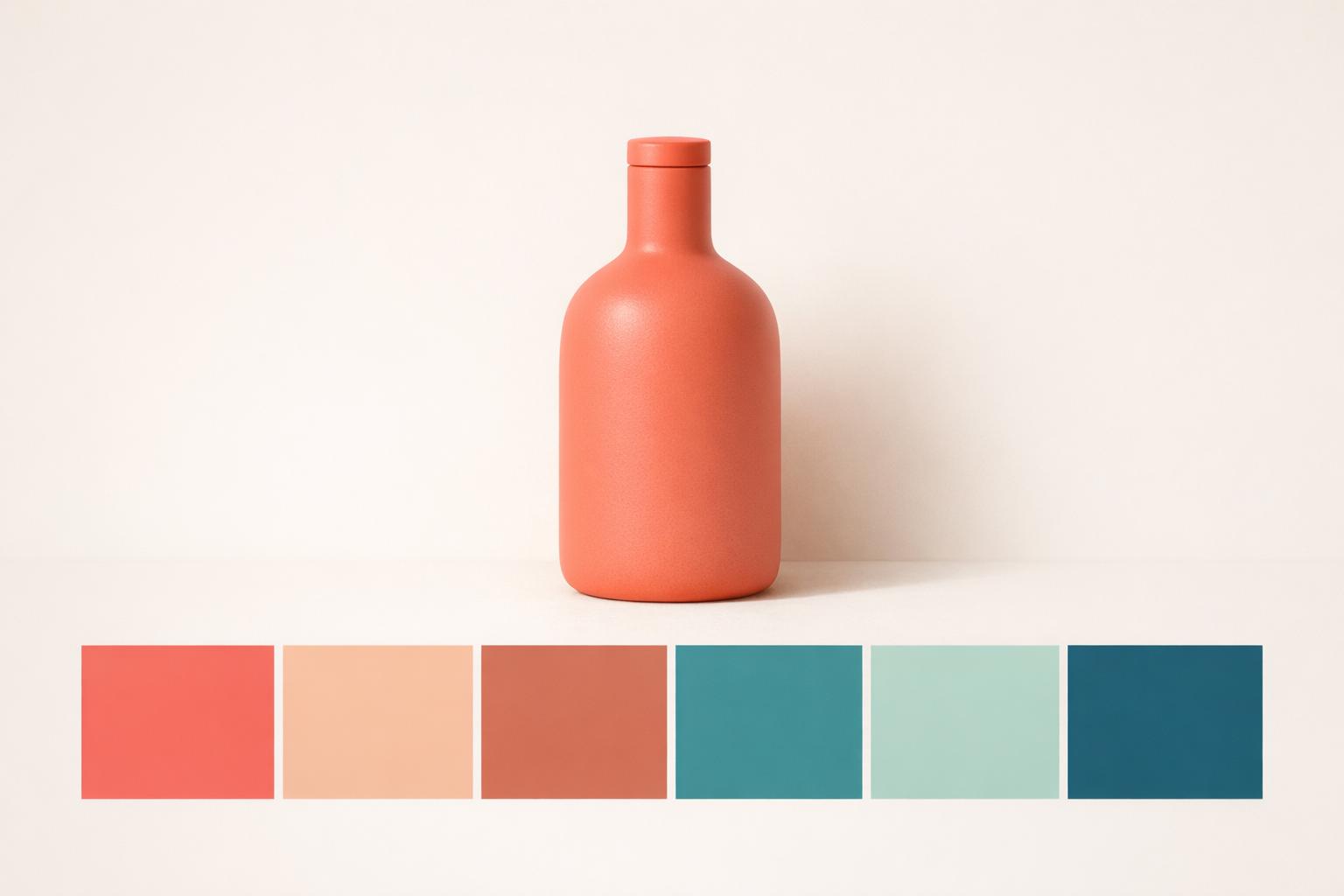
Enhance Your Product Photographyxelpanda.ai/ai-product-photos”>Product Photography with a Color Palette Generator
Creating eye-catching product photos isn’t just about good lighting or angles—it’s also about color harmony. A well-chosen color scheme can make your images pop, draw in customers, and build a cohesive brand look. That’s where a tool for generating tailored color combinations comes in handy. Whether you’re an e-commerce seller, a content creator, or a small business owner, having the right hues at your fingertips can transform your visuals.
Why Color Matters in Product Shots
Colors evoke emotions and set the tone for your brand. A mismatched or clashing palette can distract from your product, while a thoughtful selection can highlight its best features. By uploading an image or picking a base shade, you can access a set of complementary tones that work seamlessly together. Think soft neutrals for a luxe feel or bold contrasts for a modern edge—whatever suits your style.
Practical Tips for Using Your Palette
Once you’ve got your set of shades, experiment with them. Use lighter tones for backgrounds to make your product stand out, or apply vibrant accents in props and text to grab attention. With hex and RGB values provided, integrating these colors into editing tools or physical setups is a breeze. Elevate your photography game today with a custom palette that’s just a click away.
The Science of Color in Product Photography
Color directly influences purchasing decisions. Studies show that up to 90% of snap judgments about products are based on color alone. A well-chosen color palette creates emotional connections, communicates brand values, and guides customer attention to key product features. AI color palette generators analyze your products and brand to suggest harmonious color combinations that enhance visual appeal.
The technology considers color theory principles including complementary, analogous, and triadic relationships. It also factors in current design trends, seasonal colors, and platform-specific preferences. Instagram audiences respond differently to color than Pinterest or Amazon shoppers, and smart tools account for these differences.
Creating Cohesive Product Catalogs
A consistent color palette across your product catalog creates a professional, polished appearance that builds customer confidence. AI generators can extract colors from your existing products and suggest background, accent, and text colors that complement without competing. This ensures your entire store feels unified even when featuring products in different colors and styles.
For seasonal campaigns, color palette generators suggest timely color shifts. Warm tones for fall, cool blues for summer, festive reds and greens for holidays. These subtle adjustments keep your store feeling fresh and relevant throughout the year without requiring complete visual overhauls.
Accessibility and Color Contrast
Good color choices ensure all customers can clearly see your products. AI tools check color combinations for sufficient contrast, ensuring text remains readable and important elements stand out. They flag potential accessibility issues before you publish, helping you reach the widest possible audience. Products shot against poorly contrasting backgrounds lose sales, and AI palette generators prevent these costly mistakes.
FAQs
How does the tool create a color palette from my product image?
When you upload an image, our tool uses a color detection algorithm to identify the dominant shades in your photo. Then, it applies principles of color theory—like complementary or analogous schemes—to suggest 5-7 colors that work well together. You’ll see hex and RGB values for each, so you can easily use them in design software or styling setups. It’s like having a personal color consultant, but way faster!
Can I use this tool if I’m not a professional photographer?
Absolutely! This tool is built for everyone, whether you’re snapping product shots for an online store or just experimenting with visuals. The interface is super simple—just upload a photo or pick a color, and you’re good to go. Plus, we include tips on how to use each color in your palette, so you don’t need to know a thing about design to make your images look polished.
Are the suggested colors suitable for all types of product photography?
Yes, the palettes are versatile and tailored to your specific input. Whether you’re shooting minimalist tech gadgets or vibrant fashion pieces, the tool analyzes the tones in your image or chosen color to suggest shades that enhance the mood. You’ll get a mix of background, accent, and text colors to play with, giving you flexibility to match your brand’s vibe or experiment with fresh looks.