Tired of meticulously tracing pixels with the lasso tool only to end up with a jagged, amateur-hour cutout? Yeah, us too. The days of wrestling with complex software to isolate a subject from its background are officially over. Welcome to the magic of one-click wonders, where artificial intelligence does the heavy lifting, giving you back precious hours and your sanity. If you're looking for a remove background ai free solution, you've hit the jackpot.
This isn't just another thrown-together list. We've gone deep, testing and analyzing the best free tools on the market to help you find the perfect match for your project, whether you're a developer needing a reliable API, an e-commerce seller prepping thousands of product shots, or a content creator aiming for that perfect, clean look. Mastering AI background removal is a powerful step in creating compelling visuals, particularly when learning how to make great YouTube thumbnails that capture viewer attention.
We’re cutting through the marketing fluff to give you the real scoop on each platform. Expect a no-nonsense breakdown covering:
- Key Features & Limitations: What it does well and where it falls short.
- Best Use Cases: Who is this tool really for?
- Free Tier Details: The fine print on usage limits, resolution caps, and watermarks.
- Developer & Integration Info: A look at APIs, batch processing, and SDKs.
Forget endless searching. The definitive guide to flawless, free AI background removal starts now. Let's dive in and find the tool that will transform your workflow.
1. PixelPanda
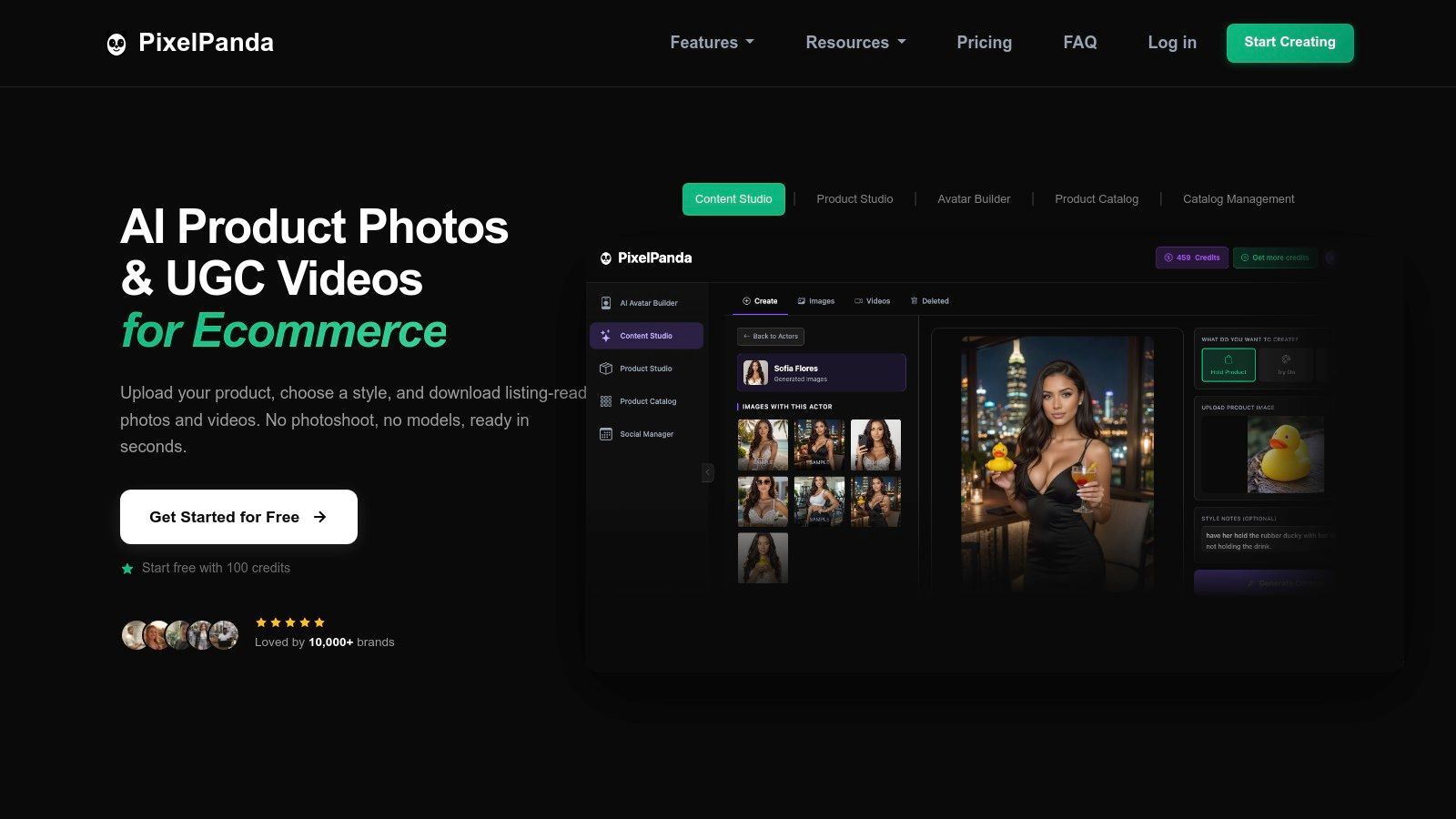
PixelPanda stands out not just as a tool to remove background AI free but as a comprehensive, all-in-one AI photoshoot and creative studio. While many services offer a single function, PixelPanda consolidates an entire production workflow into one cohesive platform. It’s designed for teams who need to move from raw product shots to polished, ready-to-publish assets for e-commerce, ads, and social media with maximum efficiency and minimal friction. The platform’s core strength is its ability to replace expensive, time-consuming studio work with fast, automated, and surprisingly high-quality outputs.
Why It's Our Top Pick
What truly elevates PixelPanda is its thoughtful integration of studio-grade features. The background removal model excels with notoriously difficult subjects like fine hair, fur, and semi-transparent objects, preserving crisp edges where others might fail. But it doesn't stop there. The platform layers this with powerful enhancement tools, including a 4x upscaler, smart inpainting for removing unwanted text or objects, and even AI-generated models and UGC-style videos. This holistic approach means you can go from a basic photo to a complete, brand-consistent marketing asset without ever leaving the ecosystem. Developers will particularly appreciate the well-documented REST API and SDKs, making it straightforward to automate image processing pipelines directly within their applications or backend workflows.
Key Features & Use Cases
- All-in-One AI Studio: Combines background removal, AI photoshoots, model/avatar generation, UGC video creation, and multiple enhancement tools in one place.
- Precision AI Models: Advanced edge-preserving algorithms deliver clean cutouts on complex subjects, maintaining critical detail.
- Developer-First Integration: Offers a REST API, SDKs, and batch processing, allowing seamless integration into web apps, mobile apps, and e-commerce platforms like Shopify and Amazon.
- Generous Free Trial: Test the full suite of tools with a 100-credit free trial that doesn’t require a credit card.
Limitations & Pricing
While the background removal and image tools are competitively priced, generating videos can be credit-intensive, with costs potentially adding up for large-scale campaigns. Although its AI is robust, extremely niche products with unusual textures or lighting might still require a touch of manual refinement for perfection. PixelPanda operates on a credit-based subscription model after the free trial, with plans starting around $19/month (billed annually) that include rollover credits and commercial usage rights.
Website: https://pixelpanda.ai
2. remove.bg (by Canva)
If you’ve been in the background removal game for more than a minute, you’ve heard of remove.bg. It's one of the original pioneers, setting the standard for one-click simplicity and reliable results. Now part of the Canva family, it has only solidified its reputation as a go-to tool for quick, clean cutouts of people, products, and even cars. The platform is famously straightforward: upload an image, and the AI does the rest in seconds.
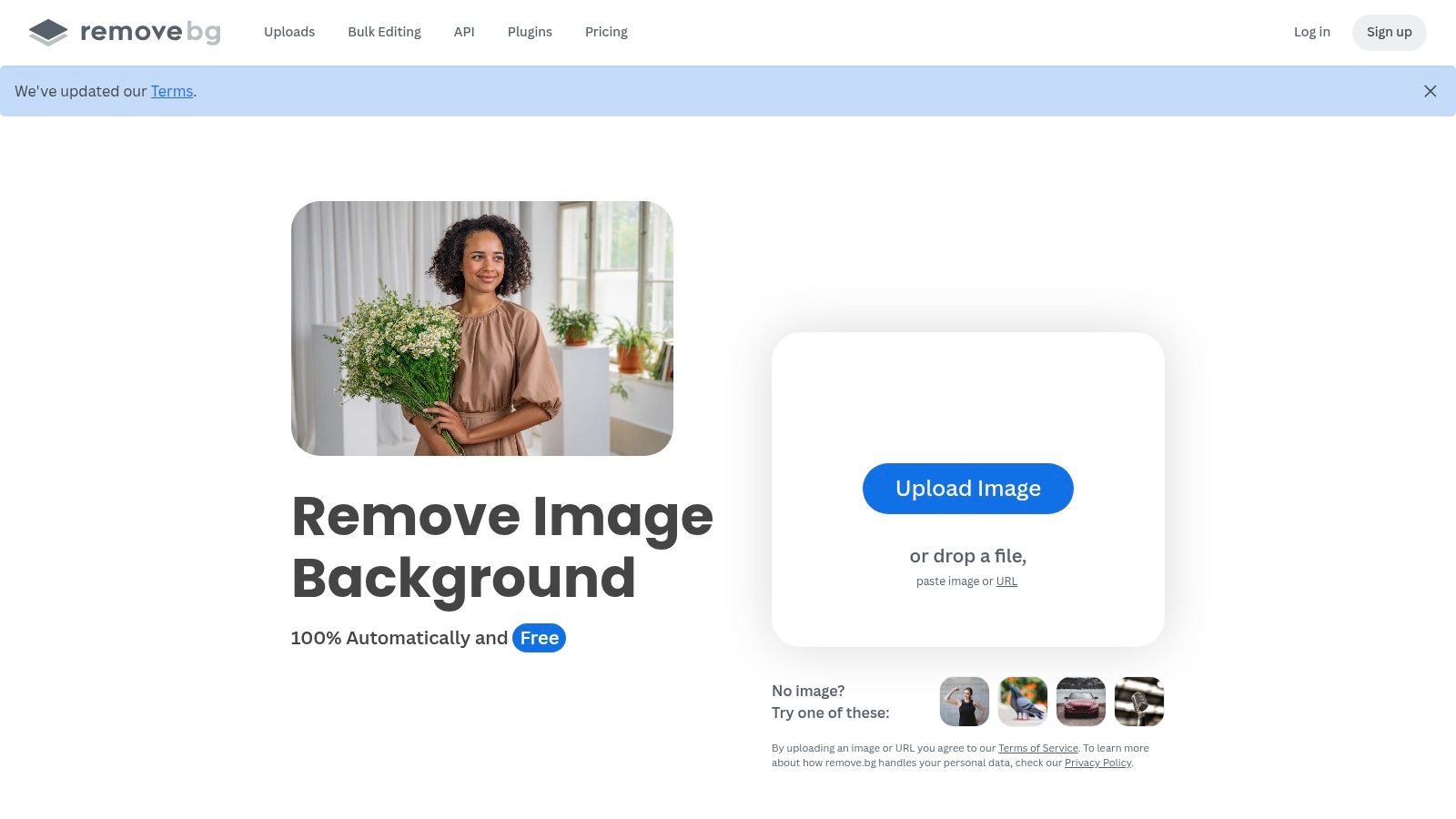
Its biggest strength is its ecosystem. With dedicated desktop and mobile apps, a Photoshop plugin, and a robust API, remove.bg is built for seamless integration into just about any workflow you can imagine. Developers and high-volume users flock to it for its consistency and well-documented API, making it a dependable engine for automated processes.
Key Features & Limitations
The free offering from remove.bg is essentially a high-quality preview. You get unlimited free use on the web app, but downloads are limited to a standard-definition resolution (around 0.25 megapixels). This is perfect for quick social media posts or testing the AI’s accuracy before committing.
- Free Tier: Unlimited low-res downloads via the web app.
- Paid Tier: High-resolution outputs (up to 50 megapixels) require credits or a subscription.
- Integrations: Mature API and plugins for Photoshop, Figma, and major e-commerce platforms.
For a detailed analysis of how its API and performance stack up against other enterprise-grade solutions, check out this in-depth PixelPanda vs. remove.bg comparison. While the free tier is a fantastic entry point, serious commercial use or development work will quickly necessitate upgrading to a paid plan.
Website: https://www.remove.bg
3. Adobe Express – Background Remover
When a giant like Adobe steps into the ring, you pay attention. Adobe Express brings the company's legendary image-editing prowess into a ridiculously accessible, browser-based tool. Its background remover is a "Quick Action" that serves as a gateway to a much larger creative ecosystem. You’re not just getting a cutout; you're getting a cutout you can immediately drop into a social media template, add text to, or animate, all within the same tab.
Its biggest draw is this seamless integration. The tool is perfect for marketers, content creators, and small business owners who need to quickly create polished assets without juggling multiple apps. The process is smooth: remove the background, then instantly leverage Adobe's vast library of stock photos, fonts, and design templates to finish your project. It’s less of a single-task tool and more of a creative launchpad.
Key Features & Limitations
The free plan for Adobe Express is impressively generous, giving you full access to the background removal tool and a core collection of assets. The main catch is that you need to sign in with an Adobe account to download your image, and some of the more premium templates and stock photos are locked behind the Premium plan.
- Free Tier: Full access to the background remover, core collection of Adobe Fonts and stock photos, and 2GB of cloud storage. Download requires sign-in.
- Paid Tier: The Premium plan unlocks all 200M+ Adobe Stock assets, 25,000+ premium fonts, brand kit features, and 100GB of storage.
- Integrations: Primarily works within the Adobe Express ecosystem (web and mobile apps), offering a unified workflow from edit to publish.
For those already comfortable in the Adobe universe or anyone needing an all-in-one design solution, this free remove background AI tool is a powerhouse. It’s designed less for developers needing an API and more for creators needing a finished product.
Website: https://www.adobe.com/express/tools/remove-background
4. Canva – Background Remover
Canva isn't just a design tool; it's a creative universe, and its built-in Background Remover is a shining star within it. Designed for maximum simplicity, this feature lives right inside the Canva editor. You can pull an image into your project, click a single button, and watch the background vanish. It's the ultimate tool for non-designers who need to go from a raw photo to a polished social media post or presentation slide in minutes.
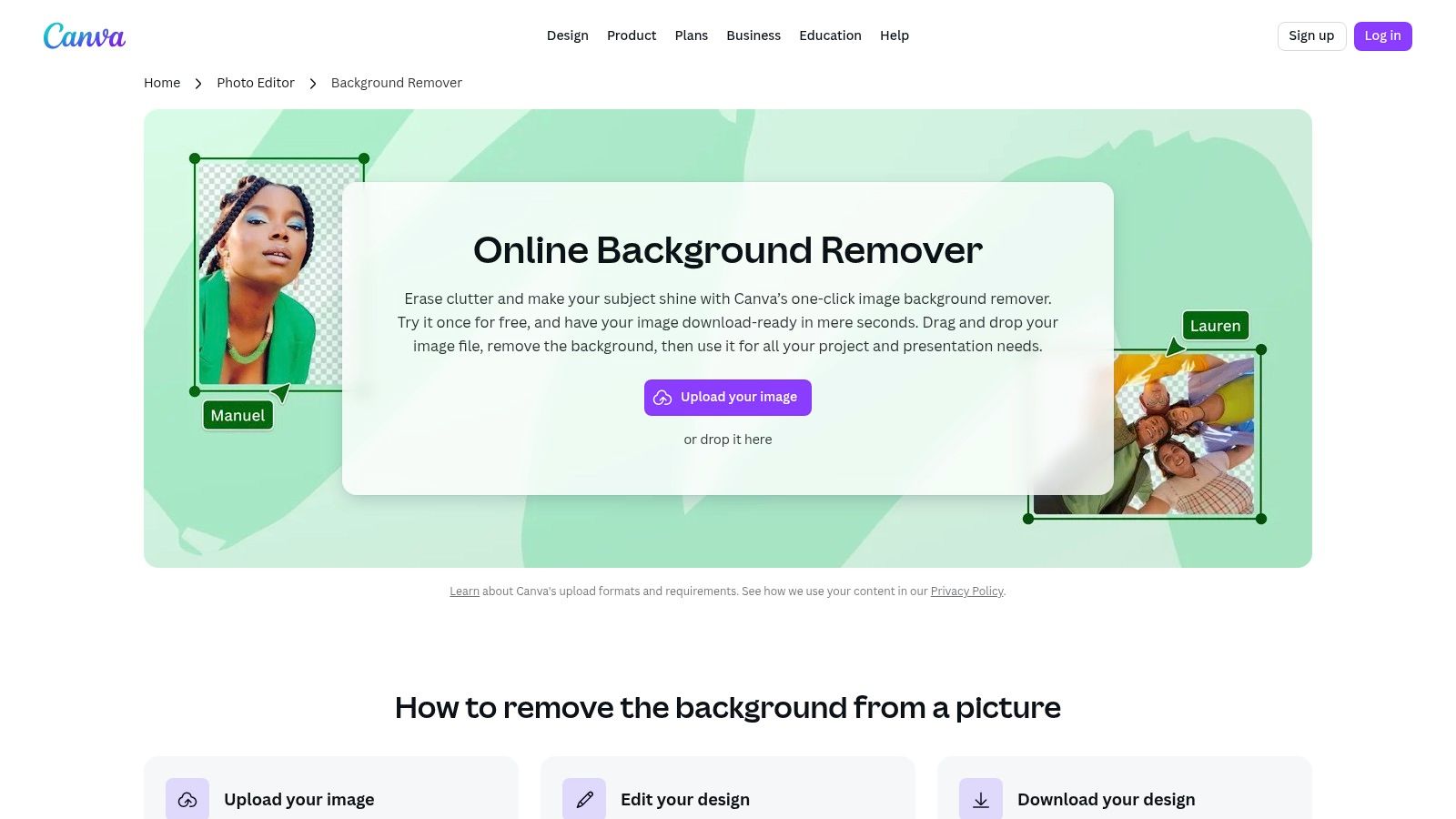
The real magic of Canva's tool is its seamless integration. Once the background is gone, you're already in a powerful design environment with access to thousands of templates, stock photos, and brand kits. This closed-loop workflow is its biggest advantage, making it incredibly efficient for marketing teams and content creators who need to produce visuals at scale without switching between different apps. It’s a true one-stop-shop solution.
Key Features & Limitations
Canva's remove background AI free offering is a clever "try before you buy" sample. New users can test the feature with one free high-resolution download, giving you a taste of its full-quality output. After that first taste, the tool becomes a core part of the Canva Pro subscription.
- Free Tier: One free high-resolution background removal to test the tool's quality.
- Paid Tier: Unlimited background removals are included with a Canva Pro subscription.
- Integrations: Deeply integrated into the Canva ecosystem, including its web editor, mobile apps, and Brand Hub.
While perfect for design-centric workflows, it’s not built for programmatic use. Developers needing an API or businesses processing images in bulk will find it limiting. It excels as a user-facing feature within a design platform, not as a backend processing engine.
Website: https://www.canva.com/features/background-remover/
5. ClipDrop (by Stability AI)
Backed by the AI powerhouse Stability AI, ClipDrop is less a single tool and more of a creative Swiss Army knife. Its background removal feature is just one blade in a collection that includes image upscaling, object cleanup, relighting, and even uncropping. This makes it a one-stop-shop for creators who need more than just a simple cutout, offering a suite of powerful, interconnected tools driven by cutting-edge models. The platform feels fast, modern, and incredibly capable.
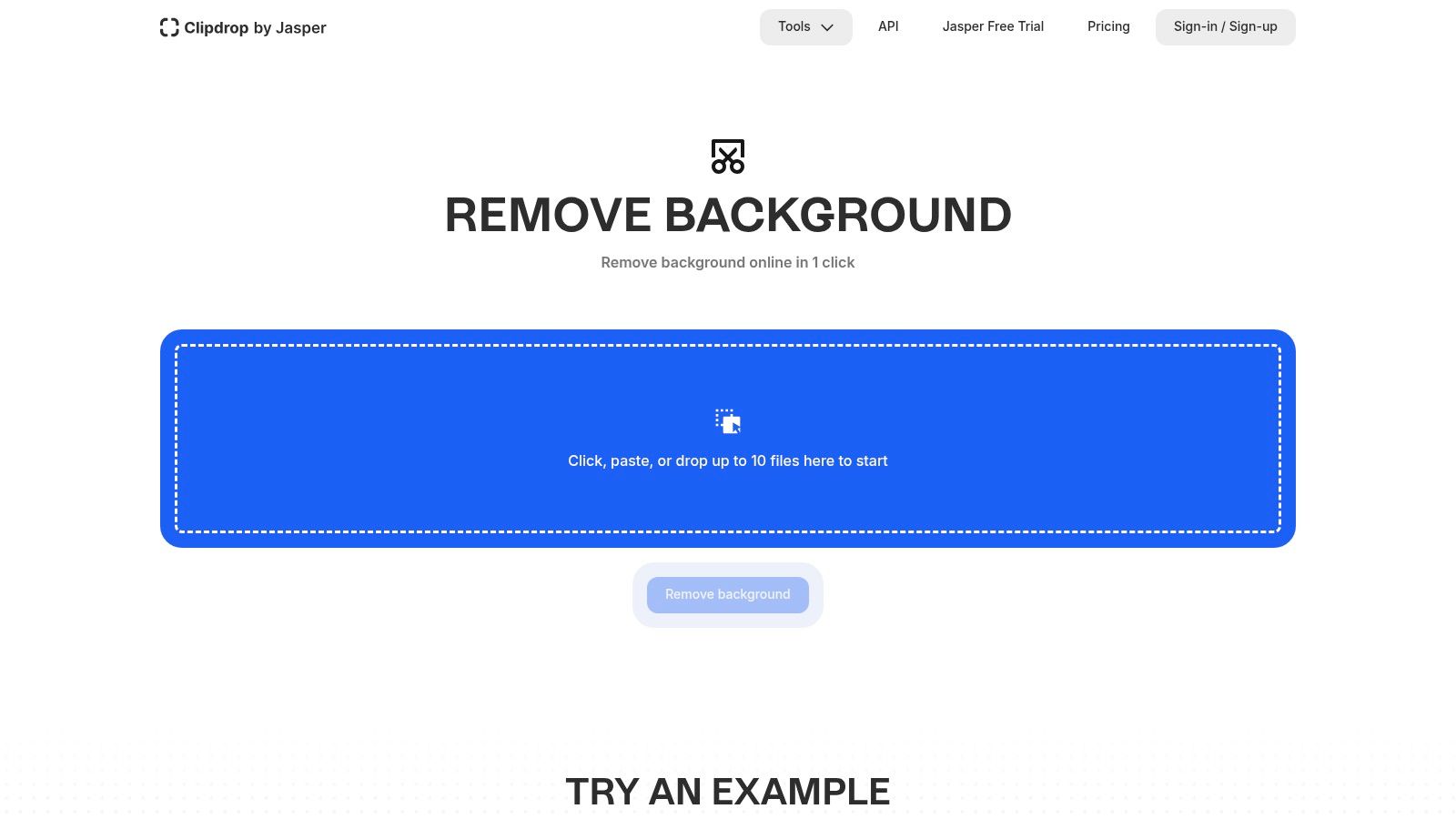
What sets ClipDrop apart is this integrated ecosystem. You can remove a background, then immediately upscale the result or relight the subject without ever leaving the platform. Its developer-friendly API is another major draw, providing programmatic access to the entire suite of tools with usage-based pricing. This makes it an attractive option for developers building sophisticated image-editing applications.
Key Features & Limitations
The free experience on ClipDrop is generous but has clear boundaries. You can process images for free, but high-resolution downloads and access to some of the more advanced tools are reserved for Pro subscribers. The free output resolution is capped at 1024×1024, which is still quite usable for many web applications.
- Free Tier: Unlimited standard-resolution (1024×1024) background removals. Watermarks may apply to some other tools.
- Paid Tier: The Pro subscription unlocks high-resolution outputs (up to 16 megapixels), removes watermarks, and provides priority processing.
- API: Offers a flexible, pay-as-you-go API for integrating the entire toolset into other applications.
Beyond just its free AI background removal, the platform's broader capabilities are impressive. For example, you can see how ClipDrop's enhance feature is used in various creative contexts, showcasing the power of its multi-talented AI engine. For users who envision a workflow that goes beyond simple cutouts, ClipDrop presents a compelling and expandable ecosystem.
Website: https://clipdrop.co/remove-background
6. Photoroom
Photoroom started as a mobile-first powerhouse and has evolved into a comprehensive photo editing suite, excelling at much more than just background removal. It’s particularly beloved by e-commerce sellers and social media marketers for its one-tap efficiency and marketplace-ready templates. The platform doesn't just isolate your subject; it instantly helps you place it in a professionally designed scene, whether for an Amazon listing, an Instagram Story, or a Depop storefront.
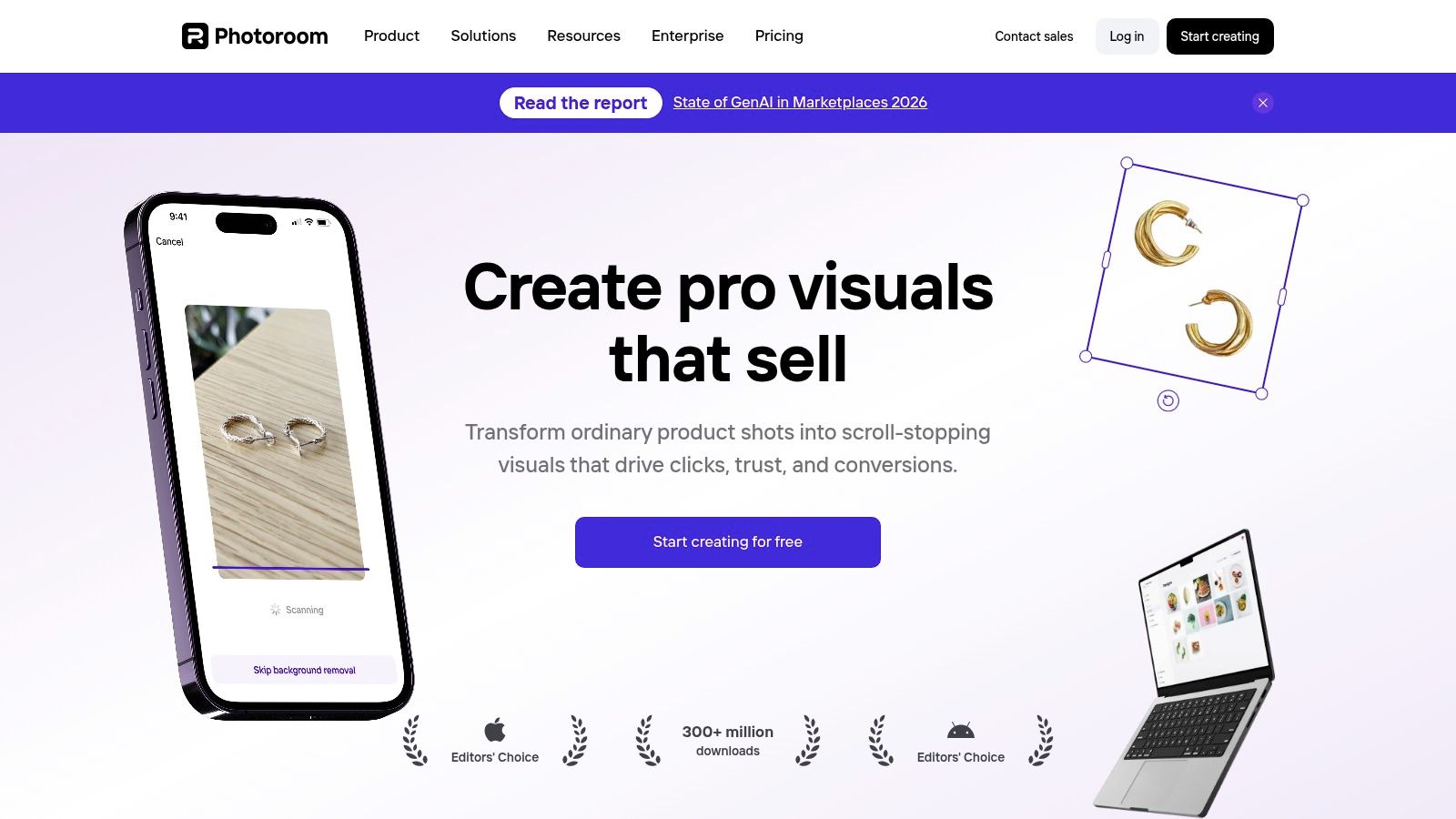
Its biggest differentiator is this focus on the next step. While many tools stop at the cutout, Photoroom's workflow is built around creating a finished, polished asset. This makes it an incredibly fast tool for resellers and small businesses who need to create stunning product shots without a physical studio. Its web app and API extend this power, making it a scalable solution that grows with your business needs.
Key Features & Limitations
The free version of Photoroom is generous, offering core background removal and access to thousands of templates. However, free exports will include a Photoroom watermark. To unlock batch editing, high-resolution exports, and advanced features like "Instant Backgrounds," you'll need to subscribe to a Pro plan.
- Free Tier: Standard-resolution exports with a watermark, access to basic templates.
- Paid Tier: High-resolution, watermark-free exports, batch editor, brand kits, and access to the full API.
- Integrations: A powerful API with clear, per-call pricing that’s great for developers building e-commerce or content creation tools.
Photoroom is the ideal remove background AI free tool for users who need to not only cut out an object but immediately place it into a commercial-ready context. While the free tier is great for casual use, its true potential is unleashed in the Pro and API plans for business applications.
Website: https://www.photoroom.com
7. Pixlr – Remove Background
For those who want a background remover that lives inside a full-fledged photo editor, Pixlr is a familiar name. It’s not just a single-purpose tool; it's a lightweight, browser-based suite that mimics many of Photoshop’s core functions. Its one-click AI background remover is a key feature within this ecosystem, designed for users who need to make a quick cutout and immediately jump into further edits like adding text, filters, or layers.
The platform's main advantage is this integration. You can seamlessly remove a background and then leverage a wide array of other tools without ever leaving the tab. This makes Pixlr a fantastic option for social media managers, bloggers, and students who need a "one-stop-shop" for quick image manipulation without the heavyweight commitment (or cost) of professional software. The interface is intuitive, and since it’s web-based, it’s accessible on nearly any device with a modern browser.
Key Features & Limitations
Pixlr’s remove background AI free tool is generous, but it operates on a freemium model. The free version is fully functional but supported by ads and has certain limitations on saves or access to premium assets. It offers a solid balance of automated AI power with optional manual fine-tuning tools, allowing you to clean up edges on more complex subjects like hair or fur.
- Free Tier: Ad-supported access to the AI background remover and basic editor tools.
- Paid Tier: A premium subscription removes ads, unlocks advanced features, and provides access to a larger library of assets and templates.
- Workflow: Excellent for a "remove-then-edit" workflow, combining the cutout process with a comprehensive set of design tools.
While the AI is surprisingly capable for a free tool, it may require a bit of manual intervention for intricate images. It's the perfect choice for users who value convenience and an integrated editing experience over a dedicated, high-volume background removal API.
Website: https://pixlr.com/remove-background/
8. Fotor – Background Remover
Fotor isn’t just a background remover; it’s a full-fledged creative suite that happens to have a very capable AI tool baked in. Instead of offering a single utility, Fotor positions its background remover as the first step in a larger design workflow. This makes it a fantastic choice for content creators, social media managers, and small business owners who need to remove a background and then immediately start designing an ad, a post, or a product listing without switching tabs.
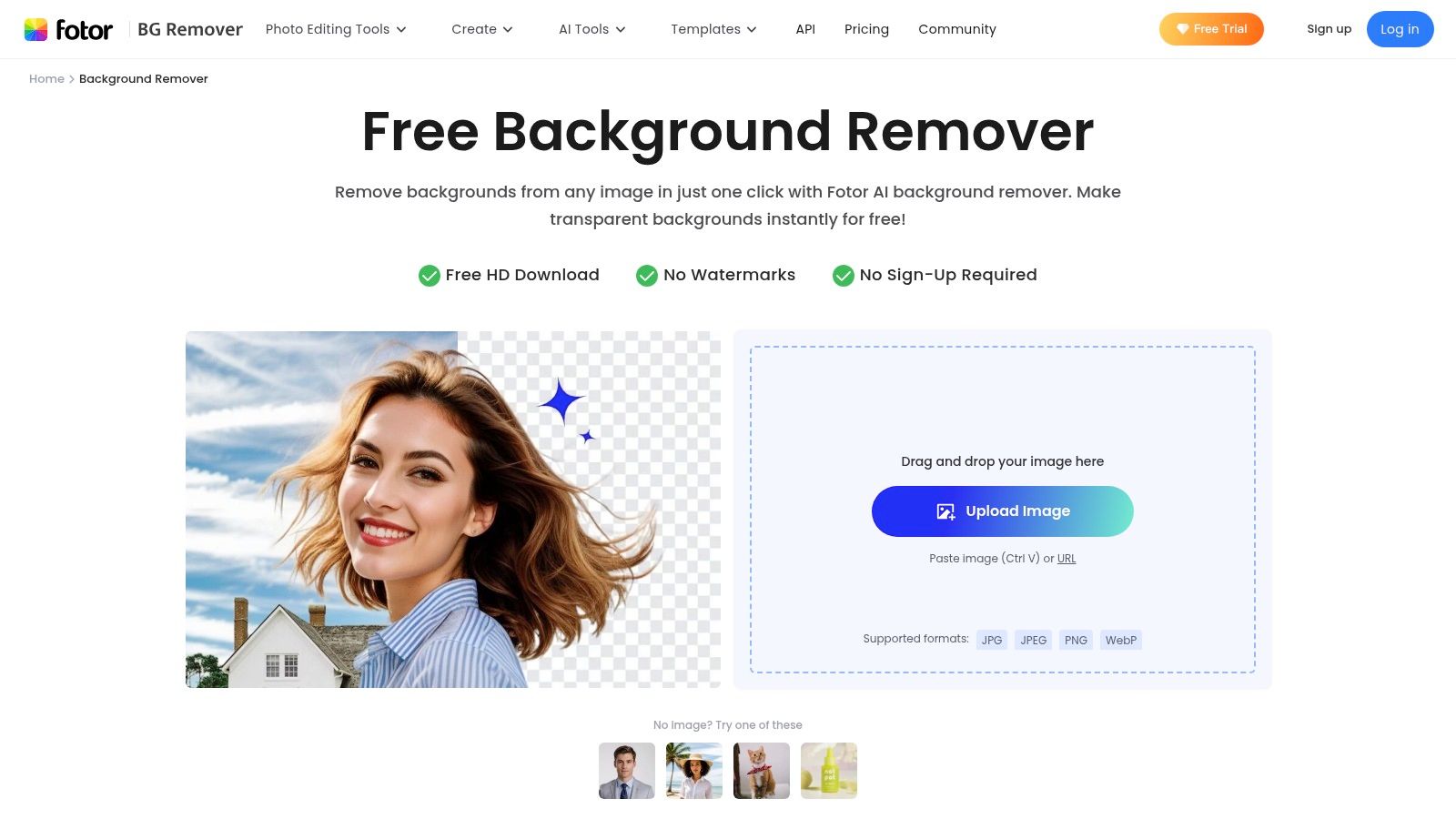
The platform’s strength lies in this seamless integration. You can instantly send your clean-cut image to Fotor’s editor to add text, graphics, or stock assets. While its AI is proficient with people, products, and animals, the true value proposition is the convenience of an all-in-one ecosystem. The onboarding is incredibly simple, making it a great starting point for users who are new to AI editing tools and want a guided experience.
Key Features & Limitations
The free experience on Fotor is a solid preview of the full suite's capabilities. You can process images, but to download them in high-definition or with a transparent background, you'll need to upgrade. The free tier is best for testing the tool's accuracy and exploring the connected editor. For e-commerce sellers, mastering the basics of product cutouts is essential, and you can learn how to remove the background from a product photo to create professional-grade listings.
- Free Tier: Standard-definition downloads with a white or solid-color background.
- Paid Tier: Unlocks HD downloads, transparent PNGs, batch processing, and the full design toolkit. Plans are subscription-based.
- Integrations: Primarily a self-contained ecosystem via web and mobile apps, not focused on API access.
Fotor is ideal for the user who wants a remove background AI free tool as part of a complete design package, rather than a standalone, high-volume processing engine.
Website: https://www.fotor.com/features/background-remover
9. Kapwing – Image Background Remover
Kapwing isn't just a background remover; it’s a full-blown collaborative online creative studio that happens to have a fantastic one built-in. If your workflow involves more than just stripping a background, like adding text, creating a meme, or editing a short video, Kapwing is your playground. It’s designed for creators and teams who need a cutout to be the first step in a larger creative process, not the final product.
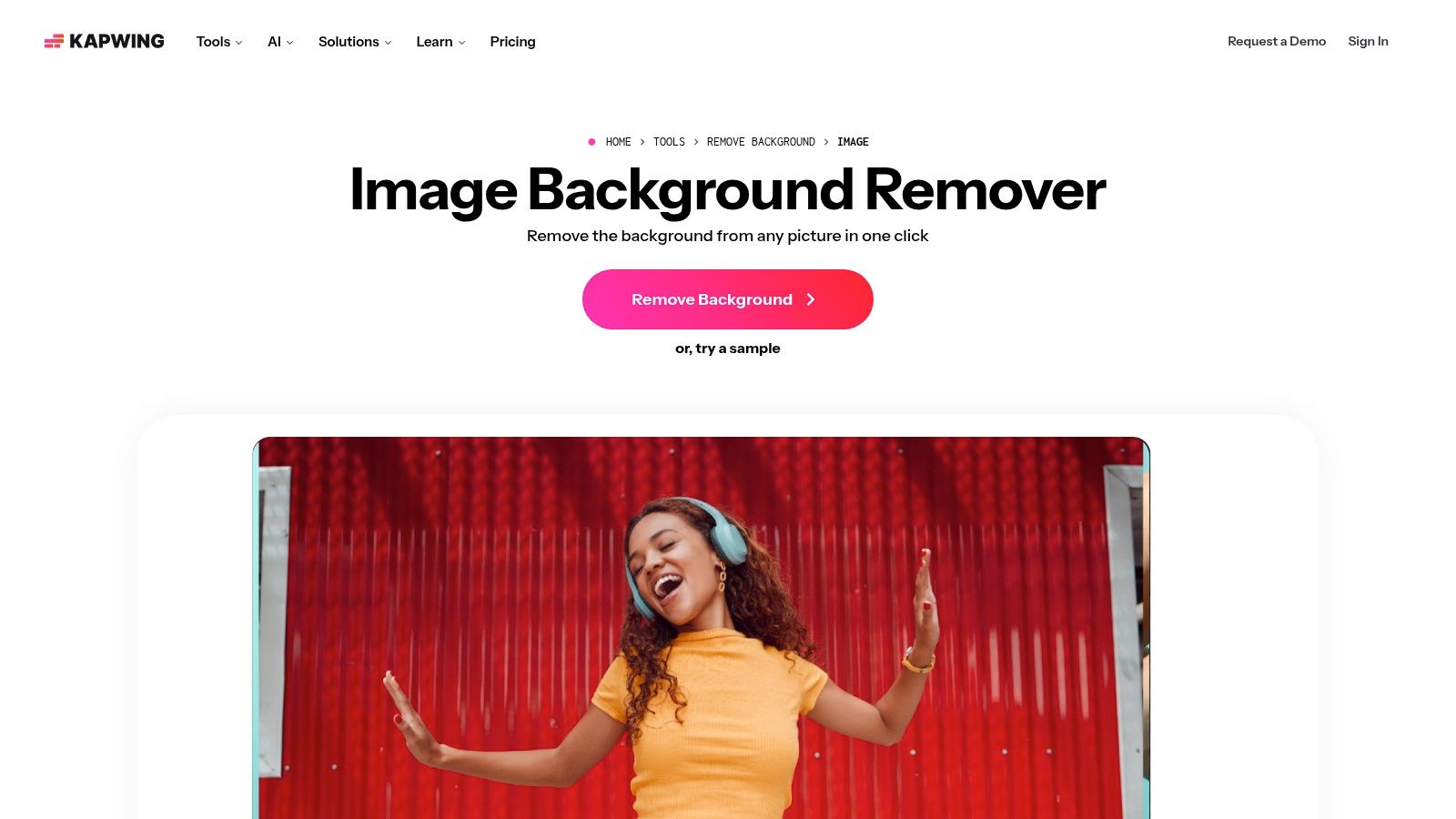
What sets Kapwing apart is its blend of AI automation and manual control. The AI does the heavy lifting instantly, but you can always grab the Eraser or Magic Wand tools to clean up tricky edges or make artistic refinements. This combination makes it a powerful tool for those who want both speed and precision without leaving their browser. It’s a great remove background ai free option for content teams that need a shared workspace to produce visual assets.
Key Features & Limitations
Kapwing’s free tier is incredibly generous, providing access to almost the entire suite of editing tools. The main catch for professional use is the watermark on exported content. While perfect for personal projects or drafting ideas, you’ll need to upgrade for brand-safe, high-resolution outputs.
- Free Tier: Unlimited projects with a watermark on exports. Max export resolution of 720p and file size limits apply.
- Paid Tier: Removes watermarks, unlocks higher resolution exports (up to 4K), and provides access to premium features like Brand Kit and unlimited cloud storage.
- Best For: Social media managers, content creators, and teams who need a comprehensive image and short-form video editor with a reliable background remover.
While it has an API, Kapwing's primary focus is its creator-centric web application. Teams looking for a dedicated, high-volume programmatic solution may find more specialized services a better fit.
Website: https://www.kapwing.com/tools/remove-background/image
10. Icons8 – Background Remover (+ API)
Known primarily for its massive library of icons and illustrations, Icons8 brings its design-centric philosophy to the world of AI background removal. Their tool, BG Remover, is a straightforward, browser-based utility that delivers clean results with a simple drag-and-drop interface. It’s part of a larger ecosystem of creative tools, including an upscaler and photo stock, making it a convenient one-stop shop for creators already using other Icons8 services.
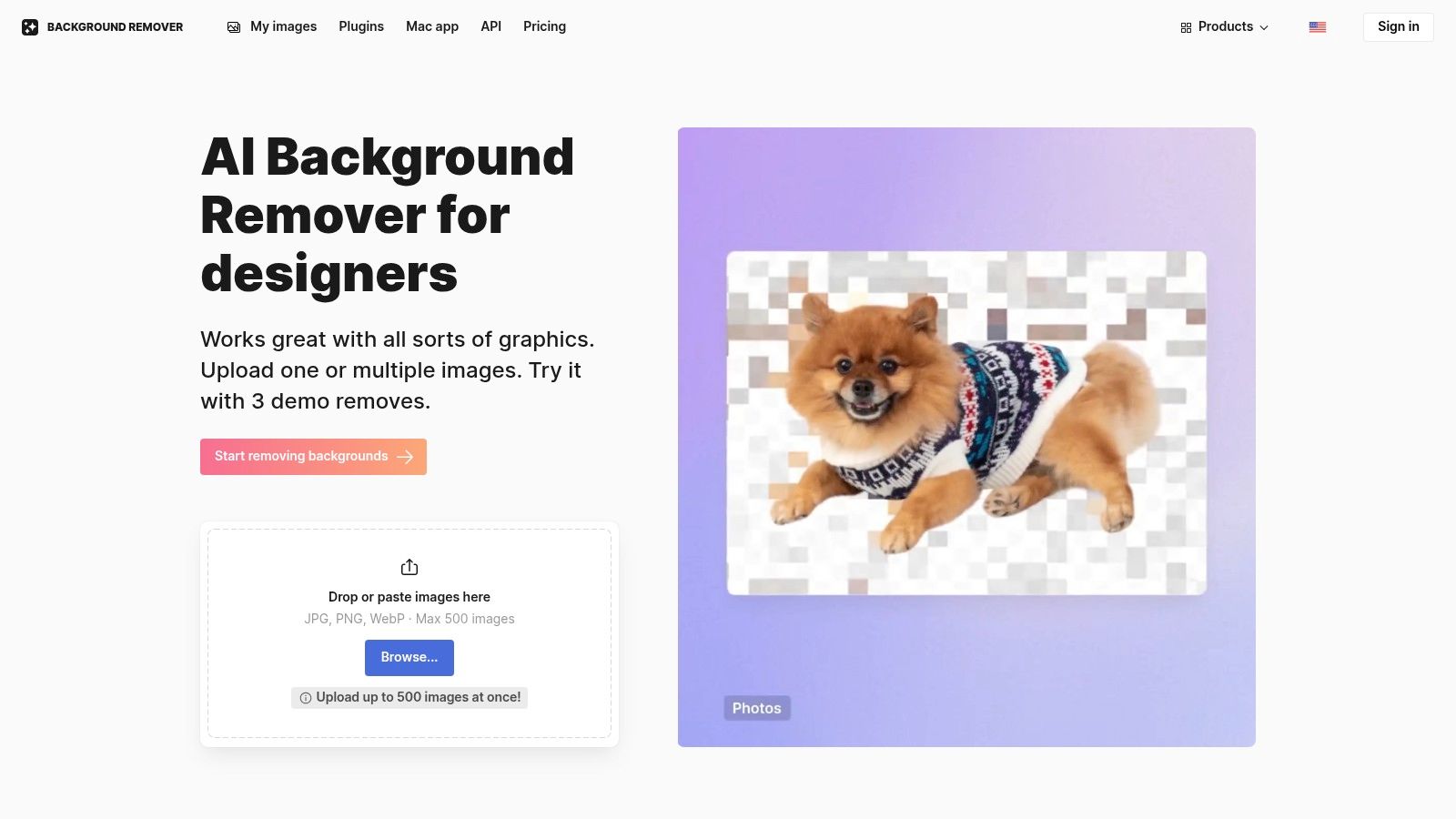
What sets Icons8 apart is its exceptionally flexible pricing. While many competitors lock you into a monthly subscription, Icons8 offers prepaid, per-image credits alongside traditional plans. This pay-as-you-go model is perfect for users with sporadic or unpredictable needs. For developers and businesses, the tool also offers a well-documented API, allowing for programmatic integration to remove background ai free from images within custom applications.
Key Features & Limitations
The free offering from Icons8 is more of a trial than a long-term solution, providing just a few free image credits to test the service. However, its strength lies in the paid tiers, which provide high-resolution outputs and API access, making it a solid choice for those who appreciate its flexible purchasing options and integration into a broader creative toolkit.
- Free Tier: A limited number of free high-resolution downloads to test the platform.
- Paid Tier: Flexible options including prepaid per-image credits, limited monthly subscriptions, and a higher-priced unlimited plan. Paid plans include API access and batch processing.
- Integrations: Part of the Icons8 suite of tools and includes API access for developers.
While the free plan is restrictive, the ability to buy a small batch of credits without a recurring subscription is a major plus for project-based work.
Website: https://icons8.com/bgremover
11. Media.io (Wondershare) – AI Background Remover
Wondershare is a well-known name in the creative software space, and Media.io is their all-in-one online toolkit for creative AI tasks. Its background remover is a key part of this suite, offering a simple, one-click solution that feels familiar and reliable. The tool is designed for users who need more than just a cutout; it’s an entry point into a broader ecosystem of video, audio, and image editing utilities, making it a convenient hub for multifaceted projects.
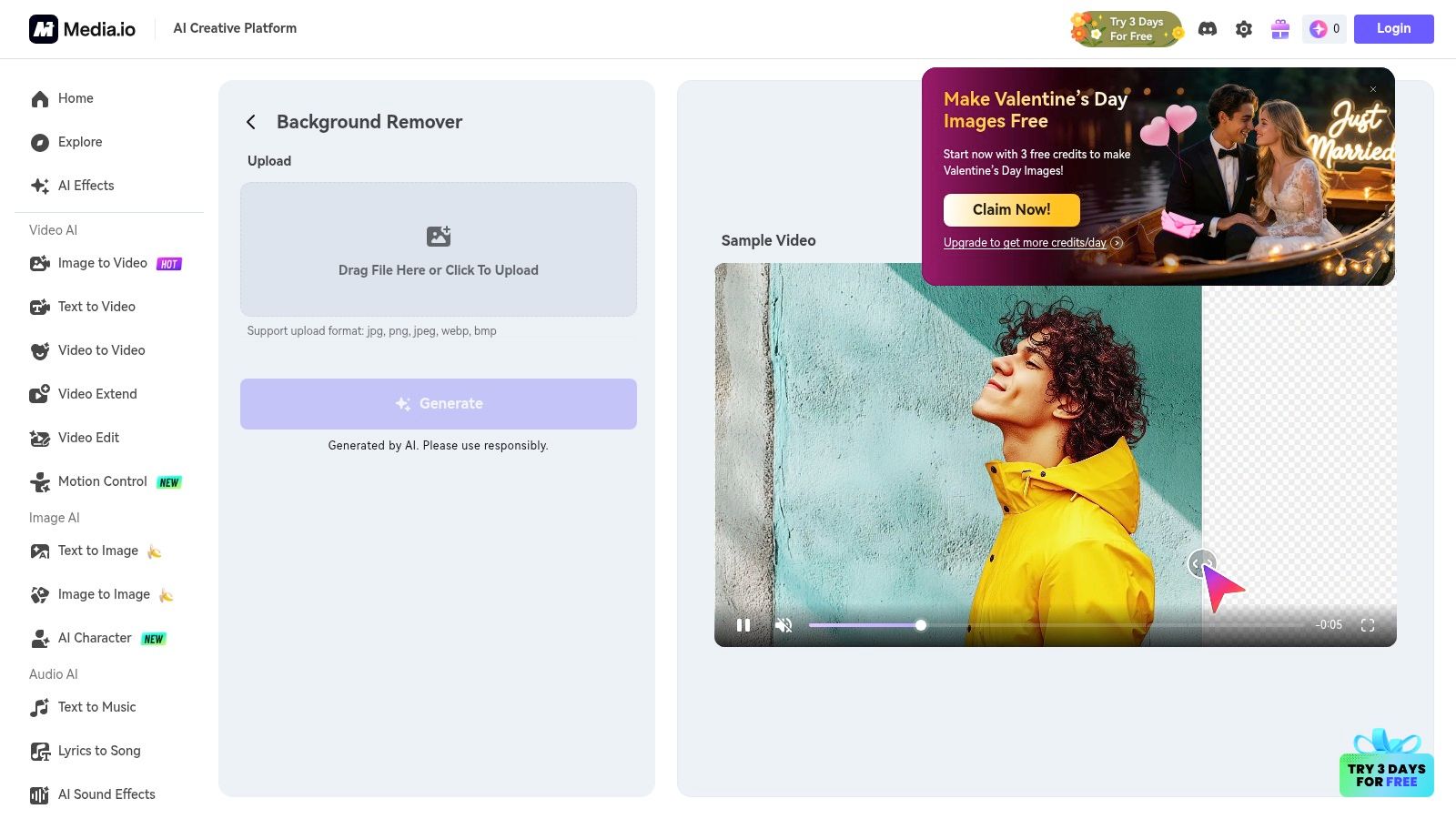
What sets Media.io apart is its positioning as a creative Swiss Army knife. You can remove a background, then immediately jump to resizing the image, enhancing its quality, or even using it in a video project, all within the same browser tab. This integrated workflow is a huge time-saver for content creators who are constantly juggling different tools to get a single asset ready for publishing. The platform provides a solid remove background ai free experience to get you started.
Key Features & Limitations
The free offering gives you a taste of the full suite's capabilities. You can process images and get a feel for the AI's accuracy, but be prepared for limitations designed to encourage an upgrade. The free exports may come with a watermark or be capped at a lower resolution, which is typical for bundled platforms that sell the value of the entire toolkit.
- Free Tier: Limited free uses with potential watermarks or resolution caps on downloads.
- Paid Tier: Subscription plans unlock unlimited high-resolution, watermark-free exports, batch processing, and access to the full suite of Media.io tools.
- Integrations: Primarily a self-contained web application; not built for API or direct software integration.
Media.io is an excellent choice for marketers and creators who want a single, reliable platform for various quick-edit tasks. However, developers or businesses needing automated, high-volume processing will find it restrictive compared to API-first services.
Website: https://www.media.io/ai/ai-tools/bg-remover
12. rembg (open-source library/CLI/HTTP server)
For developers and tech-savvy users who want to break free from web UIs and subscription fees, rembg is the ultimate power tool. This isn't a website you visit; it's a free, open-source Python library you run locally. It lets you build your own background removal service that runs on your hardware, giving you complete control, privacy, and unlimited processing without ever paying a per-image fee. It's the go-to choice for building automated, high-volume image processing pipelines.
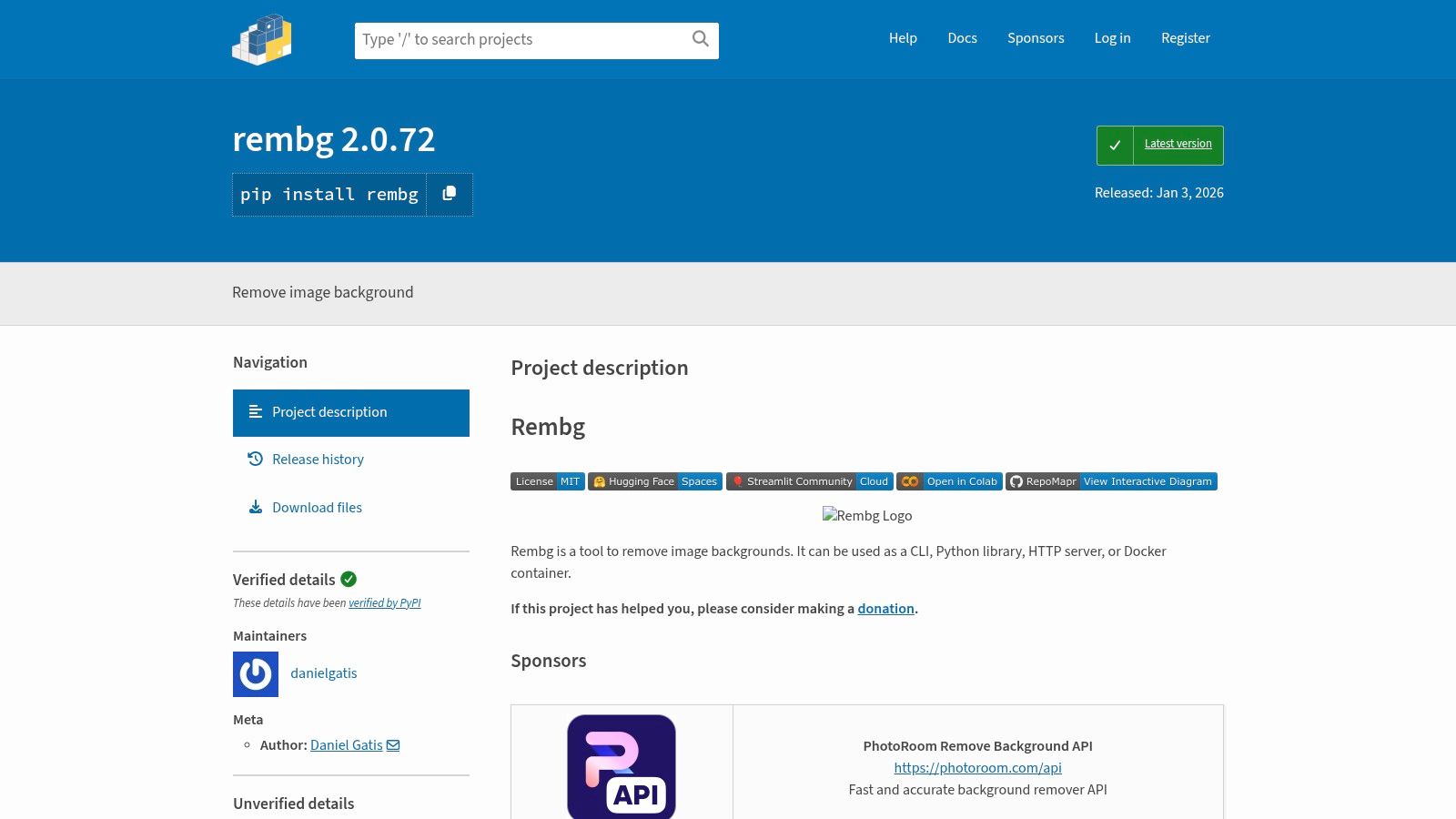
The real magic of rembg is its flexibility. You can use it as a simple command-line tool for batch processing folders of images, import it into your Python scripts for custom workflows, or run it as a standalone HTTP server that acts as a private API. This makes it a fantastic self-hosted remove background ai free solution, perfect for developers looking to avoid vendor lock-in and unpredictable costs.
Key Features & Limitations
Because rembg is an open-source library, its only cost is the hardware you run it on and the time spent on setup. It’s built on powerful AI models like U2-Net and IS-Net, and you can choose the best one for your needs, whether you're processing photos of people, products, or even anime characters. The tradeoff for this power is the initial technical hurdle.
- Free Tier: Completely free (MIT license) for unlimited use. You only pay for your own compute resources.
- Paid Tier: None. There are no paid versions or hidden costs.
- Integrations: Can be integrated into any Python application, script, or workflow. Runs via CLI, Docker, or as a local HTTP server.
While it offers unparalleled freedom, rembg requires a comfortable knowledge of Python, the command line, or Docker. Performance is entirely dependent on your hardware; a powerful GPU will yield faster results. It’s an excellent choice for projects where cost-effectiveness and control are more important than plug-and-play simplicity.
Website: https://pypi.org/project/rembg/
12 Free AI Background Removers — Comparison
| Product | ✨ Core / Unique Features | ★ Quality / UX | 💰 Pricing & Value | 👥 Target Audience |
|---|---|---|---|---|
| 🏆 PixelPanda | ✨ Background removal, 4x upscaling, face enh., smart inpainting, text→image, UGC video, batch API | ★★★★★ — studio‑quality, fast (15–20s img) | 💰 Credit tiers (Starter/Growth/Pro), 100‑credit free trial | 👥 E‑commerce & marketing teams, developers |
| remove.bg (by Canva) | ✨ One‑click cutouts, apps, plugin, API (up to 50MP) | ★★★★☆ — reliable, consistent | 💰 Credits/subscriptions; free low‑res previews | 👥 Designers, devs needing fast cutouts |
| Adobe Express – Background Remover | ✨ One‑click remover + templates, brand kit, cloud sync | ★★★★ — trusted UX, integrated editor | 💰 Free plan; Premium for advanced assets | 👥 Marketers & creatives in Adobe ecosystem |
| Canva – Background Remover | ✨ One‑click in editor, templates & PNG export | ★★★★ — very easy for non‑designers | 💰 One free high‑res; Pro for ongoing use | 👥 Non‑designers, social creators |
| ClipDrop (by Stability AI) | ✨ Remove + cleanup, relight, uncrop, upscaler, API | ★★★★☆ — high‑quality, rapid | 💰 Pro for hi‑res; usage‑based API | 👥 Developers & power users |
| Photoroom | ✨ Mobile‑first remove/replace, marketplace templates, API | ★★★★ — fast mobile results | 💰 Free/paid tiers; batch on higher plans | 👥 E‑commerce sellers, mobile creators |
| Pixlr – Remove Background | ✨ One‑click remover with manual fine‑tuning (browser) | ★★★★ — lightweight, quick | 💰 Free w/ads; Premium to remove ads/unlock extras | 👥 Casual creators & quick editors |
| Fotor – Background Remover | ✨ Remover + design toolkit, batch on paid plans | ★★★ — easy onboarding, integrated tools | 💰 Subscription/credits for HD/batch | 👥 Creators wanting editing + design |
| Kapwing – Image Background Remover | ✨ AI remove + Eraser/Magic Wand, team workspaces | ★★★★ — collaborative, manual controls | 💰 Free start; paid for watermark‑free exports | 👥 Teams & short‑form video creators |
| Icons8 – Background Remover (+ API) | ✨ Batch support, API, flexible pricing (per‑image/unlimited) | ★★★ — simple, part of creative suite | 💰 Prepaid/per‑image/unlimited options | 👥 Small teams & heavy users |
| Media.io (Wondershare) | ✨ One‑click PNG remover, part of multimedia AI suite | ★★★ — easy web app, bundled tools | 💰 Free trial; bundled subscriptions for full access | 👥 Users needing audio/video/image tools |
| rembg (open‑source) | ✨ Local CLI/SDK/Docker, multiple U^2‑Net/ISNet models | ★★★★ — scriptable, offline control (infra‑dependent) | 💰 Free (MIT); requires self‑hosted infra | 👥 Developers & teams wanting self‑hosted automation |
From Freebies to Enterprise: Choosing Your Perfect Cutout Companion
And there you have it, the grand tour of the digital scissors drawer. We’ve journeyed from one-click web wonders to powerful open-source libraries, proving that finding a remove background AI free solution isn’t just possible, it’s an adventure with a dozen different paths. The age of painstaking manual selections in Photoshop for every single product shot is officially over. Raise a glass to our new AI overlords, who thankfully seem more interested in isolating subjects than taking over the world.
The key takeaway? The “best” free tool is less about a single champion and more about finding your perfect match, like a digital dating show for your image assets. For quick, one-off tasks, web-based tools like Adobe Express or remove.bg are your speedy, no-strings-attached flings. For content creators juggling social media posts and YouTube thumbnails, integrated ecosystems like Canva or Photoroom become your reliable partners, offering a suite of creative tools alongside their background removal features.
But for developers, engineers, and product teams, the calculus changes entirely. This is where the real magic, and the real headaches, can begin.
From Casual User to Power Builder: The Decision Matrix
Moving from a simple remove background AI free tool to a scalable, API-powered solution is a major decision. It impacts performance, automation, cost control, and growth. Before you commit, you need to ask the hard questions.
-
What’s Your Volume? Are you processing ten images a week for a blog or ten thousand a day for an e-commerce marketplace? Free tiers have hard caps, and hitting them mid-workflow is a recipe for disaster. Be brutally honest about your scaling needs. An API-first solution is built for this kind of high-volume demand.
-
How Critical is Quality and Consistency? While the free tools we’ve explored are shockingly good, they can sometimes stumble on tricky subjects like fine hair, wispy fabrics, or complex shadows. For brand-critical assets, especially in fashion or furniture, you need unparalleled precision and consistency. A specialized, enterprise-grade API will almost always deliver superior, more predictable results.
-
Do You Need More Than Just a Cutout? Your workflow might not stop at background removal. Do you need smart cropping, color correction, or generative AI backgrounds? Bundling these services through a single, robust API is far more efficient than stringing together multiple free tools and services. Think about your entire image processing pipeline, not just one step.
-
What’s Your Tolerance for Downtime and Lack of Support? When you use a remove background ai free tool, you’re often on your own. If the service goes down or an update breaks your workflow, there’s no one to call. For a business, this is an unacceptable risk. A paid, commercial solution provides SLAs (Service Level Agreements), dedicated support, and the peace of mind that comes with a reliable partner.
The open-source path with rembg offers ultimate control but demands the most from your team in terms of setup, maintenance, and server management. It’s a powerful option but not a “free lunch.” The time and expertise required are real costs to consider.
So, as you step back and survey your creative or technical landscape, view these free tools for what they are: fantastic entry points, excellent resources for smaller projects, and a testament to how far AI has come. They let you experiment, build prototypes, and handle immediate needs without opening your wallet. But when you’re ready to build something scalable, reliable, and professional, it’s time to graduate from the freebies and invest in a tool built for the big leagues.
Ready to skip the limitations and build with an API designed for serious scale and flawless quality?
PixelPanda offers a developer-first platform with industry-leading accuracy, lightning-fast processing, and transparent, predictable pricing. Integrate our robust API in minutes and see why top e-commerce and creative platforms trust PixelPanda to power their visual workflows.