Remember when version control felt like a revolution? Or when containerization went from a niche concept to the industry standard? AI is the next seismic shift in software development, moving far beyond just suggesting the next line of code. It's rapidly becoming an active partner in the entire dev cycle, automating tedious tasks, debugging complex systems, and even generating entire features from a simple prompt.
But with a new AI wrapper or API launching seemingly every week, separating the game-changers from the gimmicks has become a full-time job. This guide cuts through that noise. We've gone hands-on to curate and review the best AI tools for developers, diving deep into the practical use cases, honest limitations, and specific problems each one solves. To grasp the full potential, it's essential to understand the broader landscape of how to boost your software with AI for code.
This isn't just another list. We provide screenshots, direct links, and actionable integration tips for every tool. We’ll explore everything from powerful coding assistants and massive model hubs like Hugging Face to specialized image-processing APIs like PixelPanda, perfect for e-commerce and high-volume visual workflows. Whether you're a solo developer building a side project or an engineering lead scaling an enterprise application, you'll find the platforms and services here that will genuinely save you time, enhance your creativity, and redefine your workflow. Let's plug in.
1. PixelPanda
PixelPanda stands out as a formidable all-in-one visual AI platform, consolidating what would typically require a handful of disparate tools into one cohesive, developer-centric ecosystem. It expertly bridges the gap between high-end creative generation and practical, scalable image processing, making it one of the best AI tools for developers working on eCommerce, marketing automation, or any application involving high-volume visual workflows.
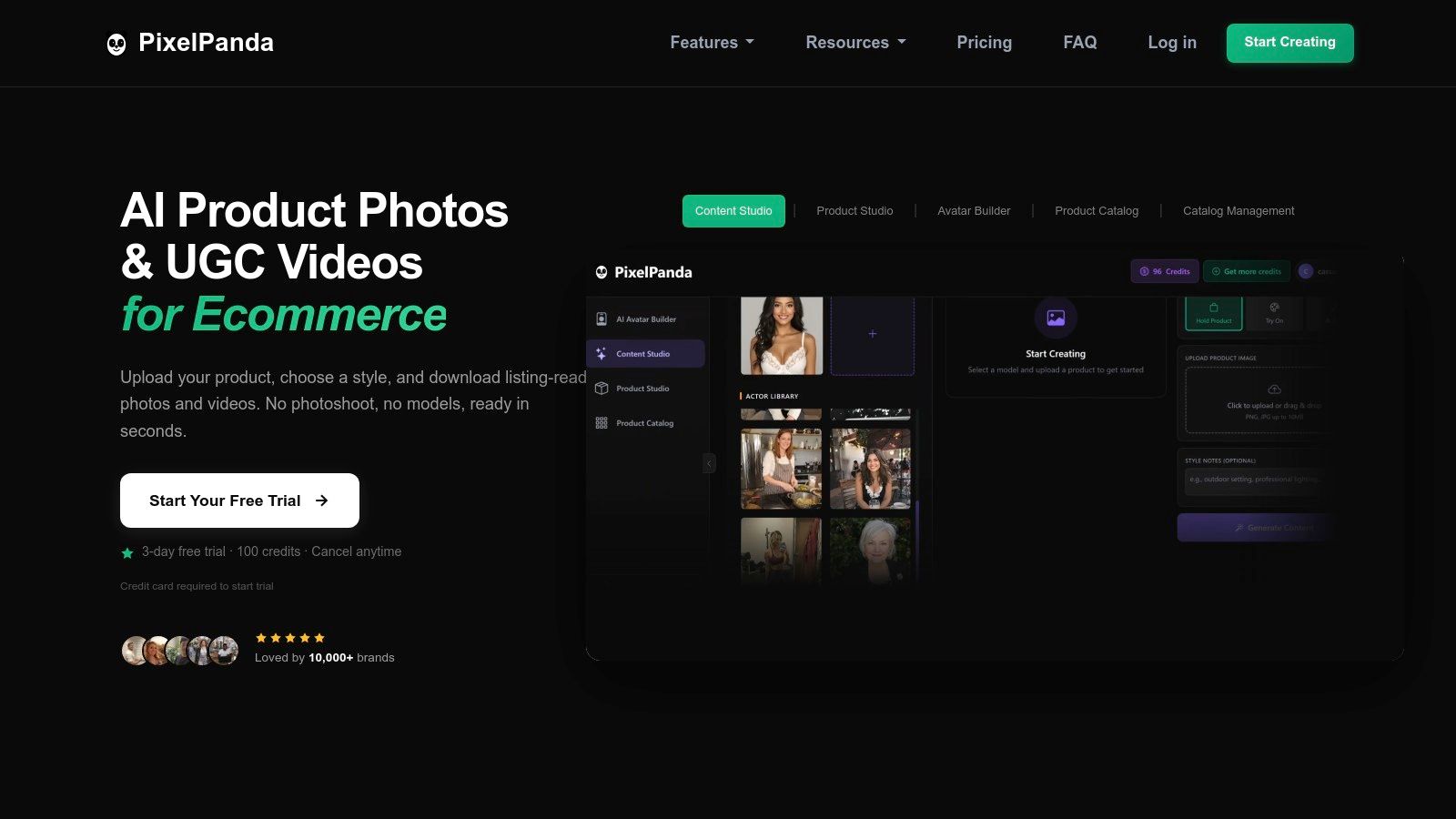
Unlike single-purpose APIs, PixelPanda delivers a full suite of studio-grade enhancements and generative capabilities through a clean REST API. This empowers developers to automate everything from background removal with precise hair-and-fur edge detection to creating entirely new, on-brand product photoshoots without a physical camera.
Key Features & Use Cases
- Comprehensive Enhancement Suite: Go beyond basic edits with tools like smart inpainting (object/text removal), 4x upscalinghttps://pixelpanda.ai/free-tools/enhance-photo”>upscaling, and depth-aware enhancement for professional-grade results.
- Creative Generation Engine: Generate product-holding images with custom models, transfer brand styles onto new visuals, or even create UGC-style "talking head" videos in over 35 languages for dynamic social media campaigns.
- Developer-First Integration: The platform is built for automation. With robust SDKs, comprehensive API documentation, and batch processing capabilities, you can easily integrate PixelPanda into existing CI/CD pipelines, web apps, or backend services. Learn more about the PixelPanda developer platform to see how you can connect your catalog or build a custom workflow.
Pricing & Practical Considerations
PixelPanda operates on a credit-based system, with a free trial offering 100 credits to test its full capabilities. Paid plans are competitively priced, starting at approximately $19/month (billed annually) and scaling up to Pro and Enterprise tiers. A significant benefit is that unused credits roll over monthly, preventing waste.
Our Take: PixelPanda is a powerful choice for teams looking to eliminate costly photoshoots and manual Photoshop work. The platform's ability to generate both static images and dynamic videos from a single API call significantly reduces tool sprawl and accelerates time-to-market for visual assets.
Website: https://pixelpanda.ai
2. GitHub Marketplace
Think of GitHub Marketplace not just as an app store, but as a command center for supercharging your development workflow. While GitHub Copilot brought AI pair programming to the masses, the Marketplace is where you go to give it superpowers. It’s a curated hub for AI integrations, Copilot extensions, and multi-agent frameworks that plug directly into the environment where your code already lives. This native integration is its killer feature, making it one of the best AI tools for developers who want to avoid context-switching.
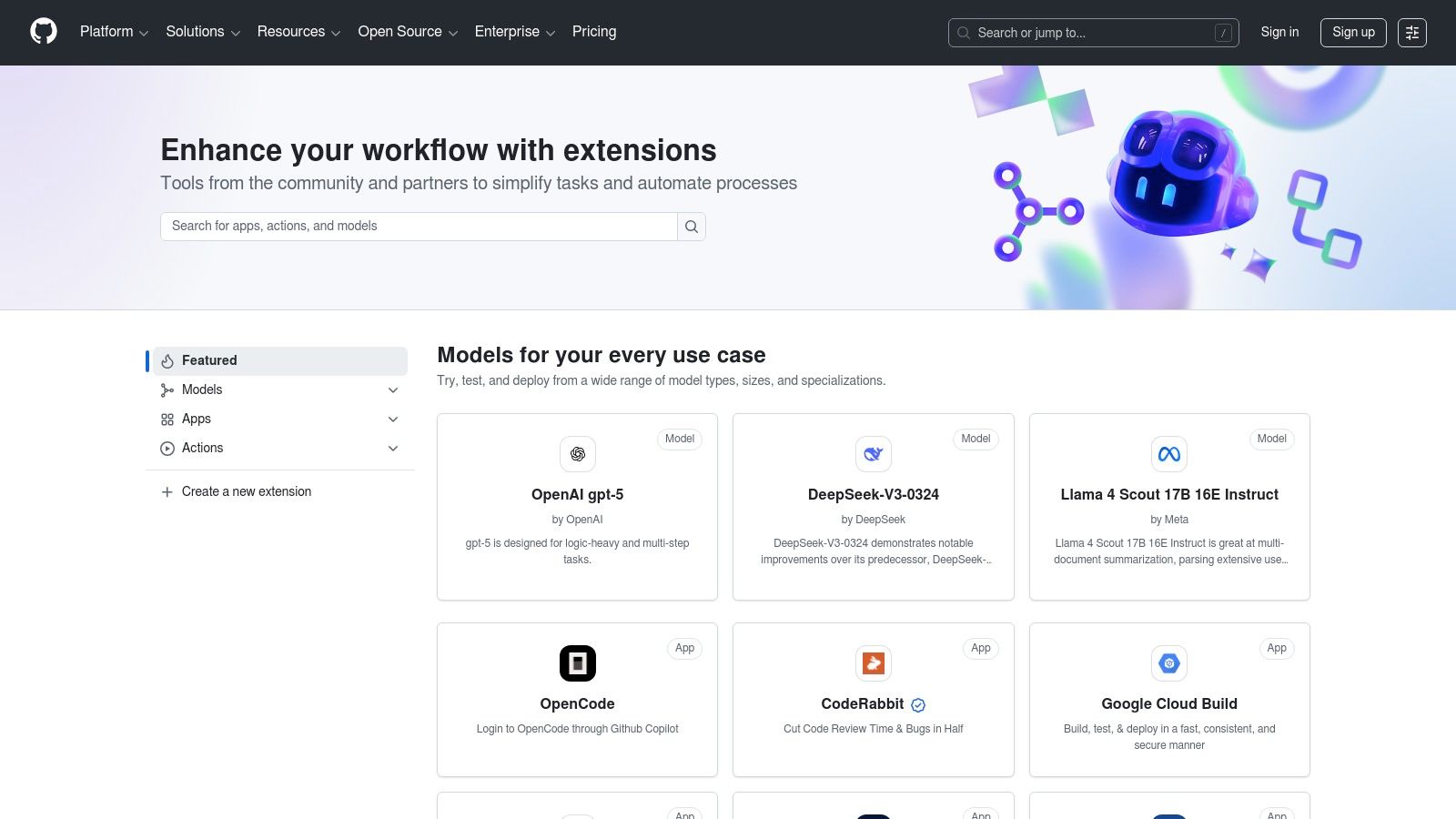
You can find, install, and manage tools that automate everything from generating unit tests to connecting your codebase with external services like a project management tool or a specialized API. The user experience is seamless, leveraging the familiar GitHub interface for discovery and installation. This tight ecosystem approach is a significant advantage, ensuring tools work across GitHub.com, VS Code, and other supported IDEs without a complicated setup.
Key Features & Use Cases
- Copilot Extensions: Augment Copilot’s capabilities by connecting it to third-party tools. For instance, an extension could let Copilot pull real-time data from a database or use a specialized visual AI service.
- Agent HQ: This is GitHub’s hub for multi-agent coding, where you can find and deploy autonomous agents to handle complex coding tasks, review pull requests, or even manage project infrastructure.
- Verified Publishers: GitHub’s verification process adds a layer of trust, so you know you're installing a tool from a legitimate source.
- Deep Workflow Integration: Tools aren't just add-ons; they weave directly into your pull requests, code reviews, and IDE, making AI a natural part of your process. You could even find tools that integrate with powerful image processing platforms, similar to how you can build custom AI integrations for your own stack.
Website: https://github.com/marketplace
3. AWS Marketplace
For teams already living and breathing in the Amazon Web Services ecosystem, the AWS Marketplace is less of a store and more of an AI arsenal on demand. It’s a curated digital catalog where you can find, buy, and immediately deploy third-party software, data, and AI/ML models directly into your AWS environment. This isn’t just about discovering new tools; it's about eliminating procurement headaches and deployment friction, making it one of the best AI tools for developers in enterprise settings.
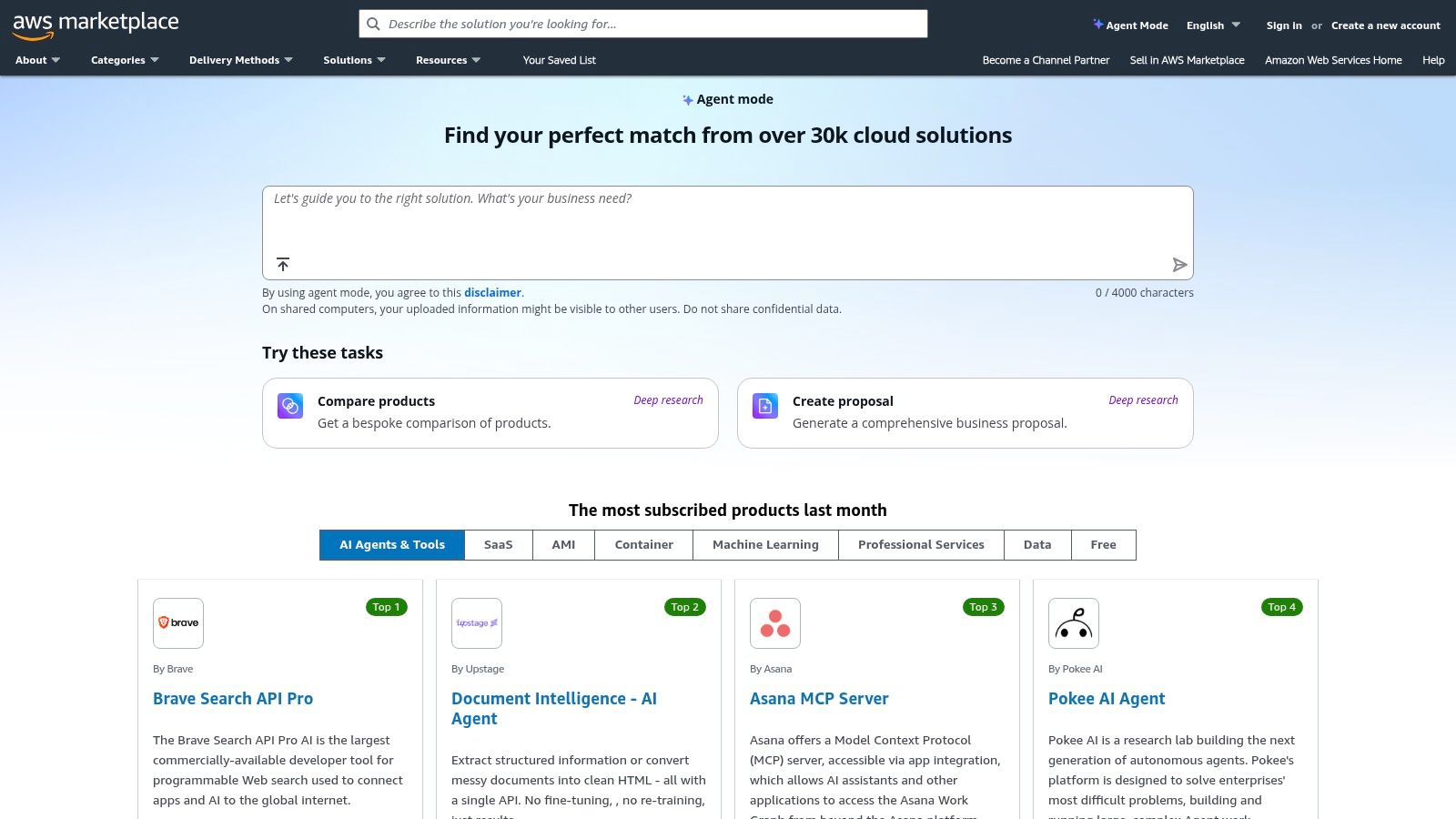
The core value proposition is seamless integration and consolidated billing. Instead of swiping a credit card for ten different SaaS tools, you can subscribe to everything from powerful vector databases to specialized MLOps platforms, and have it all appear on your single AWS bill. The user experience is built for engineers and IT managers, focusing on quick deployment via AMIs or containers and compliance with enterprise procurement workflows. This makes it an incredibly powerful, if sometimes corporate-feeling, hub for scaling your AI stack without the logistical nightmares.
Key Features & Use Cases
- One-Click Deployment: Find a model or tool and deploy it directly to your AWS account, often via CloudFormation templates, AMIs, or SaaS subscriptions, dramatically cutting down setup time.
- Consolidated Billing: All your Marketplace purchases are rolled into your existing AWS bill, simplifying budget management and expense tracking for finance departments.
- Enterprise Procurement Ready: The platform supports private offers, custom contracts, and enterprise agreements, making it easy to get tools approved by procurement.
- Broad AI/ML Catalog: Discover a vast range of solutions, including foundational models from providers like Anthropic and AI21 Labs, developer tools, and data labeling services.
Website: https://aws.amazon.com/marketplace
4. Microsoft Azure Marketplace
For development teams already embedded in the Microsoft ecosystem, the Azure Marketplace is less of a store and more of an armory. It’s the central hub for deploying AI services, machine learning models, and MLOps tooling that clicks directly into your existing Azure infrastructure. This isn't just about finding another API; it’s about leveraging Azure's robust governance, security, and billing systems to manage AI tools at an enterprise scale. The native integration is its superpower, making it one of the best AI tools for developers who need to maintain strict compliance and operational control.
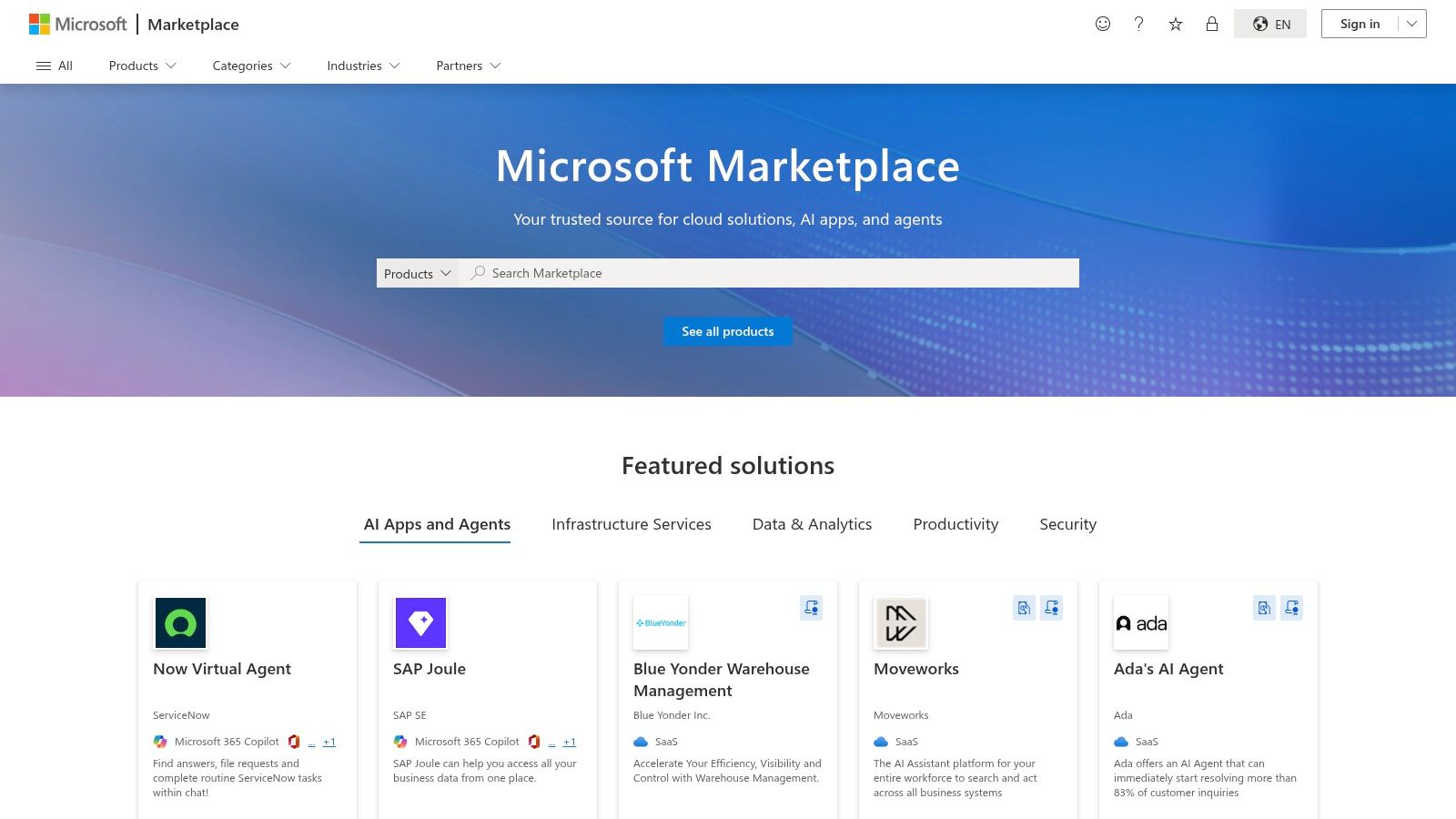
You can deploy pre-configured GPU virtual machine images, access foundational models from Azure AI services, or find partner-developed solutions with one-click deployment. The experience is designed for ops-heavy environments, where role-based access control (RBAC) and unified billing are non-negotiable. While the catalog can be dense, its strength lies in providing a secure, governed, and scalable foundation for building and deploying AI-powered applications without leaving your cloud environment.
Key Features & Use Cases
- Vast AI + Machine Learning Category: The marketplace is deeply categorized, offering everything from cognitive services and MLOps platforms to specialized vector databases and data labeling tools.
- One-Click Deployment: Drastically simplifies infrastructure setup by allowing you to deploy complex solutions, like GPU-accelerated VMs or entire ML pipelines, directly to your Azure resources.
- Integrated Governance and Security: Tools inherit your existing Azure policies, single sign-on (SSO), and RBAC, ensuring that AI components meet enterprise security standards from day one.
- Partner and First-Party Solutions: The catalog contains a mix of Microsoft’s own powerful services (like Azure AI) and a wide array of third-party solutions, giving you flexibility in your toolchain.
Website: https://azuremarketplace.microsoft.com
5. Google Cloud Marketplace
If you're already living within the Google Cloud ecosystem, the Google Cloud Marketplace is less of a store and more of an AI arsenal waiting to be unlocked. This isn't just a place to find VMs; it's a direct pipeline to state-of-the-art AI models, partner-built agents, and ML solutions that plug straight into Vertex AI and your existing GCP projects. Its main advantage is the sheer convenience and tight integration for teams already committed to Google Cloud, making it one of the best AI tools for developers looking to consolidate their stack.
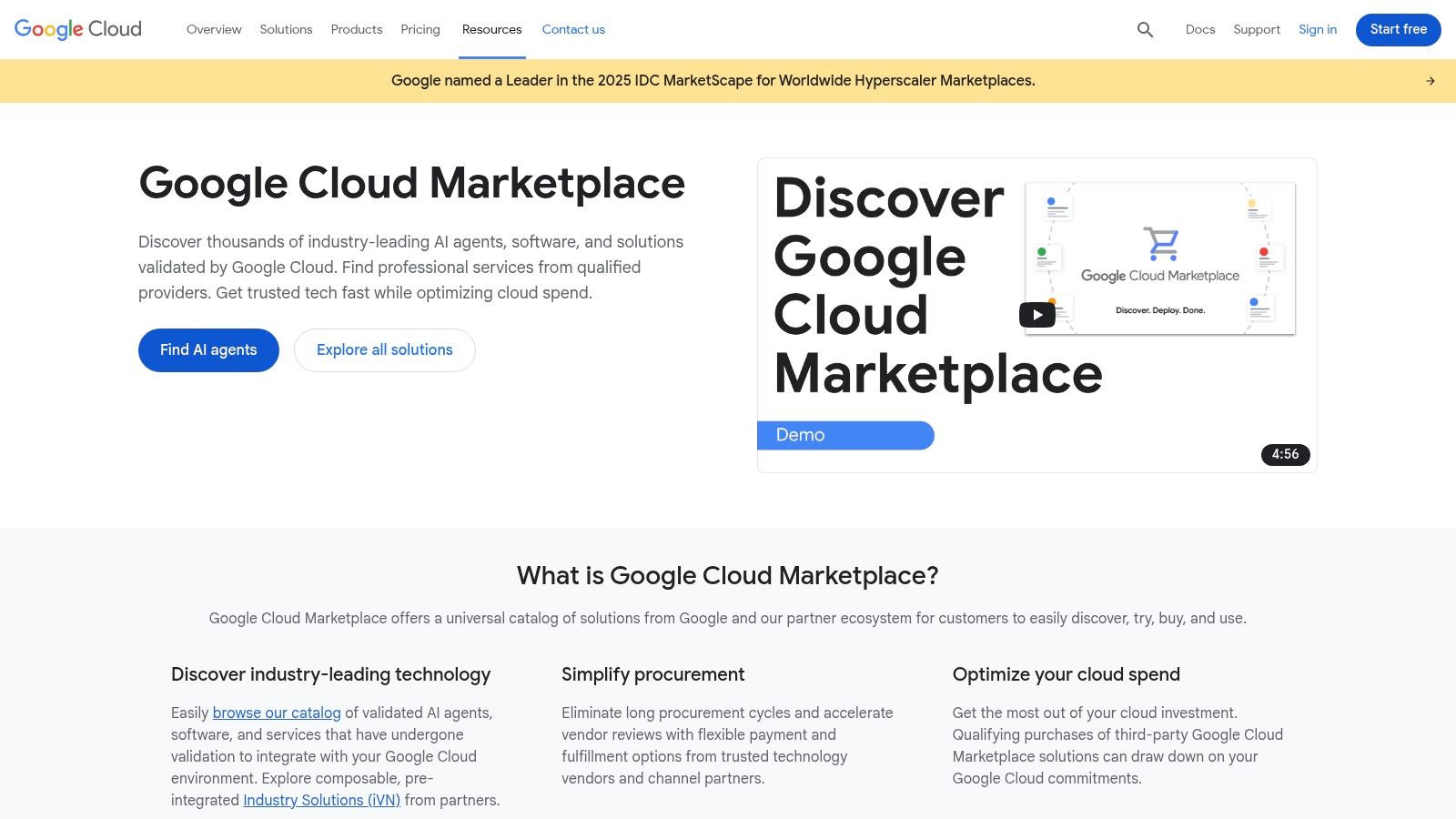
The platform streamlines procurement and deployment, allowing you to enable a model from its product page and have it immediately available in your Vertex AI Model Garden. User experience is built around the familiar GCP console, with unified billing and IAM controls that your DevOps team will appreciate. This removes the friction of managing separate vendor contracts and security policies, letting you focus on building rather than on procurement hurdles.
Key Features & Use Cases
- One-Click Model Enablement: Discover and deploy foundation models like Gemini or specialized third-party models directly into Vertex AI with minimal setup.
- Partner Agent Listings: Find and procure pre-built AI agents for specific tasks, complete with standardized Agent Cards and A2A (agent-to-agent) protocols for easy integration.
- IAM-Aware Access Controls: Manage permissions for AI models and agents using your existing Google Cloud IAM policies, ensuring consistent security and governance.
- Consolidated Billing: All marketplace purchases are integrated into your existing Google Cloud bill, which is a huge plus for organizations with committed spend.
Website: https://cloud.google.com/marketplace
6. Hugging Face Hub
If GitHub is where code lives, Hugging Face Hub is where AI models go to hang out, party, and get discovered. It’s less of a tool and more of a sprawling, vibrant city square for the open-source AI community. For developers, it's an indispensable resource for finding, testing, and deploying pre-trained models for nearly any task imaginable, from natural language processing to computer vision. This makes it one of the best AI tools for developers who want to stand on the shoulders of giants instead of training models from scratch.
The platform is built around discoverability and ease of use. You can browse over two million models, filter by task, and even test them live in your browser using interactive "Spaces" demos. Its true power lies in its deep integration with the Transformers and huggingface_hub libraries, which allow you to download and integrate a state-of-the-art model into your application with just a few lines of Python. This seamless transition from discovery to implementation is what sets it apart.
Key Features & Use Cases
- Massive Model & Dataset Repository: Access a colossal collection of over 2 million models and 500k datasets for tasks like text generation, image classification, and object detection.
- Hosted Inference: Deploy models effortlessly using pay-as-you-go Inference Providers or dedicated hardware tiers in Spaces, removing the need to manage your own infrastructure.
- Programmatic Access: Easily pull models and datasets directly into your code using popular libraries like
Transformers, making integration a breeze. - Spaces for Demos: Build and share interactive demos of your models, allowing for quick prototyping, user feedback, and showcasing your work to the community.
Website: https://huggingface.co
7. NVIDIA NGC Catalog
Think of the NVIDIA NGC Catalog as the ultimate cheat sheet for GPU-accelerated AI development. Instead of spending days wrestling with dependencies and environment configurations, NGC gives you a treasure trove of GPU-optimized containers, pretrained models, and SDKs ready to deploy. It’s a performance-focused hub that lets you pull and run complex AI frameworks like TensorFlow or PyTorch with a single command, saving an immense amount of setup time. This focus on performance-tuned, ready-to-use assets makes it one of the best AI tools for developers working on serious machine learning or data science workloads.
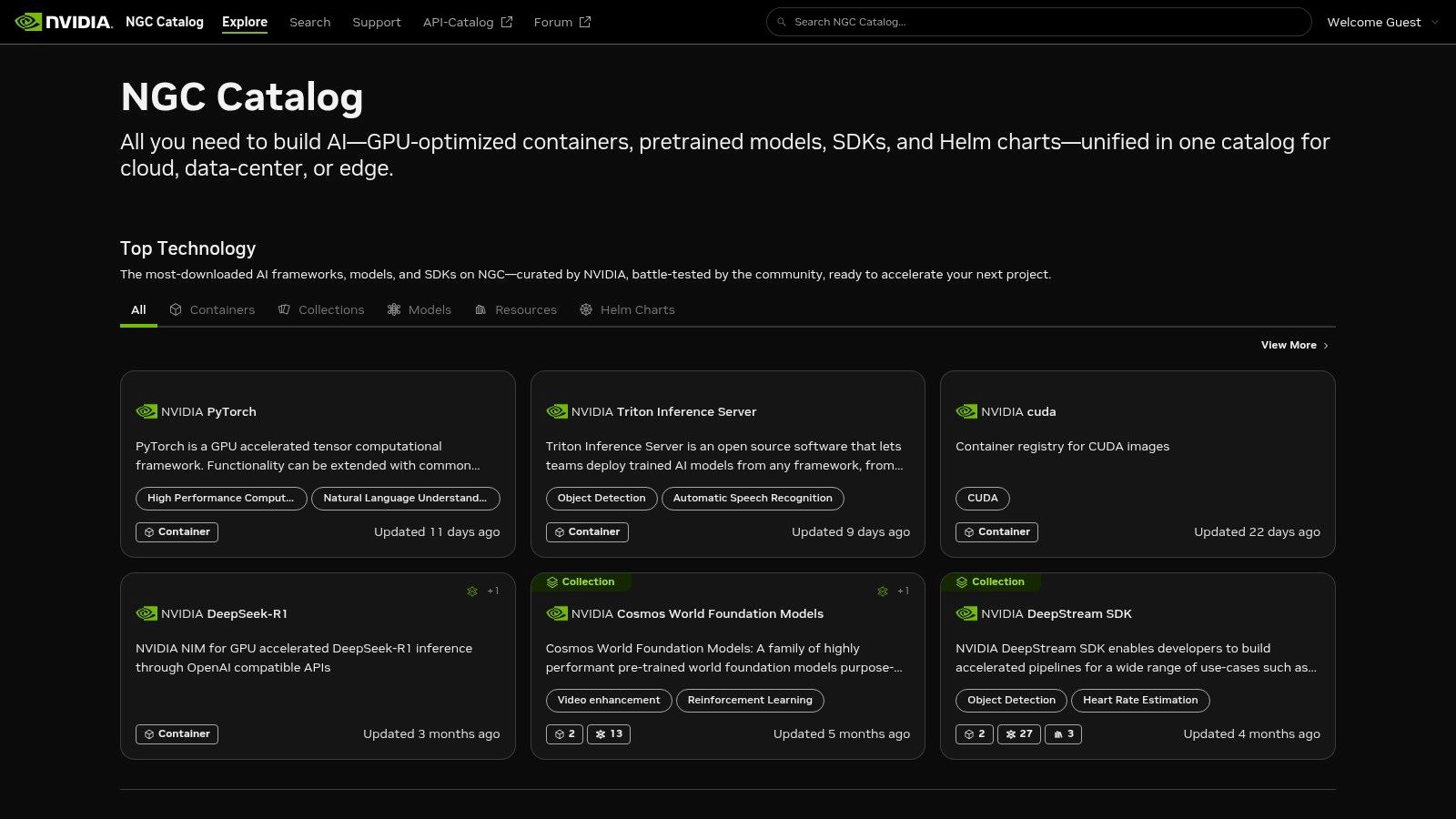
The catalog is a critical resource for anyone building on NVIDIA hardware, whether on-premise or in the cloud. You get access to assets that are rigorously tested and optimized by NVIDIA engineers, ensuring you squeeze every drop of performance from your GPUs. The user experience is straightforward, with a clean interface for browsing and CLI access for easy integration into your CI/CD pipelines. This direct-from-the-source approach eliminates the guesswork and performance bottlenecks often found in community-built images.
Key Features & Use Cases
- GPU-Optimized Containers: Pull performance-tuned containers for leading frameworks like PyTorch, TensorFlow, and RAPIDS without manual setup.
- Pretrained Models: Access a vast library of state-of-the-art models for computer vision, conversational AI, and more, which you can use for transfer learning or immediate deployment.
- Helm Charts & SDKs: Simplify Kubernetes deployments with pre-configured Helm charts and leverage industry-specific SDKs for domains like healthcare (Clara) or robotics (Isaac).
- Private Registry: Enterprises can set up a private registry to store and manage their own custom containers and models, ensuring security and version control.
Website: https://ngc.nvidia.com
8. Product Hunt
Product Hunt isn’t an AI tool itself, but rather the bustling town square where the latest and greatest AI developer tools are unveiled. It’s a community-driven discovery platform where you can find brand-new IDE plugins, autonomous agents, and SDKs the moment they launch. Instead of waiting for a tool to hit the mainstream, you can catch it on day one, making it an essential resource for developers who want to stay on the bleeding edge of AI technology.
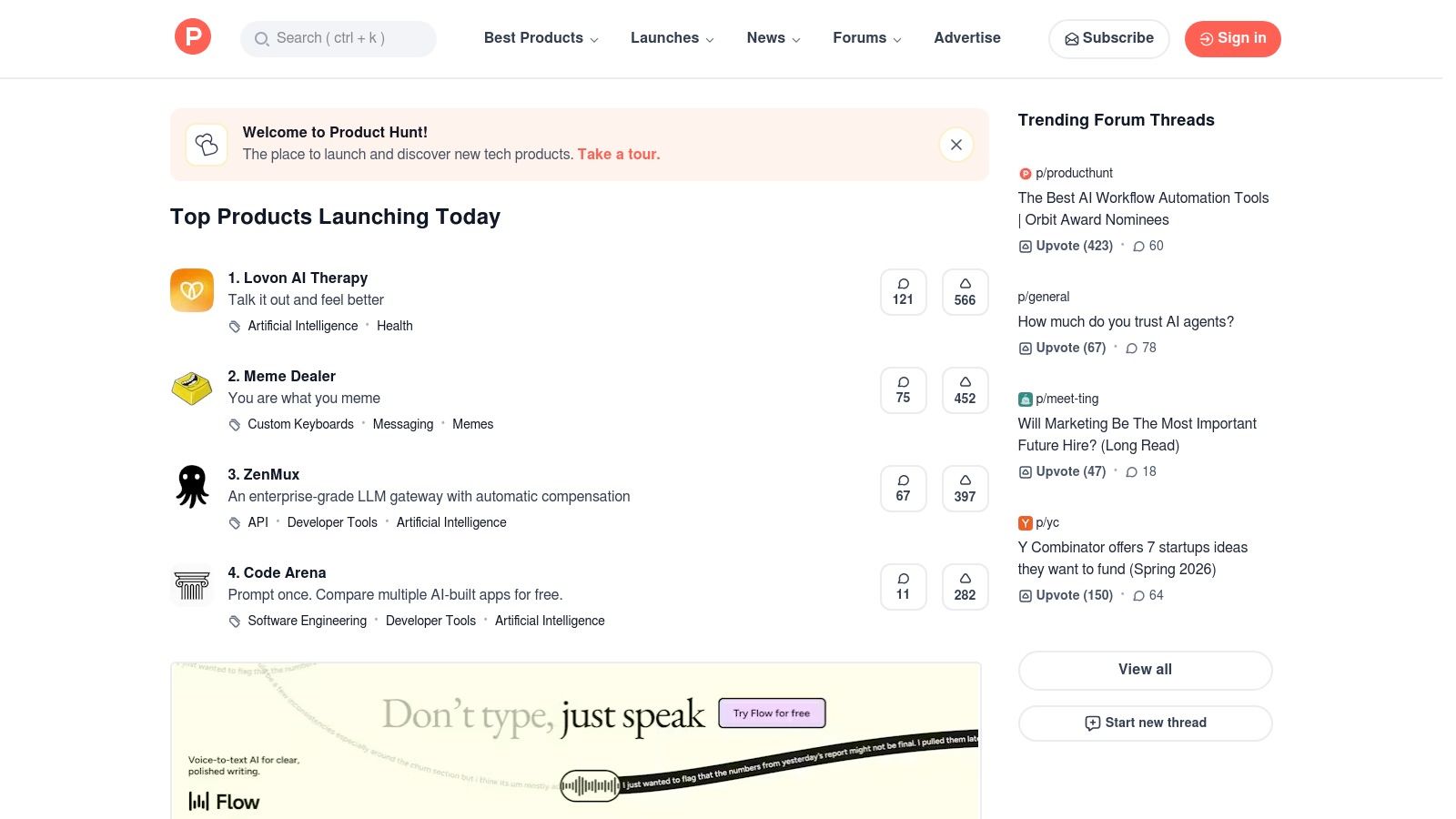
Its real value lies in the raw, unfiltered feedback from early adopters. You can dive into the comment threads to see what fellow engineers think, ask the founders questions directly, and gauge community sentiment before investing time in a new tool. The daily leaderboards and curated lists focused on AI and Engineering are your secret weapon for quickly identifying which new products are gaining serious traction. This makes it one of the best AI tools for developers looking for discovery, not just execution.
Key Features & Use Cases
- AI & Developer Categories: Dedicated pages that filter the noise, showing you only the most relevant product launches for engineering workflows.
- Daily Leaderboards: A quick way to see which new AI tools are trending and capturing the community's attention right now.
- Founder Q&As: Engage directly with the creators of a tool in the comments to understand its vision, roadmap, and technical details.
- User Reviews & Collections: Get honest first impressions from other developers and explore curated lists of tools for specific tasks, like "AI-powered testing" or "code generation agents."
Website: https://www.producthunt.com
9. G2
Think of G2 less as a tool and more as your strategic reconnaissance platform for navigating the crowded landscape of AI development software. In an ecosystem where new "revolutionary" AI tools launch daily, G2 cuts through the marketing noise by aggregating verified user reviews. It’s where you go to see what fellow developers actually think about a specific AI coding assistant or a new ML deployment platform, making it an essential resource for informed decision-making.
G2’s strength lies in its structured comparison framework and user-generated context. You can filter AI tools by company size, industry, and specific use cases, ensuring the reviews you're reading are relevant to your own operational reality. This prevents the common pitfall of adopting a tool that's perfect for a startup but fails to scale in an enterprise environment. It’s the difference between buying a tool based on a sales pitch and choosing one based on peer-validated performance, making it one of the best AI tools for developers conducting due diligence.
Key Features & Use Cases
- Verified User Reviews: Access detailed feedback from real-world users, complete with pros, cons, and specific implementation stories. This helps uncover practical strengths and weaknesses that vendor websites rarely mention.
- Side-by-Side Comparisons: Use G2’s comparison grids to evaluate multiple AI tools on features, user satisfaction ratings, and pricing models all at once.
- Contextual Filtering: Narrow down your search to find tools that are proven to work for organizations of your size and in your industry.
- Emerging Category Tracking: G2’s taxonomy constantly evolves, allowing you to discover and research tools in cutting-edge categories as soon as they gain traction in the market.
Website: https://www.g2.com/categories/ai-code-generation
10. StackShare
Think of StackShare as the "what's in their bag" for the developer world. Instead of a marketplace selling you tools, it’s a massive, community-driven database that shows you which technologies, including AI libraries and infrastructure, are actually being used by top companies. For developers navigating the crowded landscape of AI, this isn't just a list; it's a map showing which of the best AI tools for developers are battle-tested and integrated into real-world production stacks. It cuts through marketing noise by providing social proof.
The platform’s strength lies in its transparency. You can explore the tech stack of companies like Uber or Airbnb, see how they use specific vector databases or MLOps platforms, and discover complementary tools you might not have considered. The user experience is straightforward: search for a tool, see who uses it, what they use it with, and read community reviews. While you can't install or buy directly from StackShare, its value is in providing the intelligence you need before you commit to a technology.
Key Features & Use Cases
- Community-Validated Stacks: Discover which AI libraries, SDKs, and vector databases are used by thousands of companies, from startups to enterprises. This is invaluable for de-risking technology choices.
- Tool Comparisons: See side-by-side comparisons of popular tools (e.g., Pinecone vs. Weaviate) based on community data and mentions, helping you identify alternatives.
- Tech Stack File Initiative: A structured, open-source way for teams to define and share their tech stacks, making it easier to discover and analyze tool adoption patterns programmatically.
- Developer-Centric Content: Access community discussions, newsletters, and articles that often highlight emerging AI tools and trends before they become mainstream.
Website: https://stackshare.io
11. OpenAI Platform
Think of the OpenAI Platform as the foundational engine room for the modern AI revolution. While many tools on this list are built on top of OpenAI’s models, going directly to the source gives you unparalleled access and control. This isn't just a single tool; it’s a comprehensive suite of APIs for text, code, and multimodal tasks, making it the bedrock for building custom AI-powered applications. Its core strength lies in providing direct access to state-of-the-art models like the GPT-4o family, allowing developers to craft anything from simple chatbots to complex, agentic systems.
The platform stands out due to its mature SDKs, extensive documentation, and a clear, usage-based pricing model that scales from hobbyist projects to enterprise-level deployments. Whether you're building code completion features, a data analysis assistant, or even leveraging multimodal capabilities for visual understanding, the OpenAI Platform provides the raw power. It’s one of the best AI tools for developers who want to build bespoke solutions from the ground up without managing the underlying infrastructure.
Key Features & Use Cases
- Broad Model Lineup: Access to a wide range of models, including the latest GPT-4o family, with different tiers for optimizing cost, latency, and performance.
- Built-in Tools: Leverage powerful integrated features like Code Interpreter and file search to create more capable and context-aware assistants and agents.
- Multimodal APIs: Go beyond text and code by processing images and other media. This is essential for applications that need to understand visual data, similar to how a powerful API can handle a background removal demo at scale.
- Clear Usage-Based Pricing: Pay-as-you-go pricing makes it accessible to start, with enterprise tiers available for high-volume workloads and dedicated capacity.
Website: https://platform.openai.com
12. Anthropic (Claude)
Anthropic is the home of Claude, a family of large language models that have quickly become a go-to for developers seeking high-performance reasoning and coding assistance. While many know Claude through its public web interface, Anthropic's platform is where the real power is unlocked for development teams. It offers a robust API, comprehensive documentation, and enterprise-grade controls, making it a serious contender for building sophisticated AI-powered applications. It's one of the best AI tools for developers who need both raw coding power and the administrative tools to manage it at scale.
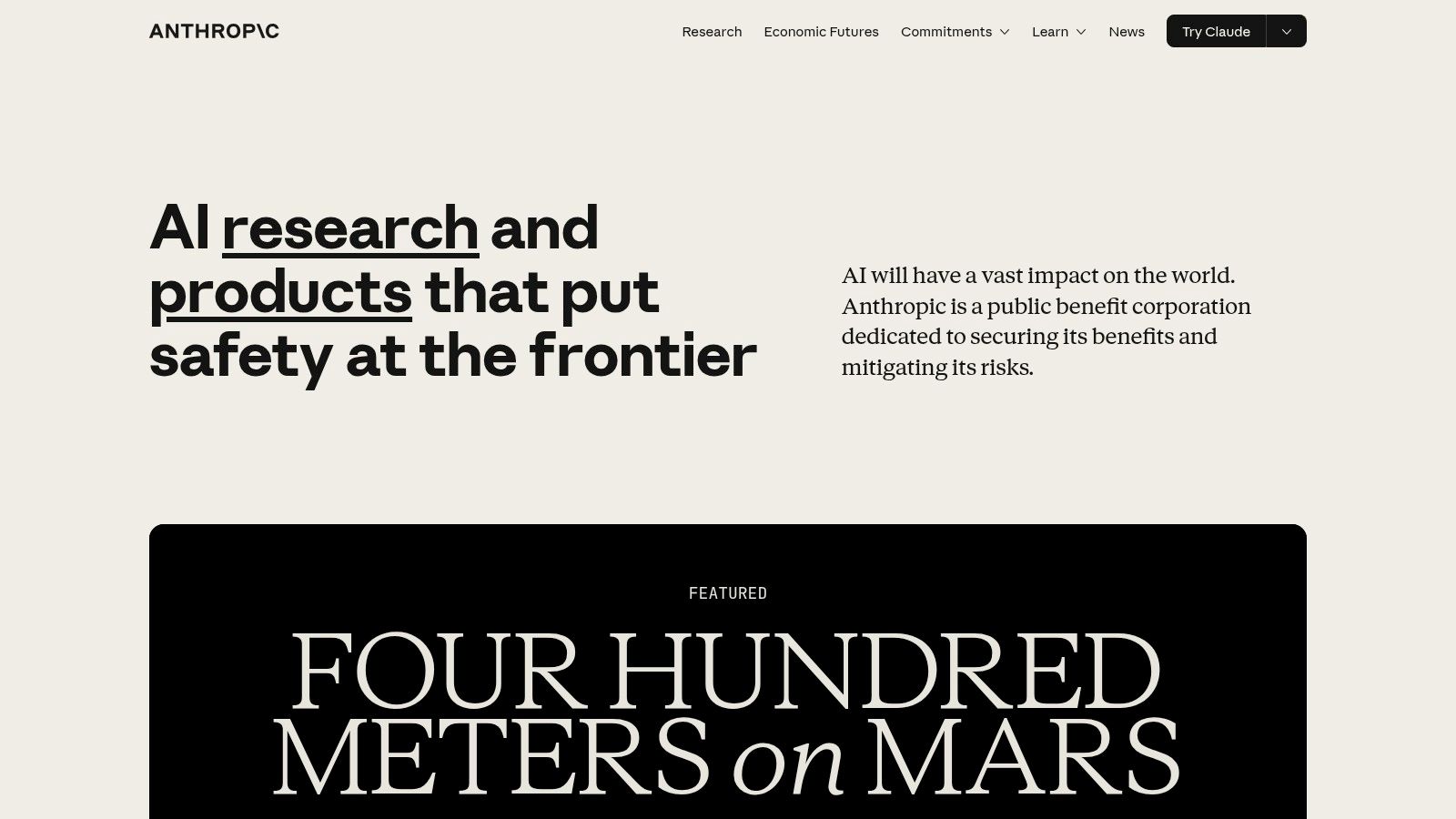
What sets the platform apart is its focus on controlled, predictable implementation. Anthropic provides transparent token-based pricing for each model and offers detailed guidance on cost control measures like prompt caching. For organizations, the Team and Enterprise plans add critical features like SSO, administrative controls, and usage caps, preventing runaway API bills and ensuring secure access. This combination of a powerful model and practical business tools makes it a highly attractive option for serious development projects.
Key Features & Use Cases
- Claude API: Provides access to the latest Claude models, including Claude 3 Opus, Sonnet, and Haiku, each optimized for different performance and cost profiles.
- Claude Code: The models are highly proficient at code generation, explanation, and debugging across various programming languages. Its large context window is particularly useful for understanding and refactoring entire codebases.
- Team & Enterprise Controls: Offers essential management features like SSO, user administration, and the ability to set hard usage caps to control spending.
- Cost-Control Guidance: Anthropic’s documentation and platform provide clear advice on managing API costs, a crucial factor for developers building production-level applications.
Website: https://www.anthropic.com
Top 12 AI Tools for Developers — Quick Comparison
| Product | Core features | Quality ★ | Value 💰 | Audience 👥 | Unique ✨ |
|---|---|---|---|---|---|
| 🏆 PixelPanda | Bg removal, hair/fur edge-preserve, smart inpainting, face enh., 4x upscaling, text→image, UGC video, REST API | ★★★★★ 🏆 | 💰 From $19/mo (annual); free 100‑credit trial; credits roll | 👥 e‑commerce, marketers, developers, agencies | ✨ Studio-grade automation + dev‑friendly API; realistic hair & UGC video |
| GitHub Marketplace | Copilot extensions, AI agents, IDE & GitHub integrations | ★★★★☆ | 💰 Varies — free & paid extensions | 👥 Developers working in GitHub/VS Code | ✨ Native IDE/GitHub install & publisher verification |
| AWS Marketplace | Model hosting, MLOps tools, consolidated billing, private offers | ★★★★☆ | 💰 Enterprise procurement & AWS billing | 👥 Enterprises using AWS infra | ✨ Procurement-friendly + one-step AWS deployment |
| Microsoft Azure Marketplace | GPU images, model hosting, one‑click deploy, RBAC integration | ★★★★☆ | 💰 Azure billing & partner pricing | 👥 Azure-governed teams & enterprises | ✨ Integrates with Azure governance & SSO |
| Google Cloud Marketplace | Vertex AI enablement, IAM-aware flows, partner agents | ★★★★☆ | 💰 GCP billing; region/partner pricing | 👥 GCP/Vertex AI users | ✨ Direct enablement into Vertex AI Model Garden |
| Hugging Face Hub | 2M+ models, datasets, Spaces demos, transformers SDK | ★★★★☆ | 💰 Free & pay-as-you-go inference tiers | 👥 ML researchers, devs, startups | ✨ Massive community + model cards & demo Spaces |
| NVIDIA NGC Catalog | GPU‑optimized containers, pretrained models, SDKs, Helm charts | ★★★★☆ | 💰 Free catalog; GPU hardware needed to fully benefit | 👥 ML engineers with NVIDIA GPUs | ✨ Performance‑tuned GPU images & toolkits |
| Product Hunt | Launches, trending lists, user comments & early reviews | ★★★☆☆ | 💰 Free discovery; marketing focus | 👥 Early adopters, founders, product teams | ✨ Fastest signal for emerging tools & launches |
| G2 | B2B reviews, vendor profiles, filters by size/use case | ★★★★☆ | 💰 Free research; vendor-paid features | 👥 Buyers, procurement, IT decision-makers | ✨ Rich user reviews & contextual filters |
| StackShare | Tool pages, "who uses it", community stacks & comparisons | ★★★☆☆ | 💰 Free directory & community content | 👥 Engineers comparing stacks | ✨ Visibility into real team tech stacks |
| OpenAI Platform | Text/code/multimodal APIs, tools (Code Interpreter), SDKs | ★★★★★ | 💰 Usage-based pricing; enterprise tiers | 👥 Developers building assistants & agents | ✨ Broad model lineup + mature SDKs & tools |
| Anthropic (Claude) | Claude models, token pricing, team/enterprise plans, long context | ★★★★☆ | 💰 Transparent token pricing; enterprise plans | 👥 Teams needing long‑context & cost control | ✨ Long-context models + spend controls |
Choosing Your Co-Pilot: How to Pick the Right AI Tool
Well, you've made it through the digital jungle of AI development tools. From the sprawling ecosystems of GitHub and AWS Marketplaces to the focused, creative power of specialized APIs like PixelPanda, the sheer number of options can feel like drinking from a firehose. But here's the secret: the "best ai tools for developers" aren't about finding a single, mythical silver bullet. It's about assembling your own custom toolkit, your personal Avengers team of AI assistants, each perfectly suited for a specific mission.
Think of it this way. You wouldn't use a sledgehammer to hang a picture frame. Similarly, you wouldn't deploy a massive, general-purpose model from OpenAI for a simple, repetitive task like background removal when a specialized tool can do it faster, cheaper, and with a single API call. The real power lies in knowing which tool to grab for which job.
Distilling the AI Chaos: Your Decision Framework
Choosing your AI co-pilot requires a bit of introspection. Before you get dazzled by feature lists and marketing hype, take a step back and ask yourself a few critical questions. This isn't just about cool tech; it's about solving real-world problems that are currently slowing you down.
- Identify Your Core Bottleneck: What's the most tedious, time-consuming part of your workflow? Is it writing boilerplate code? Is it the endless cycle of manually editing thousands of product images for your e-commerce platform? Is it setting up and managing complex machine learning infrastructure? Pinpoint your biggest pain point, and let that guide your search.
- DIY vs. Done-for-You: Are you looking for foundational building blocks or a plug-and-play solution? Tools like the OpenAI Platform and Anthropic's Claude give you raw, powerful intelligence to build custom applications from the ground up. This offers maximum flexibility but requires more development effort. On the other end, platforms like PixelPanda are designed to solve a specific problem (visual media processing) with minimal integration overhead, allowing you to automate an entire workflow instantly.
- Integration and Scalability: A brilliant tool is useless if it doesn't play nicely with your existing stack. How easily can it be integrated? Does it have robust SDKs, clear documentation, and a supportive community? Consider your future needs, too. Will this tool scale with you as your project grows from a hundred users to a million? Check pricing tiers and performance benchmarks for high-volume use cases.
From Theory to Practice: Your Actionable Next Steps
Reading a listicle is one thing; implementing a tool that transforms your productivity is another. The journey from discovery to deployment is where the magic happens. Don't get stuck in analysis paralysis. The best way to evaluate these tools is to get your hands dirty.
Take advantage of the free tiers and trial periods offered by nearly every service on this list. Set up a small proof-of-concept project. For developers looking to integrate powerful AI capabilities into their applications, understanding specific frameworks is crucial. You can learn more about how to use LangChain.js in TypeScript to connect models like those from OpenAI with your own data sources. This kind of hands-on experimentation will teach you more than any product page ever could.
The AI revolution isn't a distant event on the horizon; it’s happening right now, in your IDE, in your deployment pipelines, and in the applications you build. These tools are no longer just novelties; they are becoming essential components for modern software development. By making smart, strategic choices about which AI co-pilots you bring onto your team, you're not just keeping up. You're getting a significant head start on building the future.
Ready to eliminate your visual workflow bottlenecks and reclaim countless development hours? Stop wrestling with manual edits and complex image processing scripts. See how PixelPanda can automate your entire visual pipeline with a simple API, from background removal and smart cropping to powerful generative edits. Give your developers the gift of time by visiting PixelPanda and trying it for free today.