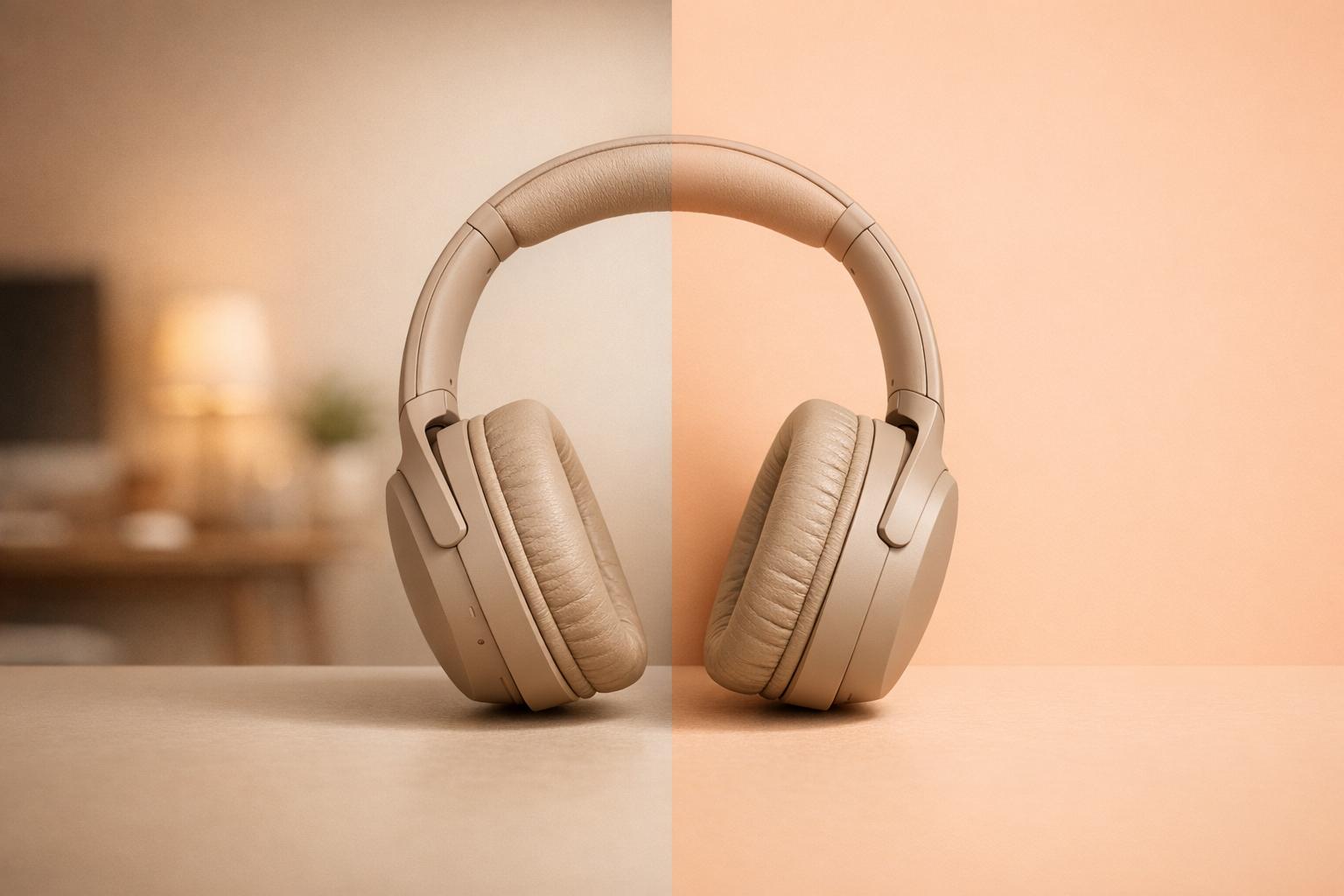
Effortless Photo Editing with an AI-Powered Tool
In today’s fast-paced digital world, creating polished visuals shouldn’t be a hassle. Whether you’re a small business owner showcasing products or a content creator sprucing up social media posts, having a reliable way to edit images is key. That’s where an AI-driven solution for removing backgrounds comes in handy. It takes a task that once required expensive software or hours of manual effort and turns it into a quick, accessible process.
Why Choose Automated Background Removal?
Imagine uploading a photo and watching the clutter behind your subject vanish in seconds. This kind of technology uses smart algorithms to detect edges and isolate focal points with impressive accuracy. It’s perfect for crafting clean product images, designing eye-catching graphics, or even prepping personal photos for a professional touch. Plus, with options to replace the backdrop with a solid color or keep it transparent, you’ve got flexibility for any project.
Who Can Benefit?
From e-commerce sellers to graphic designers, anyone working with visuals can save time with this approach. No need for advanced skills—just upload, preview, and download. It’s a small change that makes a big difference in workflow efficiency, letting you focus on creativity instead of tedious edits.
Try PixelPanda Background Removal
Remove backgrounds from any image instantly with our AI-powered tool. Free to start.
How AI Background Removal Works
Modern AI background removal tools use deep learning models trained on millions of images to understand the difference between foreground subjects and backgrounds. The technology analyzes each pixel, identifying edges, hair strands, and complex boundaries that would take hours to trace manually in Photoshop. Within seconds, the algorithm creates a precise mask around your subject, producing clean cutouts with professional-quality edges.
The best AI removers handle challenging scenarios like wispy hair, transparent objects, and complex patterns. They also preserve fine details that basic tools often blur or lose. This makes them ideal for product photographyxelpanda.ai/ai-product-photos”>product photography, portrait editing, real estate listings, and social media content creation.
Common Use Cases for Background Removal
E-commerce sellers use background removal to create consistent, white-background product images that meet marketplace requirements for Amazon, eBay, and Shopify. Real estate photographers replace dull skies with blue ones and remove distracting elements from property photos. Social media managers create eye-catching graphics by placing subjects on branded backgrounds or creative scenes.
Portrait photographers use the technology for headshot editing, placing subjects on professional studio backgrounds without expensive equipment. Graphic designers leverage transparent PNGs for composite images, marketing materials, and web graphics. The applications are endless when you can isolate any subject in seconds.
Tips for Best Results
For optimal background removal, start with well-lit photos where your subject has clear contrast against the background. Higher resolution images produce cleaner edges. Avoid extremely busy backgrounds or subjects that blend into their surroundings. If you need to remove backgrounds from multiple images, batch processing tools can save significant time while maintaining consistency across your entire catalog.
FAQs
What image formats does this tool support?
We’ve got you covered with the most common formats—JPEG and PNG. Just upload your file, and our AI will handle the rest, ensuring the output maintains high quality for whatever project you’re working on. If your image is in another format, you might need to convert it first using a free online converter.
How accurate is the background removal?
Our AI is built to prioritize precision, especially around tricky edges like hair or intricate details. It uses advanced image segmentation to identify the main subject and separate it cleanly from the background. While it’s not perfect 100% of the time, most users find the results spot-on for both personal and professional use. If something looks off, you can always tweak the preview before downloading.
Is there a size limit for uploaded images?
Yep, we currently support images up to 10MB in size. That’s plenty for most high-resolution photos, ensuring quick processing without overloading the system. If your file is larger, try compressing it a bit before uploading—there are tons of free tools online for that. We want to keep things fast and smooth for everyone!