Real-Time Order Tracking Definition: What It Actually Means
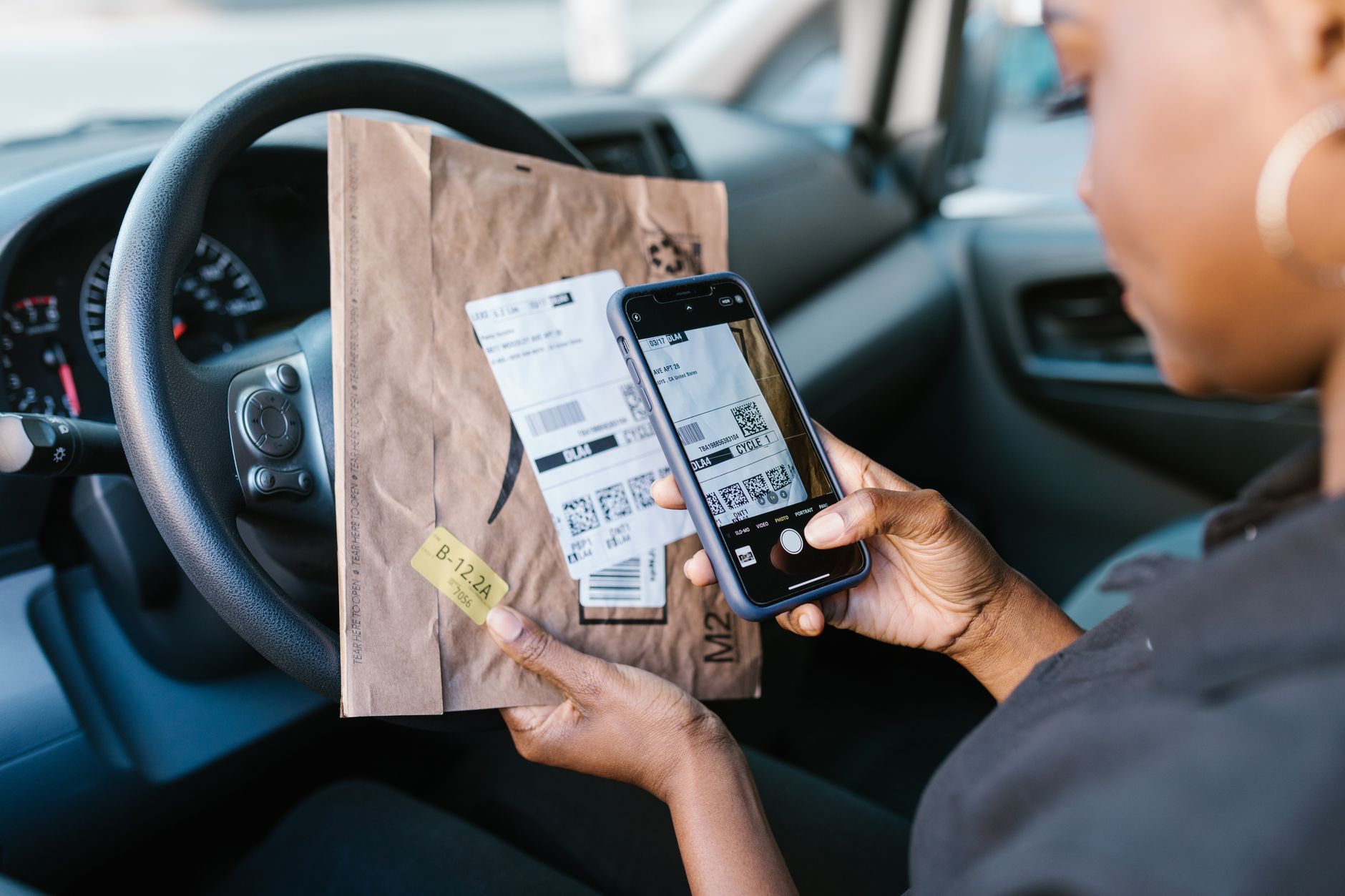
The real-time order tracking definition goes beyond simple package location updates. In its simplest form, real-time order tracking is a system that gives customers continuous, accurate visibility into their shipment’s status from the moment they click “purchase” until the package reaches their doorstep, with updates that reflect what’s happening right now rather than what happened hours ago. Unlike traditional tracking systems that update every 6-12 hours, real-time tracking refreshes automatically, often within minutes of a status change.
In practical terms, real-time order tracking combines GPS data, carrier API integrations, warehouse management systems, and customer notification platforms into a unified experience. When a customer checks their order status at 2:47 PM, they see exactly where their package is at 2:47 PM—not where it was at midnight during the last batch update.
This distinction matters enormously in today’s e-commerce landscape. According to recent logistics industry data, 93% of online shoppers actively track their packages, and 47% check tracking information multiple times per day. The gap between what customers expect and what legacy tracking systems deliver creates friction that directly impacts your bottom line.
The technology underpinning real-time order tracking has evolved dramatically heading into 2026. Modern systems leverage machine learning algorithms to predict delivery windows with 95%+ accuracy, automatically reroute shipments when delays occur, and send proactive notifications before customers even think to check their order status. This proactive approach transforms tracking from a reactive customer service tool into a strategic retention mechanism.
What separates real-time tracking from basic tracking is the integration depth. A true real-time system connects your inventory management, order processing, warehouse operations, carrier networks, and customer communication channels into a single source of truth. When your warehouse scans a package, your customer’s phone buzzes within 30 seconds. When a carrier updates a delivery exception, your support team knows before the customer does.
If you’re building or refreshing a definition for your own team, it helps to boil it down to one sentence: real-time order tracking is the continuous, automated synchronization of shipment status data across every system in your supply chain, surfaced to the customer the moment it changes. Everything else — the APIs, the AI, the notifications — exists to serve that single sentence.
Why the Real-Time Order Tracking Definition Matters More in 2026
It’s worth pausing on why so many merchants are searching for a precise real-time order tracking definition right now instead of five years ago. Three forces are converging. First, consumer expectations have been permanently reset by on-demand services — when someone can watch a rideshare driver move block by block, a 12-hour-old shipping update feels broken, not just outdated. Second, the cost of acquiring a new customer has climbed sharply across almost every category, which means retailers are under pressure to squeeze more lifetime value out of each buyer, and post-purchase experience is one of the few remaining retention levers that hasn’t been fully optimized. Third, carriers themselves have opened up richer APIs and webhook-based event streams, so the technical barrier to building (or buying) real-time tracking has dropped considerably compared to a few years ago.
Put simply: the definition matters because it sets the bar for what “good” looks like. If your internal team defines real-time tracking loosely — as “we show a tracking number” — you’ll underinvest in the infrastructure that actually moves retention metrics. If you define it precisely, as this article does, you have a clear checklist to measure any tool or platform against before you buy it.
Real-Time Order Tracking Definition vs. Standard Tracking: A Side-by-Side Comparison
One of the most common questions merchants ask is how the real-time order tracking definition actually differs from “regular” tracking in practice, not just in marketing copy. The table below breaks down the functional differences that matter for both operations teams and customers.
| Feature | Standard/Batch Tracking | Real-Time Order Tracking |
|---|---|---|
| Update frequency | Every 6-12 hours, or once per carrier scan batch | Within seconds to a few minutes of each event |
| Data sources | Single carrier tracking number lookup | Multi-carrier APIs, GPS, warehouse systems, IoT sensors |
| Delay prediction | None — customer discovers delay after the fact | AI-driven ETA predictions, proactive delay alerts |
| Notification style | Reactive — customer must check manually | Proactive push, SMS, email at each milestone |
| Branding | Redirects to carrier’s generic tracking page | Branded tracking page hosted on merchant’s domain |
| Support ticket impact | High volume of “Where is my order?” (WISMO) tickets | Reduced WISMO tickets by up to 43% |
| Upsell opportunity | None — plain carrier page has no marketing surface | Tracking page becomes a marketing channel (recommendations, reorders) |
| Typical setup cost (2026) | Free with carrier account, minimal setup | $0-$500/month depending on order volume and platform |
How Real-Time Order Tracking Works Behind the Scenes

Understanding the technical architecture of real-time order tracking helps explain why it delivers such powerful business results. The system operates through a carefully orchestrated series of data exchanges that happen continuously in the background.
The Five-Layer Technology Stack
Barcode scanners, RFID readers, GPS devices, and warehouse management systems capture every physical movement of your inventory and packages.
API connections to shipping carriers, fulfillment centers, and logistics partners pull status updates every 2-5 minutes instead of hourly batch processes.
AI algorithms normalize data from different carriers (who use different status codes), predict delays, and identify exceptions requiring human intervention.
Multi-channel communication systems send updates via email, SMS, push notifications, and in-app messages based on customer preferences and order milestones.
Customer-facing tracking pages, mobile apps, and embedded widgets display information in an intuitive, branded experience that builds trust.
The magic happens in the integration layer. Modern logistics platforms like ShipPost aggregate data from multiple shipping carriers into one unified dashboard, eliminating the need for customers to visit different carrier websites or remember tracking numbers. This consolidation reduces friction and creates a consistent brand experience regardless of which carrier handles the delivery.
Key Takeaway
The processing layer’s AI capabilities transform raw carrier data into actionable insights, predicting delivery delays before they happen and automatically triggering proactive customer communications.
Event-Driven Architecture: The Engine Behind Real-Time Updates
Most modern real-time order tracking systems are built on event-driven architecture rather than scheduled polling. Instead of a system asking “has anything changed?” every few hours, each touchpoint in the supply chain — a warehouse scan, a carrier handoff, a last-mile scan, a delivery confirmation — fires an event the instant it happens. That event is published to a message queue (commonly tools like Kafka or AWS EventBridge in enterprise setups), and every subscribed system — the customer notification engine, the analytics dashboard, the support team’s dashboard — reacts to it independently and simultaneously.
This architecture is what makes true real-time order tracking fundamentally different from “frequent polling,” which some vendors market as real-time but isn’t. Polling every 60 seconds instead of every 6 hours is faster, but it’s still a batch process with a shorter interval. Event-driven systems eliminate the interval entirely: the update happens the moment the underlying event occurs, not the next time the system checks.
What “Real-Time” Means by 2026 Industry Standards
As the category has matured, a rough industry consensus has formed around what actually qualifies as real-time versus near-real-time versus batch tracking. Vendors and analysts increasingly use these benchmarks:
- True real-time: Status change reflected to the customer within 60 seconds of the triggering event, powered by event-driven or webhook architecture.
- Near real-time: Status change reflected within 5-15 minutes, typically via frequent API polling rather than event streaming.
- Batch tracking: Status change reflected within 1-24 hours, typically tied to a carrier’s scheduled data dump.
Understanding which tier a tool actually falls into is critical when evaluating vendors, because “real-time tracking” has become a loosely used marketing term. When vetting a provider, ask for their median and 95th-percentile update latency — not just a marketing claim of “real-time.”
How Real-Time Order Tracking Improves Customer Retention
The connection between real-time order tracking and customer retention isn’t theoretical — it’s backed by measurable business outcomes that compound over time. When customers have confidence in their delivery experience, that confidence translates directly into repeat purchase behavior.
Reducing Post-Purchase Anxiety
Post-purchase anxiety is a well-documented phenomenon in e-commerce psychology. The period between clicking “buy” and receiving the product is filled with uncertainty, and that uncertainty erodes trust. Real-time tracking eliminates this anxiety by providing constant reassurance. Customers who can see their package moving through the delivery network — rather than wondering if their order was lost or forgotten — report significantly higher satisfaction scores, even when delivery times are identical.
Building Trust Through Transparency
Transparency builds trust, and trust drives retention. When a brand proactively shares information — including bad news like delays — customers perceive the brand as more honest and reliable. This is counterintuitive to many merchants who worry that surfacing delays will increase complaints. In practice, proactive delay notifications reduce complaint volume because customers feel informed rather than ignored.
Creating Repeat Purchase Triggers
A well-designed branded tracking page isn’t just a utility — it’s a marketing surface. Merchants who embed product recommendations, loyalty program prompts, or referral incentives into their tracking page experience see measurably higher repeat purchase rates, since the tracking page is one of the most frequently visited pages in the entire post-purchase journey, often outperforming marketing emails in open and engagement rate.
Retention Metrics: Standard Tracking vs. Real-Time Tracking
To make the retention impact concrete, here’s how the two approaches typically compare across the metrics merchants care about most:
| Retention Metric | Standard Tracking | Real-Time Tracking |
|---|---|---|
| WISMO support tickets | 15-20% of all support volume | As low as 8-10% of support volume |
| Repeat purchase rate (90 days) | Baseline | Up to 15-20% higher among engaged tracking-page visitors |
| Negative review mentions of shipping | Higher, especially after delays | Lower due to proactive delay communication |
| Tracking page engagement | Low — customer bounces to carrier site | High — branded page with upsell content |
| Customer lifetime value impact | Neutral | Measurable uplift tied to post-purchase trust |
Implementing Real-Time Order Tracking: A Practical Guide for 2026
Merchants evaluating real-time order tracking solutions in 2026 face more choices than ever, from standalone tracking apps to fully integrated logistics platforms. Here’s how to approach implementation without overbuilding or overspending.
Start With Your Current Data Gaps
Before choosing a vendor, audit your existing fulfillment stack to identify exactly where visibility breaks down. Common gap points include the handoff between your warehouse management system and the carrier, the transition between first-mile and last-mile carriers in multi-leg shipments, and international customs clearance windows. Mapping these gaps tells you which integration layer needs the most investment.
Prioritize Multi-Carrier Aggregation
If you ship with more than one carrier — which most growing e-commerce brands do — a single-carrier tracking widget won’t deliver a true real-time order tracking definition experience. Look for platforms that normalize status codes across carriers (USPS, UPS, FedEx, DHL, regional couriers) into one consistent taxonomy, so “out for delivery” means the same thing regardless of who’s driving the truck.
Don’t Neglect the Visual Experience
Tracking pages are a brand touchpoint, and brand touchpoints deserve the same visual polish as your product pages. If your tracking page includes product images for cross-sells or your order confirmation emails, make sure those images are sharp and properly sized — a blurry thumbnail undercuts the premium