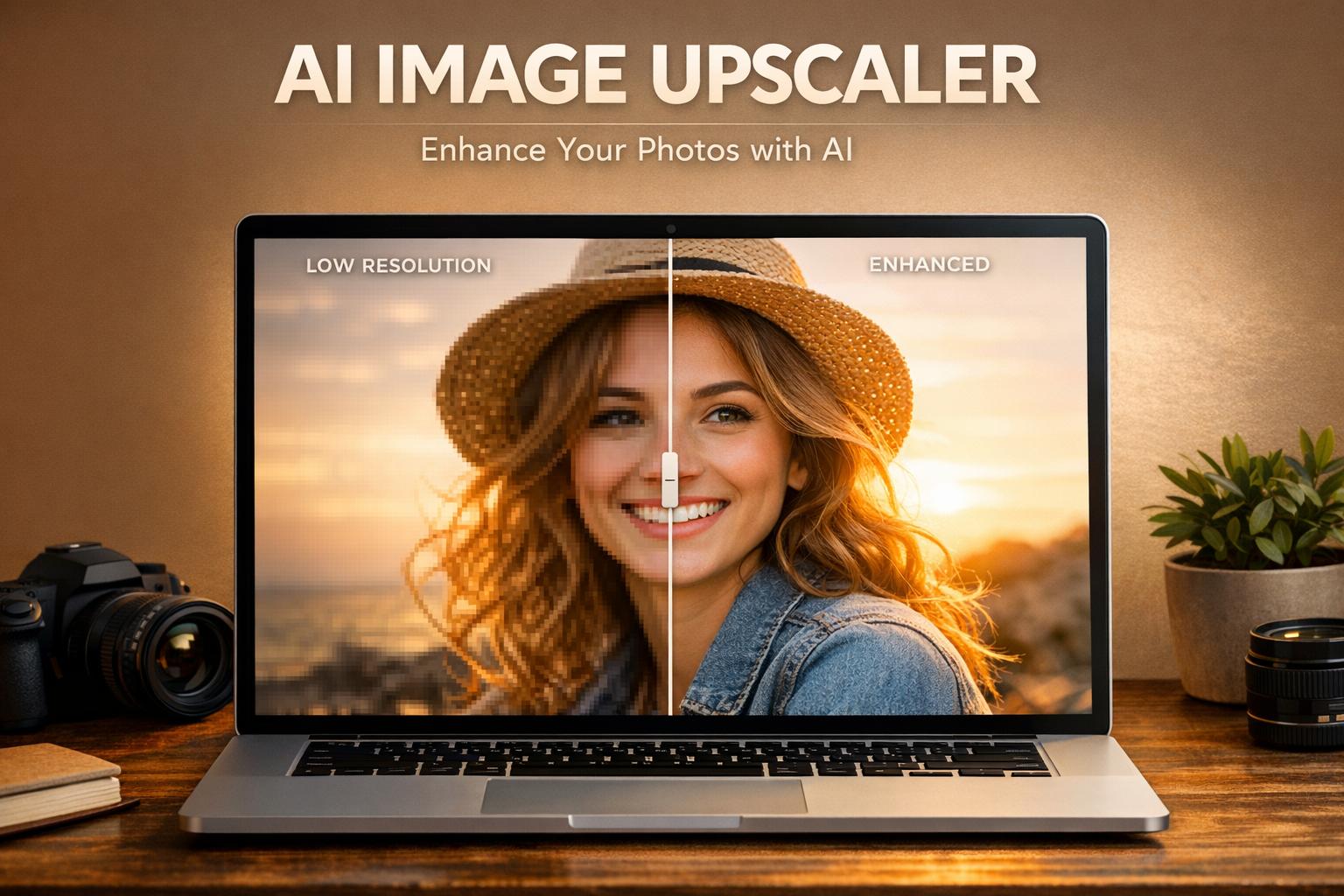
upscaler” tabindex=”-1″ class=”sb h2-sbb-cls”>Enhance Your Visuals with an AI-Powered Image Upscaler
In today’s digital world, high-quality visuals are everything. Whether you’re running a blog, managing an e-commerce store, or just sharing memories on social media, grainy or low-resolution photos can drag down your impact. That’s where a cutting-edge tool for enhancing image resolution comes in handy. With the power of artificial intelligence, you can transform pixelated shots into crisp, professional-grade images without needing expensive software or technical skills.
Why Image Quality Matters
First impressions count, especially online. A sharp, detailed photo can make your website look polished or help a product stand out to potential buyers. But not everyone has access to high-end cameras or pristine source files. Maybe you’ve got an old family photo that’s faded over time, or a product image that looks fuzzy when zoomed in. An advanced photo upscaling tool tackles these issues by intelligently boosting resolution while preserving natural colors and textures. It’s like giving your images a second life, making them ready for print, web, or wherever you need them to shine. Try it out and see how effortless it is to elevate your visuals!
Try PixelPanda AI Upscaler
Upscale images up to 4x without losing quality. Free demo available.
Understanding Image Upscaling Technology
Traditional image upscaling simply stretches pixels, resulting in blurry, blocky images. AI upscaling takes a fundamentally different approach using neural networks trained on millions of high-resolution images. The AI learns to predict what details should exist between pixels based on patterns it has seen during training. When you upscale a photo, the model generates new, realistic details rather than just interpolating existing ones.
Modern upscaling models like Real-ESRGAN and Stable Diffusion-based upscalers can increase resolution by 2x, 4x, or even 8x while adding convincing texture, sharpening edges, and reducing noise. The results often look better than the original, making old photos suitable for printing or display on high-resolution screens.
When to Use AI Upscaling
AI upscaling excels at restoring old family photos, improving product images for e-commerce, preparing social media content for high-resolution displays, and making game screenshots or artwork suitable for large prints. Real estate agents use it to enhance property photos. Graphic designers upscale logos and illustrations without losing quality. Photographers rescue shots that were captured at lower settings.
The technology works best on photos with some existing detail to enhance. Extremely small thumbnails or heavily compressed images may not produce ideal results, though AI upscaling still outperforms traditional methods in these cases.
Quality Settings and Options
Most AI upscalers offer different modes optimized for specific content types. Photo mode preserves natural skin tones and textures. Illustration mode maintains crisp lines in artwork and graphics. Anime mode handles the unique characteristics of animated content. Choosing the right mode for your image type produces significantly better results than using a generic setting.
FAQs
What types of images can I upscale with this tool?
You can upload JPEG and PNG images up to 5MB in size. Our AI works best with photos that have some visible detail to enhance, like portraits, landscapes, or product shots. Just keep in mind that extremely blurry or tiny images might not yield perfect results, though we’ll still do our best to improve them!
How does the AI preserve details while upscaling?
Our tool uses advanced super-resolution algorithms trained on millions of images. It intelligently predicts and reconstructs missing details, sharpens edges, and minimizes noise. Unlike basic upscaling that just stretches pixels, our AI understands textures and patterns, so your photo looks natural even at 8x resolution.
Is there a cost to use the AI Image Upscaler?
Nope, it’s completely free! We believe everyone should have access to high-quality image enhancement without breaking the bank. Upload as many images as you’d like, compare the before and after, and download your enhanced versions at no charge.