AI Image Upscaler
Start with our free basic upscaler for a quick resize. Need real AI detail regeneration at 2x, 4x, or 8x? That's our premium AI tool — $10 for 50 upscales, no subscription. Try the demo below with sample images.
Choose an Example Image
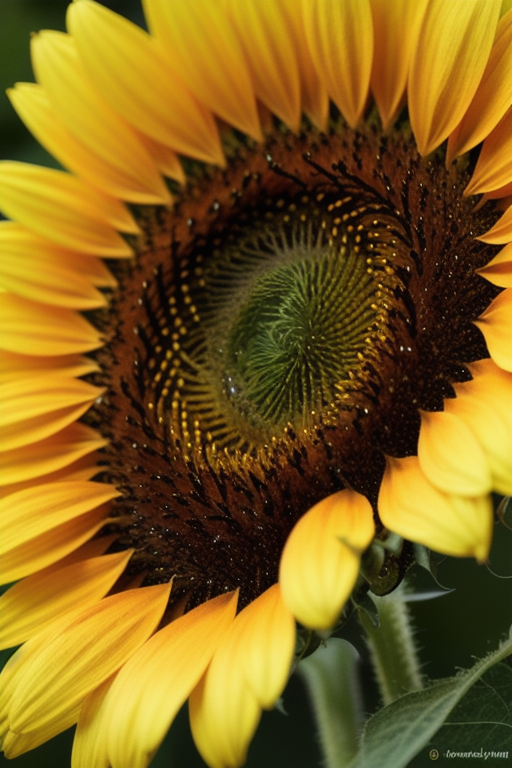
Vivid Texture Enhancement
Bring out every petal's depth and color vibrance
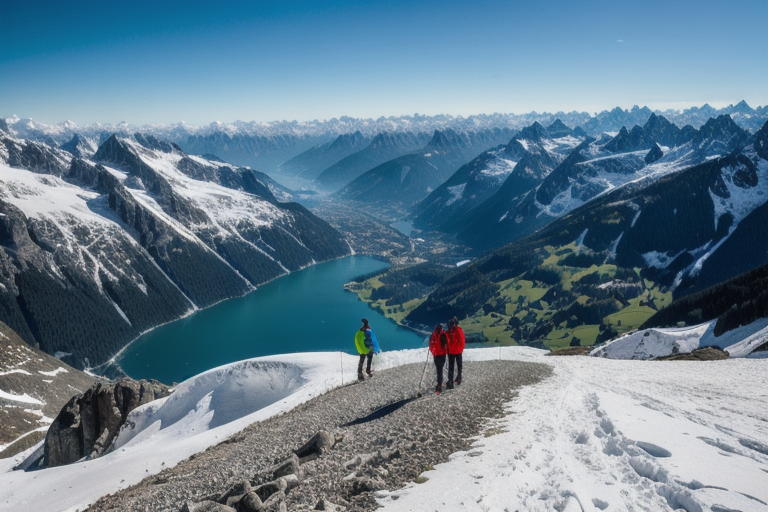
Cinematic Landscape Boost
Add realism and crispness to scenic views
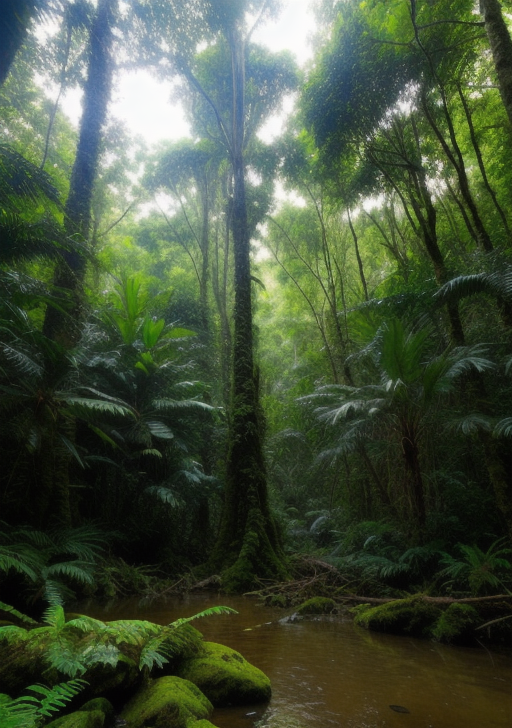
AI-Refined Artwork
Elevate digital art with intelligent upscaling and color balance
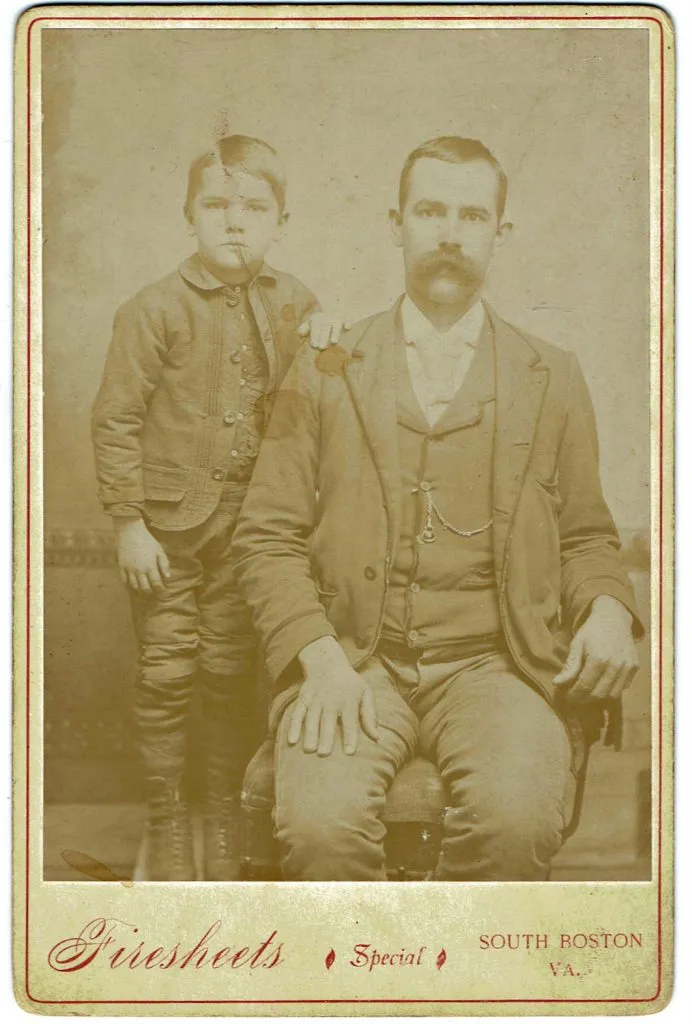
Timeless Photo Revival
Restore old photos while keeping their classic character
Processing your image...
Results
Original
Upscaled
Why Use Our AI Image Upscaler?
Preserve Image Quality
Our AI enhances images while preserving detail and sharpness. No more blurry, pixelated enlargements that ruin your photos.
Multiple Scale Options
Choose 2x for minor enhancement, 4x for standard upscaling, or 8x for maximum resolution increase based on your needs.
Fast Cloud Processing
Get results in seconds. Our cloud-based AI processes your images instantly with no software to install or GPU required.
No Watermarks
Unlike other tools, PixelPanda delivers clean results without watermarks. Your upscaled images are ready to use immediately.
Common Use Cases for Image Upscaling
- Print preparation: Enlarge photos for posters, banners, canvas prints, and large format displays
- E-commerce: Create high-resolution product images from smaller source files for Amazon, Shopify, and Etsy
- Social media: Enhance image quality for Instagram, Pinterest, Facebook, and other platforms
- Old photo restoration: Upscale vintage and legacy photos to modern resolutions without losing detail
- Digital art: Scale up artwork, illustrations, and AI-generated images for printing or display
- Real estate: Enhance property photos for listings and marketing materials
Frequently Asked Questions
What is AI image upscaling?
AI image upscaling uses machine learning to intelligently increase image resolution. Unlike traditional resizing that creates blurry results, AI upscaling adds realistic detail and sharpness to enlarged images by predicting what the higher-resolution version should look like.
How much can I upscale an image?
PixelPanda supports 2x, 4x, and 8x upscaling. For example, a 500x500 pixel image can be upscaled to 1000x1000 (2x), 2000x2000 (4x), or 4000x4000 pixels (8x) while maintaining quality.
Is this image upscaler free?
Yes and no — there are two tools. The free basic upscaler works for everyone (up to 2x, client-side, no AI detail). The premium AI upscaler (2x/4x/8x with real detail regeneration) is a paid product — $10 gets you 50 upscales, no subscription. The demo on this page uses sample images so you can see the AI quality first.
What image formats are supported?
We support JPEG and PNG images up to 50MB. Results are returned as high-quality PNG files to preserve maximum detail in your upscaled images.
Will upscaling make my blurry photos sharp?
AI upscaling can significantly improve image clarity and add detail, but it works best with images that have some existing quality. Extremely blurry, out-of-focus, or very low-quality source images may have limited improvement. For best results, start with the highest quality source image available.
Related AI Image Tools
Explore our other AI-powered image processing tools:
PixelPanda Demos
Experience the power of AI image processing in real-time with our hands-on playground and sample gallery
Check Out Our Demos