
Ever captured the perfect moment, only to find it blurry, dark, or just… flat? You’re not alone. In a visual-first world, a grainy product photo or a pixelated profile pic can be a deal-breaker for your brand, app, or social media feed. The good news? You don’t need a degree in graphic design or a pricey software subscription to fix it. Welcome to the magic of AI, where powerful algorithms sharpen, deblur, upscale, and restore your images with a single click.
But with a sea of tools all promising miraculous results, which ones actually deliver without a sneaky paywall? That’s where we come in. We’ve done the heavy lifting, testing and comparing the top contenders to find the absolute best free AI photo enhancer platforms available today. This is not just another list; it's your definitive guide to transforming subpar images into high-quality assets.
Inside, you'll find a detailed breakdown of 12 powerful tools. We'll explore their free-tier limitations, pinpoint their ideal use cases, and provide quick how-to guides for common tasks. While this guide focuses on general AI photo enhancers, the principles often apply to specialized tools, such as advanced real estate photo editing software that leverages AI for stunning property visuals. We’ll even show you how to automate your entire visual workflow, saving your team countless hours. Get ready to turn your images from mediocre to magnificent.
1. PixelPanda
PixelPanda isn't just a free AI photo enhancer; it's a comprehensive AI media production suite designed for serious e-commerce and marketing workflows. While many tools focus on a single enhancement trick, PixelPanda delivers an entire automated studio, seamlessly blending powerful editing primitives with generative AI capabilities. This platform is the definitive choice for businesses needing to produce consistent, high-quality visuals at scale, moving beyond simple fixes to full-blown content creation.
The platform excels by combining foundational enhancements with advanced creative features. Its core toolkit is a powerhouse, offering lightning-fast background removal, intelligent inpainting for object and text removal, and a detail-preserving 4x upscaler. Images are processed in about 15-20 seconds, making it ideal for large product catalogs and rapid campaign rollouts.
Key Takeaway: PixelPanda stands apart by integrating developer-friendly automation with a unique combination of image and AI-generated video tools, including realistic UGC-style talking avatars and virtual outfit try-ons. It's an end-to-end solution for modern digital commerce.
Why It's Our Top Pick
What truly sets PixelPanda apart is its holistic, developer-first approach. The robust REST API and available SDKs allow for deep integration into existing workflows, perfect for teams automating image processing pipelines or building custom applications. For marketers, the platform offers creative tools like style transfer, product-holding mockups, and avatar training, enabling the production of diverse and inclusive visual assets without costly photoshoots.
- Best For: E-commerce sellers, marketing teams, and developers needing a scalable, API-driven solution for both image enhancement and creative content generation.
- Standout Features: AI-powered UGC video generation with lip-syncing in 35+ languages, outfit try-on, batch processing, and transparent PNG exports.
- Free Tier: A generous 100 credits are provided upon sign-up with no credit card required, which is enough to process up to 100 images. Paid plans start at the yearly equivalent of $39/month.
- Link: PixelPanda.ai
2. Remini
Remini is the undisputed champion of reviving faces from the brink of pixelated oblivion. Born as a mobile-first solution, it has since expanded to a web app, but its core strength remains the same: one-tap restoration of portraits and old photos. If you've ever found a grainy, blurry photo of your great-grandma and wished you could see her features clearly, Remini is the AI magic wand you've been looking for. It excels at de-noising, sharpening facial details, and correcting colors with an almost spooky level of accuracy.
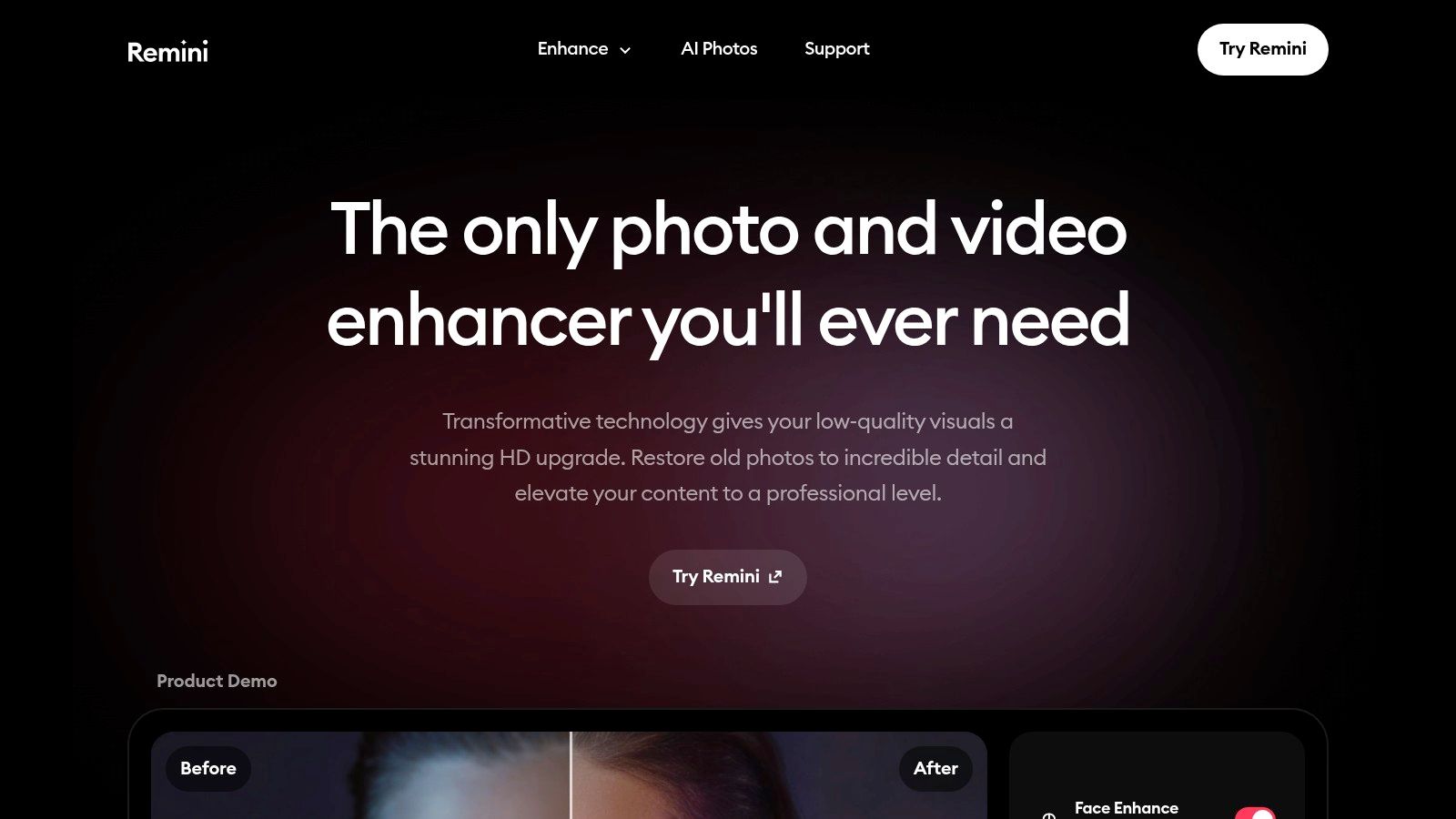
This tool is a go-to free ai photo enhancer for social media users and anyone needing quick, impressive results without a learning curve. Its "Old Photo" presets are particularly powerful, handling scratches and faded colors automatically. However, Remini’s generosity has its limits. The free tier is quite restrictive, often requiring you to watch ads to process a photo and limiting the number of enhancements you can perform. Most of its advanced features, like video enhancement and the popular AI headshot generator, are locked behind a subscription.
Key Features & Use Case
- Primary Use Case: Ideal for restoring old family photos, enhancing blurry social media profile pictures, and quick-fix portrait touch-ups on the go.
- Face Restoration: Its algorithm is heavily trained on facial data, making it exceptionally good at reconstructing eyes, skin texture, and hair.
- Simple UI: The interface is incredibly straightforward. You upload, tap a button, and the AI does the rest, making it accessible to non-technical users.
- Limitations: The free version adds a watermark and has daily limits. For developers or businesses, there's no public API, making it unsuitable for automated workflows.
| Feature | Free Tier Availability | Best For |
|---|---|---|
| Photo Enhancer | Yes (with ads and daily limits) | Blurry portraits, low-res social media images |
| Old Photo Restore | Yes (limited) | Faded, grainy, or slightly damaged photos |
| 2x Upscaler | Yes (limited) | Minor resolution boosts for digital sharing |
| Video Enhancer | No (Subscription required) | – |
| AI Photos (Avatars) | No (Subscription required) | – |
Website: https://remini.ai
3. Fotor – Free AI Image Enhancer
Fotor positions itself as more than just a quick-fix tool; it's a browser-based design suite where a powerful one-click AI enhancer is just one of many features. If you need to not only sharpen an image but also immediately drop it into a social media template or marketing banner, Fotor is your playground. Its AI enhancement tackles the usual suspects: de-noising, sharpening details, and correcting colors, all with a single click, making it a fantastic asset for rapid content creation workflows.
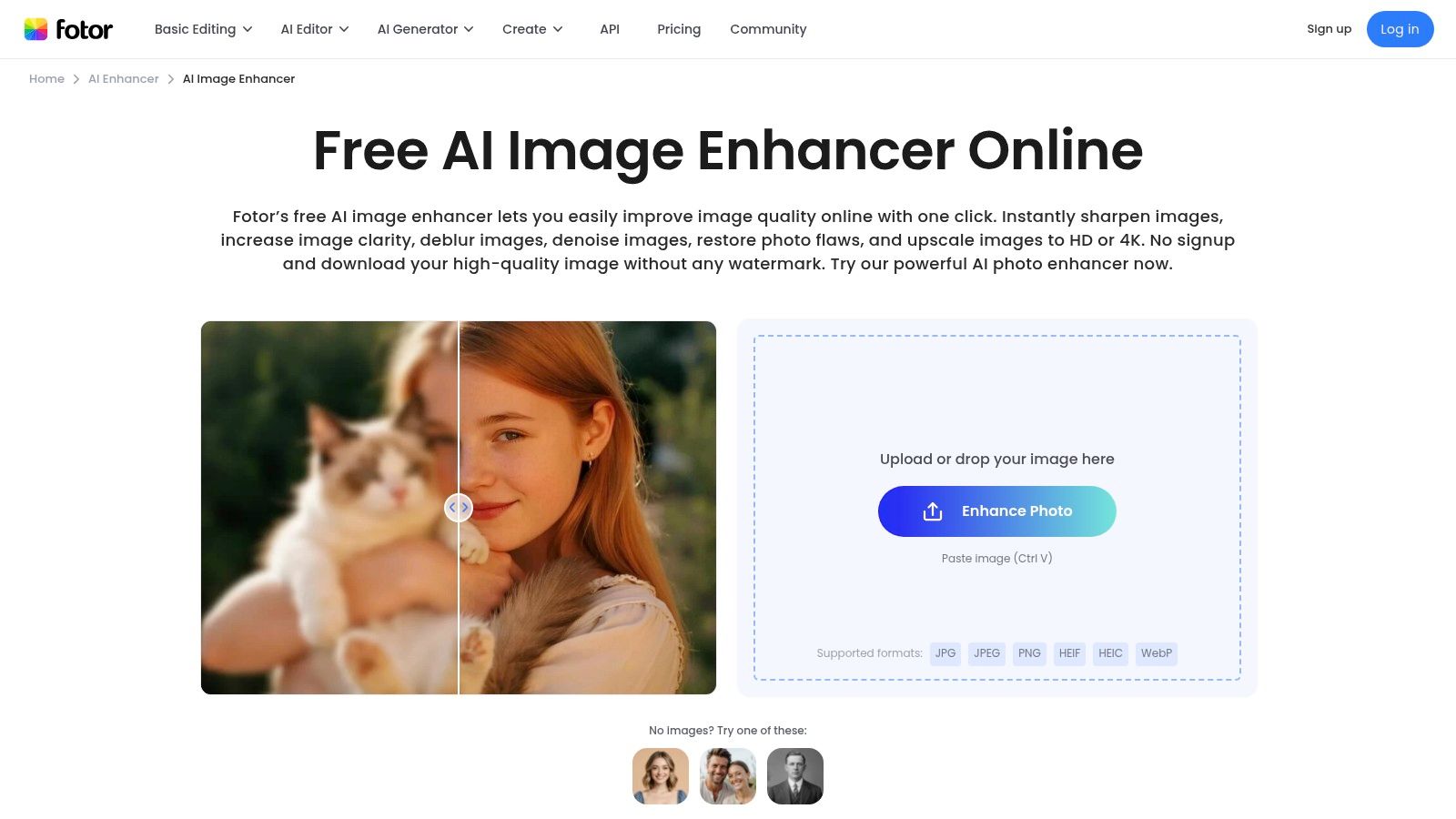
This platform is a strong contender for the best free ai photo enhancer for marketers and content creators who want an all-in-one solution. The convenience of enhancing a photo and then pivoting directly to its template-based editor is a major time-saver. However, the "free" aspect comes with clear boundaries. Free users will encounter watermarks on certain exports and are given a limited number of AI credits to spend on premium features like the upscaler. It's also wise to read subscription terms carefully, as some users have reported confusion around trial periods and billing.
Key Features & Use Case
- Primary Use Case: Best for marketers, bloggers, and social media managers who need to enhance images and immediately use them in design projects like posts, ads, or thumbnails.
- All-in-One Editor: Combines AI enhancement with a comprehensive suite of design tools, templates, text overlays, and filters, removing the need for multiple apps.
- One-Click Enhancement: The AI is designed for speed. Upload an image, click "1-Tap Enhance," and the tool automatically adjusts sharpness, color, and lighting.
- Limitations: The free tier includes watermarks and limits access to advanced AI tools. Full HD upscaling and other premium features are locked behind a Pro subscription.
| Feature | Free Tier Availability | Best For |
|---|---|---|
| 1-Tap Enhance | Yes (with watermarks and credit limits) | Quick, automatic improvements for social media and web content |
| Upscaler (HD/4K) | No (Subscription required) | – |
| Sharpen & Denoise | Yes (as part of basic editing) | Manually tweaking images that need a light touch-up |
| Design Templates | Yes (Free templates available) | Creating marketing assets directly after enhancing a photo |
| Background Remover | No (Subscription required) | – |
Website: https://www.fotor.com/ai-image-enhancer/
4. Let’s Enhance
Let’s Enhance is the precision tool for users who think bigger, literally. This cloud-based platform is less about quick social media fixes and more about delivering high-fidelity, print-ready upscales. Its core strength lies in its ability to dramatically increase image resolution (up to 16x) while intelligently recovering details and textures that other tools might invent or hallucinate. If you need to turn a small product photo into a billboard-worthy image without it looking like a digital mess, Let's Enhance is your go-to engineer.
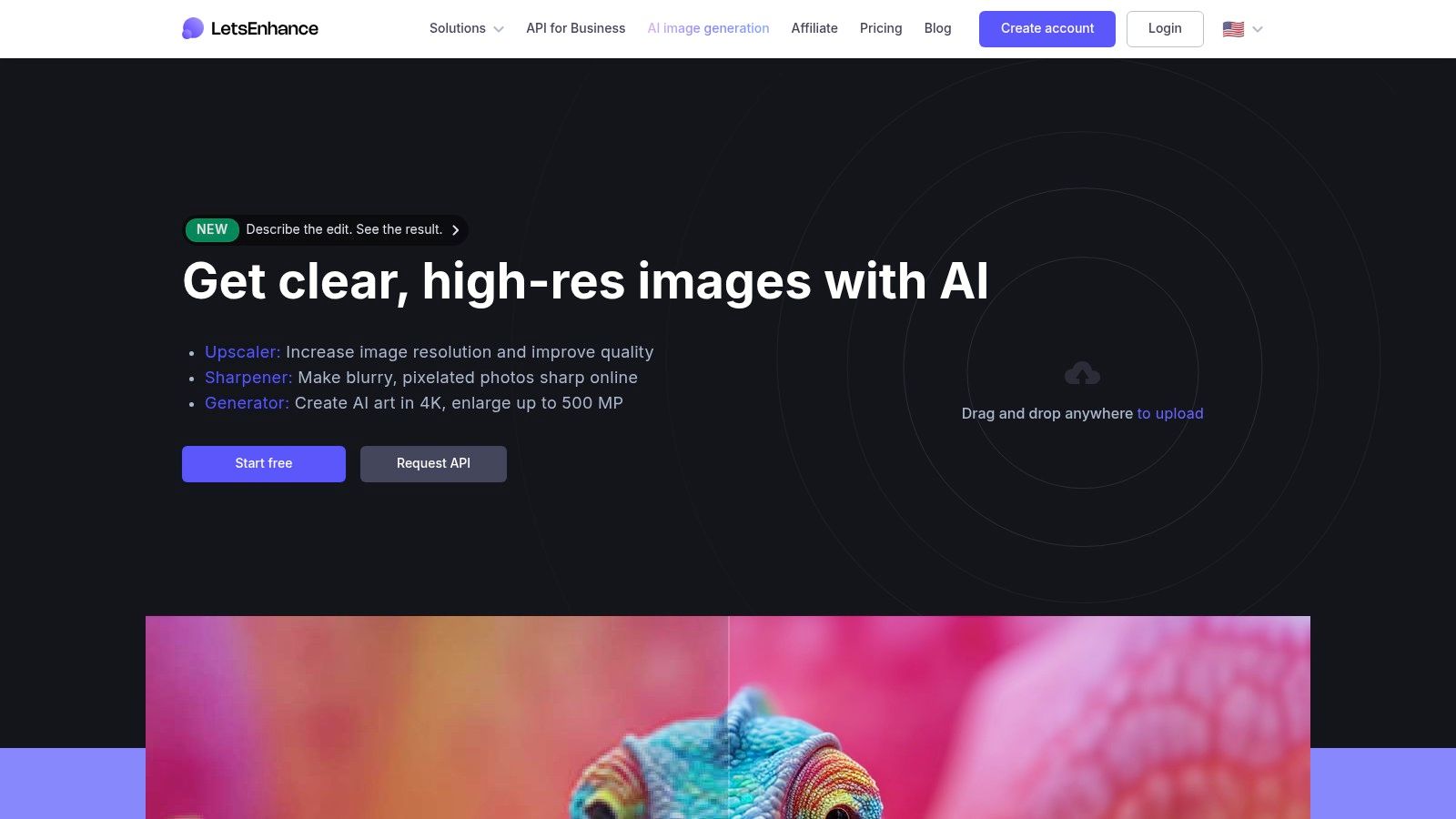
The platform operates on a credit-based system, which can be a double-edged sword. You get a handful of free credits upon signup to test the waters, which is a great way to experience its power. However, once those are gone, you'll need to subscribe or buy more. This model makes it an excellent free ai photo enhancer for trial use but pushes professional users toward paid plans. Its "Smart Enhance" feature also does a fantastic job of correcting colors and lighting, making it a versatile tool for e-commerce and professional photography workflows where quality is non-negotiable.
Key Features & Use Case
- Primary Use Case: Best for professional-grade upscaling for print, e-commerce product imagery, real estate photos, and digital art where maximum detail is critical.
- High-Resolution Upscaling: Offers various algorithms ("Photo," "Digital Art") to upscale images by 2x, 4x, 8x, and up to 16x on paid tiers.
- Batch Processing: The interface is built to handle multiple images at once, allowing users to create presets and apply them to entire folders efficiently.
- Limitations: The free trial is limited to a small number of credits. The credit system requires users to calculate costs per enhancement, which adds a layer of complexity compared to unlimited tools.
| Feature | Free Tier Availability | Best For |
|---|---|---|
| Smart Enhance | Yes (with signup credits) | Correcting color, tone, and compression artifacts |
| Upscaling | Yes (up to 2x with signup credits) | High-quality resolution boosts for professional use |
| Batch Processing | Yes (with signup credits) | Processing multiple product or event photos at once |
| Preset Creation | Yes | Saving enhancement settings for consistent workflows |
| API Access | No (Subscription required) | – |
Website: https://letsenhance.io
5. VanceAI
VanceAI presents itself as a comprehensive toolkit for nearly any photo-fixing scenario you can imagine. Instead of a single "enhance" button, it offers a suite of specialized AI models for upscaling, sharpening, denoising, colorizing, and more. This modular approach is perfect for users who know exactly what’s wrong with their image and want a targeted solution rather than a one-size-fits-all fix. If your product photo is noisy but sharp, you can use the Denoise tool without altering its clarity.
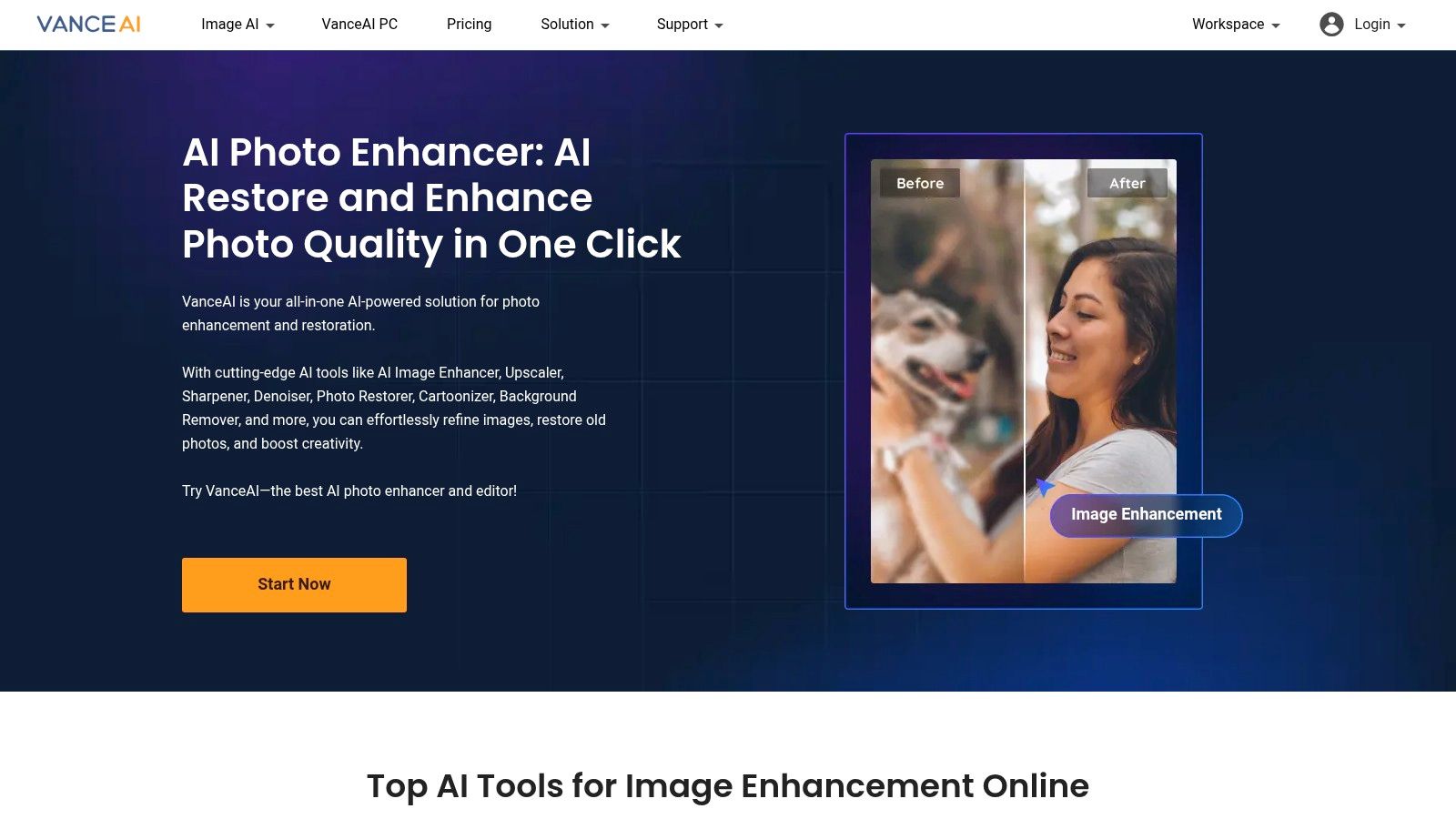
This platform operates on a credit system, which is both a pro and a con. You get a few free credits upon signing up and a small monthly refresh, allowing you to test the waters. This makes it a great free ai photo enhancer for occasional, specific tasks. However, once those credits are gone, you’ll need to subscribe or purchase a credit pack to download your high-resolution results. The system is transparent, clearly stating the credit cost for each operation, which helps manage usage. For power users, VanceAI also offers a desktop app and an API for programmatic access, setting it apart from more consumer-focused tools.
Key Features & Use Case
- Primary Use Case: Best for users needing a specific type of enhancement, like targeting only noise or sharpness, and for businesses looking for an API or desktop software.
- Specialized Tools: Provides distinct AI models for sharpening, denoising, upscaling, photo restoration, and colorization, offering more granular control.
- Credit System: The free tier offers 3 credits per month, allowing for limited but full-featured processing and downloads.
- Developer Friendly: The availability of a public API and desktop software makes it a viable option for integration into automated workflows or offline batch processing.
| Feature | Free Tier Availability | Best For |
|---|---|---|
| Image Enhancer | Yes (with credits) | General-purpose quality improvements |
| Image Upscaler | Yes (with credits) | Increasing resolution for print or display |
| Image Denoiser | Yes (with credits) | Cleaning up photos taken in low light |
| Image Sharpener | Yes (with credits) | Correcting soft focus and motion blur |
| Photo Restorer | Yes (with credits) | Removing scratches and fixing old photos |
Website: https://vanceai.com
6. Clipdrop (by Stability)
Clipdrop, powered by the AI wizards at Stability, is less of a single-purpose tool and more of a Swiss Army knife for image manipulation. While it offers a powerful upscaler, its real strength lies in its comprehensive suite of editing utilities designed for practical, workflow-oriented tasks. It's the go-to platform when you need to not only enhance a photo but also remove its background, clean up distracting objects, or relight the scene, all within the same streamlined interface. This makes it a beast for e-commerce listings and social media content creation.
This free ai photo enhancer is a dream for developers and businesses needing programmatic access, thanks to its well-documented API. While the free tier is generous enough for casual use, you'll encounter queues during peak times and limits on output resolution and the number of tasks. The really impressive features, like the 16x upscaler and other generative AI tools, are reserved for Pro subscribers. Still, for an all-in-one cleanup and enhancement solution, its free offering is remarkably capable.
Key Features & Use Case
- Primary Use Case: Best for e-commerce product shots, social media marketing assets, and developer workflows requiring a versatile image processing API.
- Multi-Tool Ecosystem: Seamlessly switch between upscaling, cleanup, relighting, and one of the best background removal tools available in a single workspace.
- API for Integration: Unlike many consumer-focused apps, Clipdrop provides a robust API for automating image editing in commercial applications.
- Limitations: Free users face processing queues, resolution caps, and daily usage limits. High-end features and faster processing are behind the paywall.
| Feature | Free Tier Availability | Best For |
|---|---|---|
| Image Upscaler (2x) | Yes (HD resolution limit) | E-commerce images, social media posts |
| Cleanup / Remove Object | Yes (HD resolution limit) | Removing text, logos, or imperfections from photos |
| Background Removal | Yes (limited) | Creating clean product cutouts for web stores and catalogs |
| Relight | Yes (limited) | Adjusting lighting on portraits or product shots post-production |
| API Access | Yes (limited free credits) | Developers testing automated image workflows |
Website: https://clipdrop.co
7. Icons8 Smart Upscaler
Icons8 Smart Upscaler is the workhorse of the AI enhancement world. It’s less about artistic restoration and more about raw, predictable power. This web-based tool is laser-focused on one primary task: upscaling images by 2x or 4x with clean, consistent results. It's built for users who need a reliable engine to enlarge images, especially for e-commerce, print, or digital archives, without the frills or dramatic stylistic changes some other enhancers apply.
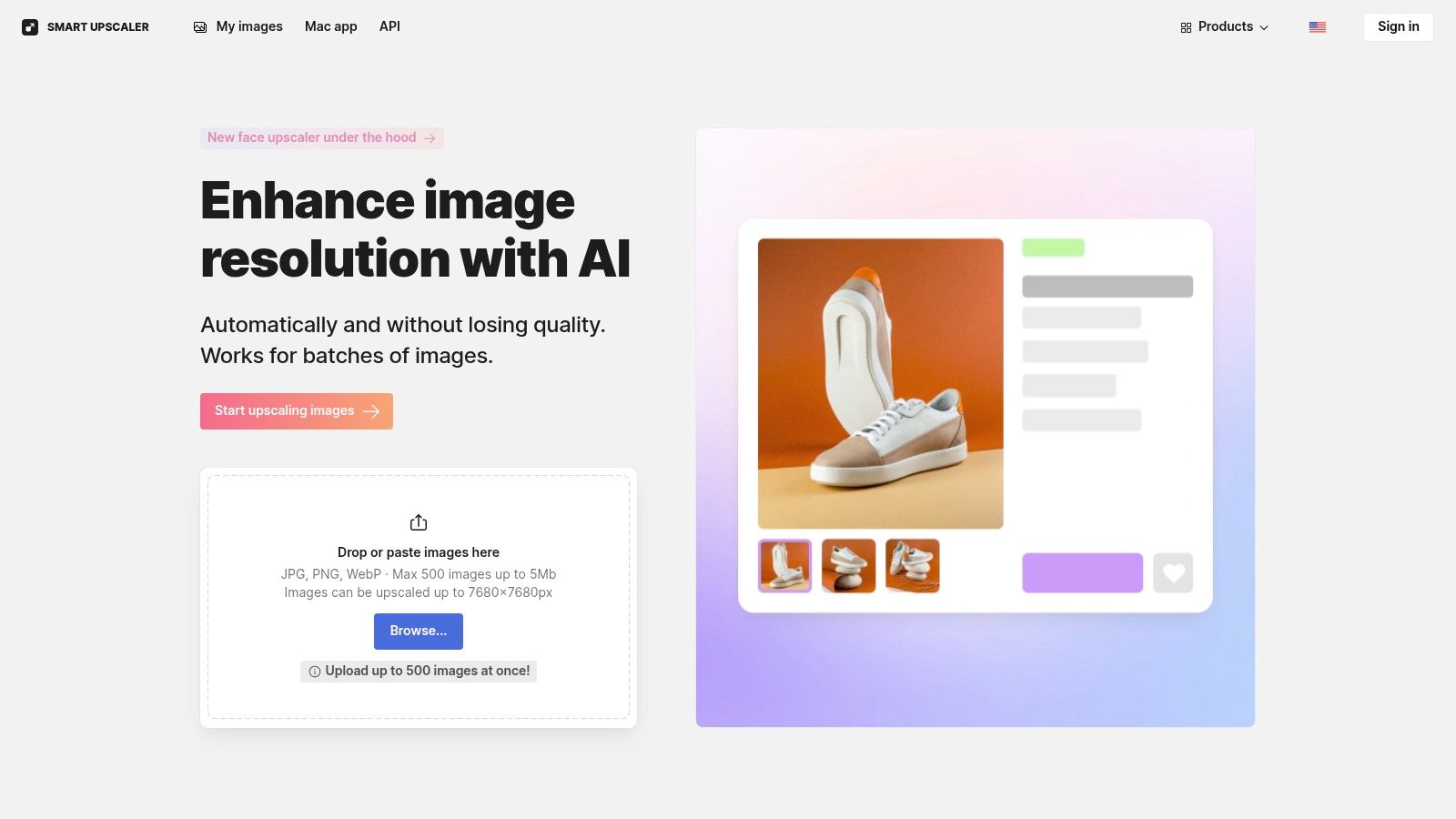
This tool shines for those who value practicality and automation over creative flair. It’s a dependable free ai photo enhancer for developers and businesses needing to integrate upscaling into their workflows, thanks to its well-documented API. The free version is quite limited, offering only a few upscales before hitting a paywall. However, its pricing is transparent, with options for prepaid packs or subscriptions, and they make a point of not training their models on user images. If you're looking for a deeper dive into the technical side, you can explore an interactive image upscaling demo to see how the technology works.
Key Features & Use Case
- Primary Use Case: Best for developers needing API access, e-commerce managers preparing product photos, and anyone requiring straightforward, no-nonsense image enlargement.
- Predictable Results: The AI focuses on sharpening and enlarging existing details rather than creating new ones, which is crucial for maintaining product accuracy or original photo integrity.
- API for Automation: A key differentiator is its API, allowing for batch processing and integration into other applications, making it a scalable solution.
- Limitations: The free tier is essentially a trial, with only a handful of credits. It’s not a one-stop-shop for general photo enhancement like color correction or face restoration.
| Feature | Free Tier Availability | Best For |
|---|---|---|
| 2x-4x Upscaler | Yes (3 images free, watermark) | E-commerce listings, digital assets, print |
| Batch Processing | No (Paid feature) | – |
| API Access | No (Paid feature) | – |
| Background Removal | Yes (Separate tool, limited free use) | Simple product shots, graphic design elements |
| Image History | Yes | Re-downloading or comparing past upscales |
Website: https://icons8.com/upscaler
8. Upscale.media (by Pixelbin)
Upscale.media is the developer's-best-friend of AI image enhancement, offering a clean, API-first approach to upscaling. While it has a simple web interface for casual users, its real power lies in its integration capabilities via the Pixelbin platform. It’s designed for those who need to programmatically enhance images in bulk, like e-commerce stores sharpening thousands of product photos or apps needing to improve user-uploaded content automatically. It’s less about artistic restoration and more about efficient, scalable resolution boosting.
This tool positions itself as a powerful free ai photo enhancer for technical workflows. You can process one image per day without even signing up, making it great for a quick test. Signing up gets you a handful of free credits monthly, but its real value is in its affordable credit packs and API access. It’s a no-nonsense tool that prioritizes function over flair, focusing on delivering crisp, high-resolution results that can be easily plugged into any automated pipeline.
Key Features & Use Case
- Primary Use Case: Best for developers, e-commerce platforms, and businesses needing to integrate high-quality upscaling into their applications or bulk-processing workflows.
- API-First Design: Offers a robust and easy-to-integrate API for automated image processing at scale.
- Generous Trial: Allows for daily free processing without an account and provides free monthly credits upon signup, encouraging thorough testing before commitment.
- Limitations: The free monthly credits expire if unused. Its core focus is on upscaling, so it lacks the broader creative editing or restoration features of other tools.
| Feature | Free Tier Availability | Best For |
|---|---|---|
| 2x & 4x Upscaling | Yes (1/day without signup, 3/mo with signup) | E-commerce listings, print preparation, digital asset management |
| AI Enhancement | Yes (limited) | Sharpening details, reducing artifacts in compressed images |
| API Access | Yes (with free credits) | Automated workflows, app integration, bulk processing |
| Background Removal | No (Available via sister tools) | – |
| Batch Processing | No (Web UI is single-file only) | – |
Website: https://www.upscale.media
9. HitPaw Online (Photo Enhancer)
HitPaw positions itself as an all-in-one digital creative suite, and its online photo enhancer is a key piece of that puzzle. Unlike specialized tools, HitPaw bundles its enhancer with over 40 other utilities, from background removers to object erasers. This makes it a Swiss Army knife for quick-and-dirty edits. Its primary appeal is the "try before you buy" model, allowing you to upload an image, see the AI-enhanced preview in real-time, and only pay if you're happy with the result. It's a no-risk way to test the waters.
This platform is a strong free ai photo enhancer for those who are hesitant to commit to a subscription. You can purchase credits in bundles for one-off enhancements, making it flexible for occasional users. However, the term "free" here mostly applies to the preview. Exporting the final, high-quality image almost always requires payment. The sheer number of tools and purchasing options (online credits, desktop licenses, API access) can also be slightly confusing, so it’s wise to double-check what you’re getting.
Key Features & Use Case
- Primary Use Case: Best for users who need a variety of image editing tools and prefer a pay-as-you-go model for enhancements after a free preview.
- Preview-First Workflow: See the enhanced result at no cost before deciding to spend credits on the download. This removes the guesswork common with other tools.
- Flexible Purchase Models: Offers credit packs for online use, separate desktop software licenses, and API access for developers, catering to a wide range of needs.
- Limitations: The free tier is essentially a preview-only service. Downloading the watermark-free, full-resolution image requires payment, which might mislead users looking for a completely free tool.
| Feature | Free Tier Availability | Best For |
|---|---|---|
| Photo Enhancer | Yes (Preview only) | Checking enhancement potential before paying |
| Upscaler | Yes (Preview only) | Assessing quality for one-off image enlargements |
| Background Remover | Yes (Preview only) | Quick product image cutouts or profile pictures |
| Object Remover | Yes (Preview only) | Cleaning up photos by removing distractions |
| API Access | No (Paid credits/plan) | – |
Website: https://online.hitpaw.com
10. Topaz Photo (Topaz Labs)
Topaz Photo AI is the heavyweight champion for photographers and power users who refuse to compromise on quality. This isn't your average one-click web tool; it's a professional-grade desktop suite (Mac/Windows) built for high-fidelity denoising, sharpening, and upscaling. While primarily a paid product, its reputation for producing jaw-droppingly clean and detailed results earns it a spot for those willing to use a free trial or the limited iOS app for critical projects. It treats photo enhancement like a science, giving granular control over its powerful AI models.
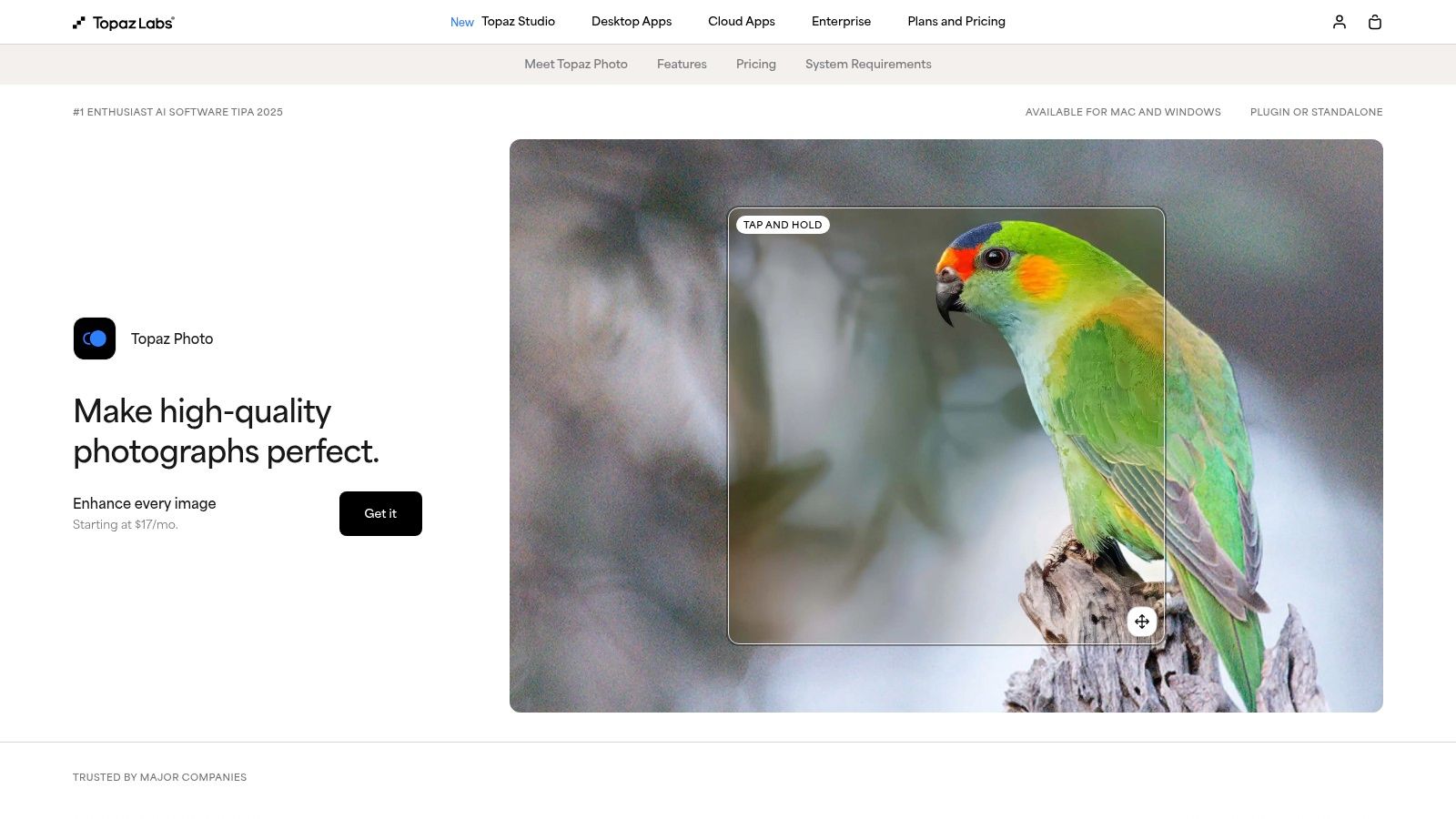
This tool is the definitive free ai photo enhancer for anyone in a trial period who needs to salvage a technically flawed but artistically perfect shot. Unlike most web-based enhancers, Topaz processes images locally on your machine, ensuring privacy and speed. Its "Recover Faces" feature is incredibly nuanced, restoring features without the artificial, "plastic" look some other tools produce. The catch is its business model; free access is temporary via trials or a small monthly quota on its Gigapixel iOS app. The full suite is a significant investment.
Key Features & Use Case
- Primary Use Case: Best for professional photographers, serious hobbyists, and print designers who need maximum detail and artifact removal from RAW or high-res images.
- Pro-Grade Algorithms: Its Denoise, Sharpen, and Upscale AI models are widely considered industry-leading, perfect for rescuing low-light shots or preparing images for large-format printing.
- Desktop Workflow: Operates as a standalone app or as a plugin for Adobe Lightroom and Photoshop, integrating seamlessly into existing professional workflows.
- Limitations: The free offering is a time-limited trial of the desktop software or a very restricted allotment on the separate iOS app. The full product is a premium purchase.
| Feature | Free Tier Availability | Best For |
|---|---|---|
| Sharpen AI | Yes (in free trial) | Correcting motion blur and soft focus shots |
| Denoise AI | Yes (in free trial) | Cleaning up noisy, high-ISO images |
| Recover Faces | Yes (in free trial) | Subtle, natural-looking facial restoration |
| Gigapixel Upscaler | Yes (in free trial or limited iOS app) | Extreme upscaling for print or cropping |
| Local Processing | Yes (in free trial) | Privacy-focused, high-performance enhancement |
Website: https://www.topazlabs.com/topaz-photo-ai
11. Adobe Express
Adobe Express is the Swiss Army knife for content creators who need more than just a photo touch-up. Instead of being a dedicated tool, it positions itself as a creative hub where photo enhancement is the first step in a larger design workflow. If you need to not only sharpen an image but also slap it into a social media post, add text, and schedule it, Adobe Express streamlines that entire process. It’s less about forensic-level restoration and more about making your photos look great for immediate marketing or content use.
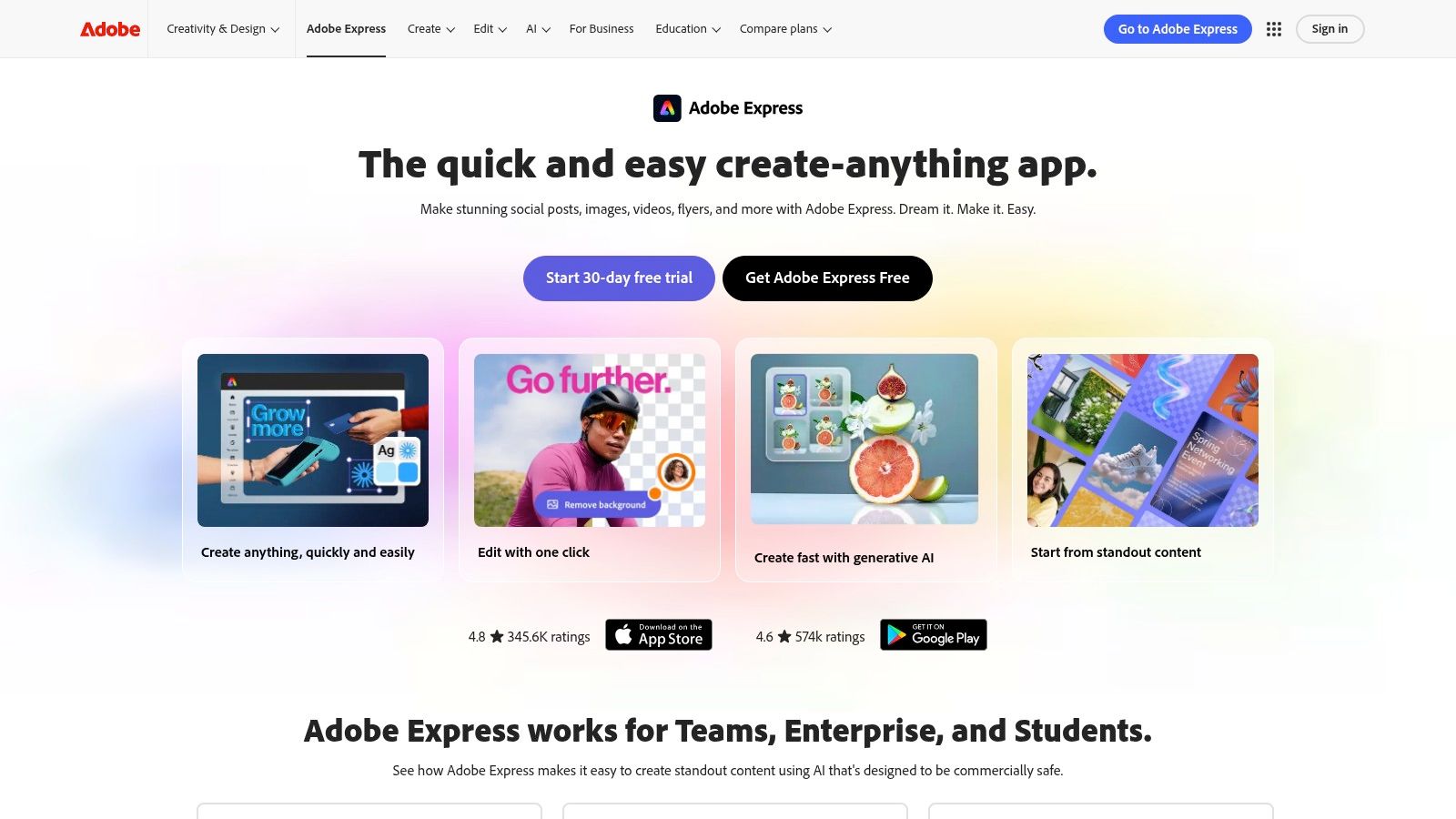
As a free ai photo enhancer, it offers simple but effective one-click tools like auto-enhance, background removal, and resizing, all baked into a template-driven editor. The free tier is surprisingly generous, giving you access to core editing tools and a limited selection of Adobe's massive stock library and fonts. The real magic is its integration; you enhance a photo and can instantly drop it into a template for an Instagram story, YouTube thumbnail, or flyer. The premium plan unlocks more advanced AI features, a larger asset library, and generative AI credits.
Key Features & Use Case
- Primary Use Case: Best for marketers, social media managers, and small business owners who need an all-in-one solution for creating polished visual content quickly.
- Integrated Workflow: Seamlessly move from enhancing a photo to designing a full-blown graphic, all within one tab.
- Template-Driven Design: Access thousands of professional templates, making it easy to create high-quality content without design experience.
- Limitations: The photo enhancement controls are basic compared to specialized tools. Many of the best assets and advanced AI tools require a premium subscription.
| Feature | Free Tier Availability | Best For |
|---|---|---|
| Auto Photo Enhance | Yes | Quick lighting, color, and sharpness fixes for content creation |
| Background Remover | Yes (with Adobe branding) | Creating clean product shots or profile pictures for designs |
| Resizing & Cropping | Yes | Prepping images for different social media platform dimensions |
| Generative AI (Fill, etc.) | No (Premium subscription required) | – |
| Design Templates & Assets | Yes (Limited selection) | Quickly creating branded social media posts, ads, or flyers |
Website: https://www.adobe.com/express
12. Canva
Canva is less a dedicated photo enhancer and more of a complete design ecosystem with a powerful AI toolkit baked in. It's the Swiss Army knife for marketers, content creators, and anyone who needs to take a photo from "meh" to "marketing-ready" in minutes. While it lacks the hyper-specialized facial restoration of tools like Remini, Canva's "Auto Enhance" feature provides a one-click solution for improving brightness, contrast, and color saturation, making it perfect for quick touch-ups before dropping an image into a social media post or presentation slide.
This platform shines brightest when photo editing is just one step in a larger creative process. You can enhance an image, seamlessly remove its background with the Magic Studio tools, and then immediately place it into a professionally designed template. This integration makes it an incredibly efficient free ai photo enhancer for users who value workflow speed over granular, pixel-level control. The free tier is generous, but many of the most impressive AI features, like the Magic Eraser and advanced background remover, are locked behind a Canva Pro subscription.
Key Features & Use Case
- Primary Use Case: Best for social media managers, marketers, and small business owners who need to quickly enhance photos and integrate them into design projects like posts, flyers, or ads.
- Integrated Design Workflow: Its biggest advantage is the seamless transition from photo editing to full-blown graphic design within a single, user-friendly interface.
- Magic Studio: A suite of AI tools, including Magic Edit (add/replace objects) and the popular Background Remover, simplifies complex editing tasks.
- Limitations: The "Auto Enhance" is a generalist tool; it won't perform miracles on severely damaged or blurry photos. Many of the most powerful AI features require a paid plan.
| Feature | Free Tier Availability | Best For |
|---|---|---|
| Auto Enhance | Yes | Quick improvements to color, brightness, and clarity |
| Magic Edit/Eraser | No (Pro/paid feature) | – |
| Background Remover | No (Pro/paid feature) | – |
| Design Templates | Yes (with a mix of free & pro assets) | Integrating enhanced photos into social posts and marketing materials |
| Collaboration Tools | Yes | Teams working on design projects together |
Website: https://www.canva.com
Top 12 Free AI Photo Enhancer Comparison
| Product | Core features ✨ | Quality / Ease ★ | Pricing & Value 💰 | Target audience 👥 | Standout USP 🏆 |
|---|---|---|---|---|---|
| PixelPanda 🏆 | Background/remove, inpainting, face enh., 4x upscaling, text→image, UGC video & avatar training | ★★★★☆ — studio-quality; images ~15–20s, videos 1–2min | 💰 Credit-based; 100 free credits trial; Starter→Pro tiers (yr/mo) | 👥 E‑commerce, marketers, developer teams | 🏆 Dev‑friendly API + UGC video, edge‑preserving models, hair/fur accuracy |
| Remini | Face enhancer, denoise, color fix, 2× upscaler, mobile apps | ★★★★☆ — one‑tap portrait recovery | 💰 Subscription-heavy; limited free use | 👥 Casual mobile users, social portrait fixes | ✨ Fast portrait recovery and old‑photo repair |
| Fotor – Free AI Image Enhancer | One‑click AI enhance, denoise, upscaling, templates/editor | ★★★☆☆ — easy web editor | 💰 Free tier + paid (watermarks/limits on free) | 👥 Marketers, social creators wanting quick design | ✨ Combine enhancer + design templates in‑browser |
| Let’s Enhance | High‑res upscaling, smart enhancement, batch queue, credits | ★★★★☆ — strong upscales, good batch UX | 💰 Credit‑based with free signup credits | 👥 Photographers, batch processing users | ✨ High‑quality megapixel upscales for prints/catalogs |
| VanceAI | Enhance, upscaler, denoise, colorize, restore; API | ★★★☆☆ — broad tool coverage | 💰 Per‑tool credit transparency; some free credits | 👥 Casual users & SMBs needing many tools | ✨ Wide toolset with clear credit rules |
| Clipdrop (by Stability) | Background removal, cleanup, relight, upscaling (x16) & API | ★★★★☆ — fast e‑commerce prep | 💰 Free tier limits; Pro for hi‑res/x16 | 👥 E‑commerce, creators, devs needing API | ✨ Multi‑tool workspace + fast browser processing |
| Icons8 Smart Upscaler | Reliable 2–4× upscaling, history, API, batch runs | ★★★★☆ — consistent, predictable | 💰 Transparent pricing: prepaid, monthly, unlimited | 👥 Teams needing repeatable upscales | ✨ Predictable pricing & batch automation |
| Upscale.media (Pixelbin) | Upscaler, face enh., presets, API; free daily option | ★★★★☆ — simple & developer‑friendly | 💰 Free daily/3 credits; low‑cost annual packs | 👥 Developers & quick bulk users | ✨ One free image/day + easy API integration |
| HitPaw Online | Enhancer + 40+ tools, preview‑before‑buy, credit bundles | ★★★☆☆ — many tools; preview UX | 💰 Preview free; exports need credits | 👥 Casual users who want previews & variety | ✨ $0 previews before purchase |
| Topaz Photo (Topaz Labs) | Recover Faces, Denoise, Sharpen, Upscale; desktop/cloud | ★★★★★ — pro‑grade, local rendering | 💰 Paid software; trials available | 👥 Photographers, power users, pros | ✨ High‑fidelity offline processing & plugins |
| Adobe Express | Auto enhance, background remove, templates, generative AI | ★★★★☆ — smooth design + export flows | 💰 Free plan; Premium gates assets & AI credits | 👥 Marketers, creators, social publishers | ✨ Integrated templates + publishing workflows |
| Canva | Auto Enhance, background remover, Magic Edit, templates, teams | ★★★★☆ — easy, collaborative | 💰 Free + Pro subscription for advanced features | 👥 Teams, non‑designers, social creators | ✨ Massive template library & team collaboration |
Choosing Your Perfect Enhancer: From Quick Fixes to Scalable Workflows
We’ve just navigated the wild, wonderful world of AI image enhancement, dissecting a dozen tools that can take your photos from "meh" to "mesmerizing." It’s clear that the universe of the free AI photo enhancer is no longer a niche corner of the internet; it’s a full-blown creative revolution accessible to everyone.
You've seen the powerhouses like Remini, perfect for breathing life back into blurry faces for your next viral social media post. You've explored the all-in-one creative suites like Canva and Adobe Express, which wrap powerful AI enhancers into a broader design ecosystem. And you've peeked into the more specialized tools like Clipdrop and Upscale.media, each excelling at specific, crucial tasks.
The journey from a raw image to a polished final asset is now faster and more accessible than ever. What once required hours of meticulous manual labor in complex software can now often be accomplished with a single click.
Distilling Your Decision: Quick Fix vs. Core Workflow
The most critical question to ask now is not "which tool is best?" but rather, "which tool is best for me and my specific goal?" Your answer will dramatically narrow the field.
For the Casual Creator & Social Media Maven: If your goal is a quick, one-off enhancement for an Instagram story or a profile picture refresh, your needs are straightforward. A mobile app like Remini or a user-friendly web tool like Fotor or HitPaw is your ideal match. They are built for speed and simplicity, delivering impressive results without a steep learning curve. The free-tier limitations are usually generous enough for occasional use.
For the Meticulous Photographer & Designer: When every pixel counts and creative control is paramount, a tool like Topaz Photo AI remains the gold standard, though it comes with a price tag after the trial. For a free alternative that offers more granular control, VanceAI provides a suite of tools that let you tackle specific problems like noise or sharpening individually.
For the Business Builder, Developer, and Marketer: Here, the game changes entirely. Your problem isn't enhancing one photo; it's enhancing thousands. You need consistency, reliability, and most importantly, automation. This is where an API-first platform like PixelPanda distinguishes itself from the pack. The focus shifts from a web interface to a powerful, integrable engine that becomes a core part of your production pipeline, whether for an e-commerce catalog, a real estate platform, or a social media content machine.
Key Factors for Your Final Choice
As you experiment, keep these practical considerations in mind. The "best" free AI photo enhancer for your project will balance these factors perfectly.
- Output Quality and Artifacts: Does the tool introduce weird textures or unnatural "AI-looking" smoothness? Zoom in and inspect the results closely.
- Use Case Specialization: Is the tool a generalist, or does it excel at one thing, like face restoration (Remini) or upscaling cartoons (VanceAI)? Pick the specialist if your needs are specific.
- Free Tier Generosity (and Limits!): How many images can you process? Are there resolution caps? Does it add a watermark? Understand the limits before you integrate a tool into your process.
- Workflow Integration: For serious use, this is everything. Does the tool offer an API? Does it have batch processing? Can it connect to other services you use? A tool that lives in a browser tab is great for one-offs but a bottleneck for scalable operations.
- File Format and Optimization: Your final image's format matters. When considering your image workflow, understanding the implications of different output formats is crucial; a detailed PNG vs JPG comparison can help you decide on the best format for your enhanced images, balancing quality and file size.
Ultimately, the power is now firmly in your hands. You have a roster of incredible tools, many of which cost nothing to start with. The path to stunning, professional-quality visuals is no longer guarded by expensive software or years of training. It’s open, it’s automated, and it’s waiting for you to begin.
Ready to move beyond one-off enhancements and build a truly automated visual workflow? PixelPanda is designed for scale, offering a robust API that brings studio-quality enhancement, background removal, and upscaling directly into your applications and processes. Start your free trial and see how effortless high-volume image processing can be.