Ever feel like your social media content creation process is held together with digital duct tape and a prayer? You're not alone. One minute you're trying to remove the background from 50 product photos, the next you're fighting with a video editor that moves at the speed of a dial-up modem. The struggle to produce a high volume of quality content that doesn't look like it was made in Microsoft Paint is very real, especially for marketing teams, developers, and e-commerce sellers who need to move fast.
This isn't just another list of apps. This is your new, obsessively curated toolkit. We've gone deep, testing and analyzing the absolute best tools for social media content creation to save you from endless free trials and buyer's remorse. We're cutting through the marketing fluff to give you the real-world scoop on what works, for who, and why. Inside, you'll find a detailed breakdown of each tool, covering everything from key features and pricing to the nitty-gritty of their pros and cons.
We'll show you exactly how platforms like PixelPanda can automate tedious tasks for your dev team, how Canva can empower your marketing crew to design on the fly, and how video editors like CapCut can make your content pop without a film degree. For an extensive look at the latest options, check out this list of the Top Social Media Content Creation Tools for 2025 from PostSyncer. Get ready to find the perfect addition to your workflow and finally ditch that digital duct tape for good.
1. PixelPanda
PixelPanda isn't just another image editor; it's a comprehensive, AI-powered virtual photo studio that's rapidly becoming an indispensable asset for social media and e-commerce teams. Positioning itself as a leader among the best tools for social media content creation, it combines an astonishingly deep feature set with a developer-friendly API, making it a powerful choice for both creative execution and automated, at-scale production. It effectively bridges the gap between a hands-on design tool and a backend processing engine.
What truly sets PixelPanda apart is its ability to automate the entire visual content pipeline. Instead of juggling multiple apps for background removal, upscaling, and generative AI, teams can consolidate their workflow into a single, cohesive platform. This is a game-changer for high-volume content demands.
Key Features & Use Cases
PixelPanda is built for modern marketing, offering a suite of tools that address common and complex content creation challenges.
- Studio-Quality Editing: The platform excels at foundational tasks like background and text removal, handling tricky subjects like hair and fur with remarkable precision. Its 4x upscaler and face enhancement tools ensure every asset looks crisp and professional, even when repurposing older images.
- AI Photoshoots & UGC Video: This is where PixelPanda shines. Marketing teams can generate infinite product backdrops or use trainable AI avatars for consistent model photography without booking a single studio session. The platform can even create realistic UGC-style "talking head" videos from a single photo, complete with accurate lip-sync in over 35 languages, perfect for dynamic social ads and explainers.
- Developer-First Integration: For tech-savvy teams, the REST API and SDKs are a massive advantage. An e-commerce brand could integrate PixelPanda to automatically create clean, white-background product shots for their catalog the moment a new SKU is uploaded. Similarly, a social media management platform could build a feature allowing its users to generate AI banners directly within their app.
Pro Tip: Leverage the batch processing feature to streamline your workflow. Upload hundreds of product images at once and apply a consistent background or style, generating an entire campaign's worth of assets in minutes, not days. For practical steps, PixelPanda offers excellent guides on how to create social media product content using its tools.
Pricing & Value
PixelPanda operates on a credit-based system with a generous free trial that includes 100 credits without requiring a credit card. Paid plans start at $39/month (billed annually). While image processing is cost-effective at around 1 credit per image, video generation is more of an investment, starting at 75 credits. However, the credits roll over monthly, adding flexibility for teams with fluctuating needs.
| Pros | Cons |
|---|---|
| All-in-one platform with studio-grade editing, AI generation, and video creation. | Credit system for video can be expensive for high-volume, unpredictable usage. |
| Powerful API and SDKs for seamless workflow automation and integration. | AI-generated results for highly complex scenes may occasionally require manual review or touch-ups. |
| Unique AI photoshoot and UGC video features that drastically reduce production costs. | |
| Generous free trial and flexible plans with credits that roll over. |
Website: https://pixelpanda.ai
2. Canva
Canva is the undisputed heavyweight champion of accessible design, transforming anyone with a mouse and a dream into a social media content creator. It’s less of a tool and more of a creative ecosystem, bundling templates, stock assets, AI magic, and direct publishing into one ridiculously intuitive platform. What makes it one of the best tools for social media content creation is its sheer speed; you can go from a blank slate to a fully branded, animated Instagram Story in minutes, not hours.
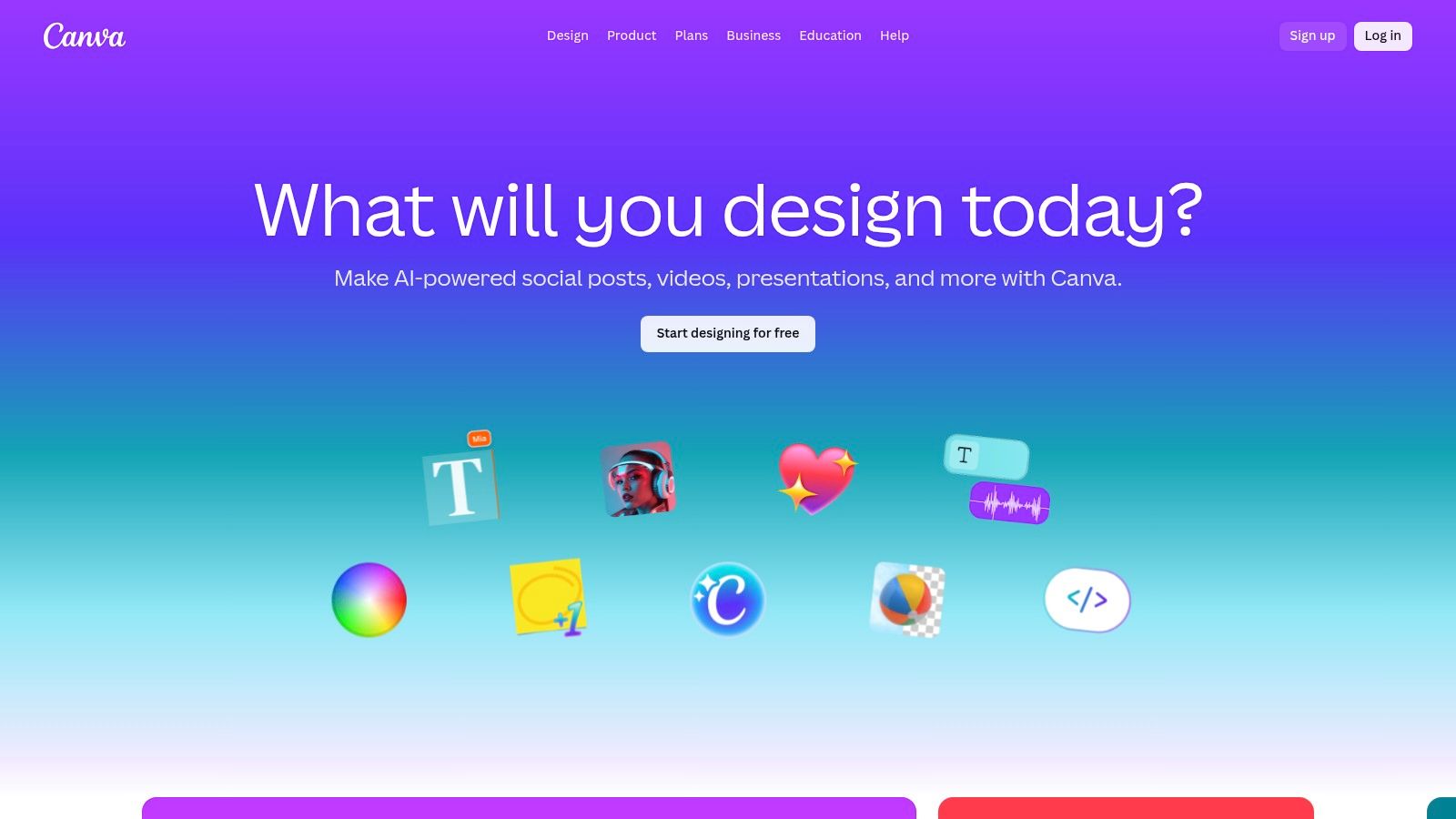
The platform is a lifesaver for marketing teams needing to produce high-volume, on-brand visuals without a dedicated designer for every task. Its drag-and-drop interface and vast library of social-first templates (for everything from TikToks to LinkedIn carousels) eliminate the technical barriers of professional software.
Key Features & Use Cases
- Massive Template Library: Stop reinventing the wheel. An e-commerce team can quickly adapt a "New Arrival" template for an Instagram post, swap out product photos, and publish, all within 10 minutes.
- Magic Studio (AI): This AI suite is where Canva gets futuristic. Use Magic Write to brainstorm caption ideas, Magic Resize to instantly convert a YouTube thumbnail into a Twitter banner, and the ever-popular Background Remover to create clean product shots for ads.
- Brand Kit: A central hub to store your logos, brand colors, and fonts. This ensures every piece of content, whether created by an intern or a senior marketer, stays perfectly on-brand.
- Team Collaboration & Publishing: The Business plan adds approval workflows and team analytics. You can design, get feedback, and schedule posts directly to Instagram, Facebook, and other major channels without ever leaving the app.
Pricing & Platform
- Free: Surprisingly generous, offering thousands of templates and basic design tools.
- Pro ($119.99/year for one person): Unlocks the full template and asset library, Brand Kit, Magic Studio AI tools, and Background Remover.
- Business (from $300/year per person): Adds team workspaces, approval workflows, unlimited storage, and advanced team features.
You can learn more and get started at canva.com.
3. Adobe Express
Adobe Express is the creative giant's answer to quick-and-easy design, blending enterprise-grade power with consumer-level simplicity. It's the perfect middle-ground for teams already invested in the Adobe ecosystem, offering a streamlined workflow that feels both familiar and refreshingly fast. What makes it one of the best tools for social media content creation is its seamless integration with Adobe's powerhouse assets, like Adobe Stock and the Firefly generative AI.
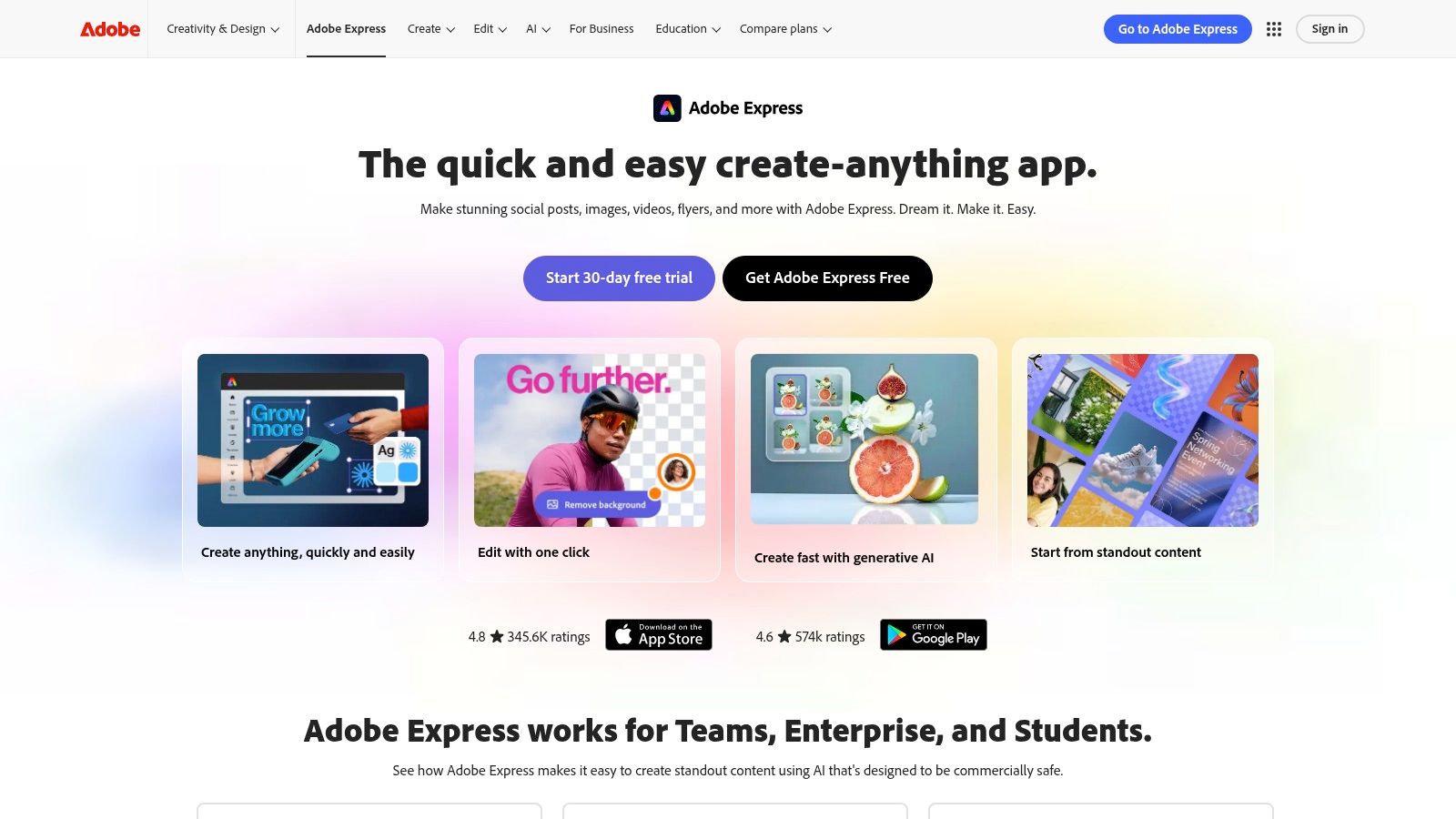
This platform is a game-changer for corporate marketing departments that need robust brand governance alongside creative agility. It allows them to produce on-brand social content at scale while leveraging cutting-edge AI features, from text-to-image generation to generative fill, all within a controlled, collaborative environment that connects to Photoshop and Illustrator assets.
Key Features & Use Cases
- Firefly Generative AI: Go beyond templates. A social media manager can use Text to Image to generate a custom background for a campaign, Generative Fill to remove a distracting object from a photo, and even create unique Text Effects for a bold headline.
- Linked Assets & Libraries: This is Adobe's secret weapon. A design team can create approved assets in Photoshop or Illustrator, save them to a Creative Cloud Library, and make them instantly accessible in Adobe Express for the marketing team to use in social posts, ensuring 100% brand consistency.
- Integrated Adobe Stock: Gain direct access to millions of high-quality, royalty-free photos, videos, and audio tracks without leaving the editor. This is ideal for quickly finding professional assets for ads or organic content.
- Brand Kits & Templates: Lock down logos, fonts, and colors to maintain brand integrity across all outputs. Teams can create and share branded templates, enabling anyone to produce approved content quickly.
Pricing & Platform
- Free: Offers basic editing, thousands of templates, and a limited number of Firefly generative credits.
- Premium ($9.99/month per person): Unlocks the entire library of premium templates and design assets, 100GB of cloud storage, and more generative credits.
- Teams (from $6.99/month per license): Adds enterprise features like Admin Console for license management, team-owned assets, 1TB of storage per user, and pooled generative credits.
You can learn more and get started at adobe.com/express.
4. CapCut
CapCut is the undisputed king of short-form video editing, evolving from a simple mobile app into a powerhouse creative suite for TikToks, Reels, and Shorts. It democratized video creation by packing professional-grade features like auto-captions, motion tracking, and AI effects into an incredibly fast and intuitive interface. What makes it one of the best tools for social media content creation is its ability to turn raw footage into a trend-worthy, polished video in minutes, directly from your phone, desktop, or browser.
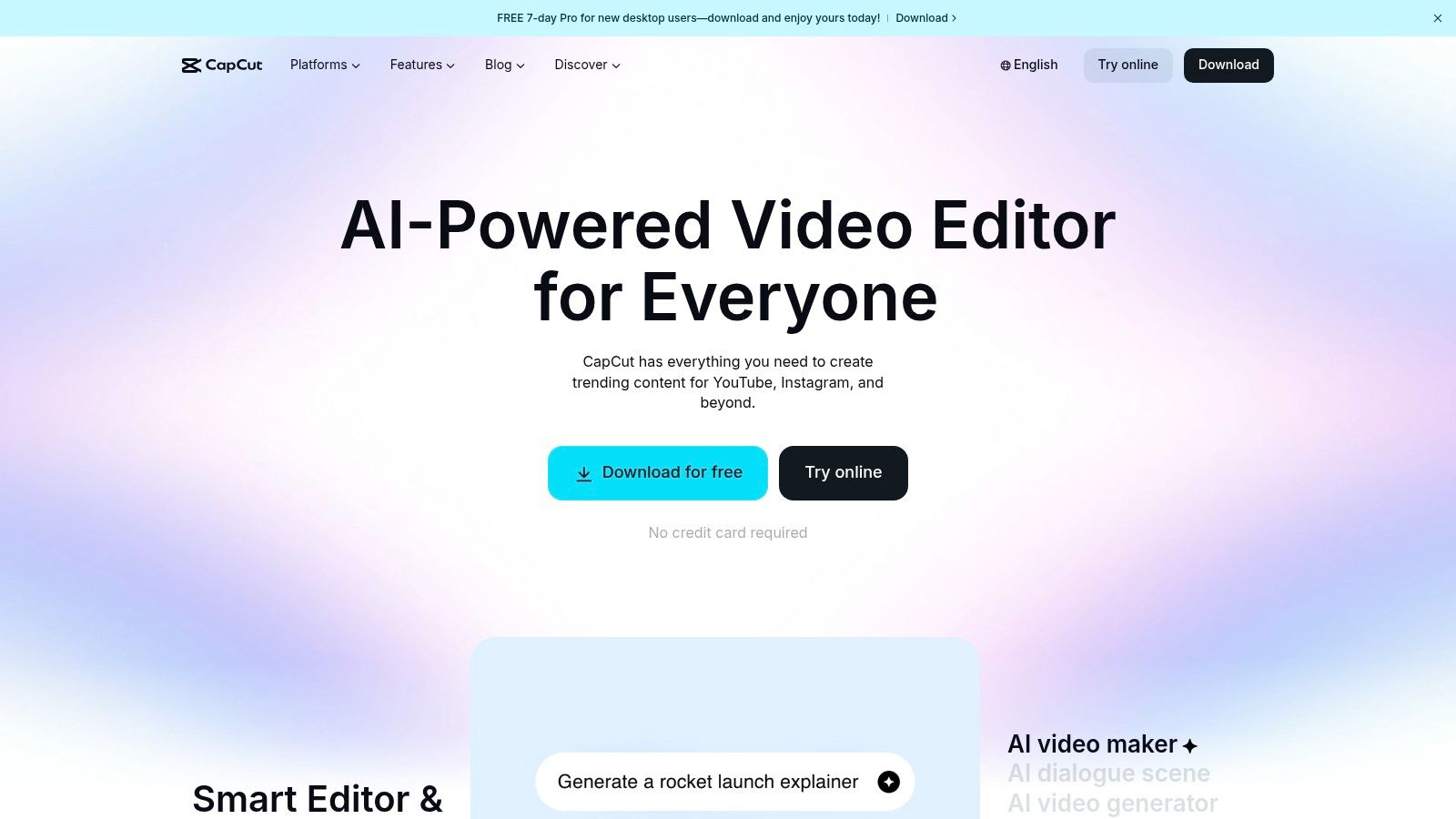
The platform is an essential tool for creators and social media managers who need to churn out high-quality vertical videos without a steep learning curve. Its seamless cloud sync allows you to start a project on your desktop and finish it on your phone, making it perfect for on-the-go content production and quick turnarounds.
Key Features & Use Cases
- AI Auto Captions & Translation: This is a game-changer for accessibility and engagement. A marketing team can upload a testimonial video, and CapCut will automatically generate and animate accurate captions, which can then be translated into multiple languages with a single click.
- Template Marketplace & AI Effects: Need a viral-style transition or a cool text-to-video effect? The vast template library provides a shortcut. This is especially useful for teams looking to create UGC video content that feels native to the platform.
- Cloud Sync & Team Collaboration: The "Space" feature allows teams to share assets, drafts, and templates. An editor can create a branded template, and the social media manager can easily drop in new footage to create consistent content.
- One-Click Social Exports: CapCut streamlines the final step with presets optimized for TikTok, Instagram Reels, and YouTube Shorts, ensuring your video has the correct aspect ratio and quality settings without any guesswork.
Pricing & Platform
- Free: A highly functional free version that includes most core editing tools, effects, and templates, though exports may include a watermark.
- Pro (from ~$7.99/month): Unlocks premium effects, AI tools like noise reduction, cloud storage, and watermark-free exports. Pricing can vary based on platform and region.
- Business (Custom Pricing): Adds advanced team collaboration features, centralized asset management, and dedicated ad-creation tools.
You can learn more and get started at capcut.com.
5. Kapwing
Kapwing is the video editor for teams that live and breathe social media. It ditches the complexity of traditional desktop software for a powerful, browser-based experience built for speed and collaboration. Its superpower is turning long-form content into an arsenal of social-ready clips, complete with subtitles, branded elements, and perfect formatting. Kapwing solidifies its place as one of the best tools for social media content creation by focusing entirely on modern workflows like repurposing podcasts into TikToks or adding viral-style captions in seconds.
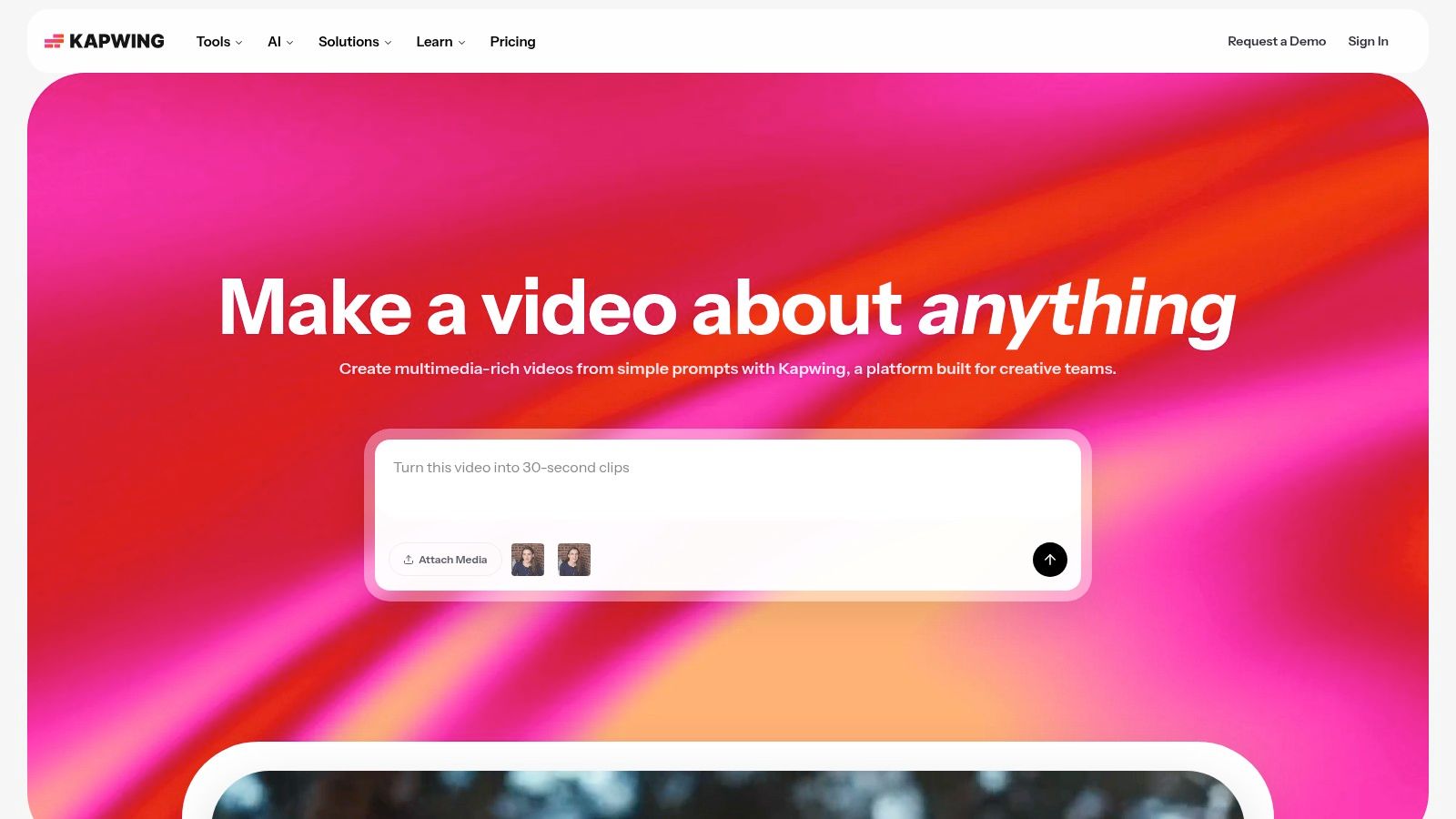
This tool is a game-changer for content teams needing to create a high volume of video without getting bogged down by installation requirements or steep learning curves. Its clean interface and AI-powered features are designed to make quick work of the most tedious video editing tasks, empowering creators to focus on the story, not the software.
Key Features & Use Cases
- AI Subtitling & Dubbing: The platform’s standout feature. A marketing team can upload a 30-minute webinar, and Kapwing’s AI will automatically generate and time highly accurate subtitles. You can then instantly translate and dub the audio into another language for localization.
- Smart Tools & Repurposing: Use Smart Cut to automatically remove silences from interviews or tutorials, saving immense editing time. The Repurpose tool can take a single landscape video and intelligently reframe it into vertical clips for Shorts, Reels, and TikTok.
- Team Workspaces & Brand Kit: Like Canva, Kapwing offers a central place to store logos, brand fonts, and color palettes. This ensures every video, from a quick Reel to a detailed product demo, maintains brand consistency across the team.
- Collaborative Editing: Work on projects with teammates in real-time, leaving comments and edits directly on the video timeline, which is perfect for remote marketing departments needing quick approval cycles.
Pricing & Platform
- Free: Great for testing, but exports are watermarked and limited to 720p resolution.
- Pro ($16/month per user, billed annually): Unlocks 4K exports, removes the watermark, and grants access to the full suite of AI tools, including auto-subtitling and background removal.
- Business ($50/month per user, billed annually): Adds Brand Kits, consolidated billing, and priority support for growing teams.
You can learn more and get started at kapwing.com.
6. VEED
VEED is the Swiss Army knife for social video, moving way beyond simple cutting and trimming. It’s a browser-based editing suite built from the ground up to create, repurpose, and polish videos for feeds where attention is scarce. What makes it one of the best tools for social media content creation is its powerful, AI-driven workflow; you can turn a long-form podcast into a dozen subtitled, engaging clips in a fraction of the time it would take with traditional software.
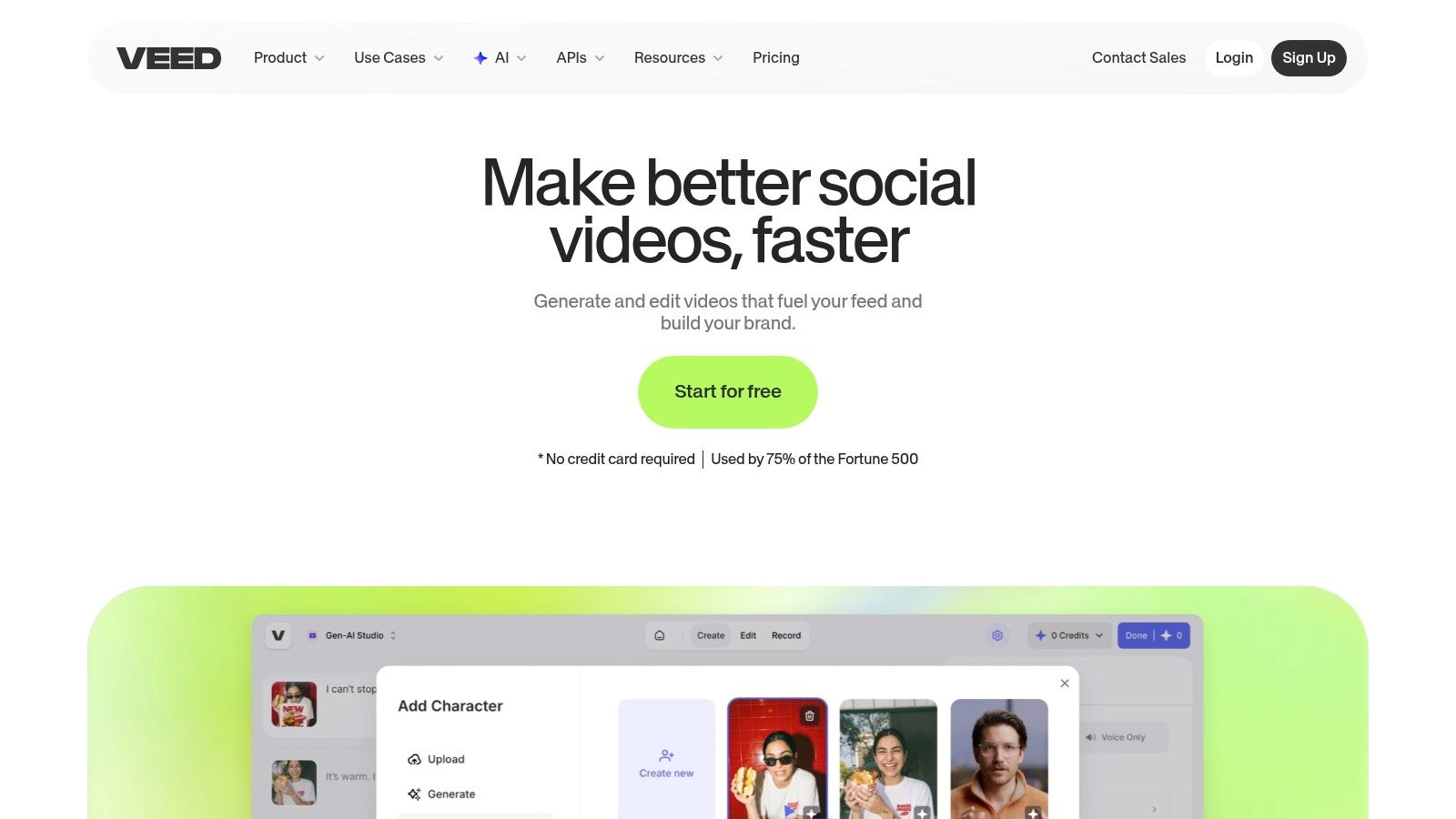
This platform is a godsend for content teams who need to maximize the value of every video asset. Its AI features, like automatic subtitle generation and eye-contact correction, handle tedious editing tasks, freeing up creators to focus on the narrative. It’s an entire video production studio that lives in a single browser tab.
Key Features & Use Cases
- AI Magic Tools: This is VEED's core strength. Use the AI Clipper to automatically find viral moments in long videos, Eye Contact Correction to keep your gaze locked on the audience even when reading a script, and Noise Removal to clean up audio with one click.
- Automatic Subtitles & Translation: Instantly generate incredibly accurate subtitles for any video, then translate them into dozens of languages to expand your reach. This is a non-negotiable for creating accessible, high-engagement social content.
- Text-to-Video & AI Avatars: Don't have footage? A marketing team can use Text-to-Video to generate a quick promotional clip from a script or use an AI Avatar to create a professional-looking talking-head video without a camera or microphone.
- Collaboration & Hosting: Work with your team on projects in real-time, leave comments, and share review links. Once finished, you can host the video on VEED and use its shareable player, which is great for landing pages or email campaigns.
Pricing & Platform
- Free: For quick projects under 10 minutes with a watermark.
- Basic ($25/month per user): Removes the watermark and extends limits.
- Pro ($38/month per user): Unlocks AI subtitles, translation, and stock content.
- Business ($70/month per user): Adds AI Avatars, team collaboration features, and analytics.
You can learn more and get started at veed.io.
7. Buffer
Buffer is the zen master of social media scheduling, turning your completed content into a well-oiled publishing machine. While other tools focus on making the content, Buffer excels at getting that content in front of the right audience at the right time, without the complexity of a massive, enterprise-level suite. It’s one of the best tools for social media content creation because it closes the final, critical loop: distribution.
The platform is built on simplicity and speed, offering a clean, intuitive interface that lets you manage multiple channels without getting overwhelmed. For solopreneurs or small marketing teams who have their visuals ready (perhaps from Canva or an AI tool), Buffer is the essential final step to plan, schedule, and analyze their campaign's performance with minimal fuss.
Key Features & Use Cases
- Publishing & Scheduling Tools: The core of Buffer. A marketing manager can create a content queue for Instagram, set a schedule for optimal post times, and add the first comment automatically to include hashtags or links, all from one dashboard.
- AI Assistant: Stuck on a caption? Buffer’s AI can generate ideas, rewrite your text in different tones, or brainstorm post concepts from scratch. It’s perfect for overcoming writer’s block and filling gaps in your content calendar.
- Start Page: Create a simple, link-in-bio style landing page to drive traffic from your social profiles. An e-commerce brand can use this to feature new products, link to a sale, and direct followers to their blog.
- Content Integrations: Buffer plays nicely with others. Pull your finished designs directly from Canva, Google Drive, or Dropbox to streamline your workflow from creation to publication.
Pricing & Platform
- Free: Manage up to 3 channels with basic publishing tools and a landing page.
- Essentials ($6/month per channel): Unlocks advanced analytics, engagement tools, and reporting features.
- Team ($12/month per channel): Adds unlimited users, draft collaboration tools, and custom approval workflows.
You can learn more and get started at buffer.com.
8. Later
Later is the social media manager's best friend, especially for those who live and breathe visual-first platforms like Instagram and TikTok. It transforms chaotic content calendars into beautiful, intuitive visual planners, allowing you to see exactly how your grid will look before you post. What makes it one of the best tools for social media content creation is its focus on workflow sanity; it’s built to schedule, analyze, and publish with an emphasis on aesthetics and efficiency.
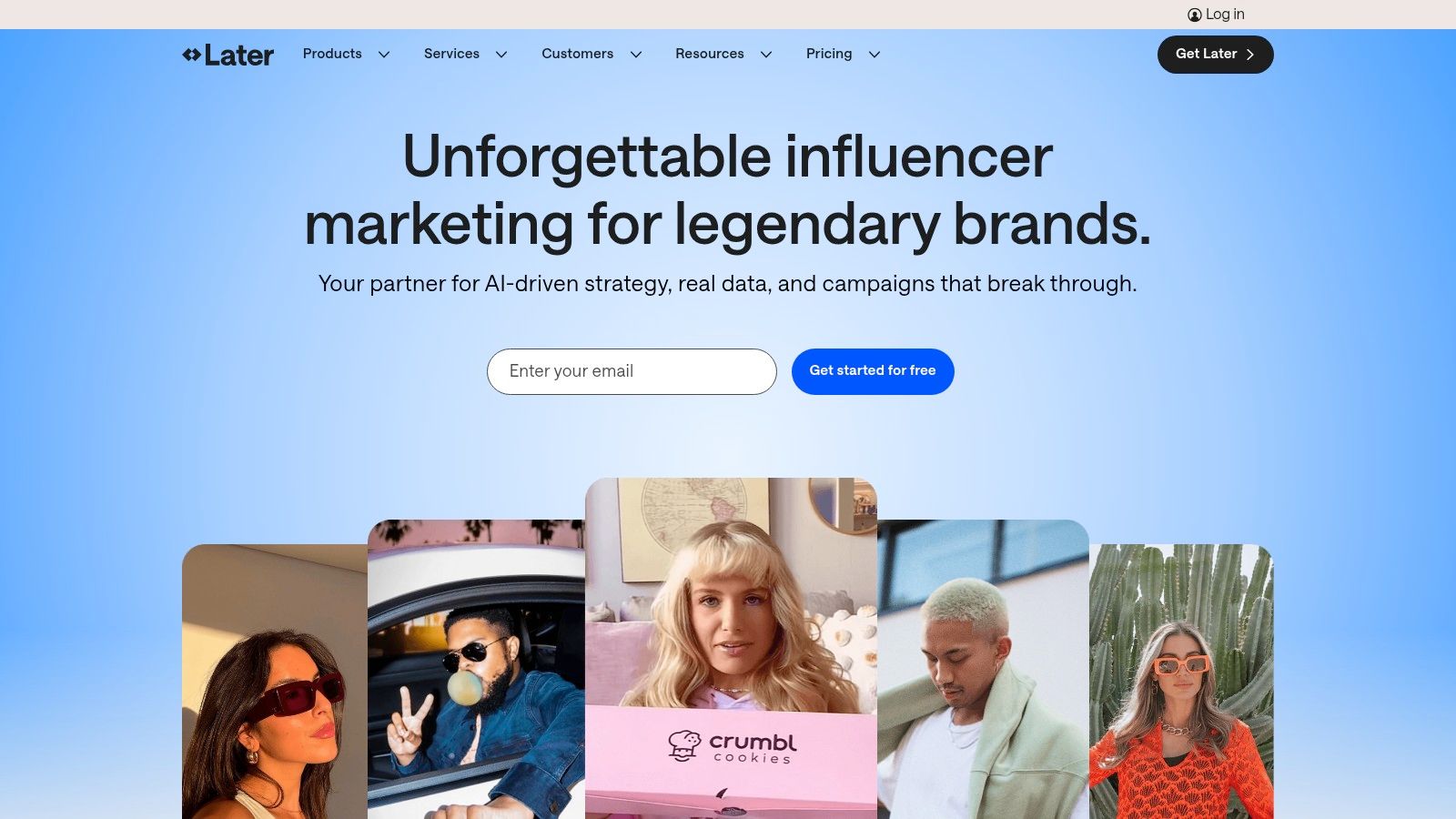
This platform is a game-changer for brands, influencers, and agencies who obsess over their Instagram feed's look and feel. The drag-and-drop calendar and visual preview make it incredibly easy to curate a cohesive and professional-looking grid. It streamlines the entire process from content upload to publishing and engagement.
Key Features & Use Cases
- Visual Planner & Auto-Publish: Perfect for an e-commerce brand planning a product launch. You can arrange posts visually, ensuring your new product shots flow seamlessly, and then schedule them to auto-publish on Instagram, TikTok, and more.
- AI Content Assistant: Stuck on a caption? The AI assistant can generate ideas, rewrite drafts, or create entire captions from scratch, saving you from writer's block. It's ideal for quickly populating a week's worth of content.
- Link in Bio: A customizable landing page for your social bio. A creator can use it to drive traffic to their blog, affiliate links, and YouTube channel, complete with clickable images that mimic their Instagram feed and even tag Shopify products.
- Social Inbox: Manage Instagram and Facebook DMs and comments in one place. This helps community managers stay on top of engagement without constantly switching between apps.
Pricing & Platform
- Starter ($25/month): Includes one social set, 30 posts per profile, and AI assistant credits.
- Growth ($45/month): Adds three social sets, 150 posts per profile, and more advanced analytics.
- Advanced ($80/month): Offers six social sets, unlimited posts, and expanded team collaboration features.
You can learn more and get started at later.com.
9. Descript
Descript is the revolutionary video editor that thinks like a word processor, making it one of the best tools for social media content creation, especially for anyone dealing with dialogue. Instead of wrestling with complex timelines, you edit your video by simply editing the auto-generated text transcript. Need to remove a section? Just delete the words. This text-based approach shatters the learning curve of traditional video software, making high-quality, dialogue-driven content accessible to everyone.
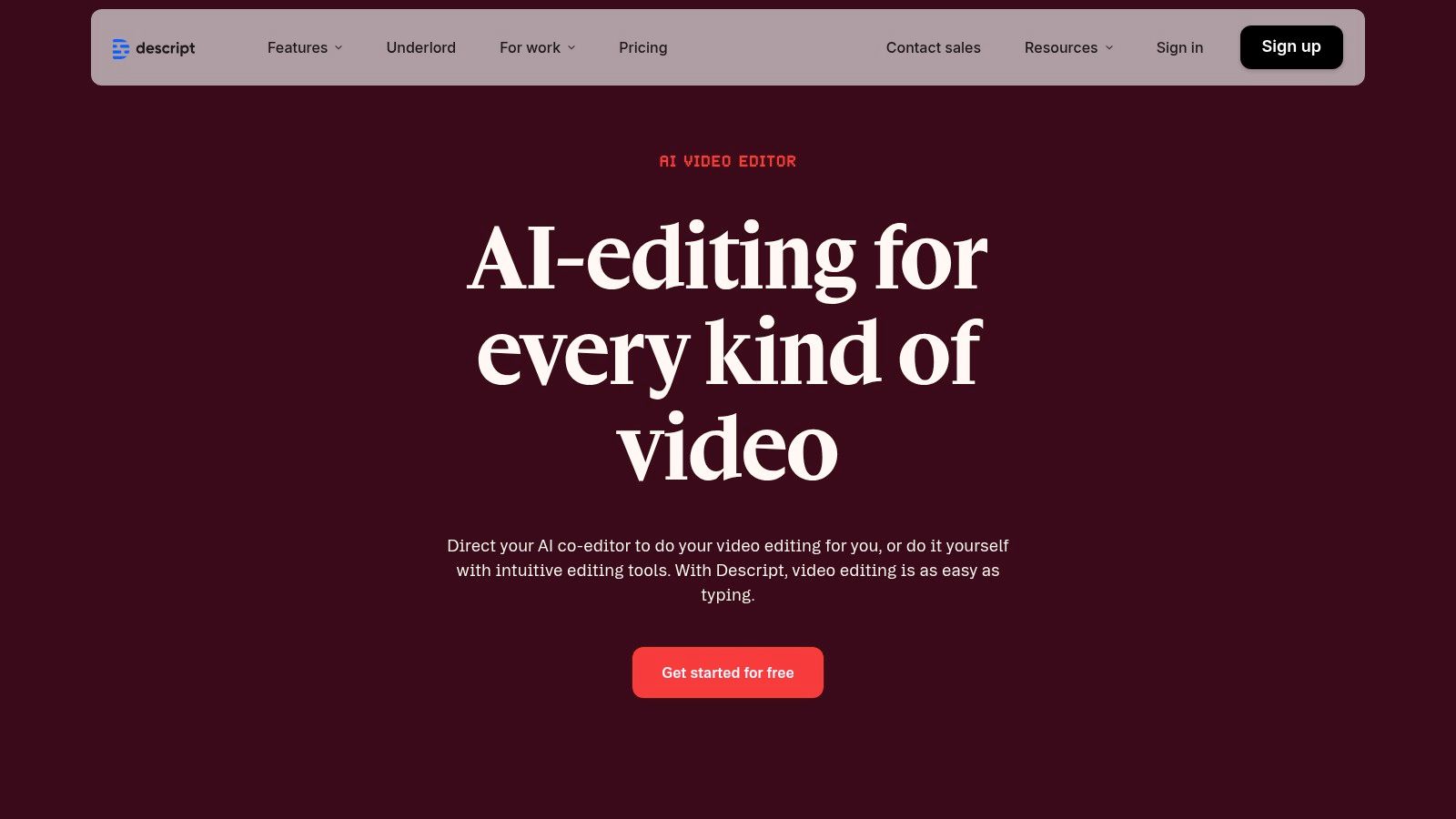
It’s an absolute game-changer for podcast creators, marketers repurposing webinars, and anyone creating talking-head clips for platforms like TikTok or Instagram Reels. The platform streamlines the entire workflow from recording to generating dozens of social-ready cut-downs, complete with animated captions and professional audio polish.
Key Features & Use Cases
- Text-Based Video Editing: The core magic. A marketing team can take a one-hour webinar recording, quickly scan the transcript for key soundbites, and create five different social media clips by just highlighting and copying text.
- AI-Powered Audio & Video Tools: Use Studio Sound to remove background noise and make your mic sound like it's from a professional studio. The Filler Word Removal feature automatically zaps all the "ums" and "ahs" with a single click.
- Overdub & Voice Cloning: Made a mistake in your recording? Type the correct word and Overdub generates it in your own cloned voice, saving you from a full re-shoot.
- Automatic Clip Generation: Descript's AI can analyze a long video and automatically suggest shareable, short-form clips, complete with templates, captions, and branding, perfect for a high-volume social media strategy.
Pricing & Platform
- Free: Includes 1 hour of transcription per month and basic video editing.
- Creator ($12/user/month, billed annually): Offers 10 hours of transcription, watermark-free exports, and Filler Word Removal.
- Pro ($24/user/month, billed annually): Provides 30 hours of transcription, unlimited Overdub, Studio Sound, and more advanced AI features.
- Enterprise (Custom): Adds dedicated account management, advanced security, and team onboarding.
You can learn more and get started at descript.com.
10. Envato Elements
If your content strategy is a bottomless pit of demand for stock video, music, and templates, Envato Elements is the all-you-can-eat buffet you've been dreaming of. It’s a subscription-based marketplace that provides unlimited downloads from a colossal library of over 26 million creative assets. What makes it one of the best tools for social media content creation is its predictable cost; you pay one flat fee for endless access to everything from TikTok video templates to slick lower-thirds graphics and trending audio tracks.
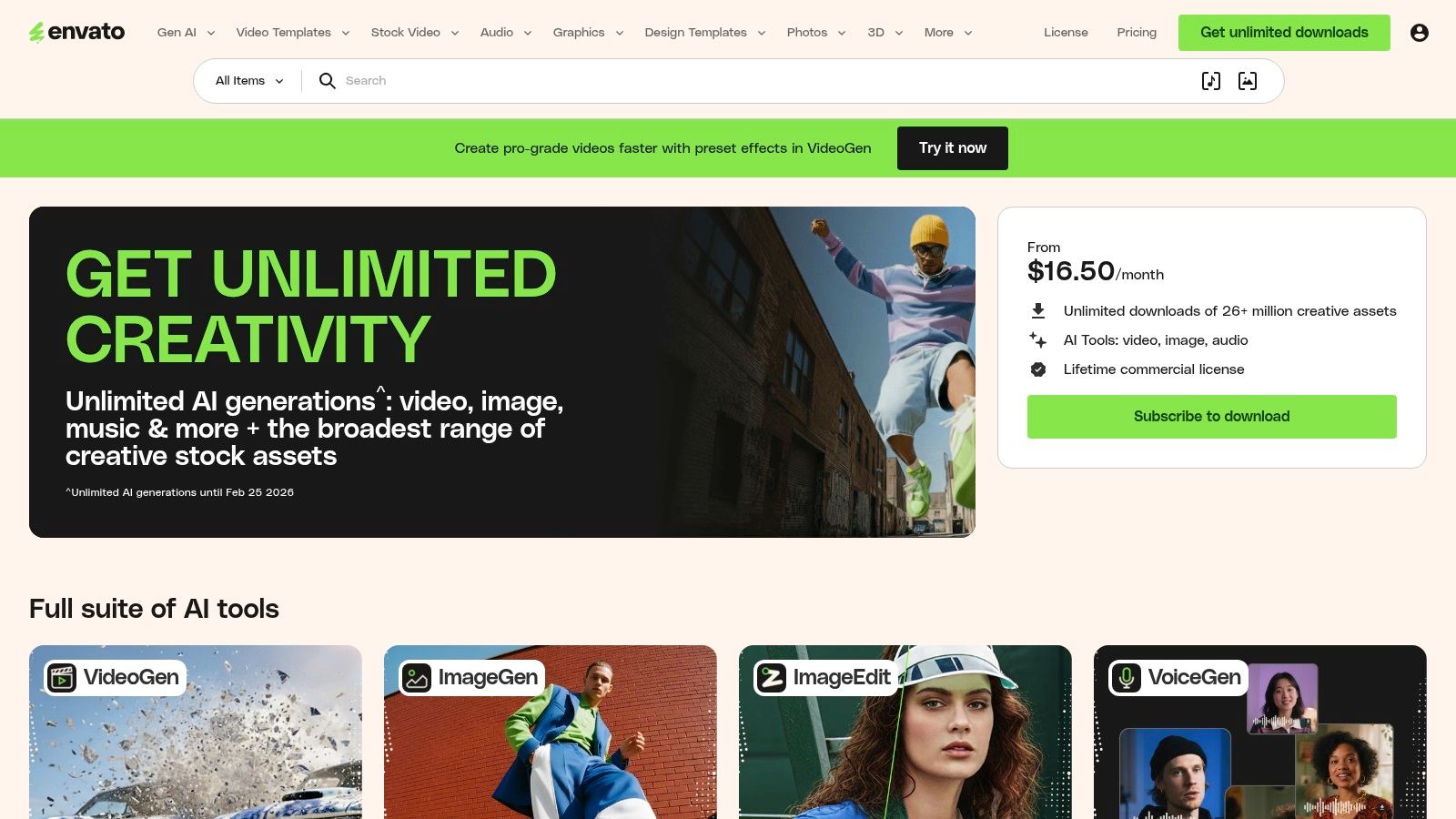
This platform is a game-changer for agencies and marketing teams that need to produce high volumes of diverse content without racking up massive à la carte asset bills. Its simple commercial license covers any item you download for life, even after your subscription ends, making it a safe and budget-friendly choice for social media campaigns, ads, and client work.
Key Features & Use Cases
- Unlimited Creative Assets: Download anything you need, anytime. A video editor can grab 10 different background music tracks, a dozen sound effects, and five After Effects intro templates for a new YouTube series without ever checking a budget.
- Massive Template Library: The platform is stacked with templates for professional software like Adobe Premiere Pro, After Effects, and Final Cut Pro. This allows creators to produce high-end animated posts, reels, and stories with minimal effort.
- Simple Commercial Licensing: Every downloaded asset comes with a lifetime commercial license for a single, specified project. This straightforward model is perfect for social campaigns where you need clear usage rights.
- More Than Just Video: Beyond video, the library includes millions of photos, graphics, presentation templates, fonts, and even WordPress themes, making it a one-stop creative resource.
Pricing & Platform
- Individual Plan ($16.50/month, billed annually): Grants one person unlimited downloads of all creative assets.
- Teams Plan (from $29/month per member): Provides the same unlimited access but with centralized billing and the ability to scale seats as your team grows.
- Enterprise: Custom solutions for large organizations needing tailored licensing and management features.
You can learn more and get started at elements.envato.com.
11. Creative Market
Creative Market is the treasure trove you raid when subscription-based tools feel too generic. Instead of a monthly fee, it’s a sprawling marketplace where you buy design assets à la carte from independent creators. This makes it one of the best tools for social media content creation when you need a single, high-impact asset-like a unique font, a specific Instagram Story template pack, or a set of Lightroom presets-without committing to another subscription.
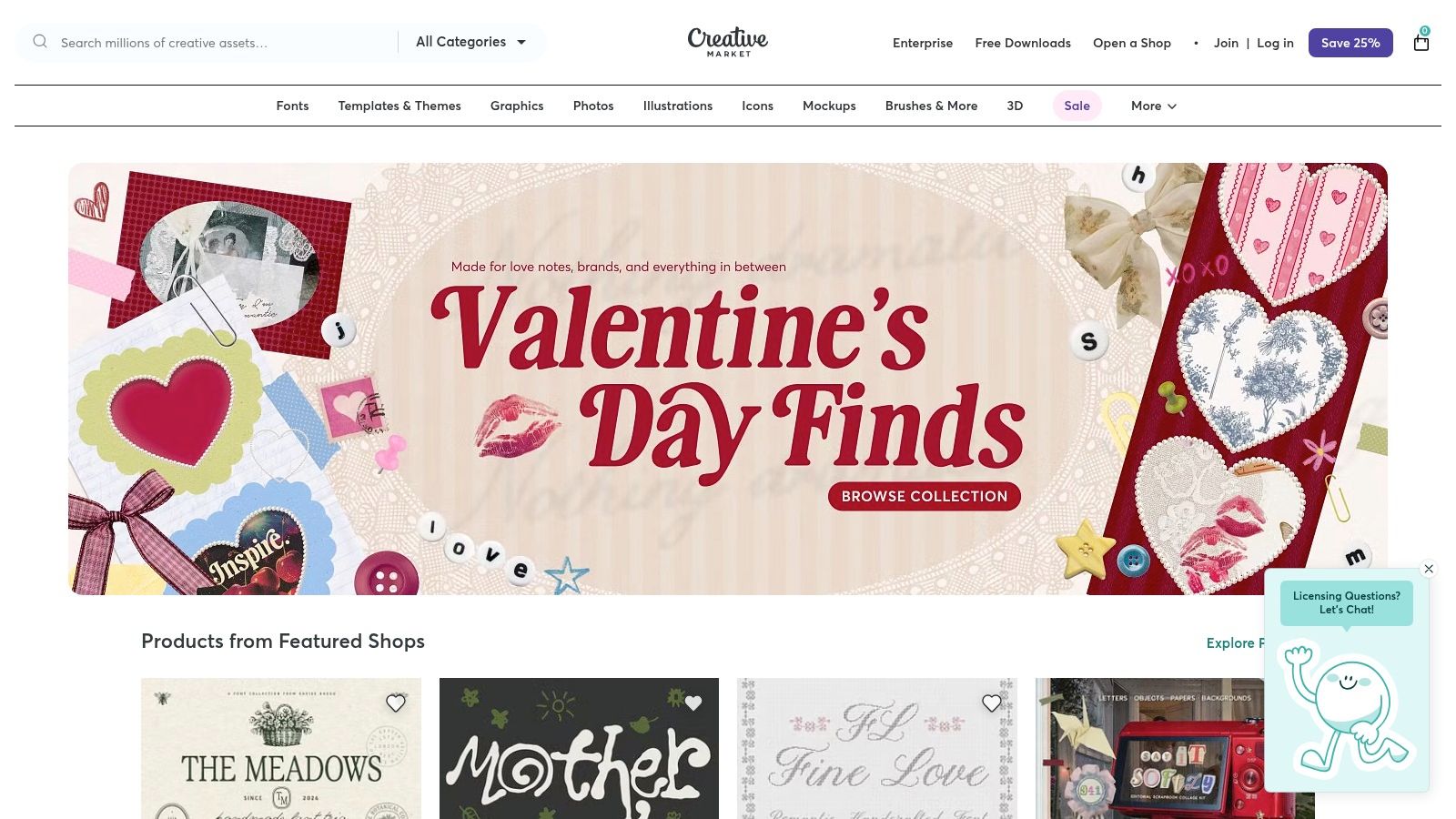
The platform is perfect for creators and brands looking to break free from the visual echo chamber. If every other brand in your niche is using the same Canva templates, a custom-designed carousel template from a Creative Market artist can give your feed an immediate, distinctive edge. It’s less about speed and more about sourcing that perfect, unique element that elevates your content.
Key Features & Use Cases
- À La Carte Purchasing: Perfect for one-off projects. A freelance social media manager could buy a "Podcast Promotion" template pack for a specific client launch without needing a recurring subscription.
- Independent Creator Marketplace: Discover styles you won't find on mainstream platforms. This is where you find hand-drawn illustration packs, edgy collage templates, or vintage-inspired fonts to build a truly unique brand identity.
- Vast Asset Variety: It goes beyond basic templates. Find everything from video LUTs for cinematic Reels, Procreate brushes for custom graphics, and complete brand kits that include logos, fonts, and color palettes.
- Clear License Tiers: Easily understand your usage rights with Personal, Commercial, and Extended Commercial licenses. This clarity is crucial for marketing teams using assets in paid ad campaigns.
Pricing & Platform
- Pay-Per-Asset: Prices vary widely by creator and asset type, from a few dollars for a simple graphic to over $100 for a comprehensive template bundle.
- Credits & Membership: You can buy credit packs for a slight discount or subscribe to a membership ($19.95/month) for monthly asset drops and savings.
- Licenses: Costs increase based on usage (Personal vs. Commercial vs. Extended Commercial), so factor that into your budget.
You can learn more and get started at creativemarket.com.
12. Shutterstock
Shutterstock is the go-to digital warehouse for social media teams needing a reliable, high-quality stream of stock media. It’s where you turn when your own content well runs dry, offering a massive library of photos, video clips, and music to fill your content calendar with professionally produced assets. What solidifies its place among the best tools for social media content creation is its robust licensing and sheer variety; you can find an image for almost any niche, industry, or abstract concept imaginable.
For marketing teams, Shutterstock is a crucial resource for ad creative, blog post headers, and background video for Reels or TikToks. Instead of staging a complex photoshoot, a social media manager can license a polished lifestyle photo or a 4K video clip in seconds, ensuring their brand maintains a professional aesthetic without the high production costs.
Key Features & Use Cases
- Extensive Multi-Asset Library: This isn't just photos. An e-commerce brand can find product mockup backgrounds, short video clips for Instagram ads, and royalty-free background music for a YouTube tutorial all in one place.
- Flexible Licensing: The platform offers everything from a standard license for social media posts to an enhanced license for merchandise or large-scale advertising, providing legal peace of mind.
- Advanced Search & Discovery: Find exactly what you need with powerful filters for orientation, color, and even "people with no faces" to create more generalized, brand-safe content.
- Business & Team Offerings: Team plans provide shared access to downloads, broader usage rights, and tools for managing assets across a department, which is ideal for agency or enterprise workflows.
Pricing & Platform
- On-Demand Packs: Starts at $49 for 2 images.
- Image Subscriptions: From $29/month for 10 images.
- Video & Music Subscriptions: Available with separate pricing tiers.
- Business Plans: Custom pricing for team access and enhanced licensing.
You can learn more and get started at shutterstock.com.
Top 12 Social Media Content Tools Comparison
| Product | Core features (✨) | Quality/UX (★) | Target (👥) | Price/value (💰) |
|---|---|---|---|---|
| 🏆 PixelPanda | BG removal, text/watermark removal, smart inpainting, face enhance, 4x upscaling, style transfer, text→image, UGC video & avatars | ★★★★☆ studio-quality, fast batch & realtime (images ~15–20s) | 👥 e‑commerce & marketing teams, developers | 💰 From $39/mo (annual); credit system (images ~1 credit; videos start 75); 100-credit free trial |
| Canva | Thousands of templates, Magic Studio AI (resize, bg remove), brand kits, publishing | ★★★★☆ fast for non-designers, deep template UX | 👥 marketers, small teams, social creators | 💰 Free → Pro/Business (team pricing) |
| Adobe Express | Templates, Firefly generative AI, Adobe Stock integration, brand controls | ★★★★ ecosystem-grade, strong brand governance | 👥 enterprises, Adobe users, brand teams | 💰 Free → paid (Stock/AI quotas on team plans) |
| CapCut | Vertical-first editor, auto-captions, motion tracking, AI video tools, templates | ★★★★☆ very fast for reels; strong mobile UX | 👥 short-form creators, social editors | 💰 Robust free tier; paid/features vary by region |
| Kapwing | Browser editor, subtitles/dubbing,TTS, 4K export, brand kits | ★★★★ good for captions, localization & repurposing | 👥 social teams, remote editors | 💰 Free (watermark) → paid removes watermark & adds 4K |
| VEED | AI clipper, avatars, text-to-video, eye-contact fix, hosting & APIs | ★★★☆ social-ready, experimental AI features | 👥 teams experimenting with AI video | 💰 Free trial → paid with credits/add-ons (can be confusing) |
| Buffer | Post queues, best-time scheduling, AI assistant, analytics, integrations | ★★★★ simple, reliable scheduling UX | 👥 small teams, creators managing multiple profiles | 💰 Affordable per-channel pricing; generous free plan |
| Later | Visual planner, auto-publish (IG/TikTok), AI caption credits, link-in-bio | ★★★★ visual-first planner for grids & TikTok | 👥 Instagram/TikTok-focused brands & creators | 💰 Clear tiers; post caps on lower plans |
| Descript | Text-based video/audio editing, Overdub, Studio Sound, clip generator | ★★★★ huge time-savings for dialogue-heavy content | 👥 podcasters, educators, talking-head creators | 💰 Free → paid (media-minute / AI-credit planning) |
| Envato Elements | Unlimited downloads, templates, stock, fonts, commercial license | ★★★★ predictable cost; quality varies | 👥 teams needing high-volume assets | 💰 Subscription → unlimited downloads (predictable) |
| Creative Market | A‑la‑carte templates, fonts, LUTs, clear license tiers | ★★★☆ unique indie styles, variable docs | 👥 designers, one-off asset buyers | 💰 Pay-per-item (good for specific needs) |
| Shutterstock | Photos, vectors, video, music; flexible subscriptions & packs | ★★★★ reliable licensing & broad selection | 👥 agencies, enterprises, teams needing rights | 💰 Subscription or on-demand packs; per-asset can be costly |
Wrapping It Up: Your Ultimate Social Media Content Creation Toolkit
And there you have it, the grand tour of the digital creator's playground. We’ve journeyed through a digital landscape packed with the best tools for social media content creation, from the design powerhouses like Canva and Adobe Express to the video editing wizards like CapCut and Descript. We’ve even peeked behind the curtain at the scheduling savants, Buffer and Later, that keep your content engine running smoothly.
It's a lot to take in, we know. Your brain might feel like a browser with 57 tabs open, each one a promising new tool. But the goal here wasn't to overwhelm you; it was to arm you. The perfect content stack isn't about having all the tools, it's about having the right ones for your unique mission.
From Tool Overload to Strategic Stack
The key takeaway? Your toolkit should be a reflection of your workflow, not the other way around. Don't let the sheer volume of options lead to "shiny object syndrome." Instead, think critically about where your biggest content bottlenecks are.
- Struggling with visual consistency? A template-driven tool like Canva or Adobe Express might be your holy grail.
- Drowning in video editing? A streamlined, AI-powered platform like VEED or Descript could save you hours of tedious work.
- Need to scale image production without hiring an army of designers? This is where a powerful, API-first tool like PixelPanda becomes your secret weapon, automating the repetitive tasks that drain your creative energy.
Think of it like building a championship team. You don't just sign 11 star strikers; you need defenders, midfielders, and a solid goalkeeper. Similarly, your content creation stack needs a blend of design, video, scheduling, and powerful automation tools that work in harmony.
Choosing Your Creative Co-Pilot
So, how do you choose? Start by asking the right questions:
- What's my biggest time-suck? Identify the single most time-consuming task in your content process. Is it removing backgrounds? Generating product shots? Writing video scripts? Target that pain point first.
- What's my budget? Be realistic. Many of these tools offer robust free plans that are more than enough to get started. Don't pay for enterprise-level features when you're a one-person show.
- Does it integrate? This is huge for developers, e-commerce managers, and marketing teams. A tool that plays well with others via API or native integrations (like PixelPanda's API for developers or Canva's app marketplace) is exponentially more valuable than a siloed one.
- What's the learning curve? Do you have time to become an expert in a complex new software, or do you need a solution that feels intuitive right out of the box?
The truth is, the landscape of the best tools for social media content creation is constantly evolving. What works today might be replaced by something faster, smarter, and more efficient tomorrow. The real skill is not just mastering a single tool, but building a flexible, adaptable workflow that can incorporate new technologies as they emerge.
Your journey to creating thumb-stopping, share-worthy, and brand-building social media content starts now. You're equipped with the knowledge, you've seen the possibilities, and you understand the strategy. Go forth and create something amazing.
Ready to eliminate the most tedious parts of image creation and supercharge your workflow? If you're tired of manual background removal, expensive product photoshoots, and inconsistent visual quality, it’s time to automate. Try PixelPanda for free and discover how our powerful API can become the backbone of your social media content engine.