Welcome to the future of photo editing, where manual adjustments, painstaking selections, and repetitive tasks are a thing of the past. The rise of artificial intelligence has transformed the creative landscape, empowering everyone from professional photographers and e-commerce brands to social media managers and developers with god-tier editing capabilities.
Gone are the days of spending hours tracing hairlines or cloning out unwanted objects. Today's best AI tools for photo editing can remove backgrounds, upscale low-res images, erase distractions, and even generate entirely new visual elements with a single click or a simple API call.
But with a flood of new software hitting the market, which ones actually deliver on their promises? Which one is a powerhouse for creative professionals, like Adobe's suite, and which is a developer's dream for automation, like PixelPanda? How do specialized tools like Topaz Labs and Skylum Luminar Neo stack up against accessible platforms like Canva and Photoroom?
We've rigorously tested, compared, and analyzed the top contenders to bring you a definitive guide. This list cuts through the marketing fluff to give you the real scoop on core features, practical use cases, hidden limitations, pricing, and API capabilities. Each entry includes screenshots and direct links to help you make an informed decision. Our goal is to help you find the perfect tool to supercharge your workflow, reclaim your time, and finally ditch tedious edits for good. Let's dive in.
1. PixelPanda
Best For: Developer-driven workflows and scalable ecommerce visuals.
PixelPanda positions itself as a powerhouse, not just another single-task tool. It's an all-in-one AI image platform designed for teams that need both high-quality editing and robust automation. While many tools offer basic background removal, PixelPanda excels with complex subjects, delivering remarkably accurate cutouts for tricky details like hair and fur. This precision makes it one of the best AI tools for photo editing where professional, clean results are non-negotiable.
What truly sets it apart is its developer-first approach. With a clean REST API, SDKs, and transparent documentation, integrating its capabilities into a custom app, backend process, or ecommerce platform is straightforward. This focus on automation allows teams to build scalable workflows for batch processing thousands of images without manual intervention.
For marketers and online sellers, the AI Fashion Studio is a game-changer. It lets you train AI avatars to generate an endless stream of realistic product photos and try-on visuals, eliminating the need for expensive photoshoots. This, combined with its powerful inpainting, watermark removal, and a high-fidelity 4x upscaler, provides a complete visual production toolkit. You can even test drive the AI upscaling feature on PixelPanda.ai to see the quality firsthand.
Key Features & Pricing
| Feature | Use Case |
|---|---|
| Developer API & SDKs | Automate image editing in web/mobile apps. |
| AI Fashion Studio | Create realistic product try-ons without models. |
| Precise Background Removal | Isolate products with complex edges (hair, fur). |
| Smart Inpainting/Outpainting | Remove unwanted objects or expand image canvas. |
Pricing:
- Free Trial: 10 credits (no credit card required).
- Starter: $49/month for 500 images.
- Pro: $99/month for 1,500 images.
- Business: $249/month for 4,500 images.
Pros & Cons:
- Pro: Comprehensive toolset combines editing and generation.
- Pro: Excellent for automated, high-volume workflows.
- Con: Free trial is limited, and credits don't roll over.
- Con: AI avatar training requires a paid subscription.
2. Adobe (Photoshop, Lightroom, Firefly)
It’s impossible to talk about photo editing without mentioning the 800-pound gorilla in the room: Adobe. What was once the undisputed king of manual pixel-pushing has evolved into a powerhouse of integrated AI, making it one of the best AI tools for photo editing for professionals who need a complete ecosystem. Photoshop’s Generative Fill and Expand tools feel like actual magic, letting you extend canvases or remove entire objects with a simple text prompt.
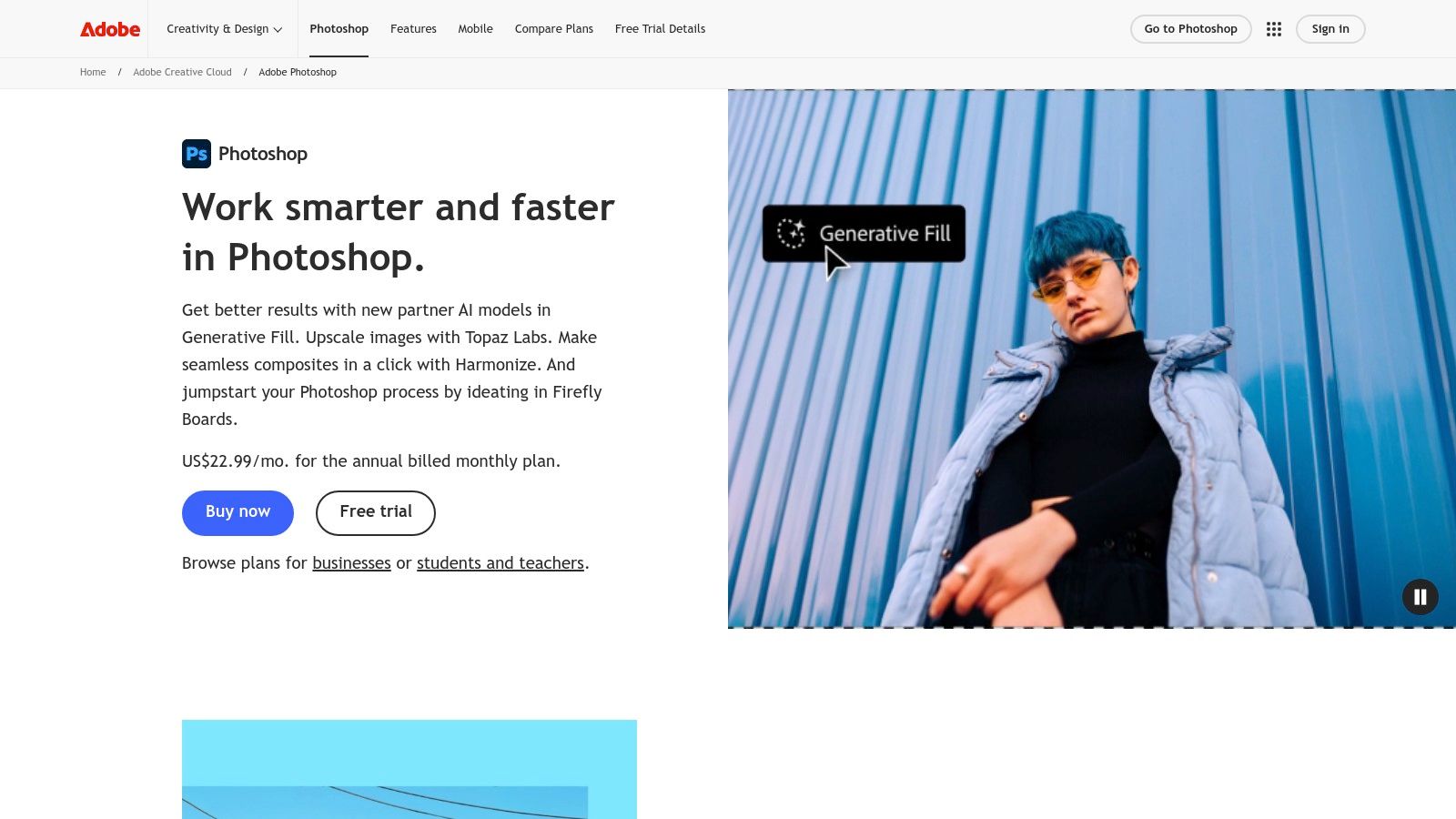
This isn't just about flashy tricks; it’s about workflow. Lightroom’s AI-powered masking can select a subject, sky, or background with terrifying accuracy, while its Denoise feature cleans up grainy low-light shots better than anything else on the market. These edits sync seamlessly across desktop, web, and mobile, all powered by the Firefly generative AI model and a system of generative credits.
Key Features & Use Cases
- Generative Fill/Expand: Seamlessly add, remove, or expand content in Photoshop. Ideal for fixing framing, removing distractions, or creative compositing.
- AI-Powered Masking & Denoise: In Lightroom, this is a game-changer for landscape and portrait photographers, saving hours of tedious manual selection.
- Integrated Ecosystem: The tight integration between Photoshop, Lightroom, and the Creative Cloud is its killer feature. Start an edit on your desktop, and finish it on your tablet.
Pricing & Drawbacks
Adobe’s Creative Cloud Photography plan (including Photoshop and Lightroom) starts at $9.99/month but comes with a limited number of generative credits. Heavier users will need pricier plans. The subscription model is a major commitment, and some users have raised concerns about Adobe's cancellation policies, which even drew an FTC lawsuit. Despite this, for professionals invested in a robust RAW and PSD workflow, the power and integration are often worth the price.
Website: https://www.adobe.com/products/photoshop/
3. Topaz Labs (Topaz Photo AI, Gigapixel, Video AI)
While Adobe aims to be an all-in-one ecosystem, Topaz Labs takes a specialist approach, focusing its AI on one thing: jaw-dropping image quality restoration. If you have a blurry, noisy, or low-resolution photo you thought was unusable, Topaz Photo AI is the surgeon that can save it. This suite of tools is widely regarded as offering some of the best AI tools for photo editing when it comes to pure sharpening, denoising, and upscaling, producing results that often feel more natural and detailed than competitors.
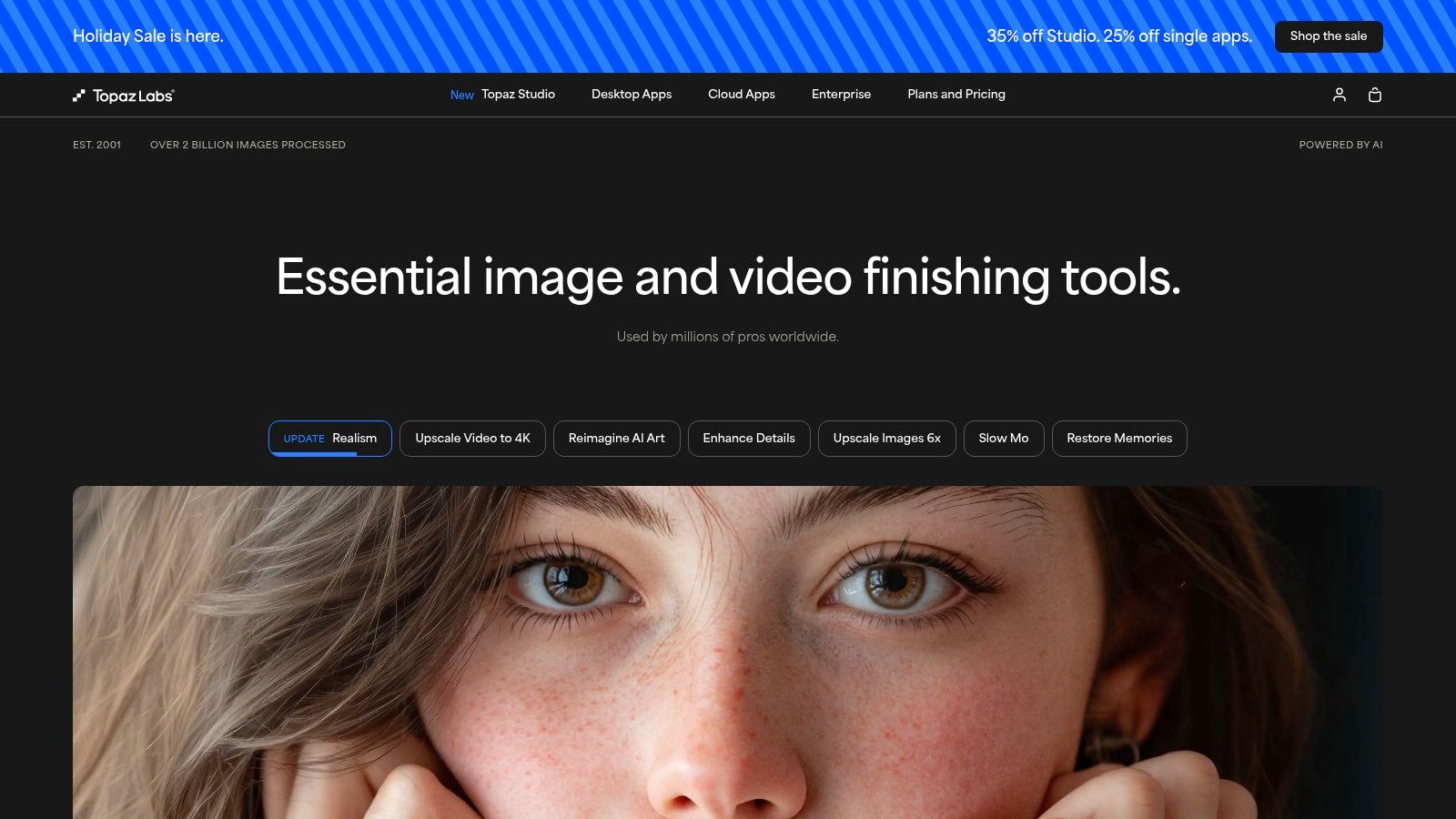
Unlike generative tools that create new pixels from prompts, Topaz focuses on recovering and enhancing the data that's already there. Its Gigapixel AI is legendary for enlarging images without turning them into a pixelated mess, making it indispensable for anyone needing to print a small photo at a large size. The tools work as standalone apps or plugins for software like Lightroom and Photoshop, fitting neatly into an existing workflow.
Key Features & Use Cases
- Autopilot Analysis: Photo AI automatically detects issues like subject blur, camera shake, noise, and low resolution, then applies the correct models for a one-click fix.
- Gigapixel AI Upscaling: Perfect for photographers needing to crop heavily or print old, low-resolution files. It intelligently reconstructs detail for enlargements up to 6x.
- Sharpen AI & Denoise AI: These specialized tools offer granular control for rescuing out-of-focus shots or cleaning up high-ISO images while preserving texture.
Pricing & Drawbacks
Topaz Labs operates on a one-time purchase model with one year of updates. Photo AI costs a flat $199. While this avoids a recurring subscription, you'll need to pay an upgrade fee for new features after the first year. The suite is also highly specialized; it won't replace your primary editor for color grading or creative edits. For photographers and archivists who prioritize technical image quality above all else, the investment is easily justified by the sheer rescue power of its AI models.
Website: Topaz Labs
4. Skylum Luminar Neo
If the Adobe ecosystem feels like a long-term commitment you're not ready for, Skylum Luminar Neo offers a powerful, modern alternative. Positioned as one of the best AI tools for photo editing for enthusiasts and pros alike, it packs an impressive suite of one-click AI fixes into a slick interface. Its claim to fame is its almost magical AI-driven tools, like SkyAI, which can replace a dull, overcast sky with a dramatic sunset in seconds.
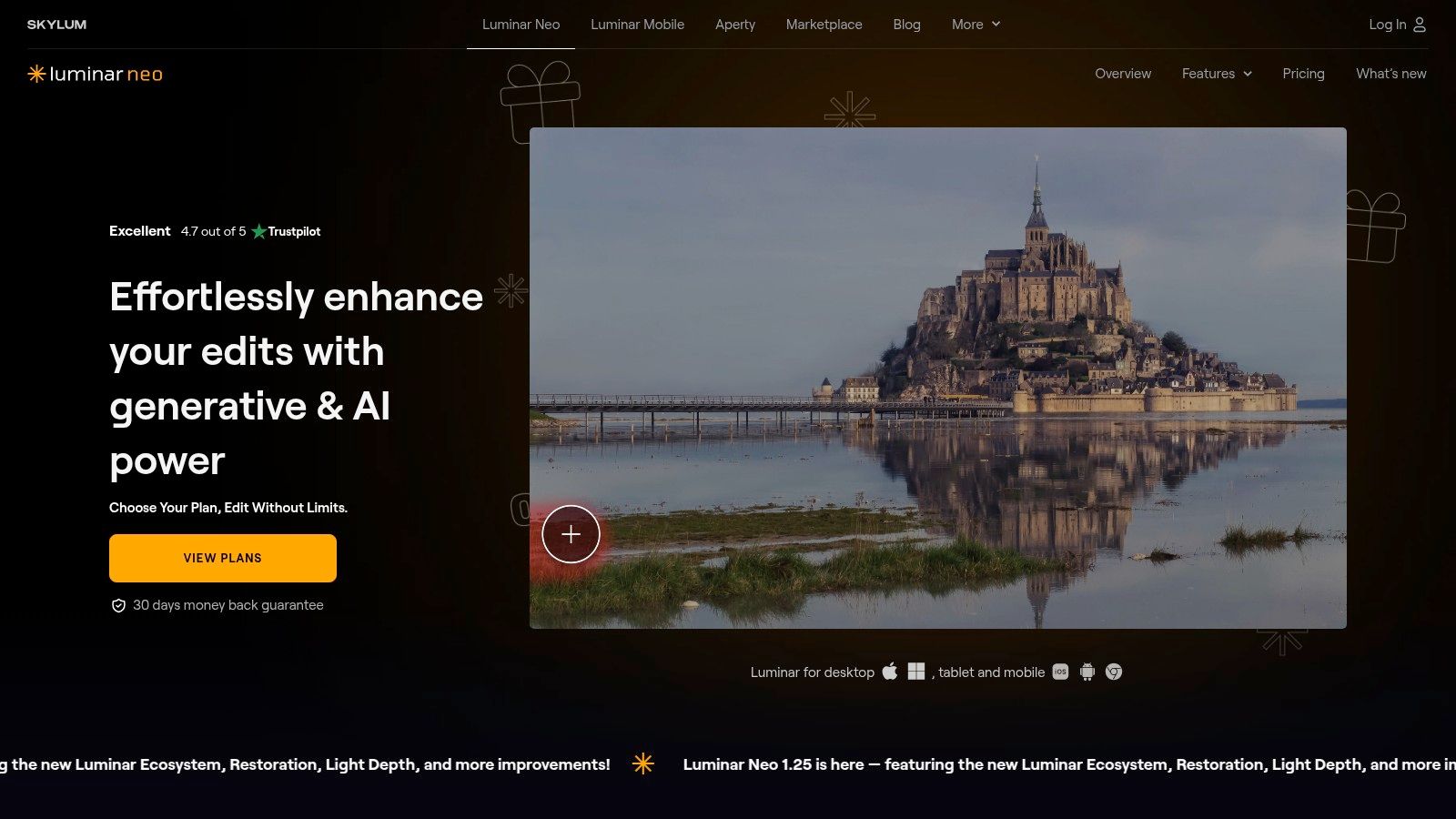
Unlike subscription-first competitors, Luminar Neo stands out by offering a perpetual license alongside its subscription plans. This makes it incredibly appealing to users who dislike recurring fees. It works as a standalone editor or as a plugin for Lightroom and Photoshop, allowing you to integrate its potent AI enhancements like RelightAI and SkinAI directly into an existing workflow without completely abandoning familiar software.
Key Features & Use Cases
- SkyAI, RelightAI, and SkinAI: These are the showstoppers. Instantly replace skies, realistically relight scenes based on the new sky, and perform detailed portrait retouching with simple sliders.
- One-Click Presets & Content-Aware Tools: Perfect for beginners or anyone needing a quick, professional-looking edit. The content-aware erase and clone tools are fast and effective for removing unwanted objects.
- Standalone App & Plugin: Offers the flexibility to be your main editor or a specialized tool within your Photoshop/Lightroom workflow, adding powerful AI capabilities where they are needed most.
Pricing & Drawbacks
Luminar Neo offers monthly/yearly subscriptions and a perpetual "Lifetime" license, often with aggressive discounts and bundles. While the perpetual license is a huge pro, be aware that access to future generative AI features, major updates, and asset libraries can be confusingly tied to specific plans or promotional periods. Furthermore, stacking multiple heavy AI effects can tax mid-range computer hardware, leading to performance lags.
Website: Skylum Luminar
5. ON1 Photo RAW 2025 (and Photo RAW MAX)
For photographers who want the power of a complete Adobe-style workflow without the mandatory subscription, ON1 Photo RAW emerges as a powerful contender. It’s a full-fledged RAW processor, editor, and organizer packed with intelligent AI features, positioning itself as one of the best AI tools for photo editing for those seeking an all-in-one solution. Its Super Select AI masking, for instance, lets you point and click on objects or regions like flora, animals, or architecture to generate an instant, precise mask.
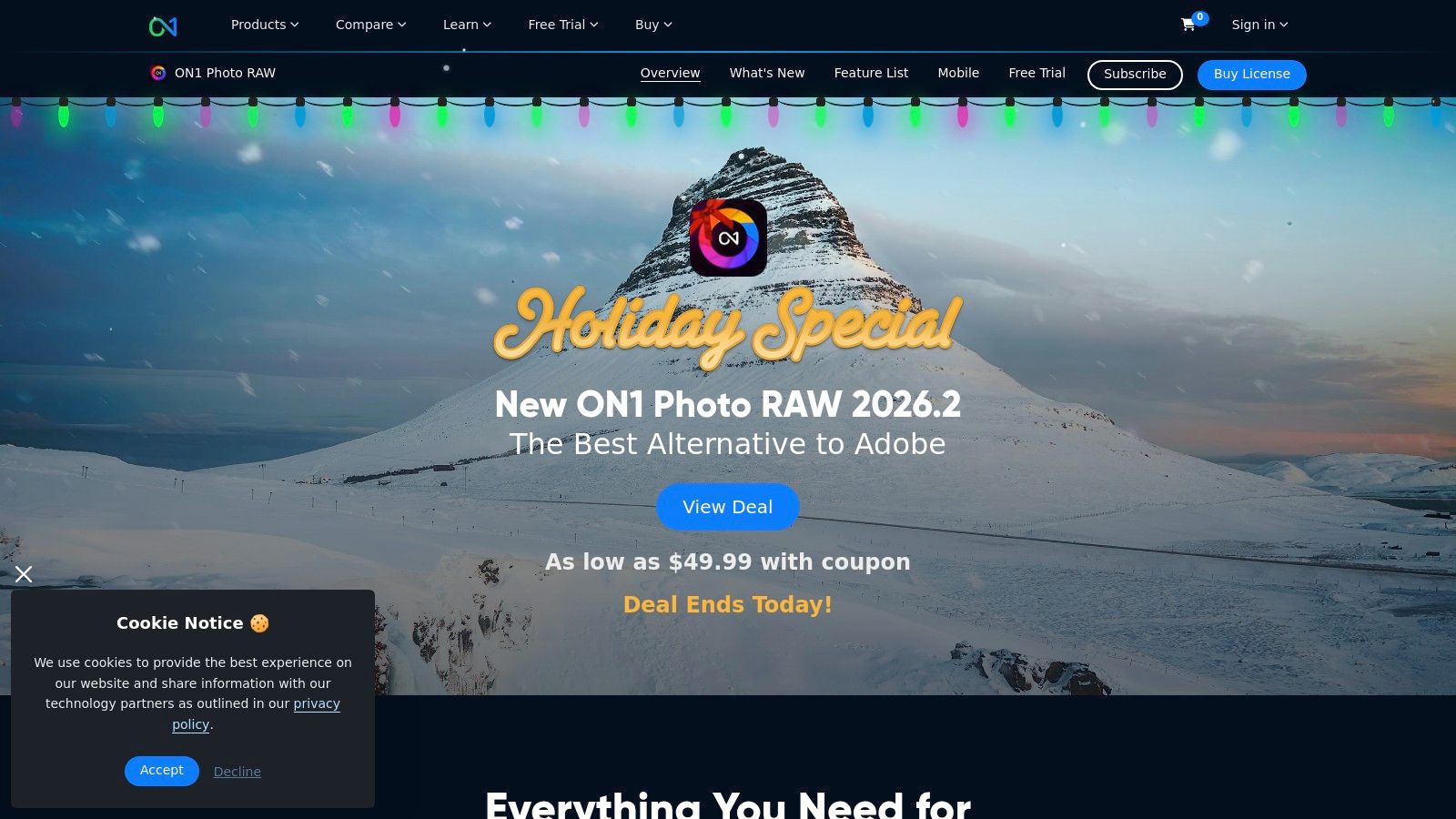
ON1 goes beyond just editing; it’s built for the entire photographic process, from culling and organizing to applying complex effects. The NoNoise AI is fantastic for cleaning up high-ISO images, while its effects engine uses AI to analyze photos and recommend styles. The Photo RAW MAX edition even doubles as a plugin for existing Adobe or Capture One workflows, adding a layer of versatility.
Key Features & Use Cases
- Super Select AI: Instantly create masks by clicking on objects. This is perfect for landscape and wildlife photographers who need to make quick, targeted adjustments to specific elements.
- NoNoise AI & Effects AI: Powerful noise reduction and intelligent style presets that accelerate creative editing for portrait, event, and commercial photographers.
- All-in-One Workflow: Combines RAW processing, layered editing, and asset management in one application, ideal for users wanting to escape the Adobe ecosystem.
Pricing & Drawbacks
ON1 offers both a subscription model (starting around $7.99/month) and a perpetual license (around $99.99 for a new license). This flexibility is a huge plus. However, the interface can feel resource-intensive on older computers, and while its cataloging features are improving, they haven’t quite reached the level of maturity and ubiquity found in Lightroom.
Website: https://www.on1.com/products/photo-raw/
6. Google Photos
You probably already have one of the best AI tools for photo editing sitting on your phone. Google Photos has evolved from a simple cloud backup service into a surprisingly potent AI editor, perfect for quick, powerful fixes without needing a dedicated app. Its standout feature, Magic Editor, lets you tap and drag subjects to reposition them, and the AI will cleverly regenerate the background. It's the kind of casual wizardry that feels straight out of a sci-fi movie.

Beyond the flashy generative edits, Google Photos excels at practical clean-up. The one-tap Magic Eraser effortlessly removes photobombers, while the Photo Unblur tool can salvage a slightly out-of-focus shot, sharpening faces with impressive results. It’s all wrapped in a simple UX that’s built for speed, making it the ideal tool for anyone who values convenience and seamless cross-device access over granular, professional-level control.
Key Features & Use Cases
- Magic Editor: Reposition, resize, or remove subjects and let AI rebuild the scene. Perfect for fixing group photo compositions or getting creative on the fly.
- Magic Eraser & Photo Unblur: Instantly remove distracting elements or rescue blurry-but-precious memories. A lifesaver for casual photographers.
- Integrated Cloud Library: Edits sync automatically across all your devices. The convenience of having your entire photo library and editor in one place is undeniable.
Pricing & Drawbacks
The core AI tools are now free for most users, which is a huge plus. However, there's a catch: you are limited to 10 Magic Editor saves per month unless you have a Google Pixel device or a premium Google One plan (2TB and above). While it’s incredibly user-friendly, it lacks the fine-tuned adjustments and RAW processing capabilities found in dedicated desktop editors, making it less suitable for professional workflows.
Website: https://photos.google.com/
7. Canva
Canva has transformed from a simple design tool into a comprehensive creative suite, making it one of the best AI tools for photo editing for marketers, social media managers, and small businesses. Its strength isn't in granular, pixel-perfect adjustments but in speed and accessibility. The "Magic" suite of tools-Magic Edit, Magic Erase, and Magic Expand-allows users to quickly tweak photos, remove unwanted objects, or resize images for different platforms with minimal effort.
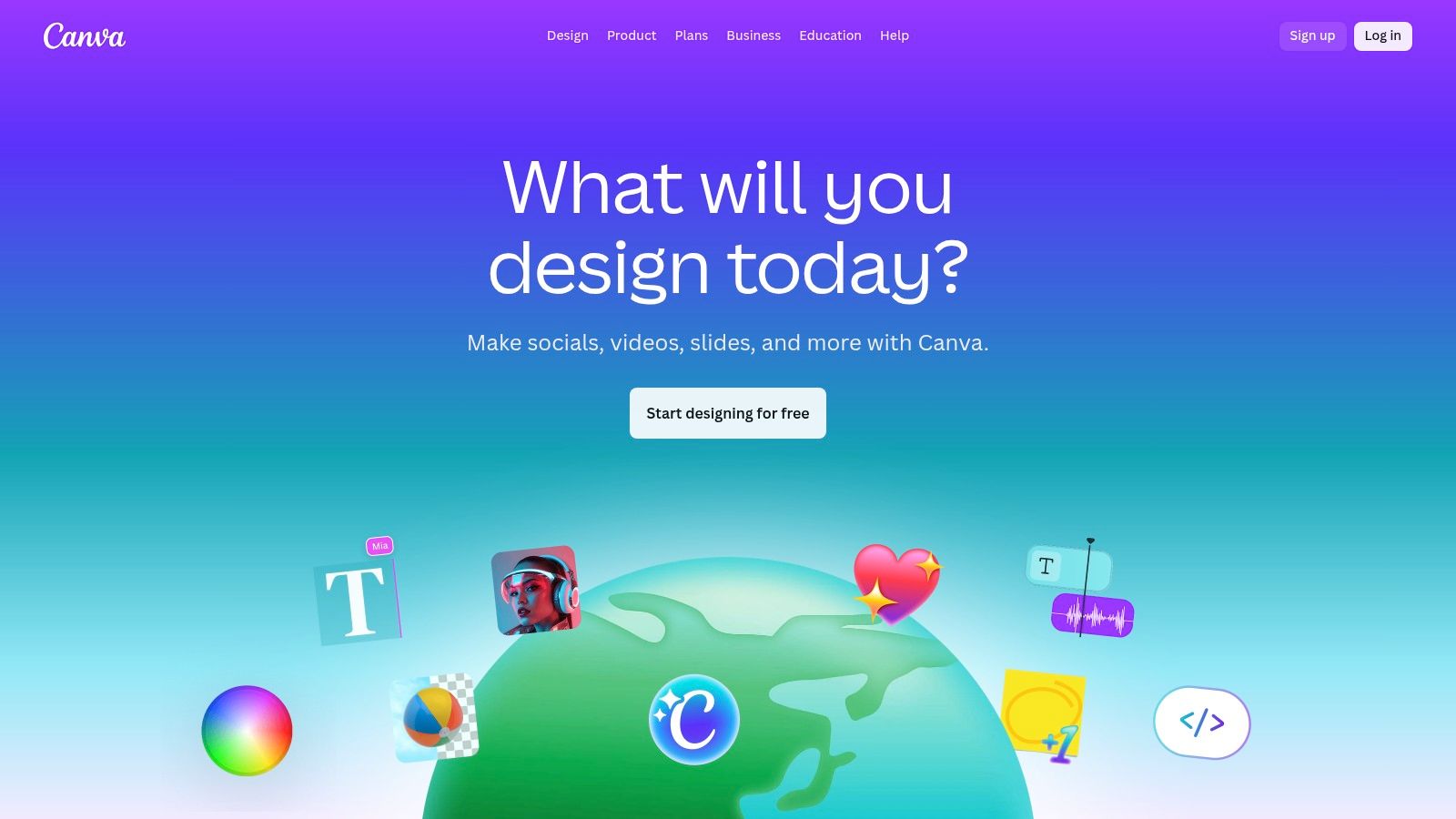
The platform shines brightest in a team-based workflow where consistency is key. Its AI background remover is remarkably effective, and the entire experience is wrapped in a massive library of templates, stock photos, and design elements. This makes it incredibly efficient to go from a raw product photo to a polished social media graphic in minutes. While Canva offers general photo editing, many also find its design capabilities essential for utilizing Canva for print-on-demand design.
Key Features & Use Cases
- Magic Studio (Edit, Erase, Expand): Quickly remove distractions, replace objects with AI generation, or expand your canvas. Perfect for last-minute social media post fixes.
- One-Click Background Remover: A fast and surprisingly accurate tool for creating clean product shots or headshots for marketing materials.
- Integrated Design & Collaboration: Seamlessly move from editing a photo to dropping it into a template, sharing it with a team for feedback, and scheduling it for publishing.
Pricing & Drawbacks
Canva offers a generous free plan, but the powerful AI features are locked behind its Pro ($14.99/month) or Teams subscriptions. The recent changes to its business pricing can be complex for larger organizations to navigate. The primary drawback is a lack of fine-tuned control; professional photographers will find it too simplistic compared to dedicated editors like Photoshop or Lightroom. For quick, template-driven results, however, it's unmatched.
Website: https://www.canva.com/
8. Picsart
Once a mobile-first creative suite for the TikTok generation, Picsart has evolved into a surprisingly robust platform for quick, AI-driven edits. It straddles the line between a Canva-style design tool and a dedicated photo editor, making it one of the best AI tools for photo editing for social media managers, marketplace sellers, and anyone needing fast, eye-catching visuals without the steep learning curve of professional software.
Its core strength lies in one-tap solutions like its AI-powered background and object remover, which work remarkably well for creating clean product shots or social media graphics. The platform also bundles a suite of AI generative tools, including an image generator and writer, all managed through a credit system. While it’s not designed for high-end RAW processing, its speed and accessibility for common editing tasks are undeniable.
Key Features & Use Cases
- One-Tap AI Tools: Instantly remove backgrounds, erase unwanted objects, or apply enhancements. Perfect for e-commerce listings and social media posts.
- Batch Editor: Pro users can apply the same edits (like background removal or resizing) to up to 50 images at once, a huge time-saver for product catalogs.
- Integrated Design Suite: Combines photo editing with templates, stock assets, and design tools, making it a one-stop shop for creating marketing content from start to finish.
Pricing & Drawbacks
Picsart’s aggressive pricing, often featuring heavy promotions, makes it highly accessible. Plans start with a free tier, while paid plans like Plus ($5/month) unlock core AI features. The credit system for generative AI can be confusing, and the interface, while user-friendly, lacks the precision of dedicated photo editors. It’s not a tool for pro photographers editing RAW files, but for its target audience, it's a powerful and cost-effective solution.
Website: https://picsart.com/
9. Clipdrop (by Stability)
Backed by the power of Stability AI, Clipdrop is less of a single application and more of a Swiss Army knife of fast, browser-based AI tools. For teams and developers who need quick, high-quality edits without firing up a heavy-duty program, Clipdrop offers a suite of focused utilities that just work. It’s one of the best AI tools for photo editing when you need a specific job done right now, from upscaling an image up to 16x to replacing a background with a text prompt.
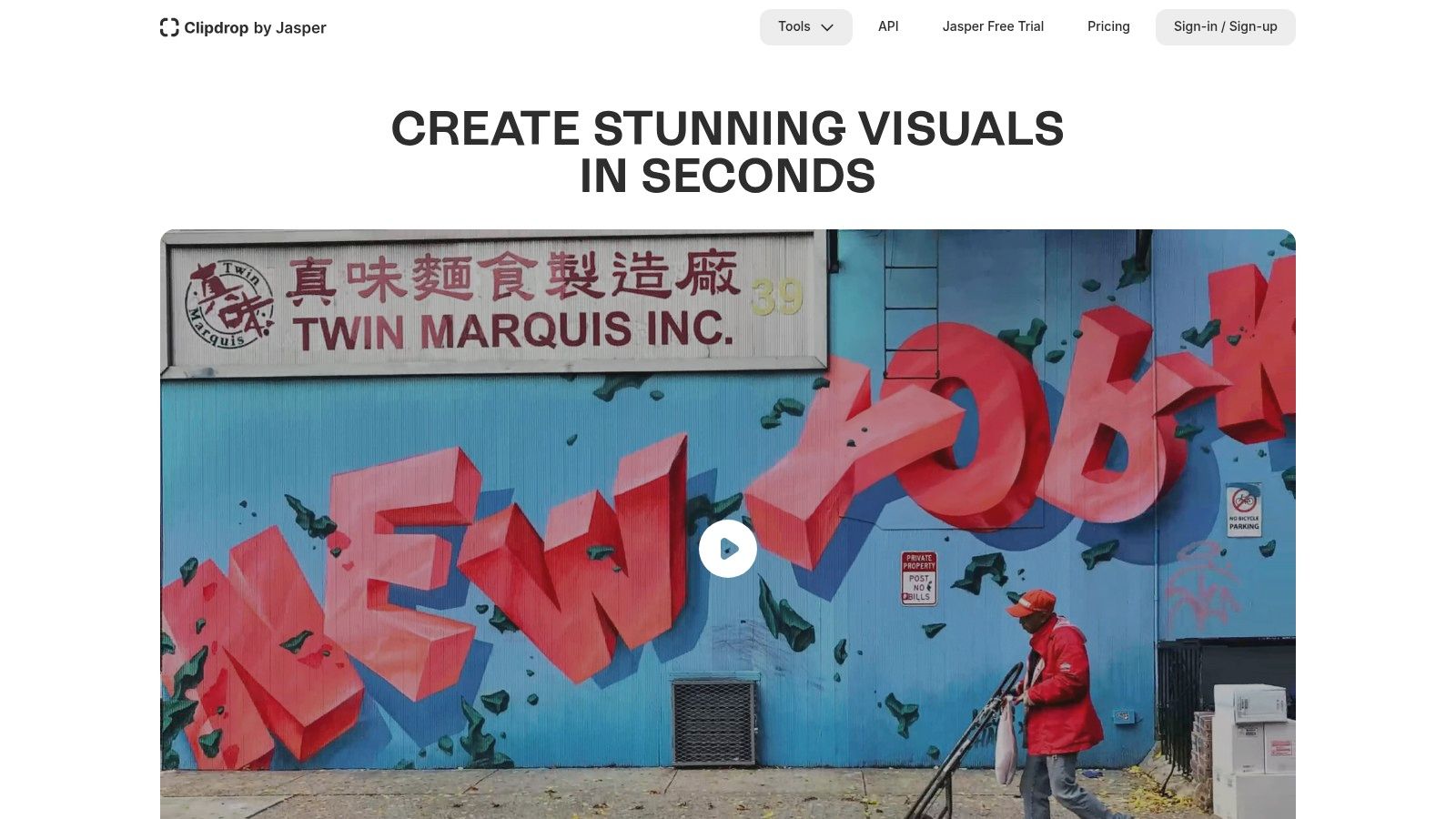
Its real power, however, lies in its developer-friendly API. This allows for seamless integration into other applications, websites, and automated workflows. Whether you're building an e-commerce platform that needs automatic background removal or a social media tool that can relight user photos on the fly, Clipdrop provides the backend muscle without the front-end fuss.
Key Features & Use Cases
- Dedicated Web Tools: Includes Cleanup (object removal), Image Upscaler, Relight, Background Removal, and Stable Diffusion text-to-image generation. Perfect for quick one-off tasks.
- Robust API: The star feature for developers. Easily integrate powerful image editing capabilities into any app, with Pro users getting priority processing.
- Reimagine & Uncrop: Go beyond simple edits by generating entirely new variations of an image or extending its borders with context-aware content, similar to Photoshop's Generative Expand.
Pricing & Drawbacks
Clipdrop operates on a freemium model with a Pro plan for $9/month that unlocks higher resolutions, removes watermarks, and provides API credits. The main drawback is its reliance on an internet connection and the browser-based nature, which limits its utility for offline or heavy batch processing compared to native desktop apps. The pricing model is also heavily based on quotas, which can be a bit confusing for those not used to API-style billing.
Website: Clipdrop
10. Photoroom
If your life revolves around product photos, Photoroom is your new best friend. Built from the ground up for ecommerce sellers and marketplaces, this tool isn't trying to be a general-purpose photo editor. Instead, it’s a laser-focused, AI-powered machine for creating pristine, market-ready product shots in seconds. Its background removal is uncannily accurate, and its AI can generate entire professional-looking scenes around your product with just a text prompt.
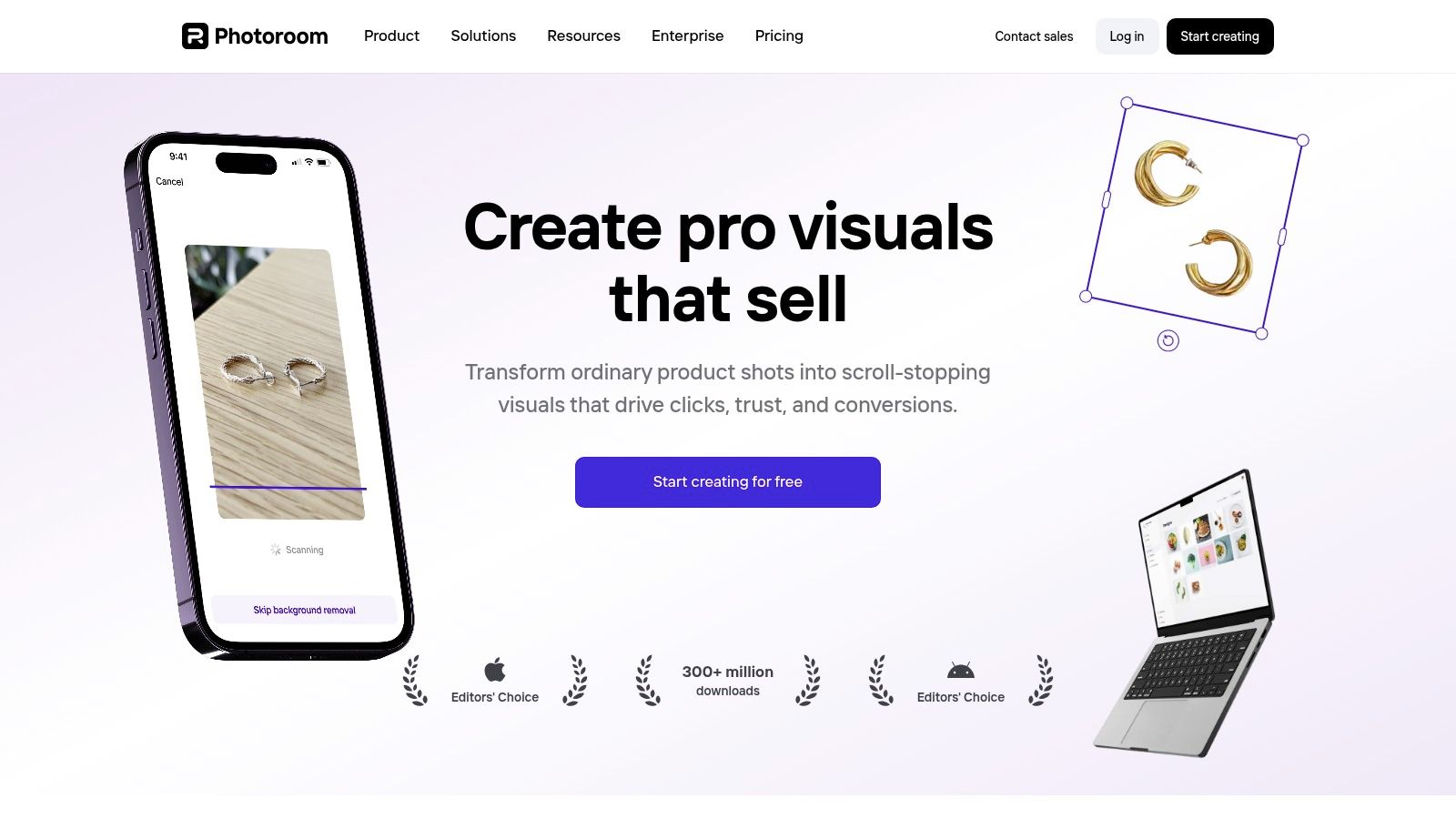
This platform excels at speed and scale. Batch processing lets you edit hundreds of images at once, applying consistent backgrounds, shadows, and resizing for platforms like Amazon or Shopify. For developers and businesses needing to automate this process, Photoroom offers a robust API with recently simplified pricing, making it one of the best AI tools for photo editing when integrated into a larger ecommerce workflow.
Key Features & Use Cases
- AI Background Removal & Generation: Instantly get clean cutouts and place products in realistic or creative scenes. Perfect for lifestyle shots without a photoshoot.
- Batch Processing & Templates: Edit entire product catalogs at once and apply templates pre-sized for major online marketplaces, saving enormous amounts of time.
- Developer-Friendly API: A major selling point for businesses wanting to integrate high-quality background removal and scene generation directly into their own applications or workflows.
Pricing & Drawbacks
Photoroom offers a free plan, but Pro plans (starting around $12.99/month) are needed to remove the watermark and unlock key features like batch editing and higher resolution exports. The use of a credit system for some AI generations can be a limitation for heavy users. It’s also important to remember this isn't a RAW editor like Lightroom; its strength lies exclusively in polishing final JPEGs and PNGs for commercial use, not in foundational image correction.
Website: https://www.photoroom.com/
11. remove.bg (by Kaleido)
Sometimes you don't need a Swiss Army knife; you just need a scalpel. remove.bg is that scalpel for background removal. It does one thing, and it does it with terrifying precision. For anyone running an e-commerce store, building a product catalog, or just needing clean cutouts at scale, it is unequivocally one of the best AI tools for photo editing. Its AI is particularly adept at handling notoriously tricky subjects like flyaway hair and delicate fur, producing clean edges that would take a human minutes to achieve manually.
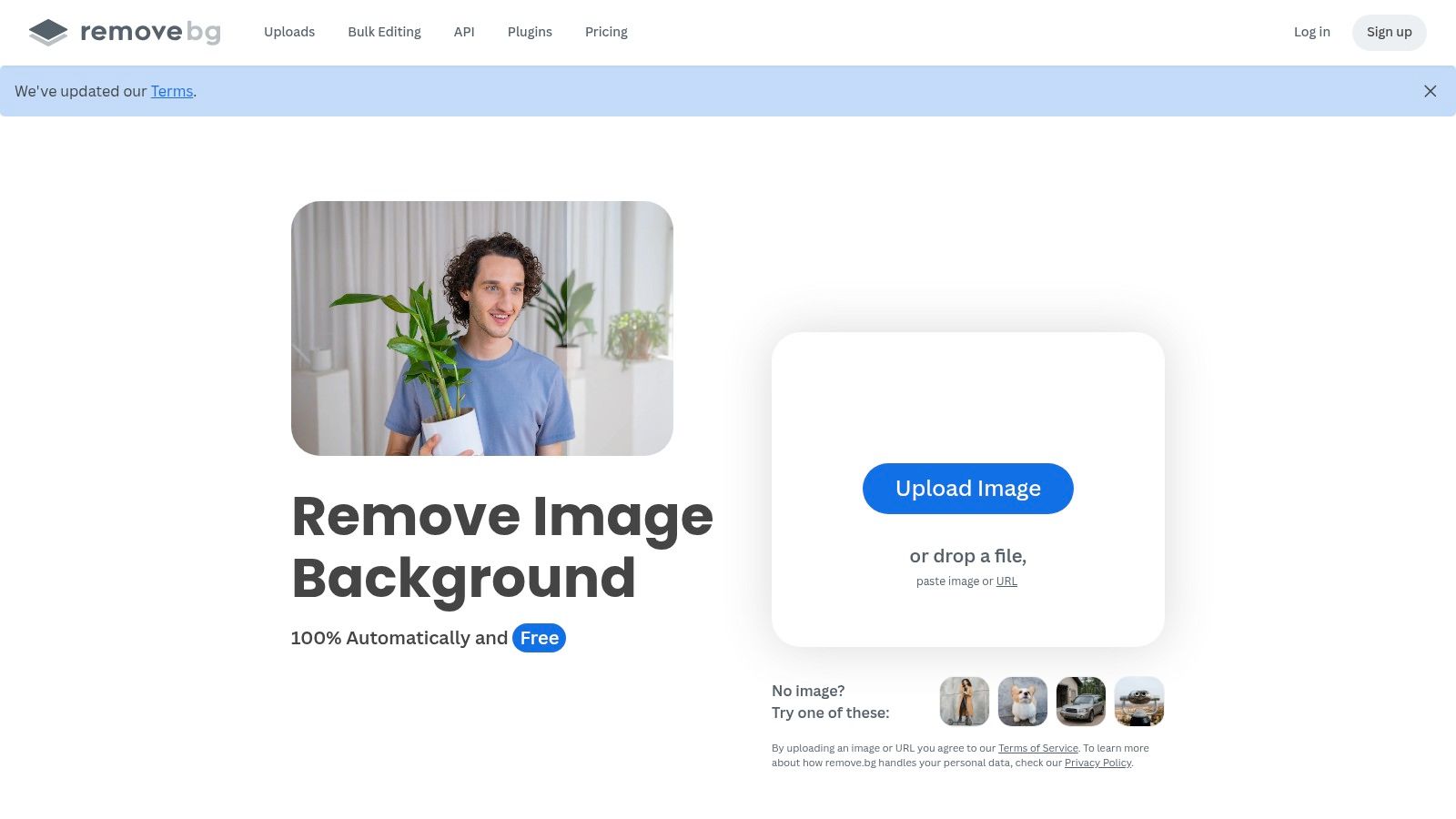
This tool is built for workflow automation, not one-off creative edits. With a robust API, desktop clients, and direct integrations for platforms like Shopify and Adobe Photoshop, it's designed to be plugged directly into a high-volume pipeline. The process is dead simple: upload an image, and a transparent PNG comes back in seconds.
Key Features & Use Cases
- One-Click Background Removal: The core function. Ideal for e-commerce product shots, profile pictures, and marketing assets where a clean, transparent background is essential.
- High-Fidelity Hair & Fur Cutouts: Its specialized training makes it a top choice for portrait photographers and pet product sellers who need professional-grade cutouts.
- API & Platform Integrations: Perfect for developers building automated image processing workflows or marketplaces that need to process user-submitted photos at scale.
Pricing & Drawbacks
remove.bg operates on a credit-based system. You get one free high-res download, but beyond that, you'll need a subscription or pay-as-you-go credits, which start at around $0.20 per image and get cheaper with volume. The main drawback is its specialized focus; it's a dedicated background remover, not a comprehensive editor. If your needs extend beyond cutouts, you'll have to pair it with another tool. For pure, high-volume background removal, however, it remains an industry benchmark.
Website: Remove.bg
12. Capture One (Pro and All-in-One)
Long considered the professional studio photographer’s alternative to Lightroom, Capture One has carved out a niche with its legendary color science and best-in-class tethered shooting. While it built its reputation on manual control, it has smartly integrated AI to speed up its famously precise workflow, making it a powerful contender for one of the best AI tools for photo editing for commercial and studio professionals.
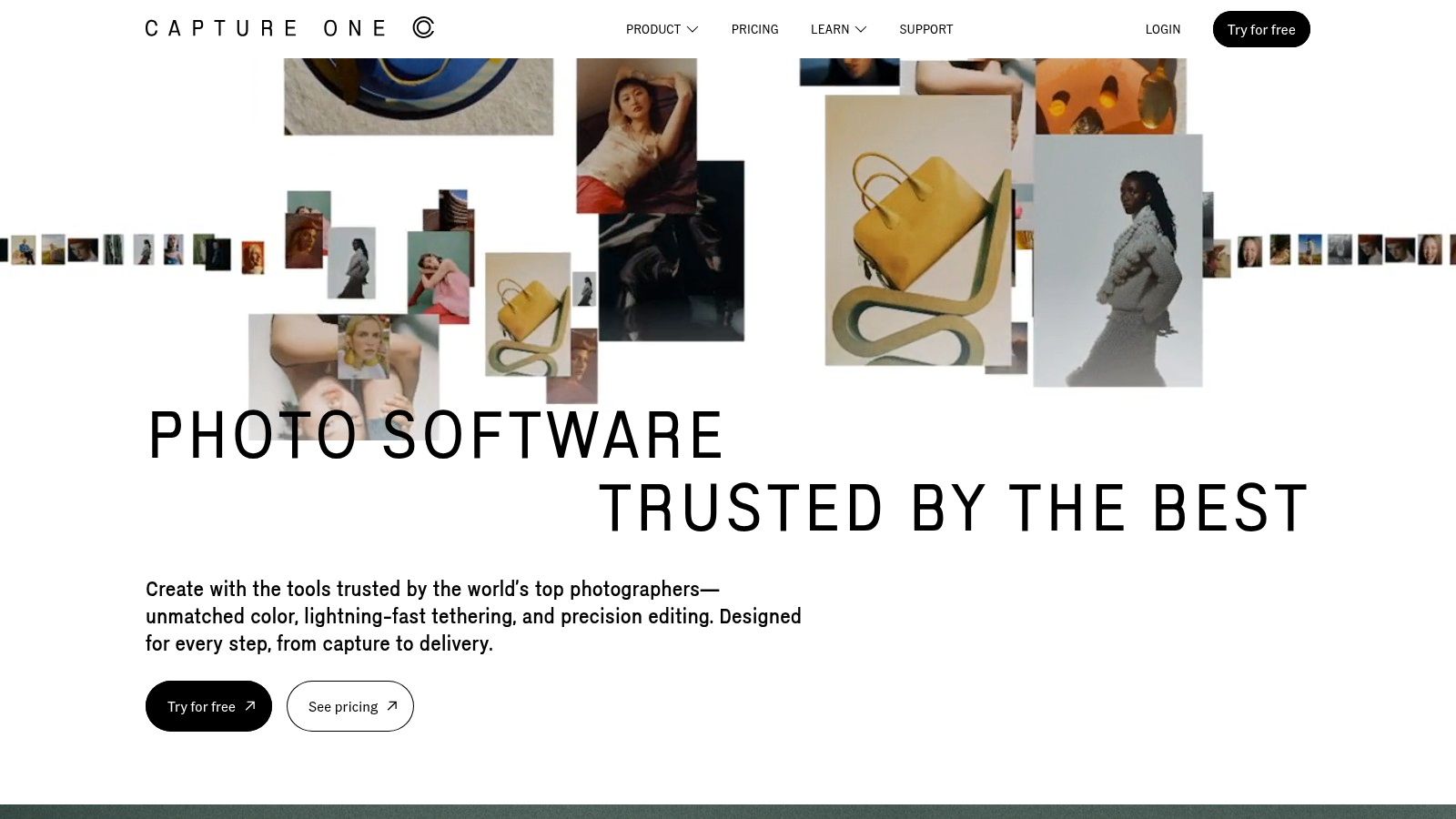
The platform’s AI masking and smart adjustment tools are designed for efficiency rather than pure generative magic. It excels at creating complex, layered masks for subjects and backgrounds, allowing for surgical adjustments to color and exposure. Where Capture One truly shines is in its ecosystem, especially with the All-in-One bundle that combines its desktop power with mobile editing and its "Live" service for remote client collaboration.
Key Features & Use Cases
- AI-Powered Masking: Quickly create highly accurate masks for subjects or backgrounds, ideal for speeding up portrait and product photo retouching workflows.
- Class-Leading Tethered Capture: The go-to tool for studio photographers shooting directly to a computer, ensuring perfect focus and lighting in real time.
- All-in-One Ecosystem: The bundle offers seamless editing and review across desktop, mobile, and web for photographers and clients on the move.
Pricing & Drawbacks
Capture One offers subscriptions starting at around $24/month, or a comprehensive All-in-One bundle for a higher price. While it historically offered beloved perpetual licenses, the company has shifted focus to subscriptions and increased prices, which has been a point of contention for long-time users. Its preset and plugin ecosystem is also smaller and less developed than Adobe's, offering less third-party extensibility.
Website: Capture One
Top 12 AI Photo-Editing Tools — Quick Feature Comparison
| Product | Core features | Quality / UX (★) | Value & Pricing (💰) | Target (👥) | Unique strengths (✨) |
|---|---|---|---|---|---|
| 🏆 PixelPanda | BG removal, smart inpainting, 4x upscaling, face & depth enhancement, text‑to‑image, API/SDKs | ★★★★☆ | 💰 Free trial (10 credits); Starter $49/mo (500); Pro $99/mo (1,500); Business $249/mo (4,500) | 👥 Ecommerce, marketing teams & devs | ✨ Developer-first API, accurate hair/fur, AI Fashion Studio, demo gallery |
| Adobe (Photoshop, Lightroom, Firefly) | Generative Fill/Expand, advanced masking, RAW/PSD workflows, Firefly gen‑AI | ★★★★★ | 💰 Subscription (Creative Cloud) — higher cost for pro bundles | 👥 Creative pros, studios, agencies | ✨ Best-in-class PSD/RAW pipeline; cross‑app ecosystem |
| Topaz Labs (Photo AI, Gigapixel) | Denoise, deblur, detail-preserving upscales, standalone apps | ★★★★☆ | 💰 One‑time or subscription options; app-by-app pricing | 👥 Photographers needing restoration/enlargement | ✨ Industry-leading upscaling & restoration quality |
| Skylum Luminar Neo | SkyAI, RelightAI, SkinAI, one‑slider effects, plugin support | ★★★★ | 💰 Subscription or perpetual license (bundles/promos) | 👥 Enthusiasts, fast‑workflow editors | ✨ Strong one‑slider AI presets; perpetual license option |
| ON1 Photo RAW 2025 | AI masking, NoNoise, Effects, culling/organization, plugin set | ★★★★ | 💰 Perpetual or subscription tiers | 👥 Studios & pros seeking Adobe alternative | ✨ All‑in‑one RAW editor with plugin integrations |
| Google Photos | Magic Editor, Magic Eraser, Photo Unblur, cloud sync | ★★★★ | 💰 Free core tools; limits on gen features unless Pixel/Google One | 👥 Casual users & mobile-first photographers | ✨ Seamless cloud backup + quick mobile edits |
| Canva | Background remover, Magic Edit, templates, brand kits, collaboration | ★★★★ | 💰 Freemium → Pro/Teams pricing (variable) | 👥 Marketing & social teams | ✨ Template library + team publishing workflows |
| Picsart | Background/object removal, AI generation, bulk edits, credits | ★★★ | 💰 Competitive promos; credit-based AI access | 👥 Social creators & small sellers | ✨ Aggressive pricing/promos; mobile-first creativity tools |
| Clipdrop (by Stability) | Background removal, upscaling (x16), relight, API, uncrop | ★★★★ | 💰 Usage/quota pricing; Pro API options | 👥 Developers & teams needing web API tools | ✨ Fast no-install web tools + developer API |
| Photoroom | Product cutouts, AI backgrounds/shadows, batch, API | ★★★★ | 💰 Simplified API & team plans; credits/limits apply | 👥 Ecommerce sellers & marketplaces | ✨ Marketplace-sized templates & realistic product scenes |
| remove.bg (Kaleido) | One‑click background removal, bulk, plugins, API | ★★★★★ | 💰 Credit-based API; volume plans for enterprise | 👥 Marketplaces, studios, automation workflows | ✨ Exceptional hair/fur cutouts; mature integrations/plugins |
| Capture One (Pro / All‑in‑One) | Pro RAW editing, AI masking, tethering, studio workflows | ★★★★★ | 💰 Subscription / All-in-One bundles (higher-end pricing) | 👥 Commercial studios & pro photographers | ✨ Color accuracy, tethered capture, studio-grade workflows |
Choosing Your Creative Co-Pilot
And there you have it, a whirlwind tour of the digital darkroom of the future. The days of painstakingly tracing pixels with a digital pen are fading fast, replaced by an era where your creativity is augmented, not automated. We've journeyed from powerhouse developer APIs to one-click social media magic, and the central truth is clear: the quest for the "best ai tools for photo editing" doesn't end with a single winner. It ends with finding the right tool for your specific quest.
Think of it less like choosing a single sword and more like assembling your own personal fellowship of creative companions. Each tool we've explored brings a unique set of skills to the table. Your job is to play the role of the wise wizard, assembling the perfect team for the adventure ahead.
From Pixels to Production: Matching the Tool to the Task
The most critical takeaway from this deep dive is to align your choice with your workflow and end goals. What you need as a high-volume e-commerce seller is vastly different from the needs of a fine art photographer or a social media manager churning out daily content.
Let's distill it down:
- For the Automation Architects (Developers & E-commerce): If your primary goal is scale, efficiency, and seamless integration, your focus should be on API-first platforms. Tools like PixelPanda, with its robust API, superior handling of complex subjects like hair and fur, and powerful batch processing, are built for this. Similarly, dedicated background removers like
remove.bgor the versatileClipdropAPI can be programmatically woven into your existing systems to handle thousands of images without human intervention. - For the Creative Purists (Photographers & Designers): When ultimate control and uncompromising quality are non-negotiable, the industry titans still reign supreme. Adobe's ecosystem (Photoshop and Lightroom) offers unparalleled depth, while Capture One provides best-in-class RAW processing and tethering. For those seeking powerful results without the steep learning curve or subscription, Topaz Labs and Skylum Luminar Neo offer incredible AI-powered enhancements that can rescue or elevate an image in seconds.
- For the Content Velocity Crew (Marketers & Creators): Your world moves at the speed of a scroll. You need tools that are fast, intuitive, and deliver eye-catching results with minimal fuss. Canva and Picsart are the undisputed champions here, turning complex editing tasks into simple, template-driven actions. Photoroom also excels in this space, offering a mobile-first experience perfect for creating clean, professional product shots on the fly.
Beyond the Features: Key Implementation Factors
Before you commit your time and budget, consider a few final strategic points. Cost structure is a big one. Do you prefer a one-time purchase like those offered by Topaz or Skylum, or does a subscription model like Adobe's fit your cash flow better? For API-based tools, a pay-as-you-go credit system might be the most economical path.
Furthermore, don't underestimate the learning curve. While tools like Canva are pick-up-and-play, mastering the depth of Photoshop or ON1 Photo RAW is a significant time investment. Finally, think about your ecosystem. If you're already embedded in the Adobe Creative Cloud or Google's suite of tools, the path of least resistance might be the most productive one.
For professionals in fields like real estate, specialized AI tools are also transforming how photos are prepared for listings. Discover leading real estate photo editing software to see how AI is making property visuals more stunning than ever.
The right AI co-pilot is out there, waiting to help you create visuals you once only dreamed of. It's not about replacing your skills; it's about amplifying them. So, go ahead, test a few free trials, break things, and find the partner that will help you bring your vision to life, faster and more brilliantly than ever before.
Ready to automate your image workflows with a powerful, developer-friendly API? See why PixelPanda is the top choice for businesses needing precision, scale, and best-in-class background removal for even the most complex images. Start building for free with PixelPanda.