Why Real-Time Shipment Tracking Software Dramatically Reduces Support Volume

Every e-commerce business owner knows the frustration: your customer support inbox fills with variations of the same question — “Where is my order?” These inquiries consume valuable time, require manual carrier lookups, and often lead to frustrated customers who feel left in the dark about their purchases.
Real time shipment tracking software eliminates this bottleneck by giving customers instant access to their order status without requiring human intervention. When customers can check their package location at any time through a branded tracking page, the need to contact support drops precipitously. In 2026, with delivery volumes higher than ever and customer patience shorter than ever, this technology has shifted from a “nice to have” to a baseline requirement for any serious online store.
According to recent industry data, order status inquiries account for 35-45% of all customer support tickets in e-commerce. For a business processing 1,000 orders monthly, that translates to 350-450 preventable support interactions. At an average handling time of 8 minutes per ticket and a support cost of $15-25 per contact, you’re looking at $5,250-$11,250 in monthly support costs just for answering “where’s my order” questions.
The impact extends beyond simple cost savings. When your support team spends less time on routine tracking inquiries, they can focus on complex issues that genuinely require human expertise — product questions, returns processing, and relationship-building interactions that drive customer loyalty.
Modern real-time package tracking systems integrate directly with your e-commerce platform and multiple shipping carriers, creating a unified tracking experience regardless of which courier handles the delivery. This eliminates the confusion that occurs when customers receive tracking numbers without context or when different carriers require different lookup processes.
Heading into 2026, the expectations around delivery visibility have only intensified. Consumers who grew accustomed to Amazon-style precision — down-to-the-hour delivery windows, live map tracking, and instant carrier updates — now apply that same standard to every online purchase, regardless of store size. Businesses that fail to meet this expectation with real time shipment tracking software risk losing customers not because of a bad product, but because of an anxiety-inducing post-purchase experience.
Why “Good Enough” Tracking No Longer Works
Many merchants still rely on basic carrier-provided tracking links pasted into a confirmation email. This approach technically provides tracking information, but it fails to reduce support volume for several reasons:
- Fragmented experience: Customers are redirected to unfamiliar carrier websites with confusing interfaces and no branding, which erodes trust in the exact moment they’re seeking reassurance.
- Delayed status updates: Many carrier tracking pages only refresh every 12-24 hours, leaving customers checking repeatedly and eventually giving up and emailing support instead.
- No proactive alerts: Passive tracking links require customers to check manually. Without push notifications, most customers won’t check until they’re already anxious — at which point they’re more likely to open a support ticket than wait.
- Multi-carrier confusion: Businesses that ship via multiple carriers (USPS, UPS, FedEx, DHL, regional couriers) force customers to learn different tracking systems for different orders.
True real time shipment tracking software solves each of these problems by consolidating tracking data from every carrier into one branded, continuously updated interface — often refreshing status every few minutes rather than once a day.
The True Cost of “Where Is My Order” Tickets
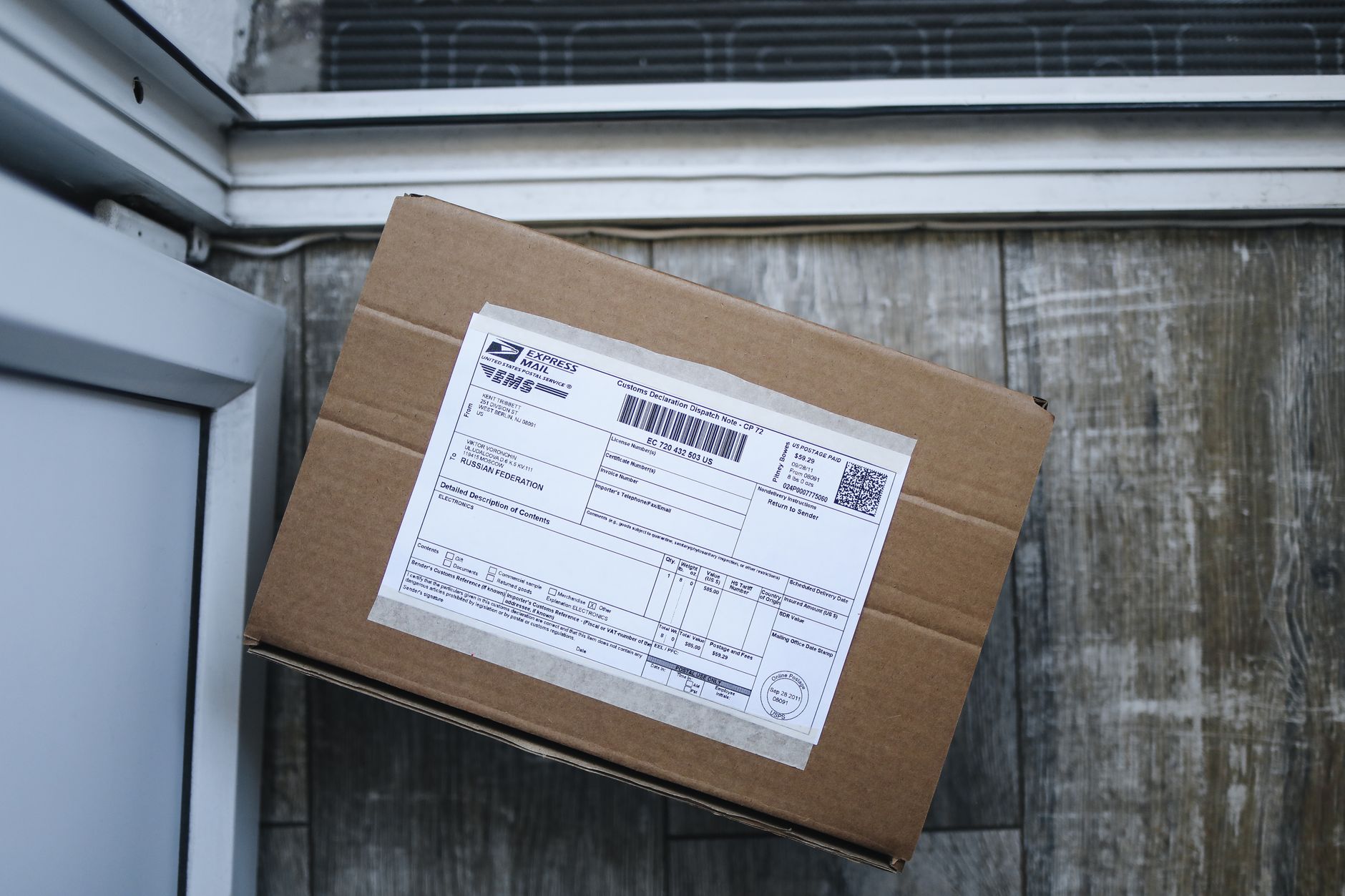
Understanding the full financial impact of order tracking inquiries requires looking beyond the obvious support labor costs. The true expense includes several hidden factors that compound over time.
Direct Support Costs
The most visible expense is the time your support team spends handling tracking inquiries. A typical “where is my order” ticket involves:
- Locating the order in your system (1-2 minutes)
- Finding the tracking number and carrier information (1-2 minutes)
- Looking up the current status on the carrier’s website (2-3 minutes)
- Composing and sending a response to the customer (2-3 minutes)
- Following up if the customer has additional questions (3-5 minutes for 30% of tickets)
This 8-15 minute process, multiplied across hundreds of tickets monthly, represents significant labor expense. For a small team, it can consume 40-60% of available support hours.
Opportunity Costs
Every minute spent on tracking inquiries is time not spent on revenue-generating activities. Your support team could be:
- Upselling complementary products during support interactions
- Resolving complex issues that prevent customer churn
- Creating help documentation that prevents future tickets
- Building relationships with high-value customers
“The most expensive support ticket isn’t the one that takes the longest to resolve — it’s the preventable one that never should have reached your team in the first place.”
Customer Experience Degradation
When customers must contact support to get basic order information, it signals operational immaturity. This friction point affects:
- Customer satisfaction scores: Tracking-related tickets typically receive 20-30% lower CSAT ratings than other support interactions
- Repeat purchase rates: Customers who contact support about order status are 15-25% less likely to make a second purchase
- Review sentiment: Lack of tracking visibility frequently appears in negative reviews, impacting conversion rates for new customers
| Cost Category | Monthly Impact (1,000 orders) | Annual Impact |
|---|---|---|
| Direct support labor | $5,250-$11,250 | $63,000-$135,000 |
| Lost upsell opportunities | $2,100-$4,500 | $25,200-$54,000 |
| Customer churn impact | $3,500-$7,200 | $42,000-$86,400 |
| Total estimated cost | $10,850-$22,950 | $130,200-$275,400 |
These numbers make the ROI case for implementing automated tracking abundantly clear. Even a modest reduction in tracking-related tickets generates substantial savings while improving the customer experience.
How Proactive Tracking Notifications Prevent Support Escalations
The most effective real time shipment tracking software doesn’t just provide information when customers request it — it proactively communicates order status at key milestones. This anticipatory approach addresses customer concerns before they escalate into support tickets.
Key Takeaway
Proactive tracking notifications reduce anxiety-driven support contacts by keeping customers informed at every stage of the delivery journey, from shipment to doorstep.
Critical Notification Touchpoints
Effective tracking automation sends updates at specific moments in the delivery lifecycle:
Immediate notification with expected processing time and estimated delivery window sets clear expectations from the start.
Notification that the order has left the warehouse, including the carrier name and tracking number, delivered via email and SMS.
Automated alerts for major scan events — arrival at sorting facilities, customs clearance, or handoff to a regional carrier.
Same-day alert that builds anticipation and reduces “is it coming today?” inquiries — the single highest-converting notification for reducing support volume.
Immediate confirmation with a photo (when available) that closes the loop and often includes a review request or upsell prompt.
Proactive notification of delays, failed delivery attempts, or address issues — paired with clear next steps — prevents the single biggest driver of angry support tickets.
Businesses that implement all six touchpoints consistently report the steepest drops in support volume, since customers rarely feel the need to seek out information that’s already been delivered to their inbox or phone.
Choosing Real Time Shipment Tracking Software: What to Look For in 2026
Not all tracking platforms are built equally. As you evaluate real time shipment tracking software for your e-commerce business, prioritize these capabilities:
- Multi-carrier aggregation: Support for 500+ carriers worldwide, including regional and last-mile delivery partners, with a single API or dashboard.
- Branded tracking pages: Fully customizable tracking experiences that match your store’s look and feel, including upsell widgets and related product recommendations.
- Automated notification workflows: Email and SMS triggers tied to specific tracking events, with templates you can customize without developer help.
- Predictive delivery estimates: Machine-learning-based ETAs that account for carrier performance history, weather, and regional transit trends rather than static delivery windows.
- Exception management: Automatic flagging of delayed, lost, or stuck shipments so your team can intervene before the customer notices.
- Analytics and reporting: Dashboards showing on-time delivery rates, carrier performance comparisons, and tracking page engagement.
- Platform integrations: Native connections to Shopify, WooCommerce, BigCommerce, and major help desk tools like Zendesk or Gorgias.
Comparing Popular Real Time Shipment Tracking Software Options
The market for tracking platforms has matured considerably, with options ranging from lightweight Shopify apps to enterprise-grade logistics visibility platforms. Here’s how the major categories compare:
| Solution Type | Best For | Typical Pricing | Key Limitation |
|---|---|---|---|
| Native carrier tracking | Very small stores, testing phase | Free | No branding, no automation, infrequent updates |
| Shopify/WooCommerce tracking apps | Small-to-mid DTC brands | $20-$200/month | Limited carrier coverage, basic analytics |
| Dedicated tracking platforms (e.g., ShipPost) | Growing e-commerce brands, multi-carrier shippers | $50-$500/month | Requires initial setup and carrier account linking |
| Enterprise logistics visibility suites | High-volume retailers, 3PLs | $1,000+/month | Overkill for smaller catalogs, long implementation |
For most growing e-commerce businesses, a dedicated tracking platform offers the best balance of features, cost, and ease of implementation. These tools typically pay for themselves within the first one to two months purely through support cost reduction, before even accounting for the retention and upsell benefits.
Implementation Best Practices
Simply installing real time shipment tracking software isn’t enough — how you implement it determines whether you capture the full support-reduction benefit:
- Audit your current tracking page traffic before launch to establish a baseline for comparison.
- Customize the tracking page to match your brand, including your logo, color scheme, and customer service contact options. A professional, polished storefront matters here too — tools like an AI Background Remover can help you create clean product thumbnails for the upsell modules on tracking pages.
- Embed tracking widgets directly in your site’s order status page and customer account dashboard, not just in emails.
- Set realistic delivery estimates using historical carrier data rather than best-case scenarios, which prevents disappointment-driven tickets.
- Train support staff to reference the tracking dashboard directly rather than switching between multiple carrier tabs, cutting resolution time for the tickets that do arrive.
- Monitor exception rates weekly and adjust carrier allocation if certain couriers consistently generate more delays and complaints.
Beyond Tracking: Building a Complete Post-Purchase Experience
Real time shipment tracking software works best as part of a broader post-purchase strategy rather than as an isolated tool. Businesses that see the greatest support cost reductions typically pair tracking automation with complementary improvements across the customer journey.
Visual Merchandising on Tracking Pages
Branded tracking pages are prime real estate for c