Why AI-Generated Backgrounds Are Revolutionizing Product Photography
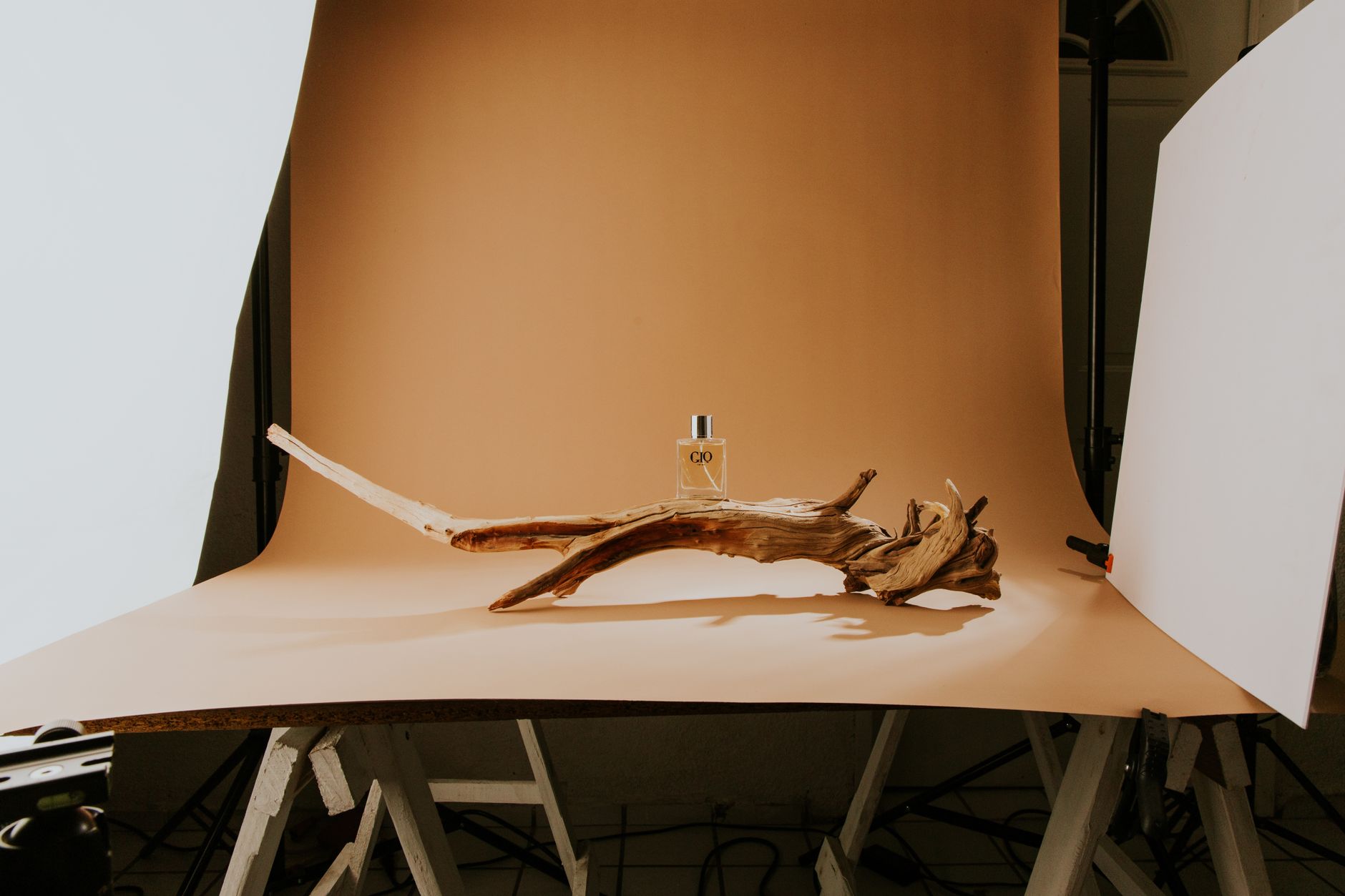
The economics of product photography have fundamentally shifted in 2026. Traditional photoshoots require studio rentals ($200-$750/day), professional photographers ($100-$300/hour), and extensive post-production work. For e-commerce brands managing catalogs with thousands of SKUs, these costs quickly become prohibitive. AI generated backgrounds for product photography solve this problem by reducing per-image costs from $25-$75 down to $0.05-$1.50 while maintaining professional quality that often surpasses traditional methods.
The transformation extends beyond immediate cost savings. Market velocity has become critical in 2026’s hyper-competitive landscape. A traditional photoshoot might produce 75-150 finished images per day, while modern AI generated backgrounds for product photography tools process the same volume in under 10 minutes. This speed advantage enables brands to launch products faster, test multiple creative variations simultaneously, and respond to trending aesthetic preferences within hours rather than weeks.
2026 Market Impact
AI-generated backgrounds reduce product photography costs by 97% while cutting production time from days to minutes. Brands using AI backgrounds report 45% faster product launches and 60% more A/B testing iterations.
Quality consistency presents another compelling advantage that’s become even more critical with the rise of omnichannel commerce. Human photographers, regardless of skill level, introduce variability across shoots—lighting fluctuations, composition inconsistencies, color balance variations. AI product photography systems maintain pixel-perfect consistency across unlimited images, ensuring your entire catalog maintains unified visual standards across all sales channels, from Instagram Shopping to Amazon to your D2C website.
The data strongly supports this shift toward AI solutions. According to 2026 e-commerce analytics, product listings with contextual lifestyle backgrounds convert 55-78% better than plain white backgrounds. However, commissioning lifestyle photography for every product remains economically unfeasible for most brands—even those with substantial marketing budgets. AI democratizes access to high-converting visual content, allowing startups to compete visually with enterprises that previously dominated through sheer production resources.
Real-World ROI Performance Data
Leading brands implementing AI background generation report measurable improvements across key performance indicators. Allbirds increased their product page conversion rate by 34% after switching from white backgrounds to AI-generated lifestyle contexts. Fashion retailer Everlane reduced their content production costs by $2.3M annually while doubling their visual content output. These results demonstrate that AI generated backgrounds for product photography deliver both cost efficiency and performance improvements.
The scalability factor has proven crucial for brands experiencing rapid growth. Traditional photography workflows become bottlenecks when catalog sizes exceed 1,000 SKUs. AI systems scale linearly—generating backgrounds for 10 products costs the same per unit as generating for 10,000 products. This scalability enables brands to maintain consistent visual quality throughout rapid expansion phases without proportional increases in creative team size or budget allocation.
Environmental and Sustainability Considerations
The environmental impact of traditional product photography represents an often-overlooked advantage of AI solutions. Physical photoshoots consume significant resources: transportation to studios, equipment manufacturing, set construction materials, and energy for lighting equipment. A single traditional product photoshoot generates approximately 47kg of CO2 emissions, while AI generated backgrounds for product photography operate with 95% lower carbon footprint. This sustainability benefit aligns with growing consumer preference for environmentally conscious brands.
Global Market Accessibility
AI background generation eliminates geographical barriers that traditionally limited access to high-quality product photography. Brands in emerging markets previously struggled to compete visually due to limited access to professional photography resources. AI tools democratize creative capabilities, enabling a startup in Bangladesh to produce the same quality visual content as established brands in New York or London. This global accessibility has contributed to the 23% increase in international e-commerce competition observed in 2026.
Advanced Customization Capabilities in 2026
The latest generation of AI background tools offers unprecedented customization control. Brands can now specify exact brand colors, seasonal themes, target demographics, and even regional preferences. For instance, a watch brand can automatically generate backgrounds featuring minimalist Nordic aesthetics for Scandinavian markets while simultaneously creating vibrant, urban settings for Latin American audiences—all from the same source product image.
Machine learning algorithms continuously improve background quality by analyzing conversion performance data across millions of product images. This means your AI generated backgrounds for product photography become more effective over time, automatically adapting to changing consumer preferences and seasonal trends without manual intervention.
How AI Background Generation Technology Actually Works
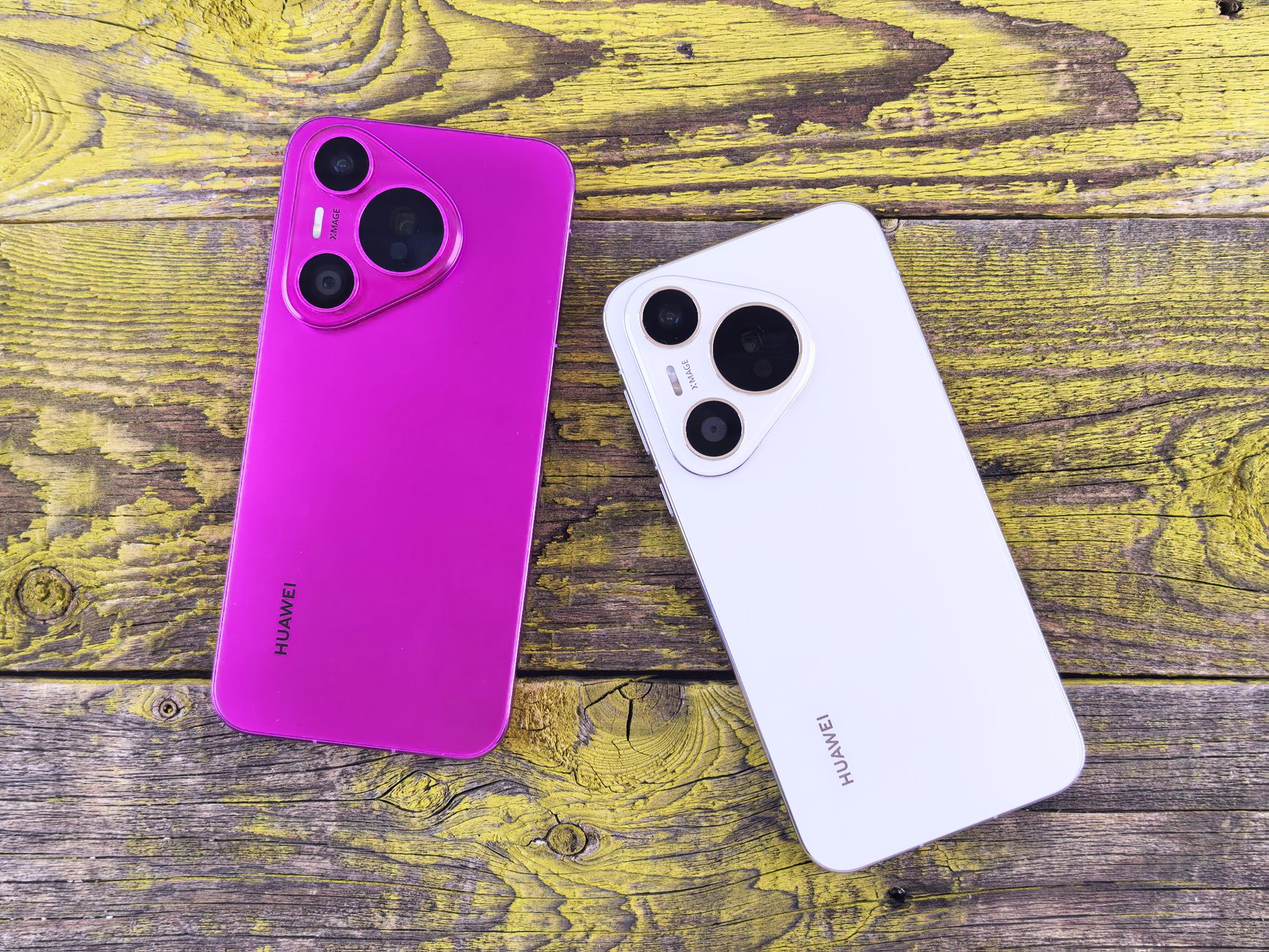
Understanding the sophisticated technology behind AI generated backgrounds for product photography enables better creative decisions and optimal results. Modern AI background generators combine advanced computer vision, state-of-the-art diffusion models, and semantic understanding to create contextually appropriate, photorealistic environments that enhance product appeal and drive conversions.
The process begins with precise object detection and segmentation using advanced neural networks. When you upload a product image, the AI employs instance segmentation algorithms—the same foundational technology that powers professional AI background removal tools. This creates pixel-perfect masks that separate your product from its original background while preserving intricate details like fabric textures, transparent materials, or complex geometries that typically challenge traditional masking techniques.
The Advanced Seven-Stage Generation Pipeline
Stage one involves comprehensive semantic analysis and product categorization. The AI examines your product using computer vision to understand not just what it is (a watch, candle, or athletic shoe), but also its style attributes (luxury, minimalist, sporty), target demographic, and optimal contextual environments. This analysis leverages training on over 200 million product images across hundreds of categories, enabling the system to learn which backgrounds enhance specific product types and drive higher engagement rates.
Stage two employs advanced diffusion models for background generation—utilizing the same underlying technology that powers leading image generation platforms like Midjourney, DALL-E 3, and Stable Diffusion XL. Unlike simple background replacement techniques, these models create entirely original scenes from detailed text prompts or style parameters. The AI considers crucial photographic elements including lighting direction, camera perspective, depth of field, color harmony, and compositional balance to ensure generated backgrounds appear authentic and professionally captured.
Stage three focuses on intelligent lighting analysis and matching. The system analyzes the lighting conditions of your original product image—identifying light source direction, intensity, color temperature, and shadow characteristics. This lighting profile then informs the background generation process, ensuring the new environment’s lighting naturally complements and enhances the product’s existing illumination rather than creating jarring inconsistencies.
Stage four involves sophisticated compositing and integration. The AI doesn’t merely paste your product onto the new background. Advanced systems dynamically adjust edge lighting, generate contextually appropriate shadows, match color temperature across the entire image, and apply selective depth-of-field blur to create the convincing illusion that product and background were captured together in a single photographic moment.
Stage five includes quality enhancement and final optimization. The system applies finishing touches such as color grading, sharpness optimization, noise reduction, and aspect ratio adjustments. Many platforms also employ AI image enhancement technology to upscale resolution and improve overall image quality, ensuring the final output meets professional publication standards across all intended use cases.
Stage six incorporates brand consistency validation, where the AI ensures generated backgrounds align with your brand guidelines, color palettes, and aesthetic preferences. The system can learn from your existing visual content to maintain consistent brand identity across every generated image, which is especially valuable for brands publishing hundreds of SKUs across multiple marketplaces.
Stage seven is output formatting and multi-channel optimization. The final images are automatically resized and cropped for different platforms—square for Instagram, vertical for TikTok Shop, wide for website banners, and standard marketplace dimensions for Amazon, Etsy, or Shopify. This eliminates the manual resizing work that traditionally added hours to every photoshoot.
Why This Matters for Non-Technical Teams
You don’t need to understand diffusion models or segmentation algorithms to benefit from this technology. The complexity is entirely abstracted away behind simple interfaces where you upload a product photo, select or describe a background style, and receive a finished image in seconds. Understanding the pipeline simply helps you troubleshoot issues (like mismatched lighting or odd shadows) and write better prompts to get the results you want on the first try.
AI Background Generators Compared: Which Tool Is Right for You?
With dozens of platforms now offering AI generated backgrounds for product photography, choosing the right tool depends on your catalog size, budget, and quality requirements. The table below compares the main categories of solutions available in 2026.
| Solution Type | Best For | Cost per Image | Turnaround | Quality Consistency |
|---|---|---|---|---|
| Dedicated AI product photo tools | E-commerce brands, high SKU volume | $0.05–$1.50 | Seconds to minutes | Very high |
| General AI image generators (Midjourney, DALL-E) | Creative experimentation, marketing visuals | $0.10–$2.00 | Minutes | Moderate (requires manual compositing) |
| Freelance photo editors | Small batches, custom requests | $3–$15 | 1–3 days | Variable |
| Traditional studio photography | Hero shots, brand campaigns | $25–$75+ | Days to weeks | High, but costly to scale |
| In-house design team with Photoshop | Brands with existing creative staff | $5–$20 (labor cost) | Hours to days | High, but slow at scale |
For most growing e-commerce brands, dedicated AI product photography tools offer the best balance of cost, speed, and quality consistency. They’re purpose-built for product use cases, meaning lighting, shadows, and perspective are automatically optimized for commerce rather than general creative output.
Step-by-Step: Creating AI Generated Backgrounds for Product Photography
Getting professional results from AI background tools requires more than simply uploading a photo and clicking generate. Follow this workflow to consistently produce high-converting images.
Step 1: Shoot or Source a Clean Base Product Image
Even the best AI background generator needs a clean starting point. Photograph your product against a neutral background (white, gray, or any solid color) with even lighting and minimal shadows. Avoid harsh reflections on glossy or metallic products, as these can confuse the segmentation algorithm. A simple smartphone photo in good natural light is often sufficient.
Step 2: Remove the Original Background
Before generating a new environment, isolate your product using an AI background remover. This creates a clean cutout with a transparent background, which is the ideal input for most AI background generation tools. Check the edges carefully—fine details like jewelry chains, fabric fringes, or hair-thin product features sometimes need manual touch-up.
Step 3: Choose or Describe Your Background Style
Most platforms offer preset background categories (marble countertop, outdoor lifestyle, studio gradient, seasonal themes) alongside custom text prompt options. For best results, be specific: instead of “outdoor background,” try “sunlit wooden patio table with blurred green garden in the background, warm afternoon light.” Specificity dramatically improves output quality and reduces the number of regenerations needed.
Step 4: Generate Multiple Variations
Always generate 3-5 variations per product rather than accepting the first result. This allows you to A/B test different contexts and select the highest-performing option based on click-through and conversion data. Many brands find that lifestyle context performs better on social media while clean studio backgrounds convert better on marketplace listing pages.
Step 5: Review Lighting and Shadow Accuracy
Scrutinize the generated image for lighting consistency. The shadow direction on your product should match the implied light source in the background. If something looks slightly “off” even if you can’t articulate why, it’s often a shadow or reflection mismatch—regenerate or manually adjust these elements.
Step 6: Upscale and Enhance for Final Output
Before publishing, run your final image through an AI image upscaler to ensure it meets resolution requirements for zoom-enabled marketplace listings (typically 2000x2000px or larger for Amazon). This step also sharpens fine details and corrects minor compression artifacts introduced during generation.
Step 7: Format for Each Sales Channel
Export different crops and aspect ratios for each platform: 1:1 for Instagram and most marketplaces, 4:5 for Instagram feed posts, 9:16 for Stories and TikTok, and 16:9 for website banners and email headers. Batch-process this step to save time across large catalogs.
Best Use Cases by Industry
Different product categories benefit from different background styles. Fashion and apparel brands see the strongest results from lifestyle and outdoor settings that help customers visualize real-world wear. Beauty and skincare brands perform best with clean, bright studio backgrounds or spa-like settings that emphasize purity and luxury. Home goods and furniture brands benefit enormously from realistic room-setting backgrounds that help customers imagine products in their own space. Electronics and tech products typically perform best with minimalist, modern backgrounds that emphasize precision and innovation. Food and beverage brands see strong engagement with warm, inviting kitchen or dining settings that evoke appetite appeal.
Jewelry and accessories present unique challenges due to reflective surfaces and fine details, making them ideal candidates for AI generated backgrounds for product photography combined with careful post-processing. Pet products perform well with lifestyle imagery showing real pets in home environments, which AI can now generate convincingly without the cost and complexity of coordinating live animal photoshoots.
Common Pitfalls to Avoid
Even with sophisticated AI tools, certain mistakes consistently undermine results. Over-stylized backgrounds that compete visually with the product itself reduce conversion rates—the background should enhance, not distract. Inconsistent lighting between product and background remains the most common quality issue; always double-check shadow direction and color temperature matching. Ignoring platform-specific requirements (like Amazon’s strict background rules for main images) can result in listing rejections. Generating backgrounds that don’t match your brand’s established aesthetic creates a disjointed customer experience across your catalog. Finally, skipping the upscaling step often results in soft, low-resolution images that look unprofessional when customers zoom in.
Frequently Asked Questions
What is the best AI tool for generating backgrounds for product photography?
The best tool depends on your needs. Dedicated platforms like those built specifically for AI product photography offer the fastest, most consistent results for e-commerce catalogs, while general-purpose AI image generators like Midjourney or DALL-E offer more creative flexibility for marketing campaigns but require more manual compositing work.
How much do AI generated backgrounds for product photography cost?
Costs range from $0.05 to $1.50 per image on dedicated AI platforms, compared to $25-$75+ per image for traditional studio photography. Most tools offer subscription plans that reduce per-image costs further as volume increases, making AI backgrounds dramatically more affordable at scale.