
Why Product Photo Editing Directly Impacts Conversion Rates
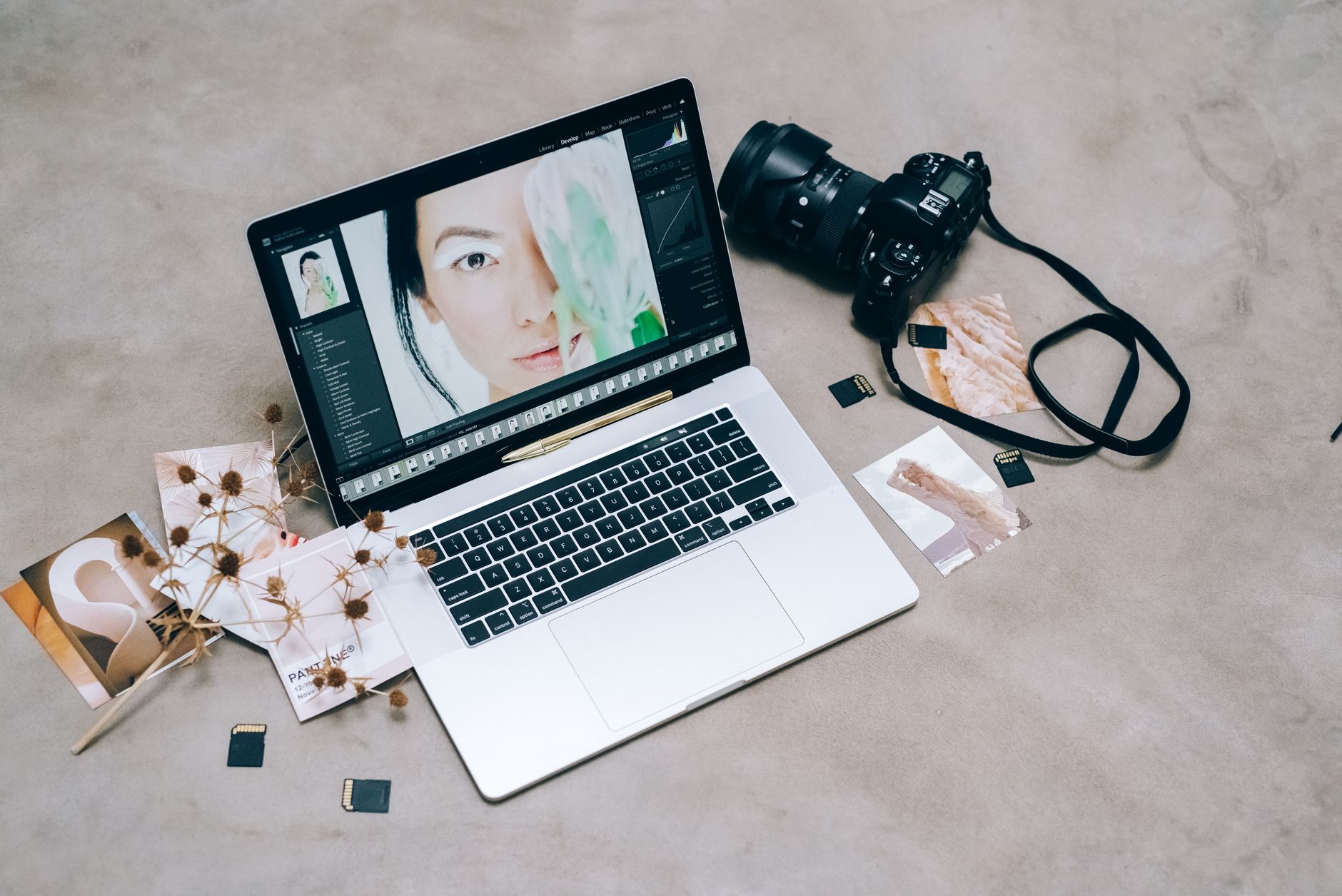
When shoppers browse your online store, they can’t touch, feel, or examine your products in person. Your product photos become the primary decision-making tool—and poorly edited images cost you sales before customers even read your descriptions. Research from the Baymard Institute shows that 56% of online shoppers cite product images as the most important factor in their purchase decision, ranking higher than reviews, descriptions, or pricing information. If you’re wondering how to edit product photos ecommerce stores use to consistently outperform competitors, this guide covers the complete workflow, tools, and techniques you need in 2026.
Learning how to edit product photos ecommerce businesses rely on isn’t just about making images prettier—it’s about creating visual consistency that builds trust, reduces returns, and increases average order value. A 2026 study by Shopify found that stores with professionally edited product photos experienced 34% higher conversion rates compared to those using unedited smartphone shots, even when selling identical products at similar prices.
The financial impact extends beyond immediate conversions. Well-edited product photos reduce return rates by setting accurate expectations—customers know exactly what they’re getting. When your white shirt actually looks white (not beige or blue-tinged from poor color correction), and your product dimensions are clearly visible against a clean background, you eliminate the “not as described” complaints that plague e-commerce sellers.
Recent data from Klaviyo shows that stores with consistent image editing across their catalogs see 28% higher email click-through rates and 15% better social media engagement. This compound effect means that mastering how to edit product photos ecommerce style impacts not just direct sales, but every touchpoint in your customer journey.
But here’s the challenge: traditional photo editing is time-intensive. Outsourcing to professional editors costs $5-15 per image, which becomes prohibitively expensive when you’re managing hundreds or thousands of SKUs. The solution lies in understanding which editing techniques deliver the highest ROI and leveraging the right combination of tools—from AI-powered automation for bulk tasks to manual refinement for hero images.
The Psychology of Visual Trust in E-Commerce
Understanding why product photo editing impacts conversions requires diving into customer psychology. When shoppers can’t physically inspect items, they rely on visual cues to assess quality and authenticity. Professional-quality images signal legitimacy and brand trustworthiness, while amateur photos trigger subconscious red flags about product quality and seller credibility.
Stanford’s Web Credibility Research found that 75% of users judge a company’s credibility based on visual design elements, with product photography being the most scrutinized factor. This explains why two identical products can have vastly different sales performance based solely on image quality.
Neuroimaging studies from MIT reveal that the human brain processes visual information 60,000 times faster than text. Within 13 milliseconds of viewing your product image, potential customers have already formed initial judgments about quality, price point, and purchase intent. This split-second assessment means there’s no second chance to make a first impression with poorly edited photos.
Key Takeaway
Product photo editing directly influences conversion rates, return rates, and customer trust—making it one of the highest-ROI activities for e-commerce businesses.
Platform-Specific Image Requirements Drive Editing Needs
Each e-commerce platform has evolved specific image standards that directly influence how to edit product photos ecommerce sellers must consider. Amazon’s algorithm favors pure white backgrounds for main images, while Instagram’s discovery mechanism prioritizes lifestyle contexts. Understanding these requirements helps prioritize your editing workflow for maximum platform performance.
Amazon’s latest seller guidelines require main images to fill 85% of the frame with no watermarks or promotional text. Pinterest prefers vertical orientations (2:3 ratio) with bright, high-contrast imagery. TikTok Shop emphasizes video thumbnails that stand out in vertical feeds. Your editing strategy must accommodate these platform-specific optimization requirements while maintaining brand consistency.
Essential Editing Techniques Every E-Commerce Seller Needs
Before diving into specific tools, you need to understand the core editing techniques that separate amateur product listings from professional storefronts. These techniques form the foundation of how to edit product photos ecommerce platforms like Amazon, Shopify, and Etsy require for optimal performance.
Background Removal and Replacement
Clean, distraction-free backgrounds help customers focus on your product rather than cluttered studio environments. Amazon requires pure white backgrounds (RGB 255, 255, 255) for main product images, while platforms like Instagram favor lifestyle contexts. The ability to swap backgrounds gives you flexibility to meet platform requirements and create multiple image variations from a single photoshoot.
Traditional background removal using Photoshop’s pen tool takes 15-30 minutes per image for complex products like jewelry or hair accessories. Modern AI-powered tools like AI Background Remover reduce this to under 10 seconds with comparable quality, making it feasible to process entire product catalogs in hours rather than weeks.
For complex products with intricate edges—think flowing fabrics, plant foliage, or fur textures—hybrid approaches work best. Use AI tools for initial isolation, then refine edges manually in Photoshop using the Refine Edge brush for natural-looking cutouts that preserve fine details.
Color Correction and White Balance
Inaccurate colors are the leading cause of product returns in apparel and home goods. Your camera’s automatic white balance often renders whites as cream, blues as purple, or reds as orange depending on lighting conditions. Professional color correction ensures your product appears identical across all customer devices—from desktop monitors to smartphone screens.
This involves adjusting color temperature (measured in Kelvin), tint (green-magenta balance), and individual color channels to match your product’s true appearance. For products where color accuracy is critical—cosmetics, paint, fabric—consider using a color checker card during photography to establish a baseline for editing.
Use the eyedropper tool on a white or neutral gray area in your image to establish correct white balance.
Fine-tune red, green, and blue channels separately to eliminate color casts in highlights and shadows.
Check your edited images on multiple screens to ensure color consistency before uploading to your store.
Exposure and Contrast Optimization
Properly exposed images showcase product details without blown-out highlights or crushed shadows. E-commerce photos should be slightly brighter than “technically correct” exposure—customers perceive well-lit products as higher quality and more trustworthy. However, overexposure that eliminates texture and detail creates unrealistic expectations and increases returns.
Contrast adjustment separates your product from its background and adds visual pop. Low-contrast images appear flat and unprofessional, while excessive contrast creates harsh, unnatural-looking results. The goal is balanced contrast that emphasizes product features without sacrificing tonal range.
Use histogram analysis to guide your exposure adjustments. A proper e-commerce image should have detail across the full tonal range without clipping highlights or shadows. The histogram should show a bell curve distribution with slight bias toward brighter tones, reflecting the preferred “airy” aesthetic that tests well in online retail.
Sharpening and Detail Enhancement
Sharpening compensates for the slight softness introduced by camera sensors and lens optics. When done correctly, it makes product textures—fabric weaves, wood grain, metal finishes—more visible and appealing. Over-sharpening creates ugly halos and artificial-looking edges that scream “heavily edited.”
Apply sharpening as the final editing step, after all other adjustments. Use selective sharpening to enhance product edges while leaving backgrounds smooth, and always zoom to 100% to check for artifacts before exporting.
For online display, use output sharpening calibrated for screen viewing rather than print. The optimal sharpening amount varies by product category—electronics and jewelry benefit from crisp detail enhancement, while soft goods like clothing require gentler treatment to maintain natural textures.
If your source images are low-resolution—common when working with supplier-provided photos or older product shots—upscaling before you sharpen produces far better results than sharpening a soft, low-res file. An AI Image Upscaler can intelligently add detail and resolution to compressed or small images, giving you a cleaner base to work with before applying sharpening and color correction.
Retouching and Blemish Removal
Retouching addresses imperfections introduced during manufacturing, shipping, or photography—dust particles, fingerprints, small scratches, or lint. This is especially important for high-reflectivity products like jewelry, glassware, and electronics, where even minor blemishes are highly visible under studio lighting.
The goal of retouching is accuracy, not deception. You should remove photography artifacts (dust, reflections of the photo studio, stray fibers) while preserving genuine product characteristics like natural wood grain variation or the texture of a knit sweater. Over-retouching that erases real product features leads to customer disappointment and increased returns when the delivered item doesn’t match the smoothed-over photo.
Best Tools for How to Edit Product Photos Ecommerce Teams Use in 2026
The tools landscape for product photo editing has shifted dramatically over the past two years. AI-powered platforms now handle in seconds what used to require specialized Photoshop skills, while traditional software remains essential for granular, pixel-level control on hero shots. The right stack usually combines both approaches.
| Tool / Category | Best For | Speed | Typical Cost | Skill Level |
|---|---|---|---|---|
| AI Background Remover | Bulk background removal for catalogs | ~5-10 sec/image | Free | Beginner |
| AI Image Upscaler | Fixing low-res supplier images | ~10 sec/image | Free | Beginner |
| AI Product Photography | Generating lifestyle scenes without a photoshoot | ~30 sec/image | Free / Paid tiers | Beginner |
| AI Headshots | Team & founder photos for About/Brand pages | ~1-2 min/image | Free / Paid tiers | Beginner |
| Adobe Photoshop | Pixel-level retouching, hero images | 15-30 min/image | $22.99/mo | Advanced |
| Adobe Lightroom | Batch color correction & presets | Seconds/image (batch) | $9.99/mo | Intermediate |
| Canva Pro | Social graphics, quick resizing | 1-5 min/image | $12.99/mo | Beginner |
| Freelance Photo Editor | One-off, highly custom retouching | 1-3 days turnaround | $5-15/image | N/A (outsourced) |
For most growing e-commerce brands, the most practical approach to how to edit product photos ecommerce workflows demand is a hybrid stack: AI tools for repetitive, high-volume tasks (background removal, upscaling, basic generation) combined with Lightroom or Photoshop for final polish on your top-selling “hero” SKUs.
When to Use AI Tools vs. Manual Editing
AI-powered editing has matured significantly, but it isn’t a universal replacement for manual work. Use AI tools when you need speed and consistency across large batches—think removing backgrounds from 500 SKUs before a big product launch, or upscaling a batch of low-resolution images inherited from a supplier catalog. The AI Background Remover and AI Image Upscaler are built exactly for this kind of bulk, time-sensitive work, and they now handle fine details like hair, fabric mesh, and glass reflections far better than they did even a year ago.
Manual editing in Photoshop or Lightroom still wins when you need pixel-perfect control: removing a specific scratch on a watch face, matching an exact Pantone color for a fashion brand, or compositing multiple exposures for a product with both matte and reflective surfaces. For brands without a photo studio at all, AI Product Photography can generate realistic lifestyle and studio-style scenes directly from a plain product shot—useful for testing multiple backgrounds or scenes without booking a new shoot.
A Step-by-Step Workflow for Editing Product Photos at Scale
Knowing individual techniques is one thing; applying them consistently across a growing catalog is another. Here’s a practical, repeatable workflow that balances quality with the realities of running an e-commerce business.
From each product shoot, pick only the sharpest, best-composed shots. Editing a bad photo well still produces a mediocre result—start with your strongest raw material.
Apply a base color/exposure correction preset across the full shoot in Lightroom to establish consistency before individual editing begins.
Run the full batch through an AI background remover to create clean, platform-compliant white or transparent backgrounds in minutes rather than hours.
<div style="display