Product Studio for Jewelry
AI Product Photography for Jewelry
Transform jewelry photos with AI. Remove backgrounds, enhance sparkle, generate lifestyle scenes, and create marketplace-ready imagery for fine jewelry.
What You Can Create
AI-generated jewelry content that looks like it came from a professional shoot.
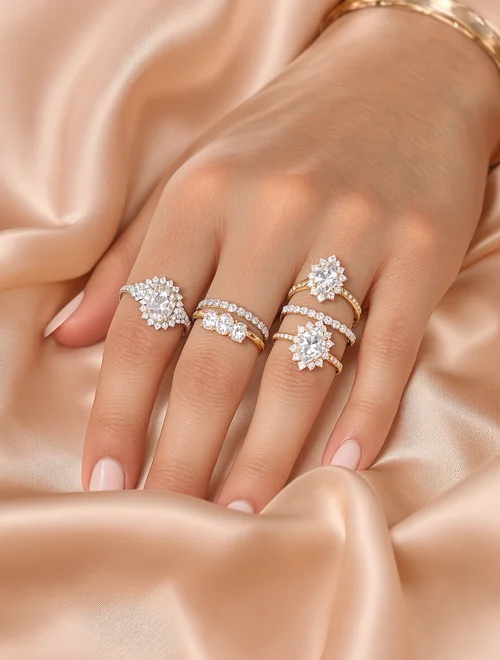
Ring Photography
Capture every facet and sparkle with AI-enhanced close-ups on elegant display surfaces
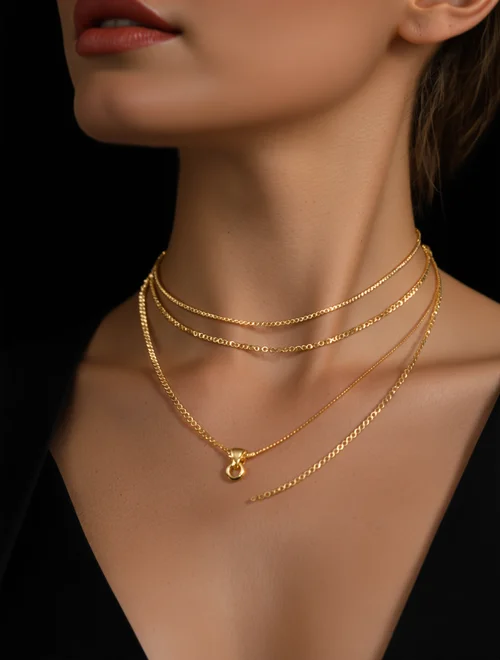
Necklace Display
Dramatic studio lighting that highlights chain detail and pendant brilliance
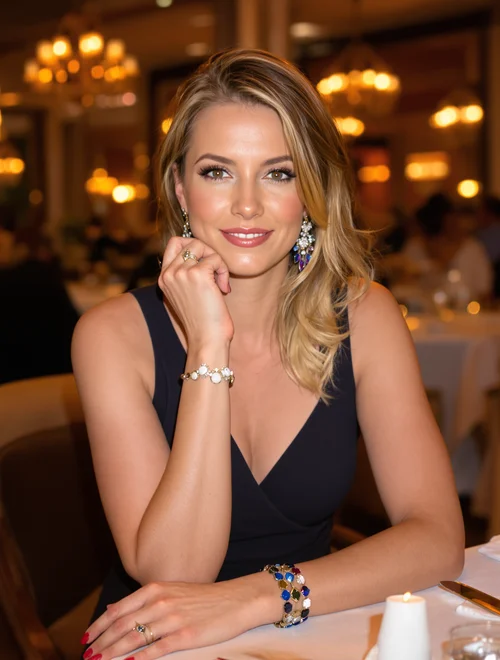
Lifestyle Shot
Aspirational settings that sell the moment — date nights, galas, and everyday elegance
Why Jewelry Brands Choose PixelPanda
Sparkle Enhancement
AI rendering captures metal reflections, gemstone fire, and fine detail at a quality level that matches professional jewelry photography.
Every Skin Tone
Show how your jewelry looks on all complexions with AI models. Help every customer visualize pieces on themselves.
Scene Generation
Place your pieces on velvet displays, in gift boxes, or on models — no studio rental or stylist needed.
Scale Your Catalog
Photograph dozens of pieces with consistent lighting and styling in minutes instead of booking expensive jewelry shoots.
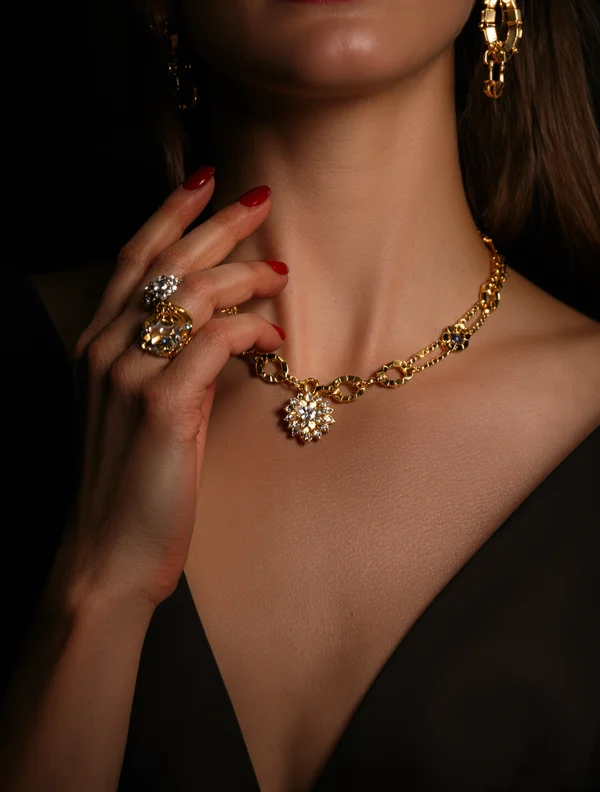
12 Professional Jewelry Scenes. One Upload.
Upload your jewelry photo and place it in professionally styled scenes — lifestyle, flat lay, studio, outdoor, and more. No photographer, no set design.
- Velvet display — Perfect for jewelry
- Model wearing — Perfect for jewelry
- Gift box presentation — Perfect for jewelry
- Romantic settings — Perfect for jewelry
Clean Up Any Jewelry Photo Instantly
Four powerful tools to transform raw jewelry images into marketplace-ready assets. One credit each.
Remove Background
Instant transparent PNG cutouts. Clean edges on even the most complex jewelry shapes.
AI Upscale
Turn blurry supplier photos into crisp, high-resolution images. Up to 4x enlargement with detail preservation.
Remove Text
Strip watermarks, logos, and unwanted text from product images while preserving the original detail underneath.
AI Edit
Describe changes in plain English — swap colors, fix lighting, adjust styling. Your jewelry photos, perfected.
Create Jewelry Ads for Every Platform — Free
Turn your jewelry photos into ready-to-post ads. No design skills needed. No credits required.
Square and Story formats optimized for engagement. Perfect for product launches and promotions.
Feed and square ads sized for maximum reach. Built-in text overlay and branding options.
TikTok & Pinterest
Vertical formats that stop the scroll. Eye-catching layouts designed for discovery platforms.
LinkedIn & X
Professional layouts for B2B and social selling. 5 style options from minimal to bold.
12 Professional Scene Templates
Generate your product in any of these carefully crafted photography styles.
Velvet display
Perfect for jewelry
Model wearing
Perfect for jewelry
Gift box presentation
Perfect for jewelry
Romantic settings
Perfect for jewelry
Model Wearing
Fashion show style on diverse models
Lifestyle Shot
Candid, ambient lighting feel
Flat Lay
Editorial overhead styling
Detail Close-up
Macro texture showcase
Frequently Asked Questions
Ready to Try Product Studio for Jewelry?
Start creating professional content in minutes.
Get Started