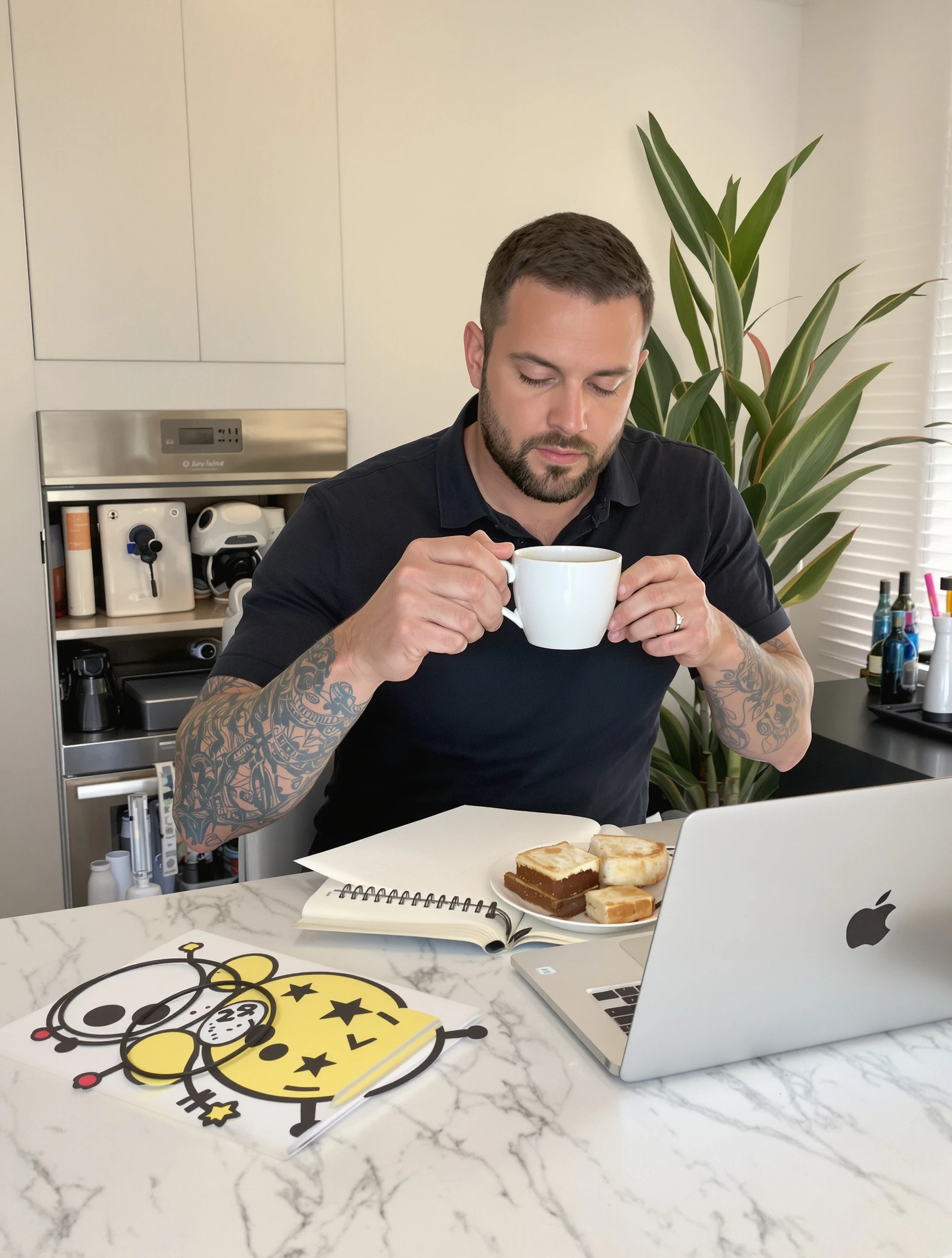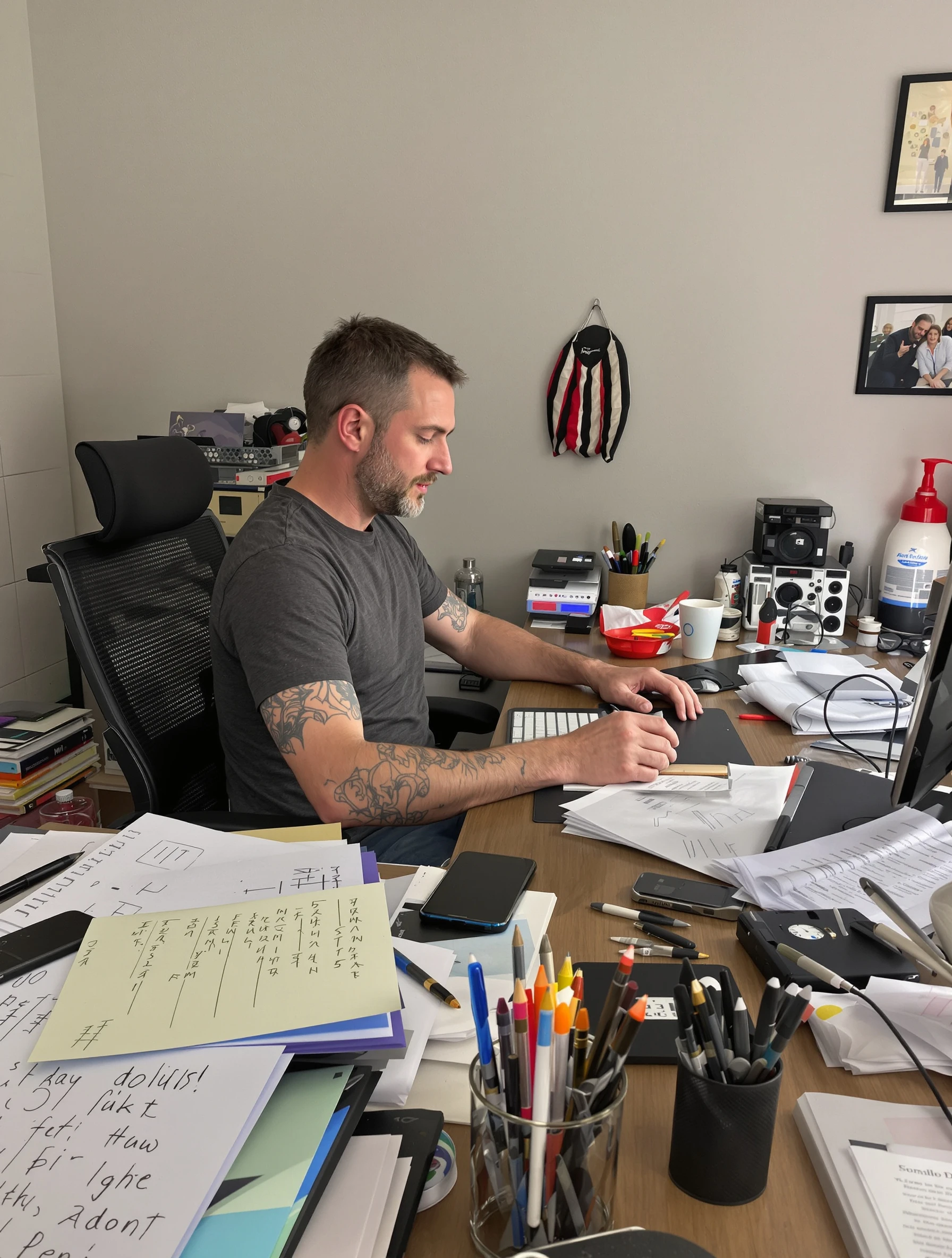
Woman at organized desk, productivity and work-from-home content. Productive lifestyle, home office, work routine, organization goals.
Woman at organized desk, productivity and work-from-home content. Productive lifestyle, home office, work routine, organization goals.
Free to Use (CC BY 4.0)
This AI-generated image is free for personal and commercial use. Just include a link back to PixelPanda.
Perfect For
About This AI-Generated Ugc Photo
For lifestyle and UGC feeds, this reads as authentic because the desk looks used, not staged for a catalog. Productivity content lives or dies on legibility: viewers scan for the planner, the timer, the app on screen. Keeping the background wall plain and the props under six items gives text overlays like "my 9am reset" somewhere to land without covering the product. It also crops cleanly to vertical for Reels covers.
To adapt, swap the props to match the offer: a paper planner and highlighters for stationery, a second monitor and headset for remote-work tools, a tablet and stylus for design apps. Warmer wood and a plant read cozy; white desk and chrome read corporate. For men or older subjects, keep the same framing and change only wardrobe weight and desk styling.
Tips for Ugc Photography
- Limit desk props to five or six items so viewers instantly spot the planner, mug, or product you are featuring.
- Route cables behind the desk before shooting; visible cords are the fastest way to break the organized-desk promise.
- Angle the laptop slightly toward the window so the screen catches light instead of showing a dark rectangle.
- Leave empty desk surface on one side as clean space for captions, app names, or price overlays.
Frequently Asked Questions
How do I make a home office desk photo look organized without looking fake?
Keep signs of real use: an open notebook with writing, a pen not perfectly parallel, a mug that has clearly been drunk from. Then remove the noise, meaning cables, receipts, chargers, and stacked mail. Organized means fewer objects with intent, not a bare surface that looks like a showroom display.
What should the laptop screen show in productivity content?
Use a simple, legible screen: a calendar week view, a task list, or a document with visible headings. Avoid busy dashboards and personal details. If you are promoting an app, show one clear view of it rather than several tabs, and check that the screen brightness matches the room so it does not blow out.
Does this desk shot work for vertical video covers as well as feed posts?
Yes, if you frame with room above the head and to one side. Shoot or generate wider than you need so a 9:16 crop still holds the subject, the laptop, and a slice of the desk. Place her slightly off center so the vertical crop keeps both her face and the props in frame.
Technical Details
Soft side daylight from a nearby window gives even coverage across the desk with gentle shadow falloff on the face. Shallow depth of field softens the back wall, framing is a seated medium shot, and the color treatment stays neutral with warm wood accents.