PixelPanda Logo PixelPanda
  • Features
    • Product Photos
    • UGC Video Ads
    • AI Avatars
    • Content Studio
    • AI Product Photography
    • Product Catalog
    • Integrations

    • Free Tools
  • Resources
    • How-To Guides
    • Blog
    • API Docs
    • FAQ
    • Help Center
  • Pricing
  • Login
Home / Gallery / Holiday - Christmas / Photo
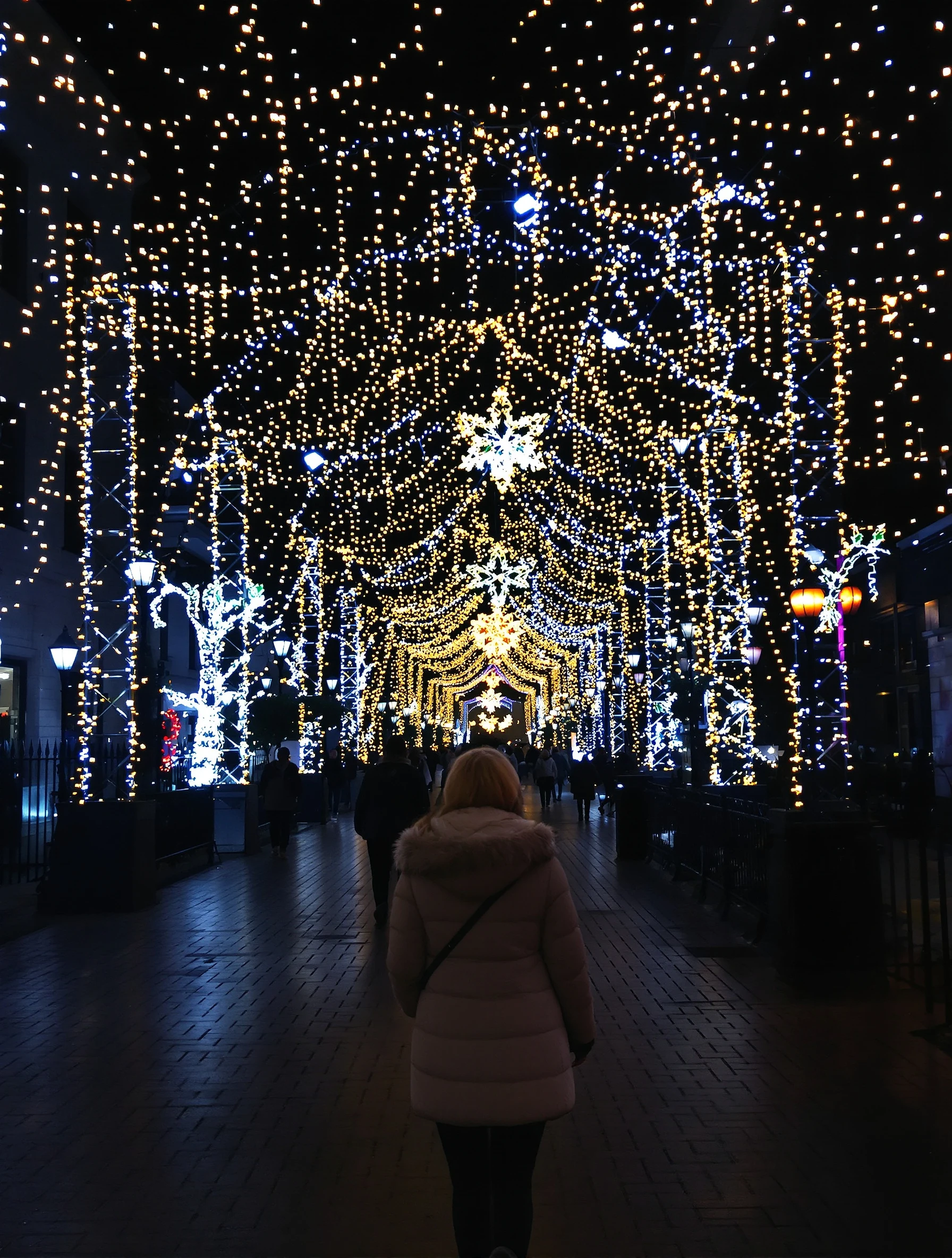
Woman walking through city decorated with Christmas lights at night. Winter coat, magical illumination, holiday spirit, urban winter wonderland.
Holiday Christmas AI Generated

Woman walking through city decorated with Christmas lights at night. Winter coat, magical illumination, holiday spirit, urban winter wonderland.

female lights holiday
AI Prompt Used

Woman walking through city decorated with Christmas lights at night. Winter coat, magical illumination, holiday spirit, urban winter wonderland.

Create Your Own Version

Generate personalized holiday photos with AI

Start Creating

Free to Use (CC BY 4.0)

This AI-generated image is free for personal and commercial use. Just include a link back to PixelPanda.

Image by <a href="https://pixelpanda.ai">PixelPanda AI</a>
Download Free

Perfect For

Christmas Instagram feed posts Holiday newsletter headers Seasonal profile photos in December Winter coat and outerwear promotion Holiday market and city event flyers Christmas card designs with text overlay AI Reference

About This AI-Generated Holiday Photo

The frame catches her mid-stride on a lit sidewalk, shoulders slightly turned toward the camera, hands tucked near her coat collar the way people actually walk in cold weather. The coat is the anchor: heavy fabric, structured shoulders, a silhouette that separates cleanly from the dark background. Behind her, strings of small warm lights fall out of focus into overlapping glowing orbs, and storefront and streetlamp spill adds a soft rim along her hair and cheek. Nothing is evenly lit, and that unevenness is what makes it feel like a real night out.

For Christmas content, this beats an indoor decoration shot because the background does the seasonal work without props. On a feed full of trees and wrapping paper, a dark frame with warm points of light stands out on scroll, and the tall vertical space above her head leaves room for text overlays like dates, greetings, or event details. The nighttime palette also holds up in small thumbnails, since the bright face against dark surroundings survives compression.

To recreate it, shoot after full dark near a street with dense light installations and keep the lights well behind your subject so they blur. Swap the coat color to change the mood: camel and cream feel soft and editorial, deep red or forest green push the holiday angle harder, black keeps it minimal and modern. Add a scarf, gloves, or a paper coffee cup if you want the shot to read as candid rather than posed.

Tips for Holiday Photography

  • Stand your subject at least fifteen feet in front of the light strings so bulbs melt into round bokeh.
  • Shoot during blue hour or after, then let a shop window or lamp light the face from the front.
  • Choose a coat that contrasts the dark street: camel, cream, red, or bright green separate best.
  • Ask for a real walk-through rather than a stationary pose; capture mid-stride with weight on one foot.

Frequently Asked Questions

How do I keep Christmas lights from turning into blown-out white blobs?

Expose for the subject's face first, then pull highlights down slightly in editing. Lights placed far behind the subject stay small and round, while lights close to the lens spread and clip. If bulbs still burn white, move your subject a few feet further from them or shoot from a lower angle so fewer bulbs stack in frame.

Why does my night street photo look muddy compared to this one?

Muddiness usually comes from flat, even ambient light with no separation. This shot works because the background is genuinely dark and the light sources are isolated points. Find a stretch of street where surrounding buildings are unlit, position a warm light source behind the subject for a hair rim, and avoid mixing bright white LED signage into the frame.

Can I use a night city Christmas photo as a professional profile picture?

Yes, if the face is clearly lit and the crop is tight enough that the bokeh reads as texture rather than clutter. Keep the coat structured and neutral, skip novelty accessories like antlers or Santa hats, and crop from mid-chest up. The warm background then works as seasonal color rather than a costume.

Technical Details

Backlit night scene with warm point sources rendering as round bokeh behind the subject, plus soft frontal spill on the face. Shallow depth of field, vertical mid-body framing, and a warm amber grade against deep shadow.

More Christmas Photos

View All
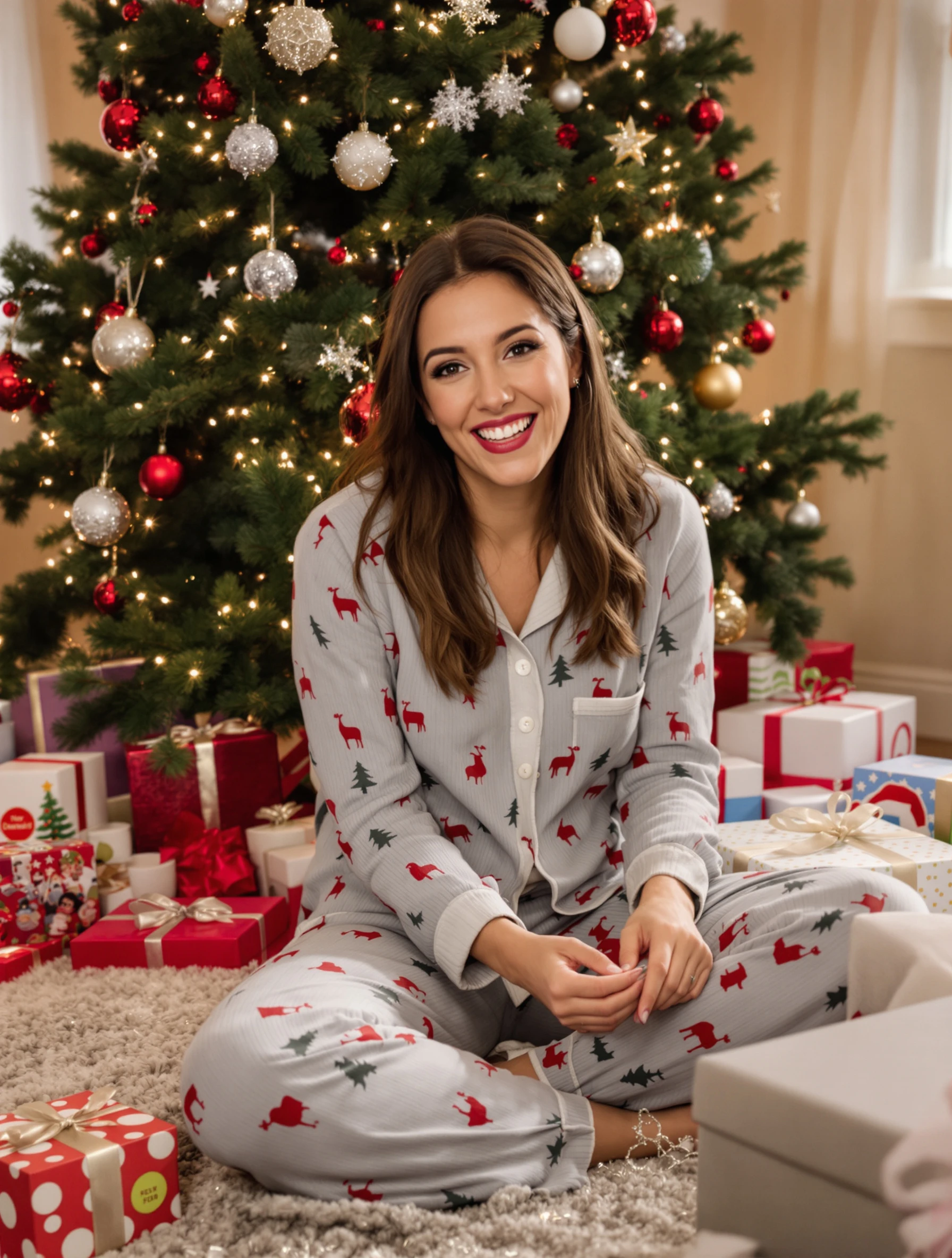
Woman in pajamas on Christmas morning, presents under tree, pure joy. Holiday excitement, gift opening, cozy home setting, magical moment.
Woman in elegant red dress at Christmas party, festive celebration. Holiday glamour, sparkling decorations, champagne toast, seasonal sophistication.
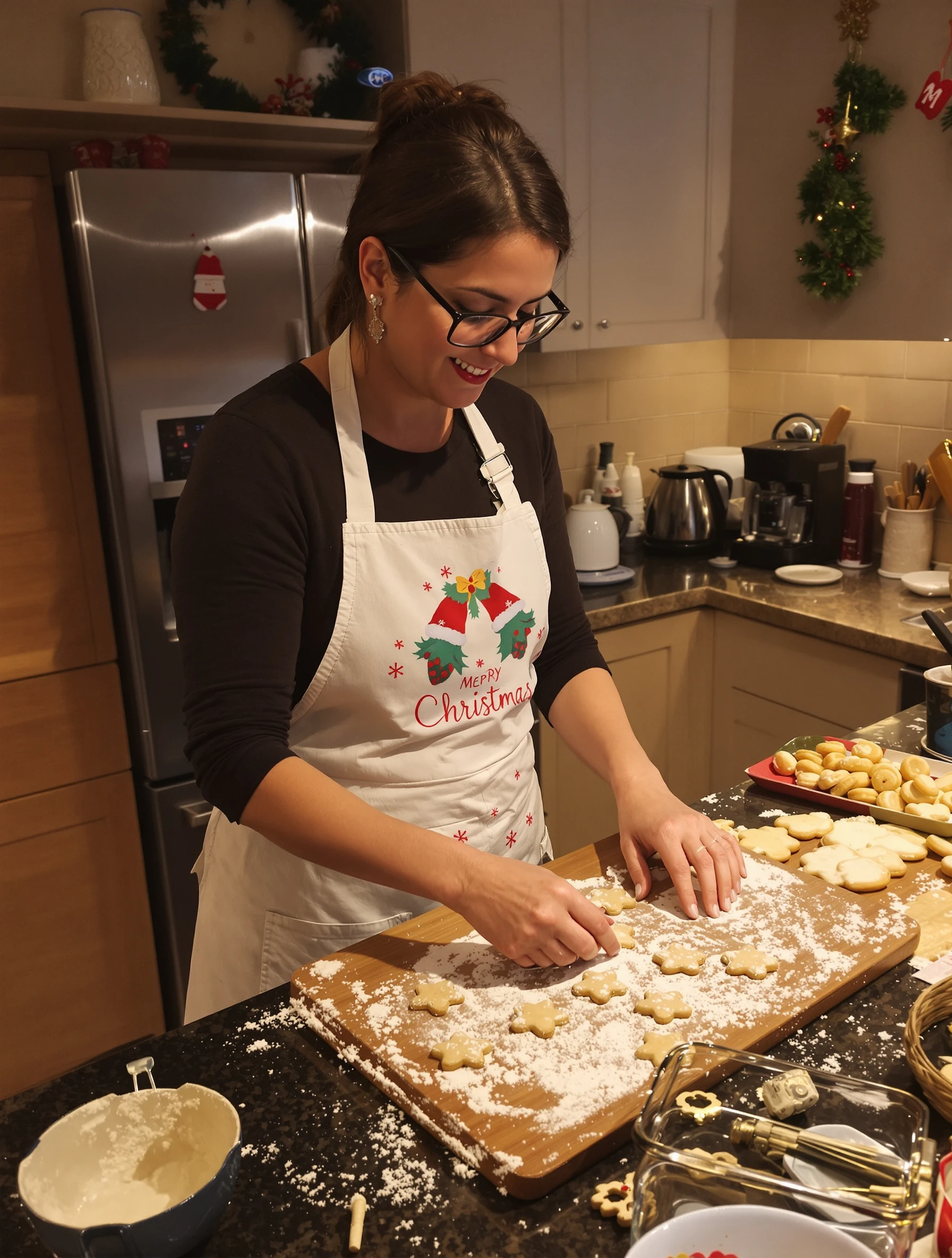
Woman baking Christmas cookies in warm kitchen, flour dusted, holiday cheer. Festive apron, fresh baked goods, family recipe, cozy tradition.
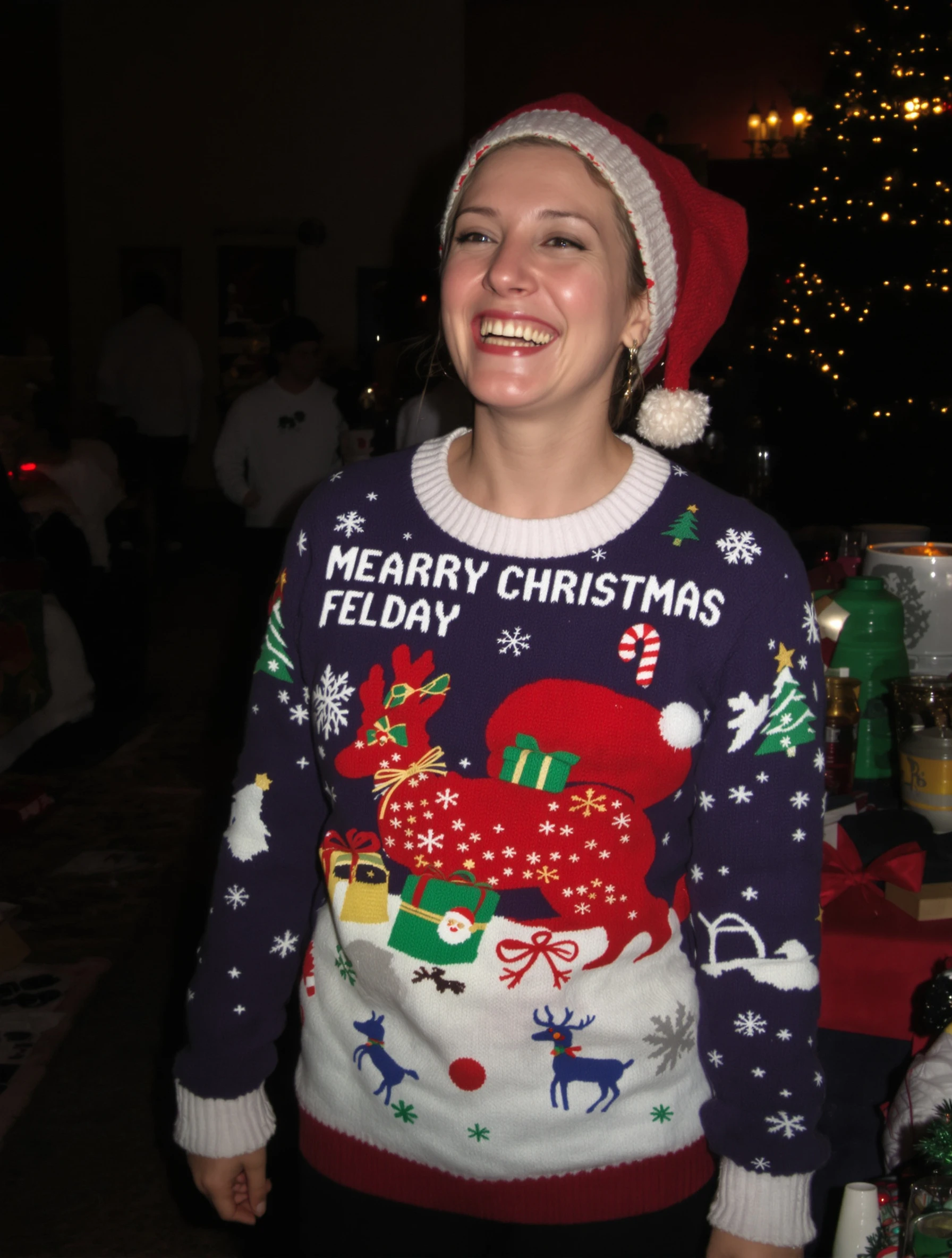
Woman in funny ugly Christmas sweater, laughing at holiday party. Festive humor, ironic fashion, good spirits, holiday fun.
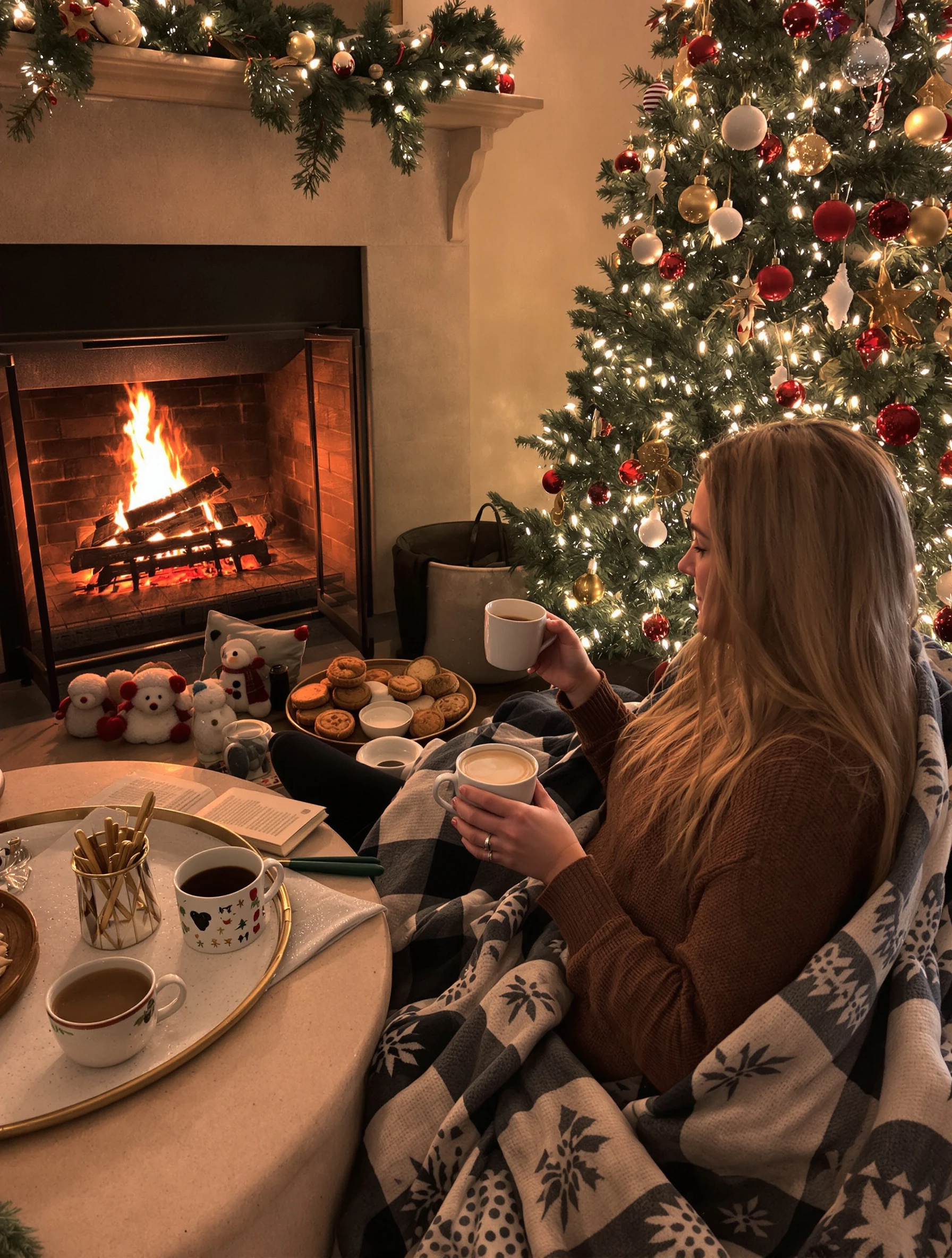
Woman by fireplace with hot cocoa and cozy blanket, Christmas tree glowing. Ultimate hygge, peaceful holiday, warm contentment, seasonal comfort.
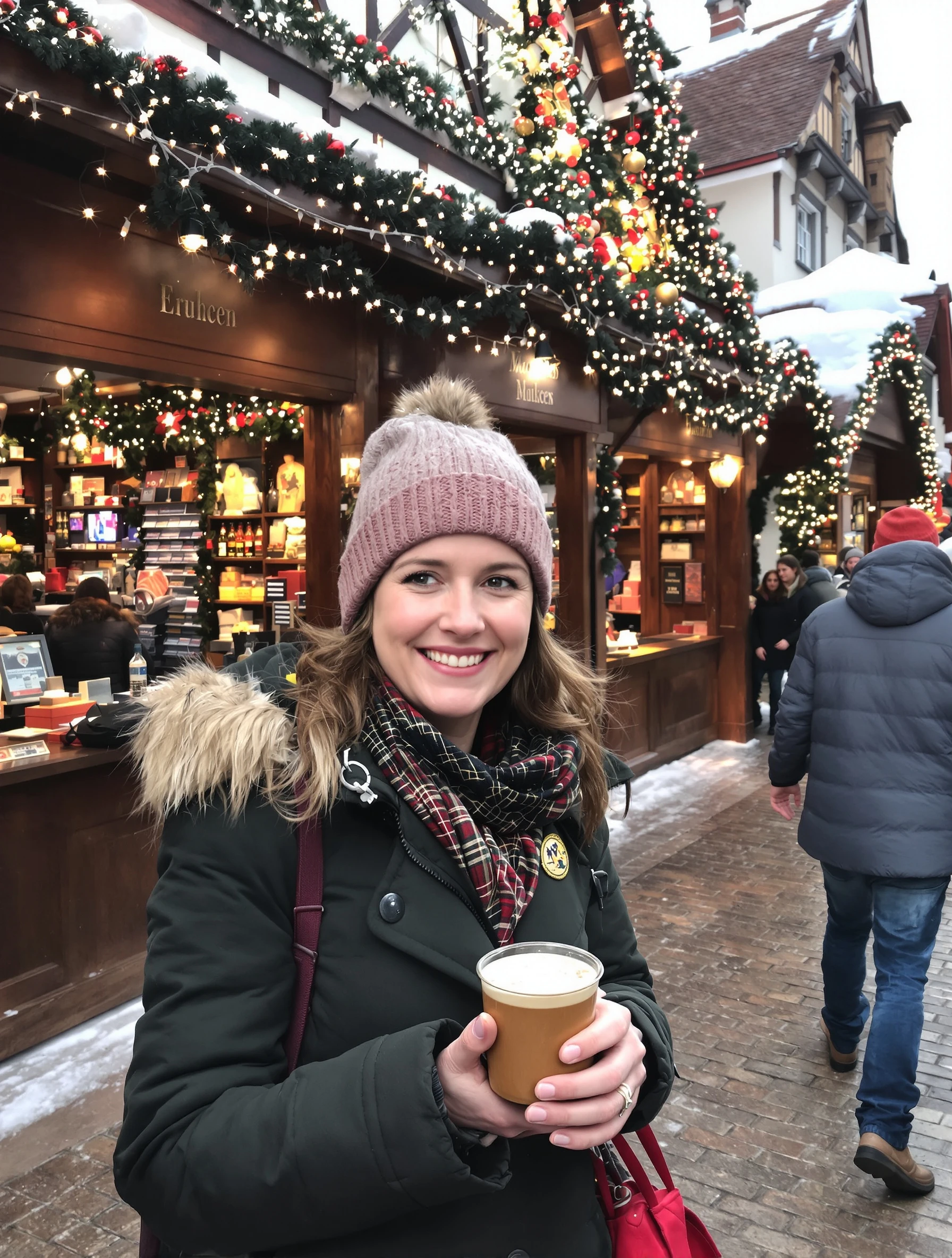
Woman at European Christmas market, mulled wine in hand, wooden stalls. Holiday travel, festive atmosphere, twinkling lights, magical experience.
Woman in winter wonderland snow scene, fresh snowfall, Christmas magic. Winter coat and hat, beautiful snowscape, holiday postcard, seasonal beauty.
Woman at family Christmas dinner table, gratitude and togetherness. Holiday feast, loved ones gathered, festive meal, meaningful celebration.
PixelPanda PixelPanda

Your AI photoshoot platform. Run AI photoshoots, remove backgrounds, generate product photos, and create UGC videos - all in seconds.

Product

  • AI Avatar Builder
  • Content Studio
  • Product Studio
  • AI Product Photography
  • Product Catalog
  • Integrations

Resources

  • How-To Guides
  • Demos
  • API Documentation
  • Blog
  • Help Center
  • FAQ

Company

  • About Us
  • Pricing
  • Contact
  • Careers
  • Affiliates

Use Cases

  • AI Ad Generator
  • AI Face Generator
  • AI UGC
  • E-commerce
  • Marketing
  • Alternatives
  • Tool Reviews
  • Photo Ideas
  • Background Removal
  • Background Removal API

Free Tools

AI-Powered
  • AI Selfie Generator
  • Background Remover
  • Image Upscaler
  • AI Image Editor
  • Remove Text from Image
  • Image Analyzer
  • AI Image Describer
  • Image to Prompt
  • Photo Description
  • Ecommerce Product Studio
  • AI Ad Generator
  • White Background
  • AI UGC Video
Transform
  • Resize Image
  • Crop Image
  • Rotate Image
  • Flip Image
  • Compress Image
  • Convert Format
  • HEIC to JPG
  • SVG to PNG
Adjust & Color
  • Brightness & Contrast
  • Black & White Converter
  • Image Inverter
  • Color Picker
  • Palette Extractor
  • Make Transparent
Effects & Overlay
  • Blur Image
  • Pixelate Image
  • Add Border
  • Round Corners
  • Add Watermark
  • Unblur Image
Utilities
  • Merge Images
  • Image to Base64
  • PDF to Image
  • Image to PDF
  • Profile Picture Maker
  • Photo Enhancer
  • Photo Collage
  • WebP to GIF

© 2026 PixelPanda. All rights reserved.

Terms of Service Privacy Policy
Featured on Fazier PixelPanda - SaaS Hub Approved Startup Benchmarks Good AI Tools
Home
Free Tools
Pricing
Sign In

Report a Bug

Found something broken? Let us know and earn bonus credits for confirmed bugs.

Drop files here or click to browse
Images & videos up to 20MB each