PixelPanda Logo PixelPanda
  • Features
    • Product Photos
    • UGC Video Ads
    • AI Avatars
    • Content Studio
    • AI Product Photography
    • Product Catalog
    • Integrations

    • Free Tools
  • Resources
    • How-To Guides
    • Blog
    • API Docs
    • FAQ
    • Help Center
  • Pricing
  • Login
Home / Gallery / Ugc - Product Holding / Photo
Man demonstrating phone app, helpful tech tutorial style. Digital product, screen demonstration, user guide, helpful content.
Ugc Product Holding AI Generated

Man demonstrating phone app, helpful tech tutorial style. Digital product, screen demonstration, user guide, helpful content.

male tech ugc
AI Prompt Used

Man demonstrating phone app, helpful tech tutorial style. Digital product, screen demonstration, user guide, helpful content.

Create Your Own Version

Generate personalized ugc photos with AI

Start Creating

Free to Use (CC BY 4.0)

This AI-generated image is free for personal and commercial use. Just include a link back to PixelPanda.

Image by <a href="https://pixelpanda.ai">PixelPanda AI</a>
Download Free

Perfect For

App store screenshot headers TikTok and Reels tutorial hook frames SaaS onboarding email images Product page how-it-works sections Instagram carousel walkthrough slides Help center and support article thumbnails AI Reference

About This AI-Generated Ugc Photo

The frame centers on the interaction between hand, phone, and viewer. He supports the device from below with the screen tipped slightly upward and away from the light source, so the display reads as content rather than a white rectangle of glare. Wardrobe is deliberately quiet: a plain crew neck or soft button-down in a muted tone, nothing patterned that competes with a small UI. The background is a clean neutral wall or lightly furnished desk area, and his expression sits in helpful-explainer territory rather than salesman energy.

For product holding UGC, this restraint is the whole point. Feeds are full of app demos where the phone is a blur, the screen is blown out, or the creator's shirt logo pulls the eye. Here the interface is legible at thumbnail size, which matters when the same still is cropped into a 9:16 hook frame, a carousel slide, or an app store screenshot header. The tech styling signals credibility without a studio look that reads as an ad.

To recreate it, prioritize the screen first and the person second. Set brightness high, disable auto rotation, and open the exact screen you want discussed. Grip the phone low so fingers do not cover UI elements. For a developer or founder persona, add glasses and a desk with a laptop edge in frame. For consumer lifestyle apps, swap to a kitchen counter or sofa backdrop.

Tips for Ugc Photography

  • Angle the phone screen away from your light source, then tilt back until glare disappears but the UI stays readable.
  • Hold the device from the bottom bezel so fingers never overlap buttons, menus, or key interface text.
  • Wear solid muted colors; logos and stripes compete with small on-screen elements and cheapen tutorial credibility.
  • Keep the background one plane deep, like a plain wall or blurred desk, so the phone reads as the subject.

Frequently Asked Questions

How do I keep the phone screen from looking washed out in a demo photo?

Turn screen brightness to maximum, turn off night shade or warm color filters, and position the display so it faces away from your main light. Soft window light from the side works better than a lamp pointed at the phone. If glare persists, rotate the device a few degrees rather than moving the light.

Should the person look at the camera or at the phone screen?

Camera contact works better for hook frames and thumbnails because it invites the viewer in and reads as direct instruction. Looking down at the screen suits mid-tutorial moments and B-roll where the interface carries the message. Many creators shoot both from the same setup and use them at different points in the video or carousel.

Can I place my own app interface into this kind of shot?

Yes, and it is worth doing rather than leaving a generic screen. Composite a real screenshot onto the display area, matching perspective and adding a slight reflection so it does not look pasted. Choose the screen that shows your core value in one glance, usually a dashboard or a completed action, not a login page.

Technical Details

Soft directional light from the side keeps both face and device evenly lit with no display glare. Shallow depth of field separates the subject from a neutral background while the phone screen stays sharp, with a cool, low-saturation color treatment and centered medium framing.
More Product Holding Photos

View All
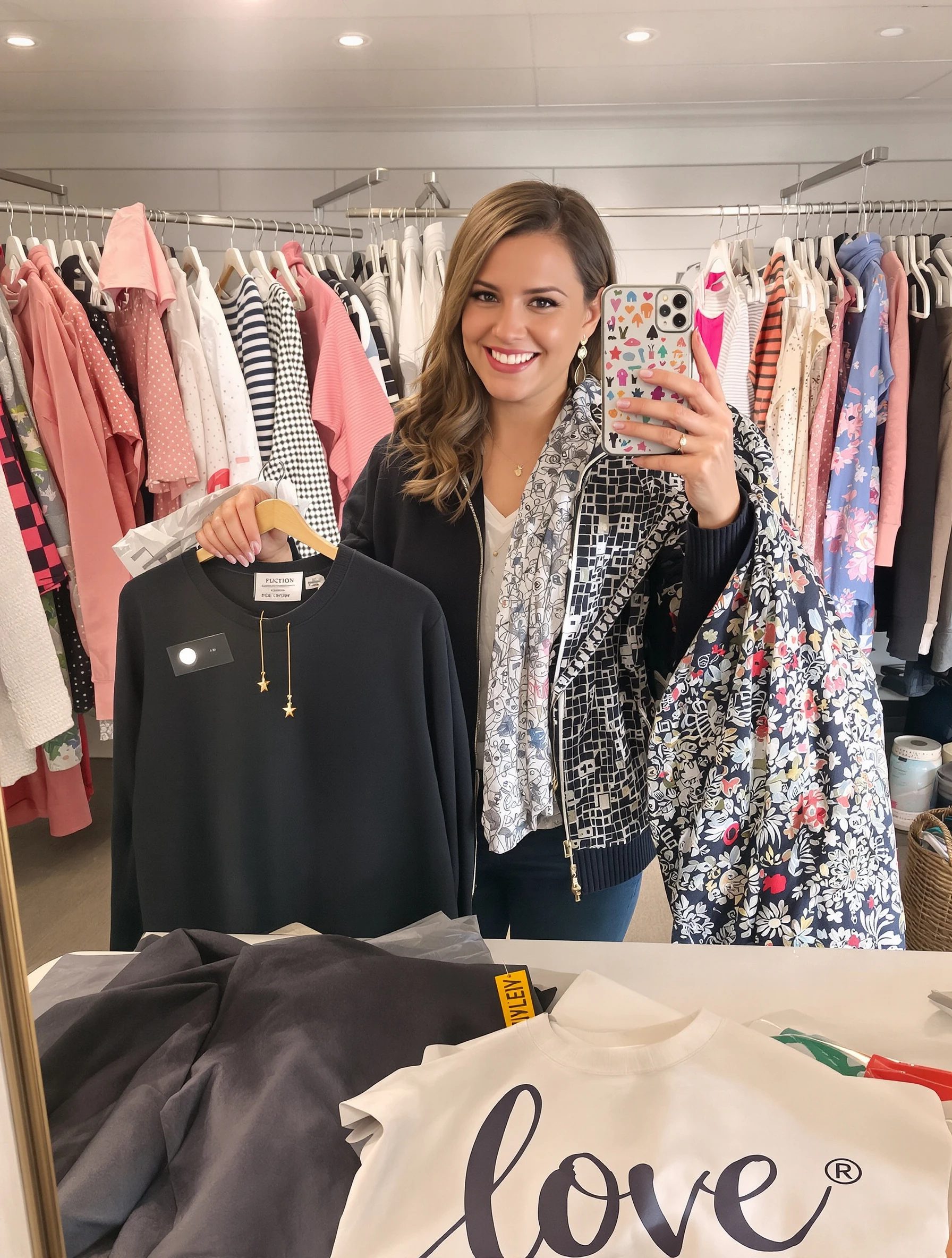
Woman showing off new clothing item, fashion haul excitement. Fashion review, try-on content, style recommendation, authentic enthusiasm.
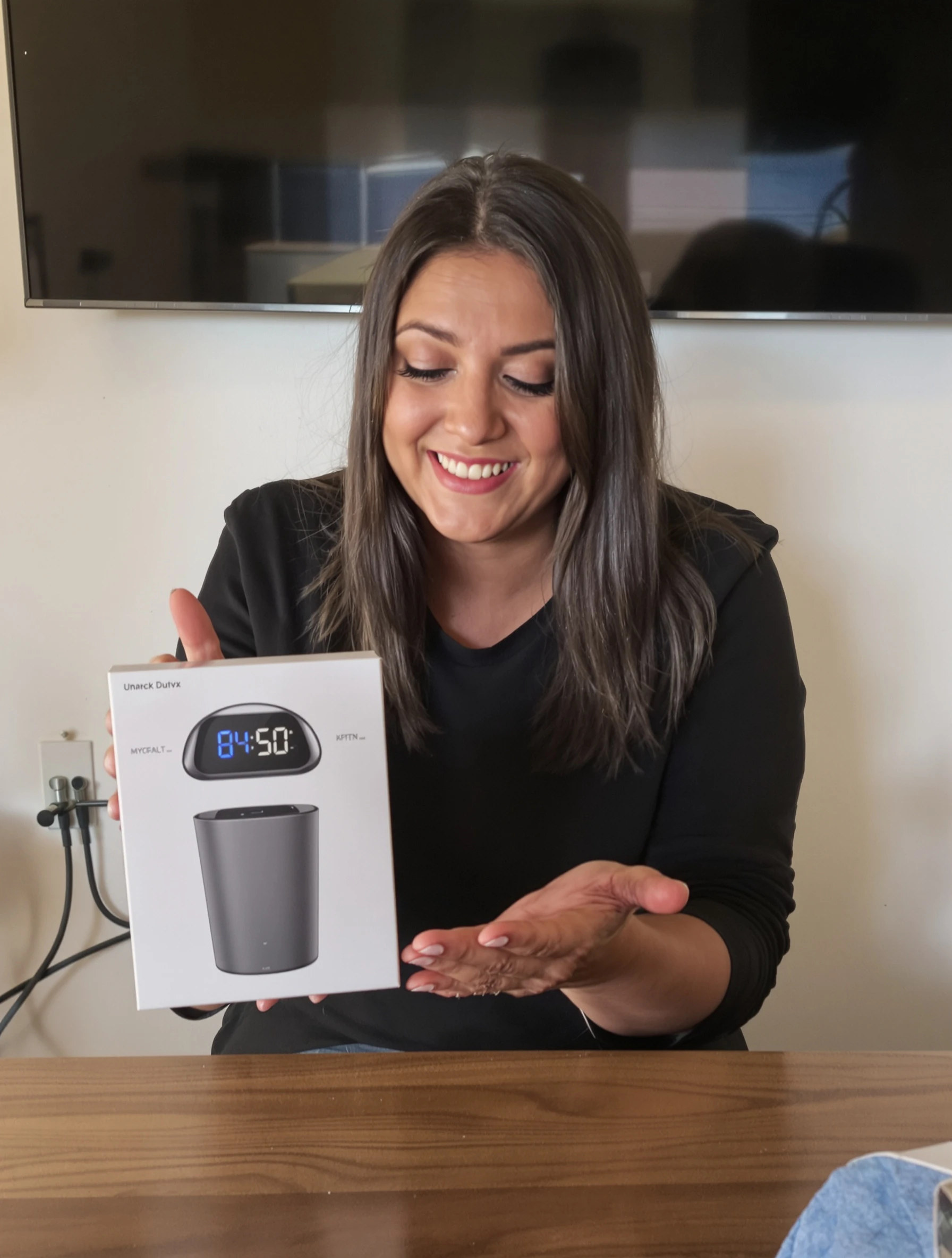
Woman reviewing tech gadget with genuine interested expression. Product review, unboxing tech, honest assessment, helpful content.
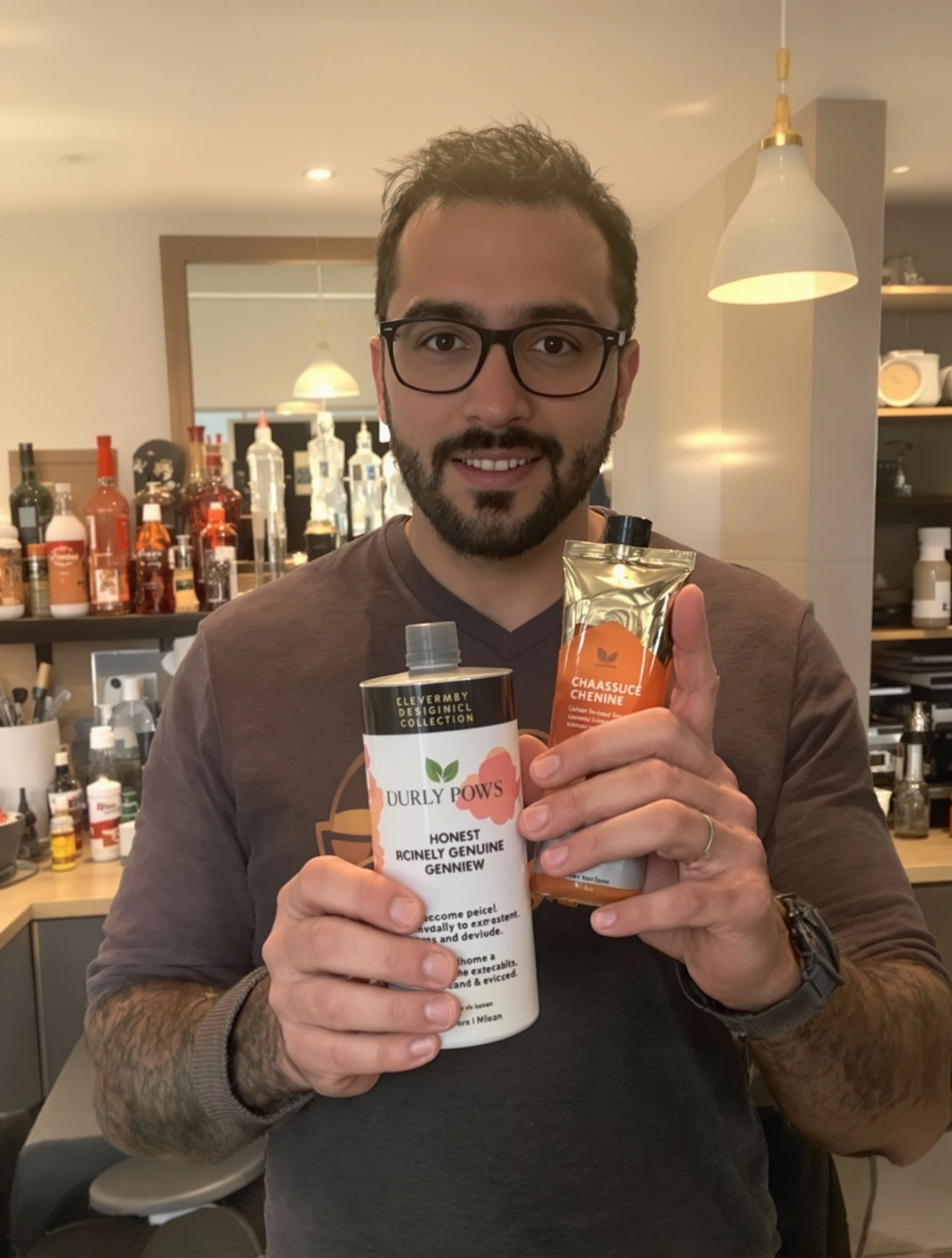
Man holding product with honest genuine review expression. Authentic recommendation, real person, trustworthy content, relatable presenter.
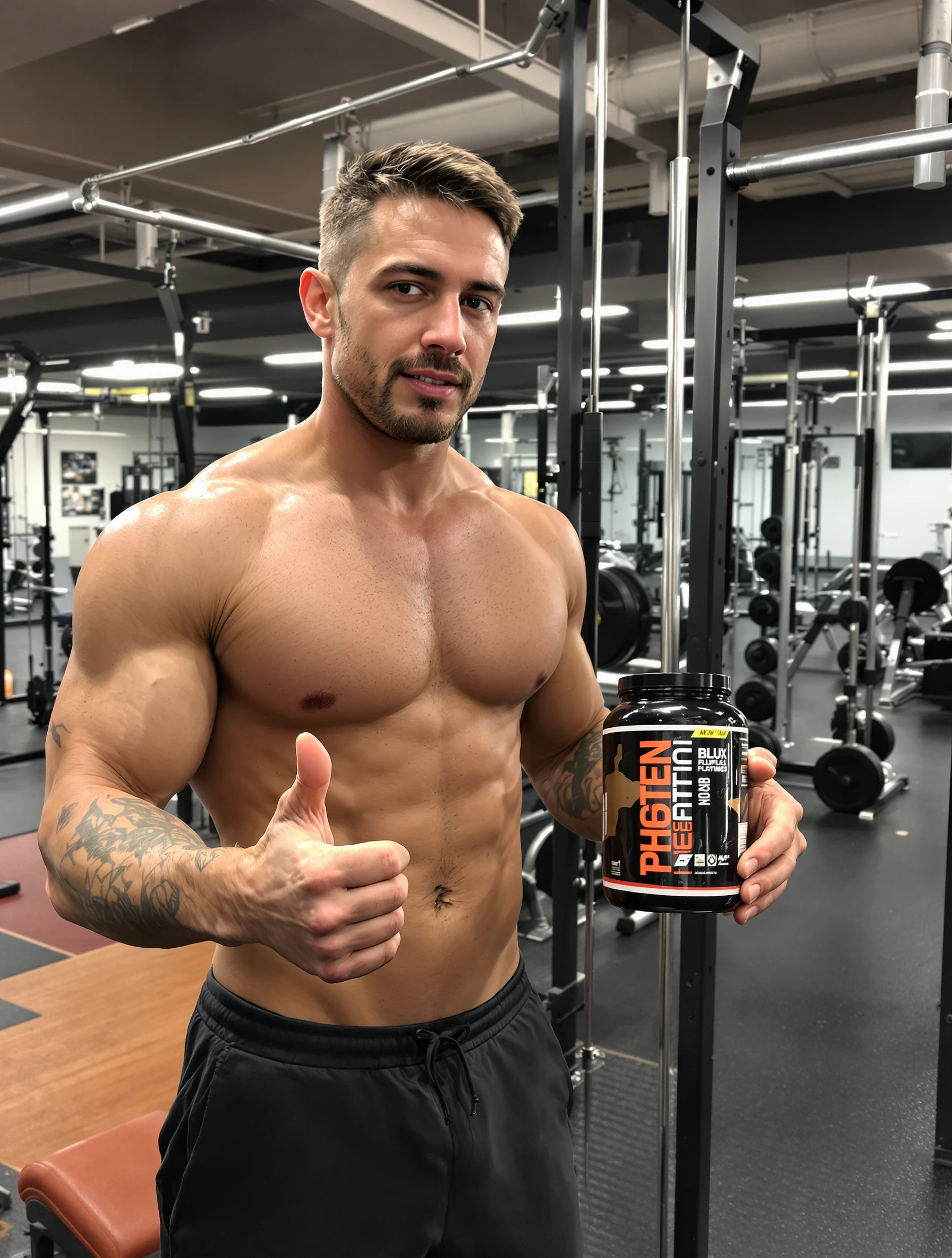
Man with supplement or protein at gym, fitness product integration. Athletic endorsement, genuine use, fitness lifestyle, brand content.
Man with grooming or skincare product, self-care routine. Men's products, honest review, grooming content, relatable.
Man holding coffee drink at cafe, casual brand moment. Product placement, lifestyle content, authentic setting, genuine use.
Woman holding skincare product with genuine smile, honest review vibe. Natural lighting, authentic recommendation, relatable presenter, trust-building content.
Woman at cafe holding branded coffee cup, lifestyle brand moment. Casual authentic setting, product integration, relatable content, genuine endorsement.
PixelPanda PixelPanda

Your AI photoshoot platform. Run AI photoshoots, remove backgrounds, generate product photos, and create UGC videos - all in seconds.

Product

  • AI Avatar Builder
  • Content Studio
  • Product Studio
  • AI Product Photography
  • Product Catalog
  • Integrations

Resources

  • How-To Guides
  • Demos
  • API Documentation
  • Blog
  • Help Center
  • FAQ

Company

  • About Us
  • Pricing
  • Contact
  • Careers
  • Affiliates

Use Cases

  • AI Ad Generator
  • AI Face Generator
  • AI UGC
  • E-commerce
  • Marketing
  • Alternatives
  • Tool Reviews
  • Photo Ideas
  • Background Removal
  • Background Removal API

Free Tools

AI-Powered
  • AI Selfie Generator
  • Background Remover
  • Image Upscaler
  • AI Image Editor
  • Remove Text from Image
  • Image Analyzer
  • AI Image Describer
  • Image to Prompt
  • Photo Description
  • Ecommerce Product Studio
  • AI Ad Generator
  • White Background
  • AI UGC Video
Transform
  • Resize Image
  • Crop Image
  • Rotate Image
  • Flip Image
  • Compress Image
  • Convert Format
  • HEIC to JPG
  • SVG to PNG
Adjust & Color
  • Brightness & Contrast
  • Black & White Converter
  • Image Inverter
  • Color Picker
  • Palette Extractor
  • Make Transparent
Effects & Overlay
  • Blur Image
  • Pixelate Image
  • Add Border
  • Round Corners
  • Add Watermark
  • Unblur Image
Utilities
  • Merge Images
  • Image to Base64
  • PDF to Image
  • Image to PDF
  • Profile Picture Maker
  • Photo Enhancer
  • Photo Collage
  • WebP to GIF

© 2026 PixelPanda. All rights reserved.

Terms of Service Privacy Policy
Featured on Fazier PixelPanda - SaaS Hub Approved Startup Benchmarks Good AI Tools
Home
Free Tools
Pricing
Sign In

Report a Bug

Found something broken? Let us know and earn bonus credits for confirmed bugs.

Drop files here or click to browse
Images & videos up to 20MB each