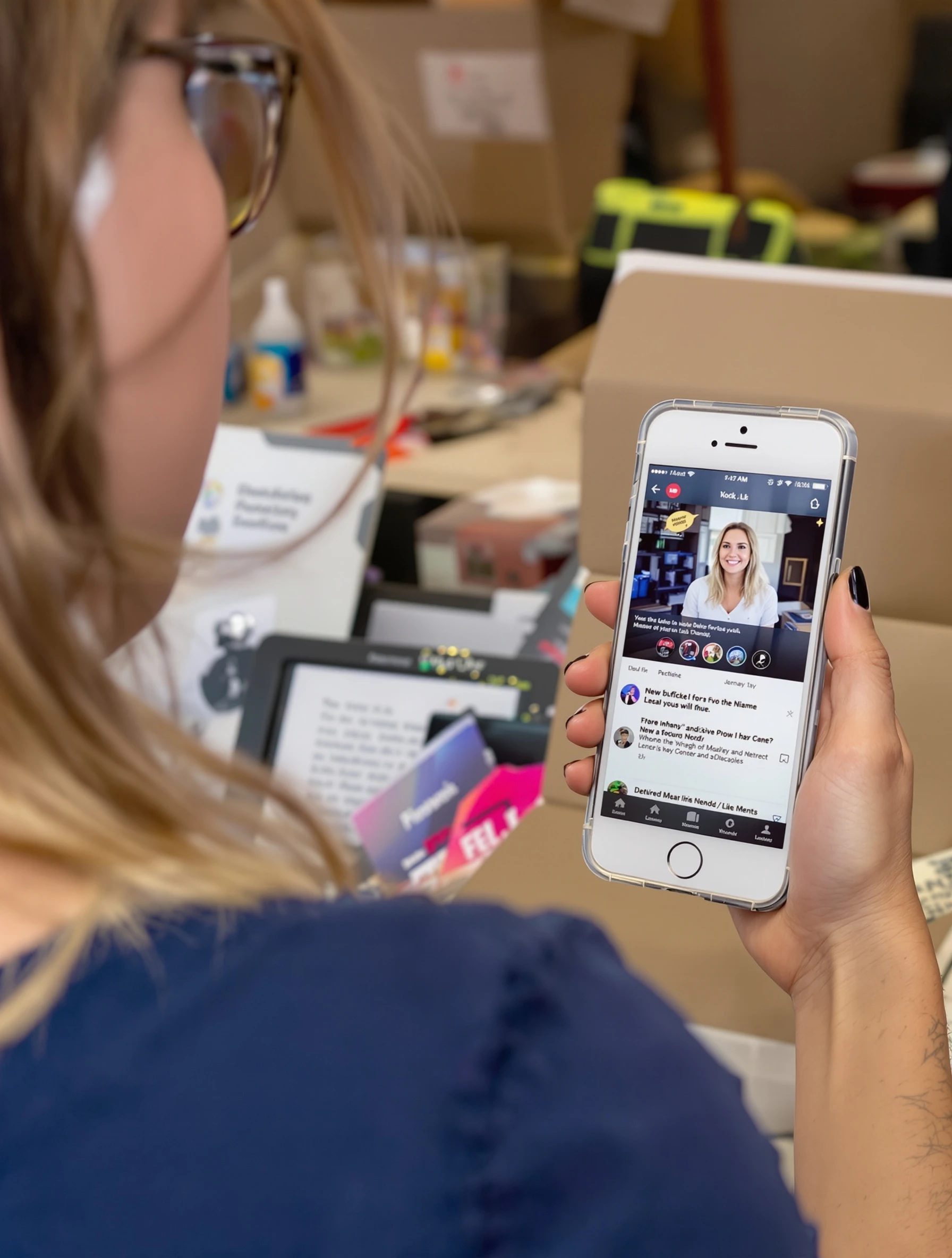
Woman showing phone app on screen, tech product demonstration. Digital product review, screen visible, user experience, helpful tutorial.
Woman showing phone app on screen, tech product demonstration. Digital product review, screen visible, user experience, helpful tutorial.
Free to Use (CC BY 4.0)
This AI-generated image is free for personal and commercial use. Just include a link back to PixelPanda.
Perfect For
About This AI-Generated Ugc Photo
For tech UGC, the credibility comes from the screen being legible and the person looking like a user rather than a spokesperson. Ad platforms compress heavily, so an interface that is small or angled becomes mush in a feed. Holding the device closer to the lens, keeping the brightness near maximum, and leaving one clear beat where nothing moves gives editors a frame they can freeze, zoom, or caption over in a tutorial cut.
To recreate it, decide first whether the app or the person is the hero. If the app leads, move the phone forward and crop tighter around the hands. If trust leads, pull back and let the face dominate. Swap the phone case, sleeve color, and desk surface to match the brand, and shoot vertical for Reels or TikTok, horizontal for a YouTube review thumbnail.
Tips for Ugc Photography
- Tilt the phone back toward the lens, not up toward the ceiling, so the interface avoids reflecting overhead light.
- Keep thumbs on the case edges or bezel so no finger crosses a button, headline, or key screen element.
- Push screen brightness high and keep room light soft, otherwise the display reads gray against a lit face.
- Leave a still half second with the phone locked in place so editors can freeze frame the app screen.
Frequently Asked Questions
How do I stop screen glare when photographing a phone app?
Angle the display away from your brightest light source and check the preview before shooting. Large soft light from the front or slightly off to one side reflects as a broad even sheen instead of a hard hotspot. Matte screen protectors help. If glare persists, tilt the phone a few degrees down or rotate your body slightly.
Should the app screen or my face be the focus in a demo photo?
It depends on the funnel stage. Top of funnel content usually leads with the person, because a friendly face earns the scroll stop and the app can be shown later. Conversion focused ads and tutorial thumbnails do better with the interface enlarged and readable, with the face present but smaller for trust.
What phone position looks natural instead of staged in product holding shots?
One hand supporting the bottom corner and the other resting along the side reads like real use. Avoid the flat two hand presentation grip that looks like a courtroom exhibit. A slight lean forward, eyes toward the viewer or glancing at the screen, and a relaxed wrist keep it in the user territory rather than ad territory.
Technical Details
Soft frontal light keeps the face evenly lit while letting the phone display hold its own brightness. Shallow depth of field separates the subject from a plain background, with the screen kept inside the focal plane and neutral color grading.