PixelPanda Logo PixelPanda
  • Features
    • Product Photos
    • UGC Video Ads
    • AI Avatars
    • Content Studio
    • AI Product Photography
    • Product Catalog
    • Integrations

    • Free Tools
  • Resources
    • How-To Guides
    • Blog
    • API Docs
    • FAQ
    • Help Center
  • Pricing
  • Login
Home / Gallery / Holiday - Halloween / Photo
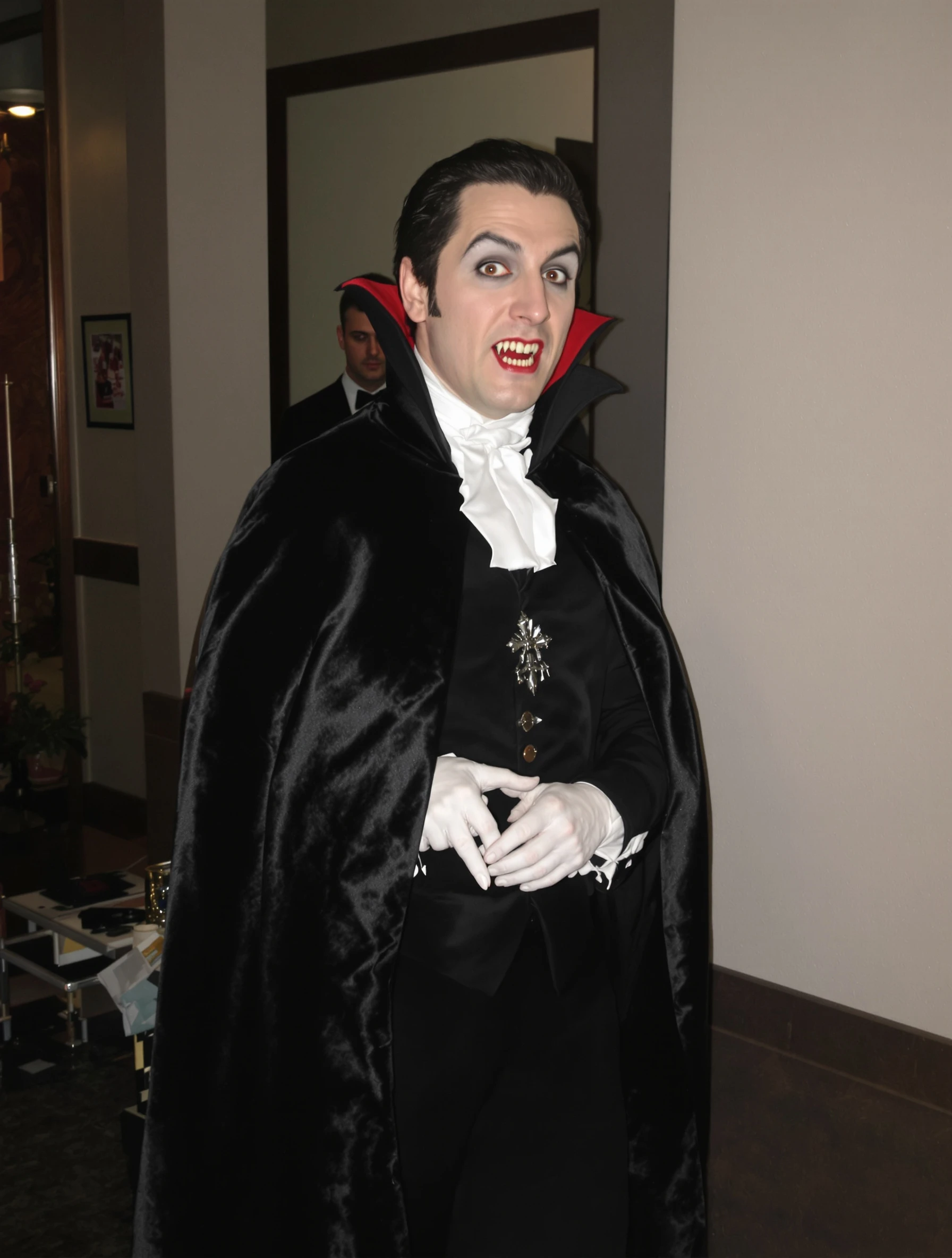
Man in classic vampire costume, Dracula elegance and dark charm. Gothic formal, cape and fangs, immortal style, Halloween sophistication.
Holiday Halloween AI Generated

Man in classic vampire costume, Dracula elegance and dark charm. Gothic formal, cape and fangs, immortal style, Halloween sophistication.

male vampire holiday
AI Prompt Used

Man in classic vampire costume, Dracula elegance and dark charm. Gothic formal, cape and fangs, immortal style, Halloween sophistication.

Create Your Own Version

Generate personalized holiday photos with AI

Start Creating

Free to Use (CC BY 4.0)

This AI-generated image is free for personal and commercial use. Just include a link back to PixelPanda.

Image by <a href="https://pixelpanda.ai">PixelPanda AI</a>
Download Free

Perfect For

October profile picture swaps on Instagram and X Halloween party invitations and event flyers Costume contest entry submissions Themed dating app photos for spooky season Gothic or horror podcast cover art Vampire-themed TTRPG and fiction character portraits AI Reference

About This AI-Generated Holiday Photo

The frame is a tight three-quarter portrait, shoulders angled away and chin slightly lowered so the raised collar frames the jaw and throws a soft shadow across one side of the neck. The cape's satin lining catches light along the inner edge, giving a stroke of deep red against otherwise black wardrobe. Pale skin, dark brows and a closed, knowing expression do the heavy lifting; the fangs stay a detail rather than the punchline. Behind the subject, an unlit gothic interior falls into near black.

For a Halloween avatar or a seasonal post, that dark background is the practical win. Feeds crop aggressively and compress hard, so a portrait built on one bright face against deep shadow survives a small circular thumbnail where a busy graveyard set would turn to mush. The red lining gives the eye one accent color, which is what makes the image readable at 100 pixels wide while still rewarding a full-size look.

To recreate it, prioritize the collar. A stiff stand-up collar behind the head is what separates Dracula from a generic black cape. Keep makeup restrained: matte pale base, defined brows, a hint of shadow under the cheekbone. For a softer read, swap the fangs for a closed-mouth smirk and add a deep green or purple lining instead of red. For a period feel, add a brocade waistcoat and a cravat.

Tips for Holiday Photography

  • Stand the cape collar upright behind the head with wire or interfacing; a limp collar kills the whole Dracula silhouette instantly.
  • Keep the pale base matte, not chalky. Powder down shine so the face reads as cold rather than sweaty under lights.
  • Let the crimson cape lining show along one inner edge; it gives the dark frame a single accent color that survives compression.
  • Angle the chin down and eyes up slightly for the predatory look, then keep lips barely parted so fangs hint instead of gaping.

Frequently Asked Questions

How do I photograph fangs without them looking like cheap plastic?

Keep the mouth barely open so only the tips show, and avoid direct flash, which makes acrylic teeth glare white. Soft side light from a lamp or window reads more natural. If your fangs sit unevenly, shoot a closed-lip smirk instead and let the collar, cape and pale skin carry the vampire idea.

Will a mostly black vampire outfit disappear in a profile photo?

It can, which is why this shot separates the subject from the background with light on the face and a crimson lining catching the edge of the cape. Add a dim backlight behind the shoulders, or keep the background one shade darker than the fabric. That thin rim of separation keeps the silhouette readable in a small circle crop.

What is the difference between classic Dracula styling and modern vampire looks?

Classic Dracula leans formal and aristocratic: stand collar, floor-length cape, tailored jacket, slicked hair, restrained pallor. Modern vampire styling usually drops the cape for leather or a plain dark shirt and adds blood, contact lenses or messier hair. Pick one lane. Mixing a satin cape with grunge makeup tends to look unfinished rather than intentional.

Technical Details

Soft directional key light from the upper side sculpts one cheekbone and leaves the opposite jaw in shadow. Shallow depth of field drops the gothic interior into near black. Tight three-quarter crop, cool desaturated skin tones, one saturated crimson accent.
More Halloween Photos

View All
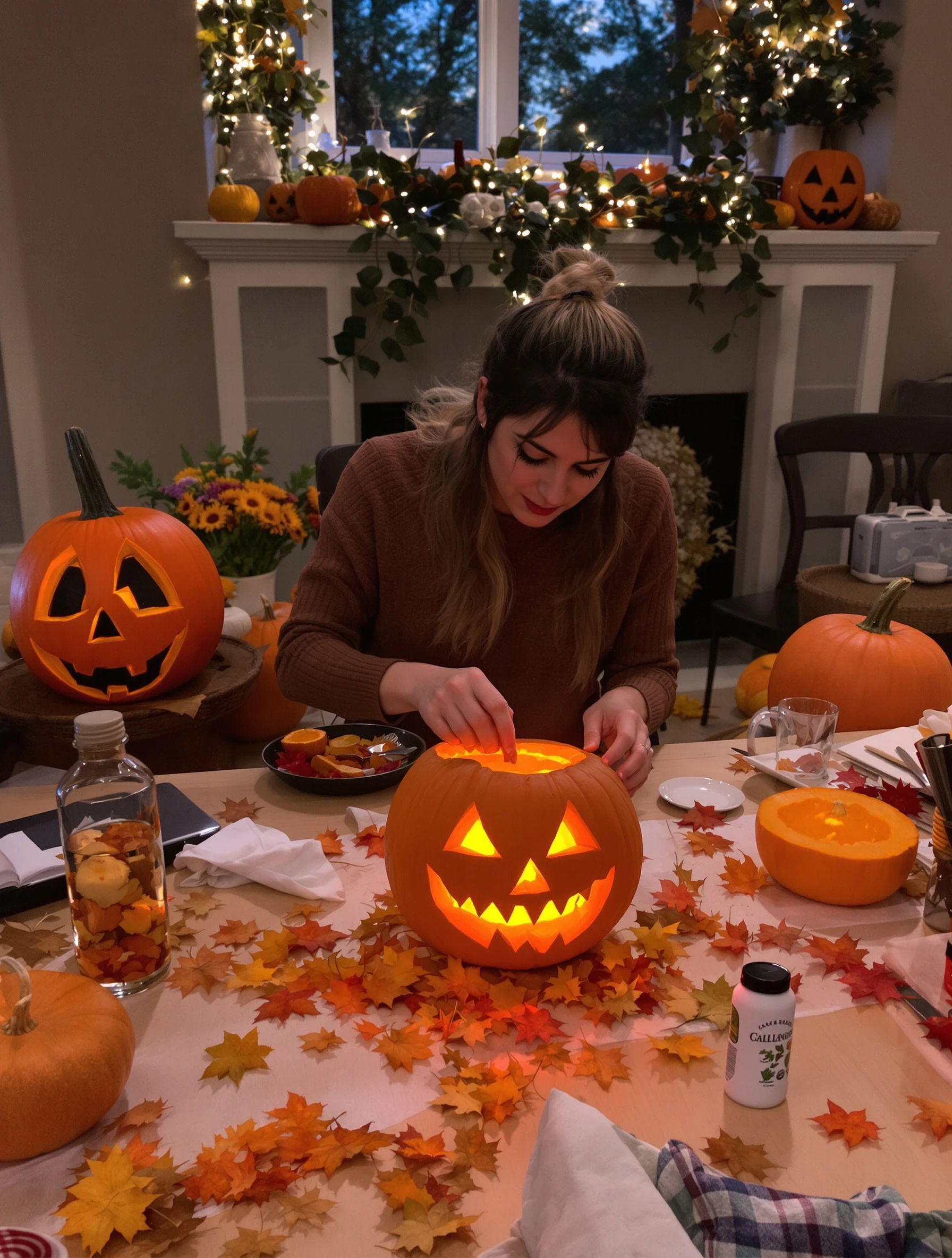
Woman carving pumpkin on cozy autumn evening, jack-o-lantern creation. Fall activity, orange glow, creative carving, Halloween tradition.
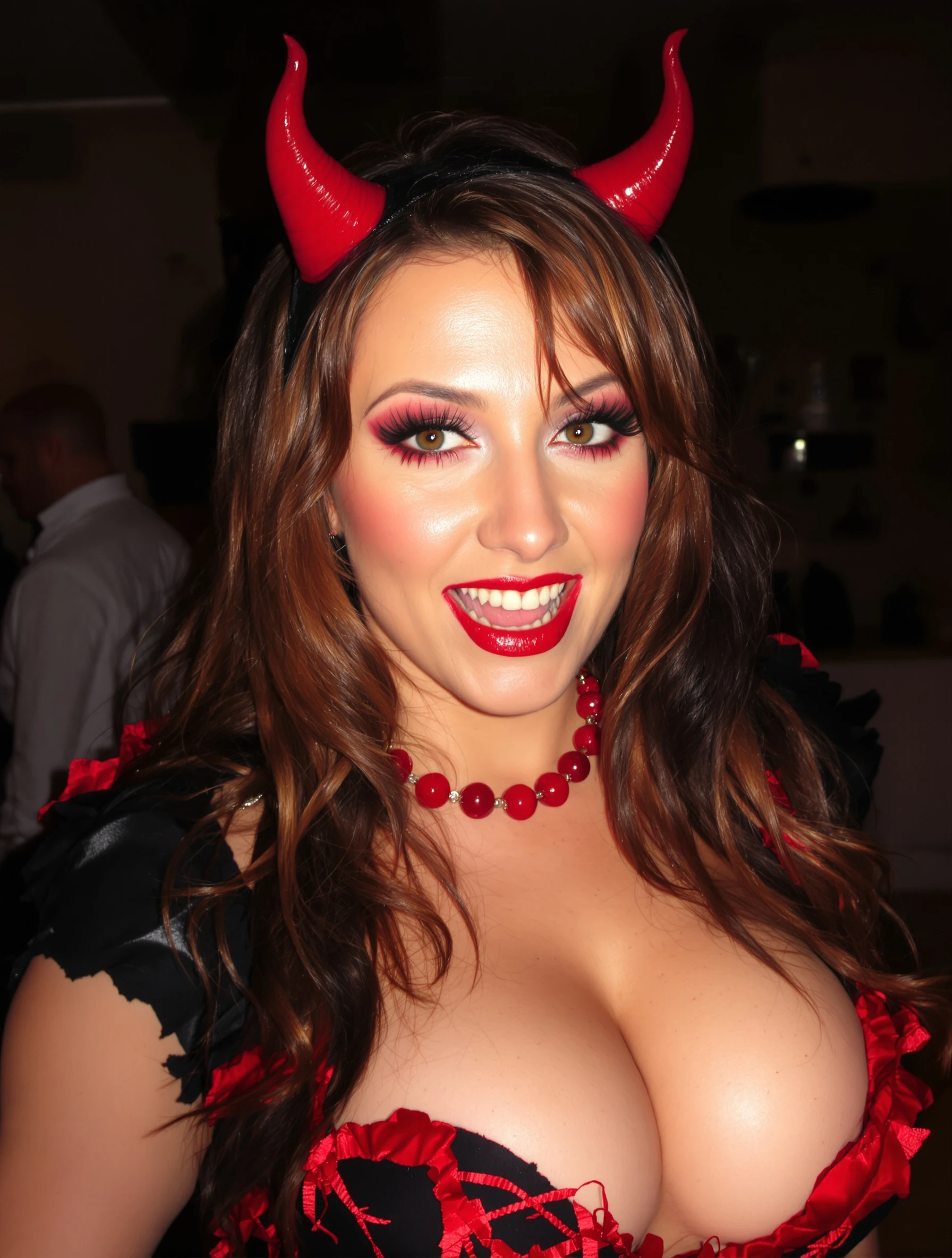
Woman in sexy devil costume with red details, confident and bold. Halloween party look, devilish charm, red and black, playful naughty.
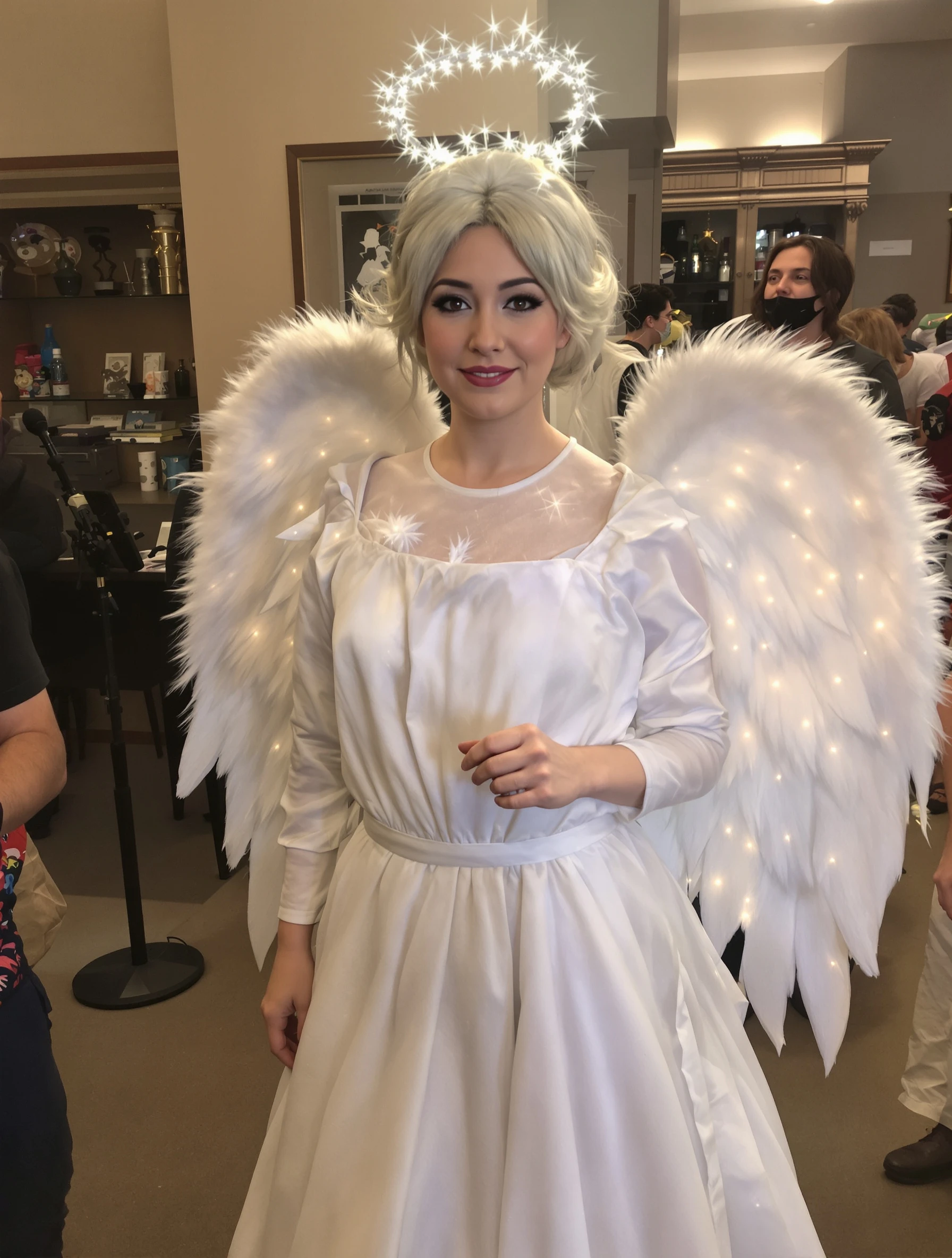
Woman as ethereal angel in white costume, heavenly Halloween. Innocent costume, wings and halo, angelic beauty, celestial style.
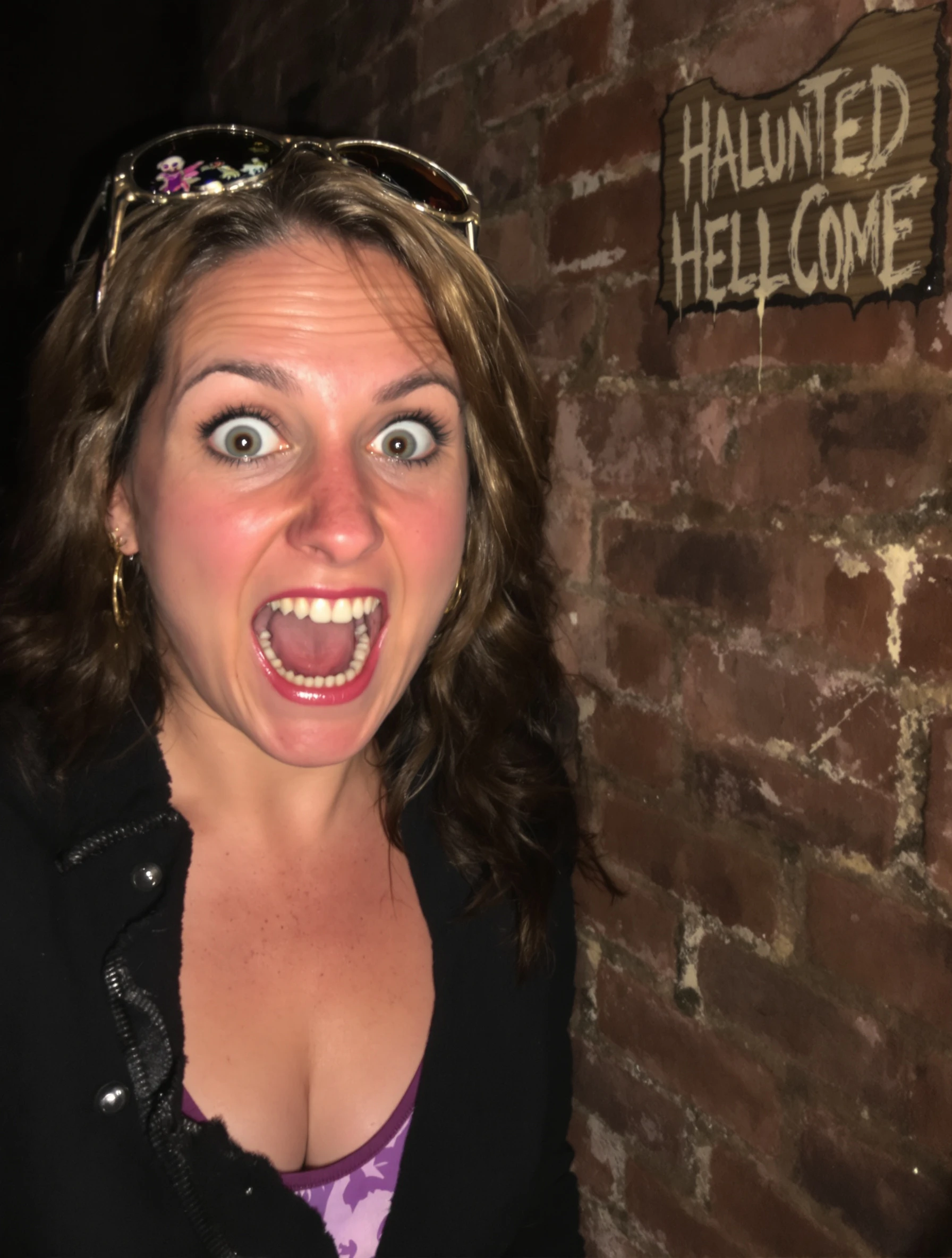
Woman at haunted house attraction, scared expression but having fun. Halloween entertainment, spooky thrills, frightful fun, seasonal adventure.
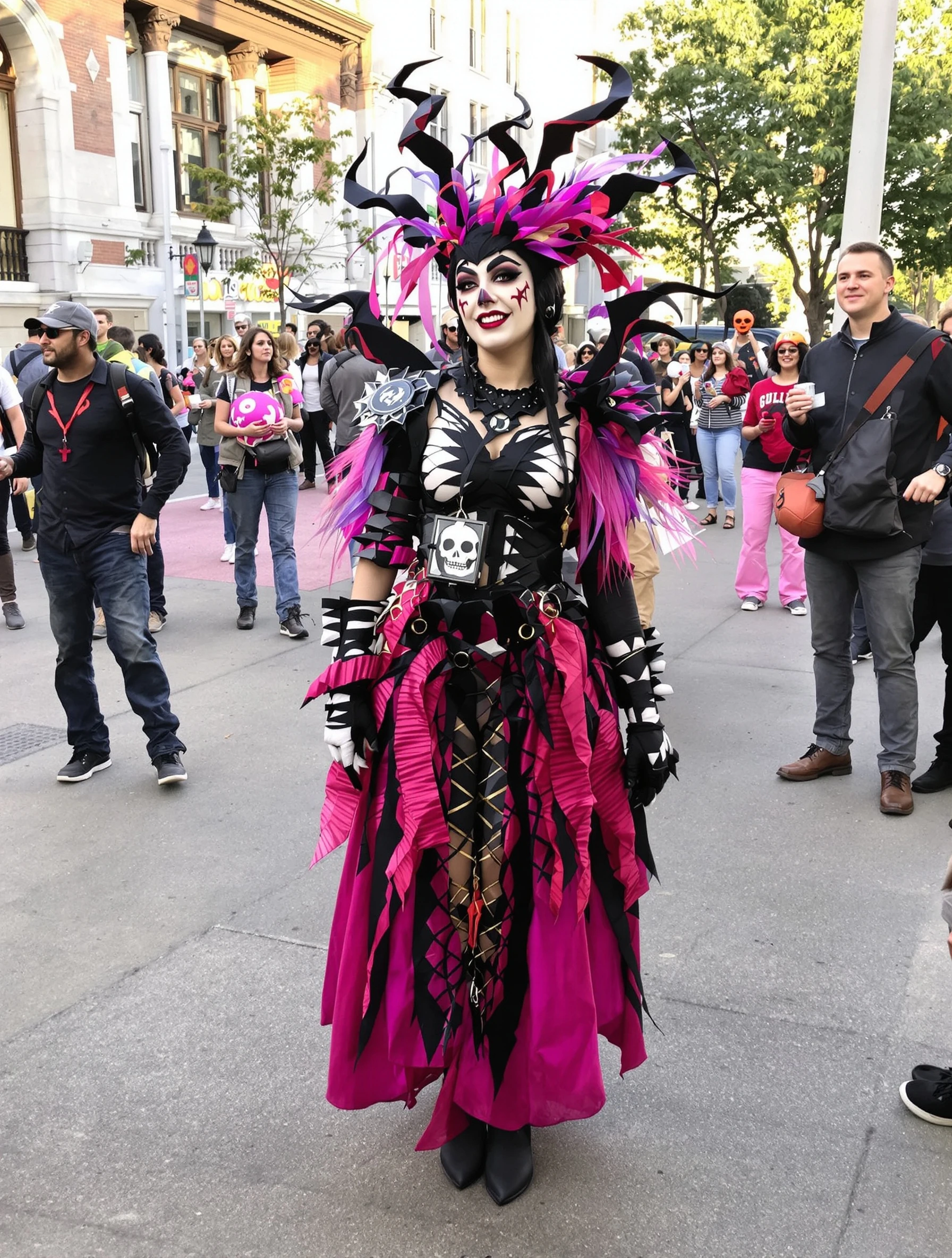
Woman winning costume contest in creative unique Halloween outfit. Award-worthy creativity, impressive design, Halloween dedication, crowd winner.
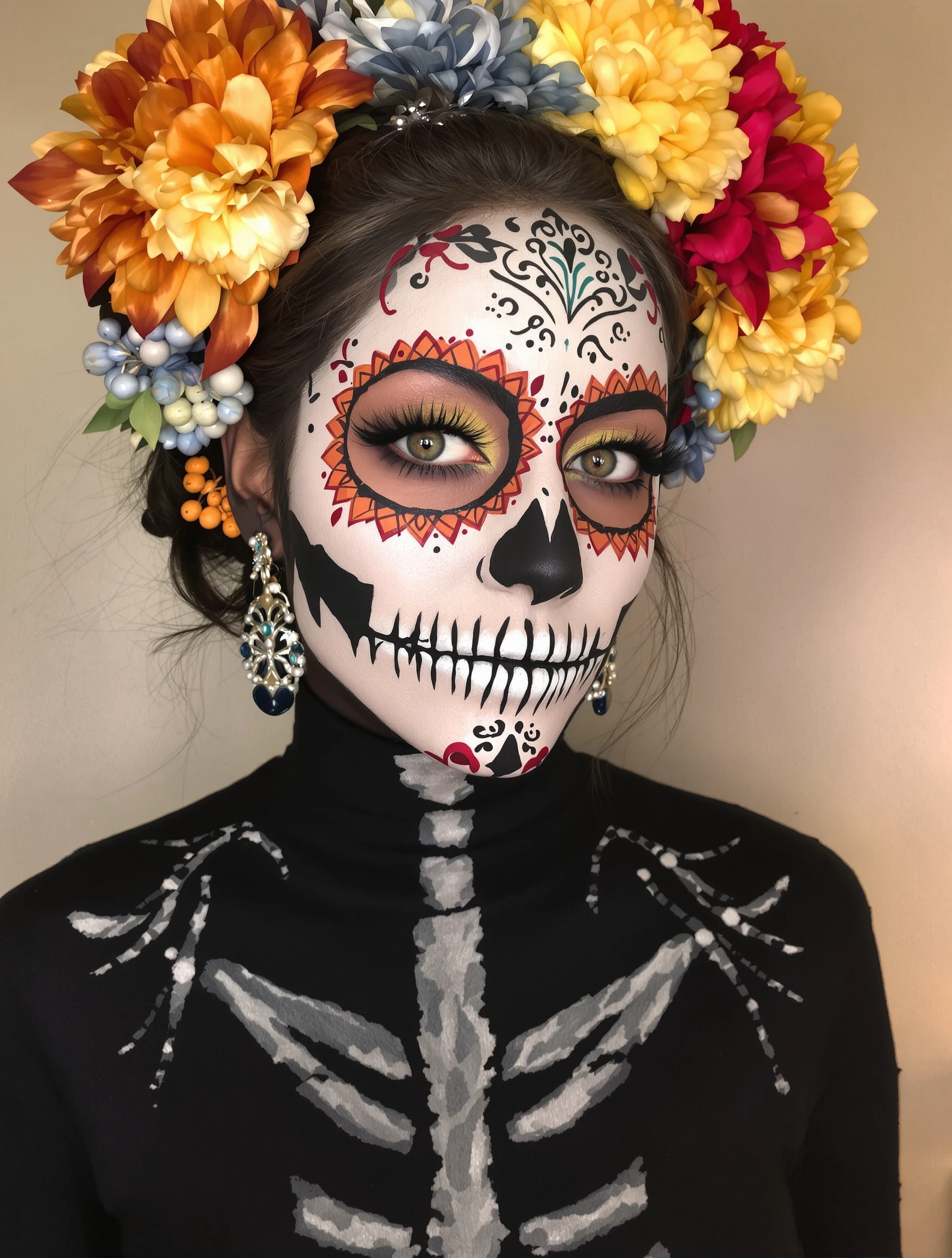
Woman with artistic skull makeup, Day of the Dead inspiration. Face paint artistry, detailed design, cultural aesthetic, beautiful macabre.
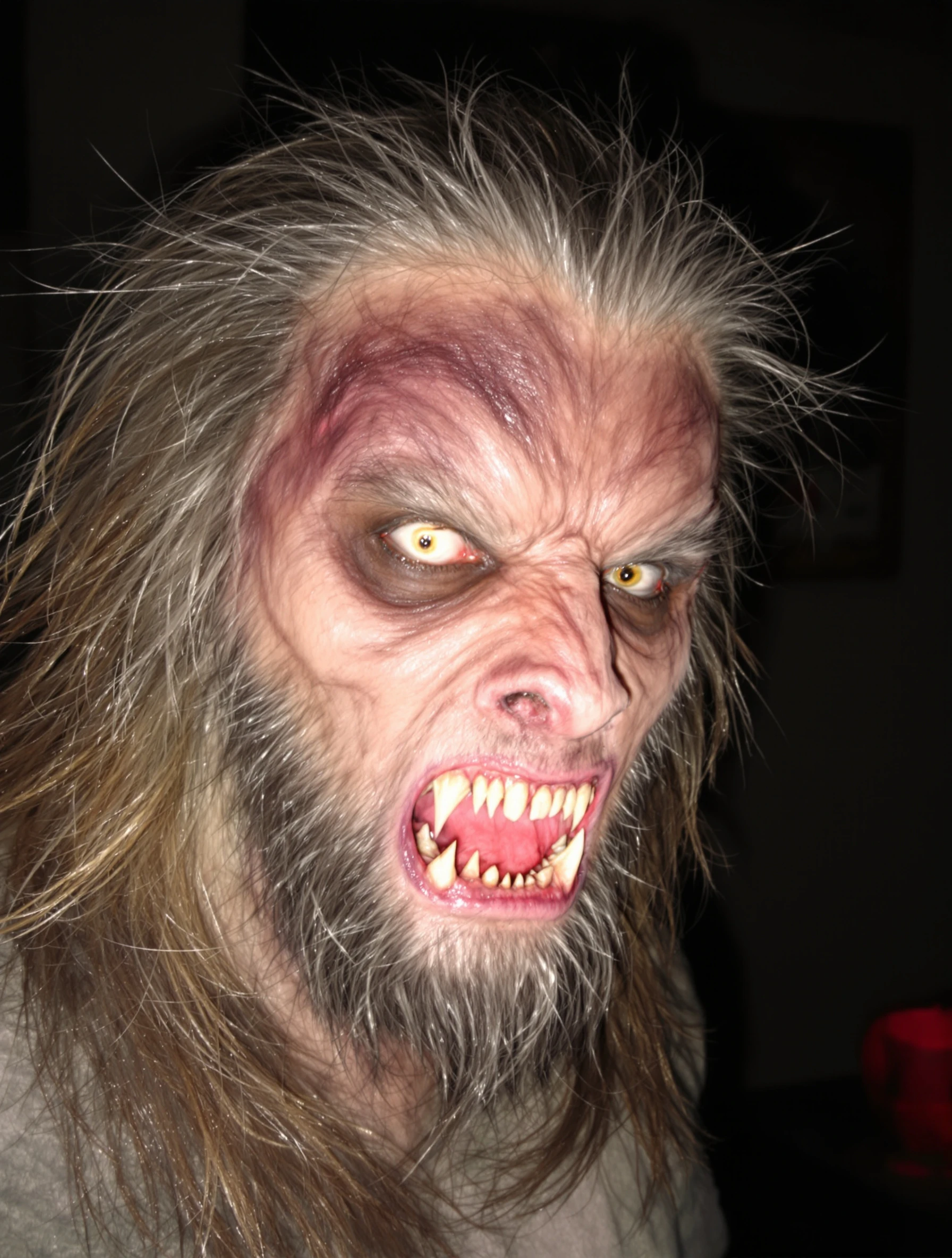
Man in terrifying werewolf costume, impressive transformation. Monster makeup, hairy and scary, full moon ready, Halloween creature.
Man as zombie with impressive undead makeup, walking dead style. Horror costume, decaying details, spooky realistic, Halloween fright.
PixelPanda PixelPanda

Your AI photoshoot platform. Run AI photoshoots, remove backgrounds, generate product photos, and create UGC videos - all in seconds.

Product

  • AI Avatar Builder
  • Content Studio
  • Product Studio
  • AI Product Photography
  • Product Catalog
  • Integrations

Resources

  • How-To Guides
  • Demos
  • API Documentation
  • Blog
  • Help Center
  • FAQ

Company

  • About Us
  • Pricing
  • Contact
  • Careers
  • Affiliates

Use Cases

  • AI Ad Generator
  • AI Face Generator
  • AI UGC
  • E-commerce
  • Marketing
  • Alternatives
  • Tool Reviews
  • Photo Ideas
  • Background Removal
  • Background Removal API

Free Tools

AI-Powered
  • AI Selfie Generator
  • Background Remover
  • Image Upscaler
  • AI Image Editor
  • Remove Text from Image
  • Image Analyzer
  • AI Image Describer
  • Image to Prompt
  • Photo Description
  • Ecommerce Product Studio
  • AI Ad Generator
  • White Background
  • AI UGC Video
Transform
  • Resize Image
  • Crop Image
  • Rotate Image
  • Flip Image
  • Compress Image
  • Convert Format
  • HEIC to JPG
  • SVG to PNG
Adjust & Color
  • Brightness & Contrast
  • Black & White Converter
  • Image Inverter
  • Color Picker
  • Palette Extractor
  • Make Transparent
Effects & Overlay
  • Blur Image
  • Pixelate Image
  • Add Border
  • Round Corners
  • Add Watermark
  • Unblur Image
Utilities
  • Merge Images
  • Image to Base64
  • PDF to Image
  • Image to PDF
  • Profile Picture Maker
  • Photo Enhancer
  • Photo Collage
  • WebP to GIF

© 2026 PixelPanda. All rights reserved.

Terms of Service Privacy Policy
Featured on Fazier PixelPanda - SaaS Hub Approved Startup Benchmarks Good AI Tools
Home
Free Tools
Pricing
Sign In

Report a Bug

Found something broken? Let us know and earn bonus credits for confirmed bugs.

Drop files here or click to browse
Images & videos up to 20MB each