PixelPanda Logo PixelPanda
  • Features
    • Product Photos
    • UGC Video Ads
    • AI Avatars
    • Content Studio
    • AI Product Photography
    • Product Catalog
    • Integrations

    • Free Tools
  • Resources
    • How-To Guides
    • Blog
    • API Docs
    • FAQ
    • Help Center
  • Pricing
  • Login
Home / Gallery / Holiday - Halloween / Photo
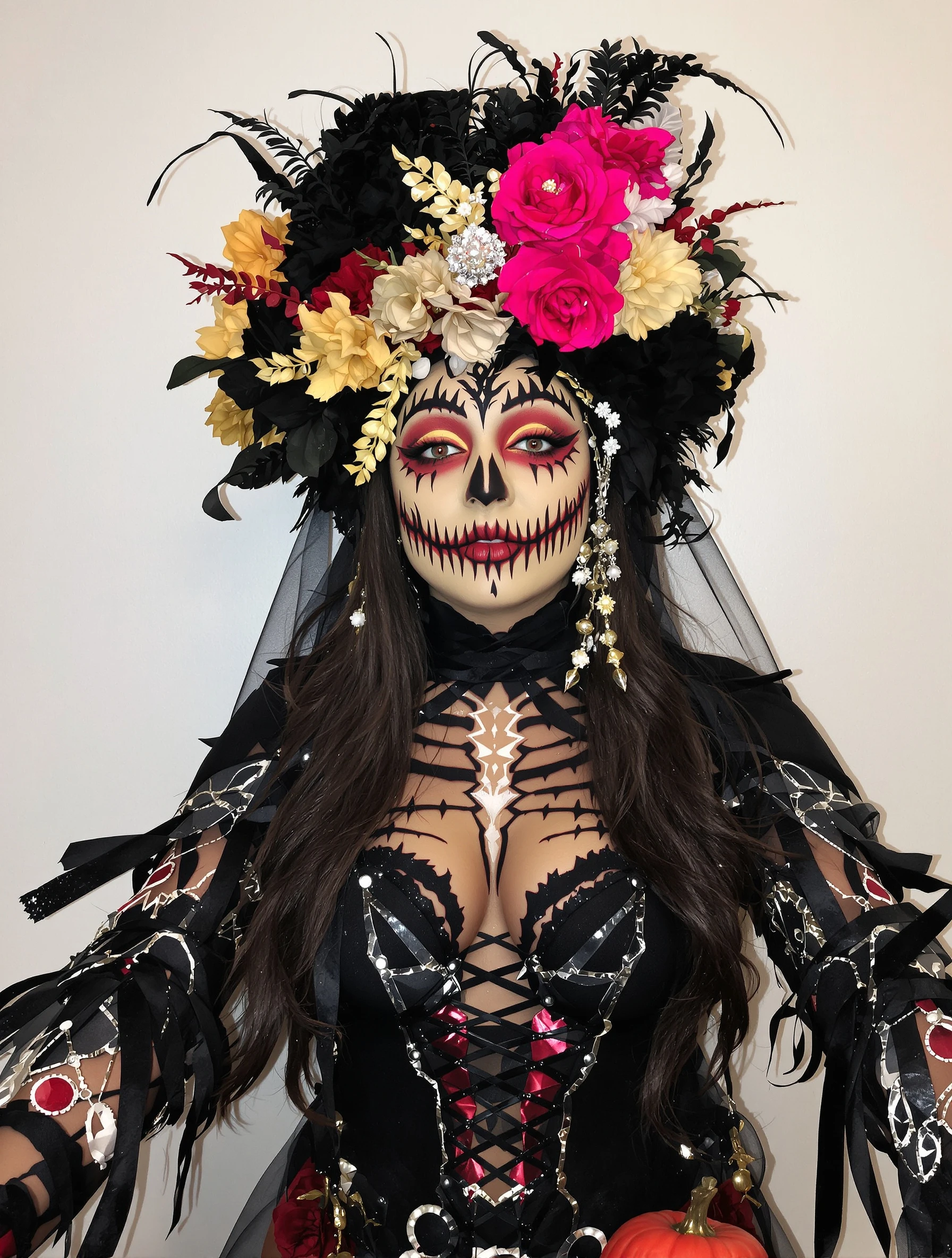
Man with artistic skeleton costume and face paint. Bone structure makeup, Day of the Dead influence, graphic design, Halloween art.
Holiday Halloween AI Generated

Man with artistic skeleton costume and face paint. Bone structure makeup, Day of the Dead influence, graphic design, Halloween art.

male skeleton holiday
AI Prompt Used

Man with artistic skeleton costume and face paint. Bone structure makeup, Day of the Dead influence, graphic design, Halloween art.

Create Your Own Version

Generate personalized holiday photos with AI

Start Creating

Free to Use (CC BY 4.0)

This AI-generated image is free for personal and commercial use. Just include a link back to PixelPanda.

Image by <a href="https://pixelpanda.ai">PixelPanda AI</a>
Download Free

Perfect For

Halloween profile picture swaps Costume contest entry posts Day of the Dead event flyers Haunted house or bar promo graphics Halloween party invitations Face paint portfolio samples AI Reference

About This AI-Generated Holiday Photo

The frame is built around contrast. White paint maps the skull directly onto the face: brow ridge highlights, deep charcoal eye sockets, a triangular blacked nose, and stitch marks extending from the corners of the mouth toward the jaw. Decorative Day of the Dead flourishes sit at the temples and forehead rather than crowding the center, so the eyes stay readable. Below the collar, painted or printed rib and sternum lines continue the illusion over dark fabric, and hard directional light carves the cheekbones so the makeup and the real bone structure line up instead of fighting each other.

For Halloween use the graphic quality matters more than realism. A social feed shrinks an image to a small square, and gore or heavy texture turns to mud at that size, while a black-and-white skull silhouette still reads instantly. This look also survives cropping: the face alone works as an avatar, and the wider shot with the ribcage works as a post or event flyer. It stays costume-contest appropriate without leaning into anything graphic enough to trip content filters.

To adapt it, shift the ornamental detail. Swap temple filigree for marigold petals, spiderweb linework, or a more skeletal minimal version with only sockets and stitches. Beards can be worked into the design by painting teeth along the jawline rather than covering hair. For a colder Halloween-horror feel, drop the decorative motifs and push the sockets darker with cooler top light.

Tips for Holiday Photography

  • Keep the white paint off the eyelids and lower lash line so the eyes stay dark and hollow-looking.
  • Line up socket shading with your actual orbital bone and cheek hollow; painting over the real shadow doubles the effect.
  • Extend rib and clavicle lines onto dark clothing so the skull does not stop abruptly at the collar.
  • Ask for hard side or top light; flat frontal light erases the bone shading you painted in.

Frequently Asked Questions

How do I keep a beard from ruining the skeleton effect?

Stylized calavera stitch lines and painted bone structure are graphic design rather than depicted injury, so they generally pass fine. Problems come from added blood, torn-skin texture, or wounds. If you plan to post on platforms that moderate gore, keep the palette to black, white, and decorative color with no red drips.

How do I keep a beard from ruining the skeleton effect?

Do not try to paint over facial hair evenly, it looks patchy. Instead place the teeth row along the jawline above the beard, or paint teeth directly onto trimmed hair as bold blocks. Concentrate detail on the forehead, sockets, nose, and upper cheeks where skin is exposed and the paint holds a clean edge.

What should I wear with skull face paint for photos?

Plain black or very dark clothing works best because painted rib lines read as bone against it. Avoid busy prints, logos, or mid-gray tones that compete with the white paint. A collarless or open-neck top gives room for clavicle and sternum linework, which is what sells the full skeleton illusion in a wider crop.

Technical Details

Hard directional light from the upper side sculpts the cheekbones and deepens the painted sockets, with a shallow depth of field separating the face from a dark background. Tight head-and-shoulders framing and a high-contrast, near-monochrome treatment keep the linework crisp.
More Halloween Photos

View All
Man in classic vampire costume, Dracula elegance and dark charm. Gothic formal, cape and fangs, immortal style, Halloween sophistication.
Man in terrifying werewolf costume, impressive transformation. Monster makeup, hairy and scary, full moon ready, Halloween creature.
Man as zombie with impressive undead makeup, walking dead style. Horror costume, decaying details, spooky realistic, Halloween fright.
Man at Halloween party in creative costume, socializing and celebrating. Festive atmosphere, costume creativity, holiday fun, seasonal celebration.
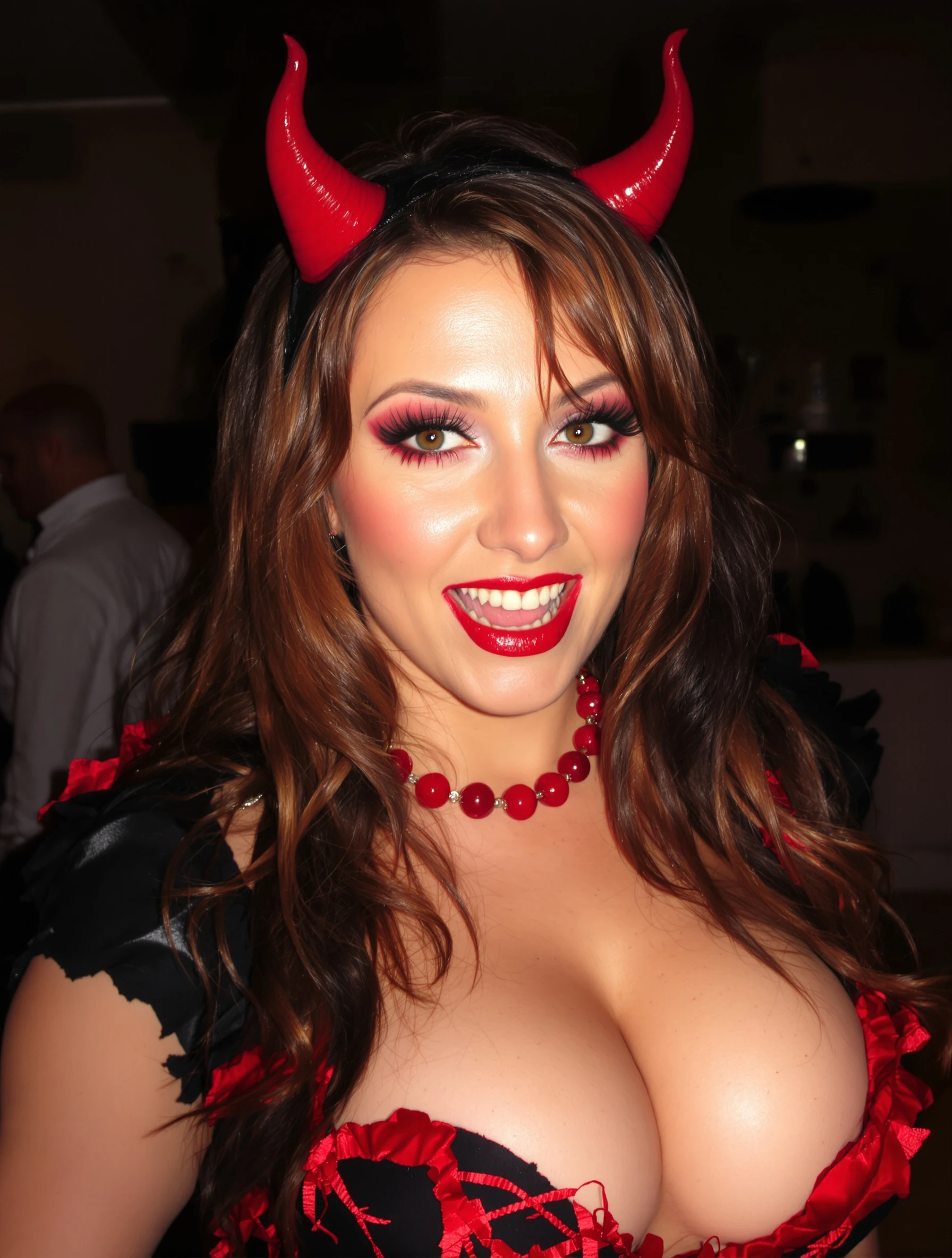
Woman in creative elaborate Halloween costume with impressive makeup. Artistic transformation, costume party ready, spooky spectacular, holiday creativity.
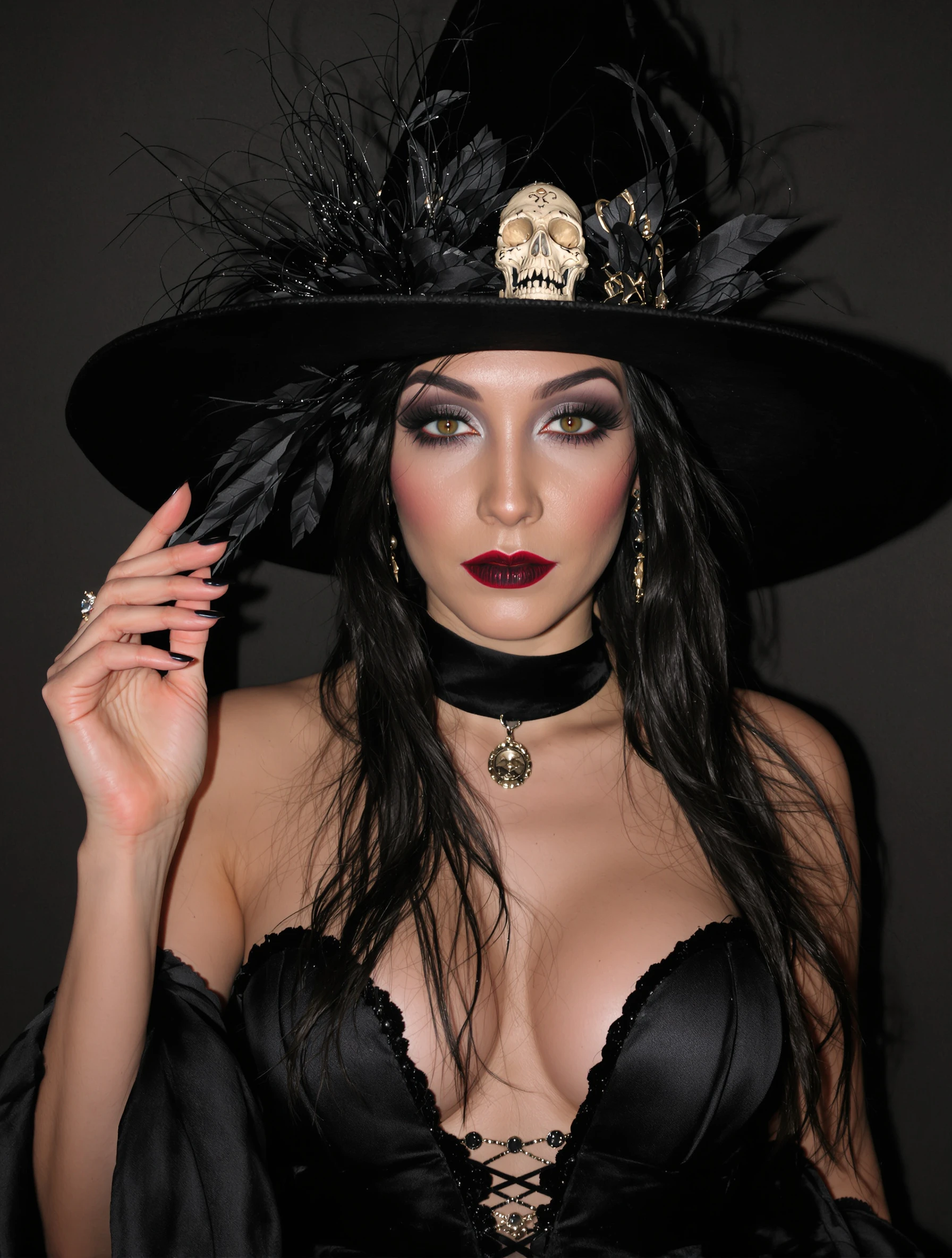
Woman as elegant witch in stylish black costume, dark glamour. Sophisticated spooky, witchy aesthetic, Halloween elegance, mysterious allure.
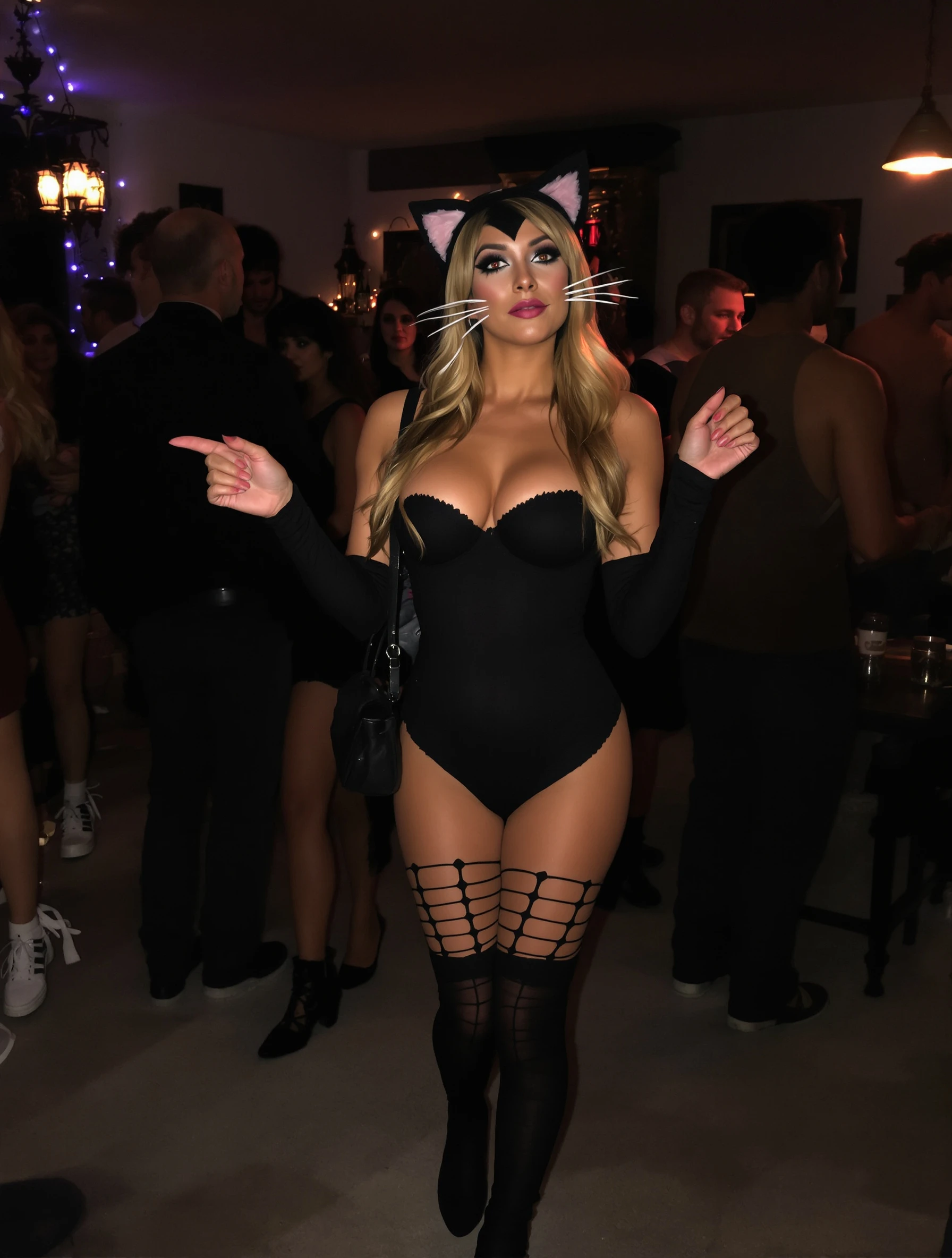
Woman in cute cat costume at Halloween party, playful sexy. Classic costume, whisker makeup, party ready, flirty festive.
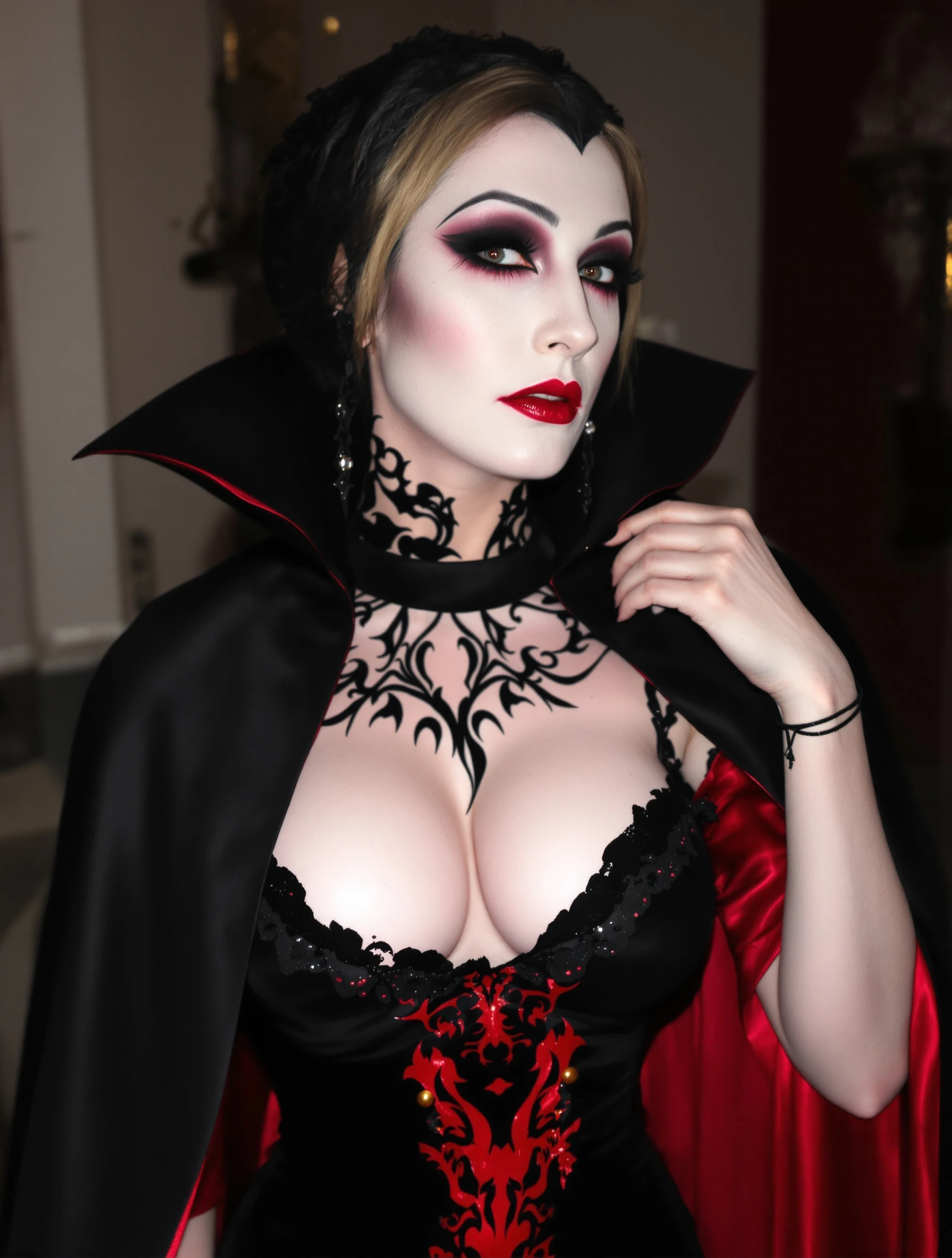
Woman in dramatic vampire costume, elegant dark dramatic look. Gothic glamour, pale makeup, dramatic cape, immortal elegance.
PixelPanda PixelPanda

Your AI photoshoot platform. Run AI photoshoots, remove backgrounds, generate product photos, and create UGC videos - all in seconds.

Product

  • AI Avatar Builder
  • Content Studio
  • Product Studio
  • AI Product Photography
  • Product Catalog
  • Integrations

Resources

  • How-To Guides
  • Demos
  • API Documentation
  • Blog
  • Help Center
  • FAQ

Company

  • About Us
  • Pricing
  • Contact
  • Careers
  • Affiliates

Use Cases

  • AI Ad Generator
  • AI Face Generator
  • AI UGC
  • E-commerce
  • Marketing
  • Alternatives
  • Tool Reviews
  • Photo Ideas
  • Background Removal
  • Background Removal API

Free Tools

AI-Powered
  • AI Selfie Generator
  • Background Remover
  • Image Upscaler
  • AI Image Editor
  • Remove Text from Image
  • Image Analyzer
  • AI Image Describer
  • Image to Prompt
  • Photo Description
  • Ecommerce Product Studio
  • AI Ad Generator
  • White Background
  • AI UGC Video
Transform
  • Resize Image
  • Crop Image
  • Rotate Image
  • Flip Image
  • Compress Image
  • Convert Format
  • HEIC to JPG
  • SVG to PNG
Adjust & Color
  • Brightness & Contrast
  • Black & White Converter
  • Image Inverter
  • Color Picker
  • Palette Extractor
  • Make Transparent
Effects & Overlay
  • Blur Image
  • Pixelate Image
  • Add Border
  • Round Corners
  • Add Watermark
  • Unblur Image
Utilities
  • Merge Images
  • Image to Base64
  • PDF to Image
  • Image to PDF
  • Profile Picture Maker
  • Photo Enhancer
  • Photo Collage
  • WebP to GIF

© 2026 PixelPanda. All rights reserved.

Terms of Service Privacy Policy
Featured on Fazier PixelPanda - SaaS Hub Approved Startup Benchmarks Good AI Tools
Home
Free Tools
Pricing
Sign In

Report a Bug

Found something broken? Let us know and earn bonus credits for confirmed bugs.

Drop files here or click to browse
Images & videos up to 20MB each