PixelPanda Logo PixelPanda
  • Features
    • Product Photos
    • UGC Video Ads
    • AI Avatars
    • Content Studio
    • AI Product Photography
    • Product Catalog
    • Integrations

    • Free Tools
  • Resources
    • How-To Guides
    • Blog
    • API Docs
    • FAQ
    • Help Center
  • Pricing
  • Login
Home / Gallery / Holiday - Halloween / Photo
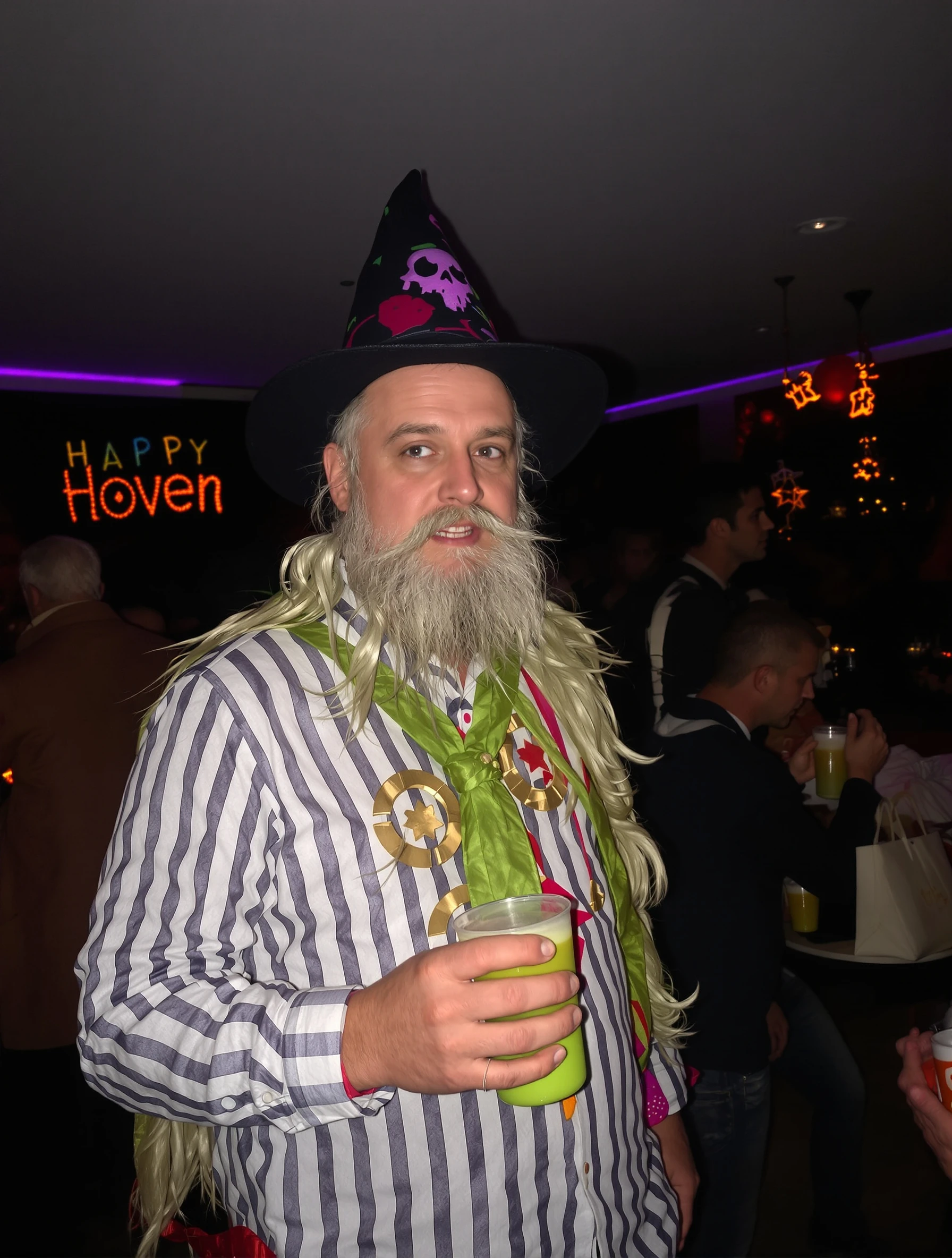
Woman as ethereal angel in white costume, heavenly Halloween. Innocent costume, wings and halo, angelic beauty, celestial style.
Holiday Halloween AI Generated

Woman as ethereal angel in white costume, heavenly Halloween. Innocent costume, wings and halo, angelic beauty, celestial style.

female angel holiday
AI Prompt Used

Woman as ethereal angel in white costume, heavenly Halloween. Innocent costume, wings and halo, angelic beauty, celestial style.

Create Your Own Version

Generate personalized holiday photos with AI

Start Creating

Free to Use (CC BY 4.0)

This AI-generated image is free for personal and commercial use. Just include a link back to PixelPanda.

Image by <a href="https://pixelpanda.ai">PixelPanda AI</a>
Download Free

Perfect For

Halloween costume reveal posts Instagram and TikTok profile updates during October Costume shop and party store listings Event invitations for heaven-and-hell themed parties Seasonal dating app photos Themed photo booth and print keepsakes AI Reference

About This AI-Generated Holiday Photo

The frame centers on a calm, slightly lifted chin and relaxed shoulders, which lets the wings read as part of the silhouette rather than a prop being held up. The costume is layered white: a soft draped fabric with a subtle sheen, feather texture at the wing edges, and a thin gold or wire halo that catches just enough light to separate from the background. Highlights sit on the cheekbones, collarbone, and feather tips, and shadows stay open and gray instead of black. The impression is serene, storybook, and deliberately un-scary.

For Halloween content, this angle matters. Most feeds fill with dark orange and black, so an almost entirely white frame stops the scroll by contrast alone. The wings also give the photo a wide, symmetrical shape that survives being cropped to a square thumbnail, and the halo acts as a natural focal point near the face, which helps when the image is viewed small on a phone.

To recreate it, prioritize the light before the costume: soft window light or a large diffused source keeps white fabric from blowing out. Swap the halo for a laurel or a lit ring for a different mythology, add pale blue or silver accents for a colder celestial read, or push toward a fallen angel version with smudged shadow and darker wing tips while keeping the same white base.

Tips for Holiday Photography

  • Meter for the white fabric, not the face, so the dress keeps folds instead of turning into a flat blank shape.
  • Angle wings slightly off-square to the camera so both edges show depth and the feather texture stays visible.
  • Keep makeup soft and cool toned: pearl highlight, muted lip, minimal contour supports the innocent angel read.
  • Shoot against a light gray or pale backdrop so white wings separate cleanly without heavy rim lighting.

Frequently Asked Questions

How do I keep a white angel costume from looking overexposed in photos?

Expose for the brightest fabric and let the face sit slightly darker, then lift the face in editing. Soft, indirect light works better than direct flash, which flattens feathers and blows out sheen. Watch the highlights on the shoulders and chest first, since those catch the most light in a draped white garment.

What is the difference between an angel and a fallen angel photo look?

The costume base is nearly identical. The difference is lighting and grooming. An innocent angel uses open, diffused light, clean makeup, and bright white feathers. A fallen version adds harder side light, deeper shadows, smudged eye makeup, and gray or black-tipped wings, often with a darker background for contrast.

Will a halo look fake in a photo, and how do I avoid that?

Halos read badly when the support wire is visible or when the ring sits flat against the hair. Position it slightly above and behind the head so it floats in profile, and choose a matte or brushed finish that catches soft light rather than a shiny plastic that mirrors the room.

Technical Details

Soft frontal-to-side diffused light with an open shadow side keeps feather and fabric detail intact. Shallow depth of field isolates the subject against a pale backdrop, framed medium to include full wingspan, with a cool, low-contrast, high-key color treatment.
More Halloween Photos

View All
Man with artistic skeleton costume and face paint. Bone structure makeup, Day of the Dead influence, graphic design, Halloween art.
Man at Halloween party in creative costume, socializing and celebrating. Festive atmosphere, costume creativity, holiday fun, seasonal celebration.
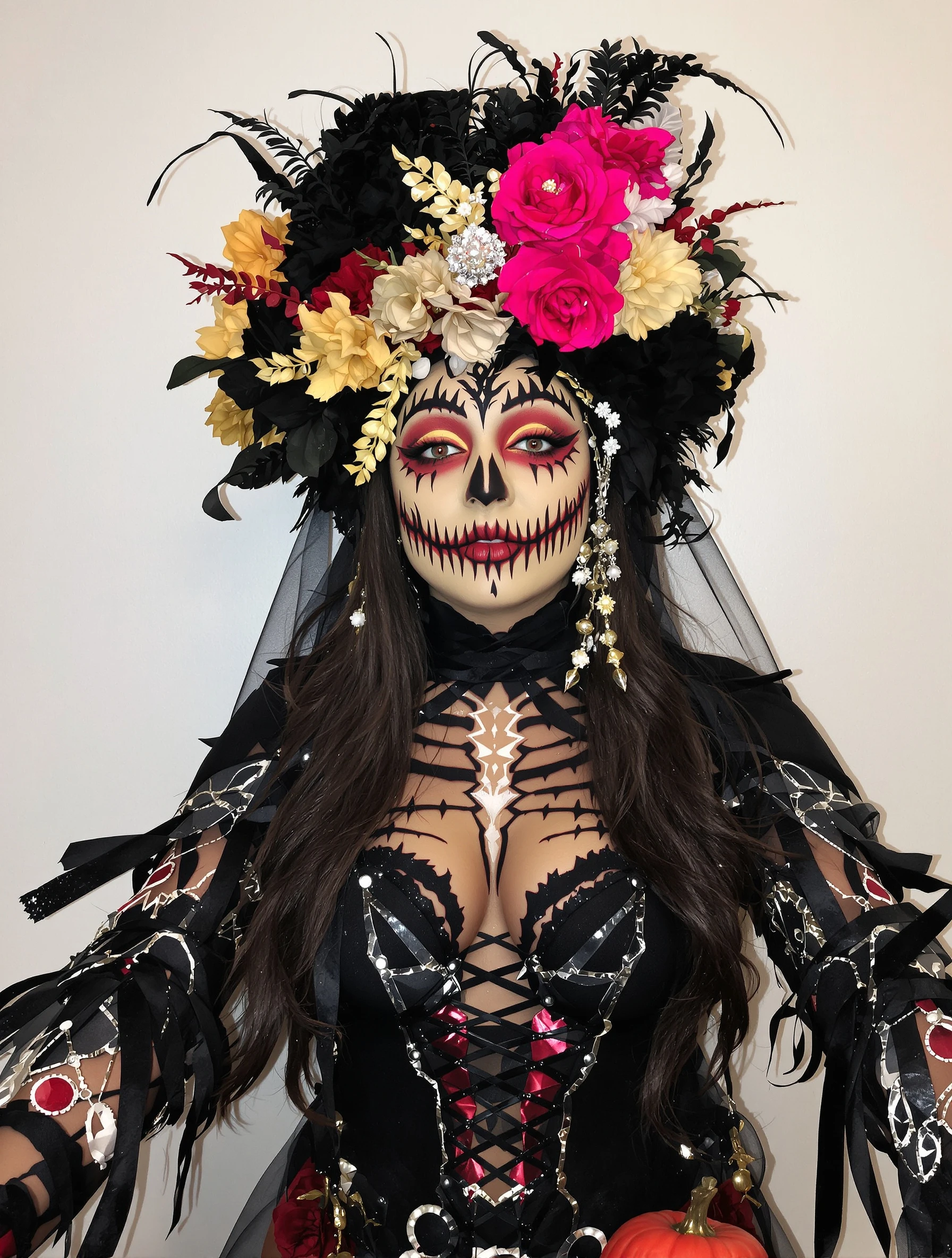
Woman in creative elaborate Halloween costume with impressive makeup. Artistic transformation, costume party ready, spooky spectacular, holiday creativity.
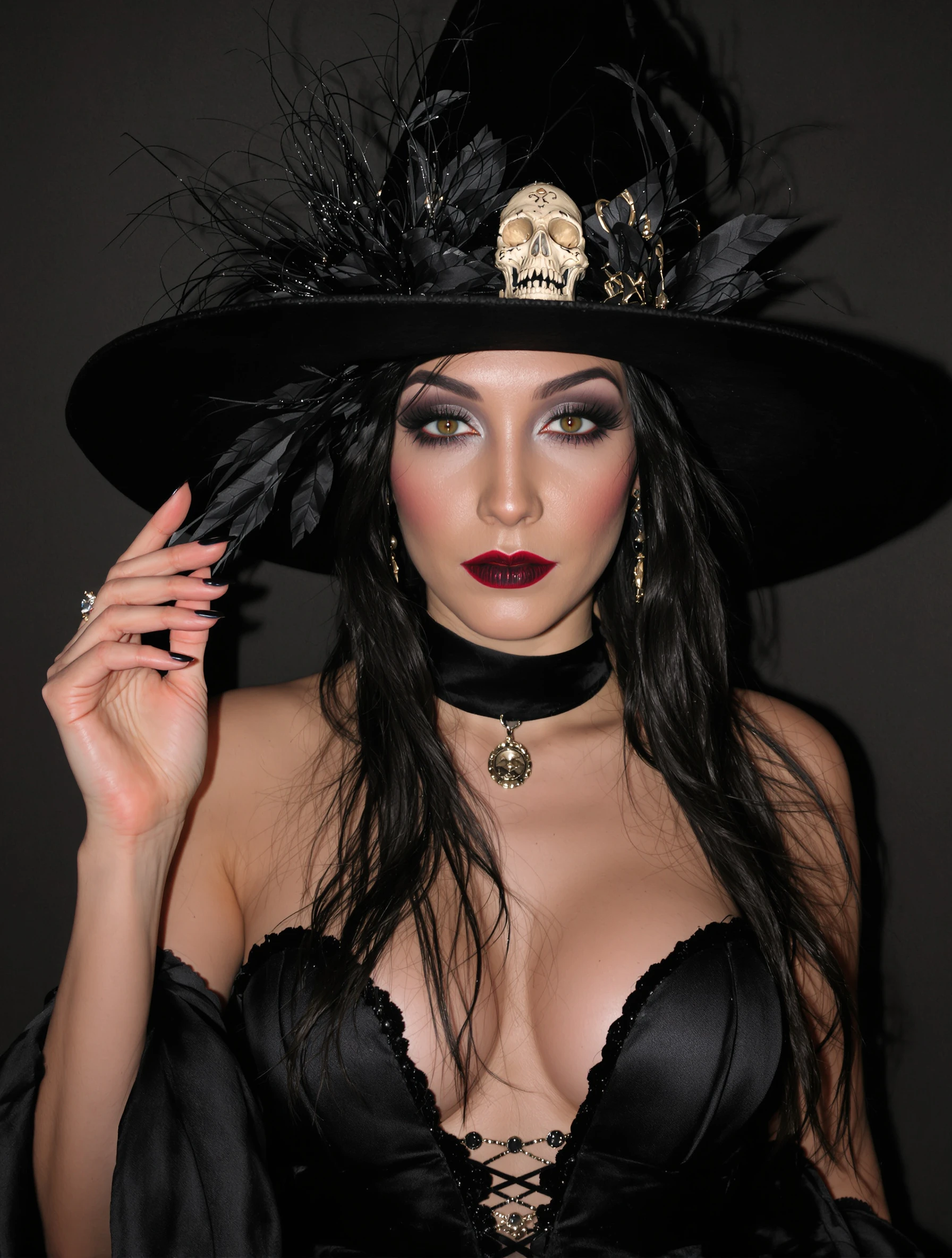
Woman as elegant witch in stylish black costume, dark glamour. Sophisticated spooky, witchy aesthetic, Halloween elegance, mysterious allure.
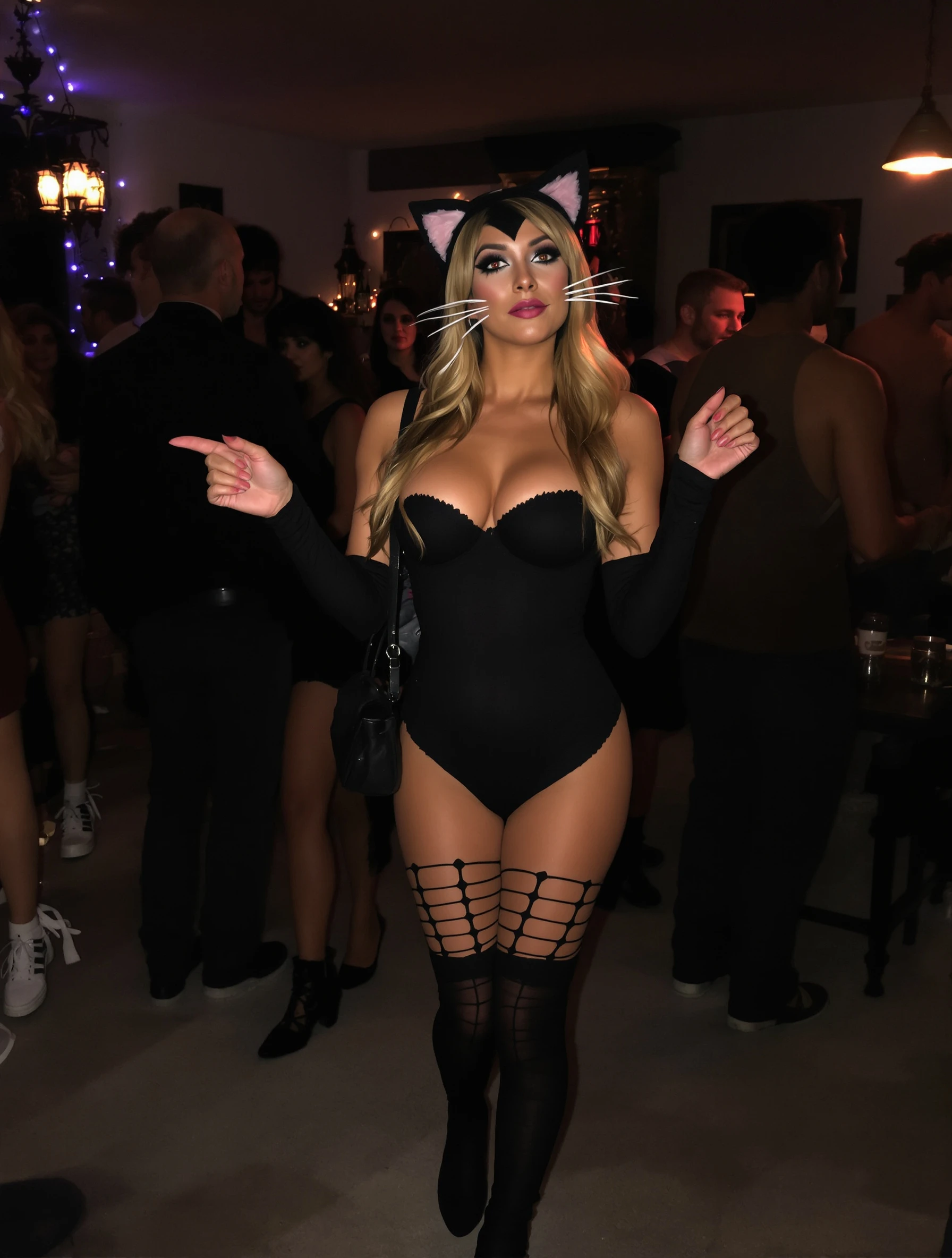
Woman in cute cat costume at Halloween party, playful sexy. Classic costume, whisker makeup, party ready, flirty festive.
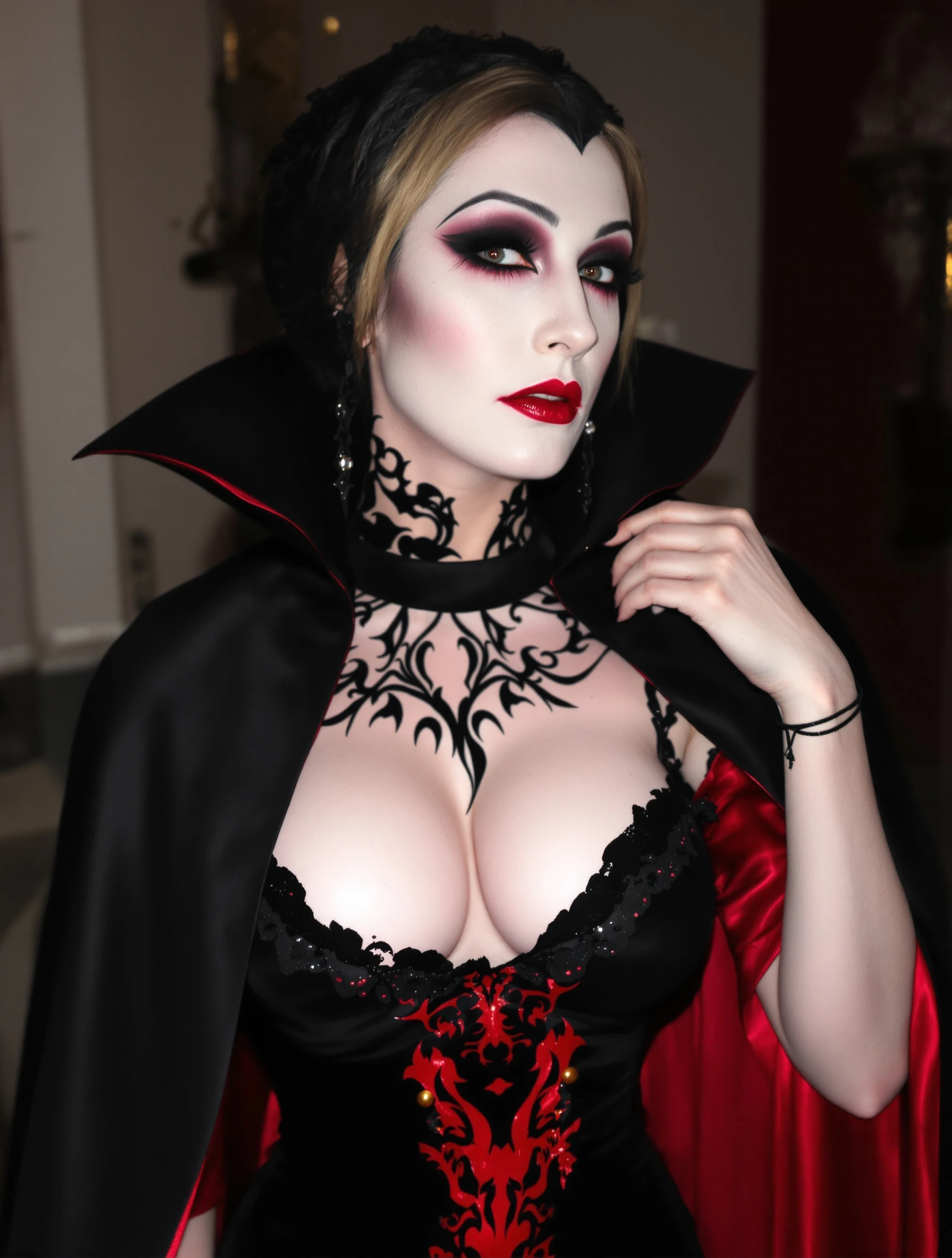
Woman in dramatic vampire costume, elegant dark dramatic look. Gothic glamour, pale makeup, dramatic cape, immortal elegance.
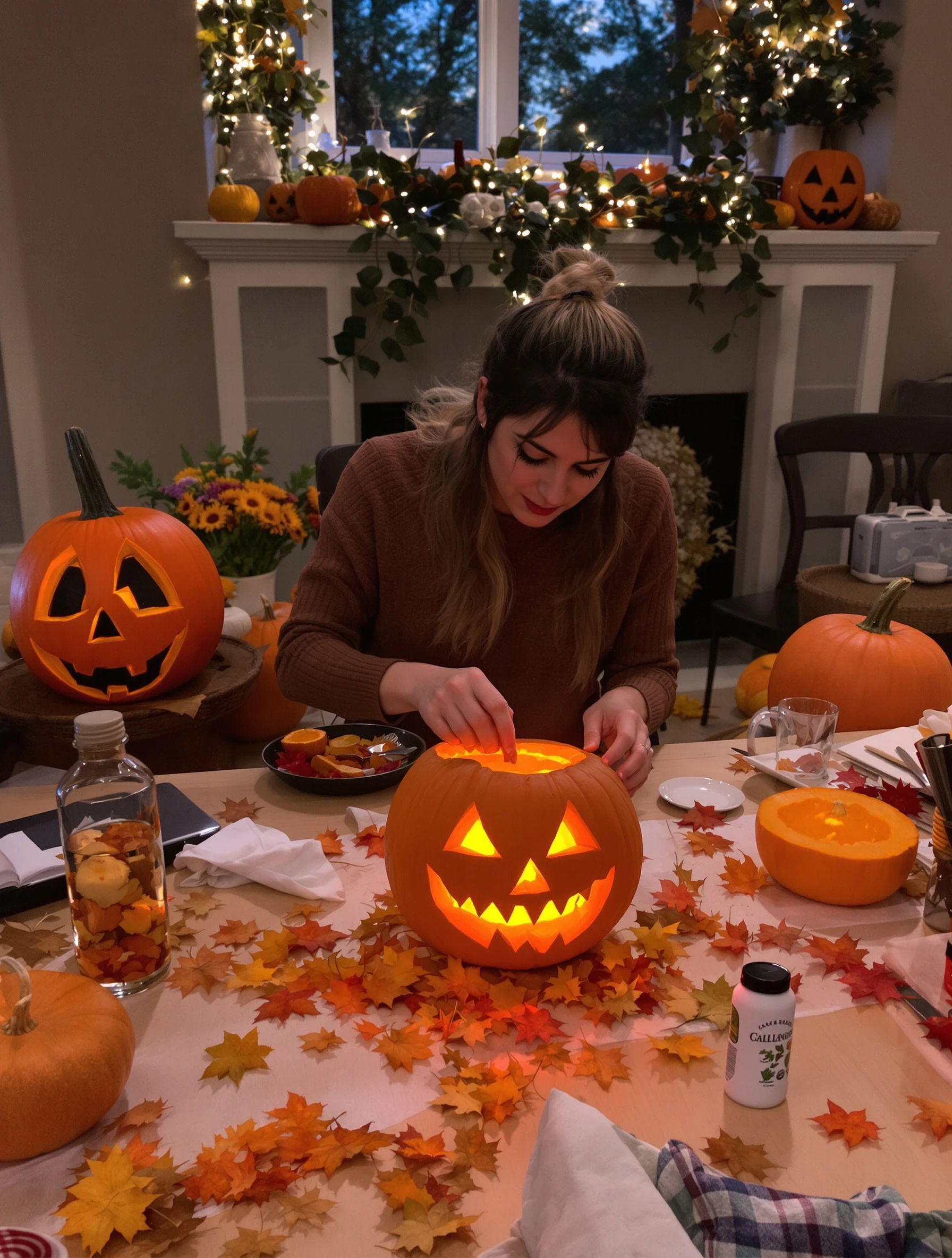
Woman carving pumpkin on cozy autumn evening, jack-o-lantern creation. Fall activity, orange glow, creative carving, Halloween tradition.
Woman in sexy devil costume with red details, confident and bold. Halloween party look, devilish charm, red and black, playful naughty.
PixelPanda PixelPanda

Your AI photoshoot platform. Run AI photoshoots, remove backgrounds, generate product photos, and create UGC videos - all in seconds.

Product

  • AI Avatar Builder
  • Content Studio
  • Product Studio
  • AI Product Photography
  • Product Catalog
  • Integrations

Resources

  • How-To Guides
  • Demos
  • API Documentation
  • Blog
  • Help Center
  • FAQ

Company

  • About Us
  • Pricing
  • Contact
  • Careers
  • Affiliates

Use Cases

  • AI Ad Generator
  • AI Face Generator
  • AI UGC
  • E-commerce
  • Marketing
  • Alternatives
  • Tool Reviews
  • Photo Ideas
  • Background Removal
  • Background Removal API

Free Tools

AI-Powered
  • AI Selfie Generator
  • Background Remover
  • Image Upscaler
  • AI Image Editor
  • Remove Text from Image
  • Image Analyzer
  • AI Image Describer
  • Image to Prompt
  • Photo Description
  • Ecommerce Product Studio
  • AI Ad Generator
  • White Background
  • AI UGC Video
Transform
  • Resize Image
  • Crop Image
  • Rotate Image
  • Flip Image
  • Compress Image
  • Convert Format
  • HEIC to JPG
  • SVG to PNG
Adjust & Color
  • Brightness & Contrast
  • Black & White Converter
  • Image Inverter
  • Color Picker
  • Palette Extractor
  • Make Transparent
Effects & Overlay
  • Blur Image
  • Pixelate Image
  • Add Border
  • Round Corners
  • Add Watermark
  • Unblur Image
Utilities
  • Merge Images
  • Image to Base64
  • PDF to Image
  • Image to PDF
  • Profile Picture Maker
  • Photo Enhancer
  • Photo Collage
  • WebP to GIF

© 2026 PixelPanda. All rights reserved.

Terms of Service Privacy Policy
Featured on Fazier PixelPanda - SaaS Hub Approved Startup Benchmarks Good AI Tools
Home
Free Tools
Pricing
Sign In

Report a Bug

Found something broken? Let us know and earn bonus credits for confirmed bugs.

Drop files here or click to browse
Images & videos up to 20MB each