PixelPanda Logo PixelPanda
  • Features
    • Product Photos
    • UGC Video Ads
    • AI Avatars
    • Content Studio
    • AI Product Photography
    • Product Catalog
    • Integrations

    • Free Tools
  • Resources
    • How-To Guides
    • Blog
    • API Docs
    • FAQ
    • Help Center
  • Pricing
  • Login
Home / Gallery / Holiday - Halloween / Photo
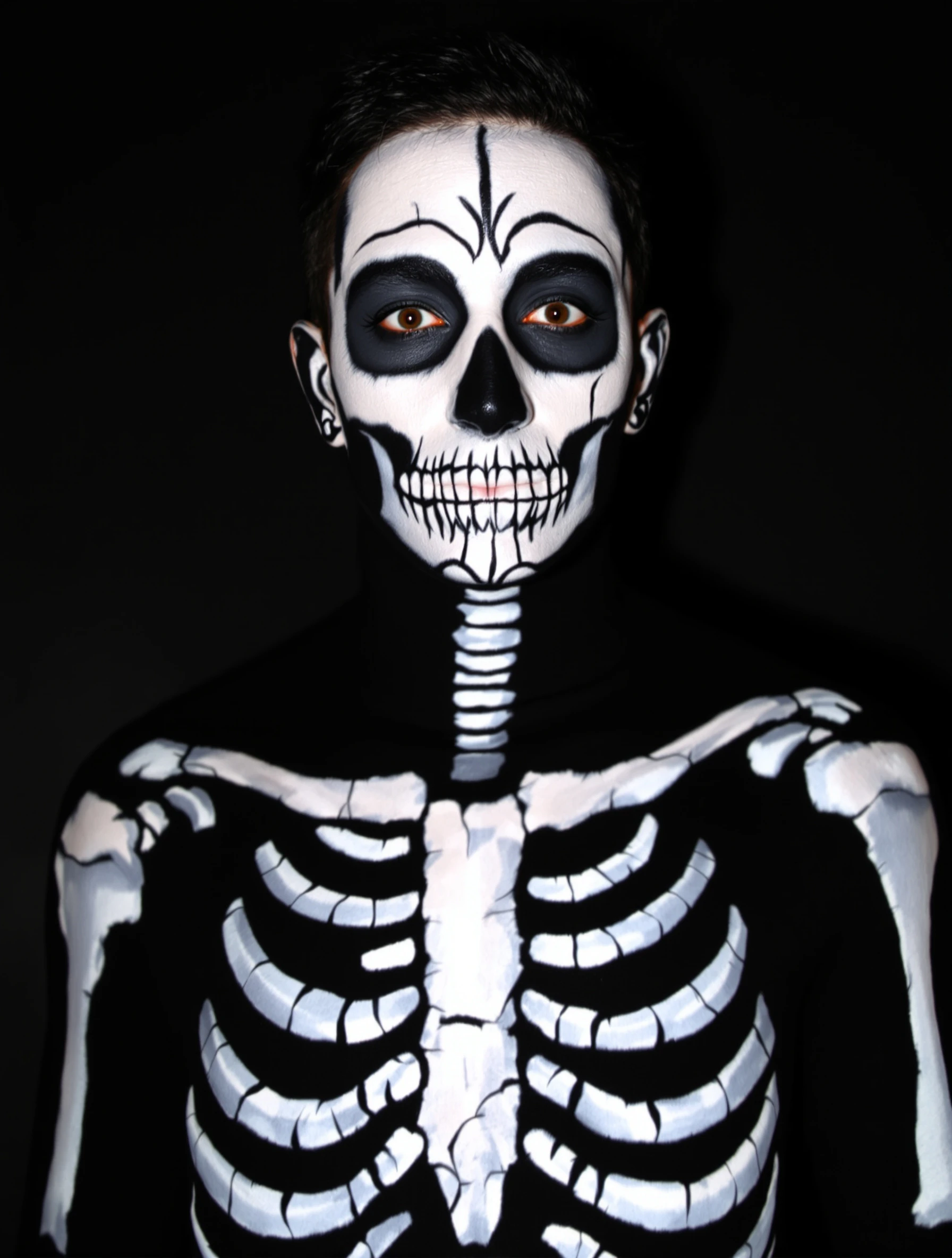
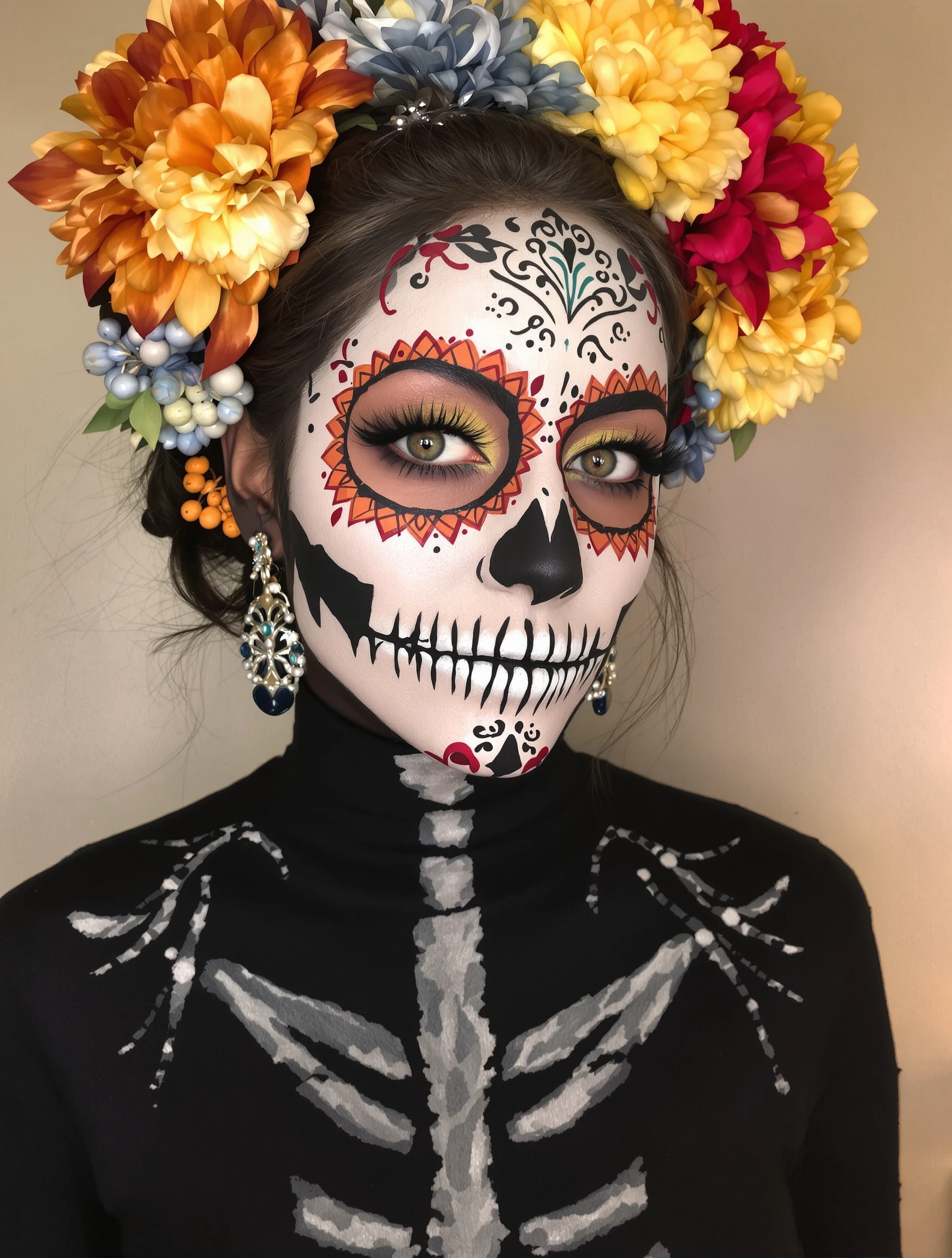
Woman with artistic skull makeup, Day of the Dead inspiration. Face paint artistry, detailed design, cultural aesthetic, beautiful macabre.
Holiday Halloween AI Generated

Woman with artistic skull makeup, Day of the Dead inspiration. Face paint artistry, detailed design, cultural aesthetic, beautiful macabre.

female makeup holiday
AI Prompt Used

Woman with artistic skull makeup, Day of the Dead inspiration. Face paint artistry, detailed design, cultural aesthetic, beautiful macabre.

Create Your Own Version

Generate personalized holiday photos with AI

Start Creating

Free to Use (CC BY 4.0)

This AI-generated image is free for personal and commercial use. Just include a link back to PixelPanda.

Image by <a href="https://pixelpanda.ai">PixelPanda AI</a>
Download Free

Perfect For

Halloween profile photos on Instagram and TikTok Makeup artist portfolio and booking pages Día de Muertos event and gallery show flyers Face paint tutorial thumbnails Costume contest and party invitations Seasonal salon or beauty brand posts AI Reference

About This AI-Generated Holiday Photo

The frame sits tight enough to read individual linework, which is the whole point of a calavera face. White base coverage extends past the jawline so there is no visible edge, the eye sockets are blocked in deep black and outlined with small painted petals, and the nose is shaded into a triangular skull shape. Fine black scroll and dot patterns run across the forehead and cheekbones with the symmetry a good makeup artist works toward. Steady, diffused light keeps the white base from blowing out while still showing texture in the painted edges.

Halloween feeds move fast and mostly show latex, blood, and dark costumes. A Day of the Dead inspired face reads differently because it is graphic and high contrast, so it holds up at thumbnail size and still rewards a tap for detail. It works as a seasonal avatar, an event flyer image, or a makeup artist portfolio piece where clients want to judge line quality and symmetry, not lighting tricks.

To adapt it, change the palette rather than the structure: warm marigold oranges and magentas lean traditional, while cool blues and silver read more editorial. Add a floral crown, lace veil, or beaded headpiece for a fuller look. Because this design comes from Día de Muertos, treat it as tribute rather than costume, and skip the design elements you cannot speak to.

Tips for Holiday Photography

  • Set the white base with translucent powder before drawing linework, or black lines will smear and lose their crisp edges.
  • Blend the base down past the jaw and onto the ears so no skin-tone border shows on camera.
  • Use a fine liner brush and mirror each cheek pattern in stages so both sides stay symmetrical.
  • Shoot with soft frontal light; harsh side light throws shadows that read as unpainted gaps in the design.

Frequently Asked Questions

Is Day of the Dead skull makeup appropriate to wear for Halloween?

Calavera makeup comes from Día de Muertos, a Mexican holiday honoring the dead, not from Halloween. Many people wear it respectfully as tribute. Present it as calavera or Day of the Dead inspired rather than a generic skeleton costume, avoid pairing it with sombreros or joke props, and learn what the imagery means before posting it.

Why does my skull makeup look flat in photos but good in the mirror?

A flat white base bounces light and erases facial structure. Add gray or soft brown shading under the cheekbones, along the temples, and around the nose triangle to rebuild depth. Then shoot with soft frontal light instead of overhead light, which fills the painted eye sockets with real shadow and muddies the design.

How close should the camera be for a face paint portrait like this?

Close enough that the face fills most of the frame, roughly from the collarbone to just above the hairline. Detailed linework and petal patterns disappear at full-body distance. If you want to show a floral headpiece or dress, shoot two versions: one tight for detail and one wider for the full look.

Technical Details

Soft diffused frontal light keeps the white base detailed without clipping while letting painted sockets read as shadow. Tight head-and-shoulders framing with shallow depth of field, high contrast between black linework and pale base, minimal background separation.
More Halloween Photos

View All
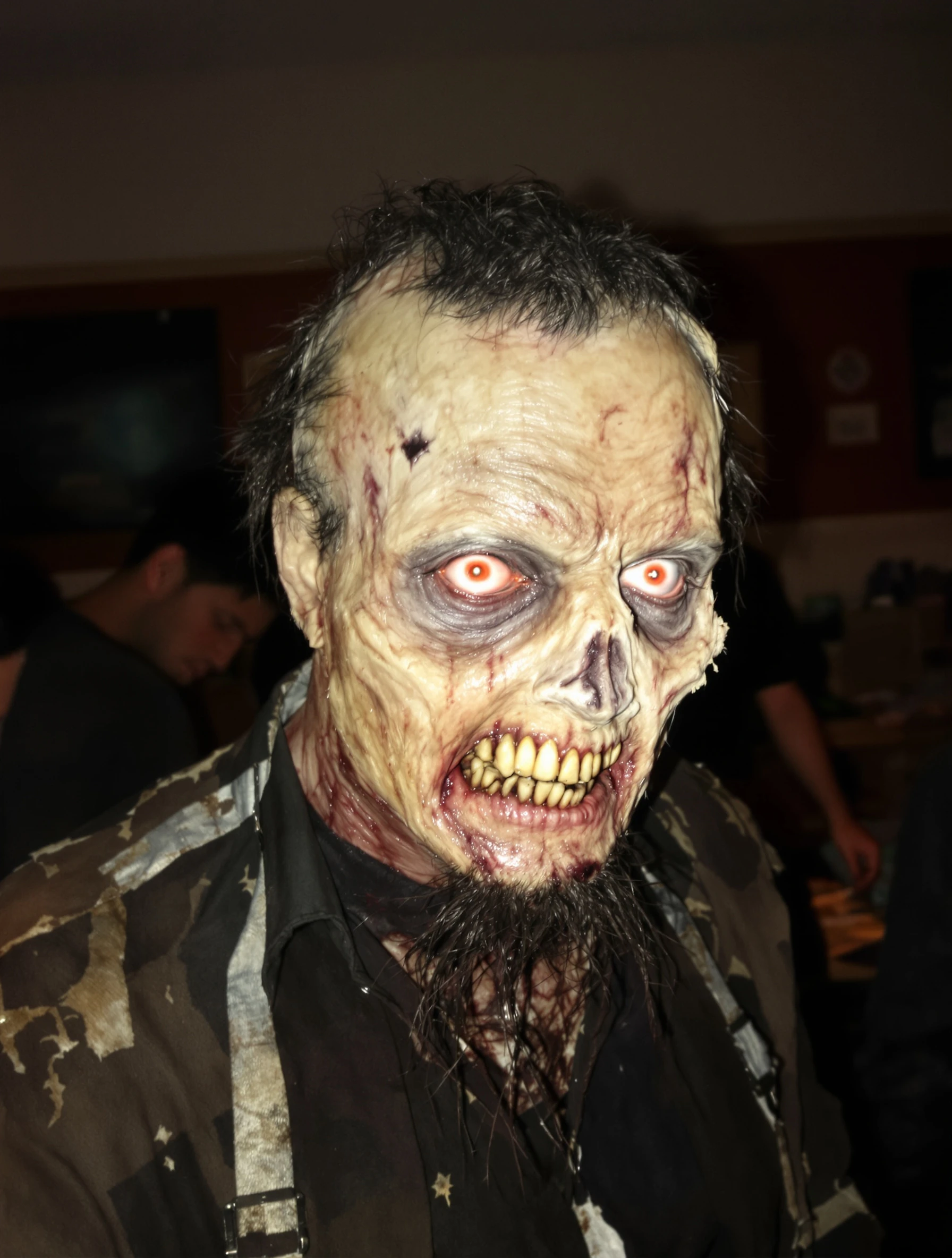
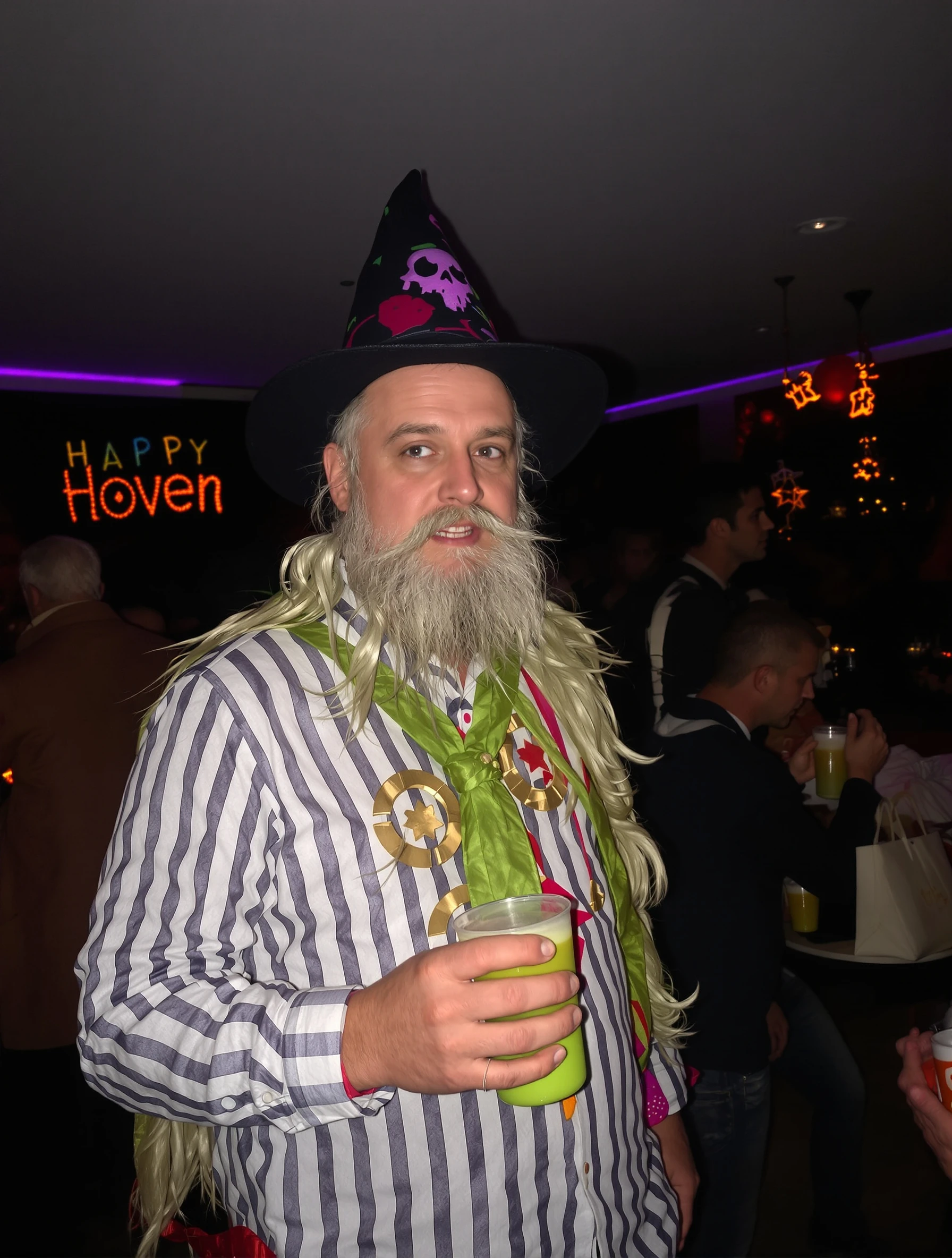
Man at Halloween party in creative costume, socializing and celebrating. Festive atmosphere, costume creativity, holiday fun, seasonal celebration.
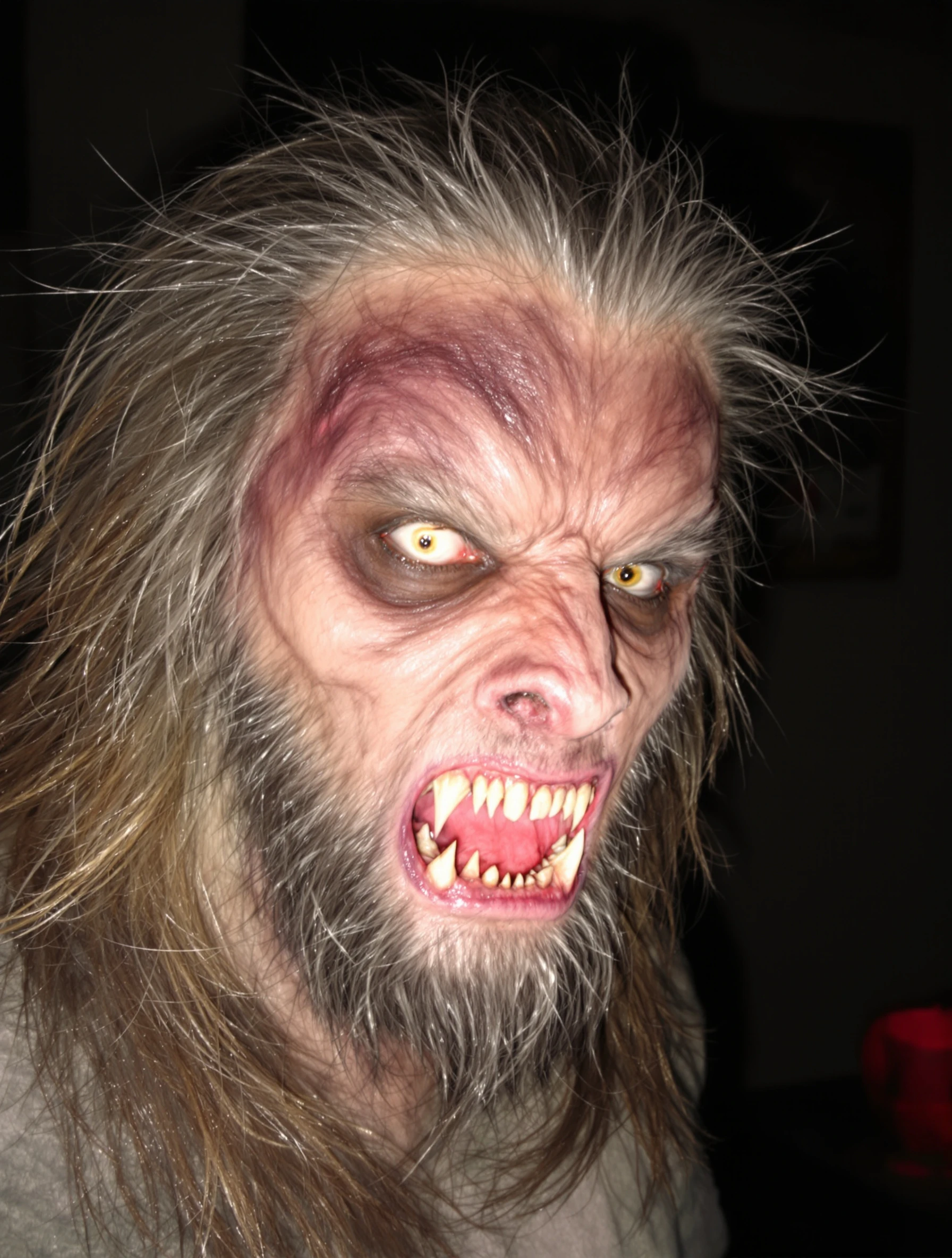
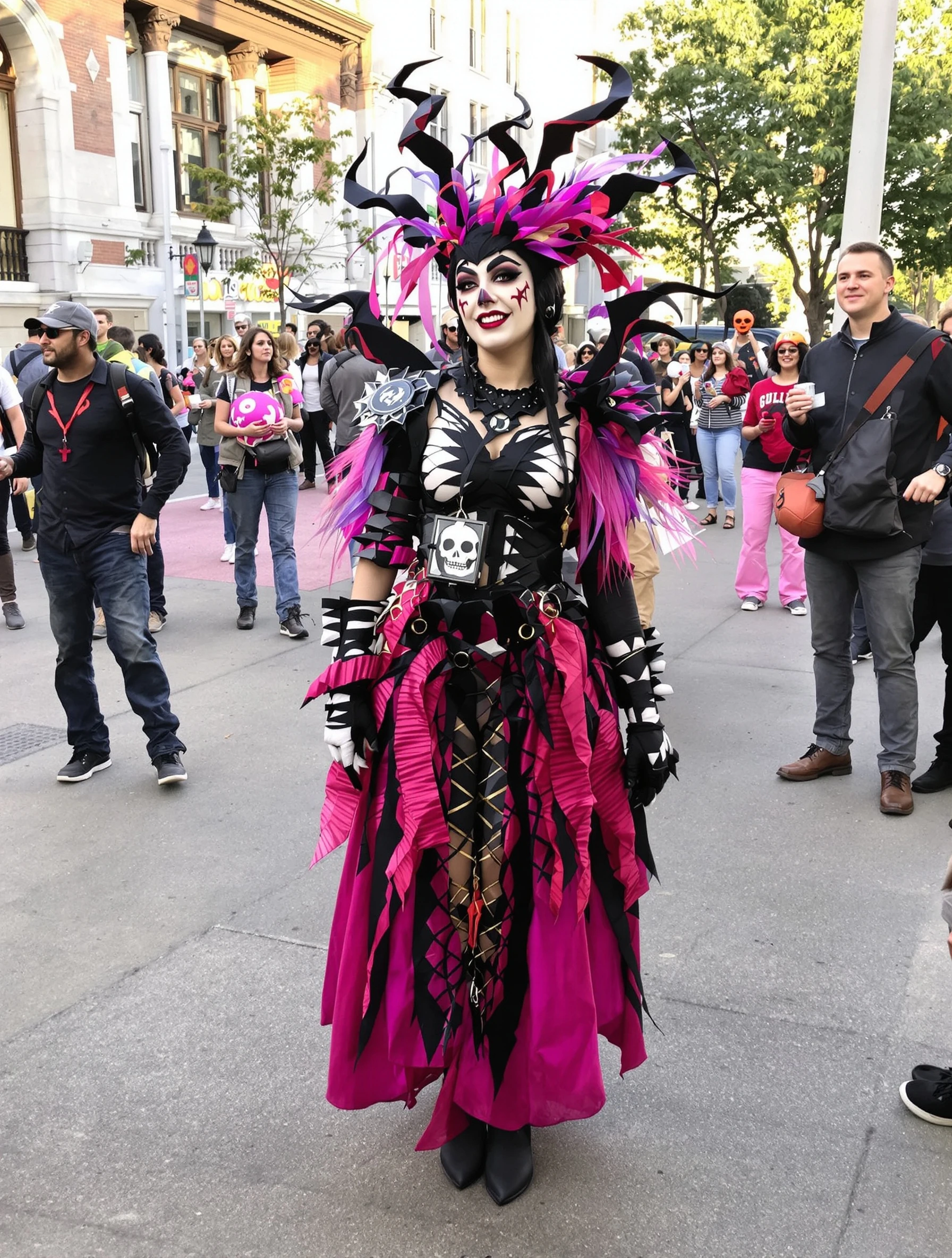
Woman in creative elaborate Halloween costume with impressive makeup. Artistic transformation, costume party ready, spooky spectacular, holiday creativity.
Woman as elegant witch in stylish black costume, dark glamour. Sophisticated spooky, witchy aesthetic, Halloween elegance, mysterious allure.
Woman in cute cat costume at Halloween party, playful sexy. Classic costume, whisker makeup, party ready, flirty festive.
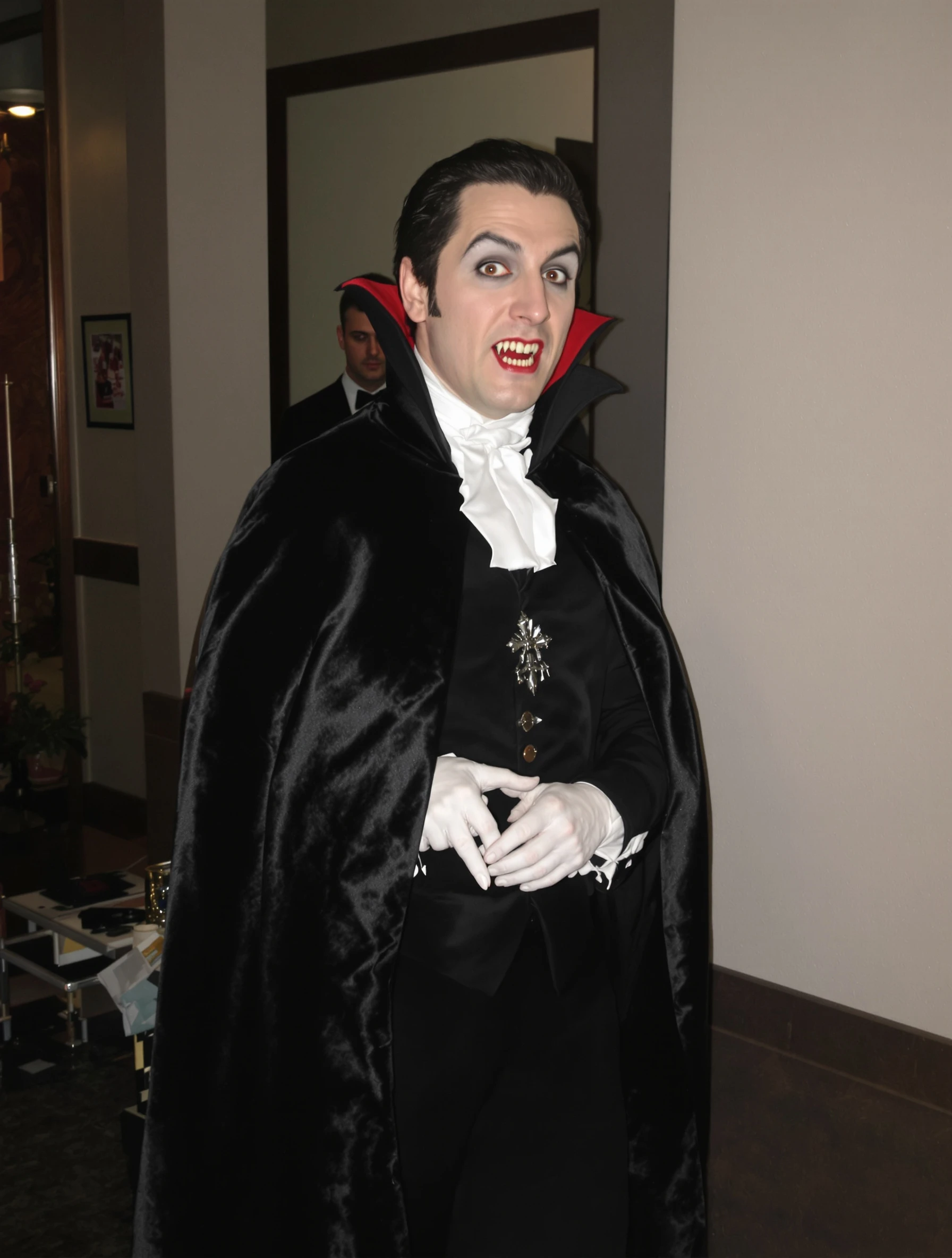
Woman in dramatic vampire costume, elegant dark dramatic look. Gothic glamour, pale makeup, dramatic cape, immortal elegance.
Woman carving pumpkin on cozy autumn evening, jack-o-lantern creation. Fall activity, orange glow, creative carving, Halloween tradition.
Woman in sexy devil costume with red details, confident and bold. Halloween party look, devilish charm, red and black, playful naughty.
Woman as ethereal angel in white costume, heavenly Halloween. Innocent costume, wings and halo, angelic beauty, celestial style.
PixelPanda PixelPanda

Your AI photoshoot platform. Run AI photoshoots, remove backgrounds, generate product photos, and create UGC videos - all in seconds.

Product

  • AI Avatar Builder
  • Content Studio
  • Product Studio
  • AI Product Photography
  • Product Catalog
  • Integrations

Resources

  • How-To Guides
  • Demos
  • API Documentation
  • Blog
  • Help Center
  • FAQ

Company

  • About Us
  • Pricing
  • Contact
  • Careers
  • Affiliates

Use Cases

  • AI Ad Generator
  • AI Face Generator
  • AI UGC
  • E-commerce
  • Marketing
  • Alternatives
  • Tool Reviews
  • Photo Ideas
  • Background Removal
  • Background Removal API

Free Tools

AI-Powered
  • AI Selfie Generator
  • Background Remover
  • Image Upscaler
  • AI Image Editor
  • Remove Text from Image
  • Image Analyzer
  • AI Image Describer
  • Image to Prompt
  • Photo Description
  • Ecommerce Product Studio
  • AI Ad Generator
  • White Background
  • AI UGC Video
Transform
  • Resize Image
  • Crop Image
  • Rotate Image
  • Flip Image
  • Compress Image
  • Convert Format
  • HEIC to JPG
  • SVG to PNG
Adjust & Color
  • Brightness & Contrast
  • Black & White Converter
  • Image Inverter
  • Color Picker
  • Palette Extractor
  • Make Transparent
Effects & Overlay
  • Blur Image
  • Pixelate Image
  • Add Border
  • Round Corners
  • Add Watermark
  • Unblur Image
Utilities
  • Merge Images
  • Image to Base64
  • PDF to Image
  • Image to PDF
  • Profile Picture Maker
  • Photo Enhancer
  • Photo Collage
  • WebP to GIF

© 2026 PixelPanda. All rights reserved.

Terms of Service Privacy Policy
Featured on Fazier PixelPanda - SaaS Hub Approved Startup Benchmarks Good AI Tools
Home
Free Tools
Pricing
Sign In

Report a Bug

Found something broken? Let us know and earn bonus credits for confirmed bugs.

Drop files here or click to browse
Images & videos up to 20MB each