PixelPanda Logo PixelPanda
  • Features
    • Product Photos
    • UGC Video Ads
    • AI Avatars
    • Content Studio
    • AI Product Photography
    • Product Catalog
    • Integrations

    • Free Tools
  • Resources
    • How-To Guides
    • Blog
    • API Docs
    • FAQ
    • Help Center
  • Pricing
  • Login
Home / Gallery / Holiday - Halloween / Photo
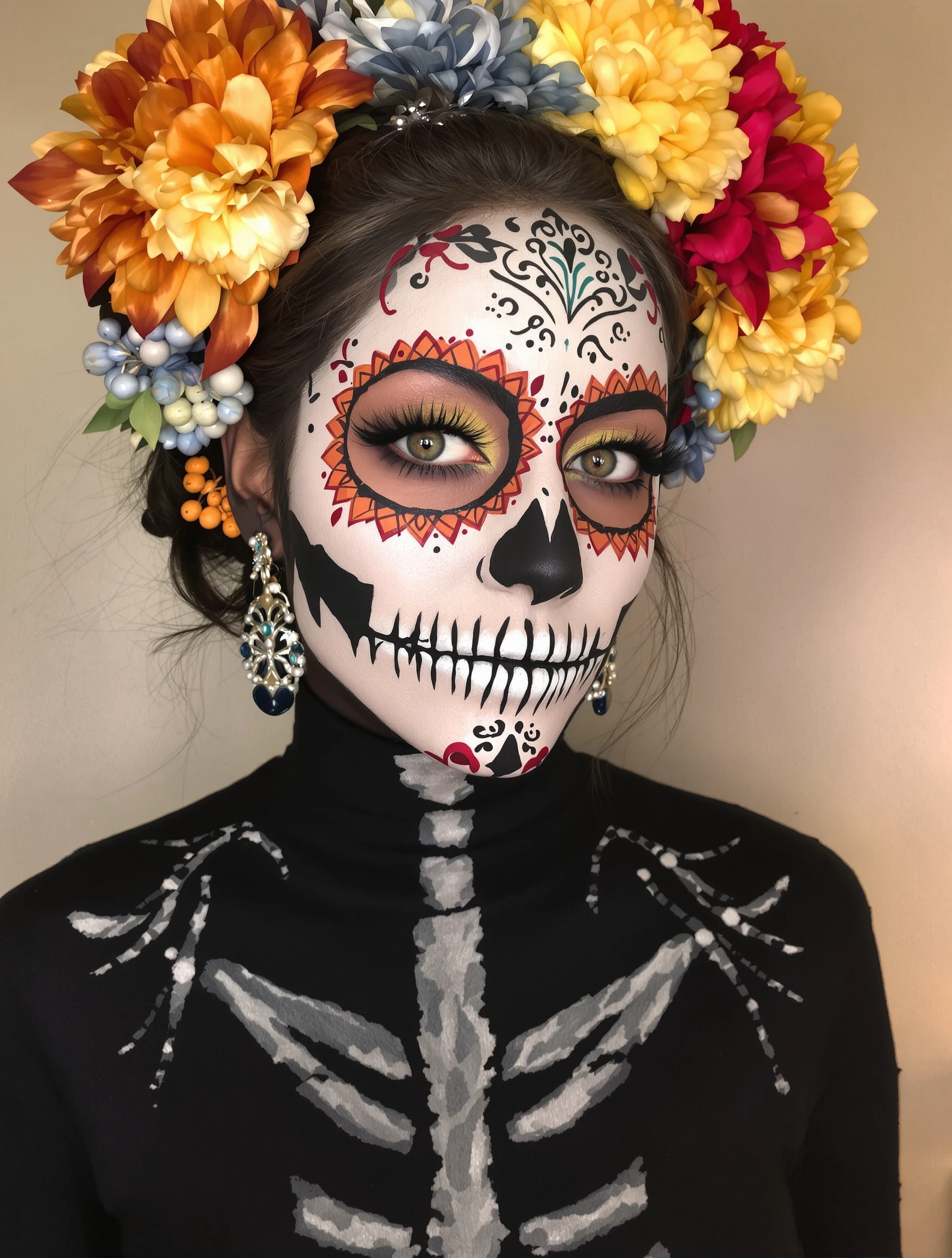
Man in terrifying werewolf costume, impressive transformation. Monster makeup, hairy and scary, full moon ready, Halloween creature.
Holiday Halloween AI Generated

Man in terrifying werewolf costume, impressive transformation. Monster makeup, hairy and scary, full moon ready, Halloween creature.

male werewolf holiday
AI Prompt Used

Man in terrifying werewolf costume, impressive transformation. Monster makeup, hairy and scary, full moon ready, Halloween creature.

Create Your Own Version

Generate personalized holiday photos with AI

Start Creating

Free to Use (CC BY 4.0)

This AI-generated image is free for personal and commercial use. Just include a link back to PixelPanda.

Image by <a href="https://pixelpanda.ai">PixelPanda AI</a>
Download Free

Perfect For

Halloween costume reveal posts October profile pictures Haunted house and scare attraction promos Horror party invitations Costume contest entries Themed bar and event flyers AI Reference

About This AI-Generated Holiday Photo

The frame is built around the head and upper chest, shot slightly low so the brow ridge and snout dominate. Fur is layered in distinct passes: coarse guard hairs along the muzzle, a denser mane sweeping back from the temples, and darker shading in the eye sockets that hollows out the face. The mouth is open in a snarl with visible teeth and gum line, and torn fabric across the shoulders sells the idea that the body outgrew the clothes. Cool blue-white light from above reads instantly as moonlight, and the shadow under the jaw keeps the silhouette beastlike rather than costumed.

For Halloween posting, this angle solves the biggest problem with monster photos: costumes usually look best in person and flat in pictures. Tight framing hides the seams where a mask meets the neck, and the top light exaggerates every texture ridge instead of flattening it. The snarl also gives the shot a moment rather than a pose, which is what keeps it from looking like a costume-shop catalog photo in a crowded October feed.

To adapt it, change the fur palette: silver-gray for a classic lycanthrope, rust brown for a feral woodland version, near-black for something closer to a hellhound. Swap the shredded shirt for a ripped hoodie or a torn dress shirt with a loose tie if you want the abandoned-human detail to land harder. Warmer firelight instead of moonlight shifts the mood from lunar to hunted.

Tips for Holiday Photography

  • Keep the mouth open in a snarl; a closed-mouth werewolf reads as fur makeup, not a transformation.
  • Light from above and slightly to one side so fur texture and brow shadows separate instead of flattening.
  • Frame from mid-chest up so the mask-to-neck seam and costume shoulders stay out of the shot.
  • Add torn fabric at the shoulders or collar; shredded clothing implies the transformation better than fur alone.

Frequently Asked Questions

How do I make a werewolf photo look like real prosthetics instead of a filter?

Ask for layered fur with different lengths, a physically extended muzzle that changes the face silhouette, and visible teeth with gum line. Filters typically only tint and add hair over a human face shape. Specifying shadow in the eye sockets and a heavier brow ridge also pushes the result toward practical makeup effects.

What lighting should I request for a full moon werewolf shot?

Cool blue-white light coming from above, like moonlight, with the face angled up slightly. This creates shadow under the jaw and brow that makes the head read as animal. Avoid even front lighting, which flattens fur into a single tone and makes the whole thing look like a rubber mask.

Will this work as a Halloween profile picture, or is it too dark?

It works well for October if you keep the eyes bright and the face fairly centered. Small profile circles crop hard, so a head-and-shoulders framing survives better than a full-body creature shot. If the image reads too murky at thumbnail size, ask for a slightly stronger rim light on the mane.

Technical Details

Cool blue-white key light from above creates deep brow and jaw shadows that define the muzzle silhouette. Tight head-and-shoulders framing with shallow depth of field keeps fur texture crisp while the background falls into near-black.
More Halloween Photos

View All
Woman carving pumpkin on cozy autumn evening, jack-o-lantern creation. Fall activity, orange glow, creative carving, Halloween tradition.
Woman in sexy devil costume with red details, confident and bold. Halloween party look, devilish charm, red and black, playful naughty.
Woman as ethereal angel in white costume, heavenly Halloween. Innocent costume, wings and halo, angelic beauty, celestial style.
Woman at haunted house attraction, scared expression but having fun. Halloween entertainment, spooky thrills, frightful fun, seasonal adventure.
Woman winning costume contest in creative unique Halloween outfit. Award-worthy creativity, impressive design, Halloween dedication, crowd winner.
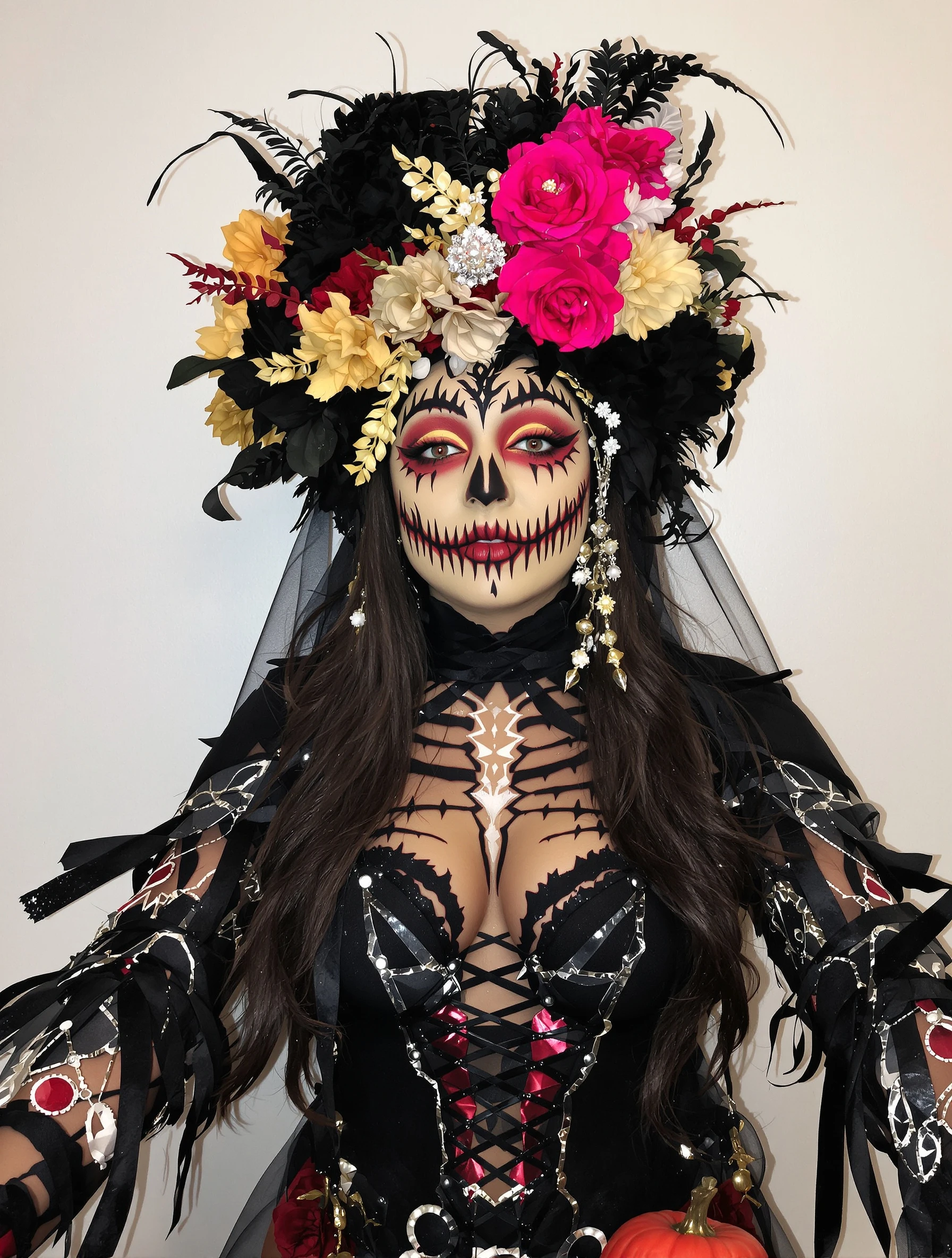
Woman with artistic skull makeup, Day of the Dead inspiration. Face paint artistry, detailed design, cultural aesthetic, beautiful macabre.
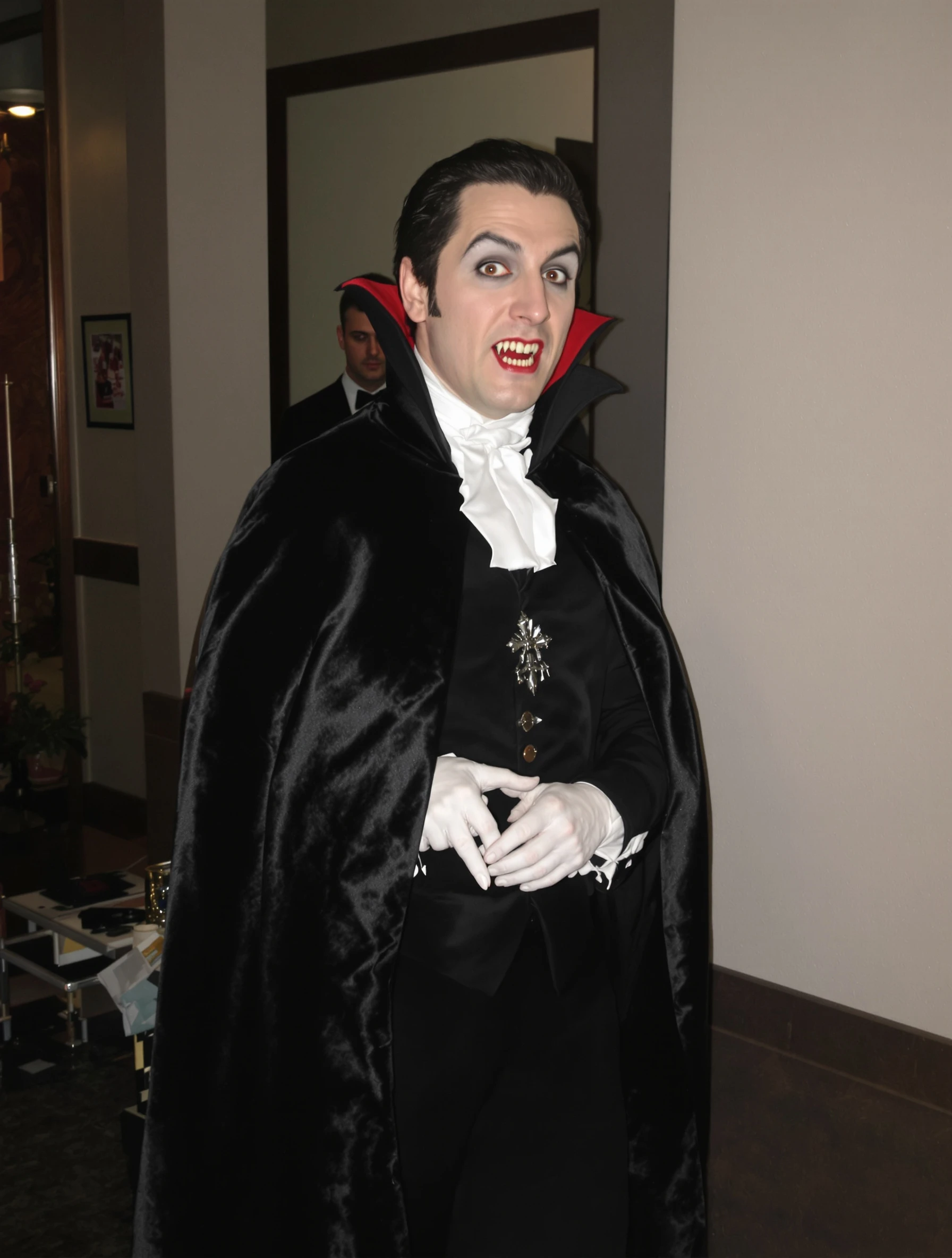
Man in classic vampire costume, Dracula elegance and dark charm. Gothic formal, cape and fangs, immortal style, Halloween sophistication.
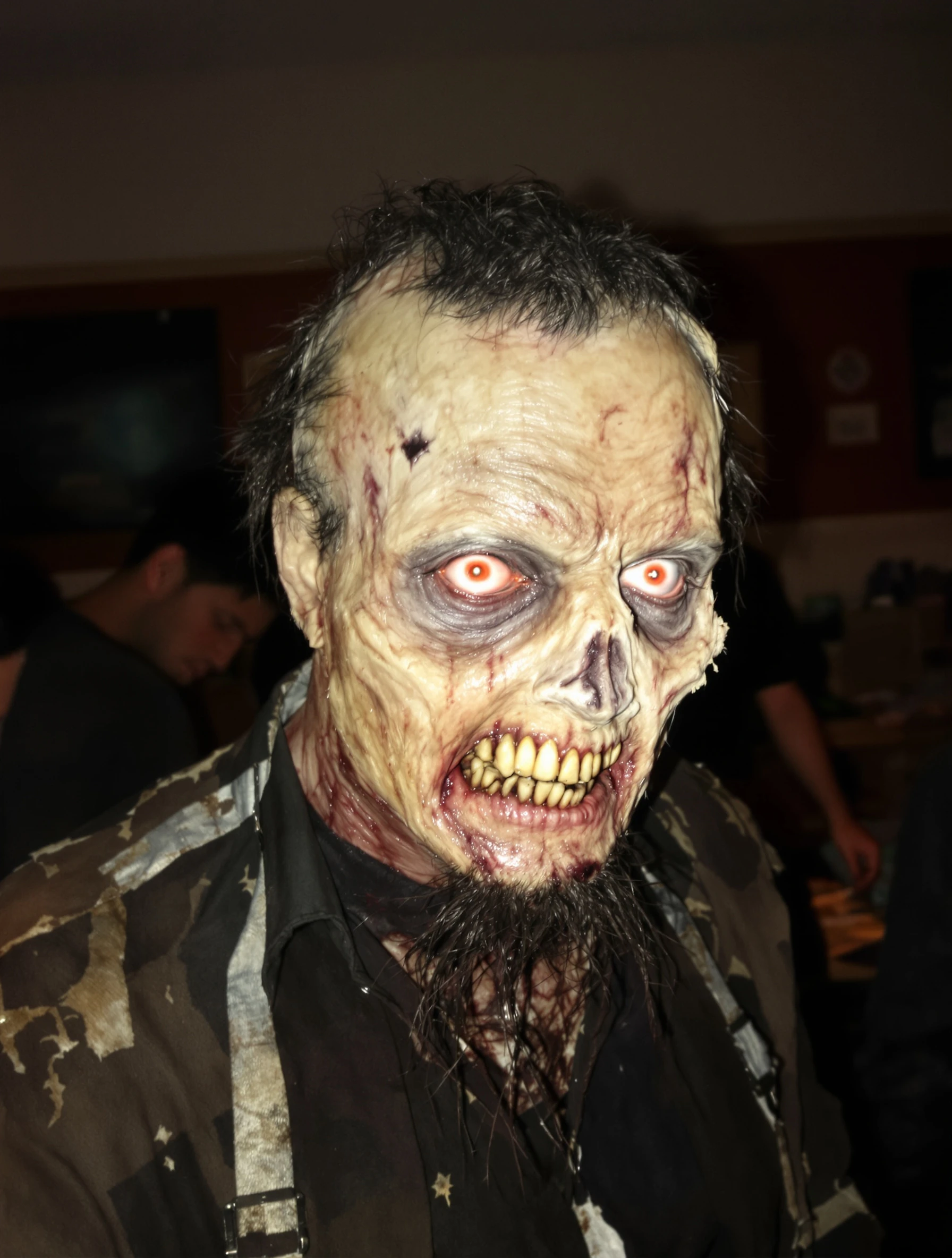
Man as zombie with impressive undead makeup, walking dead style. Horror costume, decaying details, spooky realistic, Halloween fright.
PixelPanda PixelPanda

Your AI photoshoot platform. Run AI photoshoots, remove backgrounds, generate product photos, and create UGC videos - all in seconds.

Product

  • AI Avatar Builder
  • Content Studio
  • Product Studio
  • AI Product Photography
  • Product Catalog
  • Integrations

Resources

  • How-To Guides
  • Demos
  • API Documentation
  • Blog
  • Help Center
  • FAQ

Company

  • About Us
  • Pricing
  • Contact
  • Careers
  • Affiliates

Use Cases

  • AI Ad Generator
  • AI Face Generator
  • AI UGC
  • E-commerce
  • Marketing
  • Alternatives
  • Tool Reviews
  • Photo Ideas
  • Background Removal
  • Background Removal API

Free Tools

AI-Powered
  • AI Selfie Generator
  • Background Remover
  • Image Upscaler
  • AI Image Editor
  • Remove Text from Image
  • Image Analyzer
  • AI Image Describer
  • Image to Prompt
  • Photo Description
  • Ecommerce Product Studio
  • AI Ad Generator
  • White Background
  • AI UGC Video
Transform
  • Resize Image
  • Crop Image
  • Rotate Image
  • Flip Image
  • Compress Image
  • Convert Format
  • HEIC to JPG
  • SVG to PNG
Adjust & Color
  • Brightness & Contrast
  • Black & White Converter
  • Image Inverter
  • Color Picker
  • Palette Extractor
  • Make Transparent
Effects & Overlay
  • Blur Image
  • Pixelate Image
  • Add Border
  • Round Corners
  • Add Watermark
  • Unblur Image
Utilities
  • Merge Images
  • Image to Base64
  • PDF to Image
  • Image to PDF
  • Profile Picture Maker
  • Photo Enhancer
  • Photo Collage
  • WebP to GIF

© 2026 PixelPanda. All rights reserved.

Terms of Service Privacy Policy
Featured on Fazier PixelPanda - SaaS Hub Approved Startup Benchmarks Good AI Tools
Home
Free Tools
Pricing
Sign In

Report a Bug

Found something broken? Let us know and earn bonus credits for confirmed bugs.

Drop files here or click to browse
Images & videos up to 20MB each