PixelPanda Logo PixelPanda
  • Features
    • Product Photos
    • UGC Video Ads
    • AI Avatars
    • Content Studio
    • AI Product Photography
    • Product Catalog
    • Integrations

    • Free Tools
  • Resources
    • How-To Guides
    • Blog
    • API Docs
    • FAQ
    • Help Center
  • Pricing
  • Login
Home / Gallery / Holiday - Halloween / Photo
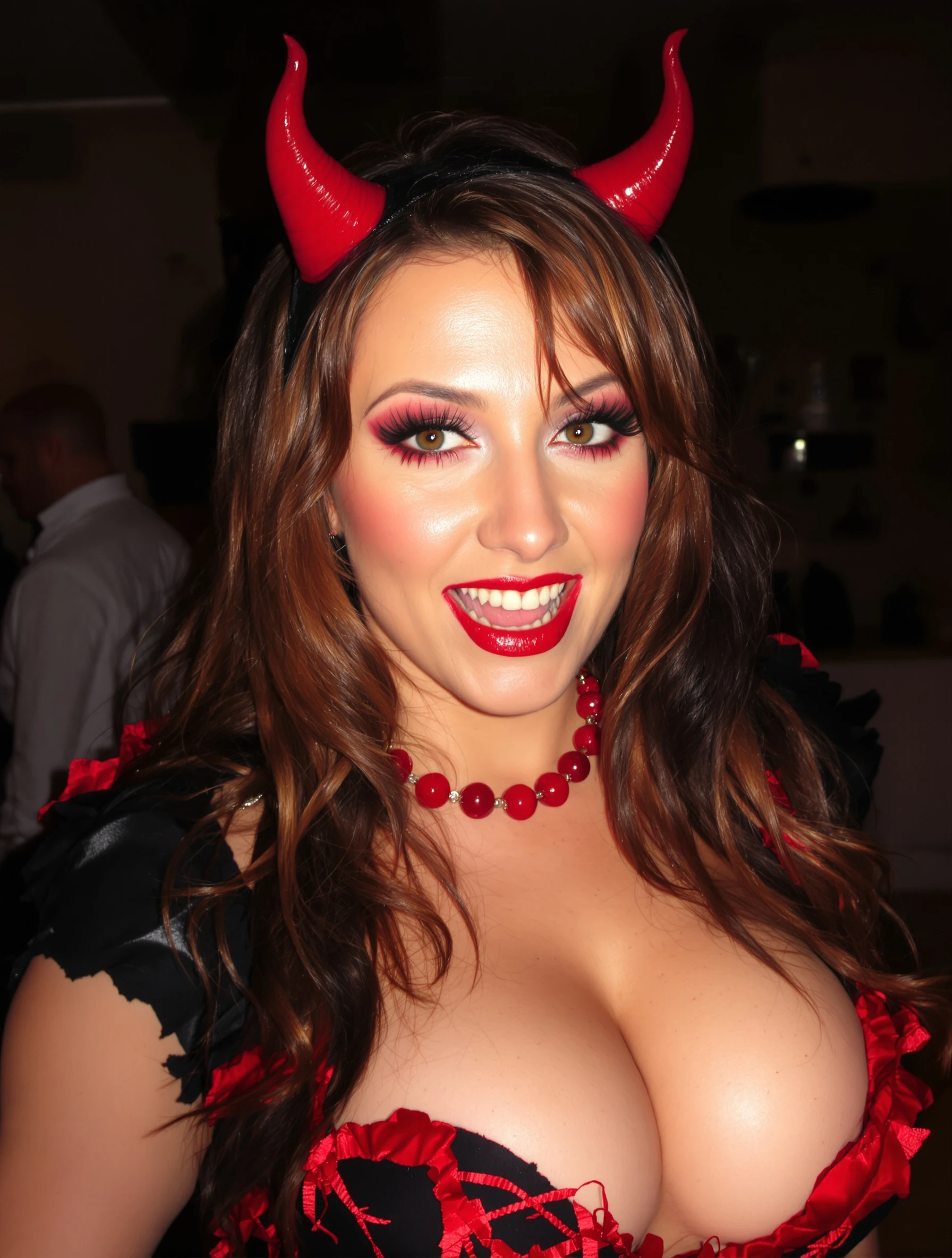
Woman in sexy devil costume with red details, confident and bold. Halloween party look, devilish charm, red and black, playful naughty.
Holiday Halloween AI Generated

Woman in sexy devil costume with red details, confident and bold. Halloween party look, devilish charm, red and black, playful naughty.

female devil holiday
AI Prompt Used

Woman in sexy devil costume with red details, confident and bold. Halloween party look, devilish charm, red and black, playful naughty.

Create Your Own Version

Generate personalized holiday photos with AI

Start Creating

Free to Use (CC BY 4.0)

This AI-generated image is free for personal and commercial use. Just include a link back to PixelPanda.

Image by <a href="https://pixelpanda.ai">PixelPanda AI</a>
Download Free

Perfect For

Halloween Instagram posts and reels covers Costume party invitations and event flyers Seasonal dating app profile photos TikTok and Snapchat October profile pictures Halloween themed bar and club promo graphics Costume contest entries and group photo sets AI Reference

About This AI-Generated Holiday Photo

The frame centers a single subject in a fitted black costume trimmed with red, horns sitting high on the head so the silhouette is readable even in a small thumbnail. The chin is slightly lifted, shoulders squared, and the expression sits between a smirk and a dare. Light falls warm on the face with red spill along the edges of the hair and shoulders, and the background drops into deep shadow so nothing competes with the costume. The impression is theatrical but controlled, closer to a character portrait than a candid party shot.

For Halloween posts, the horns and red accents do the identification work instantly, which matters when someone is scrolling a feed full of costumes. The dark background keeps the crop flexible for square or vertical formats without losing the head silhouette, and the strong color contrast survives heavy compression and small screens. A confident, direct pose also reads better than an action pose here, since motion blur and busy party backgrounds are what usually ruin costume photos.

To adapt it, swap the red for purple or acid green if you want a witch or succubus read instead of classic devil. Keep the horns in profile against the darkest part of the background so they never disappear. Softer lighting and a less direct gaze push the same costume toward mischievous rather than seductive, which suits family friendly feeds and workplace parties.

Tips for Holiday Photography

  • Angle the horns against the darkest background area so their outline stays sharp instead of blending into the shadows.
  • Keep red accents on the neckline, cuffs or lips so color repeats and guides the eye upward to your face.
  • Lift the chin slightly and drop the shoulders back; slouching flattens the confident, in-character devil energy fast.
  • Skip busy party backgrounds. One dark wall with a red gel or lamp beats a room full of distractions.

Frequently Asked Questions

How do I keep devil horns from disappearing in a dark Halloween photo?

Place them against the darkest part of the frame and add a light source behind or above you so a thin rim of light traces the horn edges. Even a lamp or phone flashlight aimed from behind at low power will separate them. Avoid front flash only, which flattens the horns into your hair.

What makes a devil costume photo look bold instead of cheap?

Restraint in the color palette and control in the pose. Keeping everything black with a few deliberate red accents looks styled, while mixing three or four bright colors reads like a costume shop bag. A steady, direct expression with squared shoulders also signals character work rather than a rushed party selfie.

Can I use this kind of look for a Halloween profile picture year round?

It works best seasonally, roughly October through early November, because the horns date the image quickly. If you want longer use, request a tighter crop that emphasizes red lighting and makeup with the horns partly out of frame. That version reads as dramatic portraiture rather than a specific costume.

Technical Details

Warm key light from slightly above camera shapes the face, with red accent light spilling from behind onto hair and shoulders. Shallow depth of field drops the background to near black, framing tight from mid torso up with saturated red against desaturated shadow.
More Halloween Photos

View All
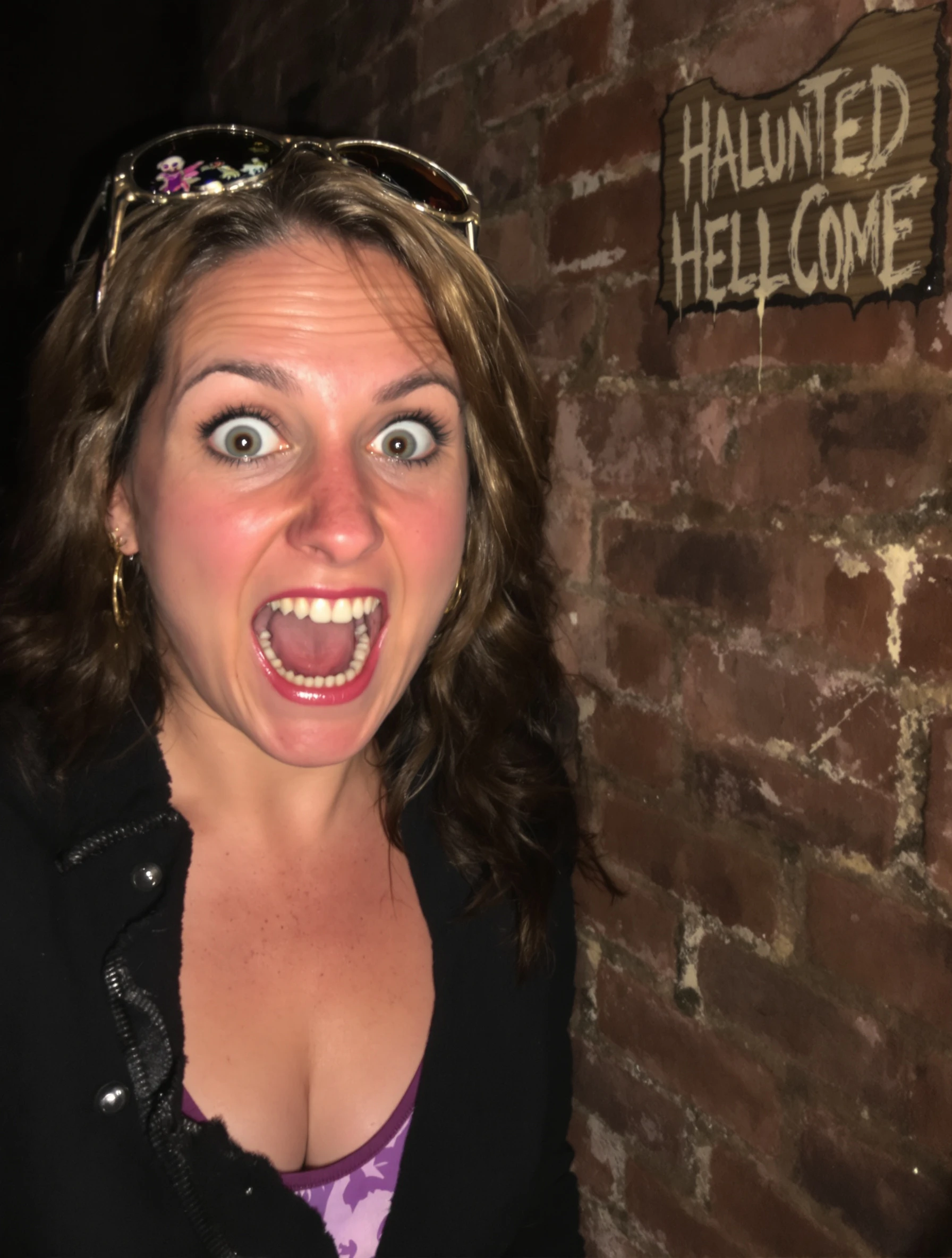
Woman at haunted house attraction, scared expression but having fun. Halloween entertainment, spooky thrills, frightful fun, seasonal adventure.
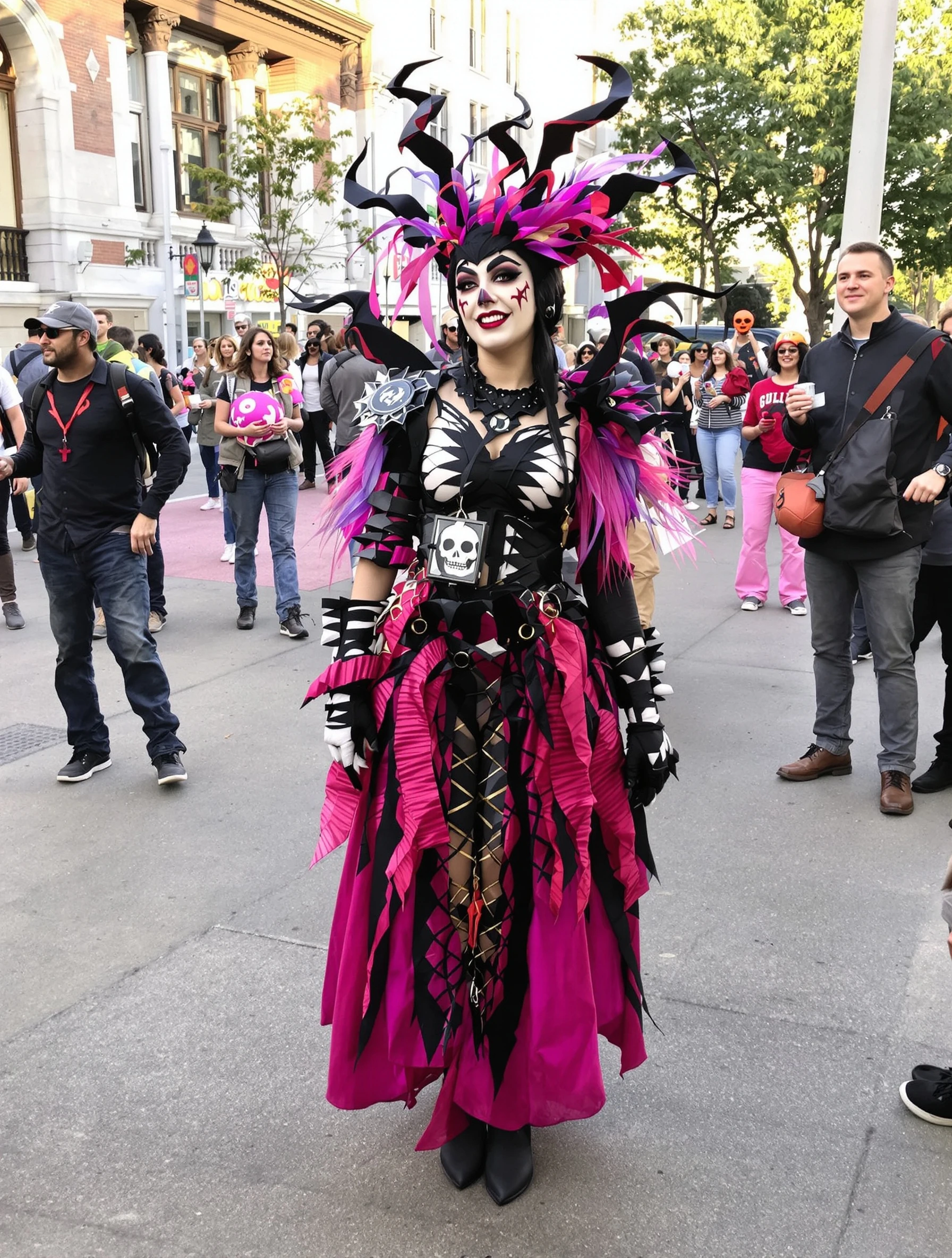
Woman winning costume contest in creative unique Halloween outfit. Award-worthy creativity, impressive design, Halloween dedication, crowd winner.
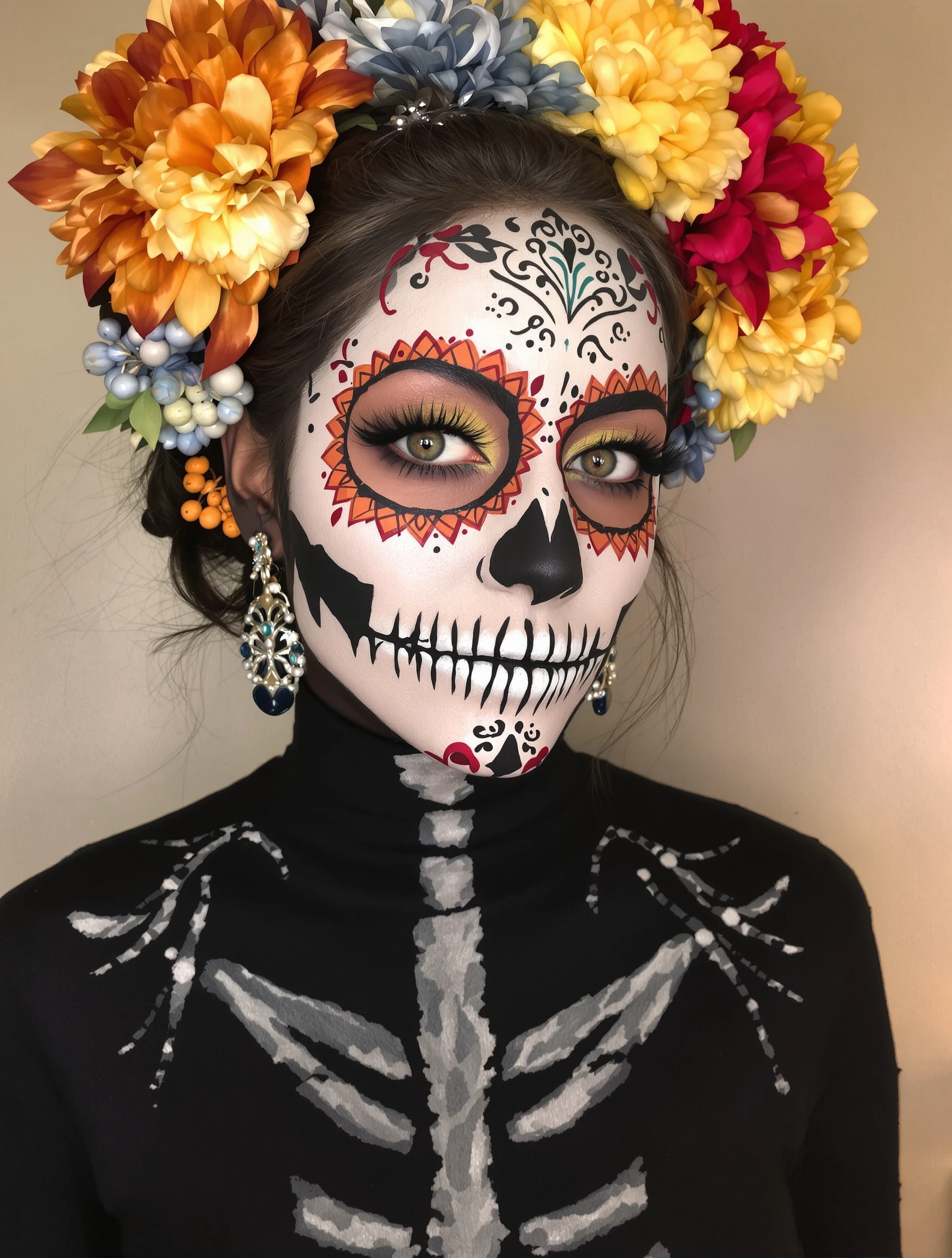
Woman with artistic skull makeup, Day of the Dead inspiration. Face paint artistry, detailed design, cultural aesthetic, beautiful macabre.
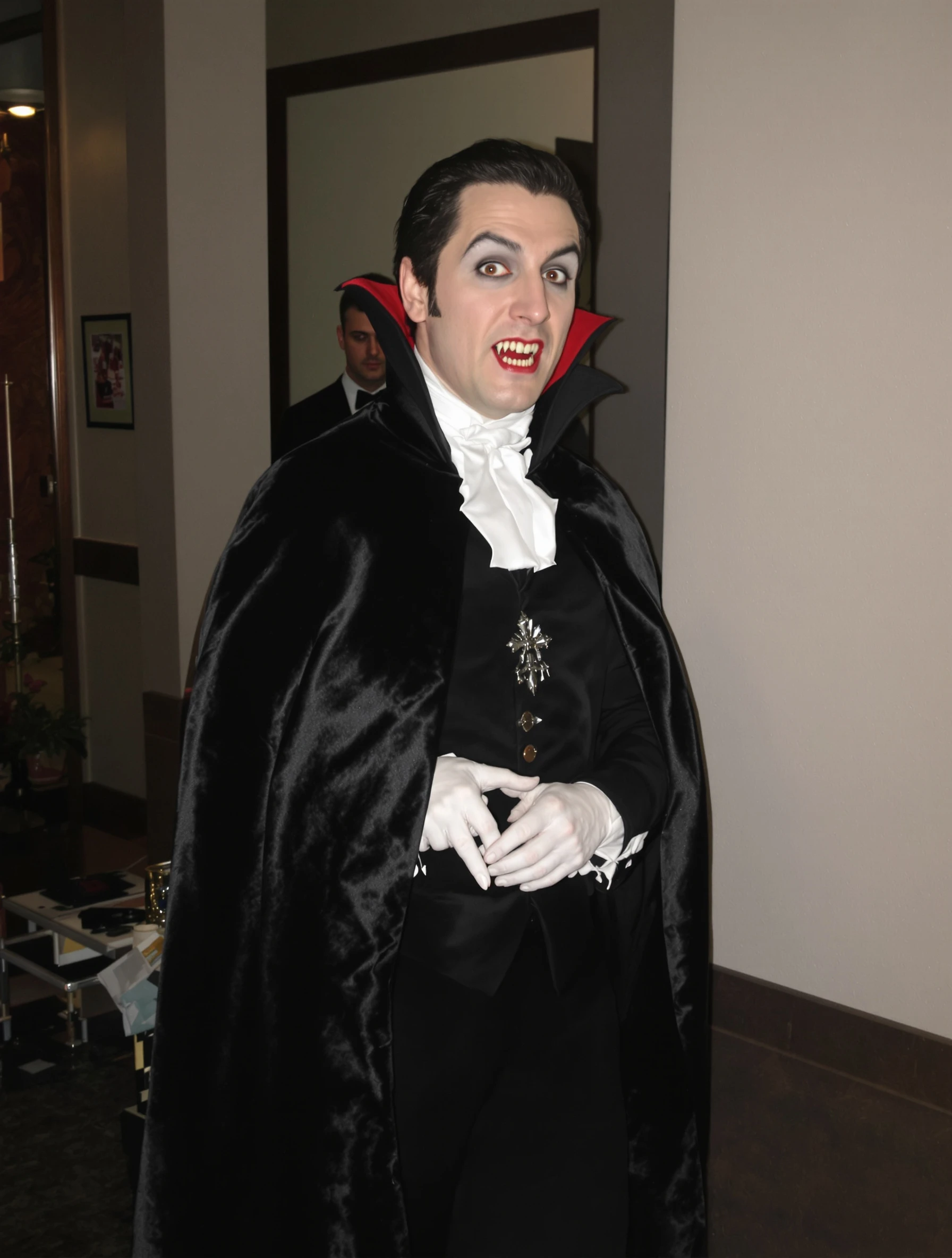
Man in classic vampire costume, Dracula elegance and dark charm. Gothic formal, cape and fangs, immortal style, Halloween sophistication.
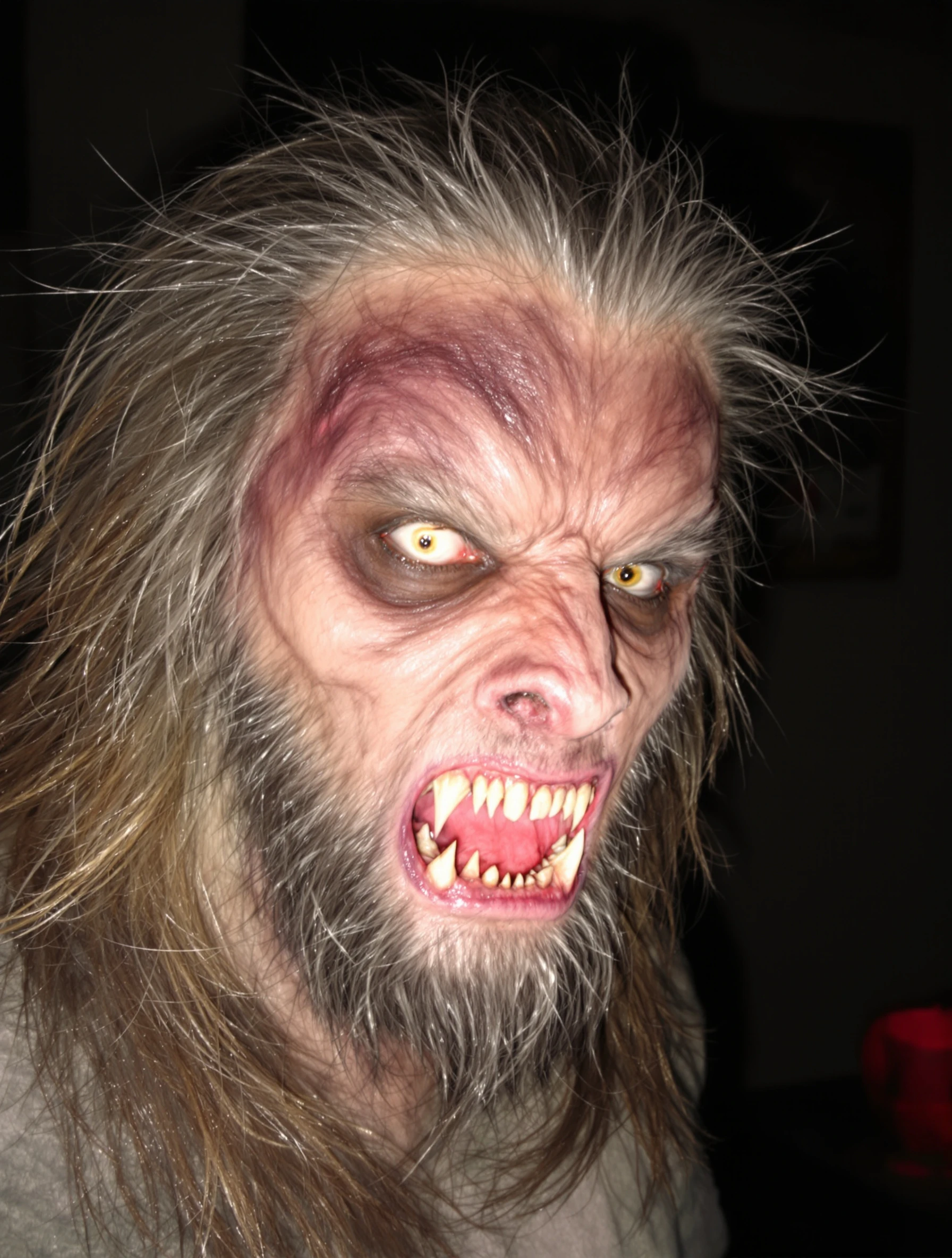
Man in terrifying werewolf costume, impressive transformation. Monster makeup, hairy and scary, full moon ready, Halloween creature.
Man as zombie with impressive undead makeup, walking dead style. Horror costume, decaying details, spooky realistic, Halloween fright.
Man with artistic skeleton costume and face paint. Bone structure makeup, Day of the Dead influence, graphic design, Halloween art.
Man at Halloween party in creative costume, socializing and celebrating. Festive atmosphere, costume creativity, holiday fun, seasonal celebration.
PixelPanda PixelPanda

Your AI photoshoot platform. Run AI photoshoots, remove backgrounds, generate product photos, and create UGC videos - all in seconds.

Product

  • AI Avatar Builder
  • Content Studio
  • Product Studio
  • AI Product Photography
  • Product Catalog
  • Integrations

Resources

  • How-To Guides
  • Demos
  • API Documentation
  • Blog
  • Help Center
  • FAQ

Company

  • About Us
  • Pricing
  • Contact
  • Careers
  • Affiliates

Use Cases

  • AI Ad Generator
  • AI Face Generator
  • AI UGC
  • E-commerce
  • Marketing
  • Alternatives
  • Tool Reviews
  • Photo Ideas
  • Background Removal
  • Background Removal API

Free Tools

AI-Powered
  • AI Selfie Generator
  • Background Remover
  • Image Upscaler
  • AI Image Editor
  • Remove Text from Image
  • Image Analyzer
  • AI Image Describer
  • Image to Prompt
  • Photo Description
  • Ecommerce Product Studio
  • AI Ad Generator
  • White Background
  • AI UGC Video
Transform
  • Resize Image
  • Crop Image
  • Rotate Image
  • Flip Image
  • Compress Image
  • Convert Format
  • HEIC to JPG
  • SVG to PNG
Adjust & Color
  • Brightness & Contrast
  • Black & White Converter
  • Image Inverter
  • Color Picker
  • Palette Extractor
  • Make Transparent
Effects & Overlay
  • Blur Image
  • Pixelate Image
  • Add Border
  • Round Corners
  • Add Watermark
  • Unblur Image
Utilities
  • Merge Images
  • Image to Base64
  • PDF to Image
  • Image to PDF
  • Profile Picture Maker
  • Photo Enhancer
  • Photo Collage
  • WebP to GIF

© 2026 PixelPanda. All rights reserved.

Terms of Service Privacy Policy
Featured on Fazier PixelPanda - SaaS Hub Approved Startup Benchmarks Good AI Tools
Home
Free Tools
Pricing
Sign In

Report a Bug

Found something broken? Let us know and earn bonus credits for confirmed bugs.

Drop files here or click to browse
Images & videos up to 20MB each