PixelPanda Logo PixelPanda
  • Features
    • Product Photos
    • UGC Video Ads
    • AI Avatars
    • Content Studio
    • AI Product Photography
    • Product Catalog
    • Integrations

    • Free Tools
  • Resources
    • How-To Guides
    • Blog
    • API Docs
    • FAQ
    • Help Center
  • Pricing
  • Login
Home / Gallery / Travel - Tokyo / Photo
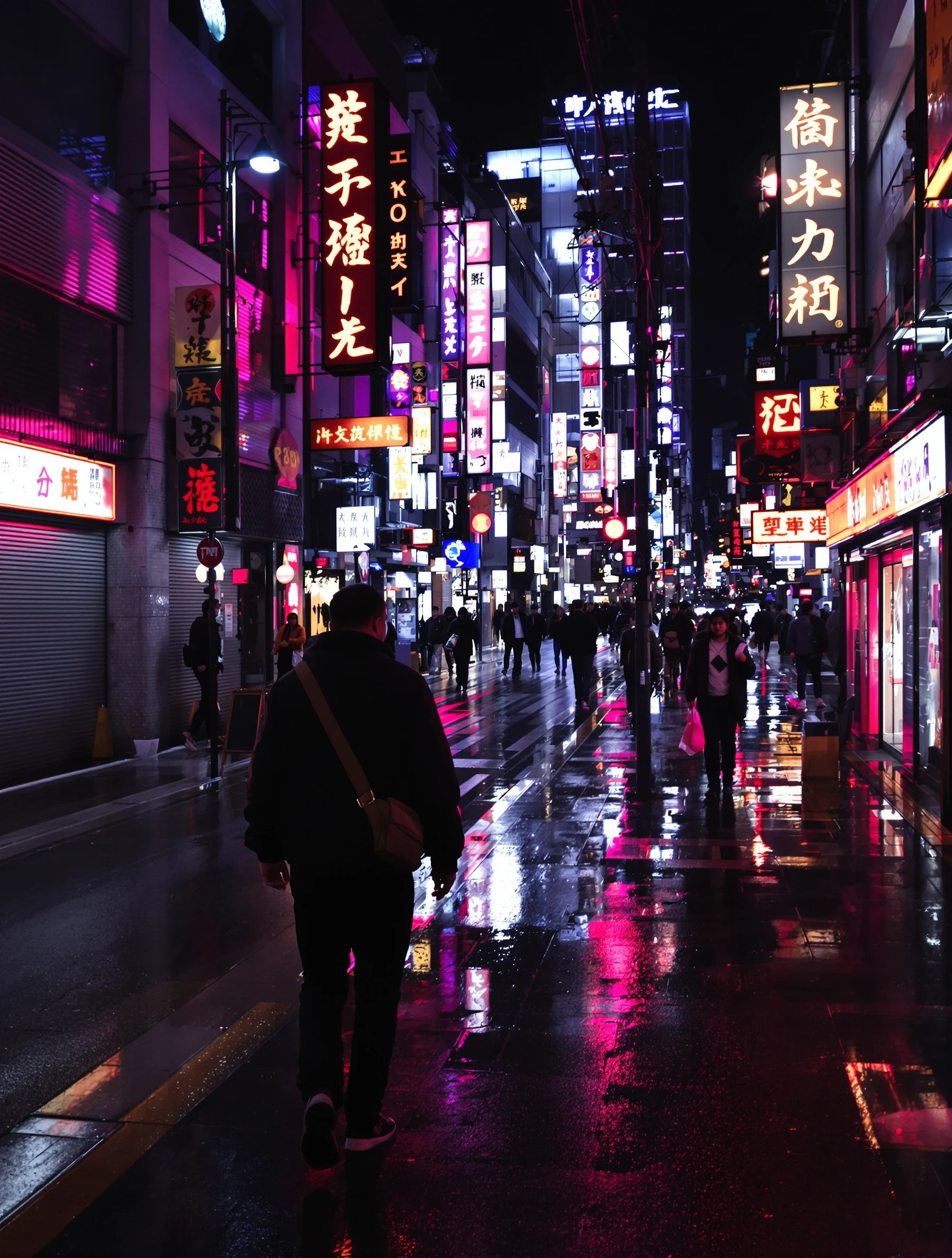
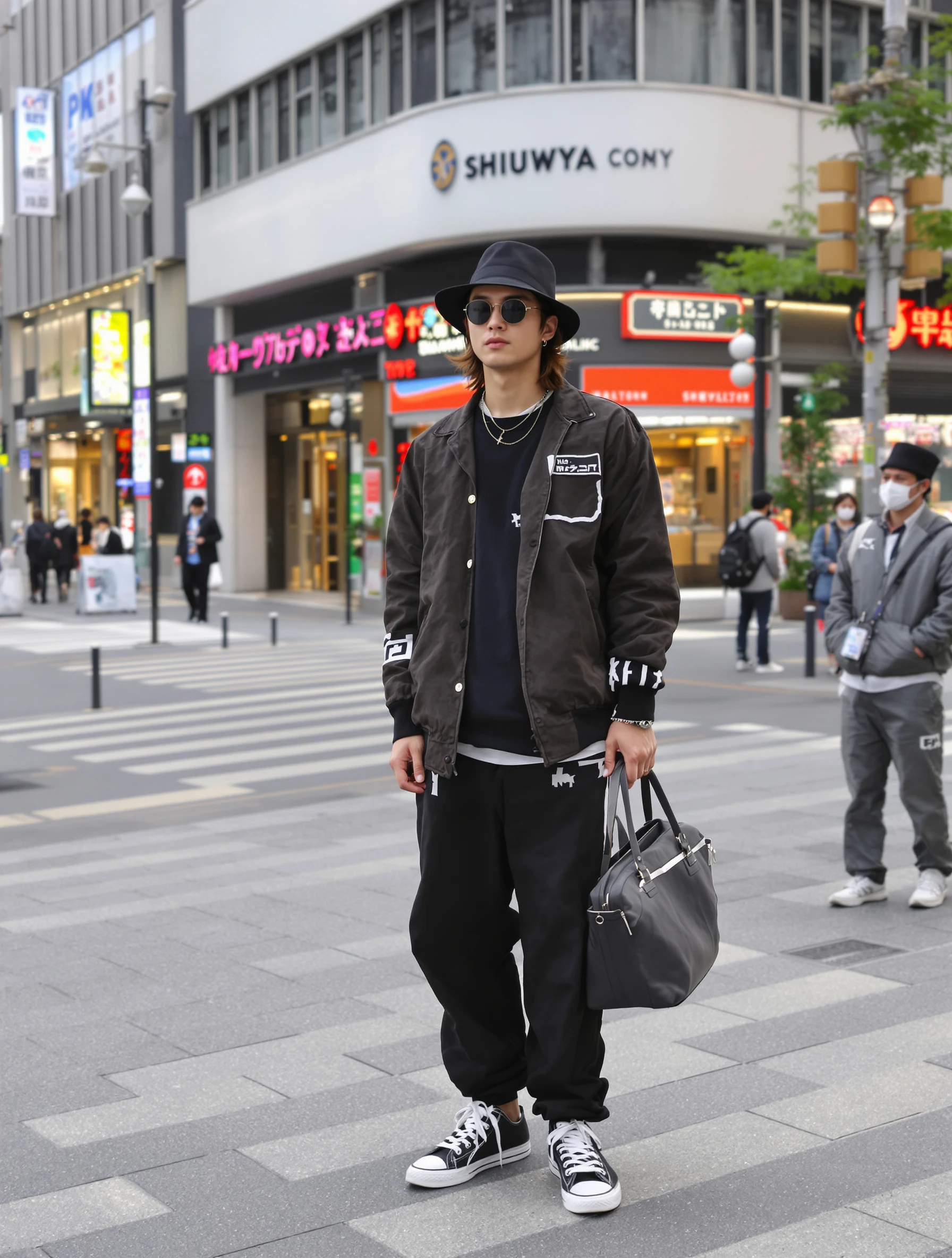
Man walking neon-lit Tokyo streets at night, Blade Runner vibes. Urban casual style, rain-slicked reflections, futuristic city, nocturnal exploration.
Travel Tokyo AI Generated

Man walking neon-lit Tokyo streets at night, Blade Runner vibes. Urban casual style, rain-slicked reflections, futuristic city, nocturnal exploration.

male urban travel
AI Prompt Used

Man walking neon-lit Tokyo streets at night, Blade Runner vibes. Urban casual style, rain-slicked reflections, futuristic city, nocturnal exploration.

Create Your Own Version

Generate personalized travel photos with AI

Start Creating

Free to Use (CC BY 4.0)

This AI-generated image is free for personal and commercial use. Just include a link back to PixelPanda.

Image by <a href="https://pixelpanda.ai">PixelPanda AI</a>
Download Free

Perfect For

Instagram Tokyo travel carousels Reels and Stories cover frames Travel blog night guide headers Street photography portfolio pages Dating profile with a location hook Music or DJ artist promo shots AI Reference

About This AI-Generated Travel Photo

The frame catches him mid-stride, roughly three-quarter turned so the neon rakes across one cheek and shoulder while the other side falls into shadow. Wardrobe is deliberately plain: a dark jacket over a simple tee, straight pants, sneakers that read fine against wet asphalt. Above and behind him, vertical signboards stack into the distance, and the rain-slicked pavement mirrors them into long smeared columns of color. The impression is less tourist and more resident, someone who knows which alley to turn down.

For Tokyo travel content, this beats the daylight Shibuya crossing shot because it is not a landmark everyone already owns. Narrow streets like the ones around Golden Gai, Omoide Yokocho, or the lanes off Kabukicho give you sign density at eye level, so the color lands on the face instead of hovering out of reach. Vertical crops keep the signage stack intact for Stories and Reels covers, and the dark upper corners leave room for text without a scrim.

To recreate it, shoot after rain or right after street cleaning when reflections are strongest, and keep the subject a few steps ahead of you rather than posed against a wall. Swap the dark jacket for a light trench if you want the neon to tint the fabric instead of getting swallowed. For a warmer, quieter version, move to a lantern-lit izakaya lane and drop the cyan entirely.

Tips for Travel Photography

  • Shoot the mid-stride moment, not a standing pose. Walking sells nocturnal exploration; standing still reads like a posed sign selfie.
  • Position so neon hits the face from front-left or front-right, never straight overhead, which shadows the eye sockets.
  • Look for puddles and wet manhole covers, then lower the camera slightly to double the sign reflections underfoot.
  • Keep clothing simple and dark or neutral. Busy prints fight magenta and cyan signage and muddy the whole frame.

Frequently Asked Questions

Which Tokyo neighborhoods actually look like this at night?

The dense, narrow ones. Shinjuku's Kabukicho lanes, Omoide Yokocho, Golden Gai, plus the backstreets of Shibuya's Center Gai and parts of Akihabara. Wide boulevards like Ginza have beautiful light but it sits too high and too far apart to reach a walking subject's face the way these alleys do.

Do I need real rain to get the reflections?

No. Any wet pavement works, so shoot within an hour after a shower, or after shops hose down their entryways in the early evening. Even a small puddle placed between you and the subject will mirror the signage above. Light drizzle also adds visible streaks in the neon glow, which strengthens the effect.

Why does my Tokyo night photo look muddy instead of cinematic?

Usually two things: the subject is standing where no sign light reaches their face, and the white balance is fighting itself. Mixed neon, sodium, and LED sources confuse auto settings. Choose one dominant color to protect, let the rest drift, and move the subject until the strongest sign clearly lights their skin.

Technical Details

Mixed neon sources light the subject from the front and side while signage behind creates backlit separation. Shallow depth of field smears the sign stack into bokeh, with saturated magenta and cyan grading and deep, uncrushed shadows.
More Tokyo Photos

View All
Woman exploring electric Akihabara district with anime shops and game centers. Casual fun outfit, neon signs and pop culture, otaku paradise, sensory adventure.
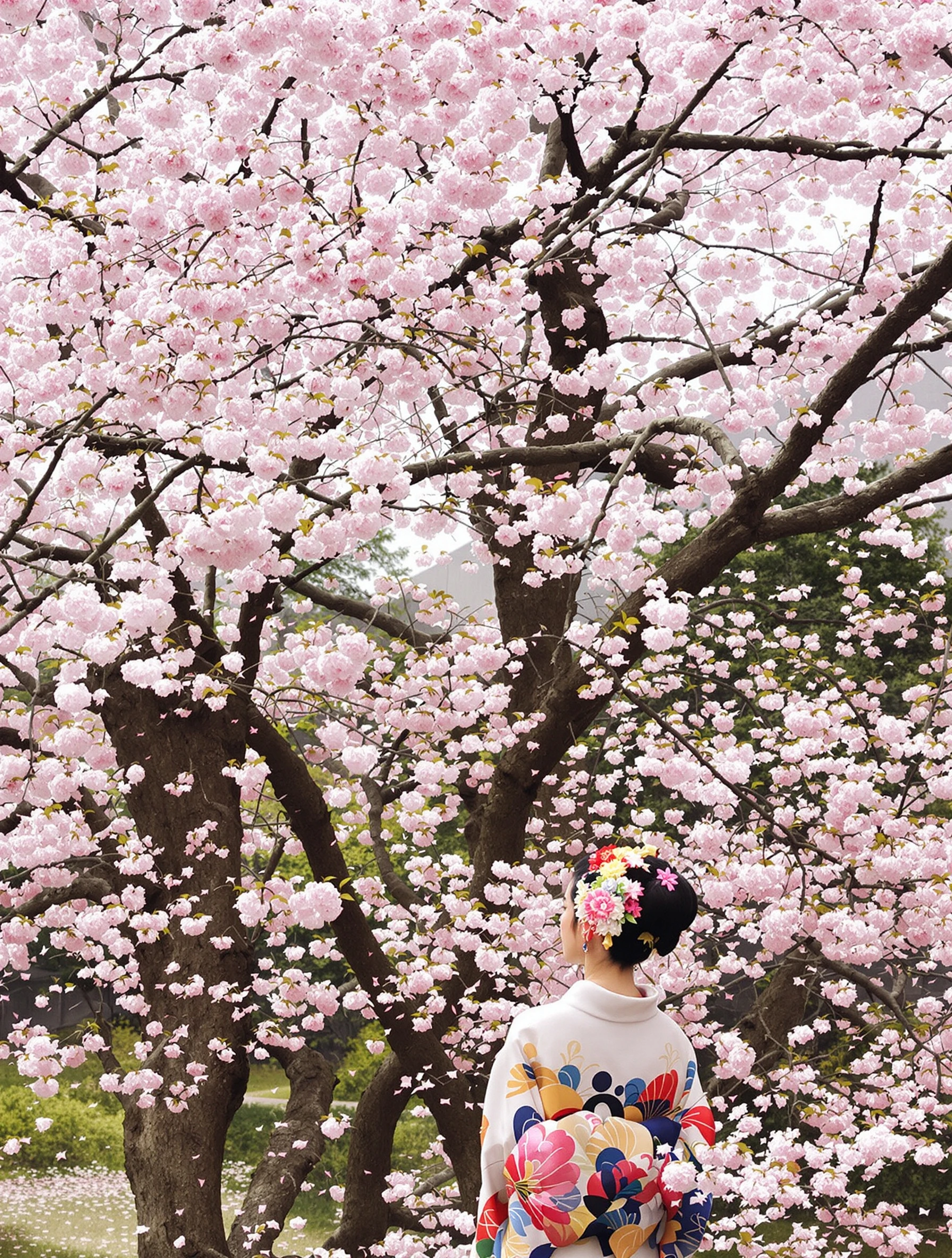
Woman in serene traditional Japanese garden, koi pond and maple trees. Elegant simple dress, peaceful zen atmosphere, contemplative moment, natural beauty.
Woman exploring Tokyo street food market, trying takoyaki with delight. Casual foodie outfit, steam and aromas, culinary adventure, local experience.
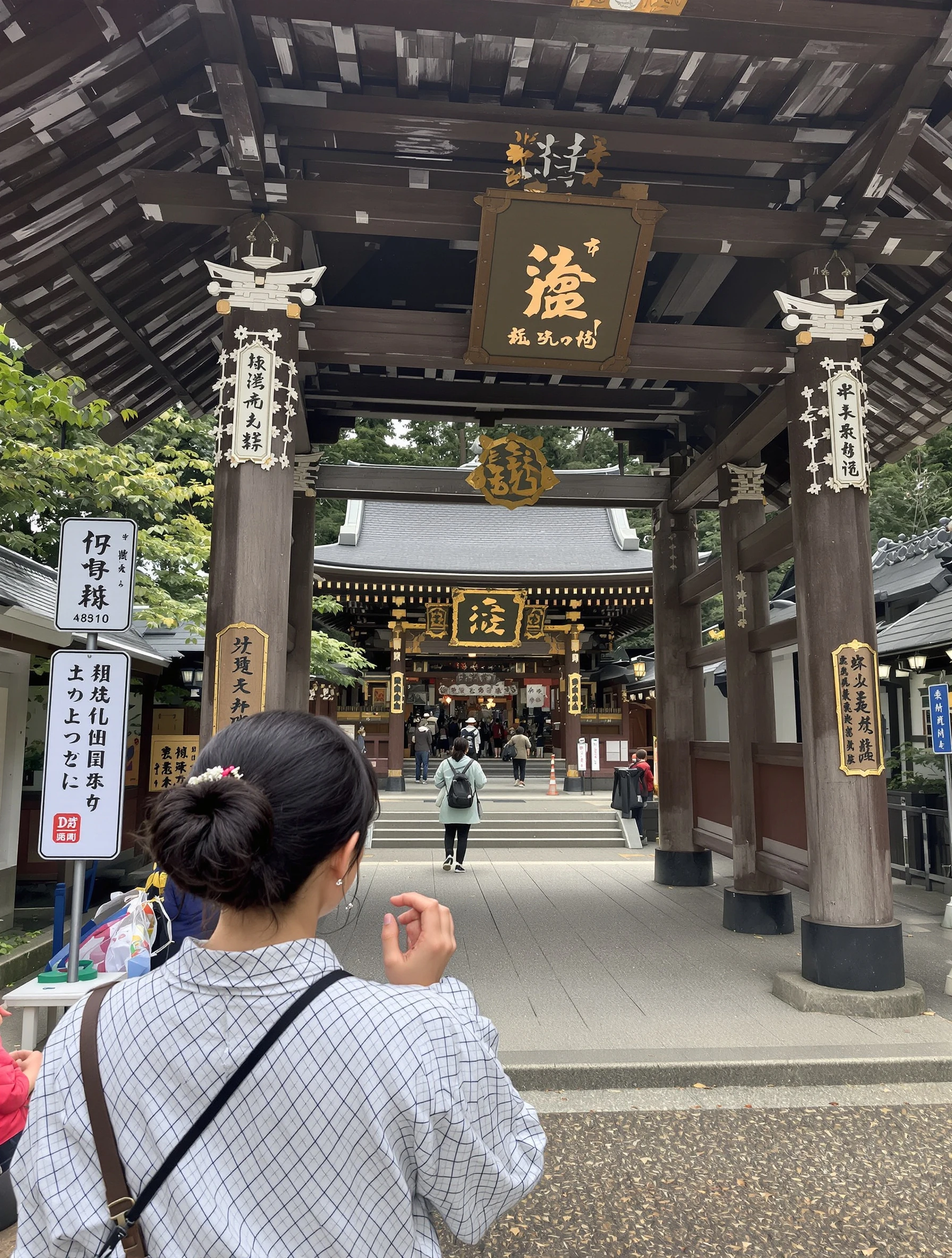
Man respectfully visiting a traditional Japanese temple, ancient architecture. Smart casual modest attire, incense smoke, cultural immersion, spiritual appreciation.
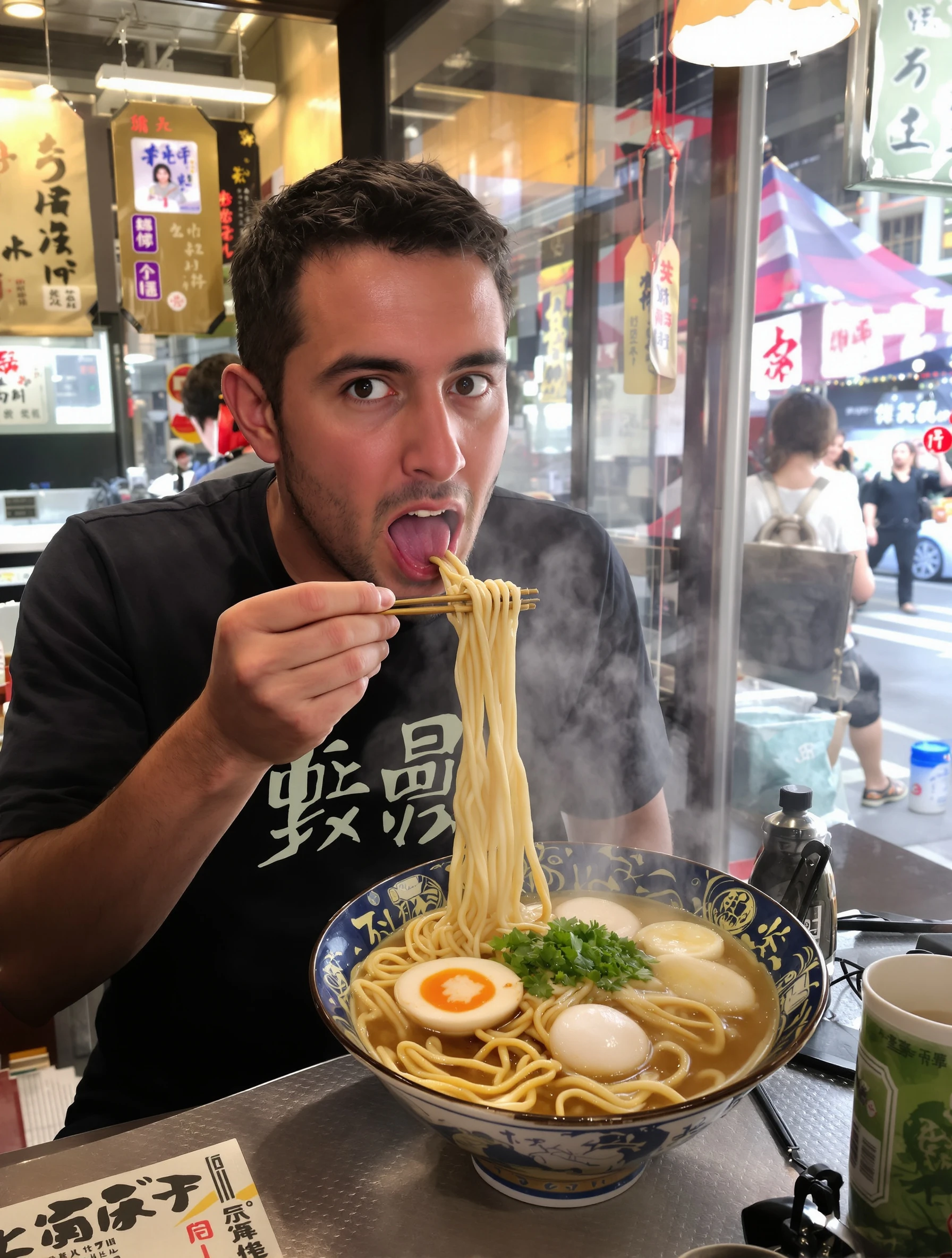
Man enjoying steaming bowl of ramen at authentic Tokyo shop, slurping noodles. Casual foodie, small counter restaurant, ultimate comfort food, local experience.
Stylish man in Shibuya district wearing Japanese streetwear fashion. Trendy contemporary outfit, urban Tokyo backdrop, fashion-forward style.
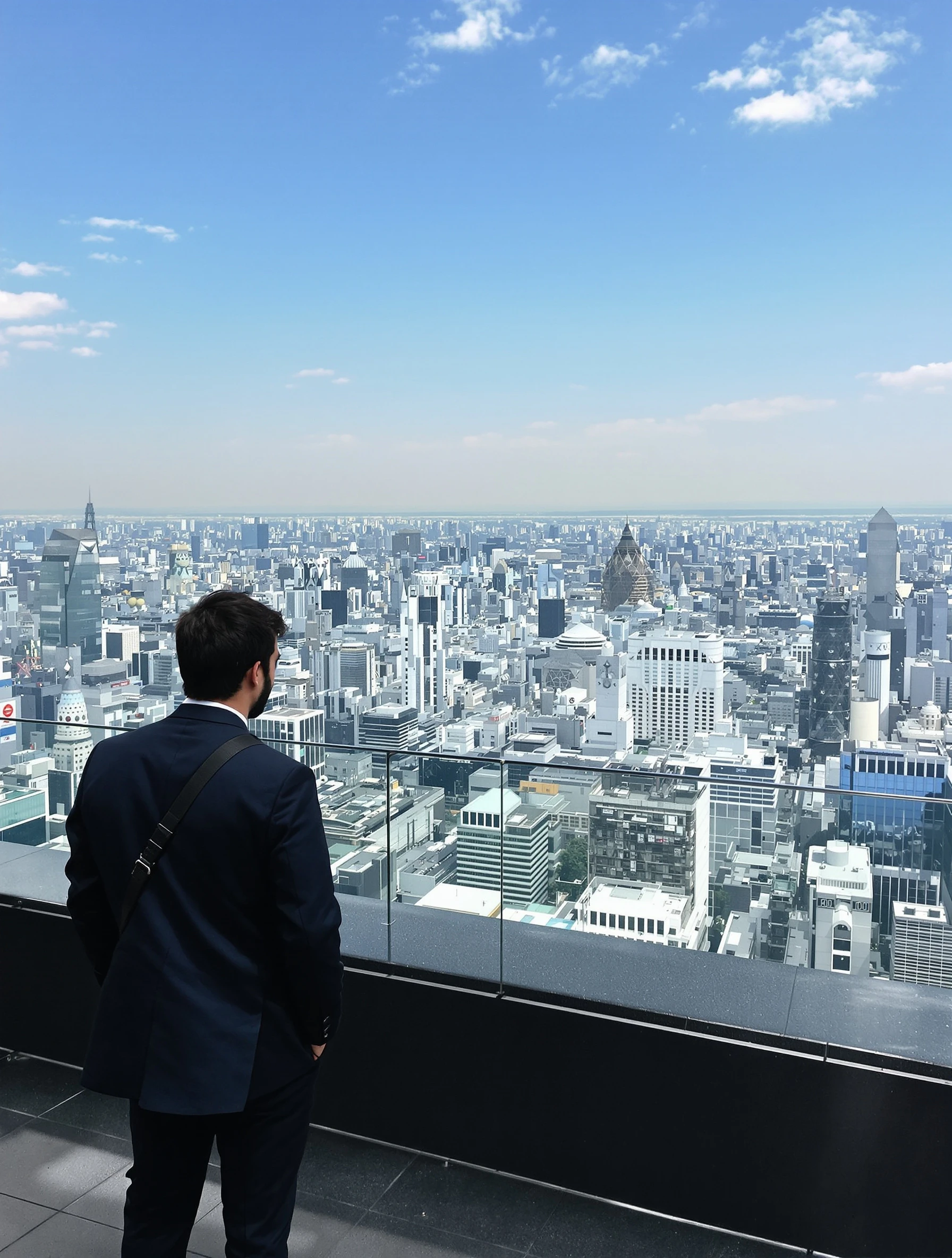
Man at Tokyo rooftop viewing the endless cityscape stretching to horizon. Smart casual, futuristic urban sprawl, contemplating the mega-city.
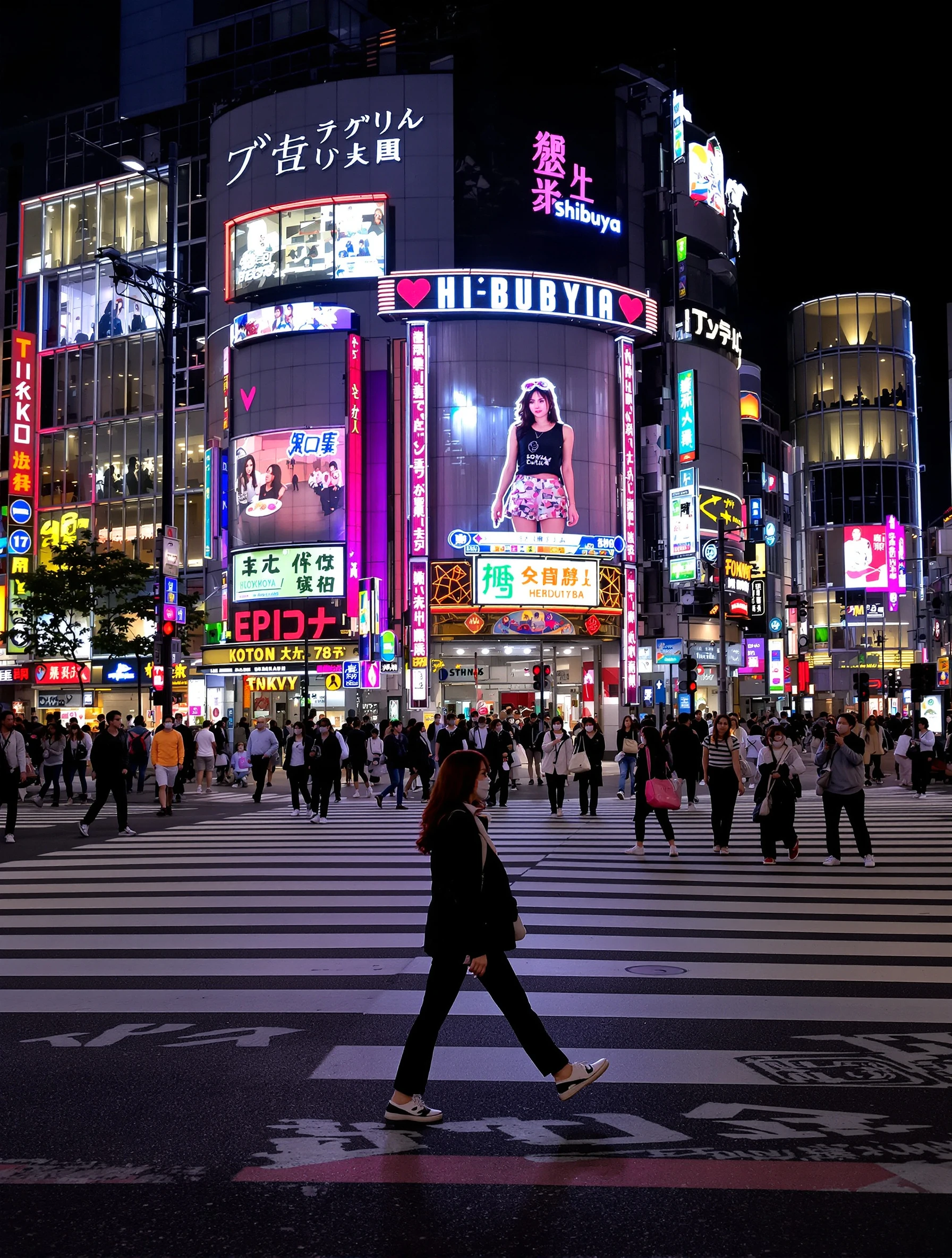
Woman crossing the famous Shibuya Crossing with neon lights and crowds around. Trendy Tokyo street fashion, urban energy, iconic intersection, sensory overload.
PixelPanda PixelPanda

Your AI photoshoot platform. Run AI photoshoots, remove backgrounds, generate product photos, and create UGC videos - all in seconds.

Product

  • AI Avatar Builder
  • Content Studio
  • Product Studio
  • AI Product Photography
  • Product Catalog
  • Integrations

Resources

  • How-To Guides
  • Demos
  • API Documentation
  • Blog
  • Help Center
  • FAQ

Company

  • About Us
  • Pricing
  • Contact
  • Careers
  • Affiliates

Use Cases

  • AI Ad Generator
  • AI Face Generator
  • AI UGC
  • E-commerce
  • Marketing
  • Alternatives
  • Tool Reviews
  • Photo Ideas
  • Background Removal
  • Background Removal API

Free Tools

AI-Powered
  • AI Selfie Generator
  • Background Remover
  • Image Upscaler
  • AI Image Editor
  • Remove Text from Image
  • Image Analyzer
  • AI Image Describer
  • Image to Prompt
  • Photo Description
  • Ecommerce Product Studio
  • AI Ad Generator
  • White Background
  • AI UGC Video
Transform
  • Resize Image
  • Crop Image
  • Rotate Image
  • Flip Image
  • Compress Image
  • Convert Format
  • HEIC to JPG
  • SVG to PNG
Adjust & Color
  • Brightness & Contrast
  • Black & White Converter
  • Image Inverter
  • Color Picker
  • Palette Extractor
  • Make Transparent
Effects & Overlay
  • Blur Image
  • Pixelate Image
  • Add Border
  • Round Corners
  • Add Watermark
  • Unblur Image
Utilities
  • Merge Images
  • Image to Base64
  • PDF to Image
  • Image to PDF
  • Profile Picture Maker
  • Photo Enhancer
  • Photo Collage
  • WebP to GIF

© 2026 PixelPanda. All rights reserved.

Terms of Service Privacy Policy
Featured on Fazier PixelPanda - SaaS Hub Approved Startup Benchmarks Good AI Tools
Home
Free Tools
Pricing
Sign In

Report a Bug

Found something broken? Let us know and earn bonus credits for confirmed bugs.

Drop files here or click to browse
Images & videos up to 20MB each