PixelPanda Logo PixelPanda
  • Features
    • Product Photos
    • UGC Video Ads
    • AI Avatars
    • Content Studio
    • AI Product Photography
    • Product Catalog
    • Integrations

    • Free Tools
  • Resources
    • How-To Guides
    • Blog
    • API Docs
    • FAQ
    • Help Center
  • Pricing
  • Login
Home / Gallery / Fashion - Elegant Formal / Photo
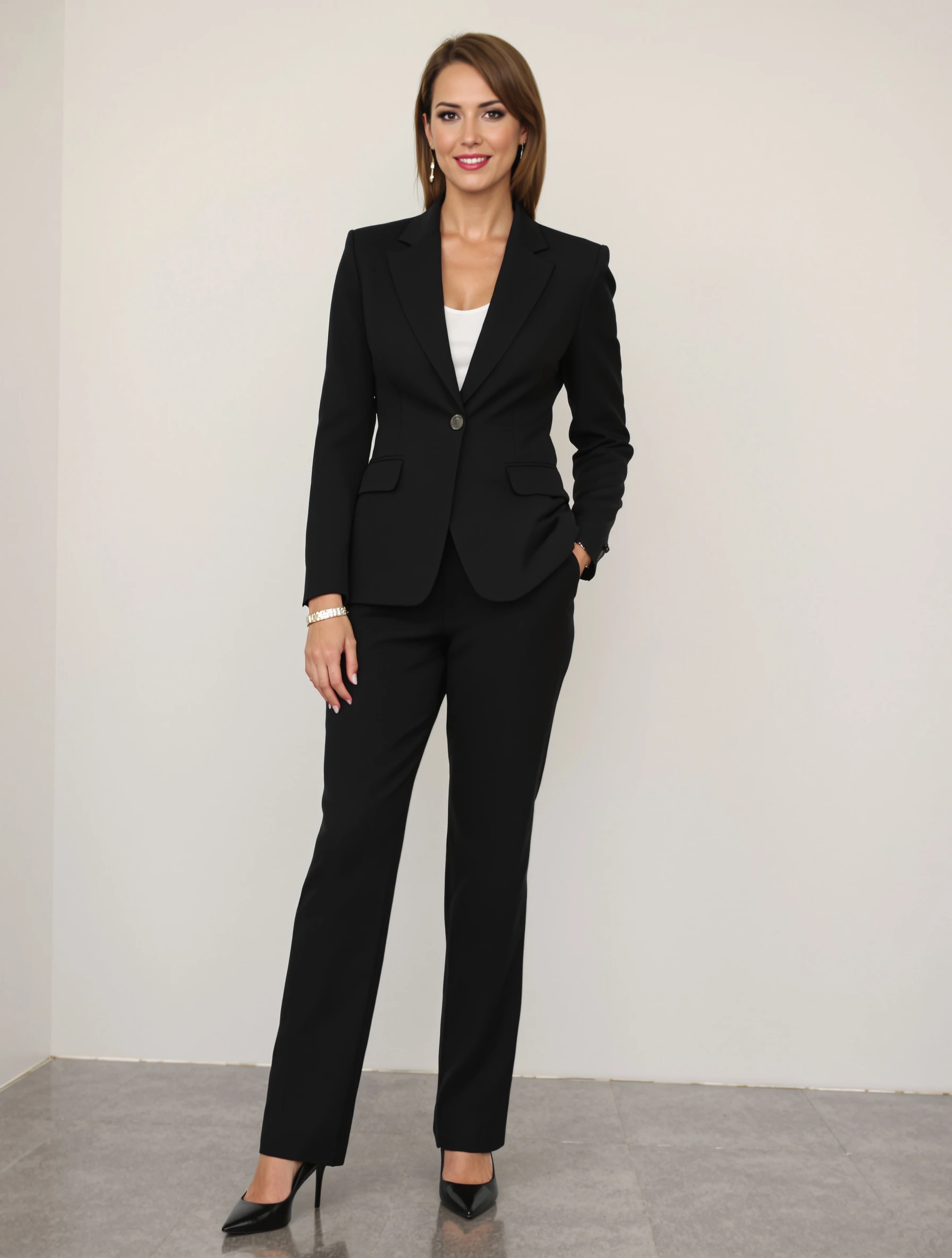
Woman in tailored power suit, commanding boardroom presence. Professional elegance, sharp tailoring, confidence and authority, boss energy.
Fashion Elegant Formal AI Generated

Woman in tailored power suit, commanding boardroom presence. Professional elegance, sharp tailoring, confidence and authority, boss energy.

female power suit fashion
AI Prompt Used

Woman in tailored power suit, commanding boardroom presence. Professional elegance, sharp tailoring, confidence and authority, boss energy.

Create Your Own Version

Generate personalized fashion photos with AI

Start Creating

Free to Use (CC BY 4.0)

This AI-generated image is free for personal and commercial use. Just include a link back to PixelPanda.

Image by <a href="https://pixelpanda.ai">PixelPanda AI</a>
Download Free

Perfect For

LinkedIn profile and banner company leadership and about pages conference speaker bios press kits and media features board and annual report pages consulting proposal decks AI Reference

About This AI-Generated Fashion Photo

The frame is built around the jacket. Shoulders are structured but not exaggerated, the lapel sits flat, and the waist is defined enough to give the silhouette a vertical line from collar to hem. She is squared to the camera or turned a few degrees off axis, chin level, shoulders back and down. Behind her the boardroom reads as context rather than subject: glass, long table edge, muted neutral wall tones kept soft so nothing competes with the face and the lapel line.

For an elegant formal portrait used on a leadership page, a conference bio, or a LinkedIn banner crop, this specific combination does the work that a plain gray studio wall cannot. The room implies seniority and setting, while the restrained color story keeps the image usable next to logos, slide decks, and print letterhead. Sharp tailoring also survives small crops, since the lapel and collar keep reading as suit even at thumbnail size.

To adapt it, change the suit color before you change anything else: charcoal and navy read traditional finance and law, ivory or camel reads creative and consultancy, deep burgundy reads brand-forward. Swap the boardroom for a bright office corridor or a bookshelf wall if your field is academic or legal. For a warmer read, unbutton the jacket, soften the jaw angle slightly, and let the smile reach the eyes.

Tips for Fashion Photography

  • Keep jewelry to one piece, a watch or small stud, so the lapel line stays the strongest detail.
  • Button the jacket only at the waist button; leaving the lower one open protects the silhouette when standing.
  • Position the boardroom glass behind your shoulder, not directly behind your head, to avoid distracting reflections.
  • Ask for charcoal or navy first, then reshoot in ivory if you need a softer, more creative variant.

Frequently Asked Questions

Should a power suit portrait be shot standing or seated at the boardroom table?

Standing reads more authoritative and keeps the full jacket silhouette visible, which is why this frame works. Seated shots suit interview features and panel bios, but the table edge crowds the lower frame and hides tailoring. If you need both, shoot standing for your headshot and seated for editorial or article use.

What suit color photographs best for an executive portrait?

Charcoal and navy are the safest because they hold shape in photos and read formal across finance, law, and corporate settings. Black can flatten into a silhouette under soft window light. Ivory, camel, and burgundy photograph beautifully but signal a more creative or personal-brand tone, so match the color to your industry.

Can I use a boardroom background portrait on LinkedIn and a company leadership page?

Yes, and this style handles both. LinkedIn crops to a circle, so keep the face and collar centered with headroom to spare. Leadership pages usually run wider crops where the boardroom context adds credibility. Generate one vertical and one horizontal version of the same look so both placements match.

Technical Details

Soft directional window light from camera left shapes the jaw and lapel without harsh shadow, with a wide aperture blurring the boardroom glass behind. Framing is chest-up to mid-thigh, and color grading stays cool and neutral with controlled contrast.
More Elegant Formal Photos

View All
Man in navy tailored suit for business or formal occasion. Professional elegance, perfect fit, confident stance, suited success.
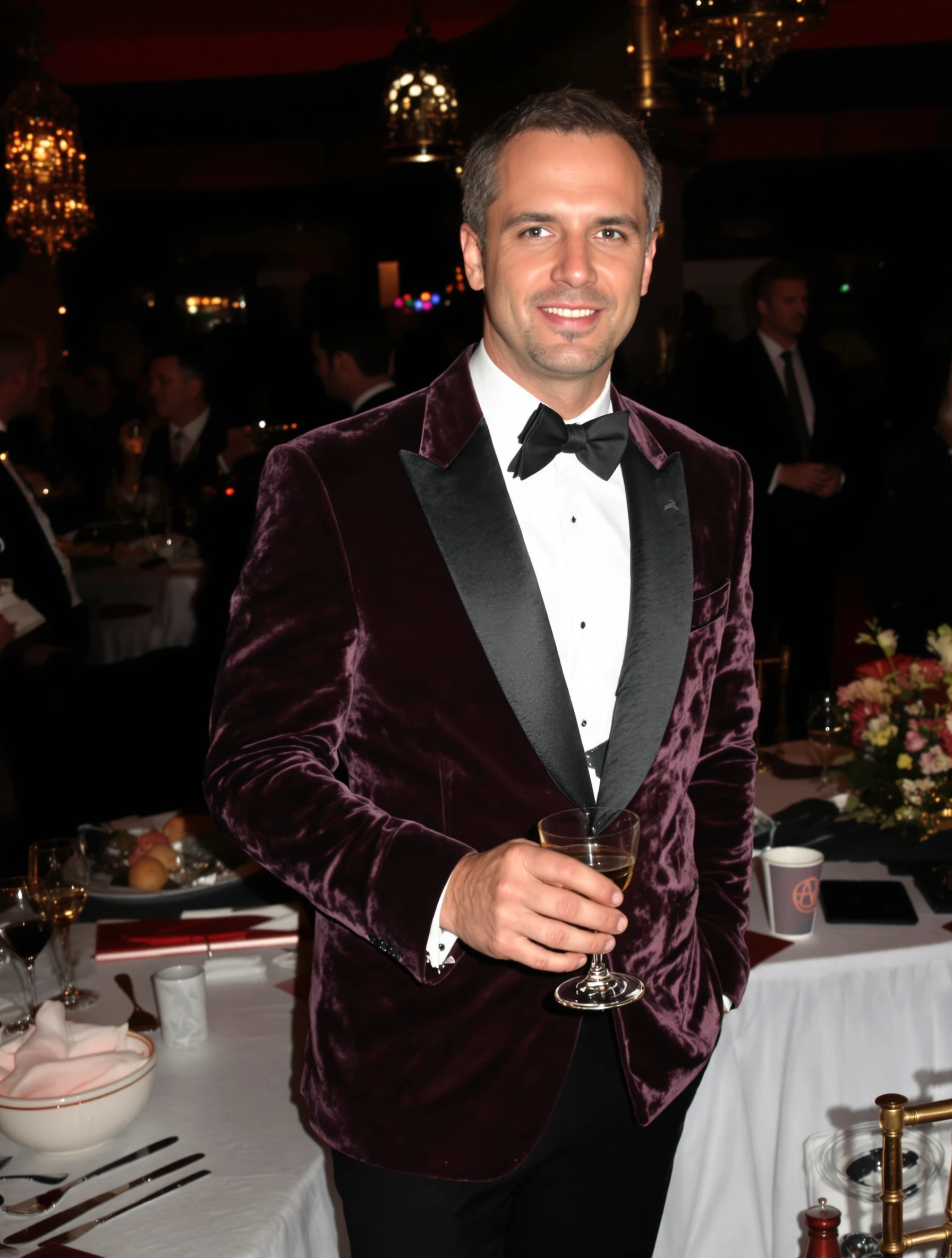
Man in dinner jacket at upscale cocktail event. Semi-formal elegance, velvet or satin, evening sophistication, refined style.
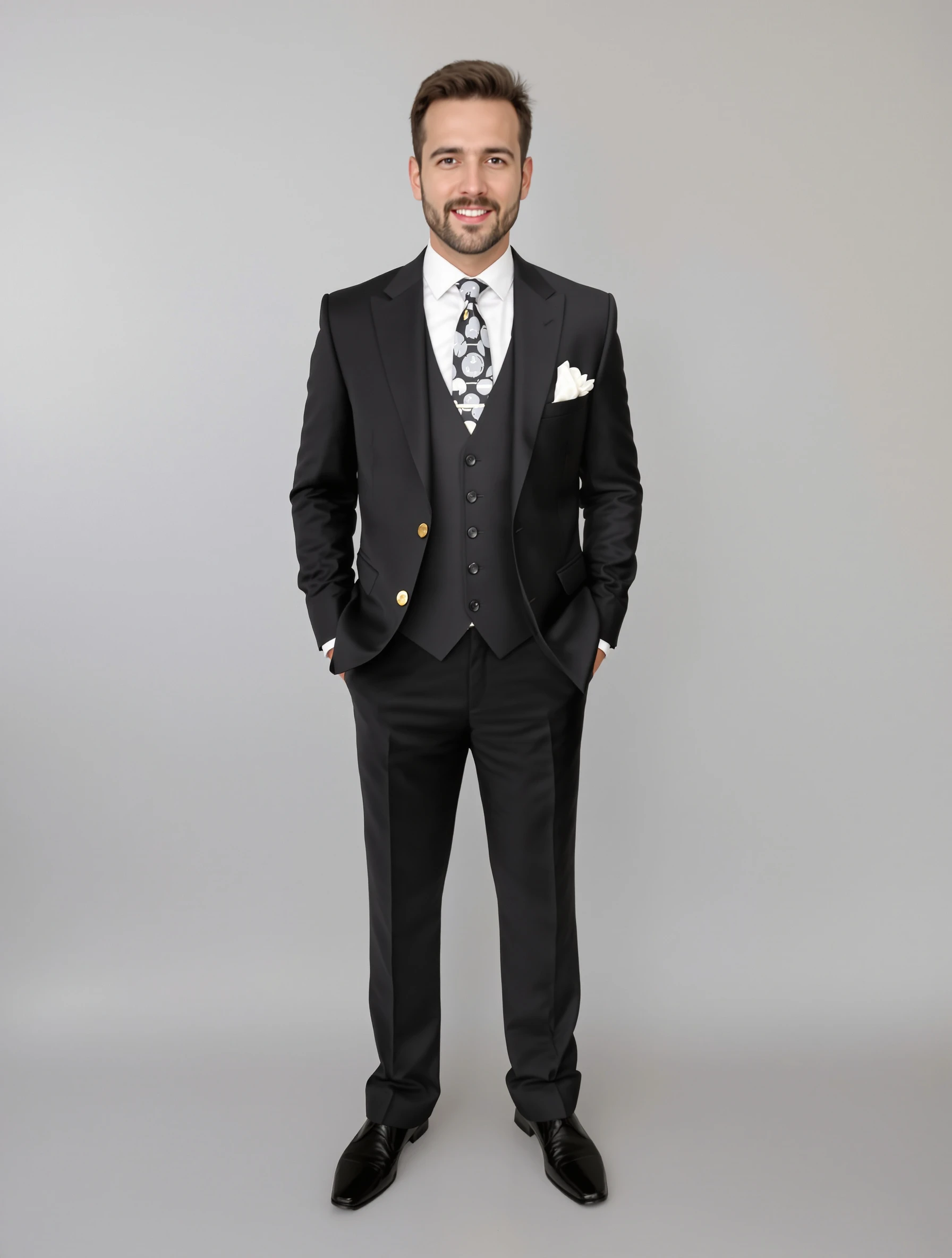
Man in three-piece suit with vest, ultimate formal style. Classic elegance, complete ensemble, distinguished appearance, sartorial excellence.
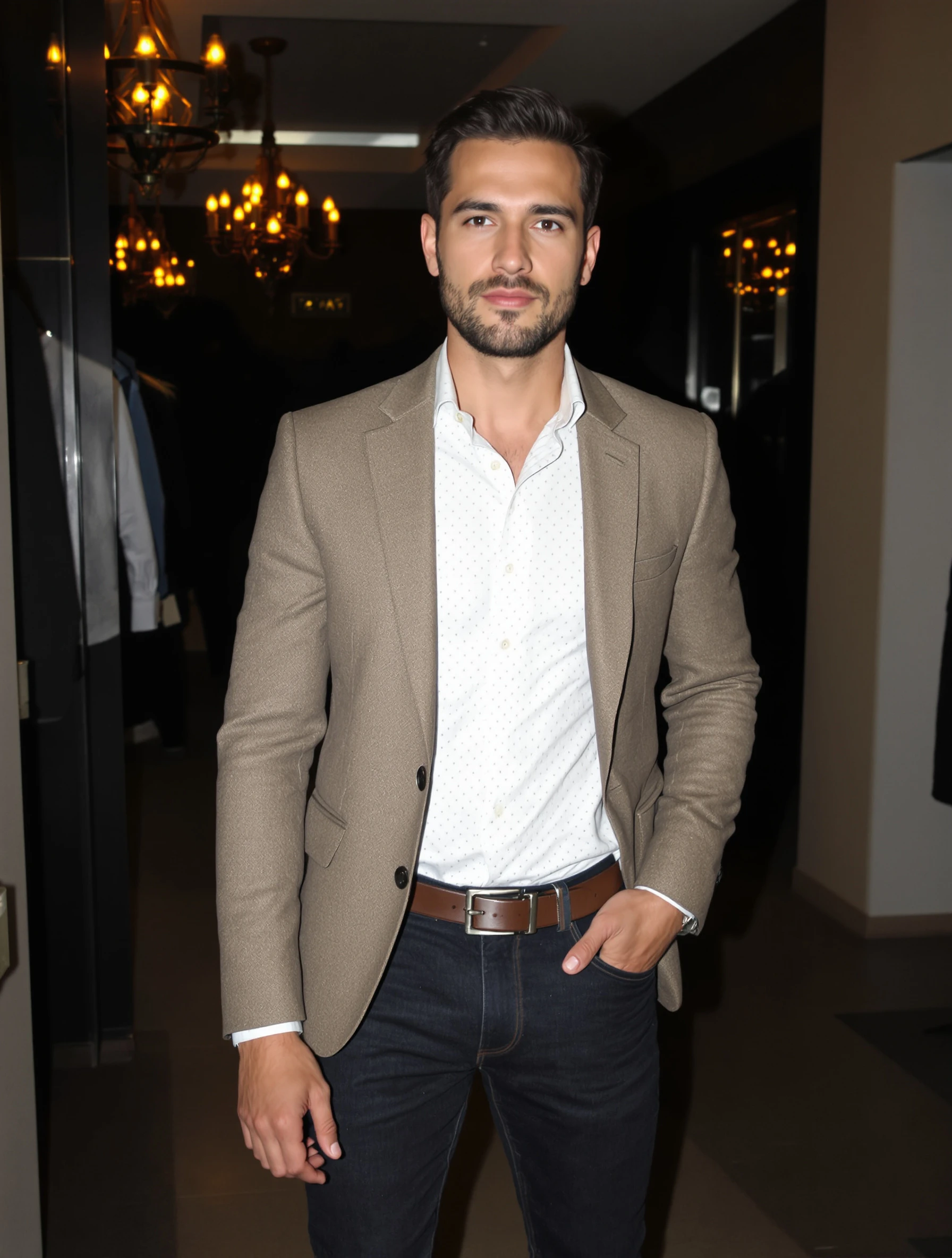
Man in smart casual blazer and dark jeans, elevated casual. Modern elegance, dressed up relaxed, versatile style, effortless polish.
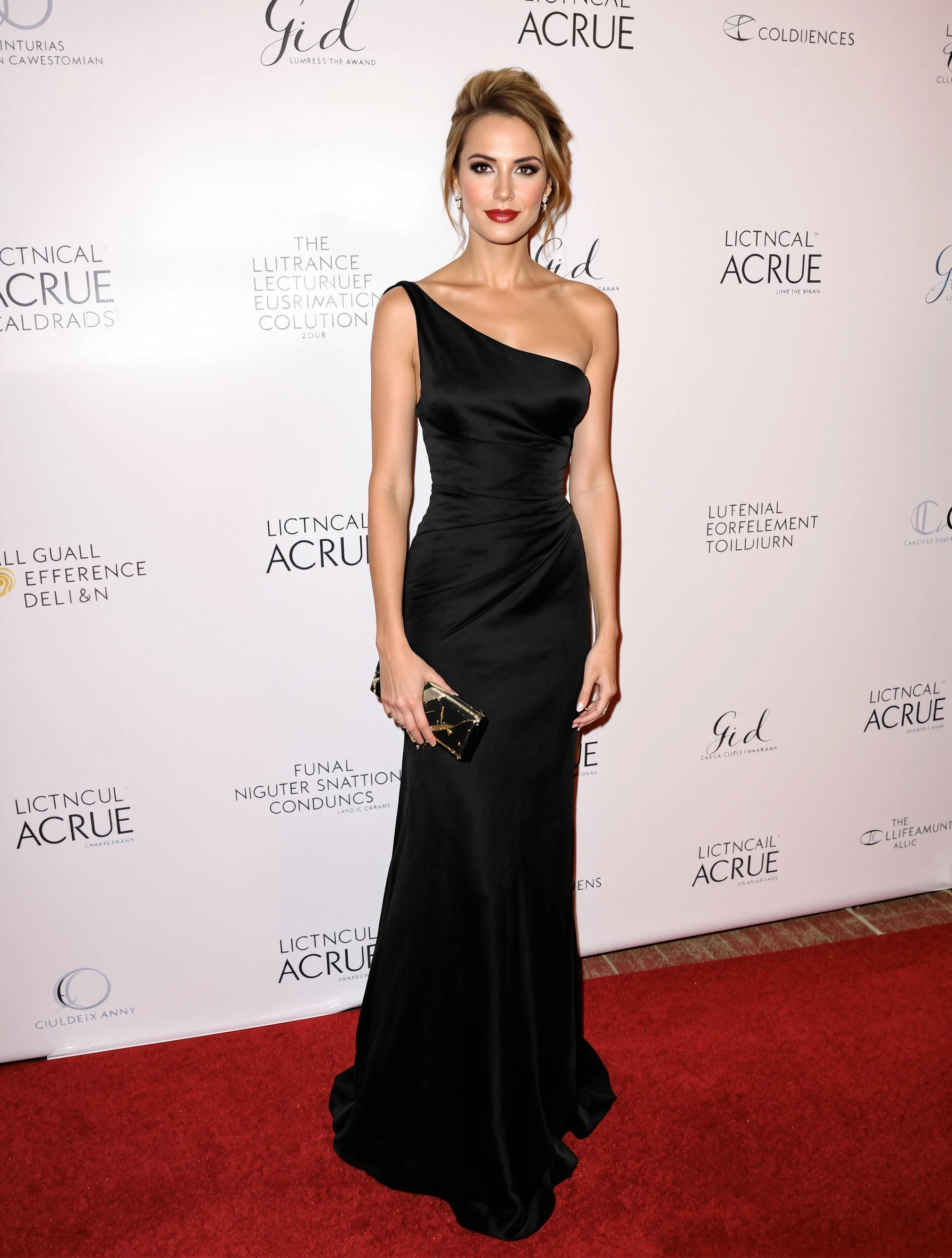
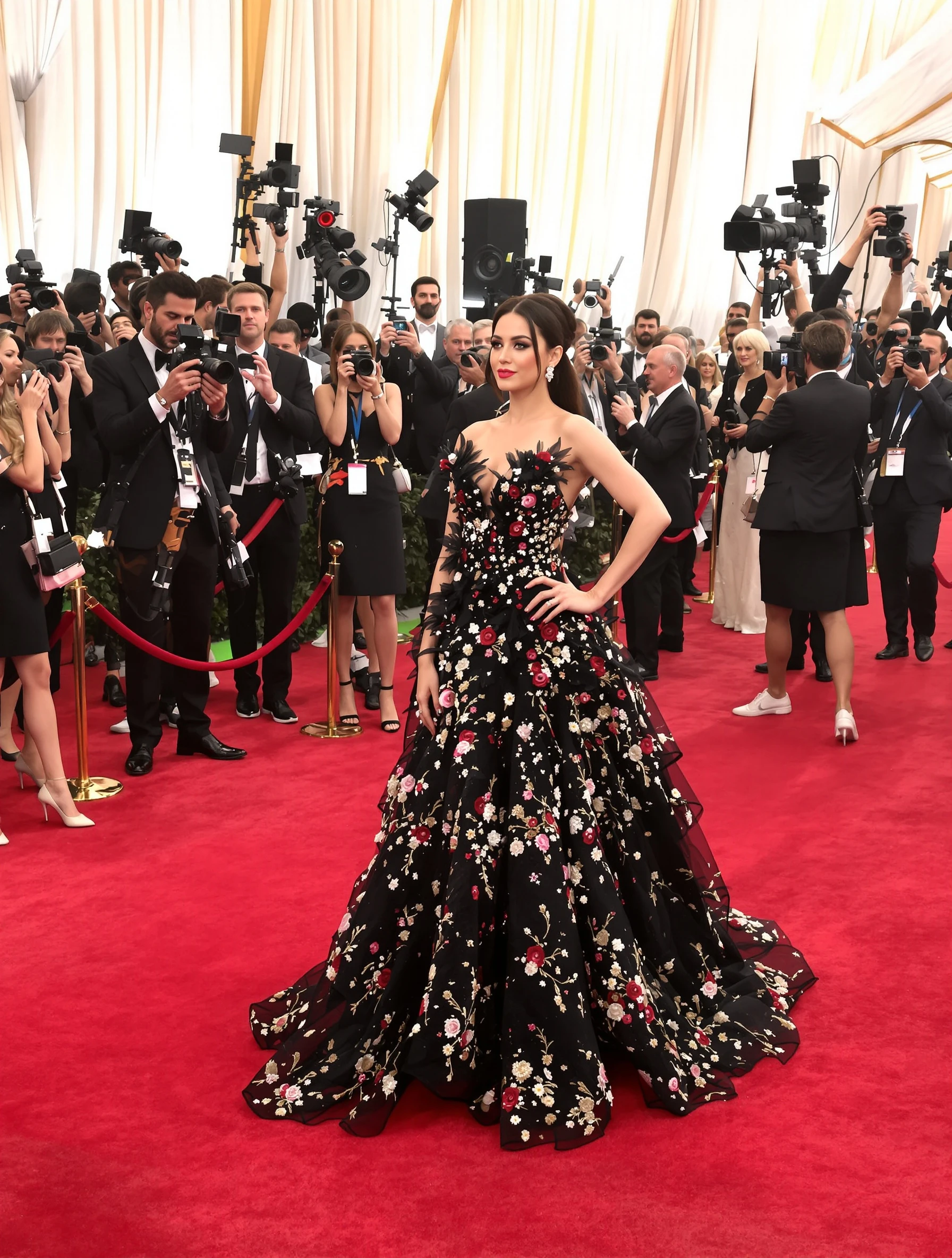
Woman in stunning floor-length evening gown at black-tie gala. Designer dress, elegant updo, sophisticated jewelry, red carpet ready.
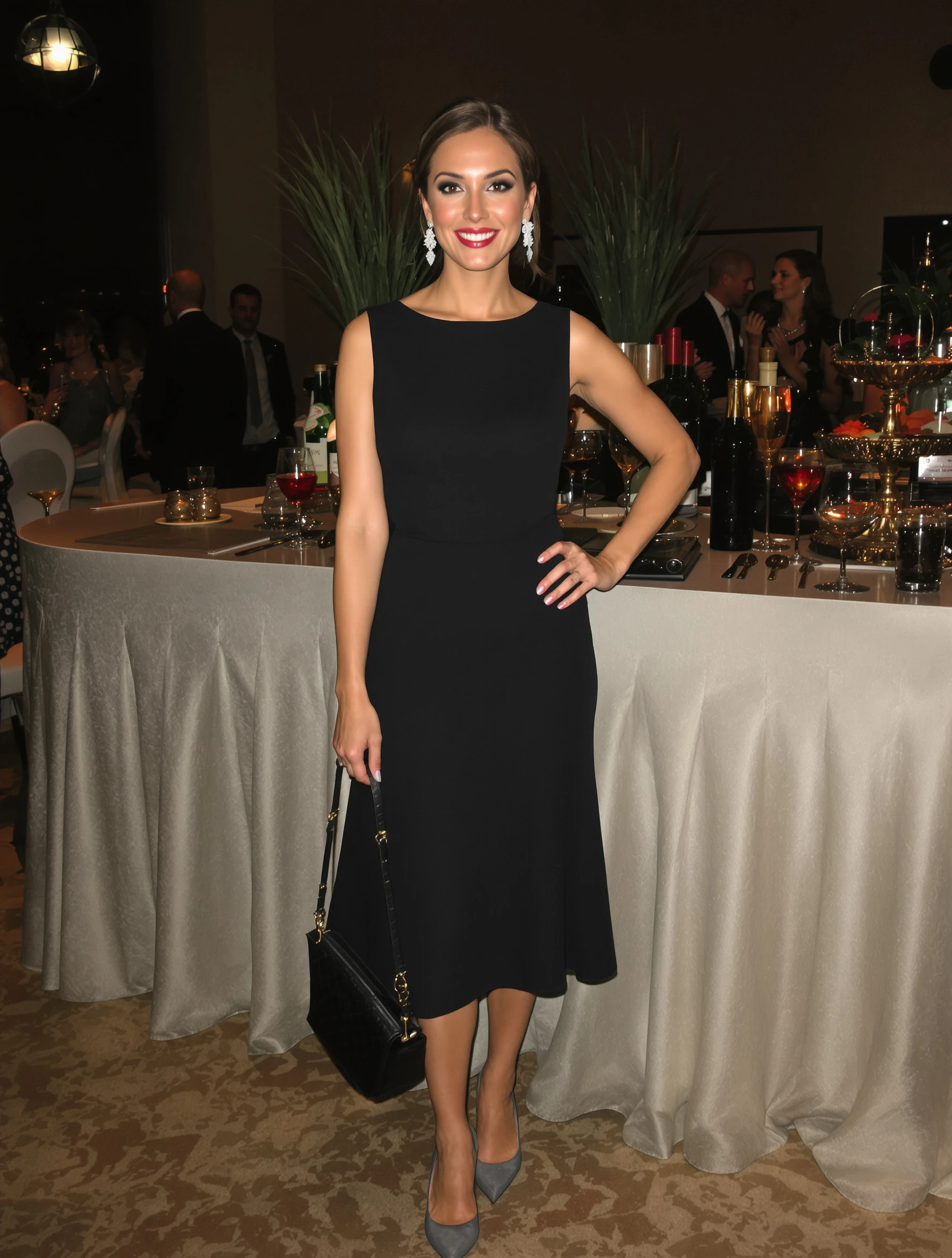
Woman in chic cocktail dress and heels at upscale event. Sophisticated attire, perfect length, elegant accessories, evening elegance.
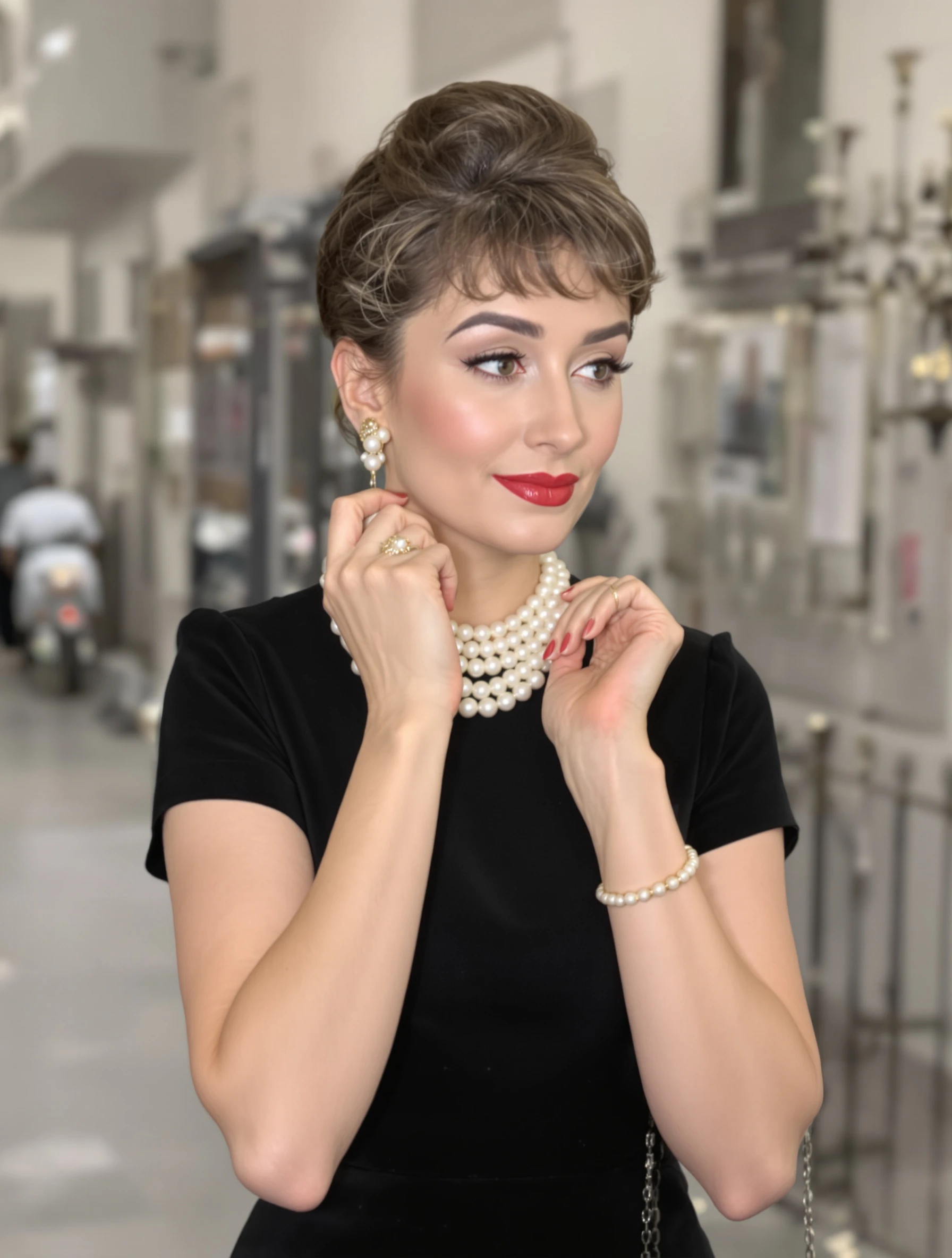
Woman in classic little black dress with pearl accessories. Timeless elegance, Audrey Hepburn vibes, sophisticated simplicity, eternal style.
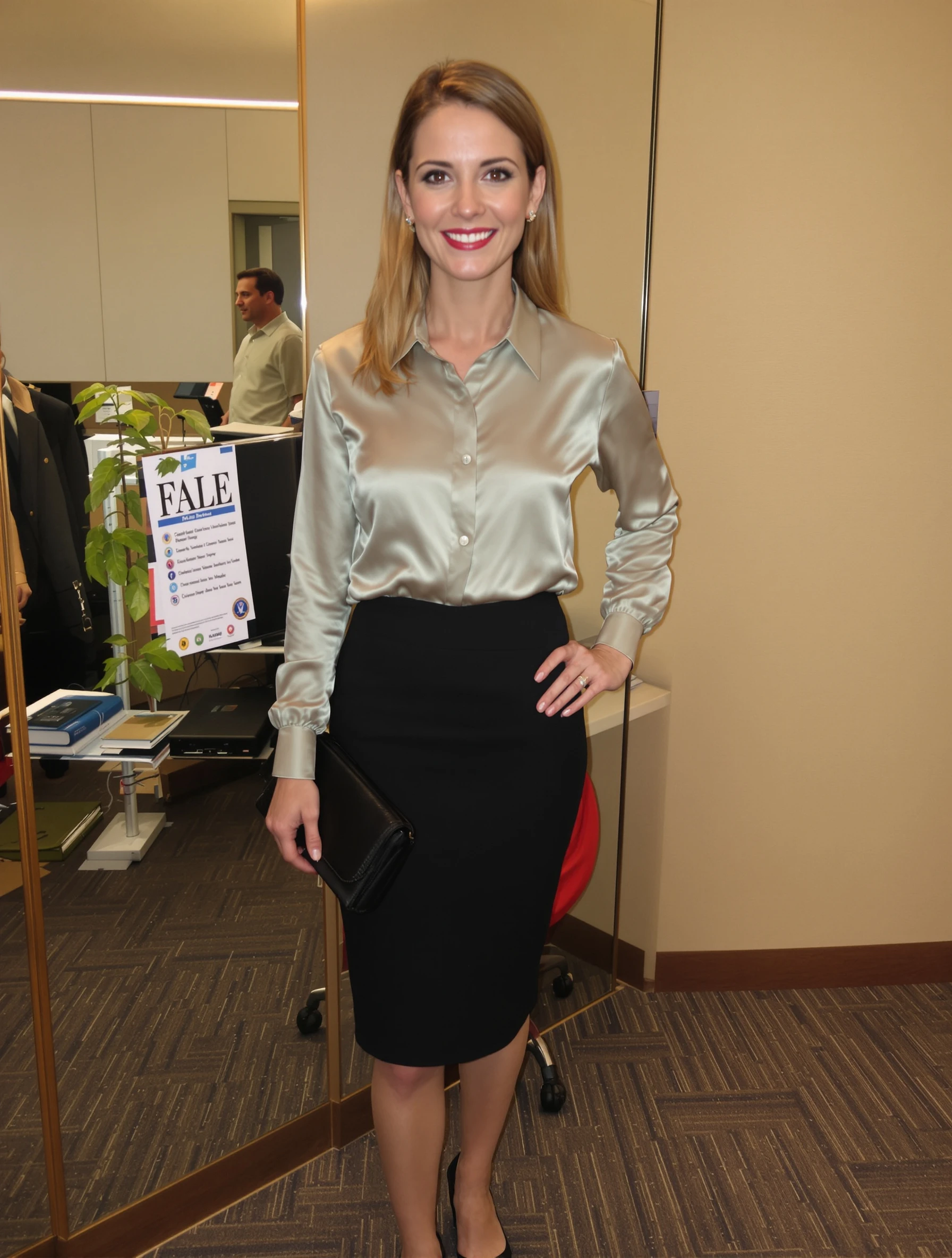
Woman in silk blouse and tailored pencil skirt, office elegance. Business formal, feminine professional, polished appearance, career woman.
PixelPanda PixelPanda

Your AI photoshoot platform. Run AI photoshoots, remove backgrounds, generate product photos, and create UGC videos - all in seconds.

Product

  • AI Avatar Builder
  • Content Studio
  • Product Studio
  • AI Product Photography
  • Product Catalog
  • Integrations

Resources

  • How-To Guides
  • Demos
  • API Documentation
  • Blog
  • Help Center
  • FAQ

Company

  • About Us
  • Pricing
  • Contact
  • Careers
  • Affiliates

Use Cases

  • AI Ad Generator
  • AI Face Generator
  • AI UGC
  • E-commerce
  • Marketing
  • Alternatives
  • Tool Reviews
  • Photo Ideas
  • Background Removal
  • Background Removal API

Free Tools

AI-Powered
  • AI Selfie Generator
  • Background Remover
  • Image Upscaler
  • AI Image Editor
  • Remove Text from Image
  • Image Analyzer
  • AI Image Describer
  • Image to Prompt
  • Photo Description
  • Ecommerce Product Studio
  • AI Ad Generator
  • White Background
  • AI UGC Video
Transform
  • Resize Image
  • Crop Image
  • Rotate Image
  • Flip Image
  • Compress Image
  • Convert Format
  • HEIC to JPG
  • SVG to PNG
Adjust & Color
  • Brightness & Contrast
  • Black & White Converter
  • Image Inverter
  • Color Picker
  • Palette Extractor
  • Make Transparent
Effects & Overlay
  • Blur Image
  • Pixelate Image
  • Add Border
  • Round Corners
  • Add Watermark
  • Unblur Image
Utilities
  • Merge Images
  • Image to Base64
  • PDF to Image
  • Image to PDF
  • Profile Picture Maker
  • Photo Enhancer
  • Photo Collage
  • WebP to GIF

© 2026 PixelPanda. All rights reserved.

Terms of Service Privacy Policy
Featured on Fazier PixelPanda - SaaS Hub Approved Startup Benchmarks Good AI Tools
Home
Free Tools
Pricing
Sign In

Report a Bug

Found something broken? Let us know and earn bonus credits for confirmed bugs.

Drop files here or click to browse
Images & videos up to 20MB each