PixelPanda Logo PixelPanda
  • Features
    • Product Photos
    • UGC Video Ads
    • AI Avatars
    • Content Studio
    • AI Product Photography
    • Product Catalog
    • Integrations

    • Free Tools
  • Resources
    • How-To Guides
    • Blog
    • API Docs
    • FAQ
    • Help Center
  • Pricing
  • Login
Home / Gallery / Fashion - Boho Festival / Photo
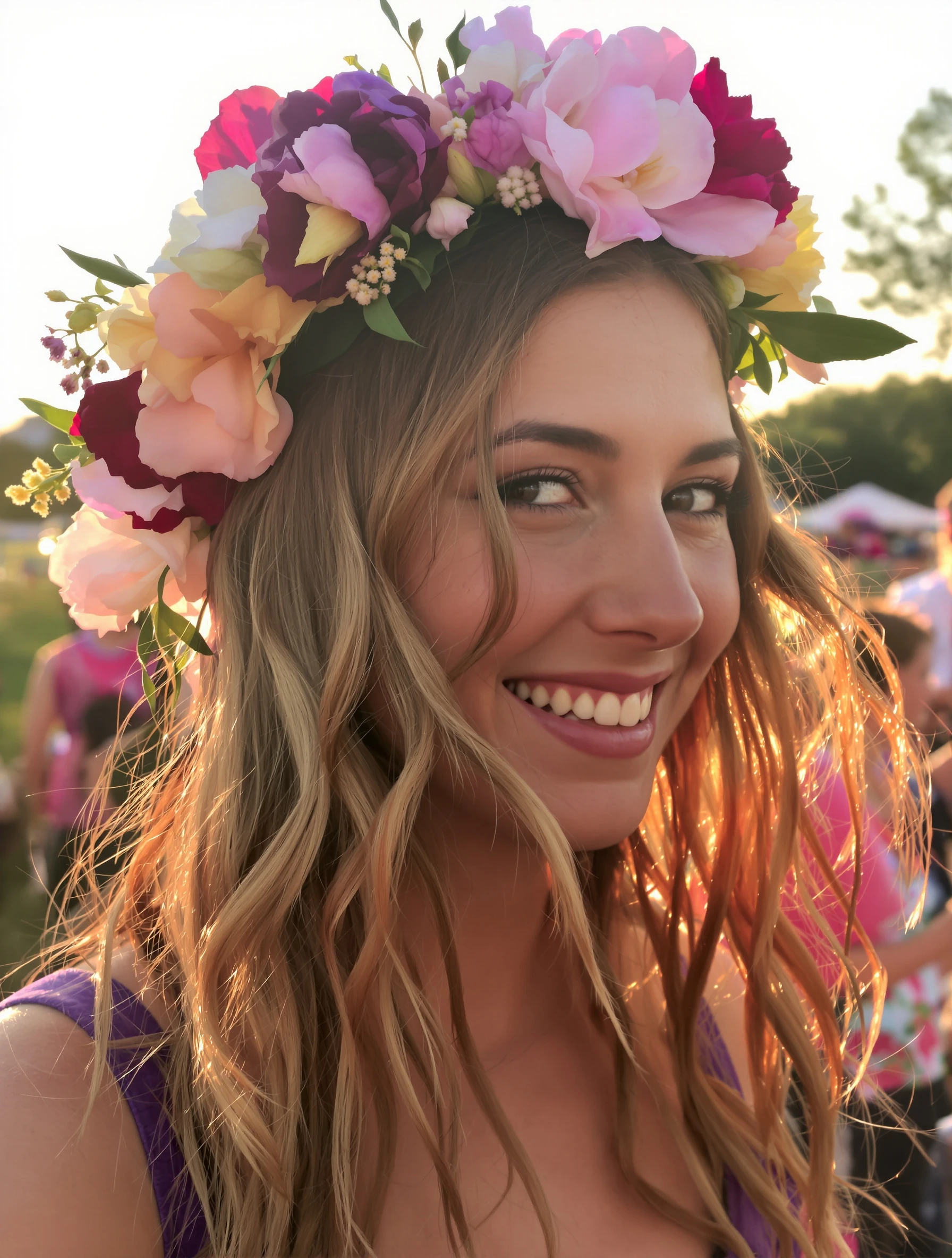
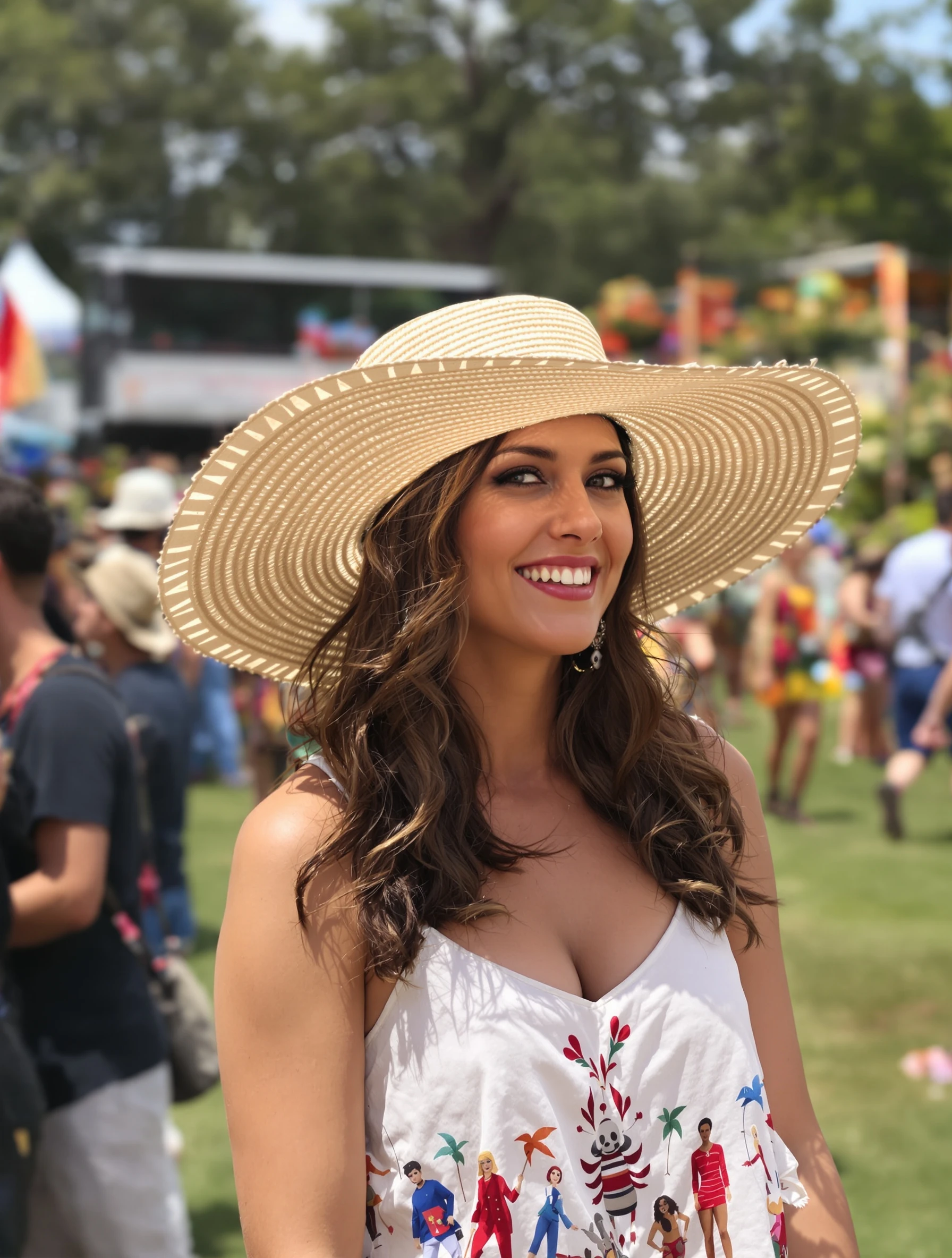
Woman wearing flower crown at outdoor festival, golden hour light. Festival essential, floral halo, whimsical beauty, celebration of nature.
Fashion Boho Festival AI Generated

Woman wearing flower crown at outdoor festival, golden hour light. Festival essential, floral halo, whimsical beauty, celebration of nature.

female flower crown fashion
AI Prompt Used

Woman wearing flower crown at outdoor festival, golden hour light. Festival essential, floral halo, whimsical beauty, celebration of nature.

Create Your Own Version

Generate personalized fashion photos with AI

Start Creating

Free to Use (CC BY 4.0)

This AI-generated image is free for personal and commercial use. Just include a link back to PixelPanda.

Image by <a href="https://pixelpanda.ai">PixelPanda AI</a>
Download Free

Perfect For

Instagram festival recap posts boho brand lookbooks music event promo graphics dating profile summer photo florist and crown-maker portfolios Pinterest festival beauty boards AI Reference

About This AI-Generated Fashion Photo

The crown sits slightly forward on the hairline, mixing small roses, daisies and airy filler so it reads as gathered rather than florist-perfect. Hair falls in undone waves that catch the backlight, and the wardrobe stays deliberately quiet: gauzy neutral fabric, one thin layered necklace, nothing that competes with the flowers. Behind her, tents, string lights and distant figures dissolve into amber bokeh. The impression is late-afternoon ease, someone who has been walking the grounds for hours.

Boho festival content lives on warmth and atmosphere, and backlit golden hour delivers both without heavy retouching. Because the crown pulls the eye upward, the frame crops well to a square Instagram post or a vertical story where the flowers fill the top third. The muted, low-contrast background keeps text overlays legible for lineup announcements or ticket links. On a dating profile, the visible setting does real work: it says outdoors, live music, summer, before you write a word.

To recreate it, shoot in the last 45 minutes of light with the sun just off one shoulder behind you, and expose for the face so highlights bloom naturally. Match flower scale to face size: bold dahlias and sunflowers suit strong features, while baby's breath and small daisies flatter narrower faces. Short hair holds a crown fine on a wire or woven base worn slightly back. For a cooler, less romantic version, swap warm blooms for dried grasses and eucalyptus and shoot at dusk.

Tips for Fashion Photography

  • Set the crown on the hairline, not the forehead, so it frames the face instead of shortening it.
  • Keep the outfit to one soft neutral texture; busy prints fight the flowers and the crowded background.
  • Turn until the sun sits behind your hair, then step so a tent or tree blocks direct glare.
  • Choose blooms that echo your hair tone or skin undertone for a harmonious, non-costume result.

Frequently Asked Questions

Will a flower crown look costumey instead of stylish?

It comes down to scale and density. A crown that covers more than about a third of the head or stands tall above the hairline starts reading as costume. Keep it low, asymmetrical, and slightly gappy, with one or two dominant bloom types plus filler. Pairing it with plain clothing and undone hair also keeps the whole look believable.

Do fresh flowers photograph better than faux ones?

Fresh blooms have translucency that backlight loves, so petals glow when the sun sits behind you. Faux flowers hold up through a long festival day but can look flat and slightly plastic in direct light. A practical mix works well: faux base for structure, a few fresh stems tucked in front where the camera sees them.

How do I stop a busy festival crowd from ruining the shot?

Distance and aperture do most of the work. Stand well away from tents and people, then shoot at a wide aperture so the background melts into color rather than detail. Golden hour helps too, since long shadows and haze flatten crowds into shape. Shooting slightly upward also trades clutter for open sky.

Technical Details

Low backlight from a setting sun rims the hair and petals, with soft fill bouncing onto the face. A wide aperture reduces the festival background to amber bokeh, framing runs chest-up, and the grade leans warm with lifted, hazy shadows.
More Boho Festival Photos

View All
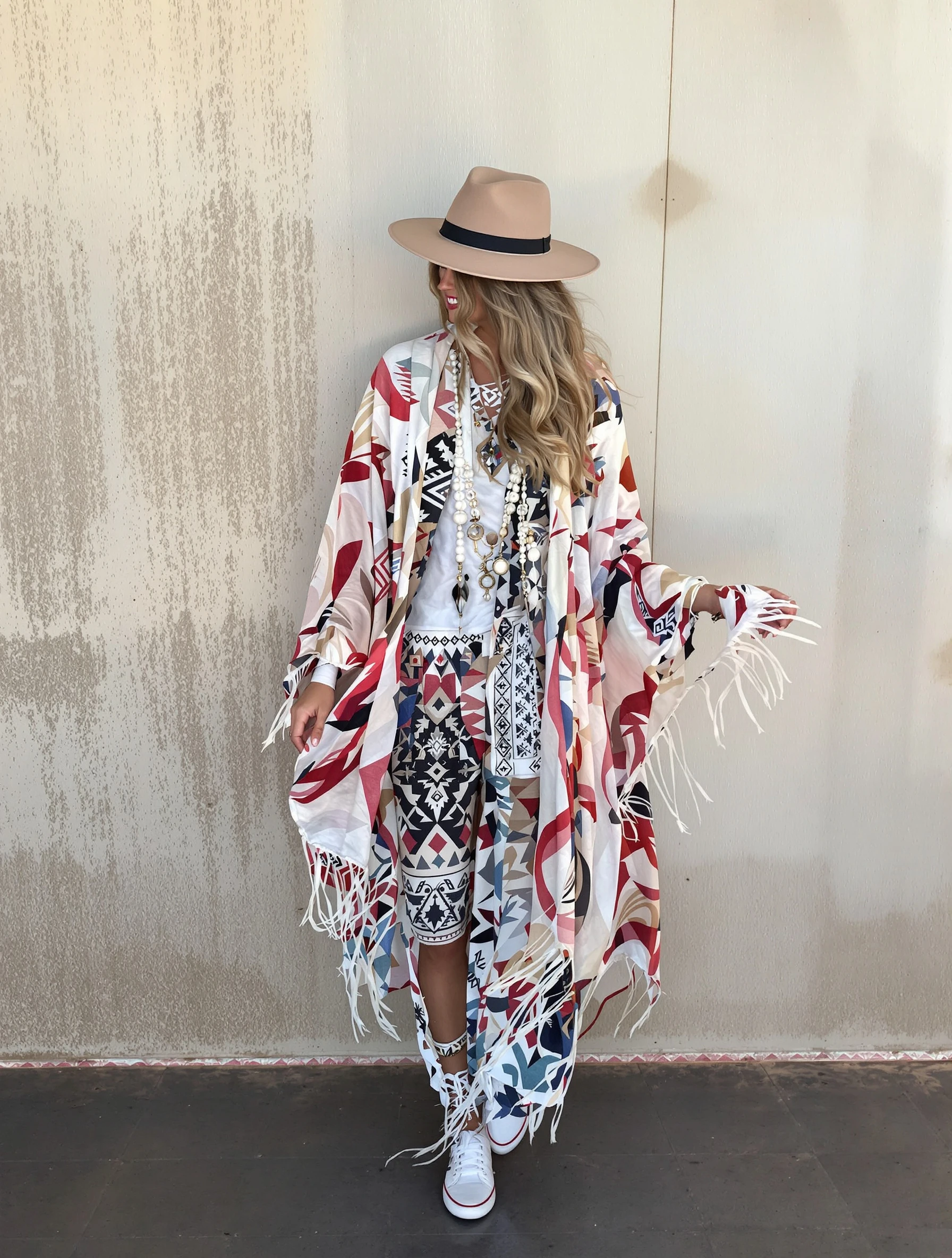
Woman wearing flowing kimono over festival outfit, fringe swaying. Layering piece, pattern mixing, bohemian cover-up, effortless style.
Woman in wide-brim boho hat, summer festival accessory essential. Straw or felt, sun protection style, romantic shade, festival chic.
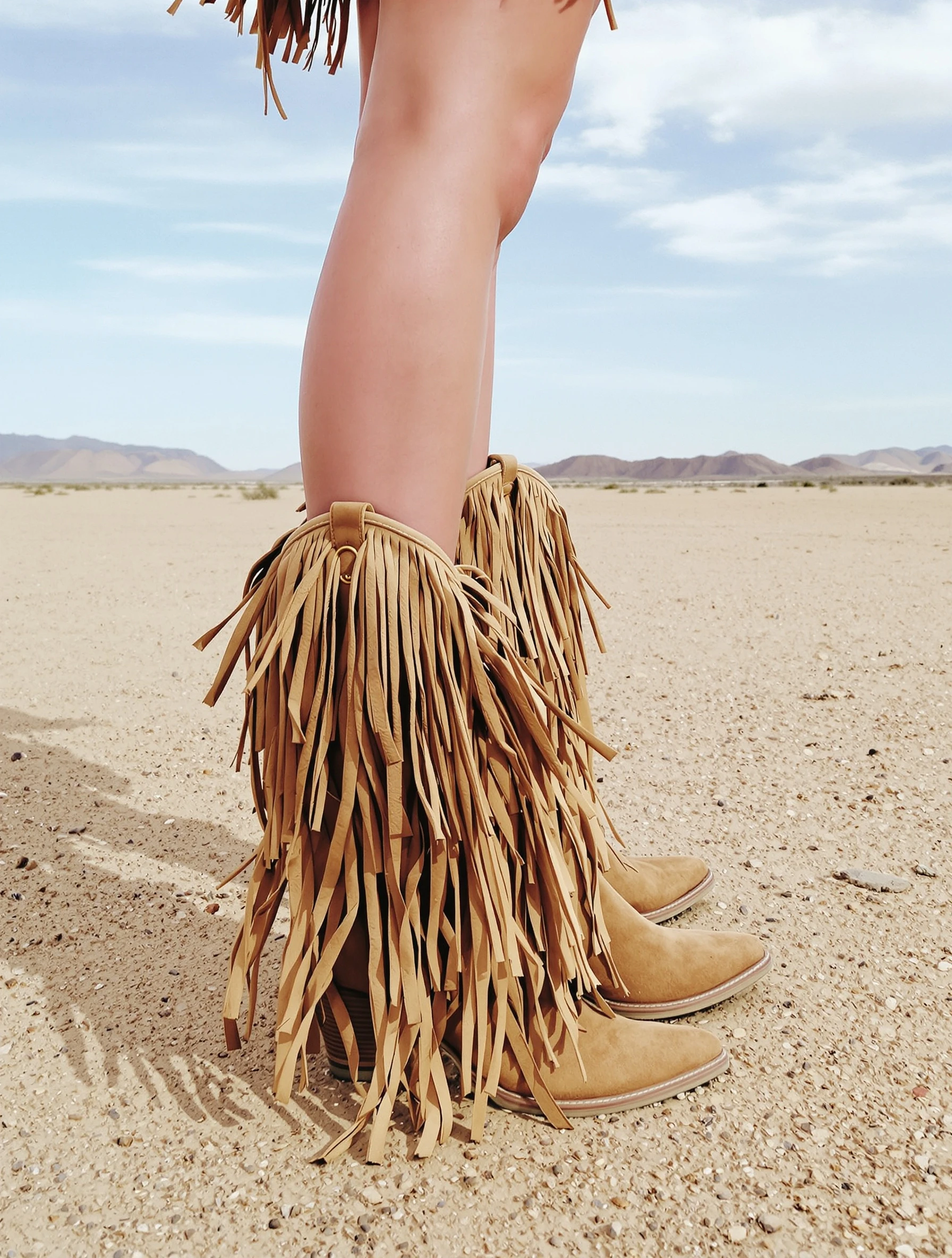
Woman in fringed boho boots, Western-meets-festival footwear. Statement shoes, fringe movement, desert festival ready, unique boots.
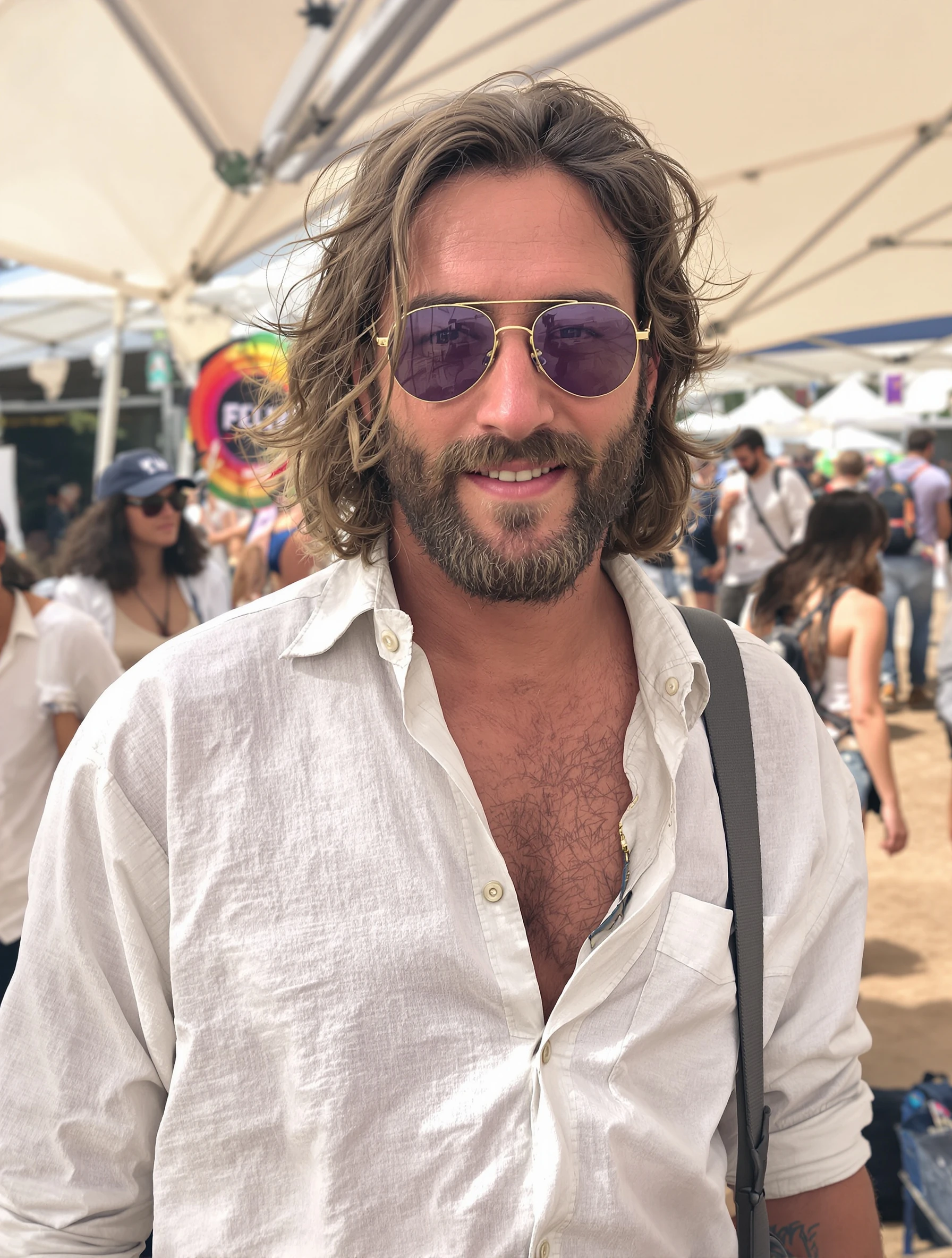
Man at festival in relaxed linen shirt, unbuttoned and breezy. Bohemian masculine, natural fabrics, easy going style, festival vibes.
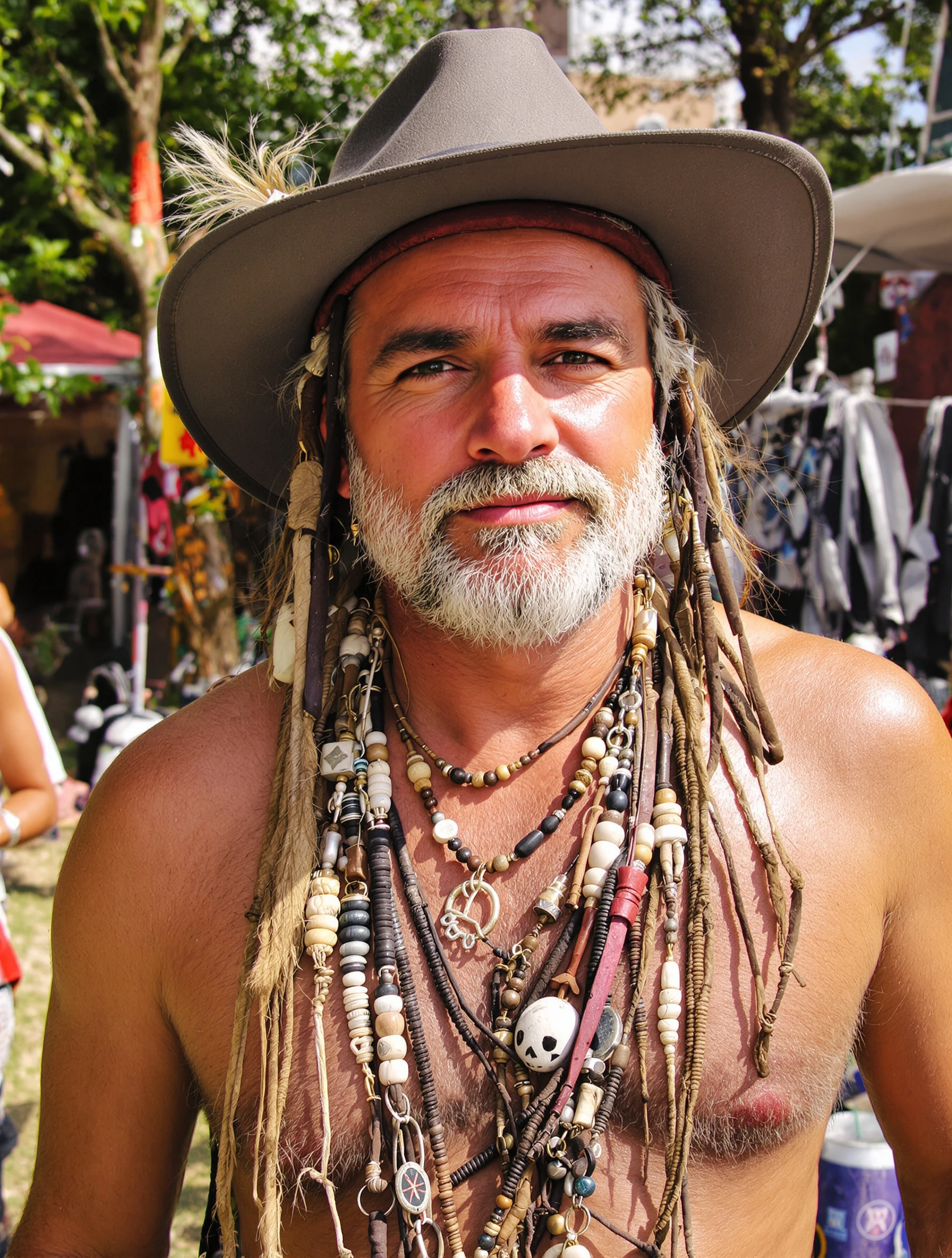
Man with layered boho jewelry, leather and beads. Festival accessories, masculine bohemian, collected pieces, earthy adornment.
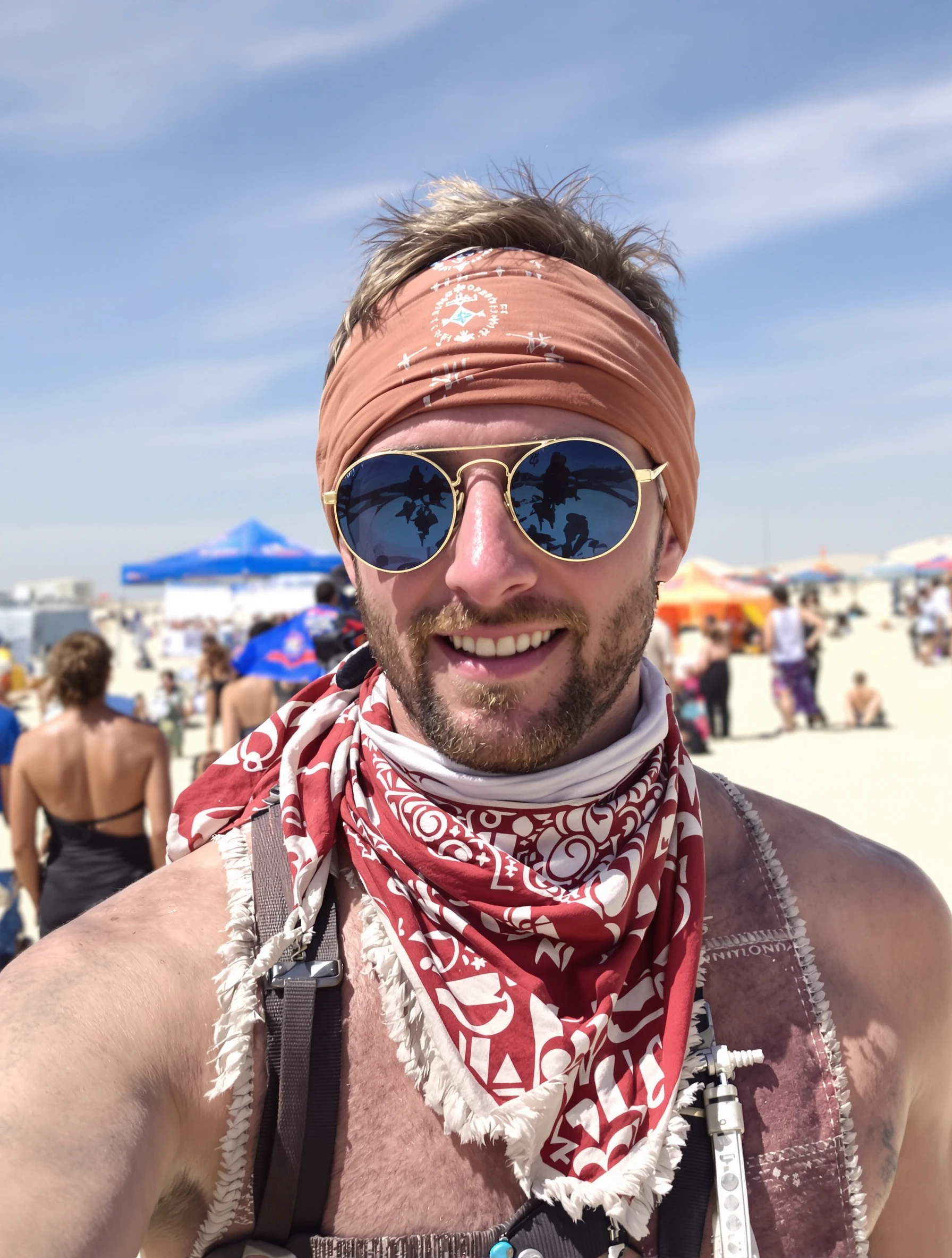
Man at desert festival with bandana and round sunglasses. Festival essentials, Burning Man vibes, practical style, desert cool.
Man in patterned bohemian shirt, relaxed festival style. Printed fabric, loose fit, cultural patterns, free-spirited fashion.
Man in fedora or wide-brim hat at outdoor festival. Boho headwear, sun style, festival essential, wanderer aesthetic.
PixelPanda PixelPanda

Your AI photoshoot platform. Run AI photoshoots, remove backgrounds, generate product photos, and create UGC videos - all in seconds.

Product

  • AI Avatar Builder
  • Content Studio
  • Product Studio
  • AI Product Photography
  • Product Catalog
  • Integrations

Resources

  • How-To Guides
  • Demos
  • API Documentation
  • Blog
  • Help Center
  • FAQ

Company

  • About Us
  • Pricing
  • Contact
  • Careers
  • Affiliates

Use Cases

  • AI Ad Generator
  • AI Face Generator
  • AI UGC
  • E-commerce
  • Marketing
  • Alternatives
  • Tool Reviews
  • Photo Ideas
  • Background Removal
  • Background Removal API

Free Tools

AI-Powered
  • AI Selfie Generator
  • Background Remover
  • Image Upscaler
  • AI Image Editor
  • Remove Text from Image
  • Image Analyzer
  • AI Image Describer
  • Image to Prompt
  • Photo Description
  • Ecommerce Product Studio
  • AI Ad Generator
  • White Background
  • AI UGC Video
Transform
  • Resize Image
  • Crop Image
  • Rotate Image
  • Flip Image
  • Compress Image
  • Convert Format
  • HEIC to JPG
  • SVG to PNG
Adjust & Color
  • Brightness & Contrast
  • Black & White Converter
  • Image Inverter
  • Color Picker
  • Palette Extractor
  • Make Transparent
Effects & Overlay
  • Blur Image
  • Pixelate Image
  • Add Border
  • Round Corners
  • Add Watermark
  • Unblur Image
Utilities
  • Merge Images
  • Image to Base64
  • PDF to Image
  • Image to PDF
  • Profile Picture Maker
  • Photo Enhancer
  • Photo Collage
  • WebP to GIF

© 2026 PixelPanda. All rights reserved.

Terms of Service Privacy Policy
Featured on Fazier PixelPanda - SaaS Hub Approved Startup Benchmarks Good AI Tools
Home
Free Tools
Pricing
Sign In

Report a Bug

Found something broken? Let us know and earn bonus credits for confirmed bugs.

Drop files here or click to browse
Images & videos up to 20MB each