AI UGC for <span>Fashion</span> on Linkedin
Generate authentic fashion influencer videos optimized for Linkedin. No creators, no agencies, no hassle.
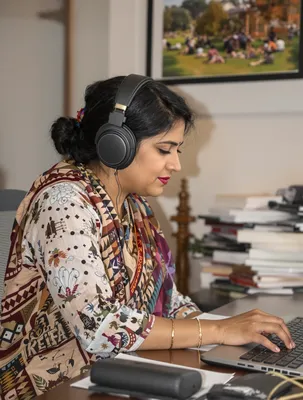
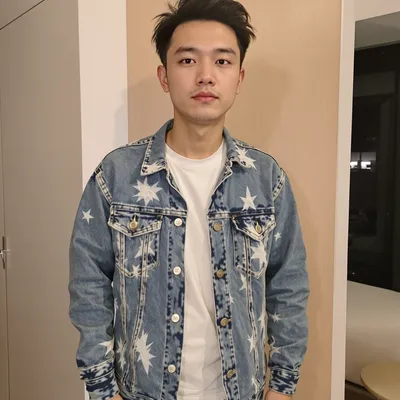
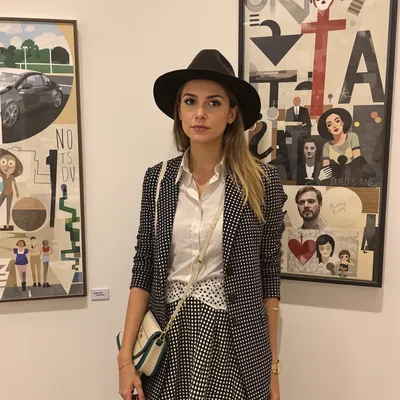
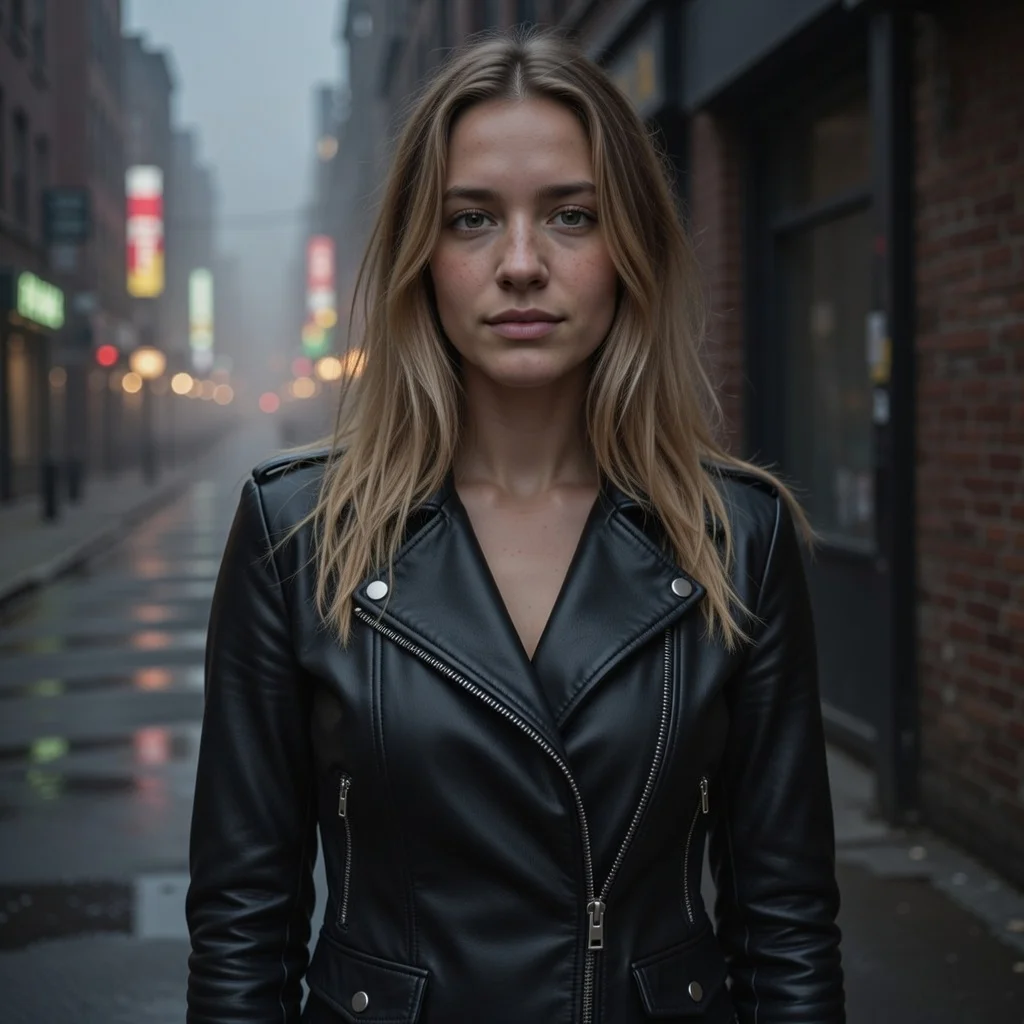
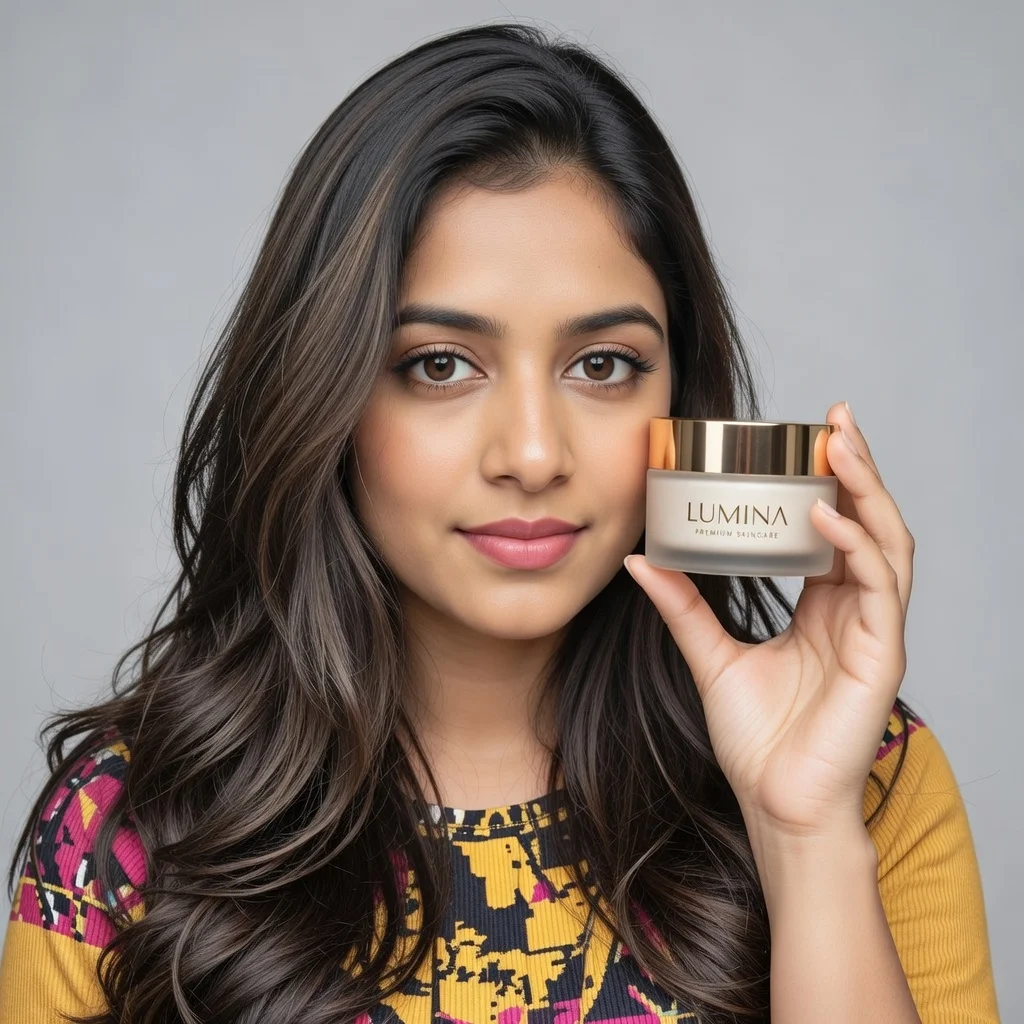
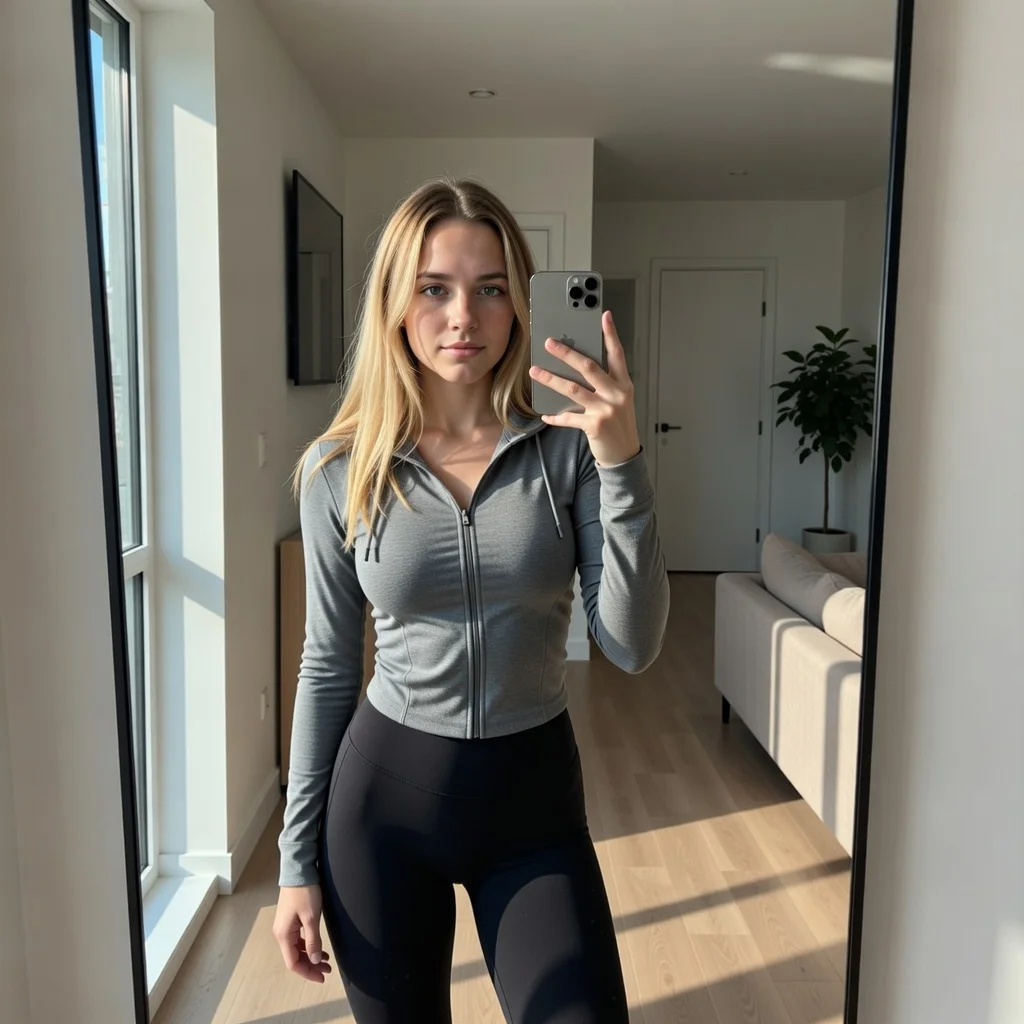
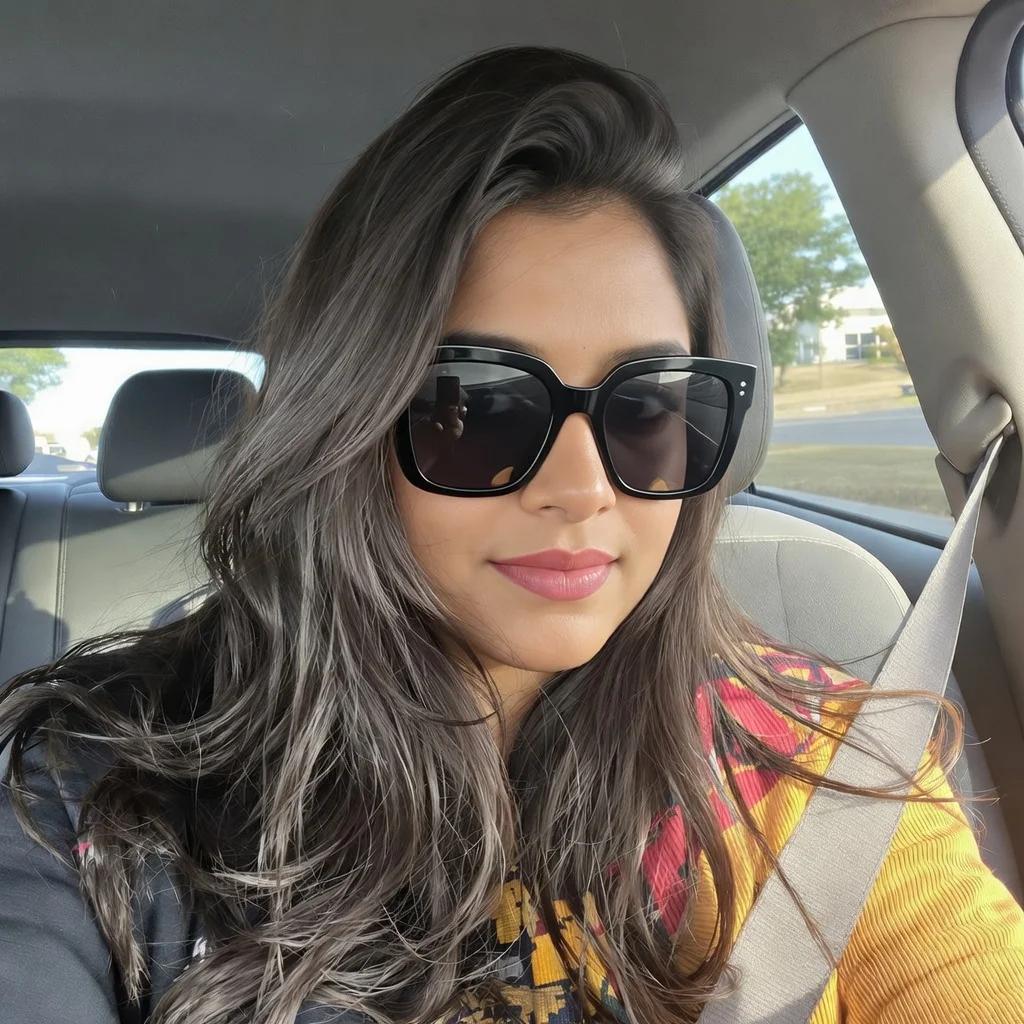
100+ AI Avatars Ready to Go
Diverse, realistic, customizable. Build your own or pick from our library.
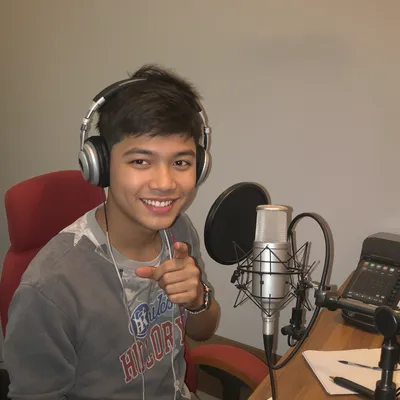
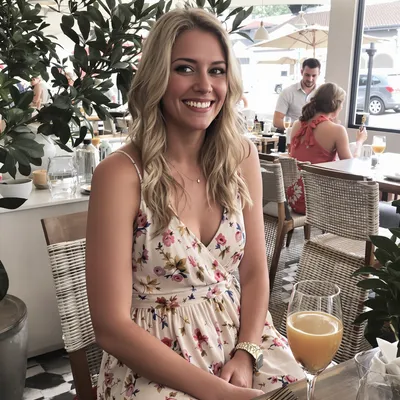
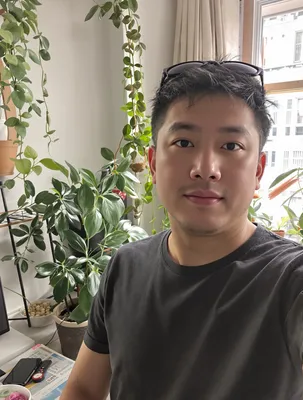
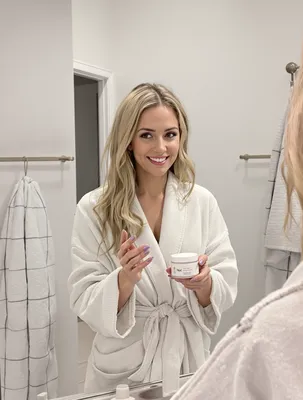

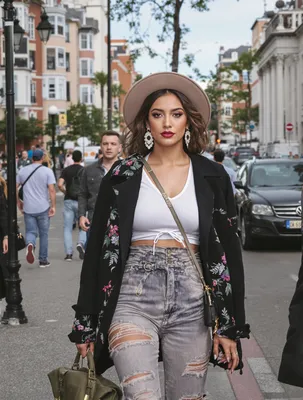

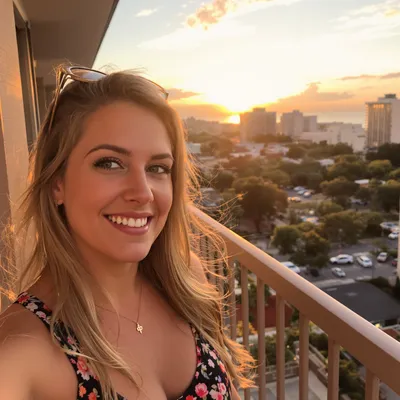



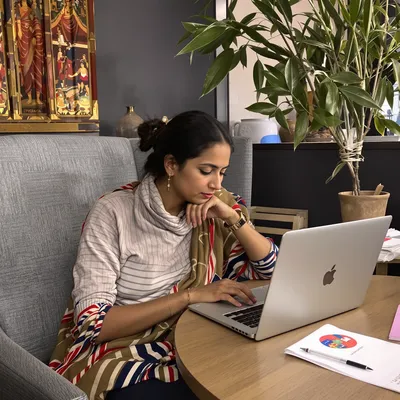
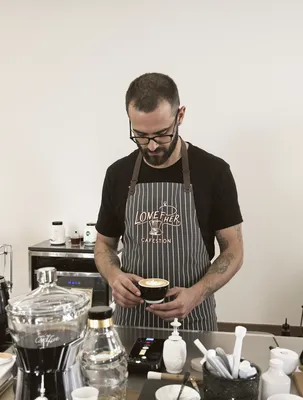
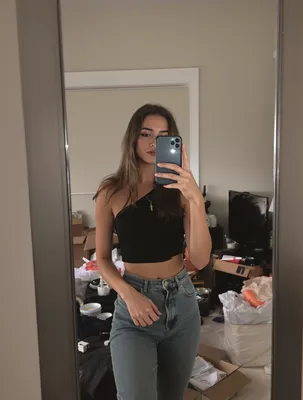
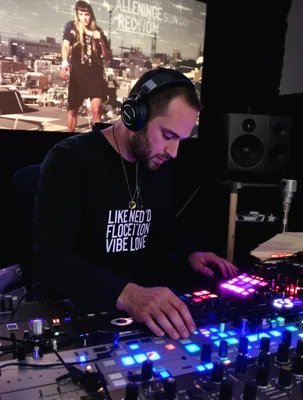
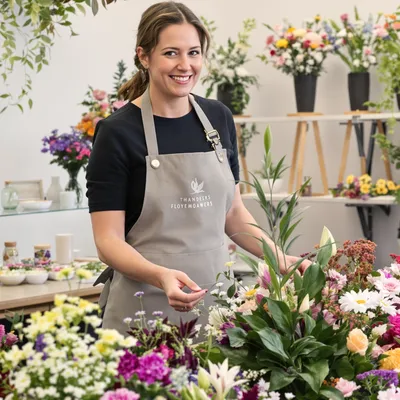
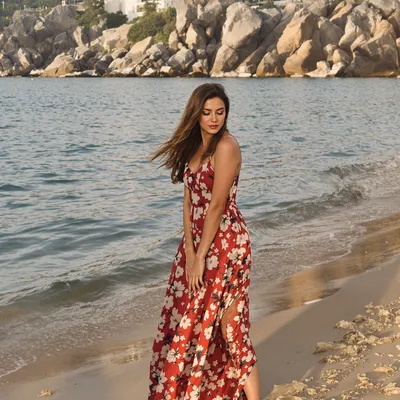
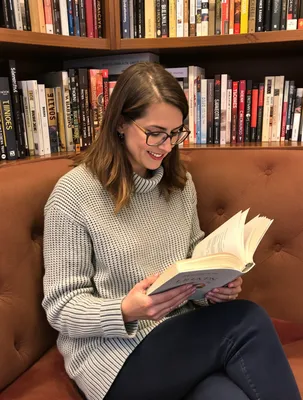
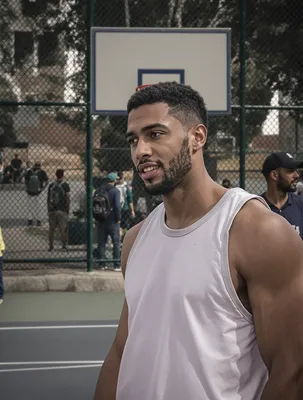
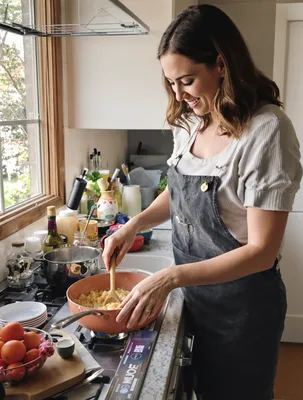
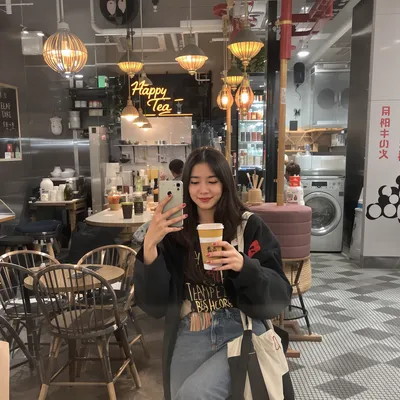
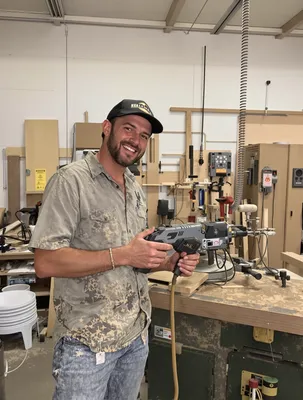
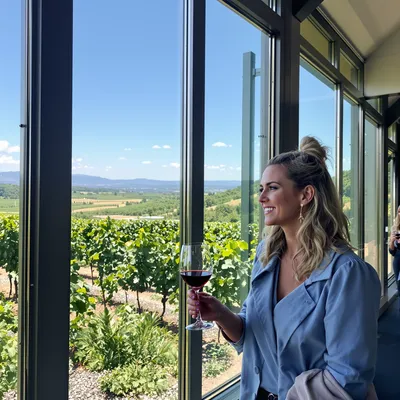
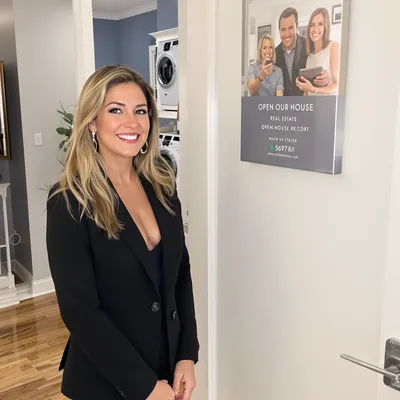
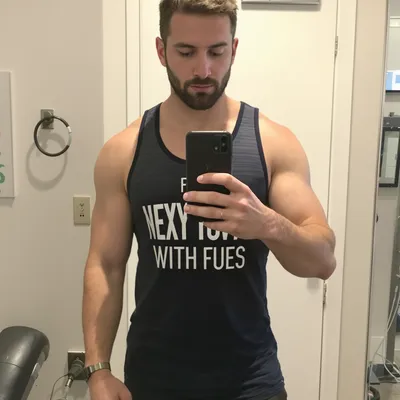
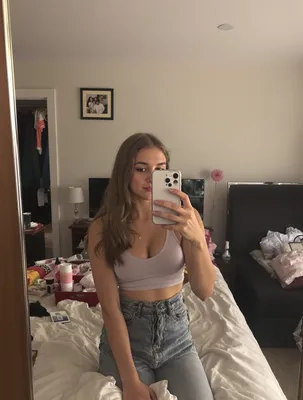
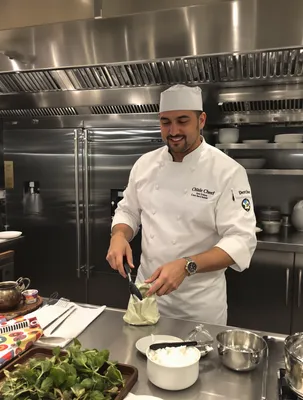


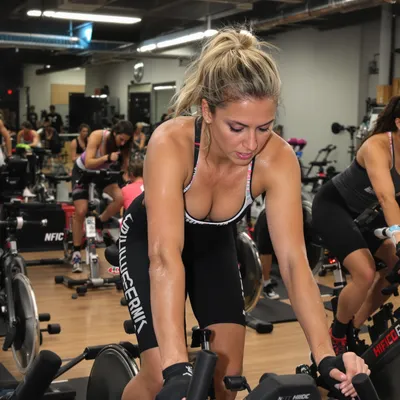






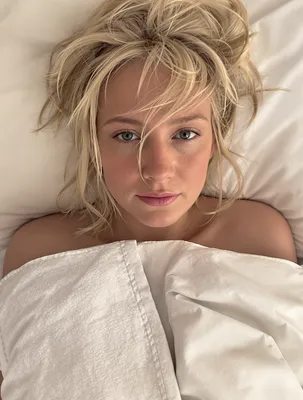

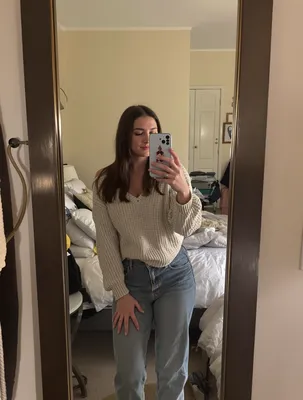

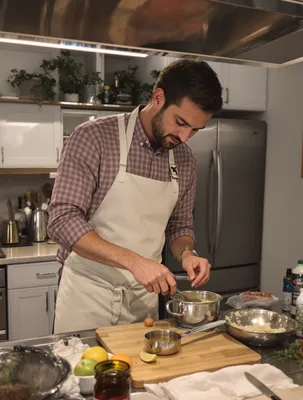
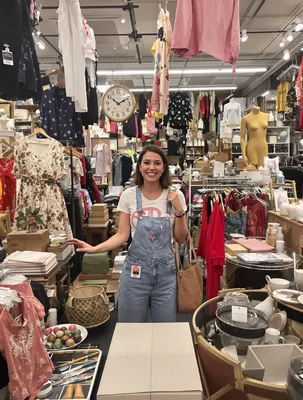
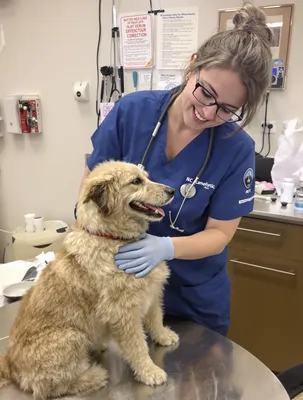
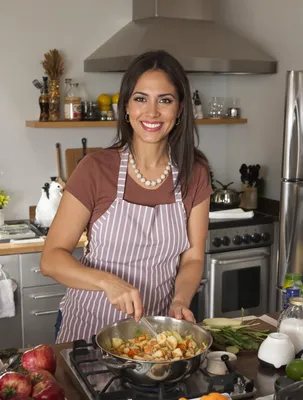

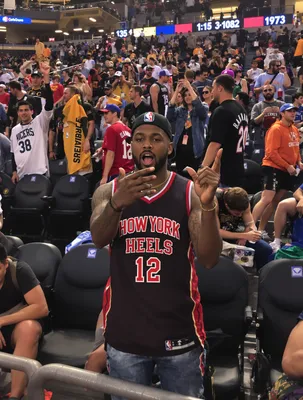
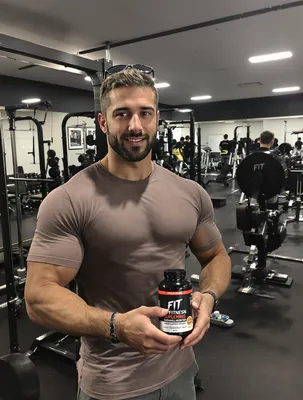
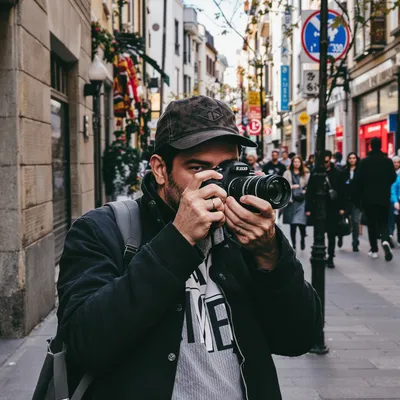
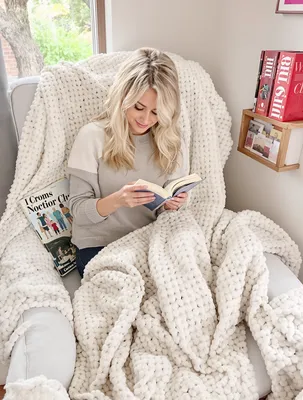
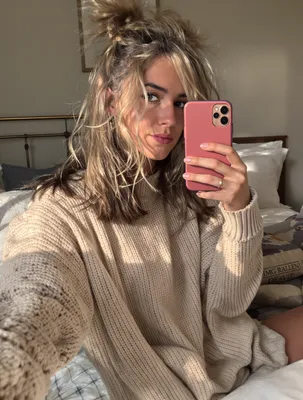


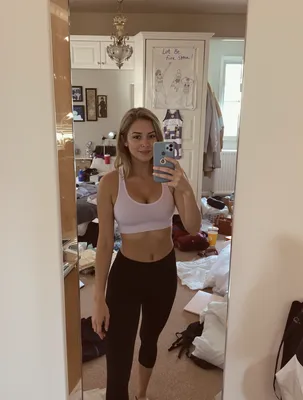


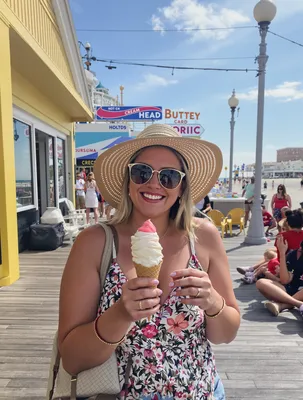


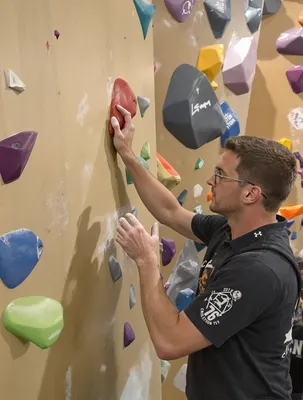
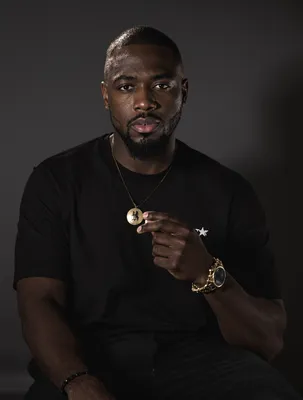
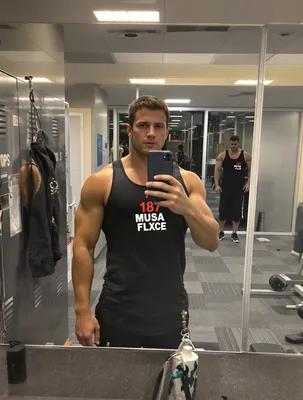
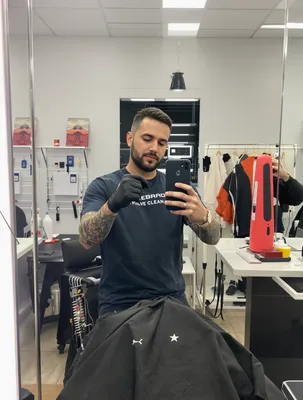

A fashion UGC video on LinkedIn is aimed at a completely different person than the same clip on TikTok. The viewer is a boutique owner, a department store buyer, a sourcing or private label manager, a corporate uniform lead, or a wholesale rep scrolling between meetings. They are not deciding whether the piece is cute. They are deciding whether it will sell at their price point, arrive on time, hold up through a wash test, and not blow up their returns rate.
That changes what a creator-style video has to carry. The unpolished, phone-shot format still works, and often works better than a glossy campaign film, because a stockist filming their own restock or a pattern maker showing a seam feels like evidence rather than marketing. But the substance has to shift toward margin, sizing, fabric composition, minimums, and lead times.
On top of that, LinkedIn's feed has its own mechanics: muted autoplay, a square or portrait crop that behaves differently on desktop and mobile, and post copy that truncates after a couple of lines. Get the buyer proof right and the format right, or a good garment story dies at two seconds.
Stop Overpaying for UGC Content
Traditional UGC is expensive, slow, and unpredictable. AI changes everything.
Traditional UGC Creators
$150-500+ per video
Plus weeks of back-and-forth, revision requests, and no guarantee you'll get content that converts.
UGC Agencies
$2,000+ per month
Long contracts, slow turnaround, limited revisions, and you're still waiting weeks for content.
PixelPanda AI
Under $2 per video
Instant generation, unlimited variations, complete control over messaging. Scale your UGC without limits.
See It In Action
Real AI-generated UGC videos. Click to play. No actors, no cameras, no studio.
How It Works
Create professional UGC videos in three simple steps.
Choose Avatar
Select an AI creator that matches your fashion brand
Add Script
Write your fashion product message
Post on Linkedin
Download your Linkedin-ready video
Everything You Need
Powerful features to create professional UGC videos at scale.
Style Content
AI avatars that speak fashion's language
Outfit Talk
Describe and showcase outfit combinations
Haul Videos
Unboxing and try-on style content
Professional Tone
AI avatars with business-appropriate delivery and style
LinkedIn-Optimized
1:1 and 16:9 formats for feed and article embeds
Thought Leadership
Position your brand as an industry authority
What Fashion Buyers Need Proven On Camera
Consumer UGC sells a feeling. Wholesale and sourcing viewers on LinkedIn want checkable facts, delivered casually. The strongest fashion clips here are shot by someone with skin in the game: a stockist unboxing a reorder and saying which colorway sold through first, a production manager holding up a bar tack, a showroom rep flipping a linesheet at Coterie or Magic.
Bake in the details a buyer would otherwise have to email you for: fabric composition and weight, size range and grading, country of origin, MOQ per style and per color, lead time from PO to delivery, and whether goods arrive floor ready with hangtags, care labels, and barcodes. Show drape by walking, not by holding the garment still. Show the inside: seam finish, lining, zipper brand, label placement. Certifications like GOTS, OEKO-TEX, or GRS land better as a visible label on camera than as an overlay claim.
Specs And Framing For A Muted LinkedIn Feed
Build for 1:1 or 4:5. Both hold their height in the feed on mobile and stay legible on desktop, where a 9:16 fashion clip gets pillarboxed and your garment shrinks to a thumbnail. For paid placements keep it in the 6 to 15 second range and let organic posts run 30 to 60 seconds when there is real product detail to walk through. Autoplay is silent, so open on the garment in motion or a hand touching fabric, not a talking head waiting for audio.
Burn in captions or upload an SRT, and keep overlay text out of the bottom fifth where the headline and CTA card sit. Set a deliberate custom thumbnail: a flat lay with the season name reads far better than a random blurred frame. Common misfires include leaving a TikTok watermark on, using trending pop audio that reads as consumer marketing, and writing post copy where the MOQ or delivery window falls after the see more cut.
Perfect For
Related Topics
Frequently Asked Questions
Everything you need to know about fashion linkedin ugc generation.
AI Actors That Look Real


Ready to Create Fashion Linkedin UGC?
Start generating professional UGC videos in minutes.
Start Creating