Saas Linkedin UGC

AI UGC for <span>Saas</span> on Linkedin

Generate authentic saas influencer videos optimized for Linkedin. No creators, no agencies, no hassle.

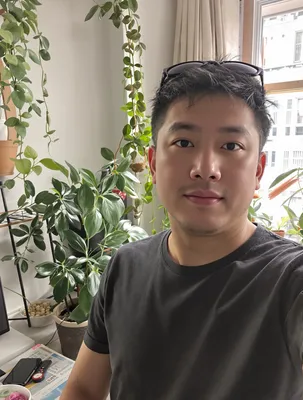
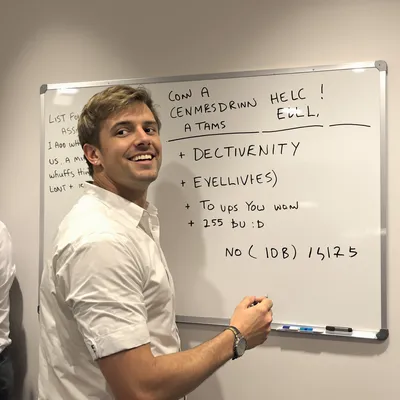
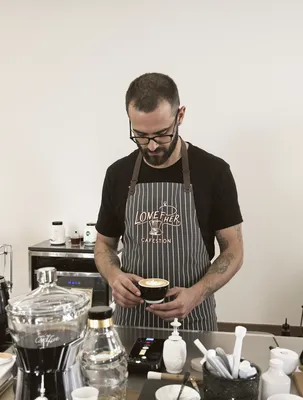
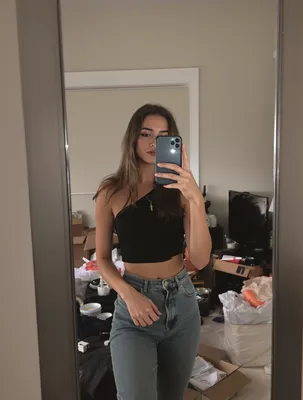
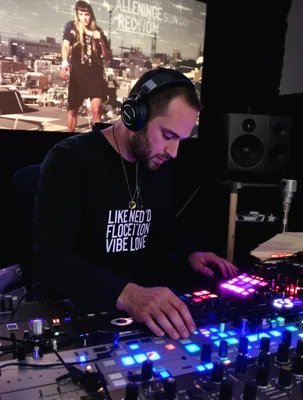
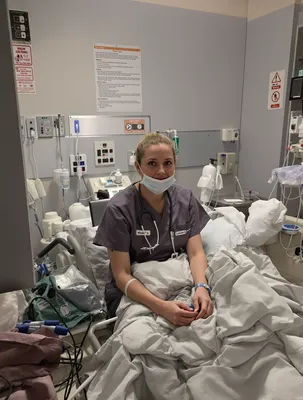
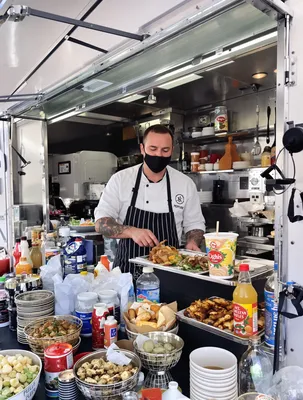
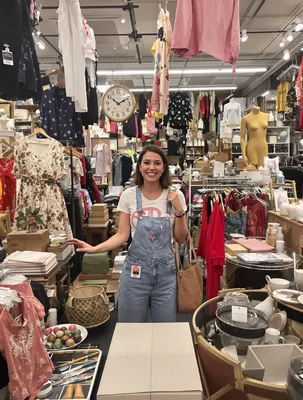
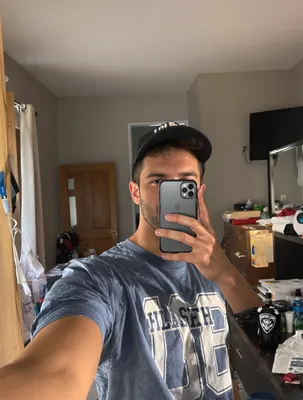
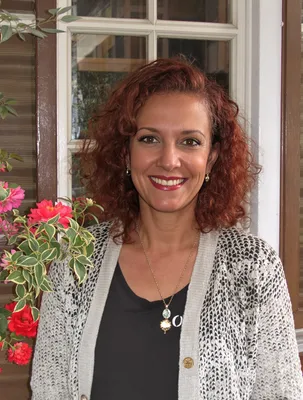
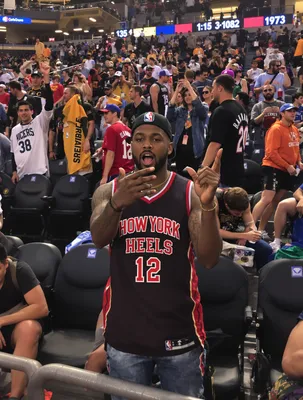
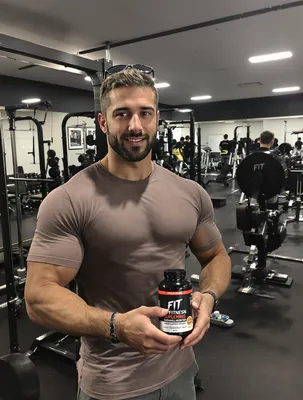
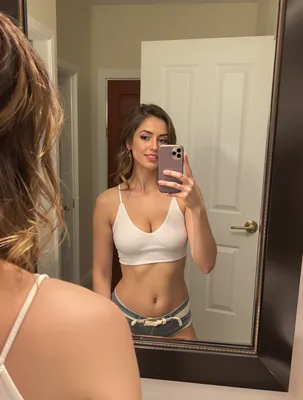
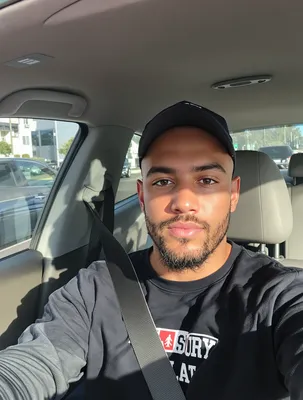
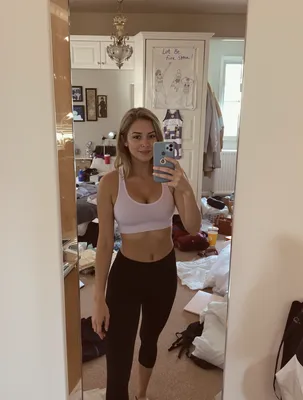
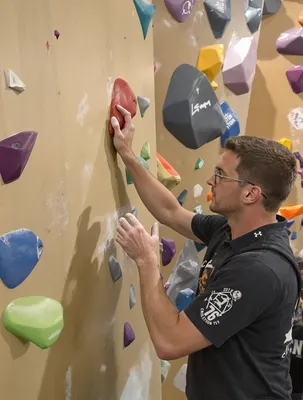
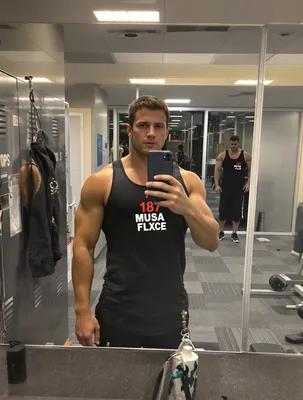
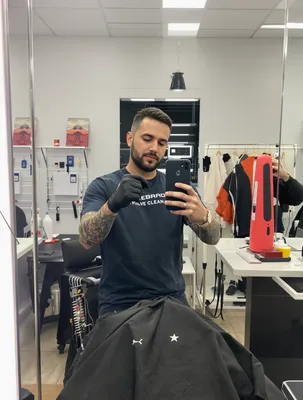
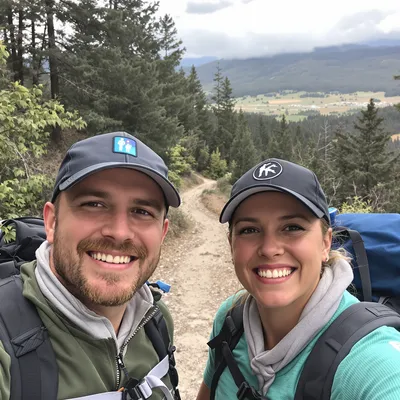
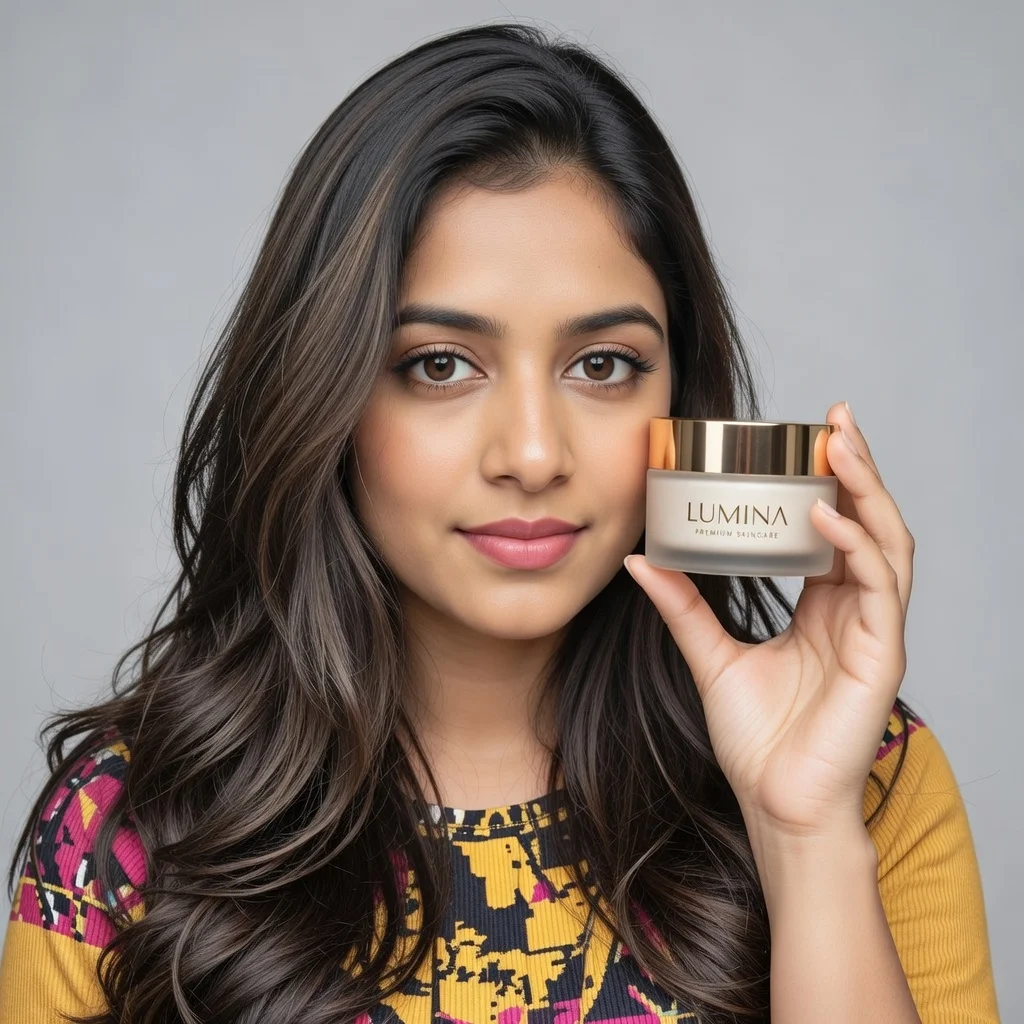
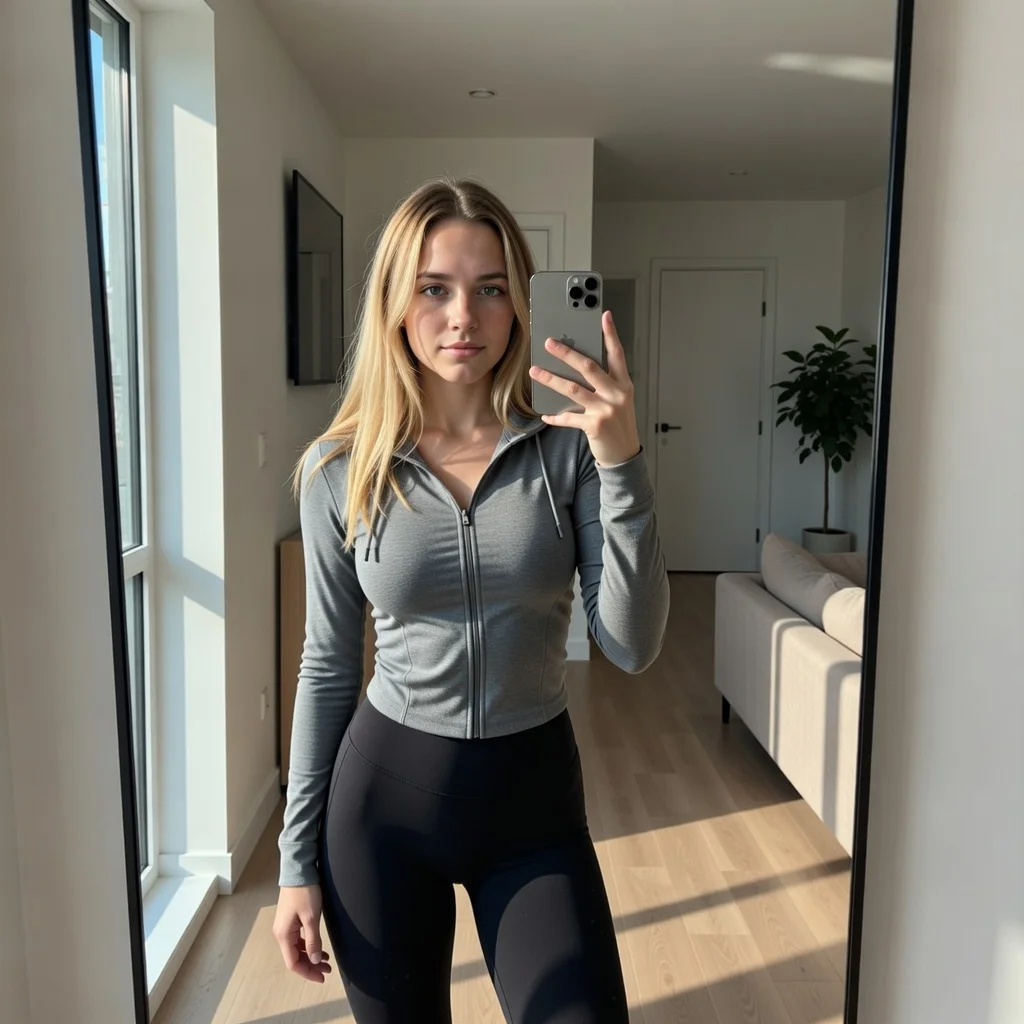
100+ AI Avatars Ready to Go

Diverse, realistic, customizable. Build your own or pick from our library.
AI Avatar AI Avatar AI Avatar AI Avatar AI Avatar AI Avatar AI Avatar AI Avatar AI Avatar AI Avatar AI Avatar AI Avatar AI Avatar AI Avatar AI Avatar AI Avatar AI Avatar AI Avatar AI Avatar AI Avatar AI Avatar AI Avatar AI Avatar AI Avatar AI Avatar AI Avatar AI Avatar AI Avatar AI Avatar AI Avatar AI Avatar AI Avatar AI Avatar AI Avatar AI Avatar AI Avatar AI Avatar AI Avatar AI Avatar AI Avatar AI Avatar AI Avatar AI Avatar AI Avatar AI Avatar AI Avatar AI Avatar AI Avatar AI Avatar AI Avatar AI Avatar AI Avatar AI Avatar AI Avatar AI Avatar AI Avatar AI Avatar AI Avatar AI Avatar AI Avatar AI Avatar AI Avatar AI Avatar AI Avatar AI Avatar AI Avatar AI Avatar AI Avatar AI Avatar AI Avatar AI Avatar AI Avatar AI Avatar AI Avatar AI Avatar AI Avatar AI Avatar AI Avatar AI Avatar AI Avatar
AI Avatar AI Avatar AI Avatar AI Avatar AI Avatar AI Avatar AI Avatar AI Avatar AI Avatar AI Avatar AI Avatar AI Avatar AI Avatar AI Avatar AI Avatar AI Avatar AI Avatar AI Avatar AI Avatar AI Avatar AI Avatar AI Avatar AI Avatar AI Avatar AI Avatar AI Avatar AI Avatar AI Avatar AI Avatar AI Avatar AI Avatar AI Avatar AI Avatar AI Avatar AI Avatar AI Avatar AI Avatar AI Avatar AI Avatar AI Avatar AI Avatar AI Avatar AI Avatar AI Avatar AI Avatar AI Avatar AI Avatar AI Avatar AI Avatar AI Avatar AI Avatar AI Avatar AI Avatar AI Avatar AI Avatar AI Avatar AI Avatar AI Avatar AI Avatar AI Avatar AI Avatar AI Avatar AI Avatar AI Avatar AI Avatar AI Avatar AI Avatar AI Avatar AI Avatar AI Avatar AI Avatar AI Avatar AI Avatar AI Avatar AI Avatar AI Avatar AI Avatar AI Avatar

UGC works on LinkedIn for a different reason than it works anywhere else. The person on camera is not an anonymous face holding a product, they are a named professional with a visible job title, company, and connection history. For SaaS, that is the whole point: a RevOps manager saying she stopped rebuilding the same attribution report every Monday carries weight that a polished brand demo never will, because the viewer can click her profile and confirm she does that job.

But the feed itself is unforgiving. Video autoplays muted in a mostly mobile feed, so your voiceover is decoration until captions carry it. Most SaaS interfaces are wide, dense, and full of small text, which means a screen recording that reads fine on a monitor turns into gray mush at feed size. And the buyer is rarely one person, so a 20 second clip needs to survive being forwarded to a manager who never saw the hook.

Get three things right: a frame ratio that keeps the UI legible, captions written for silence, and a specific claim a procurement-minded skeptic can verify.
Stop Overpaying for UGC Content

Traditional UGC is expensive, slow, and unpredictable. AI changes everything.

Traditional UGC Creators

$150-500+ per video

Plus weeks of back-and-forth, revision requests, and no guarantee you'll get content that converts.

UGC Agencies

$2,000+ per month

Long contracts, slow turnaround, limited revisions, and you're still waiting weeks for content.

PixelPanda AI

Under $2 per video

Instant generation, unlimited variations, complete control over messaging. Scale your UGC without limits.

See It In Action

Real AI-generated UGC videos. Click to play. No actors, no cameras, no studio.

Testimonial
Tutorial
Product Review

How It Works

Create professional UGC videos in three simple steps.

1

Choose Avatar

Select an AI creator that matches your saas brand

2

Add Script

Write your saas product message

3

Post on Linkedin

Download your Linkedin-ready video

Everything You Need

Powerful features to create professional UGC videos at scale.

Tech-Savvy Avatars

Presenters who speak the language of SaaS

Demo Style

Feature walkthroughs and product tours

Customer Stories

Testimonials from 'typical users'

Professional Tone

AI avatars with business-appropriate delivery and style

LinkedIn-Optimized

1:1 and 16:9 formats for feed and article embeds

Thought Leadership

Position your brand as an industry authority

Framing Dense SaaS UI for the LinkedIn Feed

LinkedIn accepts 1:1 (1080x1080), 4:5 (1080x1350), 16:9 landscape, and 9:16 vertical for feed video. For SaaS UGC, 4:5 is usually the best trade: it takes more vertical space than square without the extreme crop of 9:16, which is where dashboards die. Never letterbox a full 16:9 app window into a vertical frame. Instead, record the browser at a zoomed-in view and crop to one panel at a time, so a filter, a chart, or a single row of data fills the width.

Keep roughly the bottom 15 percent clear of anything important, because the ad headline, CTA button, and comment previews sit there. Same for the top, where the poster's name and profile photo overlay organic video. If a number in the UI matters, add it as a text overlay rather than trusting the viewer to read 11px type on a phone.

What SaaS Buyers Need Before They Trust You

Consumer UGC can win on vibe. Software cannot, because the viewer is mentally forwarding your clip to someone who controls budget. So the creator should name the workflow, not the feeling: which tool they replaced or sat next to, what the setup actually took, whether it plugged into the stack they already run. Vague transformation talk reads as a paid script and gets called out in comments, which on LinkedIn are attached to the ad permanently.

Cast for the title your ICP reports to or works beside. A security engineer saying an admin console passed review lands with security engineers. A founder saying it saved her team time lands with founders. Avoid fabricated dashboards with implausible growth curves, and blur customer names, emails, and revenue figures in any recording. If you sponsor an employee or creator's own post, label the partnership plainly.

95%
Cost savings
Linked
Optimized
5min
Generation
HD
Quality

Perfect For

Product demos Feature launches Customer stories Linkedin organic Linkedin ads

Related Topics

linkedin ugc video ads for saas b2b saas linkedin video ad length best practice saas screen recording video ad aspect ratio linkedin linkedin thought leader ads saas testimonial 4:5 vs 1:1 linkedin video ad saas captions for linkedin saas video ads srt ugc style demo video for b2b software linkedin linkedin video hook for software buyers saas customer testimonial video linkedin feed specs how to make linkedin video ads for saas without a customer

Frequently Asked Questions

Everything you need to know about saas linkedin ugc generation.

What type of saas UGC content works best on Linkedin?
SaaS UGC works best with screen recordings, workflow demonstrations, and problem/solution storytelling approaches. For Linkedin: Professional but personal. Share expertise, industry insights, and authentic professional experiences.
How do I optimize saas videos for Linkedin's algorithm?
LinkedIn rewards content that generates meaningful professional conversations. Early engagement in first hour is crucial. LinkedIn supports square (1:1) or vertical (9:16) video, 30-90 seconds optimal for organic, native uploads outperform links.
What saas content ideas drive conversions on Linkedin?
Tutorial walkthroughs, workflow automations, before/after productivity gains, feature spotlights, and integration demonstrations. Show specific use cases and quantifiable benefits. Tech-savvy audiences appreciate detailed feature explanations over hype.
How does UGC perform for saas brands on Linkedin?
LinkedIn video ads reach professional decision-makers. B2B UGC (customer testimonials, expert endorsements) drives higher conversion. Saas audiences specifically: SaaS audiences are productivity-focused and want to see real use cases and time savings. They respond to specificity over general claims.
What are the best practices for saas Linkedin content?
Post during business hours, use professional but relatable tone, include captions, and engage with all comments. Industry-specific tips: AI tool showcases, productivity hack videos, and 'tools I use daily' content formats are trending in SaaS.
How long should a UGC-style SaaS video ad be on LinkedIn?
For cold audiences, 15 to 30 seconds is the working range: one problem, one glimpse of the product doing the thing, one next step. LinkedIn allows far longer videos, so save the 60 to 90 second version for retargeting, where viewers already know the category and will sit through a walkthrough, pricing context, or a fuller before-and-after of the workflow.
Do I need captions on LinkedIn video ads, or is a voiceover enough?
You need captions. Feed video autoplays without sound, so a voiceover-only hook is silent for the people you most need to stop. Upload an SRT file for ad placements where it is supported, and burn in captions for organic and Thought Leader style posts. Write them to stand alone, and never put a punchline or the product name only in the audio.
Should the video show the actual product interface or just the person talking?
Both, in that order. Open on the person for one to two seconds so the clip reads as a real practitioner rather than a brand spot, then cut to the screen while they narrate. B2B buyers want proof the thing exists and looks usable. Show one concrete screen, cropped tight and zoomed, instead of a fast montage nobody can parse at feed size.

AI Actors That Look Real

AI lifestyle photo AI fashion photo AI product photo AI headshot AI product marketing AI lifestyle photo

Ready to Create Saas Linkedin UGC?

Start generating professional UGC videos in minutes.

Start Creating