Saas Twitter UGC

AI UGC for <span>Saas</span> on Twitter

Generate authentic saas influencer videos optimized for Twitter. No creators, no agencies, no hassle.

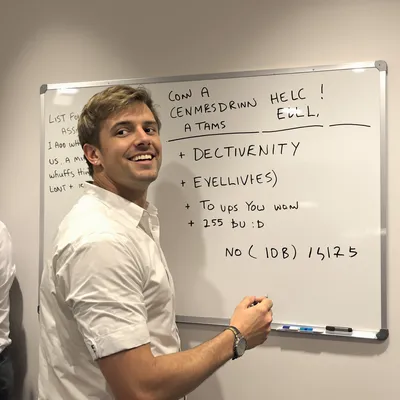
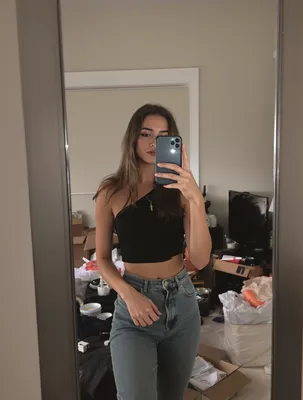
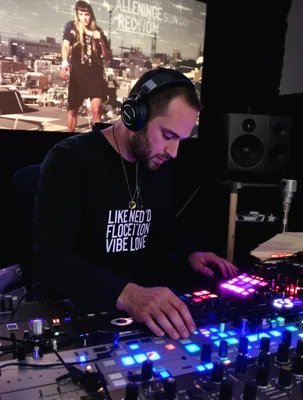
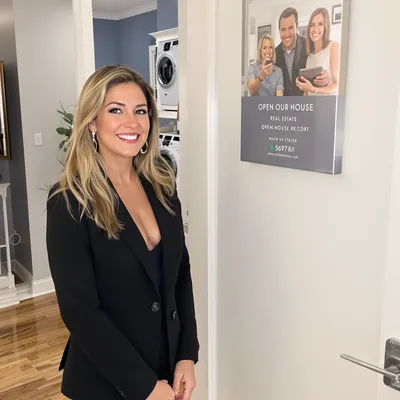
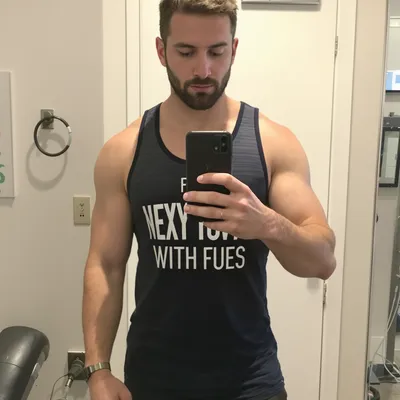
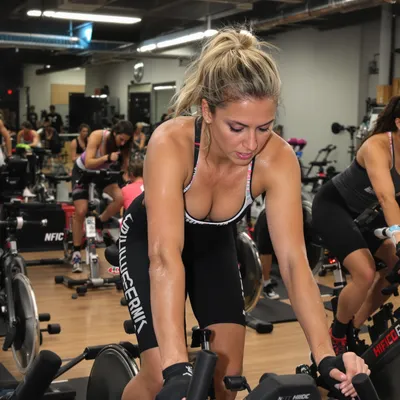
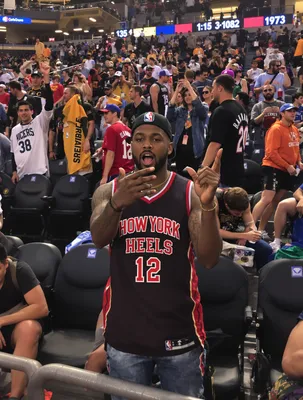
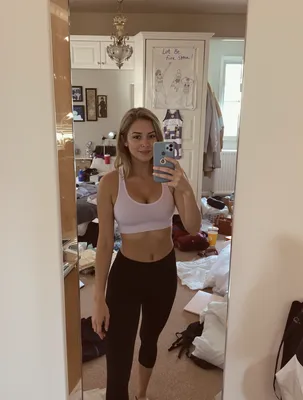
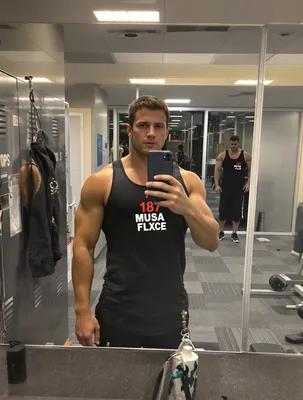
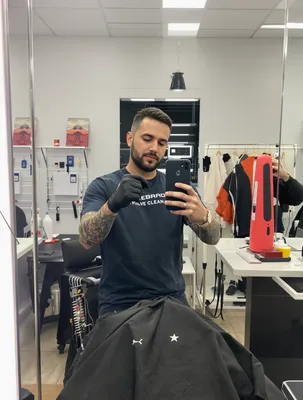
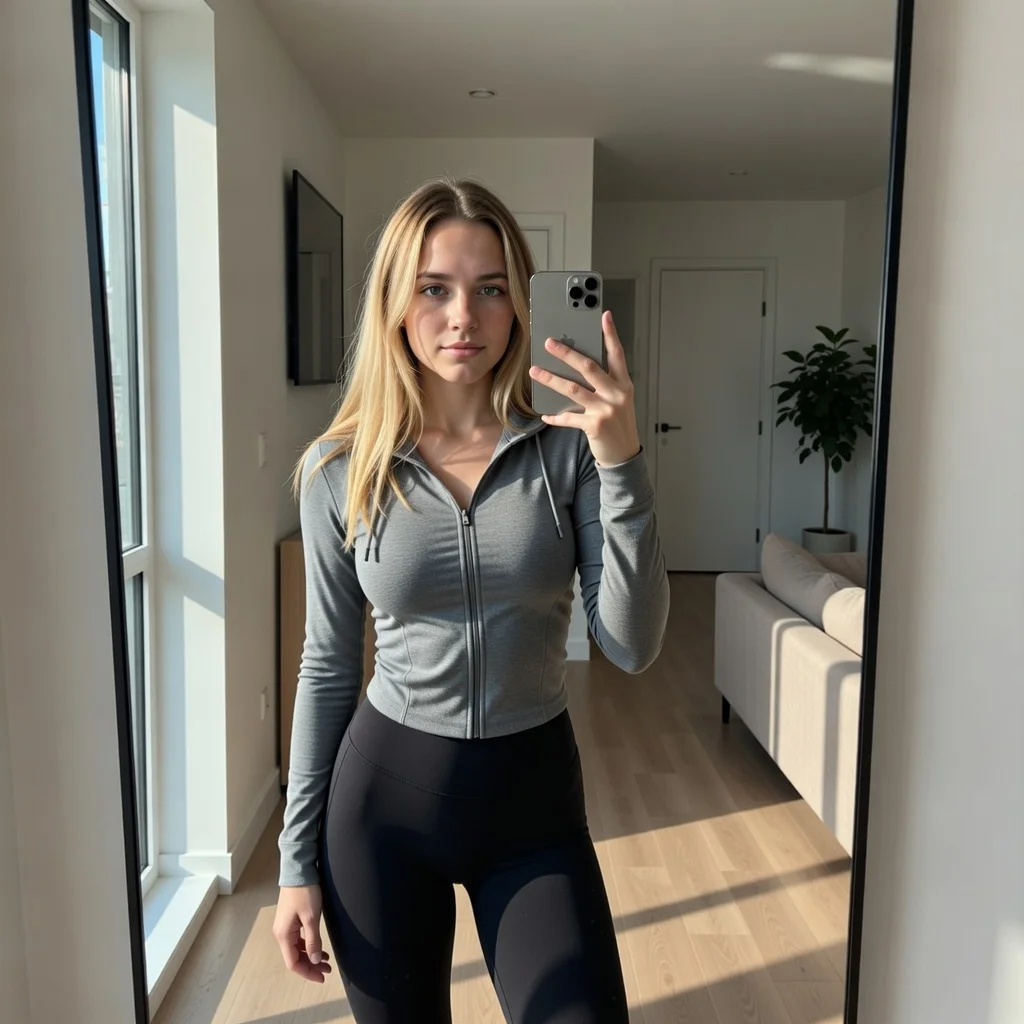
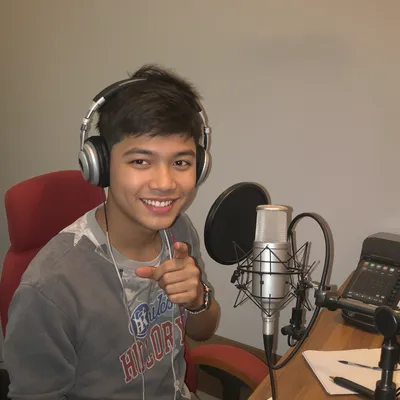
100+ AI Avatars Ready to Go

Diverse, realistic, customizable. Build your own or pick from our library.
AI Avatar AI Avatar AI Avatar AI Avatar AI Avatar AI Avatar AI Avatar AI Avatar AI Avatar AI Avatar AI Avatar AI Avatar AI Avatar AI Avatar AI Avatar AI Avatar AI Avatar AI Avatar AI Avatar AI Avatar AI Avatar AI Avatar AI Avatar AI Avatar AI Avatar AI Avatar AI Avatar AI Avatar AI Avatar AI Avatar AI Avatar AI Avatar AI Avatar AI Avatar AI Avatar AI Avatar AI Avatar AI Avatar AI Avatar AI Avatar AI Avatar AI Avatar AI Avatar AI Avatar AI Avatar AI Avatar AI Avatar AI Avatar AI Avatar AI Avatar AI Avatar AI Avatar AI Avatar AI Avatar AI Avatar AI Avatar AI Avatar AI Avatar AI Avatar AI Avatar AI Avatar AI Avatar AI Avatar AI Avatar AI Avatar AI Avatar AI Avatar AI Avatar AI Avatar AI Avatar AI Avatar AI Avatar AI Avatar AI Avatar AI Avatar AI Avatar AI Avatar AI Avatar AI Avatar AI Avatar
AI Avatar AI Avatar AI Avatar AI Avatar AI Avatar AI Avatar AI Avatar AI Avatar AI Avatar AI Avatar AI Avatar AI Avatar AI Avatar AI Avatar AI Avatar AI Avatar AI Avatar AI Avatar AI Avatar AI Avatar AI Avatar AI Avatar AI Avatar AI Avatar AI Avatar AI Avatar AI Avatar AI Avatar AI Avatar AI Avatar AI Avatar AI Avatar AI Avatar AI Avatar AI Avatar AI Avatar AI Avatar AI Avatar AI Avatar AI Avatar AI Avatar AI Avatar AI Avatar AI Avatar AI Avatar AI Avatar AI Avatar AI Avatar AI Avatar AI Avatar AI Avatar AI Avatar AI Avatar AI Avatar AI Avatar AI Avatar AI Avatar AI Avatar AI Avatar AI Avatar AI Avatar AI Avatar AI Avatar AI Avatar AI Avatar AI Avatar AI Avatar AI Avatar AI Avatar AI Avatar AI Avatar AI Avatar AI Avatar AI Avatar AI Avatar AI Avatar AI Avatar AI Avatar

Software rarely sells on a feature list, and it almost never sells on X from a polished brand film. What moves a SaaS buyer mid-scroll is someone who looks like them saying they switched tools, then showing the screen where the work actually happens. UGC video carries that better than any other format, and X is still where a lot of B2B software gets discovered in public, between founders, developers, ops leads and marketers who already follow each other.

The problem is that X is unforgiving in two ways at once. It autoplays muted inside a cropped timeline preview, and it gives your video no clickable surface at all. A SaaS walkthrough that leans on narration and small dashboard text fails on both counts: nobody hears the pitch and nobody can read the sidebar. You have to carry the claim in burned-in text, blow the product UI up until labels are readable on a phone, and put the offer in the tweet copy because the video itself cannot link anywhere.

Get the crop, the caption placement, the loop length and the reply-link pattern right, and a 30-second Loom-style clip can outperform a produced explainer that cost fifty times more.

Stop Overpaying for UGC Content

Traditional UGC is expensive, slow, and unpredictable. AI changes everything.

Traditional UGC Creators

$150-500+ per video

Plus weeks of back-and-forth, revision requests, and no guarantee you'll get content that converts.

UGC Agencies

$2,000+ per month

Long contracts, slow turnaround, limited revisions, and you're still waiting weeks for content.

PixelPanda AI

Under $2 per video

Instant generation, unlimited variations, complete control over messaging. Scale your UGC without limits.

See It In Action

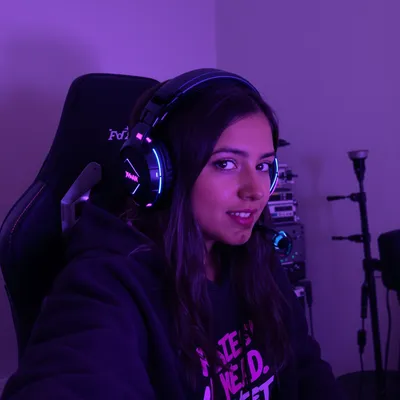
Real AI-generated UGC videos. Click to play. No actors, no cameras, no studio.

Product Review
Testimonial
Tutorial

How It Works

Create professional UGC videos in three simple steps.

1

Choose Avatar

Select an AI creator that matches your saas brand

2

Add Script

Write your saas product message

3

Post on Twitter

Download your Twitter-ready video

Everything You Need

Powerful features to create professional UGC videos at scale.

Tech-Savvy Avatars

Presenters who speak the language of SaaS

Demo Style

Feature walkthroughs and product tours

Customer Stories

Testimonials from 'typical users'

Thread-Ready Content

Short videos perfect for Twitter threads

Quick Hooks

Attention-grabbing first frames for fast scrollers

Flexible Formats

1:1, 16:9, and vertical options

Making Dashboard UI Readable In A Timeline Crop

Upload at 1:1 (1080x1080) or 16:9 (1280x720) for the timeline. Anything taller than 1:1 gets cropped toward the center in the preview, which is exactly where a SaaS creator usually puts their face while the product fills the edges. Deliver MP4 with H.264 video and AAC audio, 30 or 60fps, and keep files well under the standard 512MB upload ceiling.

The real failure is legibility. A 1440p dashboard scaled into a square feed card turns 12px table text into mush. Record the browser at 150 to 175 percent zoom, then crop to a single panel per shot instead of the whole screen. Show one action per beat, hold each state two to three seconds, and add a cursor highlight or a quick punch-in on the click. Burn captions in and keep them in the middle third, away from the bottom edge where the reply and like row and the "show more" text overlap.

Where The Trial Signup Actually Happens

Native video on X suppresses the link card, so the tweet copy is your landing page. Name the software category in plain words, state the price signal, and drop the link as the first reply, then pin that reply. Expect quote tweets asking how you compare to the incumbent, and have a thread ready rather than a DM prompt.

SaaS buyers on X verify before they sign up. They open your profile, read your bio link, and check whether pricing is public. If the creator says "it replaced three tools," the tweet needs to survive that scrutiny: per-seat cost, free trial without a sales call, the two or three integrations that matter to your ICP, and data export or migration if you are asking someone to leave an existing system. For anything sold above the individual-contributor level, mention SOC 2 or SSO in the reply thread, because procurement questions surface fast in public.

95%
Cost savings
Twitte
Optimized
5min
Generation
HD
Quality

Perfect For

Product demos Feature launches Customer stories Twitter organic Twitter ads

Related Topics

saas ugc video ads for twitter twitter video specs for saas product demo b2b saas video aspect ratio x timeline how long should a twitter video ad be saas screen recording ad legibility twitter feed saas testimonial video for x twitter muted autoplay captions saas video ad twitter video cta without link saas loom style saas demo video ad promoted video ads for software on x

Frequently Asked Questions

Everything you need to know about saas twitter ugc generation.

What type of saas UGC content works best on Twitter?
SaaS UGC works best with screen recordings, workflow demonstrations, and problem/solution storytelling approaches. For Twitter: Twitter audiences value brevity, wit, and timeliness. Quick, punchy content with strong opinions performs well.
How do I optimize saas videos for Twitter's algorithm?
Twitter's algorithm favors content that drives conversation and retweets. Hot takes and timely content get more reach. Twitter/X video works best at 1:1 or 16:9, under 2:20 for optimal engagement, and should be consumable without sound.
What saas content ideas drive conversions on Twitter?
Tutorial walkthroughs, workflow automations, before/after productivity gains, feature spotlights, and integration demonstrations. Show specific use cases and quantifiable benefits. Tech-savvy audiences appreciate detailed feature explanations over hype.
How does UGC perform for saas brands on Twitter?
Twitter video ads work for real-time marketing and conversations. UGC helps brands feel more human in fast-paced feeds. Saas audiences specifically: SaaS audiences are productivity-focused and want to see real use cases and time savings. They respond to specificity over general claims.
What are the best practices for saas Twitter content?
Keep it short, make it shareable, add captions, and engage in conversations around your content. Industry-specific tips: AI tool showcases, productivity hack videos, and 'tools I use daily' content formats are trending in SaaS.
What aspect ratio and size should a SaaS UGC video be for Twitter?
Use 1:1 at 1080x1080 or 16:9 at 1280x720. Both display fully in the timeline. Vertical 9:16 gets center-cropped in the preview, which cuts off the parts of a screen recording that carry the demo. Export MP4 with H.264 and AAC, 30 or 60fps, and stay comfortably under the 512MB limit for standard uploads.
How long should a SaaS video ad be on X?
Keep it under 60 seconds so X loops it, and aim for 20 to 40 seconds. That is enough for a creator to state the problem, show two clicks inside the product, and name the outcome. A view registers after about two seconds, so your on-screen hook text and the first product frame need to land inside the first second and a half.
How do people click through if Twitter video has no link?
Put the call to action in the tweet text and drop the URL as the first reply, then pin it. Native video hides the link card, so a link in the main tweet often reduces reach and gets buried anyway. Keep the tweet copy specific about what the tool does and what a trial costs, since that copy is doing the work a landing page would.

AI Actors That Look Real

AI lifestyle photo AI fashion photo AI product photo AI headshot AI product marketing AI lifestyle photo

Ready to Create Saas Twitter UGC?

Start generating professional UGC videos in minutes.

Start Creating