AI UGC for <span>Real Estate</span> on Pinterest
Generate authentic real estate influencer videos optimized for Pinterest. No creators, no agencies, no hassle.
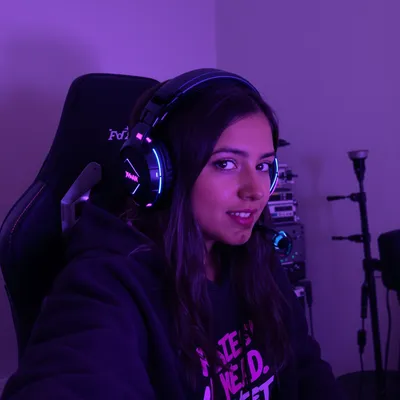
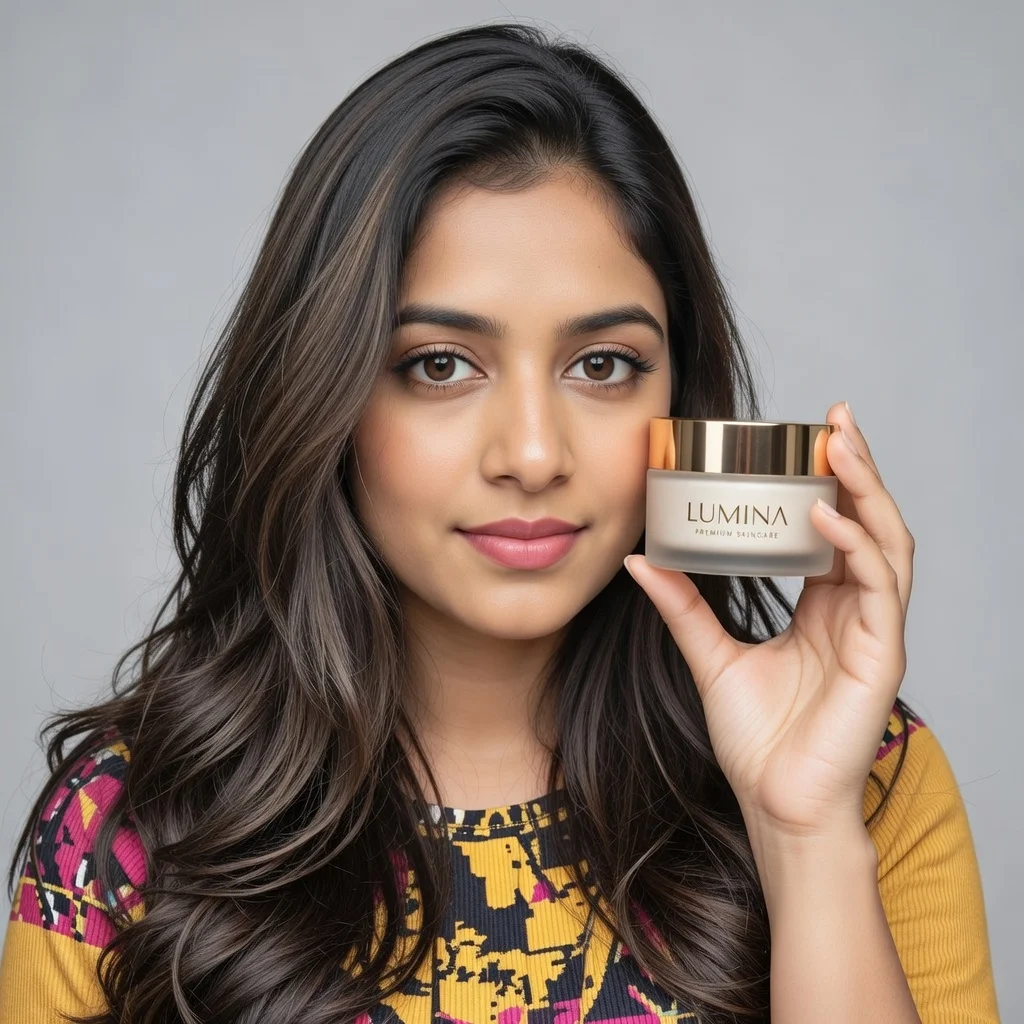
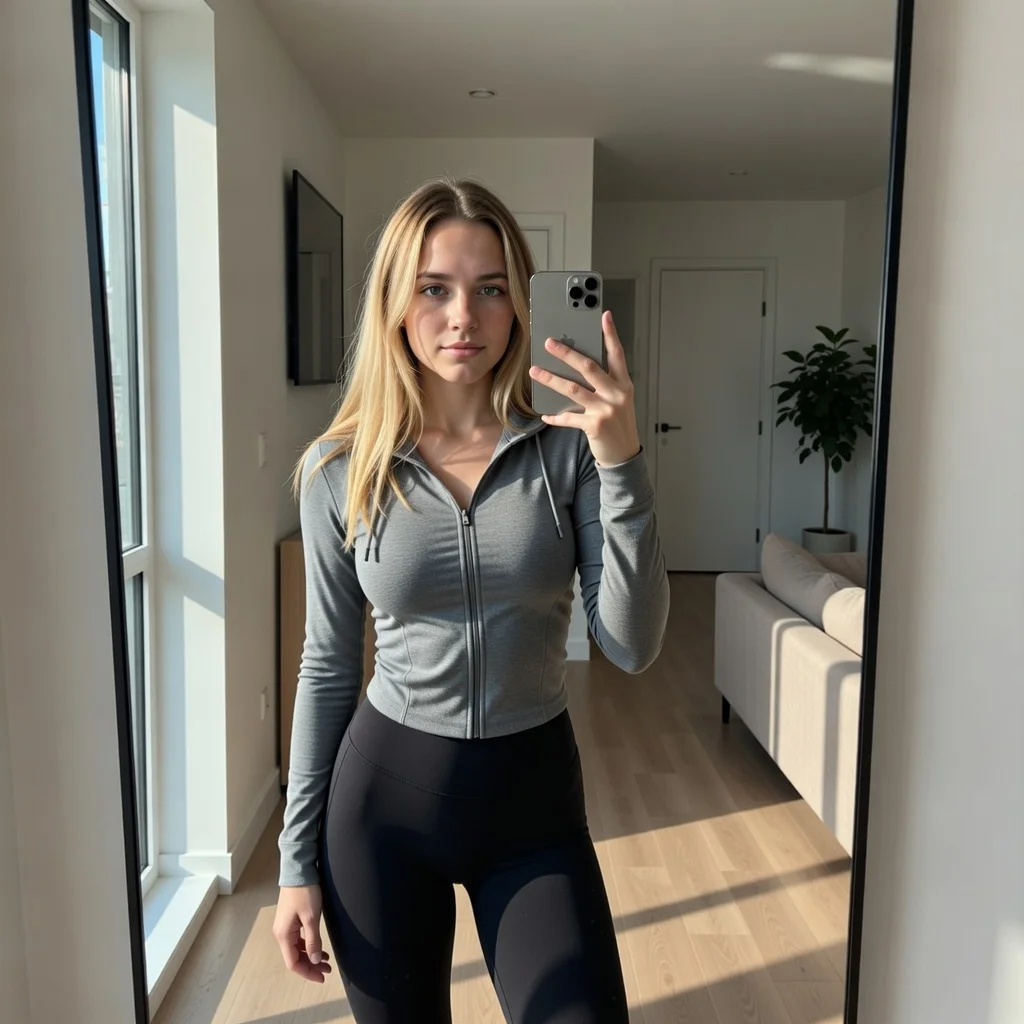
100+ AI Avatars Ready to Go
Diverse, realistic, customizable. Build your own or pick from our library.




















































Pinterest is not a place where people scroll past your listing and forget it. It is a planning surface, so a real estate video Pin gets saved to a board called "first home" or "kitchen inspo" and reopened weeks later, sometimes after the property has already closed. That changes what a UGC-style real estate video has to do: it has to be useful the second time someone sees it, not just urgent the first time.
The practical consequences are specific. Your video needs to work in a 2:3 grid tile at thumbnail size, autoplay silently, and carry the price, city, and bed/bath count in burned-in text because the caption panel is collapsed in feed. It also needs to survive real estate advertising rules that most Pinterest creators never think about: brokerage identification, Fair Housing language, and clear disclosure whenever a room was virtually staged or generated rather than photographed.
Get those two things right together, a saveable planning-mode hook plus compliant, verifiable property detail, and a handheld phone-style walkthrough will outperform a polished cinematic tour on this platform every time.
Stop Overpaying for UGC Content
Traditional UGC is expensive, slow, and unpredictable. AI changes everything.
Traditional UGC Creators
$150-500+ per video
Plus weeks of back-and-forth, revision requests, and no guarantee you'll get content that converts.
UGC Agencies
$2,000+ per month
Long contracts, slow turnaround, limited revisions, and you're still waiting weeks for content.
PixelPanda AI
Under $2 per video
Instant generation, unlimited variations, complete control over messaging. Scale your UGC without limits.
See It In Action
Real AI-generated UGC videos. Click to play. No actors, no cameras, no studio.
How It Works
Create professional UGC videos in three simple steps.
Choose Avatar
Select an AI creator that matches your real estate brand
Add Script
Write your real estate product message
Post on Pinterest
Download your Pinterest-ready video
Everything You Need
Powerful features to create professional UGC videos at scale.
Property Content
Videos for listings and property marketing
Agent Videos
Professional agent introductions
Market Updates
Regular market analysis content
Pin-Perfect Format
2:3 vertical videos optimized for Pinterest's feed
E-commerce Ready
Product showcase videos that drive purchases
SEO Optimized
Videos that rank in Pinterest's visual search
Specs And Hook Timing For Property Video Pins
Build at 2:3 (1000x1500) as the default. Pinterest supports 1:1, 4:5 and 9:16, but 9:16 gets cropped top and bottom in the feed grid, which is exactly where listing text tends to sit. Keep overlays inside the middle 70% vertically so the save button, title bar and attribution row do not cover the price. Aim for 6 to 15 seconds for promoted video and 15 to 30 for organic saveable content; anything longer usually loses people before the kitchen.
Choose your cover frame deliberately. Many people judge the Pin as a still image before autoplay kicks in, so pick the frame with the strongest room and the price already on screen. First second should show the payoff, the vaulted ceiling, the water view, the finished basement, not a slow exterior approach or a drone lift. Address, city and beds/baths belong on screen by second two, and every spoken line needs burned captions because feed playback is muted.
Fair Housing, Brokerage ID And Staging Disclosure
A UGC video Pin is still a real estate advertisement. Put the brokerage name on screen or in the Pin description as your state requires, include your license number if your jurisdiction mandates it, and keep the Equal Housing Opportunity mark available on the landing page you link to. Fair Housing applies to overlay text and voiceover just as much as to MLS copy, so cut phrases like "perfect for a young family," "safe neighborhood," or "close to churches." Describe the property and the square footage, not the people you imagine living there.
Anything generated or enhanced needs a plain label. If a room was virtually staged, empty in reality, or repainted digitally, put "virtually staged" on that clip, not only in the description that stays collapsed in feed. Never generate a facade, view, or backyard that does not exist for an active listing. Use generated visuals for concept content such as renovation ideas, buyer checklists, or neighborhood mood boards, and keep actual listing footage photographic.
Perfect For
Related Topics
Frequently Asked Questions
Everything you need to know about real estate pinterest ugc generation.
AI Actors That Look Real



Ready to Create Real Estate Pinterest UGC?
Start generating professional UGC videos in minutes.
Start Creating