AI UGC for <span>Real Estate</span> on Twitter
Generate authentic real estate influencer videos optimized for Twitter. No creators, no agencies, no hassle.
100+ AI Avatars Ready to Go
Diverse, realistic, customizable. Build your own or pick from our library.









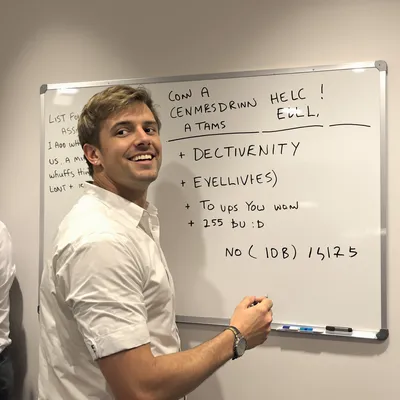

















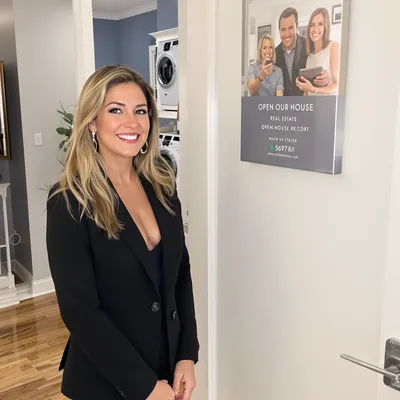









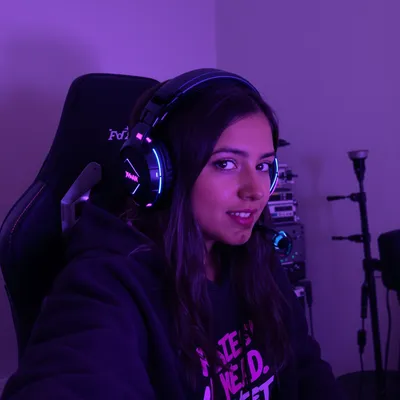














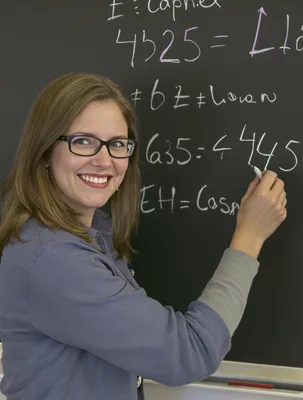
























Real estate video on X works differently from real estate video anywhere else. Nobody opens X to browse homes. They open it to read, and your listing walkthrough lands between a market-rate argument and a relocation thread, playing silently at thumbnail size. That is the whole problem this page solves: a UGC-style clip that looks like an agent holding a phone earns a stop, while a polished drone reel with a music bed reads as an ad and gets scrolled.
The second problem is trust. A buyer will not put earnest money on something they saw in a tweet unless the video proves the place is real. That means continuous motion through doorways so the layout can be followed, unstaged window views, and price plus location stated in the first few seconds rather than buried in a bio link.
So you are solving for two things at once: X mechanics (autoplay muted, burned-in captions, short enough to loop or hold attention past three seconds, cropped in-timeline framing) and real estate substance (beds, baths, square footage, HOA, taxes, brokerage identification, and honest disclosure any time a room was virtually staged or AI-generated). Get both and the tweet gets quote-tweeted into local relocation circles, which is where the real reach lives.
Stop Overpaying for UGC Content
Traditional UGC is expensive, slow, and unpredictable. AI changes everything.
Traditional UGC Creators
$150-500+ per video
Plus weeks of back-and-forth, revision requests, and no guarantee you'll get content that converts.
UGC Agencies
$2,000+ per month
Long contracts, slow turnaround, limited revisions, and you're still waiting weeks for content.
PixelPanda AI
Under $2 per video
Instant generation, unlimited variations, complete control over messaging. Scale your UGC without limits.
See It In Action
Real AI-generated UGC videos. Click to play. No actors, no cameras, no studio.
How It Works
Create professional UGC videos in three simple steps.
Choose Avatar
Select an AI creator that matches your real estate brand
Add Script
Write your real estate product message
Post on Twitter
Download your Twitter-ready video
Everything You Need
Powerful features to create professional UGC videos at scale.
Property Content
Videos for listings and property marketing
Agent Videos
Professional agent introductions
Market Updates
Regular market analysis content
Thread-Ready Content
Short videos perfect for Twitter threads
Quick Hooks
Attention-grabbing first frames for fast scrollers
Flexible Formats
1:1, 16:9, and vertical options
Cutting a Walkthrough for Muted Timeline Autoplay
Standard X accounts cap uploads at 2 minutes 20 seconds, and you should almost never use it. For a single listing, 25 to 45 seconds is the working range: exterior, entry, main living space, kitchen, primary bath, backyard. For a hook-only teaser, go under 6.5 seconds so the tweet loops, which turns one view into repeated exposure of the same kitchen island.
Frame square or 4:5 rather than tall 9:16, because X constrains very tall video in the timeline and your ceiling-to-floor pan gets clipped. Keep price, beds, and baths inside a centered safe area, away from the bottom strip where the reply and like row sits. Autoplay is muted, so burn captions in and upload an SRT for promoted versions. Let the agent's raw room tone carry the audio instead of a track, and start on a stated line like "three bed, two bath, $415k, walkable to downtown" so the caption does the selling in the first second.
Threading Price, Address, and Brokerage Compliance
X is a threaded medium, so treat the video as the hook and the replies as the disclosure sheet. Tweet one: the walkthrough with price and neighborhood in the copy. Reply one: address or cross streets, square footage, lot size, year built, HOA dues, and current tax figure. Reply two: your name, brokerage, and license identification, which many states require in any advertisement including social video. Put the listing link in a reply rather than the parent tweet, since attaching media kills the link preview anyway.
Never let AI-generated or virtually staged rooms pass as photography of the actual property. Label them on screen and in the caption. Keep copy compliant with fair housing rules: describe the house and its features, not the kind of buyer or neighbors. AI is genuinely useful here for market-update b-roll, concept interiors, and "what this budget buys" explainers, not for filling in a room you did not shoot.
Perfect For
Related Topics
Frequently Asked Questions
Everything you need to know about real estate twitter ugc generation.
AI Actors That Look Real




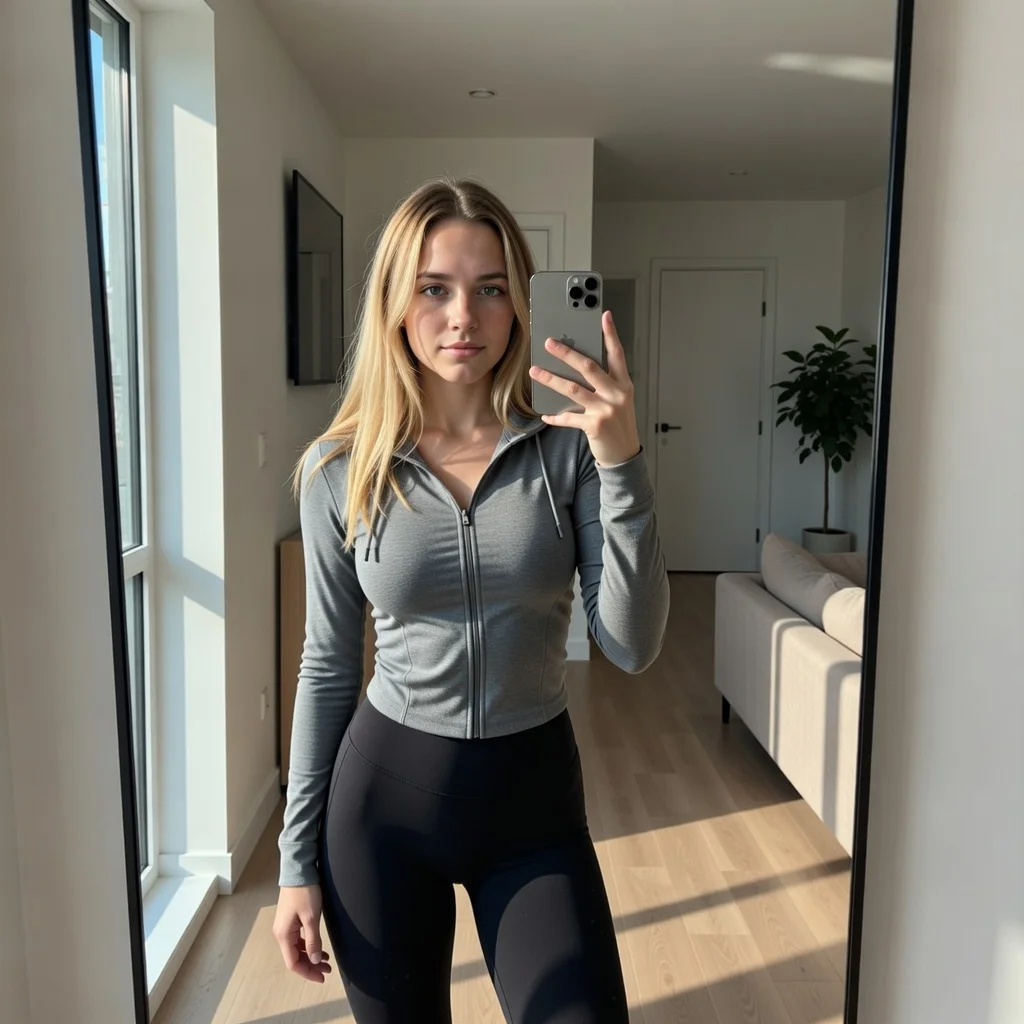

Ready to Create Real Estate Twitter UGC?
Start generating professional UGC videos in minutes.
Start Creating