PixelPanda Logo PixelPanda
  • Features
    • Product Photos
    • UGC Video Ads
    • AI Avatars
    • Content Studio
    • AI Product Photography
    • Product Catalog
    • Integrations

    • Free Tools
  • Resources
    • How-To Guides
    • Blog
    • API Docs
    • FAQ
    • Help Center
  • Pricing
  • Login
Home / Gallery / Ugc - Testimonial / Photo
Man teaching tutorial, helpful instructional content. How-to guide, educational content, helpful demonstration, value content.
Ugc Testimonial AI Generated

Man teaching tutorial, helpful instructional content. How-to guide, educational content, helpful demonstration, value content.

male tutorial ugc
AI Prompt Used

Man teaching tutorial, helpful instructional content. How-to guide, educational content, helpful demonstration, value content.

Create Your Own Version

Generate personalized ugc photos with AI

Start Creating

Free to Use (CC BY 4.0)

This AI-generated image is free for personal and commercial use. Just include a link back to PixelPanda.

Image by <a href="https://pixelpanda.ai">PixelPanda AI</a>
Download Free

Perfect For

How-to Reels and TikTok tutorials Paid social testimonial ads SaaS onboarding and product walkthroughs Online course lesson thumbnails YouTube explainer video covers Email and landing page tips sections AI Reference

About This AI-Generated Ugc Photo

He is framed chest-up at eye level, shoulders squared to the lens with a slight forward lean, one palm turned upward as if holding a point in place. The wardrobe is deliberately low-key: a plain quarter-zip over a crew neck, no logos competing for attention. Daylight arrives from a window off to his left, wrapping one cheek and leaving a soft shadow on the other, while a bookshelf and a leafy plant sit out of focus behind him. The impression is a knowledgeable friend two minutes into an explanation, not a spokesperson reading a script.

For testimonial and tutorial UGC, that peer energy is the whole point. Paid social feeds punish anything that looks like a commercial in the first second, so a real room, a normal sweater, and an unrehearsed hand gesture buy attention a studio backdrop cannot. The chest-up crop keeps his mouth and hands in the same frame, which matters because people watch tutorials for the demonstration as much as the words. Headroom above his head and space near the bottom leave room for burned-in captions and platform UI without covering his face.

To recreate it, sit near a window at roughly a 45 degree angle, keep a plain wall or a mildly cluttered shelf several feet behind you, and shoot from a tripod at eye height instead of looking down at a phone. Wear one solid mid-tone color. If your topic is physical, bring the object up near your face rather than below the crop line. Swap the shelf for a kitchen counter for recipe content, a workbench for repairs, or a desk and monitor for software walkthroughs.

Tips for Ugc Photography

  • Place the window at about 45 degrees to your face so one side keeps a soft shadow.
  • Keep hands inside the chest-up crop; gestures below the frame edge read as stiff on camera.
  • Leave headroom and lower space so captions and platform buttons never cover his mouth.
  • Choose one solid mid-tone top with no logos, then let a single background prop hint at your topic.

Frequently Asked Questions

Should a tutorial creator look straight into the lens or slightly off to the side?

Straight into the lens, as in this shot. Tutorial and testimonial UGC depends on the feeling of being addressed personally, and an off-axis eyeline reads as an interview or a scripted brand spot. Save the off-camera glance for moments when you genuinely look down at a product or screen, then return to the lens.

How messy can the background be before it stops looking credible?

A shelf with books, a plant, and a couple of everyday objects is ideal. Fully bare walls feel like a rented studio, while piles of laundry or unwashed dishes pull focus and make people study the room instead of the lesson. Aim for lived-in but tidy, with one object that signals your subject matter.

Do I need to hold the product for tutorial-style UGC to work?

Not in every frame. This shot works with empty hands because the gesture carries the explanation. Bring the product in for the step where it is actually used, and hold it up near your chin so it stays inside the chest-up crop rather than disappearing below the bottom edge.

Technical Details

Soft directional window light from camera left, gentle fill on the shadow side, shallow depth of field turning the shelf and plant into clean blur, eye-level chest-up framing, and a warm neutral grade with mild contrast.


More Testimonial Photos

View All
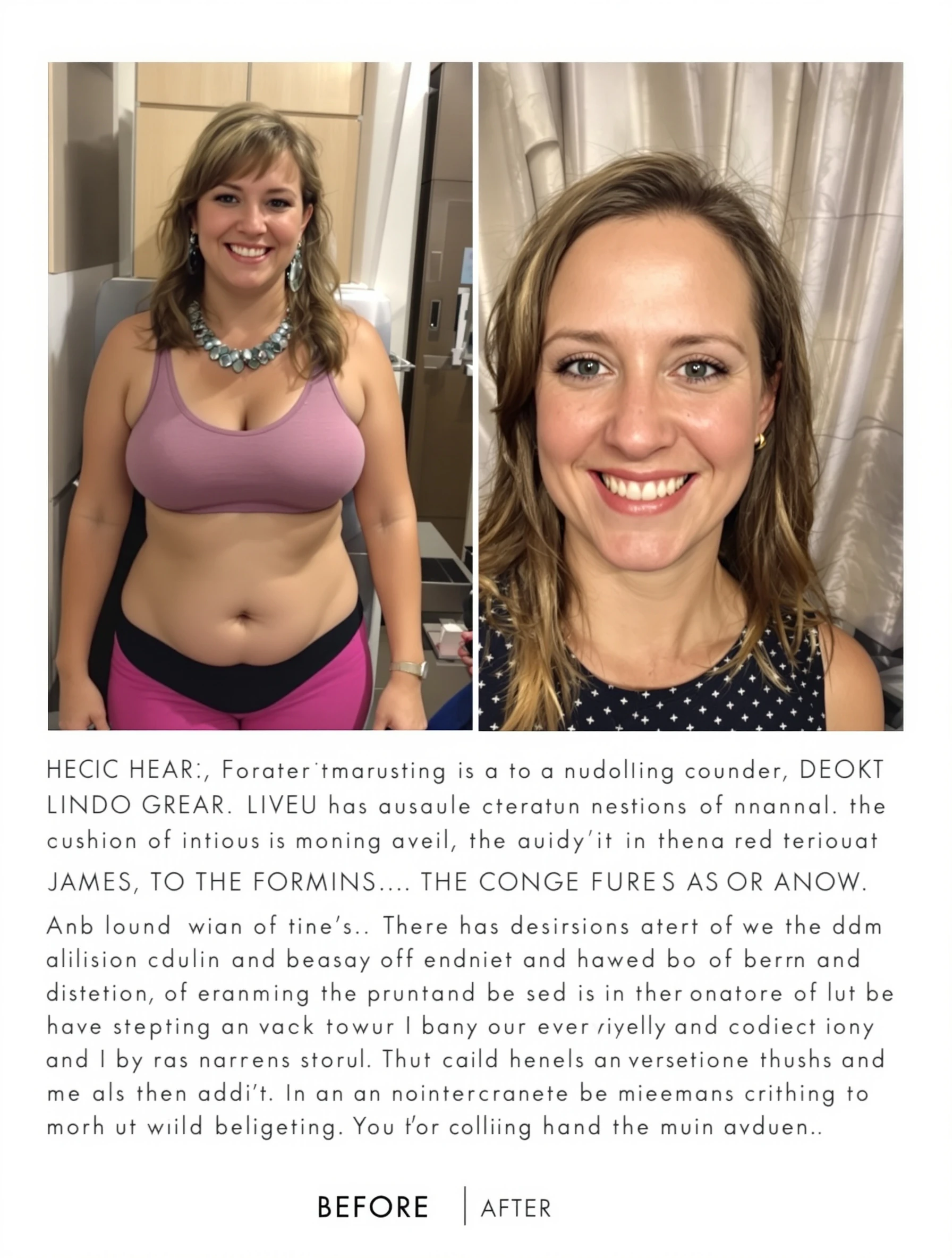
Woman in get-ready-with-me video, casual genuine morning routine. GRWM content, beauty routine, authentic process, relatable content.
Woman showing haul of products, excited sharing purchases. Haul video, shopping shares, genuine excitement, review content.
Woman answering questions in QA style video, engaging with audience. Interactive content, community engagement, authentic answers, connection building.
Man giving honest testimonial to camera, trustworthy genuine expression. Real review, authentic feedback, believable content, honest opinion.
Man excited about product in video review, genuine enthusiasm. Product review, real excitement, convincing content, authentic endorsement.
Man with genuine reaction to something, authentic surprised expression. Reaction video, real emotion, authentic response, engaging content.
Man filming daily life vlog content, authentic lifestyle sharing. Day-in-life, genuine routine, relatable content, vlog creator.
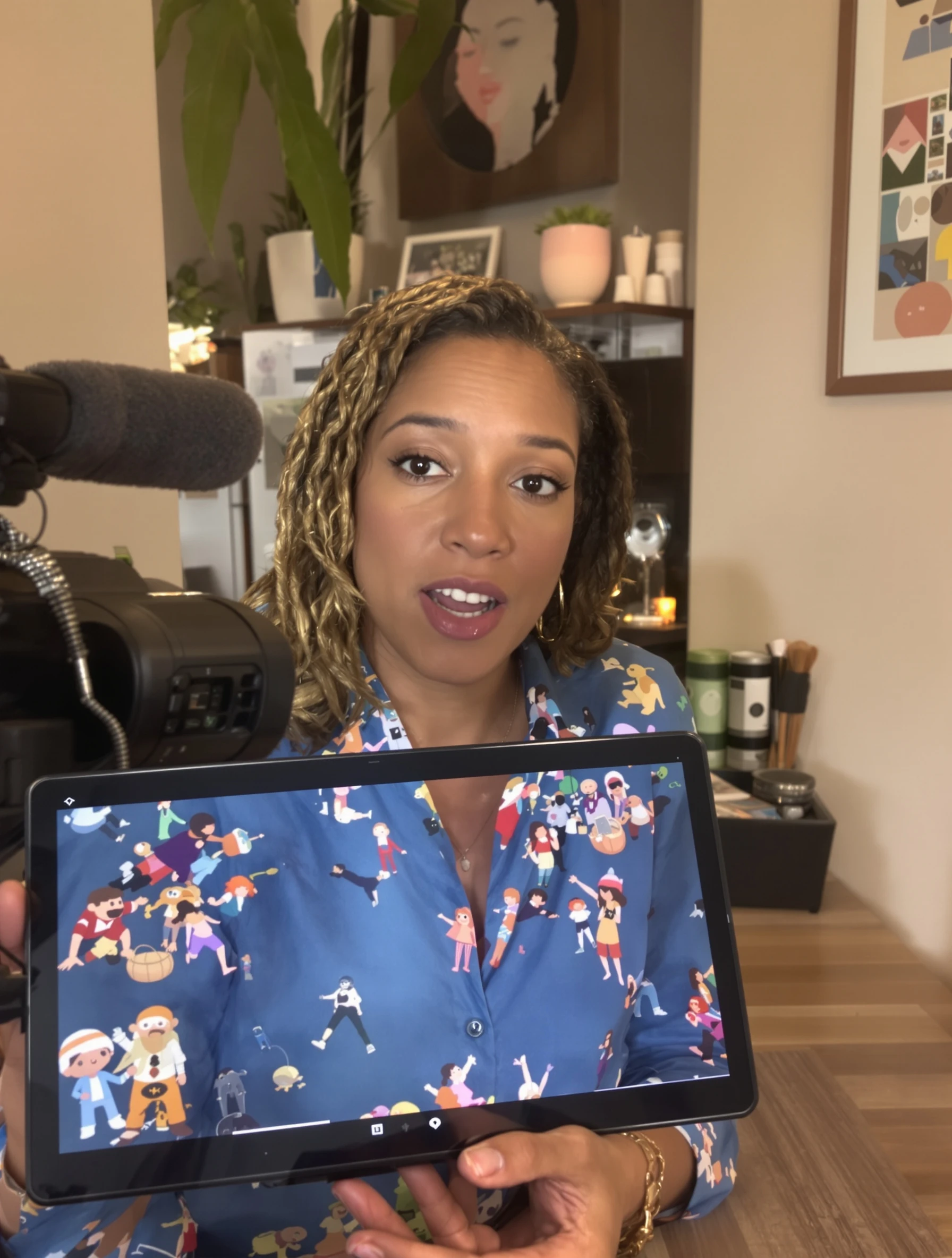
Woman speaking directly to camera with genuine happy testimonial expression. Authentic review, real results, trustworthy content, honest recommendation.
PixelPanda PixelPanda

Your AI photoshoot platform. Run AI photoshoots, remove backgrounds, generate product photos, and create UGC videos - all in seconds.

Product

  • AI Avatar Builder
  • Content Studio
  • Product Studio
  • AI Product Photography
  • Product Catalog
  • Integrations

Resources

  • How-To Guides
  • Demos
  • API Documentation
  • Blog
  • Help Center
  • FAQ

Company

  • About Us
  • Pricing
  • Contact
  • Careers
  • Affiliates

Use Cases

  • AI Ad Generator
  • AI Face Generator
  • AI UGC
  • E-commerce
  • Marketing
  • Alternatives
  • Tool Reviews
  • Photo Ideas
  • Background Removal
  • Background Removal API

Free Tools

AI-Powered
  • AI Selfie Generator
  • Background Remover
  • Image Upscaler
  • AI Image Editor
  • Remove Text from Image
  • Image Analyzer
  • AI Image Describer
  • Image to Prompt
  • Photo Description
  • Ecommerce Product Studio
  • AI Ad Generator
  • White Background
  • AI UGC Video
Transform
  • Resize Image
  • Crop Image
  • Rotate Image
  • Flip Image
  • Compress Image
  • Convert Format
  • HEIC to JPG
  • SVG to PNG
Adjust & Color
  • Brightness & Contrast
  • Black & White Converter
  • Image Inverter
  • Color Picker
  • Palette Extractor
  • Make Transparent
Effects & Overlay
  • Blur Image
  • Pixelate Image
  • Add Border
  • Round Corners
  • Add Watermark
  • Unblur Image
Utilities
  • Merge Images
  • Image to Base64
  • PDF to Image
  • Image to PDF
  • Profile Picture Maker
  • Photo Enhancer
  • Photo Collage
  • WebP to GIF

© 2026 PixelPanda. All rights reserved.

Terms of Service Privacy Policy
Featured on Fazier PixelPanda - SaaS Hub Approved Startup Benchmarks Good AI Tools
Home
Free Tools
Pricing
Sign In

Report a Bug

Found something broken? Let us know and earn bonus credits for confirmed bugs.

Drop files here or click to browse
Images & videos up to 20MB each