PixelPanda Logo PixelPanda
  • Features
    • Product Photos
    • UGC Video Ads
    • AI Avatars
    • Content Studio
    • AI Product Photography
    • Product Catalog
    • Integrations

    • Free Tools
  • Resources
    • How-To Guides
    • Blog
    • API Docs
    • FAQ
    • Help Center
  • Pricing
  • Login
Home / Gallery / Ugc - Testimonial / Photo
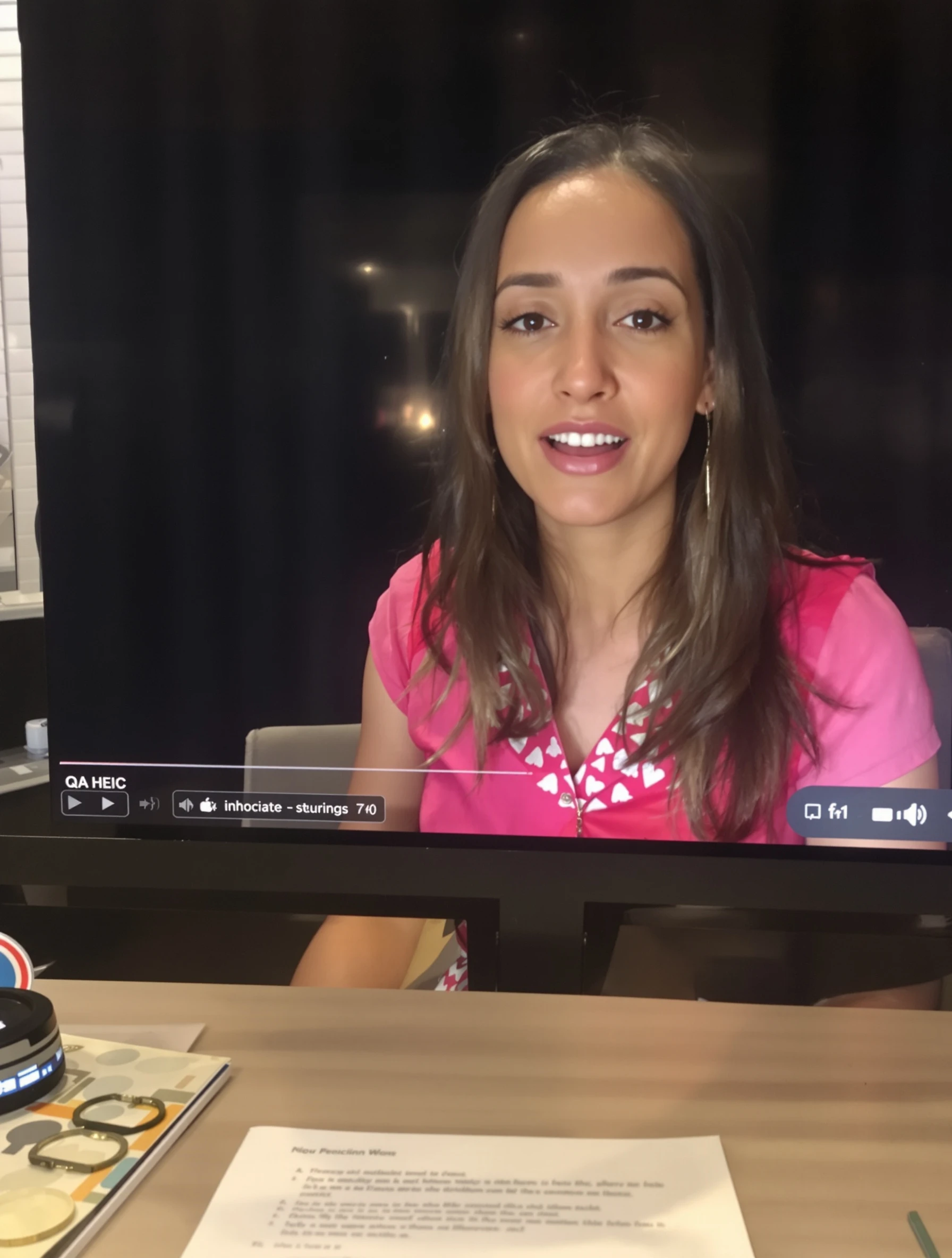
Woman speaking directly to camera with genuine happy testimonial expression. Authentic review, real results, trustworthy content, honest recommendation.
Ugc Testimonial AI Generated

Woman speaking directly to camera with genuine happy testimonial expression. Authentic review, real results, trustworthy content, honest recommendation.

female happy ugc
AI Prompt Used

Woman speaking directly to camera with genuine happy testimonial expression. Authentic review, real results, trustworthy content, honest recommendation.

Create Your Own Version

Generate personalized ugc photos with AI

Start Creating

Free to Use (CC BY 4.0)

This AI-generated image is free for personal and commercial use. Just include a link back to PixelPanda.

Image by <a href="https://pixelpanda.ai">PixelPanda AI</a>
Download Free

Perfect For

Landing page customer quote blocks App store review graphics Instagram testimonial carousels Paid social social-proof ads Email campaigns featuring customer stories Case study page headers AI Reference

About This AI-Generated Ugc Photo

The frame catches her at the top of a sentence rather than in a posed pause, which is what separates a testimonial shot from a headshot. Her shoulders are square to the camera with a slight forward lean, hands out of frame or just entering it, and her eyebrows lifted the way people do when they are describing something they liked. Wardrobe stays quiet: a plain everyday top, no logo, no statement jewelry competing with her face. Behind her, a lived-in interior blurs into soft shapes so nothing pulls attention off the eye contact.

Testimonial content only works if the viewer believes a person, not a campaign, is talking. Direct lens contact does that job, and the mid-speech expression signals unscripted delivery even in a still. Close cropping suits vertical placements where the image is viewed at thumb size, and the neutral top keeps the shot usable next to any brand palette in a review carousel or landing page quote block.

To recreate it, sit near a window, keep the camera at eye level, and capture the moment right after you start talking rather than while holding a smile. For a more corporate product, swap the casual top for a soft knit or collared shirt. For a wellness or beauty brand, pull the crop tighter and let the background go even softer.

Tips for Ugc Photography

  • Shoot at eye level, not below, so the lens contact reads as conversation instead of looking down at the viewer.
  • Capture mid-sentence frames rather than held smiles, the slightly open mouth is what sells unscripted delivery.
  • Keep wardrobe plain and logo-free so the image drops into any brand color scheme without clashing.
  • Leave headroom and shoulder space if the shot will be cropped square for review widgets and ad placements.

Frequently Asked Questions

Should the background be recognizable or fully blurred for testimonial images?

A held smile reads as posed because viewers see it constantly in stock photography. Catching someone mid-sentence with lifted brows and active eyes suggests they were interrupted while explaining something, which is exactly the impression a testimonial needs. The small imperfection of an open mouth signals a real moment rather than a marketing asset.

Should the background be recognizable or fully blurred for testimonial images?

Keep it recognizable as a home or ordinary room but soft enough that no single object is identifiable. A faint suggestion of a couch, shelf, or wall grounds the person in real life, while heavy blur removes distraction. Fully empty studio backdrops make the same shot feel like an advertisement instead of a customer.

How do I use one still testimonial photo across a landing page and social ads?

Shoot with margin on all sides so you can crop vertical for stories, square for review carousels, and wide for a landing page quote band. Place the pull quote in the blurred area beside her, never over her face, and keep her eyes near the upper third in every crop.

Technical Details

Soft frontal daylight from a window at roughly 45 degrees fills the face with minimal shadow, a wide aperture drops the interior into gentle blur, and the medium close crop with natural warm color keeps skin tones untouched.
More Testimonial Photos

View All
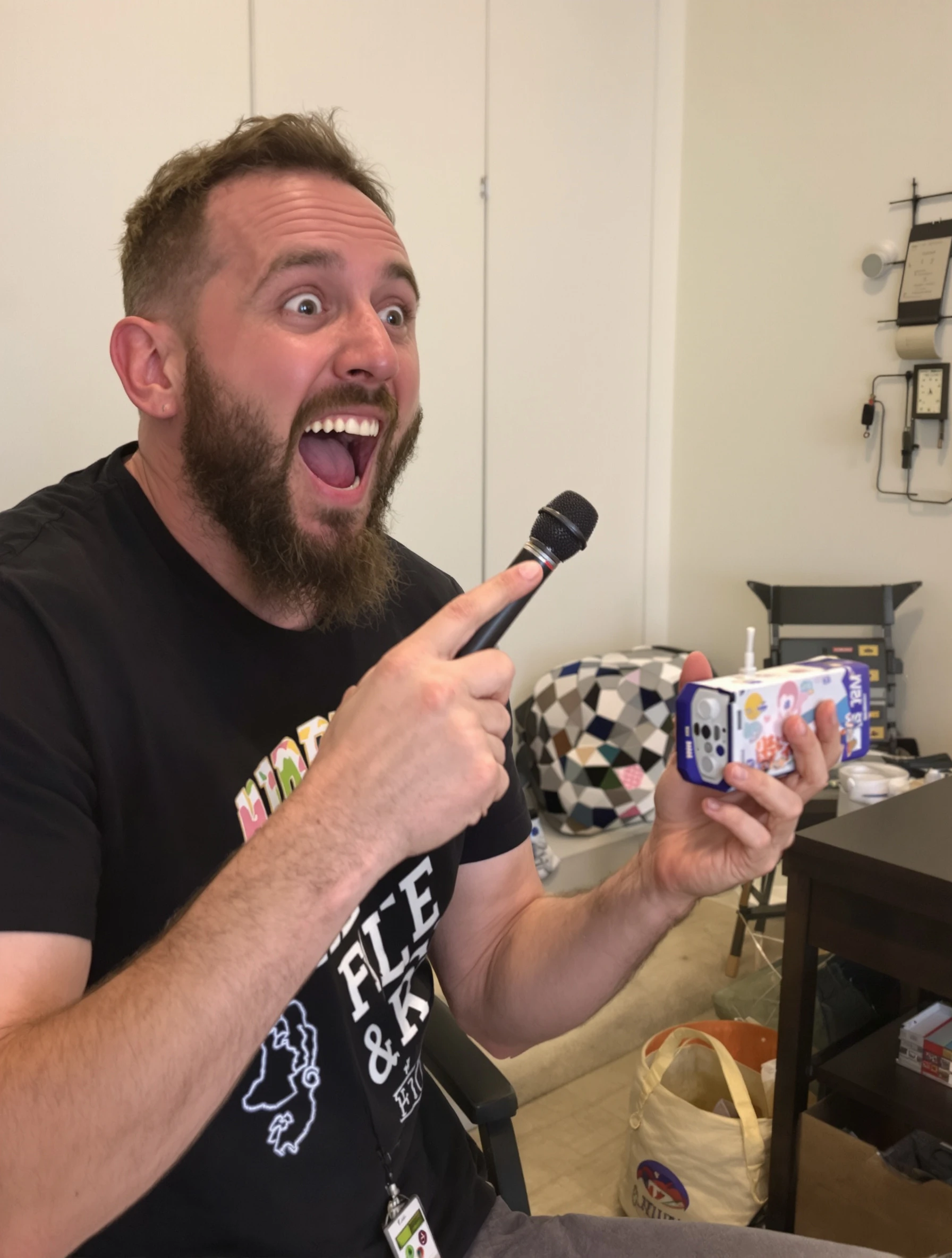
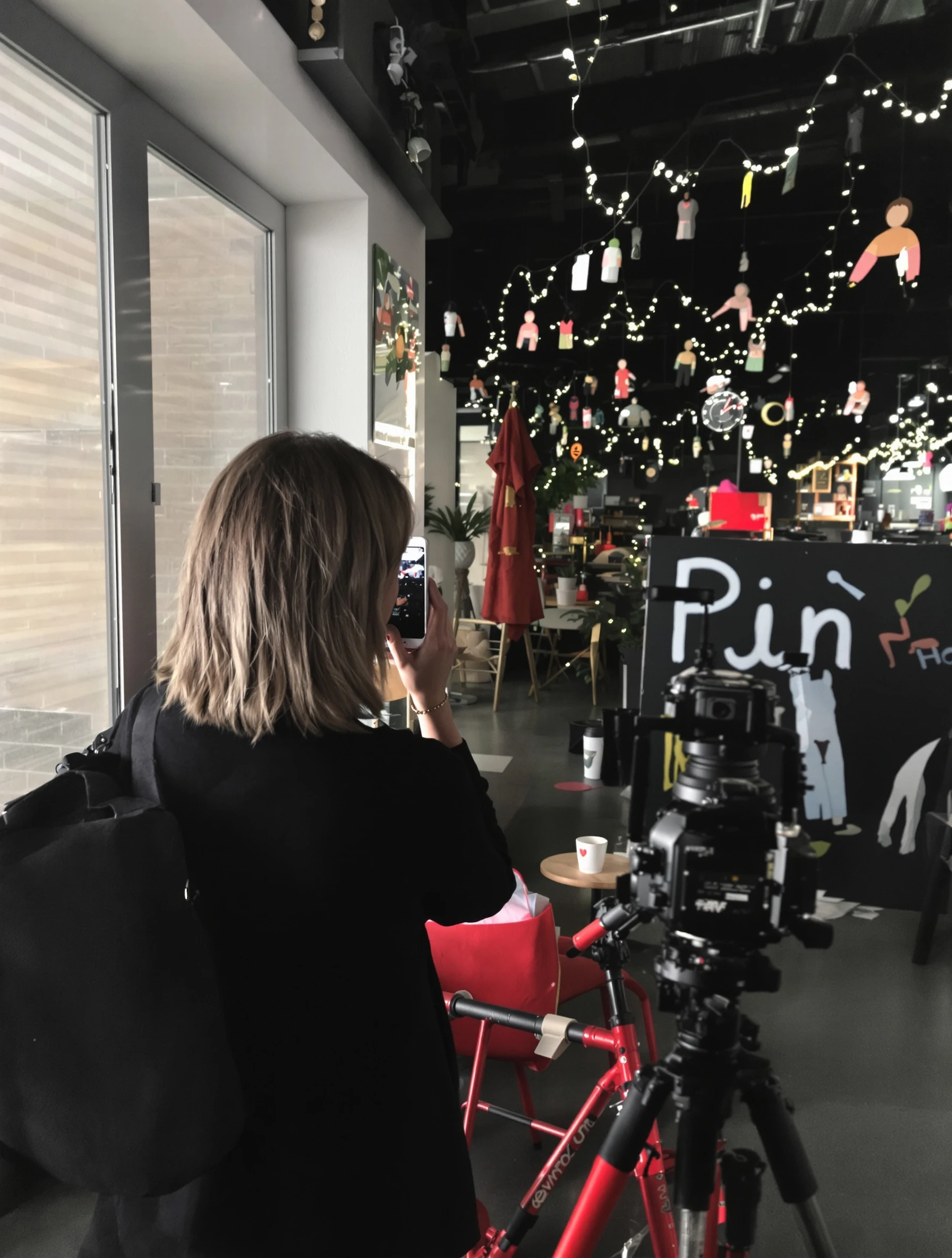
Man filming daily life vlog content, authentic lifestyle sharing. Day-in-life, genuine routine, relatable content, vlog creator.
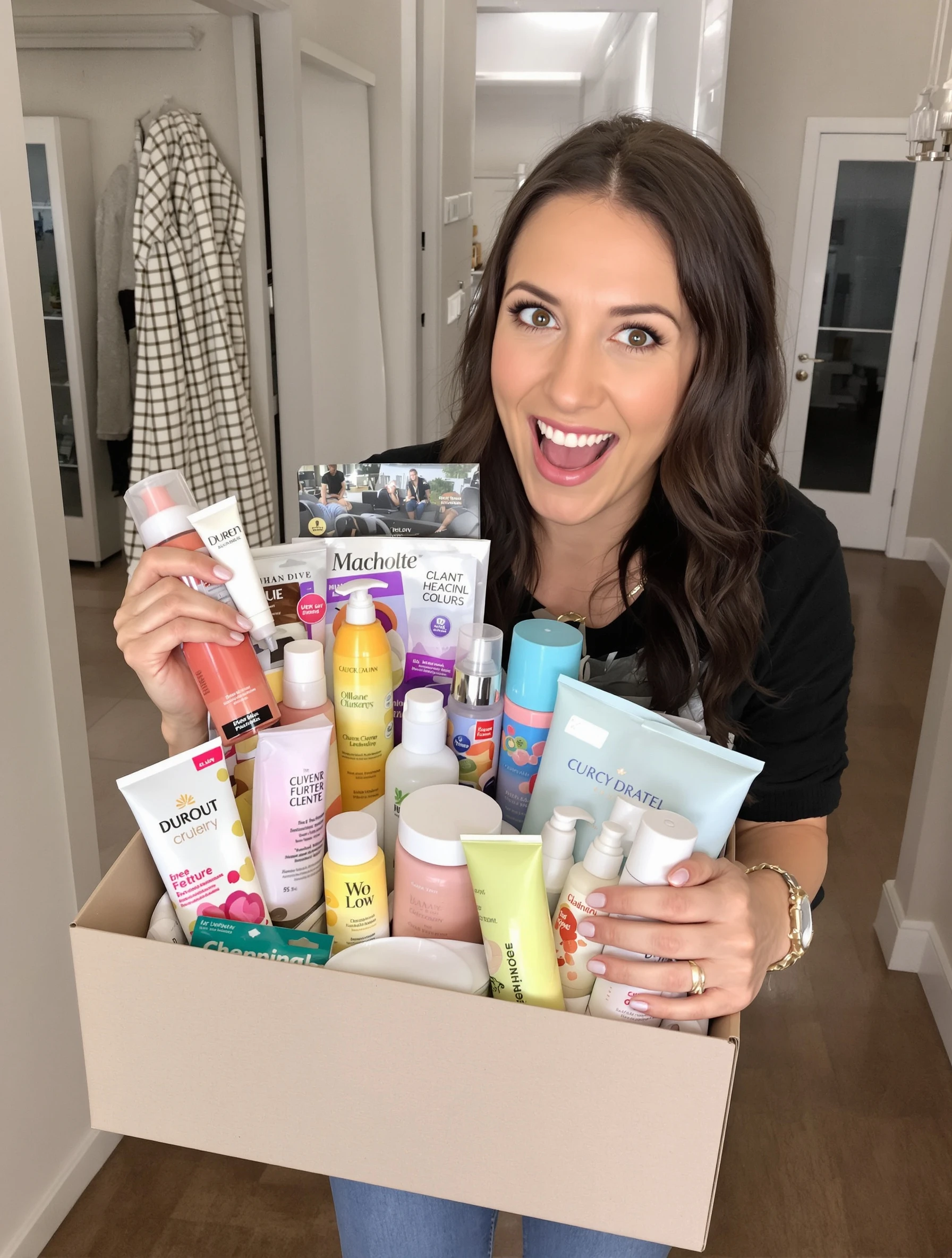
Woman giving excited video review, genuine emotional reaction to product. Enthusiastic testimonial, real excitement, authentic content, convincing review.
Woman showing before and after transformation, proud of results. Transformation content, real progress, genuine achievement, inspiring story.
Woman telling story to camera, relatable genuine content creator. Storytime video, authentic connection, personal narrative, engaging content.
Woman demonstrating how-to tutorial, helpful teaching content. Educational content, step-by-step guide, helpful instruction, value-adding.
Woman with surprised happy reaction, genuine emotional response. Reaction content, authentic surprise, real emotion, engaging expression.
Woman filming day-in-life vlog content, authentic lifestyle sharing. Vlog style, daily routine, genuine life content, relatable creator.
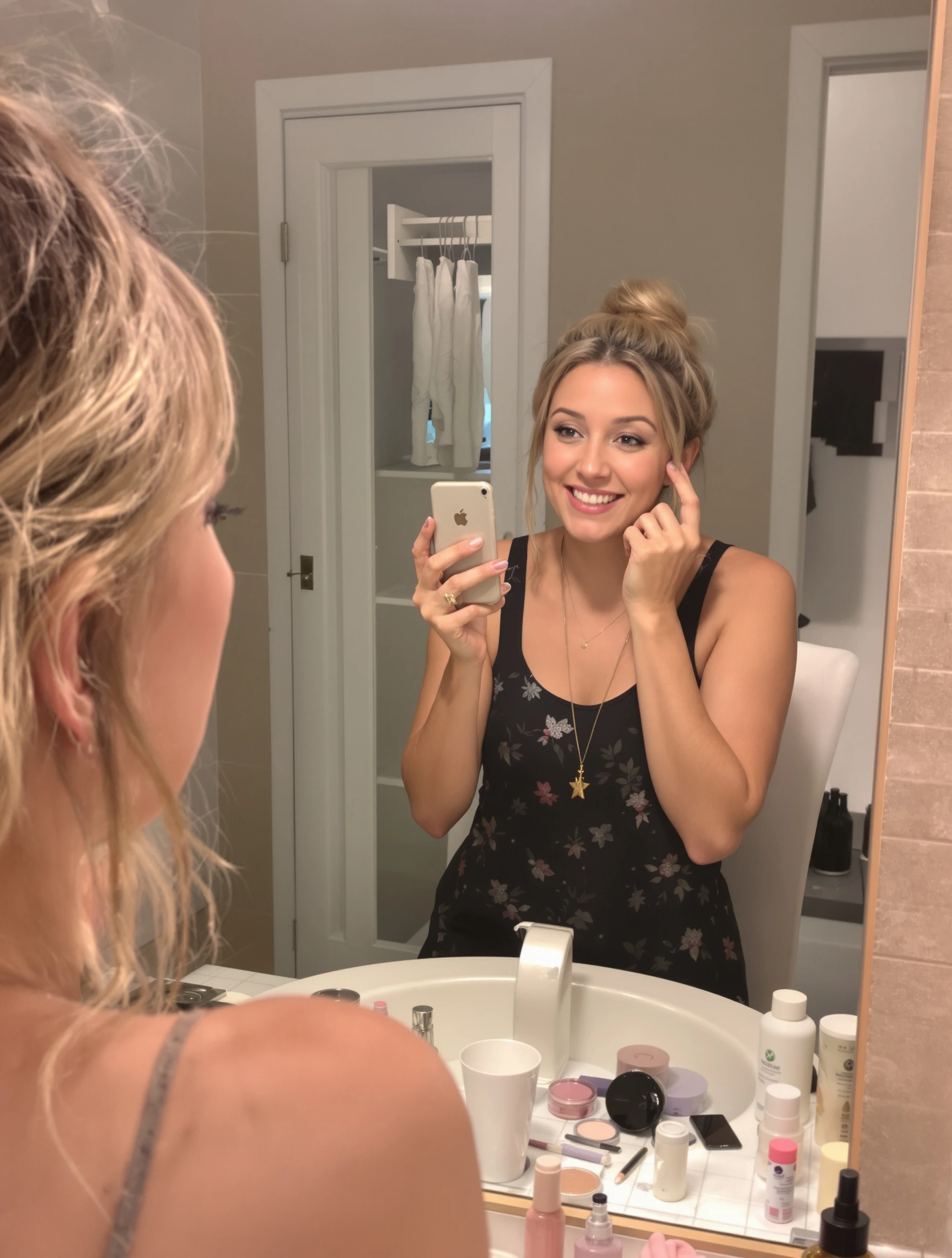
Woman in get-ready-with-me video, casual genuine morning routine. GRWM content, beauty routine, authentic process, relatable content.
PixelPanda PixelPanda

Your AI photoshoot platform. Run AI photoshoots, remove backgrounds, generate product photos, and create UGC videos - all in seconds.

Product

  • AI Avatar Builder
  • Content Studio
  • Product Studio
  • AI Product Photography
  • Product Catalog
  • Integrations

Resources

  • How-To Guides
  • Demos
  • API Documentation
  • Blog
  • Help Center
  • FAQ

Company

  • About Us
  • Pricing
  • Contact
  • Careers
  • Affiliates

Use Cases

  • AI Ad Generator
  • AI Face Generator
  • AI UGC
  • E-commerce
  • Marketing
  • Alternatives
  • Tool Reviews
  • Photo Ideas
  • Background Removal
  • Background Removal API

Free Tools

AI-Powered
  • AI Selfie Generator
  • Background Remover
  • Image Upscaler
  • AI Image Editor
  • Remove Text from Image
  • Image Analyzer
  • AI Image Describer
  • Image to Prompt
  • Photo Description
  • Ecommerce Product Studio
  • AI Ad Generator
  • White Background
  • AI UGC Video
Transform
  • Resize Image
  • Crop Image
  • Rotate Image
  • Flip Image
  • Compress Image
  • Convert Format
  • HEIC to JPG
  • SVG to PNG
Adjust & Color
  • Brightness & Contrast
  • Black & White Converter
  • Image Inverter
  • Color Picker
  • Palette Extractor
  • Make Transparent
Effects & Overlay
  • Blur Image
  • Pixelate Image
  • Add Border
  • Round Corners
  • Add Watermark
  • Unblur Image
Utilities
  • Merge Images
  • Image to Base64
  • PDF to Image
  • Image to PDF
  • Profile Picture Maker
  • Photo Enhancer
  • Photo Collage
  • WebP to GIF

© 2026 PixelPanda. All rights reserved.

Terms of Service Privacy Policy
Featured on Fazier PixelPanda - SaaS Hub Approved Startup Benchmarks Good AI Tools
Home
Free Tools
Pricing
Sign In

Report a Bug

Found something broken? Let us know and earn bonus credits for confirmed bugs.

Drop files here or click to browse
Images & videos up to 20MB each