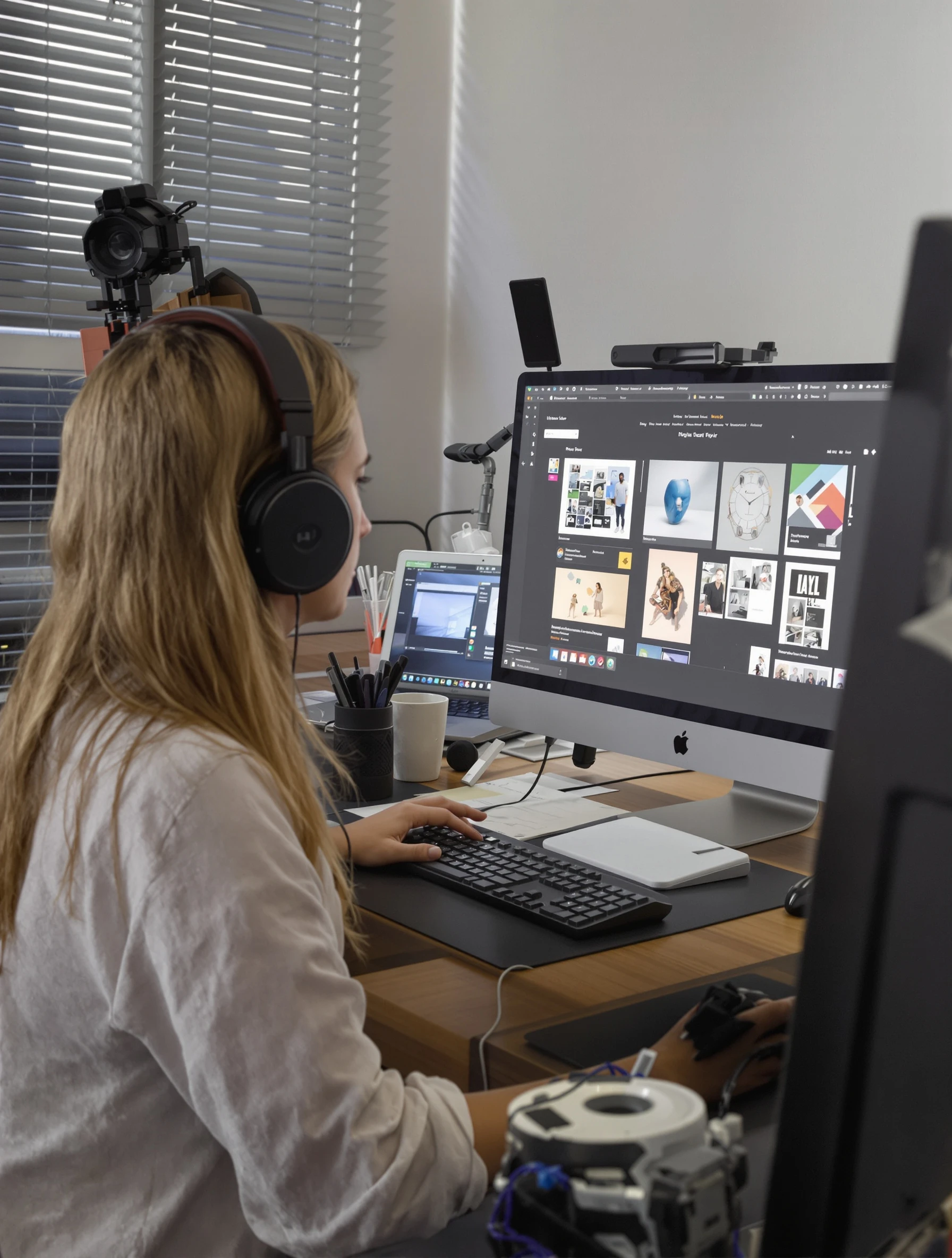
Woman graphic designer at computer, creative work on screen. Modern creative workspace, digital art, design thinking, visual creation.
Woman graphic designer at computer, creative work on screen. Modern creative workspace, digital art, design thinking, visual creation.
Free to Use (CC BY 4.0)
This AI-generated image is free for personal and commercial use. Just include a link back to PixelPanda.
Perfect For
About This AI-Generated Lifestyle Photo
For a creative portfolio or studio bio, this beats a plain headshot because it answers a question clients silently ask: what does working with you look like. The visible work on screen signals craft without requiring a case study. It sits well in an About section, a Dribbble or Behance profile header, or a proposal cover where the text carries the credentials and the photo carries the atmosphere.
To recreate it, put the light source beside you rather than behind the monitor so the screen glow becomes accent, not the main source. Choose on-screen work that matches your discipline: a type grid for editorial designers, a UI wireframe for product designers, a brush palette for illustrators. Motion designers can swap the still layout for a timeline. Keep the desk styled but not staged, and leave the mug and stylus where they actually live.
Tips for Lifestyle Photography
- Angle the desk so window light hits your face from the side, keeping screen glow as a subtle accent only.
- Show real work on the monitor: a layout, type grid, or swatch panel that matches your actual discipline.
- Wear a solid neutral top so the colored artwork on screen stays the brightest element in frame.
- Lean slightly toward the display and keep a hand near the keyboard or stylus for believable working posture.
Frequently Asked Questions
Should the design work on my screen be a real client project?
Use personal work, a self-initiated concept, or an anonymized layout. Real client files can expose unreleased branding, NDAs, or logos you do not have rights to publish. A dummy layout built from your own type and color choices still communicates your taste and discipline, which is what viewers actually read at that size.
How do I stop the monitor from blowing out or looking like a white blur?
Balance the screen against the room light. If the display is much brighter than the window light, it clips to white and loses the artwork. Lower screen brightness, shoot when daylight is strong, or angle the monitor slightly away from the lens so the panel reads as colored content rather than glare.
Is a workspace shot better than a headshot for a design portfolio?
They do different jobs. A headshot works for contact pages, speaker bios, and LinkedIn where the face must be unmistakable. A workspace shot like this suits About sections, proposal covers, and profile banners because it shows process and environment. Many designers use both, with the headshot cropped tight for small placements.
Technical Details
Soft side daylight shapes the face while the monitor supplies a cool secondary fill. Shallow depth of field keeps the desk and background gently blurred, three-quarter framing includes screen and hands, and color grading stays neutral so on-screen artwork holds its saturation.