PixelPanda Logo PixelPanda
  • Features
    • Product Photos
    • UGC Video Ads
    • AI Avatars
    • Content Studio
    • AI Product Photography
    • Product Catalog
    • Integrations

    • Free Tools
  • Resources
    • How-To Guides
    • Blog
    • API Docs
    • FAQ
    • Help Center
  • Pricing
  • Login
Home / Gallery / Lifestyle - Creative Artistic / Photo
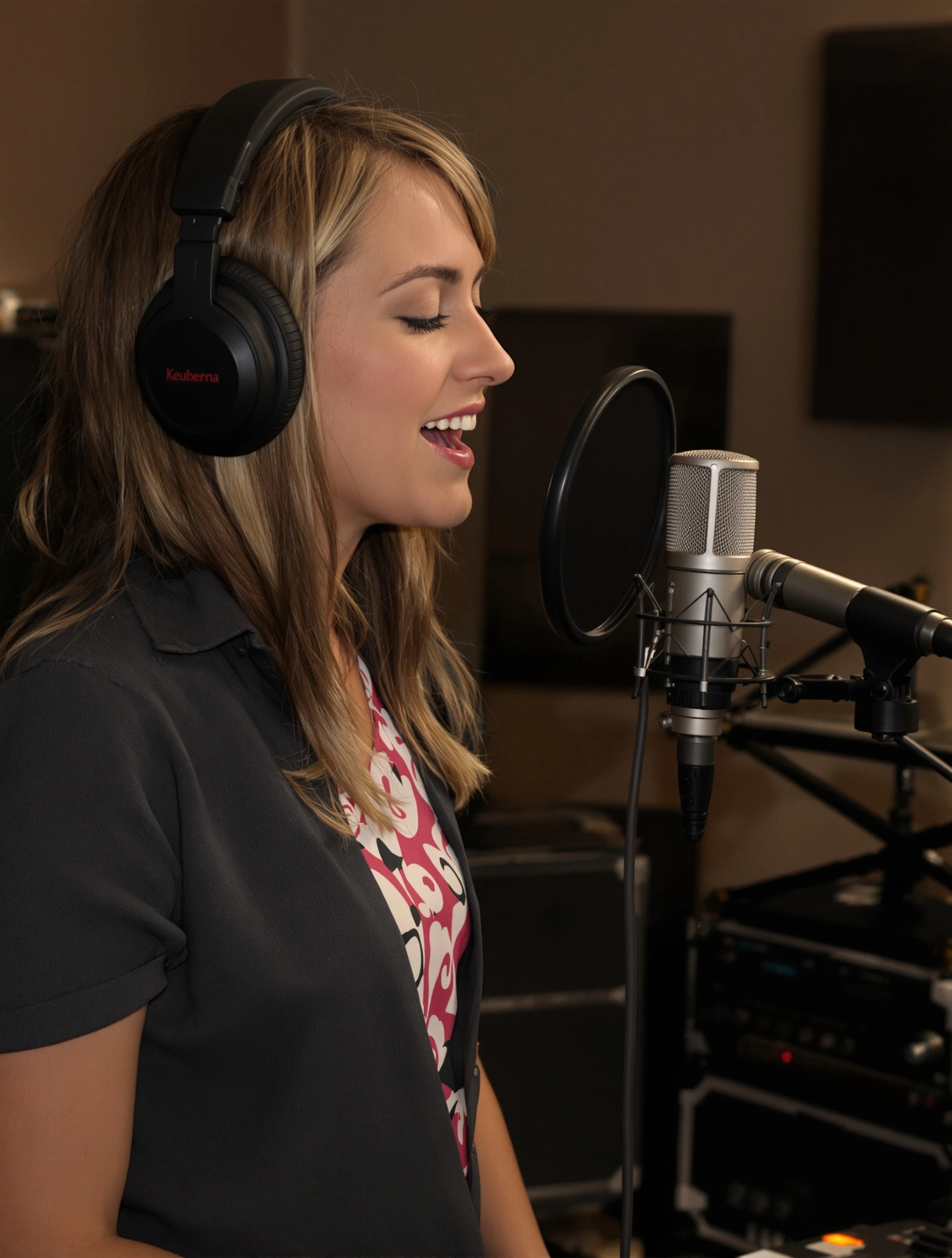
Woman painter working on large canvas in natural-lit studio, brush in hand. Artist smock over casual clothes, colorful palette, creative flow, artistic expression.
Lifestyle Creative Artistic AI Generated

Woman painter working on large canvas in natural-lit studio, brush in hand. Artist smock over casual clothes, colorful palette, creative flow, artistic expression.

female painting lifestyle
AI Prompt Used

Woman painter working on large canvas in natural-lit studio, brush in hand. Artist smock over casual clothes, colorful palette, creative flow, artistic expression.

Create Your Own Version

Generate personalized lifestyle photos with AI

Start Creating

Free to Use (CC BY 4.0)

This AI-generated image is free for personal and commercial use. Just include a link back to PixelPanda.

Image by <a href="https://pixelpanda.ai">PixelPanda AI</a>
Download Free

Perfect For

Artist website about page Etsy or Big Cartel shop bio Instagram artist profile photo Painting workshop and class flyers Patreon or Ko-fi banner Gallery show artist statement page AI Reference

About This AI-Generated Lifestyle Photo

The subject is turned three-quarters toward the canvas, mid-decision rather than mid-pose, with her brush hand raised and her weight settled on one hip. The smock is the honest kind, stained at the belly and cuffs, layered over a plain shirt and jeans so it reads as work clothing instead of costume. Her palette carries wet mounds of color that echo what is already on the canvas. Daylight from a tall window falls across her shoulder and the canvas face, leaving the back of the studio dim and unfussy. The painterly rendering, with soft edges and broken color in the shadows, makes the medium of the portrait match the subject's craft.

For creative and artistic profiles, this beats a plain headshot because it shows the work happening. On a portfolio landing page, an Etsy shop about section, or a Patreon banner, viewers immediately understand scale, medium, and working method. The visible mess is a credibility signal: collectors and students read a stained smock as evidence of hours logged.

To adapt it, swap the medium and let the props follow. A ceramicist gets a wheel and clay-dusted apron, a printmaker gets a brayer and inked plate. Change the canvas size to match your actual output, and keep the light source on the work surface rather than the face if you want the piece to lead.

Tips for Lifestyle Photography

  • Keep the palette colors matching the canvas so the scene reads as one real session, not staged props.
  • Let the smock show genuine stains at the cuffs and belly; a clean apron undercuts the working-artist impression.
  • Position the window so light lands on the canvas face, not just the subject's cheek.
  • Hold the brush loosely mid-stroke rather than presenting it to camera; the hand should look busy, not posed.

Frequently Asked Questions

Should an artist profile photo show my face or my work?

Show both, weighted toward the work. In this frame the canvas occupies real space and the subject is turned partly away, so the impression is craft first, personality second. If you sell finished pieces, lean further toward the canvas. If you teach workshops or take commissions, turn the face more toward camera so students can recognize you.

Why is this rendered in a painterly style instead of looking like a photograph?

The brushy treatment lets the portrait share a visual language with the painter's own medium, which reads as intentional on a gallery bio or artist website. Soft edges and broken color also forgive background clutter that a sharp photograph would emphasize. For press kits or press-facing bios, a cleaner photographic look is usually the safer choice.

What should be visible in the studio background?

Enough to establish the room and nothing that competes. Here the back of the studio stays dim, so a stacked canvas or a jar of brushes registers without pulling focus. Avoid readable text, unfinished commissions you cannot show publicly, and personal items. Sweep the floor in the lit area only; the shadows handle the rest.

Technical Details

Soft directional daylight from a tall side window, wrapping the face and lighting the canvas face while the studio interior falls off into shadow. Waist-up framing with shallow separation from the background, warm neutral palette, and visible brushwork texture throughout.
More Creative Artistic Photos

View All
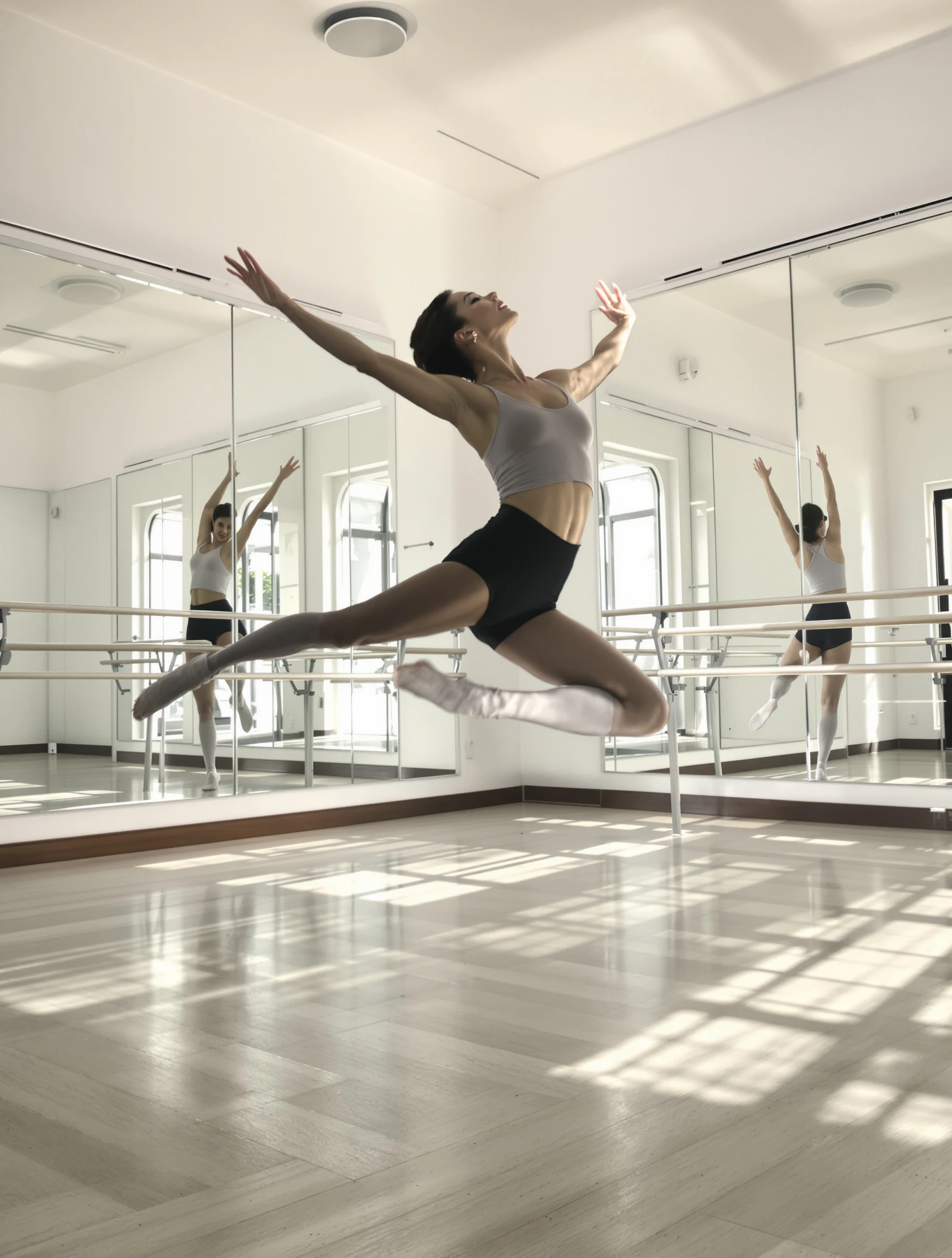
Woman dancing in sunlit studio, graceful movement mid-leap. Dance attire, mirrors and barre, physical artistry, expressive movement.
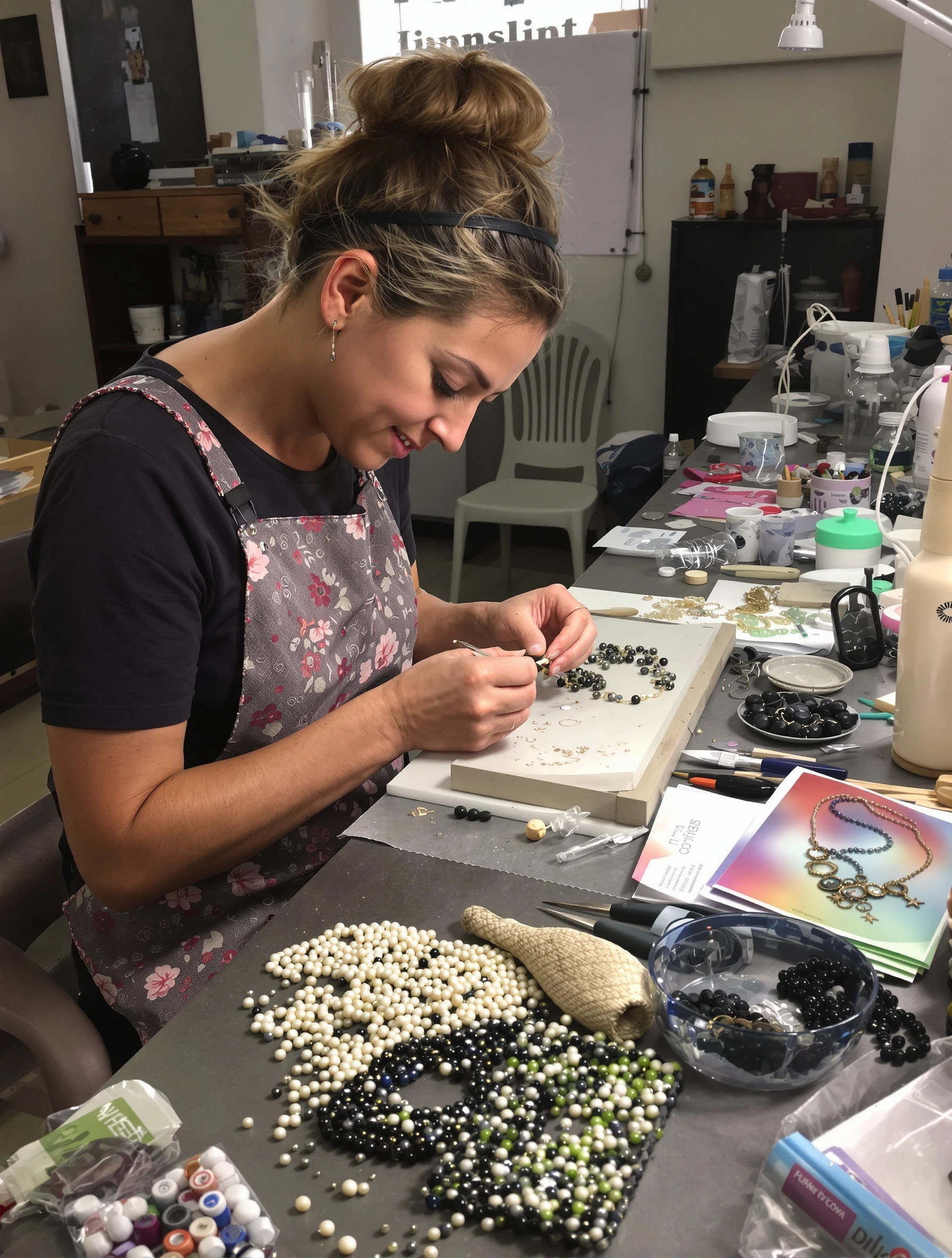
Woman making handcrafted jewelry at workbench, delicate tools and beads. Maker space, detailed work, artisan creation, handmade beauty.
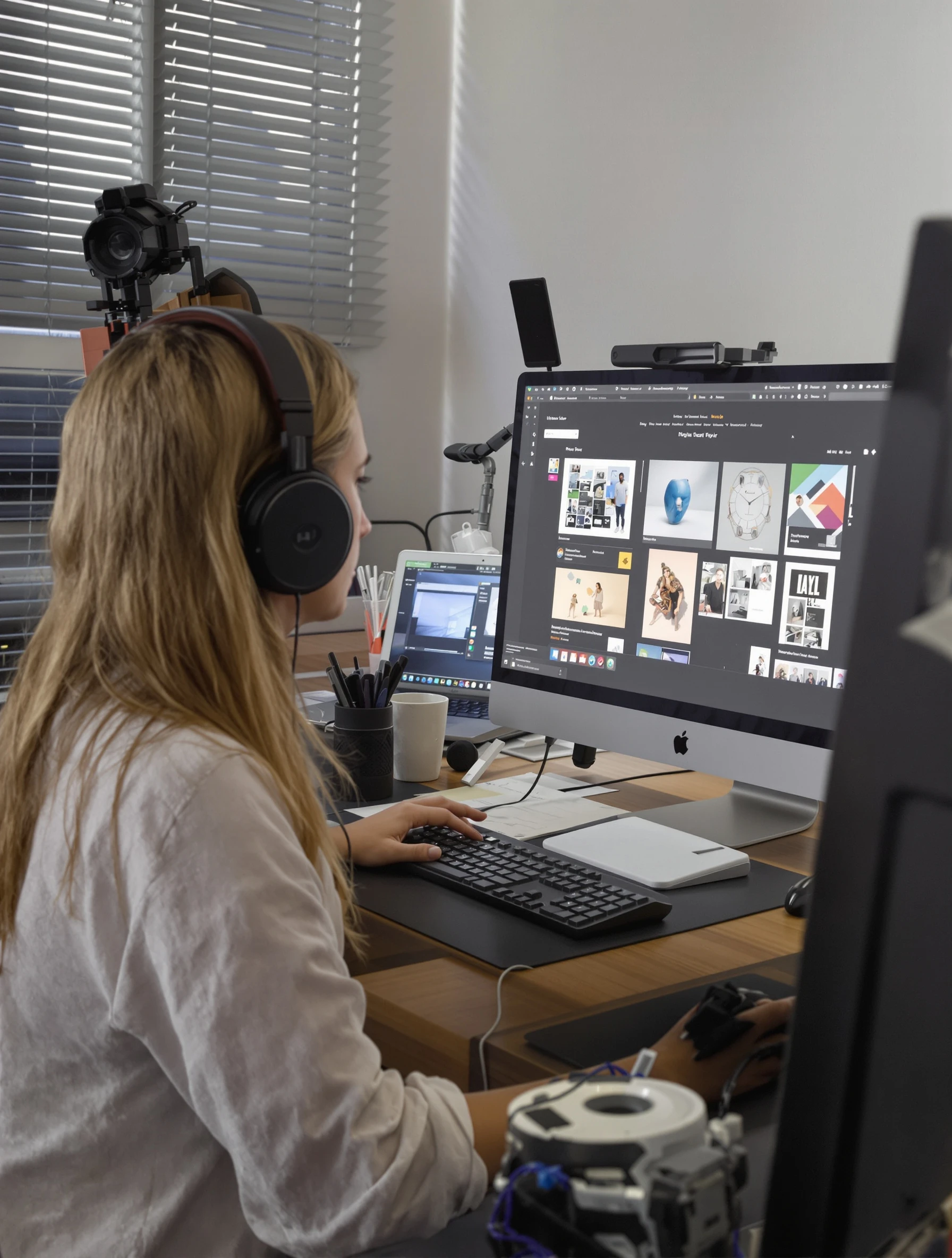
Woman graphic designer at computer, creative work on screen. Modern creative workspace, digital art, design thinking, visual creation.
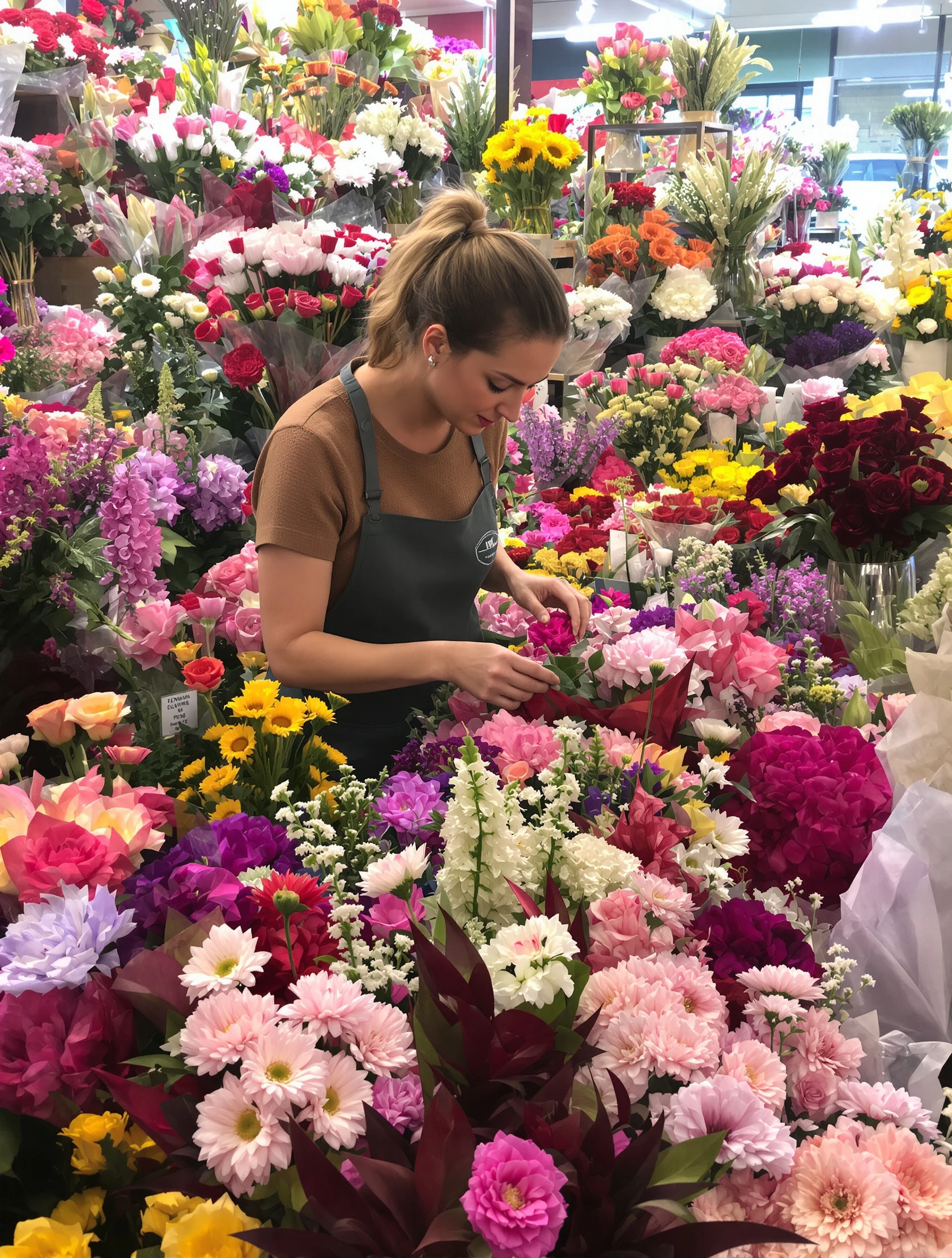
Woman florist arranging beautiful bouquet, surrounded by fresh flowers. Flower shop setting, color and texture, botanical artistry, natural beauty.
Woman performing on theater stage, dramatic lighting, emotional scene. Stage costume, theatrical expression, live performance, dramatic arts.
Man playing acoustic guitar, fingers on frets, lost in music. Musician casual, warm studio lighting, musical passion, creative soul.
Male photographer on location, professional camera, capturing the world. Photography gear, artistic eye, visual storytelling, creative work.
Man woodworking in workshop, crafting furniture with hand tools. Woodshop setting, sawdust and skill, traditional craft, making with hands.
PixelPanda PixelPanda

Your AI photoshoot platform. Run AI photoshoots, remove backgrounds, generate product photos, and create UGC videos - all in seconds.

Product

  • AI Avatar Builder
  • Content Studio
  • Product Studio
  • AI Product Photography
  • Product Catalog
  • Integrations

Resources

  • How-To Guides
  • Demos
  • API Documentation
  • Blog
  • Help Center
  • FAQ

Company

  • About Us
  • Pricing
  • Contact
  • Careers
  • Affiliates

Use Cases

  • AI Ad Generator
  • AI Face Generator
  • AI UGC
  • E-commerce
  • Marketing
  • Alternatives
  • Tool Reviews
  • Photo Ideas
  • Background Removal
  • Background Removal API

Free Tools

AI-Powered
  • AI Selfie Generator
  • Background Remover
  • Image Upscaler
  • AI Image Editor
  • Remove Text from Image
  • Image Analyzer
  • AI Image Describer
  • Image to Prompt
  • Photo Description
  • Ecommerce Product Studio
  • AI Ad Generator
  • White Background
  • AI UGC Video
Transform
  • Resize Image
  • Crop Image
  • Rotate Image
  • Flip Image
  • Compress Image
  • Convert Format
  • HEIC to JPG
  • SVG to PNG
Adjust & Color
  • Brightness & Contrast
  • Black & White Converter
  • Image Inverter
  • Color Picker
  • Palette Extractor
  • Make Transparent
Effects & Overlay
  • Blur Image
  • Pixelate Image
  • Add Border
  • Round Corners
  • Add Watermark
  • Unblur Image
Utilities
  • Merge Images
  • Image to Base64
  • PDF to Image
  • Image to PDF
  • Profile Picture Maker
  • Photo Enhancer
  • Photo Collage
  • WebP to GIF

© 2026 PixelPanda. All rights reserved.

Terms of Service Privacy Policy
Featured on Fazier PixelPanda - SaaS Hub Approved Startup Benchmarks Good AI Tools
Home
Free Tools
Pricing
Sign In

Report a Bug

Found something broken? Let us know and earn bonus credits for confirmed bugs.

Drop files here or click to browse
Images & videos up to 20MB each