AI UGC for <span>Education</span> on Pinterest
Generate authentic education influencer videos optimized for Pinterest. No creators, no agencies, no hassle.
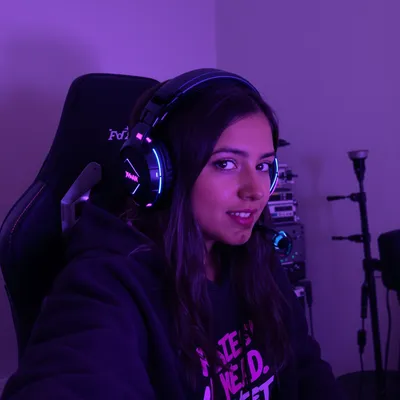
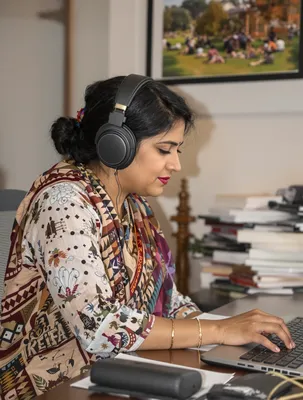
100+ AI Avatars Ready to Go
Diverse, realistic, customizable. Build your own or pick from our library.
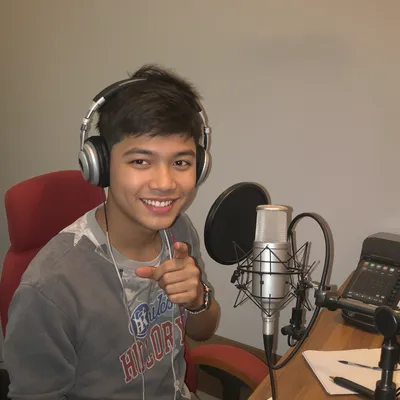

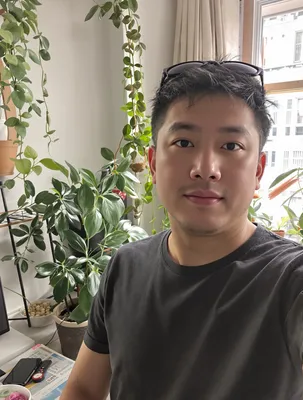






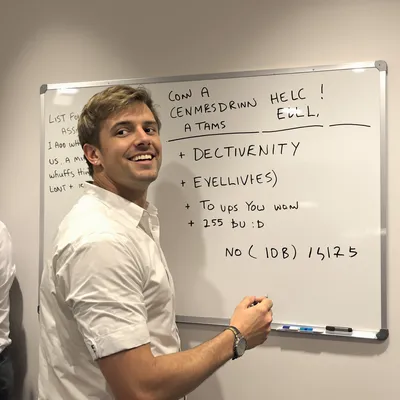




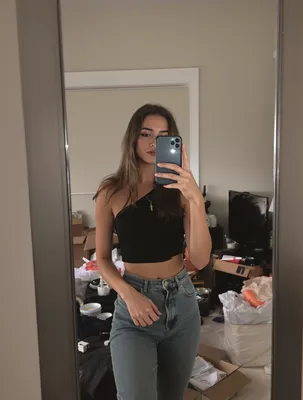
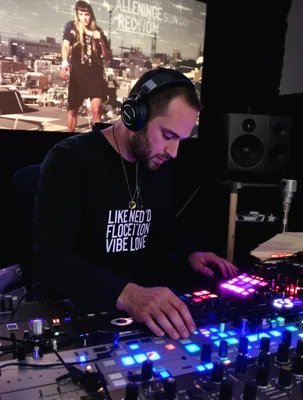
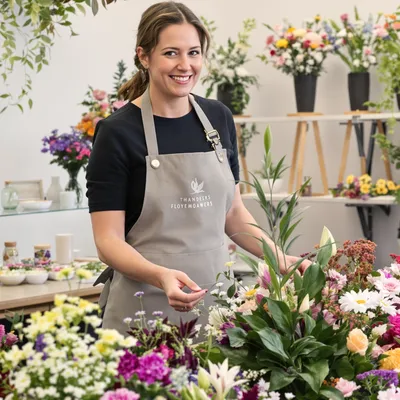

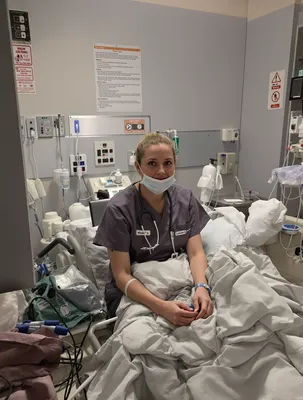

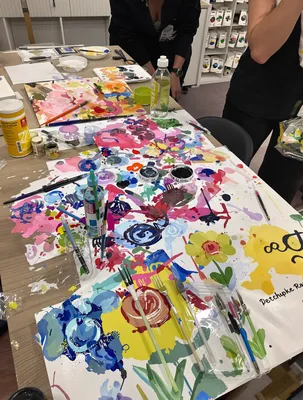
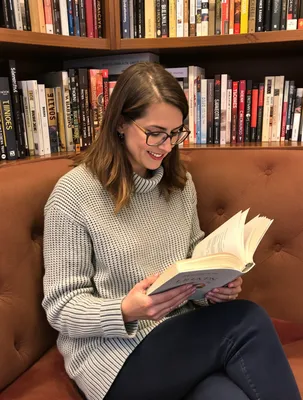






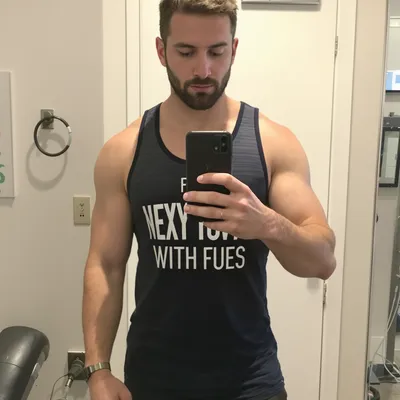
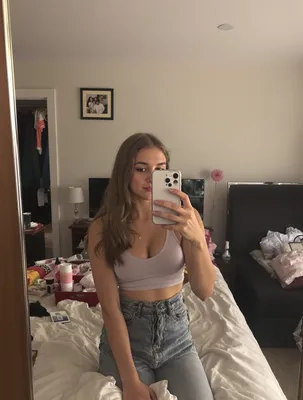
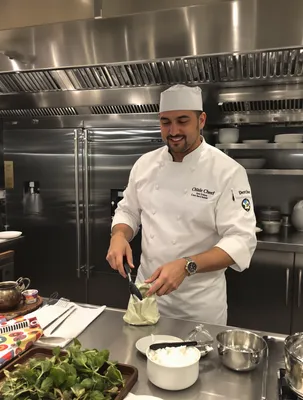



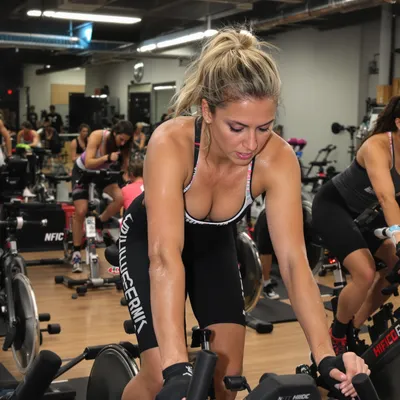












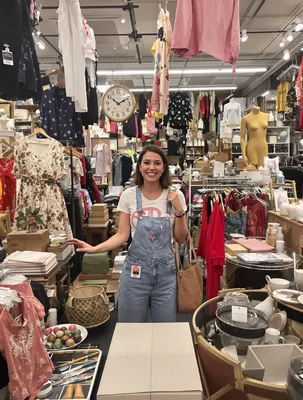
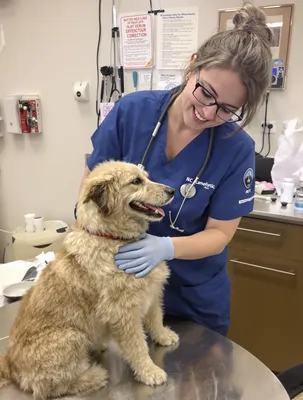


















Pinterest is where teachers and homeschool parents do their planning, not their impulse shopping. Someone searching "3rd grade multiplication centers" or "kindergarten phonics printables" is building a unit for next month, saving five options to a board, and coming back on a Sunday to buy one. That makes UGC video the strongest format for education sellers: a short clip of a real teacher laminating the task cards, or a parent flipping through the printed packet at the kitchen table, answers the question a polished mockup never does, which is whether this thing actually works in a real classroom or on a real dining table.
The catch is that Pinterest treats your video like a searchable, savable object rather than a piece of entertainment. It autoplays muted in the feed, the first frame doubles as the cover thumbnail, and the Pin title and description do real ranking work. So the "hook" is not a shock line, it is a legible label: grade level plus subject plus format, on screen in the first second.
On top of that, education buyers need proof points before they trust a purchase, and they need them without a single identifiable student on camera. Get those two things aligned and the page earns saves, which is what keeps a Pin surfacing for months.
Stop Overpaying for UGC Content
Traditional UGC is expensive, slow, and unpredictable. AI changes everything.
Traditional UGC Creators
$150-500+ per video
Plus weeks of back-and-forth, revision requests, and no guarantee you'll get content that converts.
UGC Agencies
$2,000+ per month
Long contracts, slow turnaround, limited revisions, and you're still waiting weeks for content.
PixelPanda AI
Under $2 per video
Instant generation, unlimited variations, complete control over messaging. Scale your UGC without limits.
See It In Action
Real AI-generated UGC videos. Click to play. No actors, no cameras, no studio.
How It Works
Create professional UGC videos in three simple steps.
Choose Avatar
Select an AI creator that matches your education brand
Add Script
Write your education product message
Post on Pinterest
Download your Pinterest-ready video
Everything You Need
Powerful features to create professional UGC videos at scale.
Student Testimonials
Authentic success story content that builds trust
Course Promotions
Compelling previews that drive enrollment
Instructor Previews
Let prospective students meet the teaching style
Pin-Perfect Format
2:3 vertical videos optimized for Pinterest's feed
E-commerce Ready
Product showcase videos that drive purchases
SEO Optimized
Videos that rank in Pinterest's visual search
Filming Classroom Proof Without Showing Students
Every school and district has rules about student images, and most education buyers are more nervous about this than you are. Build your UGC clips around hands, materials, and results instead of faces. Strong shots: a teacher's hands cutting and laminating task cards, a stack of the printed packet being fanned with a thumb, a page being filled in by an adult hand with a real pencil, a bulletin board of finished work with names covered or replaced by student numbers.
If you want the energy of a live classroom, shoot over the shoulder at desk height so you get sleeves, elbows, and a worksheet in use with no recognizable faces or nameplates. Blur or angle out anything with a full name, and check the background for rosters, IEP folders, and behavior charts. Buyers read this care as professional, and it also keeps the Pin safe to reshare on school and district boards, which is where a lot of education saves come from.
Pinning to the School Calendar, Not Today
Pinterest demand for education runs ahead of the school year, not with it. Back-to-school searching starts building in early summer while classrooms are still empty, holiday units get planned four to six weeks out, test prep spikes well before spring testing windows, and end-of-year and summer review climb in April. Publish a UGC video Pin roughly six to eight weeks before the teacher actually needs the resource, then leave it alone. Unlike short-form feeds, a Pin keeps accumulating saves and outbound clicks across seasons, so the same clip can work again next August.
Match the title and description to how educators type: grade band, subject, and format, in that order. "2nd Grade Fractions Math Centers, Print and Go" beats a clever caption. Put the same words on screen in the opening frame so the muted thumbnail and the search result reinforce each other, and name the board something a planning teacher would browse.
Perfect For
Related Topics
Frequently Asked Questions
Everything you need to know about education pinterest ugc generation.
AI Actors That Look Real





Ready to Create Education Pinterest UGC?
Start generating professional UGC videos in minutes.
Start Creating