Education Linkedin UGC

AI UGC for <span>Education</span> on Linkedin

Generate authentic education influencer videos optimized for Linkedin. No creators, no agencies, no hassle.

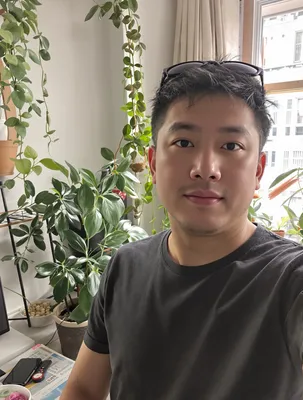
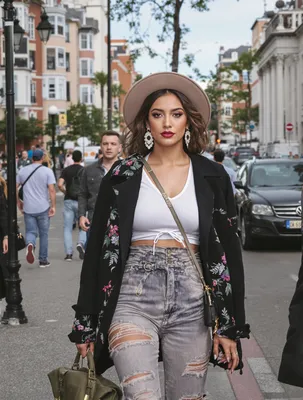
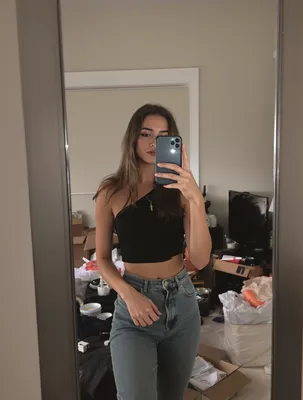
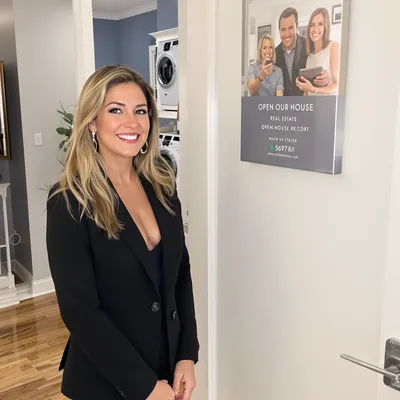
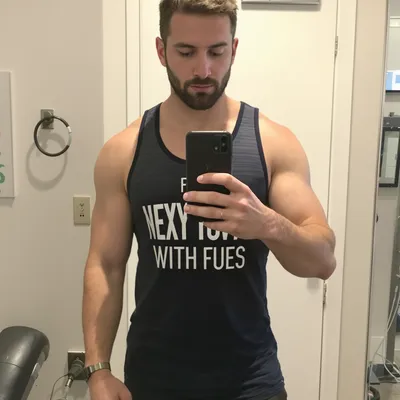
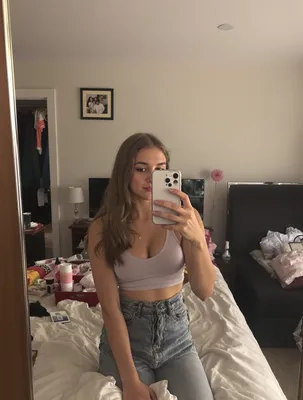
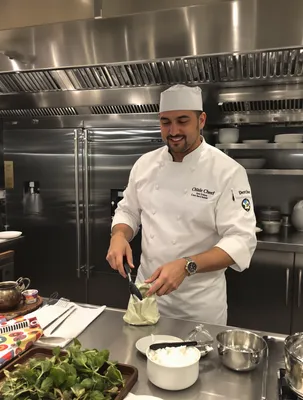
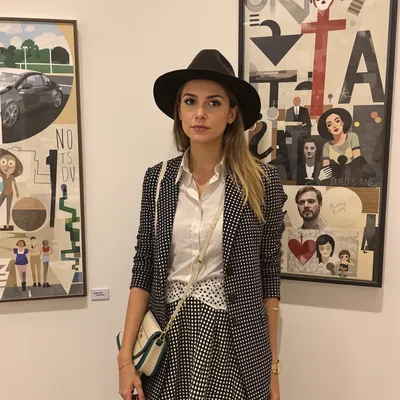
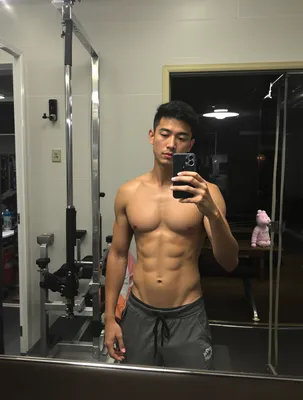
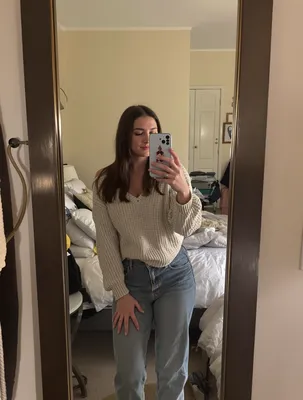
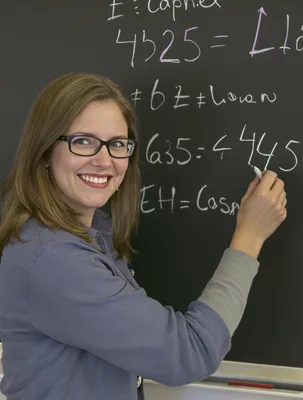
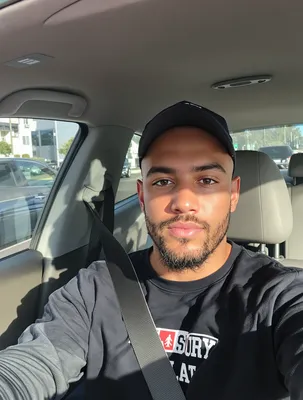
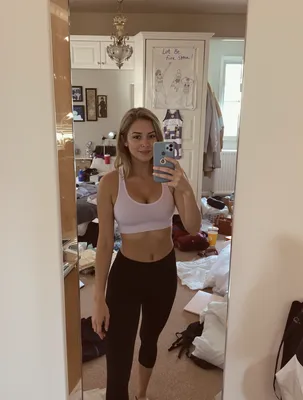
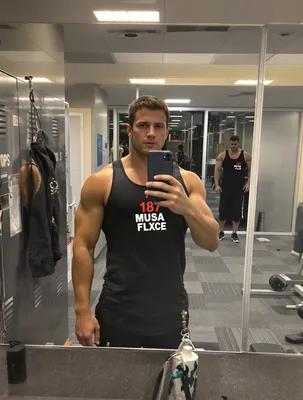
100+ AI Avatars Ready to Go

Diverse, realistic, customizable. Build your own or pick from our library.
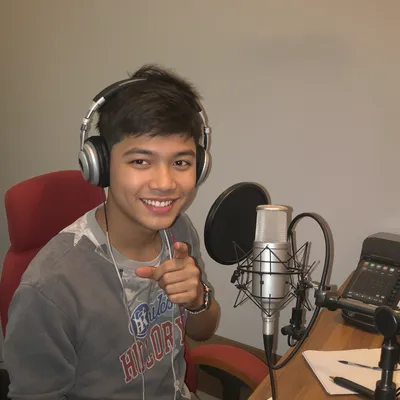
AI Avatar AI Avatar AI Avatar AI Avatar AI Avatar AI Avatar AI Avatar AI Avatar AI Avatar AI Avatar AI Avatar AI Avatar AI Avatar AI Avatar AI Avatar AI Avatar AI Avatar AI Avatar AI Avatar AI Avatar AI Avatar AI Avatar AI Avatar AI Avatar AI Avatar AI Avatar AI Avatar AI Avatar AI Avatar AI Avatar AI Avatar AI Avatar AI Avatar AI Avatar AI Avatar AI Avatar AI Avatar AI Avatar AI Avatar AI Avatar AI Avatar AI Avatar AI Avatar AI Avatar AI Avatar AI Avatar AI Avatar AI Avatar AI Avatar AI Avatar AI Avatar AI Avatar AI Avatar AI Avatar AI Avatar AI Avatar AI Avatar AI Avatar AI Avatar AI Avatar AI Avatar AI Avatar AI Avatar AI Avatar AI Avatar AI Avatar AI Avatar AI Avatar AI Avatar AI Avatar AI Avatar AI Avatar AI Avatar AI Avatar AI Avatar AI Avatar AI Avatar AI Avatar AI Avatar AI Avatar
AI Avatar AI Avatar AI Avatar AI Avatar AI Avatar AI Avatar AI Avatar AI Avatar AI Avatar AI Avatar AI Avatar AI Avatar AI Avatar AI Avatar AI Avatar AI Avatar AI Avatar AI Avatar AI Avatar AI Avatar AI Avatar AI Avatar AI Avatar AI Avatar AI Avatar AI Avatar AI Avatar AI Avatar AI Avatar AI Avatar AI Avatar AI Avatar AI Avatar AI Avatar AI Avatar AI Avatar AI Avatar AI Avatar AI Avatar AI Avatar AI Avatar AI Avatar AI Avatar AI Avatar AI Avatar AI Avatar AI Avatar AI Avatar AI Avatar AI Avatar AI Avatar AI Avatar AI Avatar AI Avatar AI Avatar AI Avatar AI Avatar AI Avatar AI Avatar AI Avatar AI Avatar AI Avatar AI Avatar AI Avatar AI Avatar AI Avatar AI Avatar AI Avatar AI Avatar AI Avatar AI Avatar AI Avatar AI Avatar AI Avatar AI Avatar AI Avatar AI Avatar AI Avatar

Education is one of the few verticals where LinkedIn is not a secondary channel. The person scrolling is either mid-career and quietly shopping for a credential that will move them, or they run a learning budget and are deciding which provider gets next quarter's seats. UGC-style video works here because a real learner saying "I did this while working full time" answers the only two questions that matter: will I finish it, and will anyone respect it.

What trips teams up is tone. UGC habits imported from TikTok read as unserious next to a promotion post and a hiring announcement. LinkedIn UGC still needs a human filmed on a phone, but the setting, vocabulary, and claims have to survive being seen by a hiring manager in the same feed.

Get four things right and the format carries: a 4:5 or 1:1 frame that eats vertical feed space, a hook that lands inside two seconds of muted autoplay, burned-in captions plus an uploaded SRT, and a proof moment specific to education, usually the certificate on a profile, the LMS itself, or the weekly time commitment stated out loud.

Stop Overpaying for UGC Content

Traditional UGC is expensive, slow, and unpredictable. AI changes everything.

Traditional UGC Creators

$150-500+ per video

Plus weeks of back-and-forth, revision requests, and no guarantee you'll get content that converts.

UGC Agencies

$2,000+ per month

Long contracts, slow turnaround, limited revisions, and you're still waiting weeks for content.

PixelPanda AI

Under $2 per video

Instant generation, unlimited variations, complete control over messaging. Scale your UGC without limits.

See It In Action

Real AI-generated UGC videos. Click to play. No actors, no cameras, no studio.
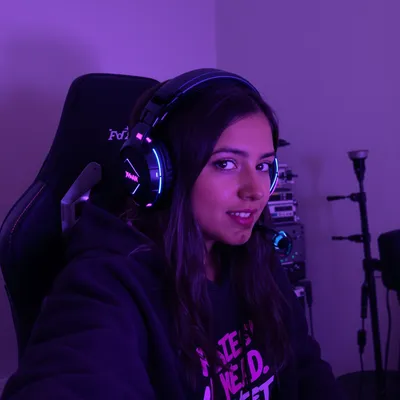

Testimonial
Tutorial
Product Review

How It Works

Create professional UGC videos in three simple steps.

1

Choose Avatar

Select an AI creator that matches your education brand

2

Add Script

Write your education product message

3

Post on Linkedin

Download your Linkedin-ready video

Everything You Need

Powerful features to create professional UGC videos at scale.

Student Testimonials

Authentic success story content that builds trust

Course Promotions

Compelling previews that drive enrollment

Instructor Previews

Let prospective students meet the teaching style

Professional Tone

AI avatars with business-appropriate delivery and style

LinkedIn-Optimized

1:1 and 16:9 formats for feed and article embeds

Thought Leadership

Position your brand as an industry authority

Framing a learner testimonial for the muted LinkedIn feed

Build for 4:5 first. LinkedIn Sponsored Content accepts 1:1, 4:5, 16:9 and 9:16, but 4:5 takes the most vertical real estate in the feed without cropping the way full 9:16 can on desktop. Keep MP4 under 200MB, and treat 6 to 15 seconds as the cold-traffic length, 30 to 60 seconds once you are retargeting people who already clicked a syllabus. Leave the bottom 15 percent of the frame clear so the CTA bar and headline do not sit on your captions.

Autoplay is muted, so the hook has to be readable. Open on the learner already mid-sentence with an on-screen line like "Studying at 6am before my shift" rather than a logo sting or a slow zoom on a campus. Burn captions in and upload an SRT so desktop viewers with sound off and screen-reader users both get it. Skip trending audio entirely; room tone and clear speech read as credible, licensed pop reads as a repurposed Reel.

What L&D buyers need before they approve seats

A self-funded learner and a learning-and-development manager watch the same UGC clip for different reasons. The learner is checking whether the schedule is survivable and whether the credential shows up anywhere. The budget holder is checking whether this survives procurement: SCORM or LMS compatibility, completion reporting, seat pricing, accreditation body, and who supports the cohort when someone falls behind. Cut two versions rather than one compromise.

For the B2B cut, put the speaker's real title on screen and let them talk in team terms: "I rolled it out to nine analysts, here's the completion dashboard." Screen-record the actual reporting view. Be careful with employer logos and lanyards, which imply an endorsement your legal team never obtained. Avoid specific salary or placement numbers unless you can substantiate them and publish the methodology; unverifiable earnings claims are both an ad-policy risk and the fastest way to get called out in the comments, which on LinkedIn are visible to your entire buying committee.

95%
Cost savings
Linked
Optimized
5min
Generation
HD
Quality

Perfect For

Student testimonials Course promos Webinar marketing Linkedin organic Linkedin ads

Related Topics

linkedin video ad specs for online courses ugc testimonial video for edtech linkedin ads linkedin video aspect ratio 4:5 education ads student testimonial video ads for linkedin linkedin ads for bootcamp lead generation video corporate training video ads for l&d buyers linkedin how long should linkedin video ads be for courses captions and srt for linkedin education video ads linkedin video hook ideas for professional certificates ai ugc videos for university program promotion linkedin

Frequently Asked Questions

Everything you need to know about education linkedin ugc generation.

What type of education UGC content works best on Linkedin?
Education and online course UGC succeeds by demonstrating tangible skill gains and real student outcomes. Screen recordings of course content, study routines, and genuine 'aha moment' reactions build credibility far better than sales-heavy pitches. For Linkedin: Professional but personal. Share expertise, industry insights, and authentic professional experiences.
How do I optimize education videos for Linkedin's algorithm?
LinkedIn rewards content that generates meaningful professional conversations. Early engagement in first hour is crucial. LinkedIn supports square (1:1) or vertical (9:16) video, 30-90 seconds optimal for organic, native uploads outperform links.
What education content ideas drive conversions on Linkedin?
Study-with-me sessions, course review walkthroughs, skill demonstration before and after, student success story interviews, and 'what I learned in week one' progress updates keep prospective students engaged. Focus on specific outcomes and career impact rather than vague promises. Showing a creator's actual notes, project work, or certification results provides the concrete proof that education buyers need to commit.
How does UGC perform for education brands on Linkedin?
LinkedIn video ads reach professional decision-makers. B2B UGC (customer testimonials, expert endorsements) drives higher conversion. Education audiences specifically: Education audiences are goal-driven and skeptical of hype - they want proof that a course or program delivers measurable results. They respond to real student testimonials, career outcome stories, and transparent breakdowns of what they will actually learn.
What are the best practices for education Linkedin content?
Post during business hours, use professional but relatable tone, include captions, and engage with all comments. Industry-specific tips: Micro-learning clips, AI tool tutorial content, and 'skills that actually got me hired' career-focused formats are driving strong engagement in the education space.
How long should a LinkedIn UGC video ad be for an online course?
For cold audiences, 6 to 15 seconds is enough to land one learner insight and one offer. Once someone has visited a syllabus or program page, 30 to 60 seconds works because they will tolerate detail on cohort dates, weekly hours, and support. Organic learner testimonials on your company page can run 60 to 90 seconds. Front-load the payoff either way.
Can I show salary increases in an education testimonial video on LinkedIn?
Only if you can substantiate it and are prepared to disclose how it was measured. Unverified earnings and job-placement claims are an advertising policy risk, and higher education promotions face extra scrutiny in some regions. Safer proof for LinkedIn: a role change the learner already lists publicly, the certificate added to their profile, a promotion timeline, or a specific skill they now use at work.
What aspect ratio and captions do LinkedIn education video ads need?
Use 4:5 or 1:1 for feed placements; both hold more vertical space than 16:9 and crop safely on desktop. Deliver MP4 under 200MB. Burn captions into the frame and also upload an SRT file, since most feed views start muted and many professional viewers never turn sound on. Keep the lower fifth of the frame clear of text so the CTA bar does not overlap it.

AI Actors That Look Real

AI lifestyle photo AI fashion photo AI product photo AI headshot AI product marketing AI lifestyle photo

Ready to Create Education Linkedin UGC?

Start generating professional UGC videos in minutes.

Start Creating