AI UGC for <span>Education</span> on Youtube
Generate authentic education influencer videos optimized for Youtube. No creators, no agencies, no hassle.
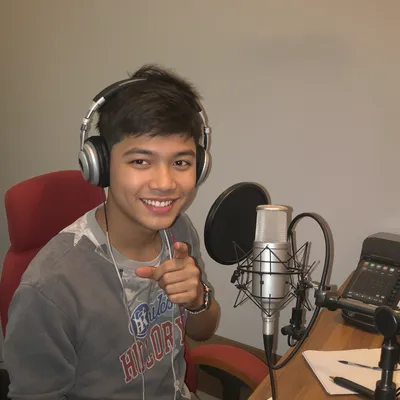
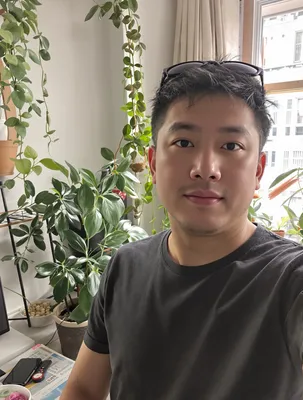
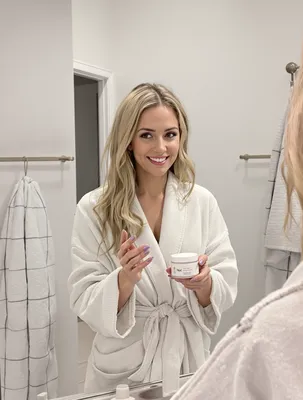
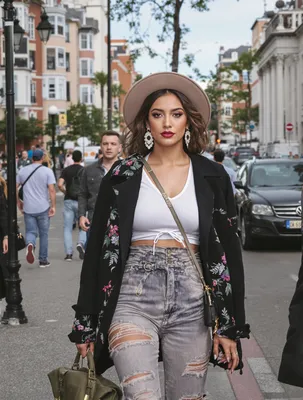
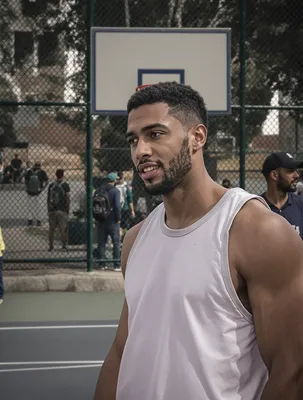
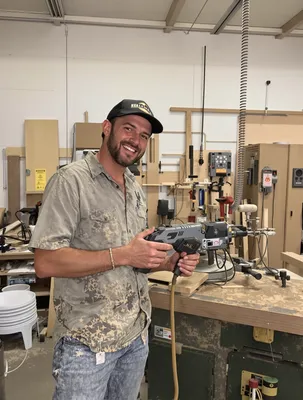
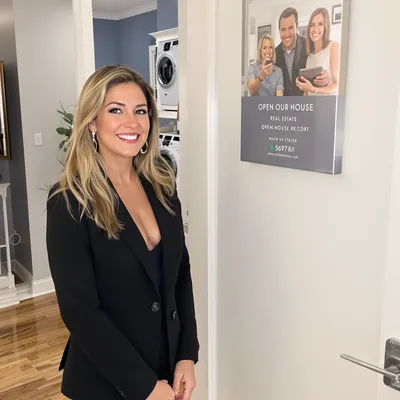
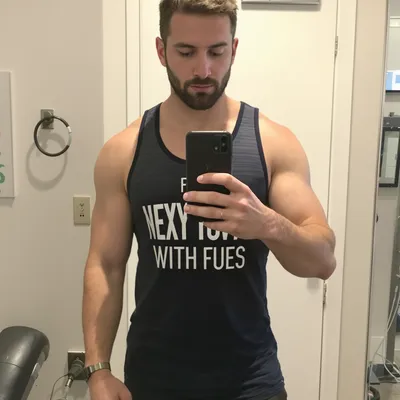
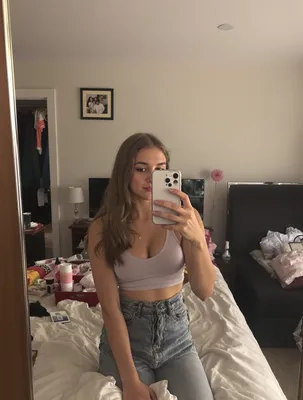
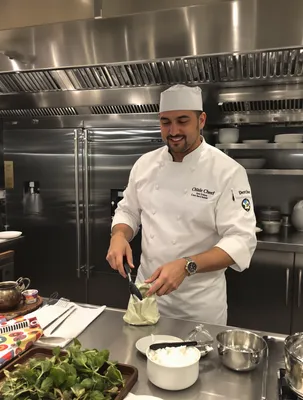
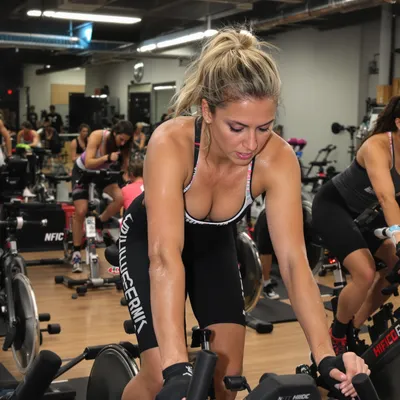
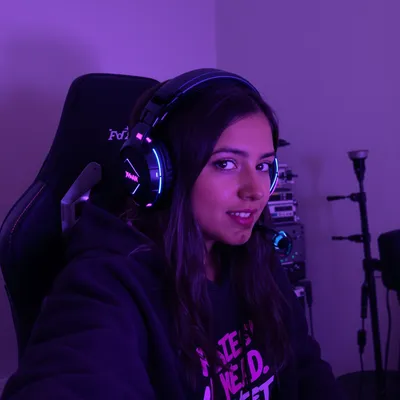
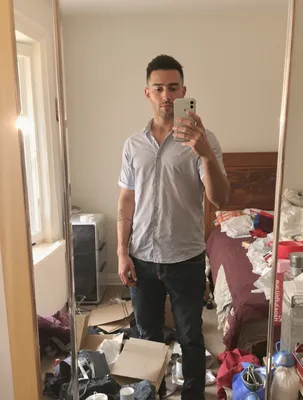
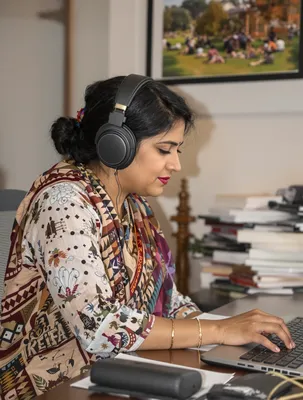
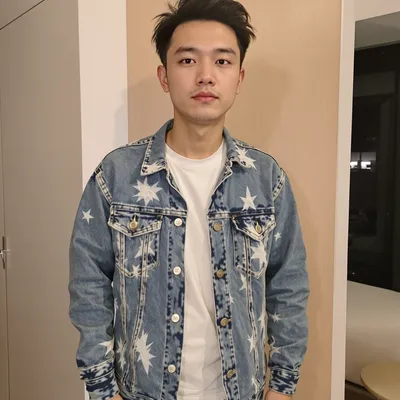
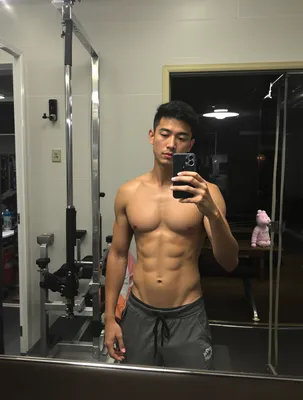
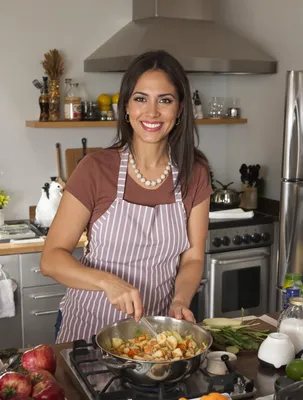
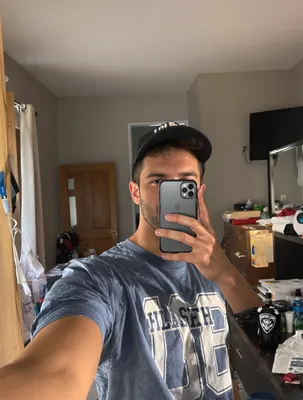
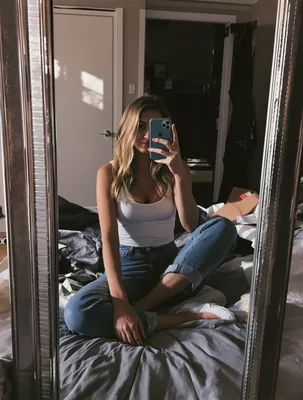
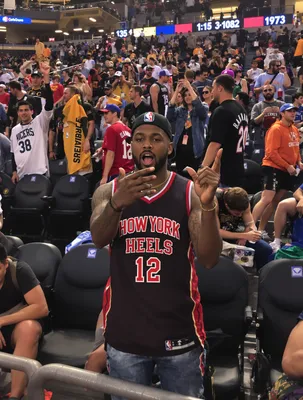
100+ AI Avatars Ready to Go
Diverse, realistic, customizable. Build your own or pick from our library.



























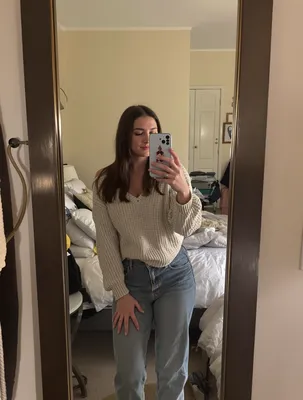
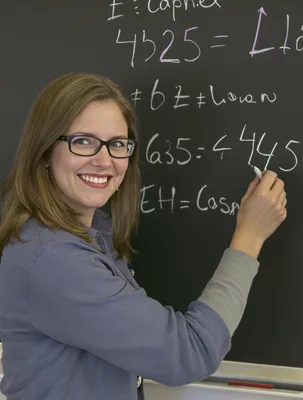
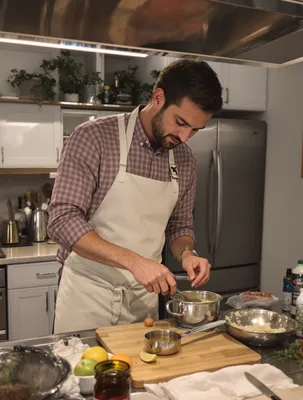
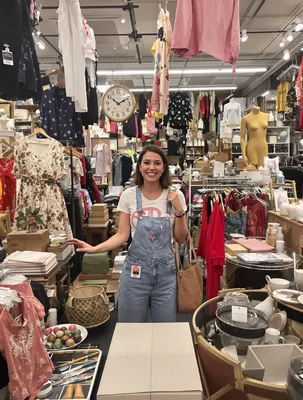


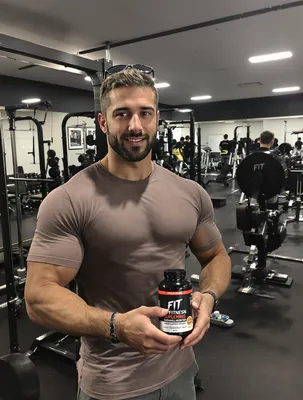
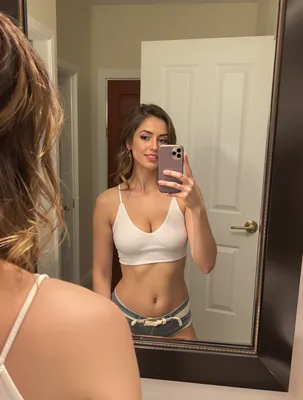


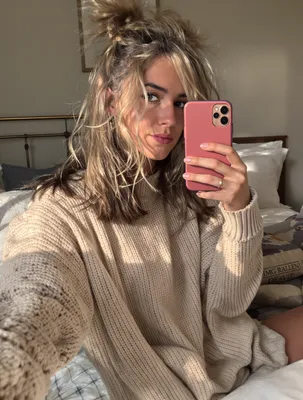
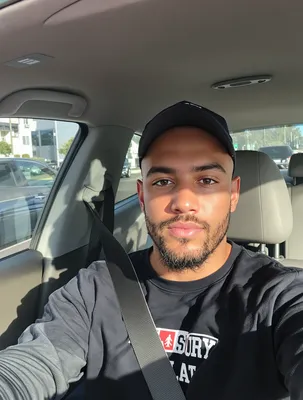

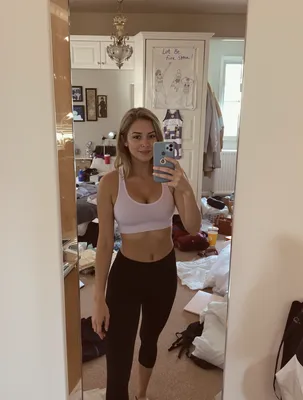




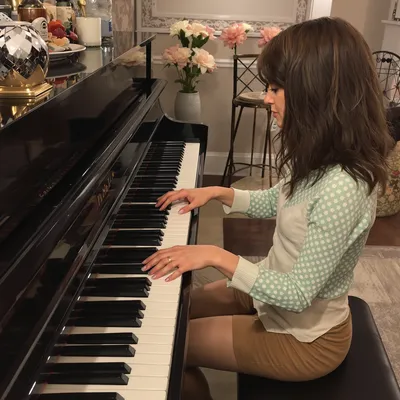
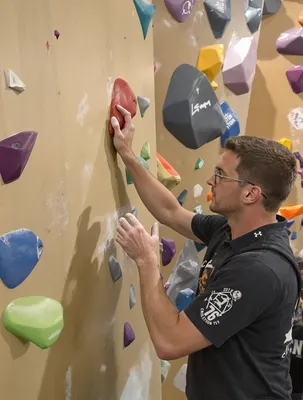

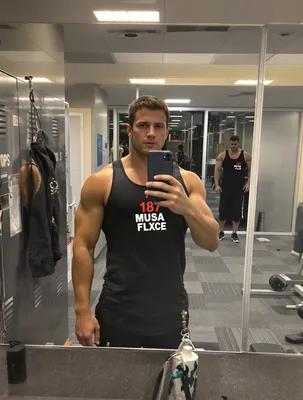

Education is a considered purchase being sold inside an impulse feed. Someone swiping Shorts at 10pm is not actively shopping for a tutoring subscription, an exam prep course, or a homeschool curriculum, so a UGC Short has to earn attention like entertainment and then hand over proof like a course catalog. That double job is what breaks most education Shorts: they either look polished and get skipped, or they feel authentic and never say what grade, subject, or price they are for.
The format sets hard limits. Shorts are vertical 9:16, 1080x1920, and while the container now stretches to three minutes, education UGC that actually converts usually lands between 20 and 45 seconds. Audio matters more than in most feeds because Shorts autoplays with sound, and a real human voice reading a real complaint about fractions homework or a failed practice test outperforms narrated ad copy. Burned-in captions are still mandatory since a large share of viewers watch muted in a classroom, on a commute, or next to a sleeping kid.
Before a parent, teacher, or adult learner taps through, they want the same four things: who this is for, what a lesson actually looks like on screen, who is teaching, and what happens to their money if it does not work.
Stop Overpaying for UGC Content
Traditional UGC is expensive, slow, and unpredictable. AI changes everything.
Traditional UGC Creators
$150-500+ per video
Plus weeks of back-and-forth, revision requests, and no guarantee you'll get content that converts.
UGC Agencies
$2,000+ per month
Long contracts, slow turnaround, limited revisions, and you're still waiting weeks for content.
PixelPanda AI
Under $2 per video
Instant generation, unlimited variations, complete control over messaging. Scale your UGC without limits.
See It In Action
Real AI-generated UGC videos. Click to play. No actors, no cameras, no studio.
How It Works
Create professional UGC videos in three simple steps.
Choose Avatar
Select an AI creator that matches your education brand
Add Script
Write your education product message
Post on Youtube
Download your Youtube-ready video
Everything You Need
Powerful features to create professional UGC videos at scale.
Student Testimonials
Authentic success story content that builds trust
Course Promotions
Compelling previews that drive enrollment
Instructor Previews
Let prospective students meet the teaching style
Shorts-Ready Format
9:16 vertical videos optimized for the Shorts shelf
Under 60 Seconds
Content timed perfectly for YouTube's Shorts algorithm
Cross-Platform
Repurpose to TikTok and Reels easily
Hook Timing for Parents Versus Adult Learners
Education Shorts have two distinct buyers and they need different first seconds. Parents respond to a specific, dated grievance spoken on camera: "My third grader cried over long division every night in October." Say the grade and the subject inside the first two seconds, because a parent of a high schooler will swipe on anything that looks elementary. Adult learners and career changers respond to a stakes hook instead: the certification they failed, the promotion they missed, the number of hours they had per week.
Teachers and administrators are a third case. They are watching for classroom logistics, so the hook that holds them is prep time, differentiation, or grading load, not test scores. Whichever audience you write for, resolve the hook by second seven with a visible artifact, a graded worksheet, a dashboard, a rubric, and finish with a soft loop so the Short replays. Do not open on a logo animation or a talking head introducing themselves.
Fitting Real Lesson Screens Into 9:16 Safe Zones
Education products live on 16:9 dashboards, PDFs, and whiteboards, all of which look unreadable when squeezed into a vertical frame. Do not letterbox a desktop screen recording. Record the mobile app, or crop to one element at a time: a single math problem, one quiz question with the right answer highlighted, one line of a progress report showing mastery moving up. Zoom in enough that the text is legible on a phone held at arm's length.
Then respect the interface. The bottom strip of a Short carries the title, channel name, and CTA chip, and the right edge carries the like, comment, and remix buttons. Keep captions, prices, and any standards badge inside roughly the middle 70 percent of the frame. Standards alignment, grade band, and subject should appear as on-screen text, not narration alone, because muted viewers are the ones deciding whether this is their kid's grade level.
Perfect For
Related Topics
Frequently Asked Questions
Everything you need to know about education youtube ugc generation.
AI Actors That Look Real



Ready to Create Education Youtube UGC?
Start generating professional UGC videos in minutes.
Start Creating