AI UGC for <span>Education</span> on Tiktok
Generate authentic education influencer videos optimized for Tiktok. No creators, no agencies, no hassle.
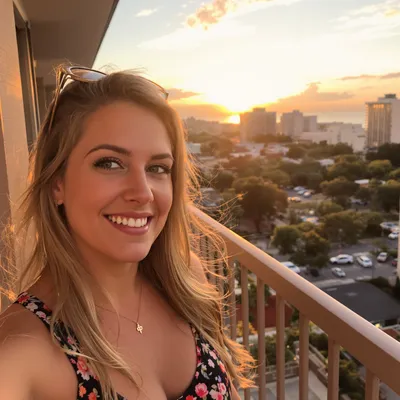
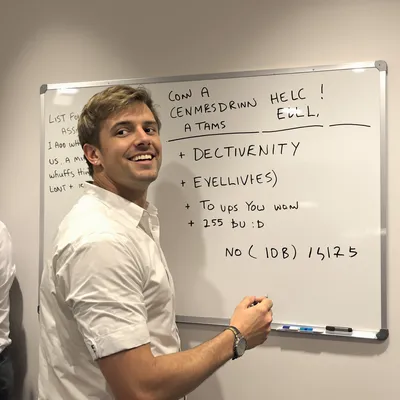
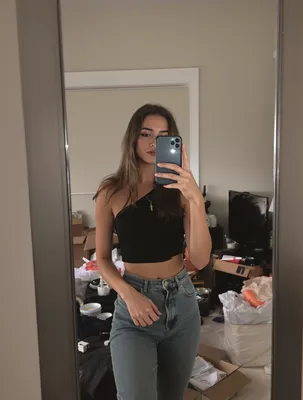
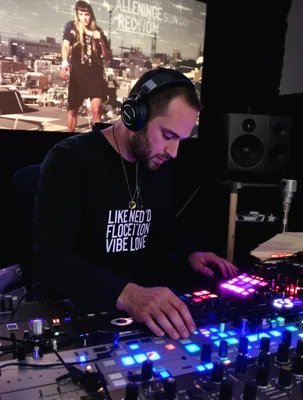
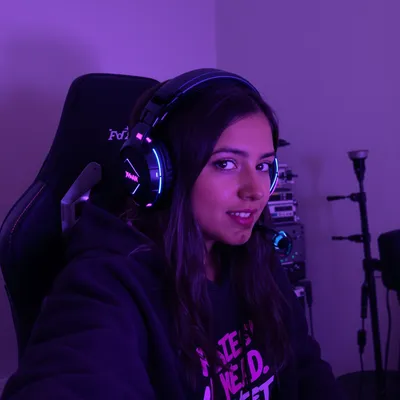
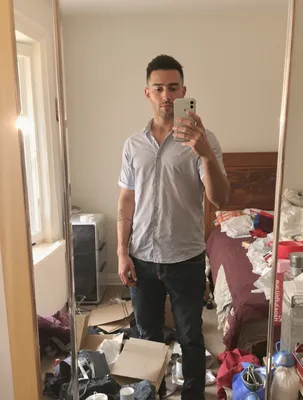
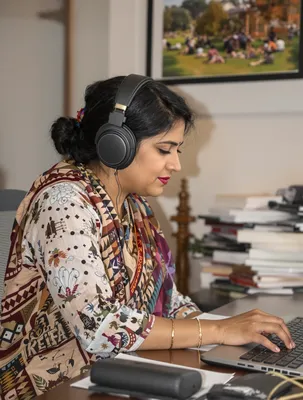
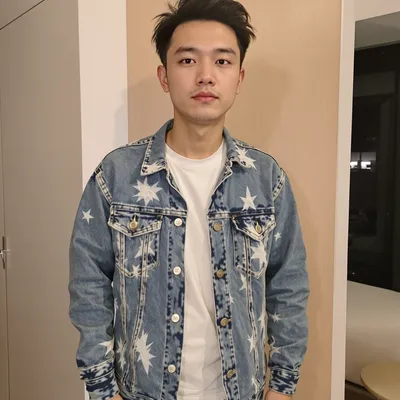
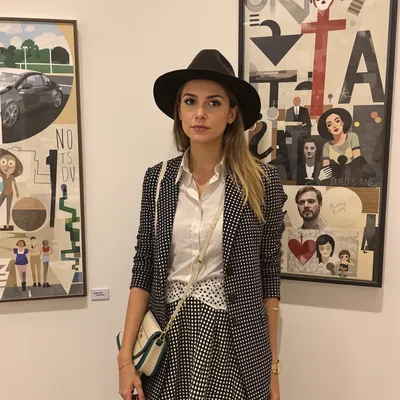
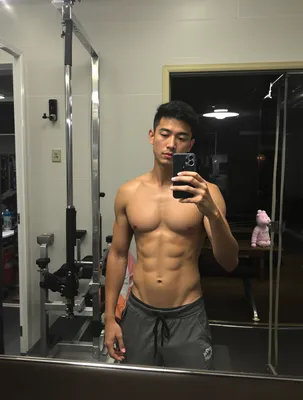
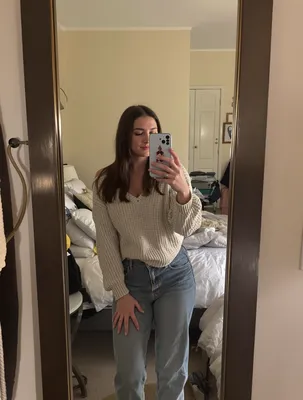
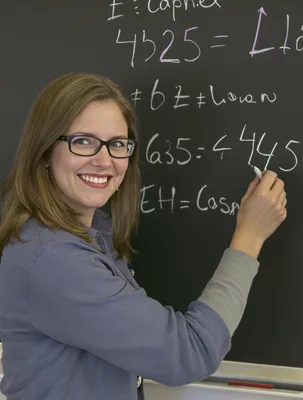
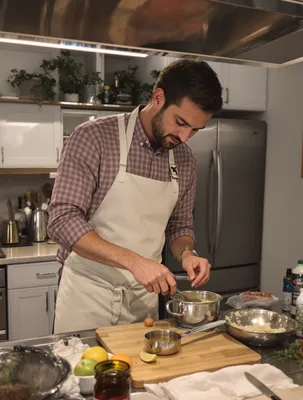
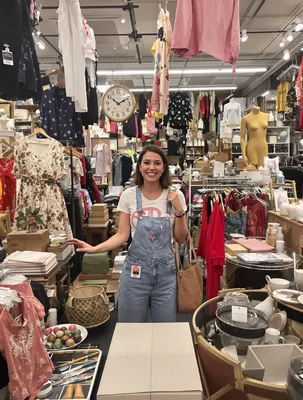
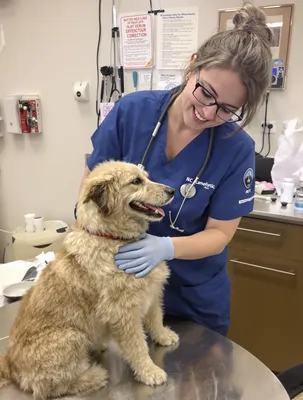
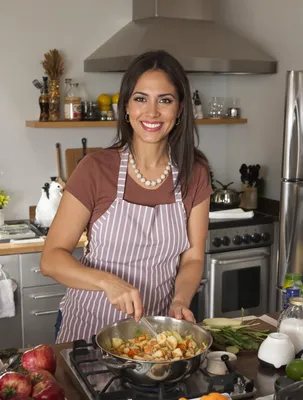
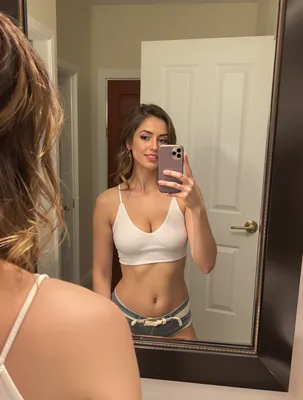
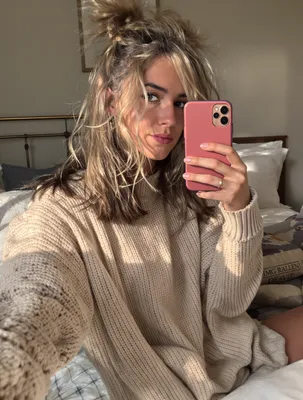
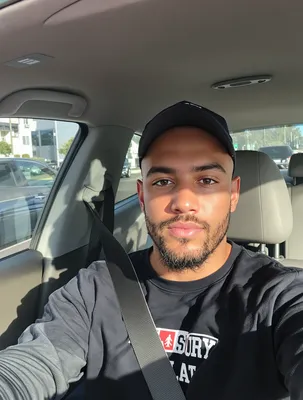
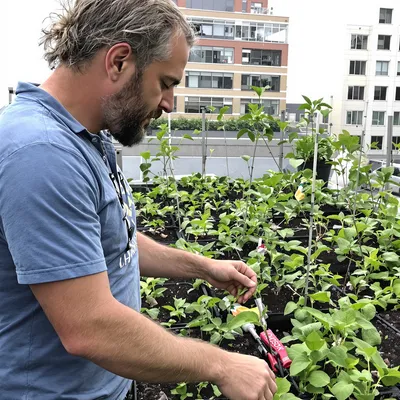
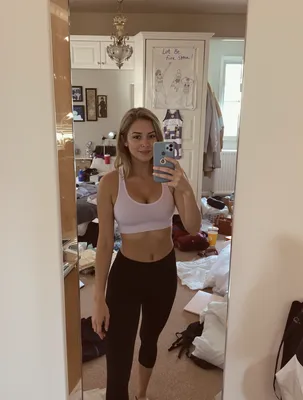
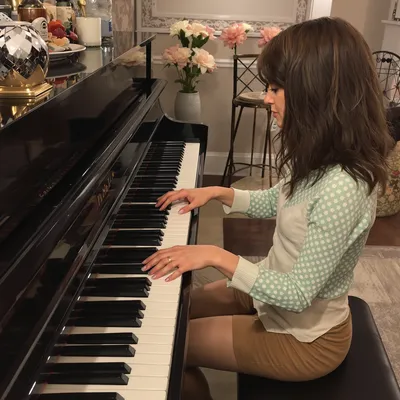
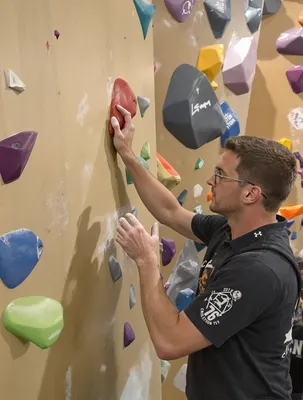
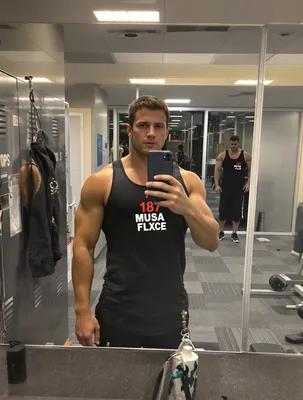
100+ AI Avatars Ready to Go
Diverse, realistic, customizable. Build your own or pick from our library.
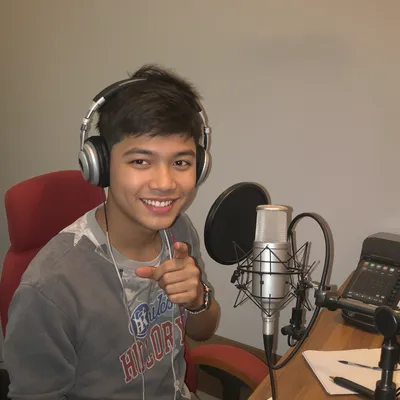

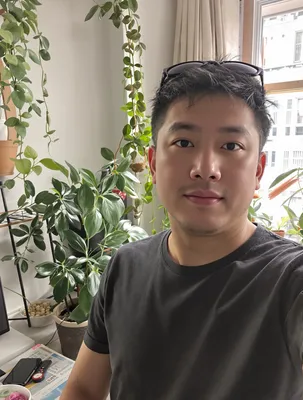
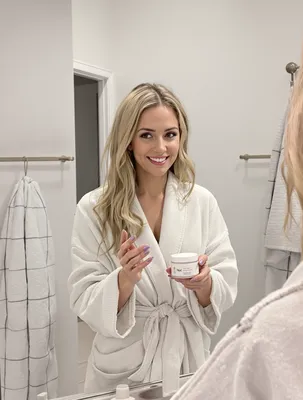

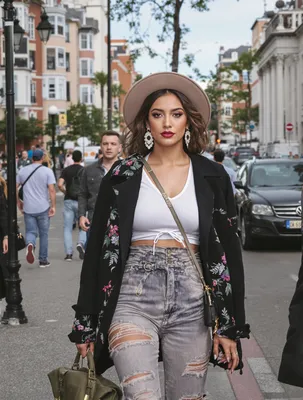






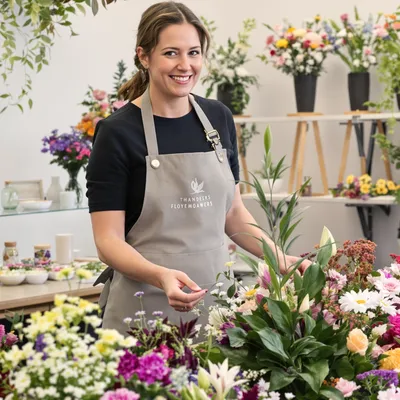

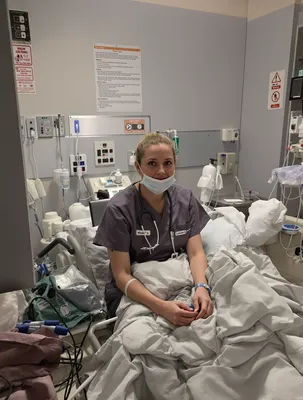


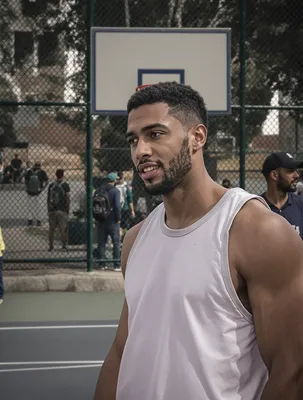

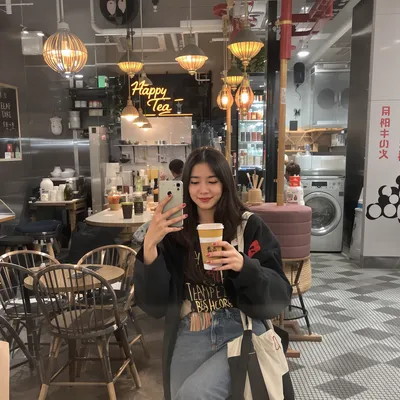


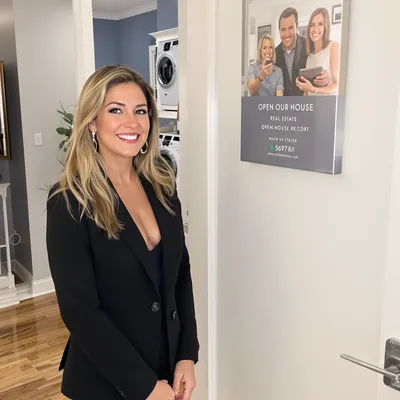
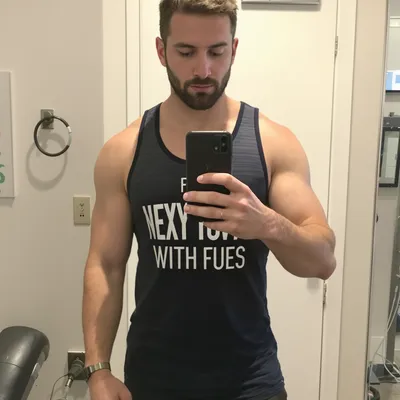
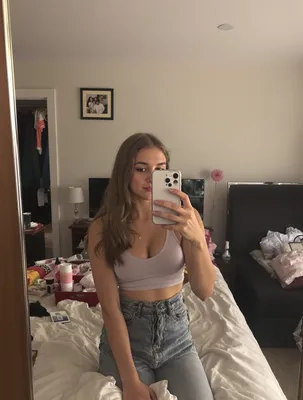
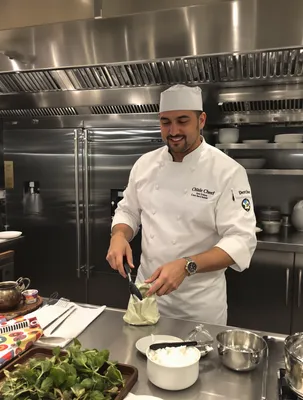


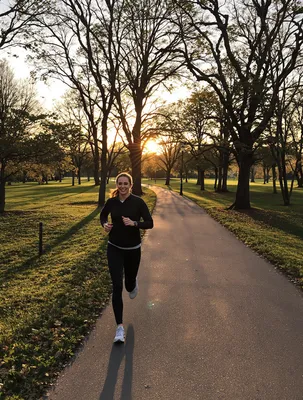
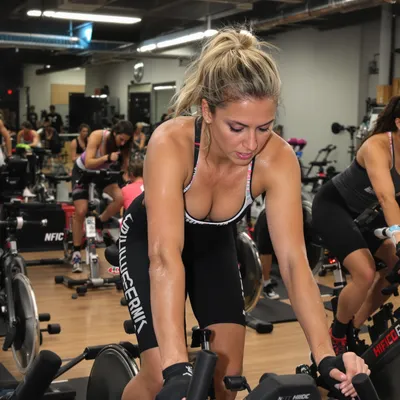









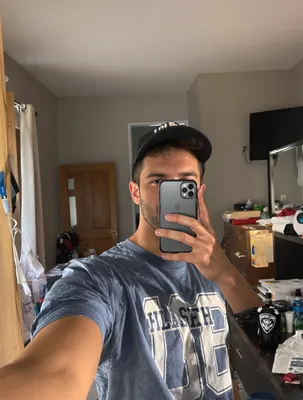
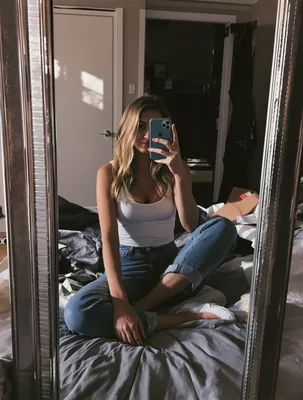

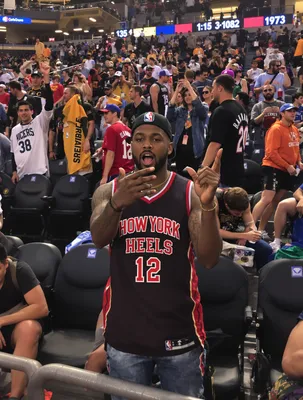
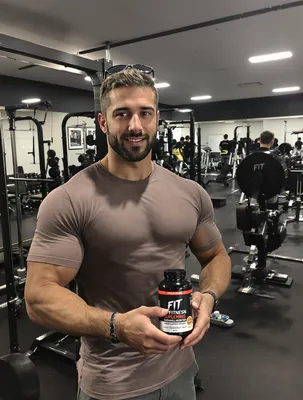







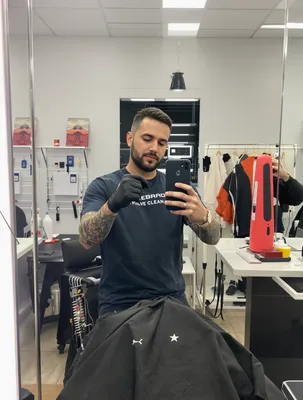
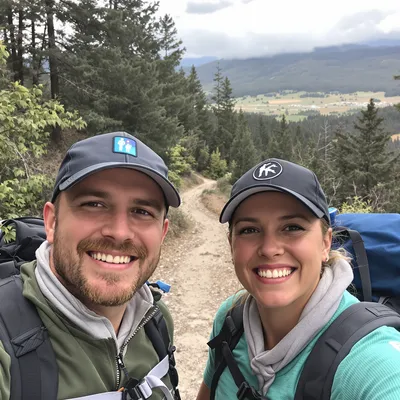
Education buys are considered buys. Nobody enrolls in an MCAT course, a coding bootcamp, or a $19/month homework helper because a video looked slick. They enroll because a person who looked like them showed the actual inside of the product and said what changed. TikTok is unusually good at that, because the format rewards the exact thing education marketing usually hides: an unpolished student at a desk at 11pm.
The tension is that TikTok's mechanics fight long explanations. You get roughly one second before a thumb decides, the video plays in a 9:16 frame with UI covering the bottom third, and a large share of viewers are in a classroom, a library, or a bus with sound off. So the proof that education buyers need (curriculum depth, instructor credibility, score or grade movement, refund terms) has to arrive as visuals and burned-in captions, not narration.
Get three things right and this format works: a hook framed around the student's current pain rather than the course's features, at least one real screen recording of the learning platform, and claim language you could defend if a parent screenshotted it.
Stop Overpaying for UGC Content
Traditional UGC is expensive, slow, and unpredictable. AI changes everything.
Traditional UGC Creators
$150-500+ per video
Plus weeks of back-and-forth, revision requests, and no guarantee you'll get content that converts.
UGC Agencies
$2,000+ per month
Long contracts, slow turnaround, limited revisions, and you're still waiting weeks for content.
PixelPanda AI
Under $2 per video
Instant generation, unlimited variations, complete control over messaging. Scale your UGC without limits.
See It In Action
Real AI-generated UGC videos. Click to play. No actors, no cameras, no studio.
How It Works
Create professional UGC videos in three simple steps.
Choose Avatar
Select an AI creator that matches your education brand
Add Script
Write your education product message
Post on Tiktok
Download your Tiktok-ready video
Everything You Need
Powerful features to create professional UGC videos at scale.
Student Testimonials
Authentic success story content that builds trust
Course Promotions
Compelling previews that drive enrollment
Instructor Previews
Let prospective students meet the teaching style
9:16 Vertical Format
Videos perfectly sized for TikTok's full-screen experience
Trend-Ready Content
Create content that matches current TikTok trends and styles
Diverse AI Creators
20+ avatar styles that look like real TikTok influencers
Hooks Built On Student Pain, Not Course Features
The first frame of an education UGC ad should name a situation, not a product. "POV: you have a chem final in nine hours and haven't opened the textbook," "my kid was two grade levels behind in reading," "I got rejected twice before I found out about this." Say it out loud in the first second and also stamp it as on-screen text, because sound-off viewers only get the text version.
Avoid the two hooks that fail hardest here. Logo-first or classroom-stock-footage openings read as an institutional ad and get scrolled. Credential-first openings ("as a Cambridge-certified tutor") land as bragging before trust exists. Save credentials for second three, after the pain is named. For parent-targeted creative, the hook should be spoken by the parent, not the child, because the buyer is the one who needs to see themselves. For adult upskilling, the hook is usually salary, layoff, or career switch fear stated plainly.
Screen Recordings That Prove The Curriculum
The single most persuasive shot in education UGC is a phone screen recording of the real product: the lesson tree, the practice question bank, the graded feedback, the progress chart. Record natively on a phone so you get a true 1080x1920 frame instead of a letterboxed desktop capture. If the platform is desktop-only, record the browser at a tall window size and zoom the interface up so text stays readable at arm's length, then keep any cursor movement slow enough to follow.
Two practical guards. Blur or replace real student names, grades, and email addresses before export, especially for K-12 accounts. And keep the whole recording inside TikTok's usable middle band: the like, share, comment column eats the right edge and the caption plus CTA button eats the lower portion, so a syllabus screenshot placed at the bottom of the frame will be covered by the button people are supposed to tap.
Perfect For
Related Topics
Frequently Asked Questions
Everything you need to know about education tiktok ugc generation.
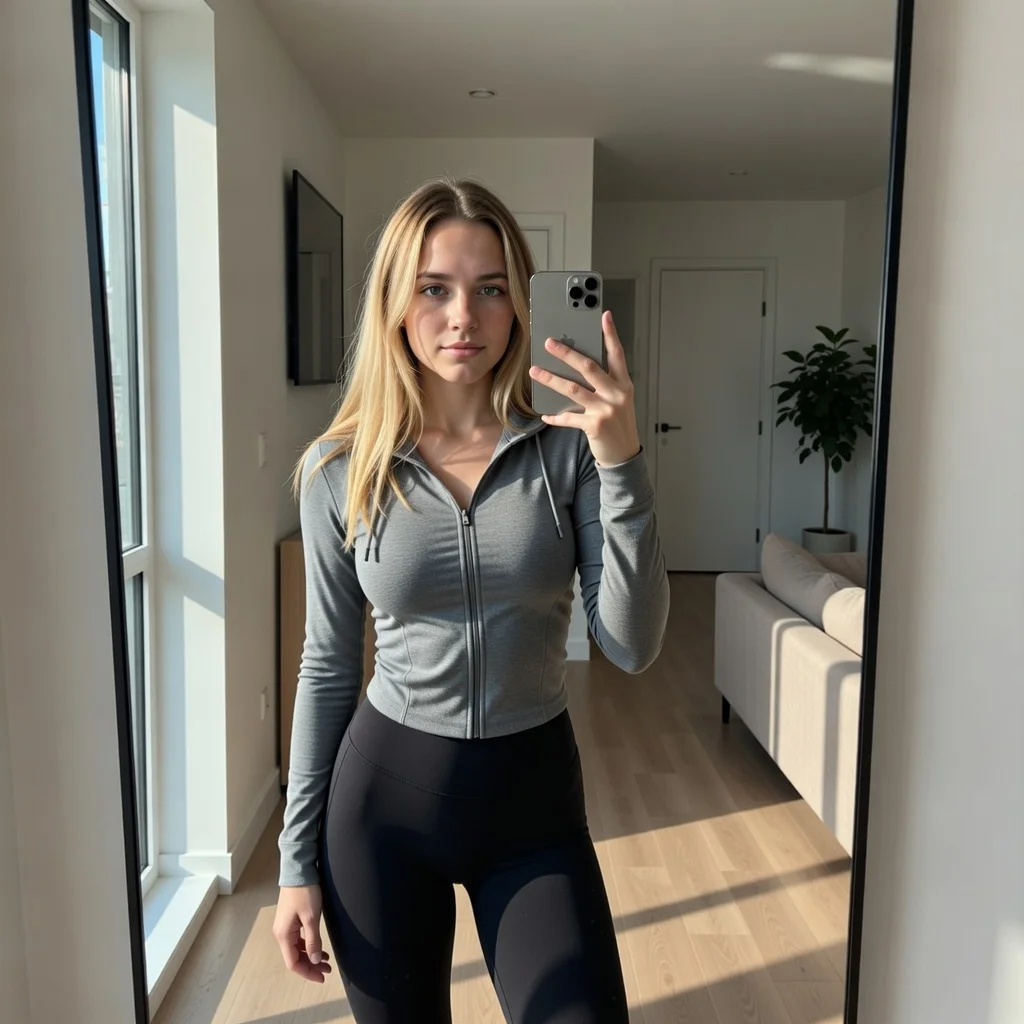
AI Actors That Look Real

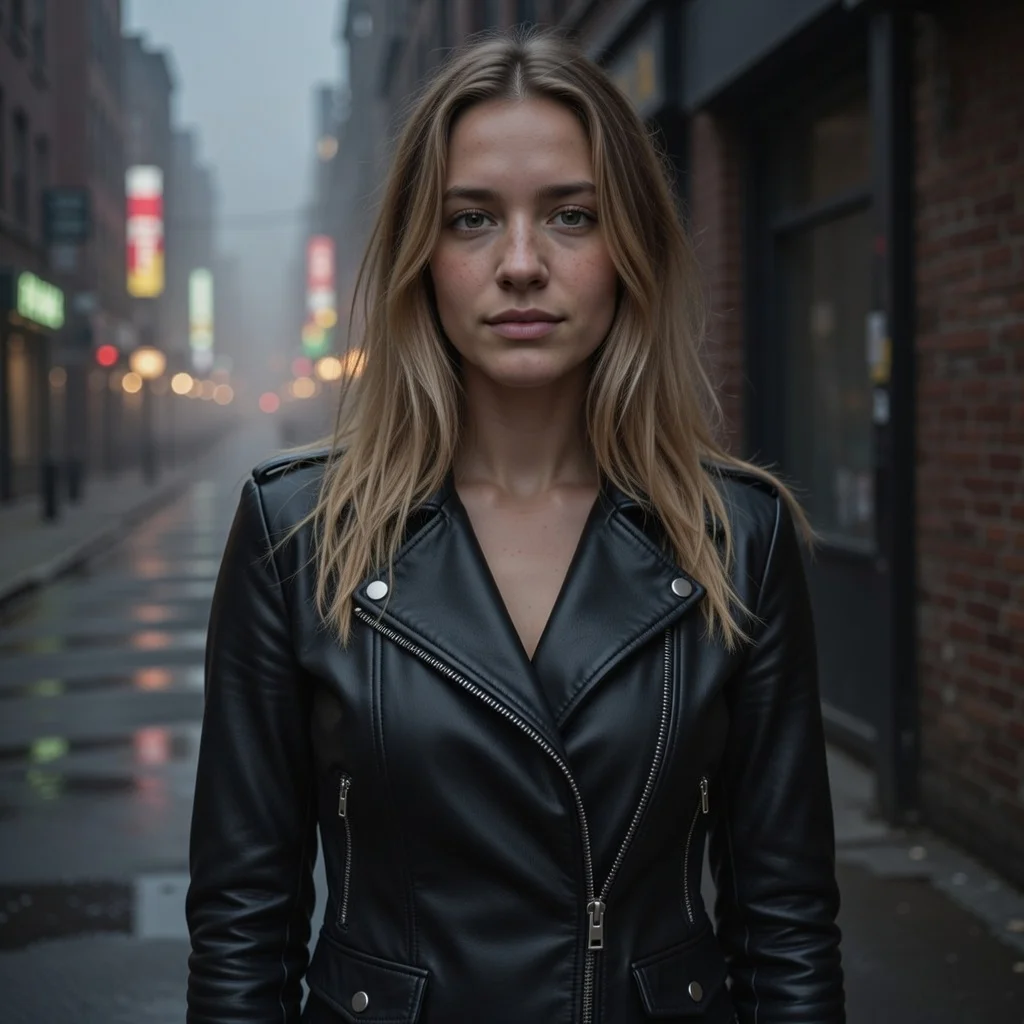
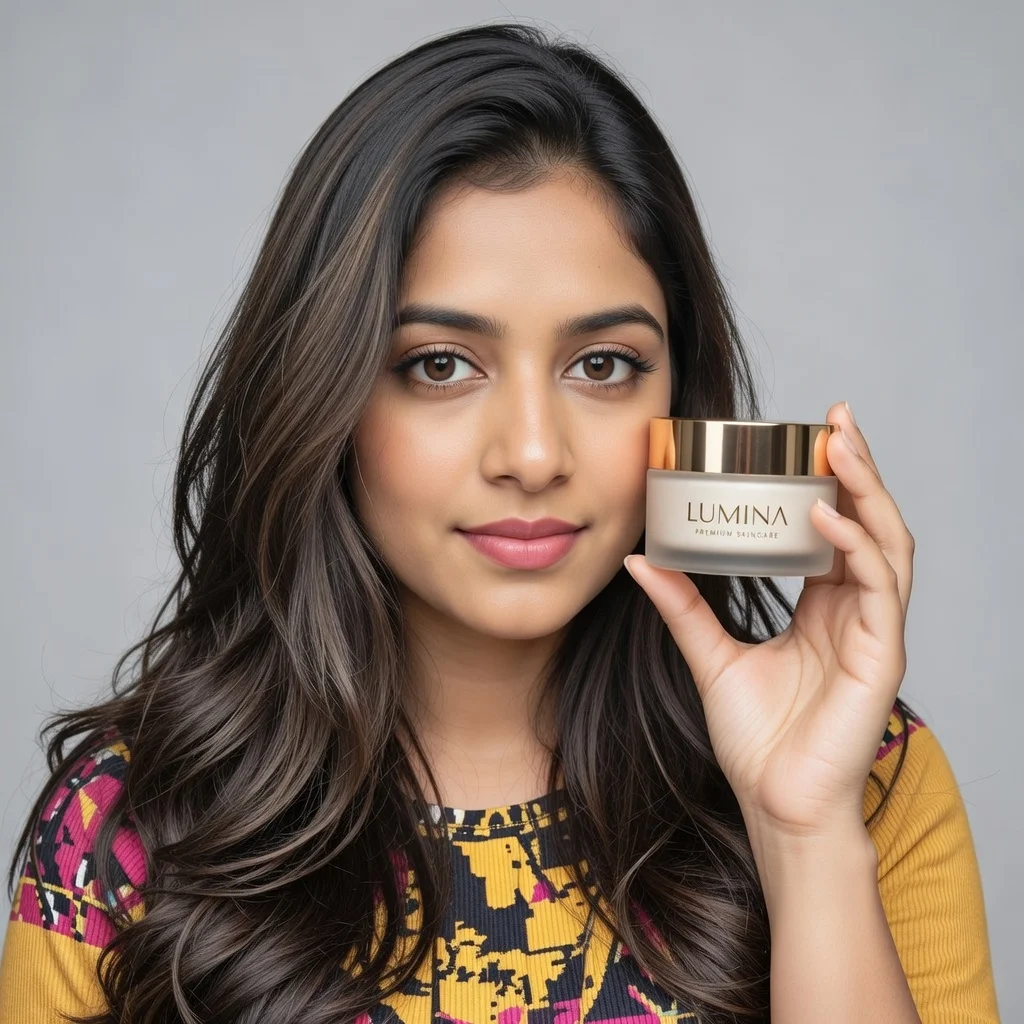


Ready to Create Education Tiktok UGC?
Start generating professional UGC videos in minutes.
Start Creating